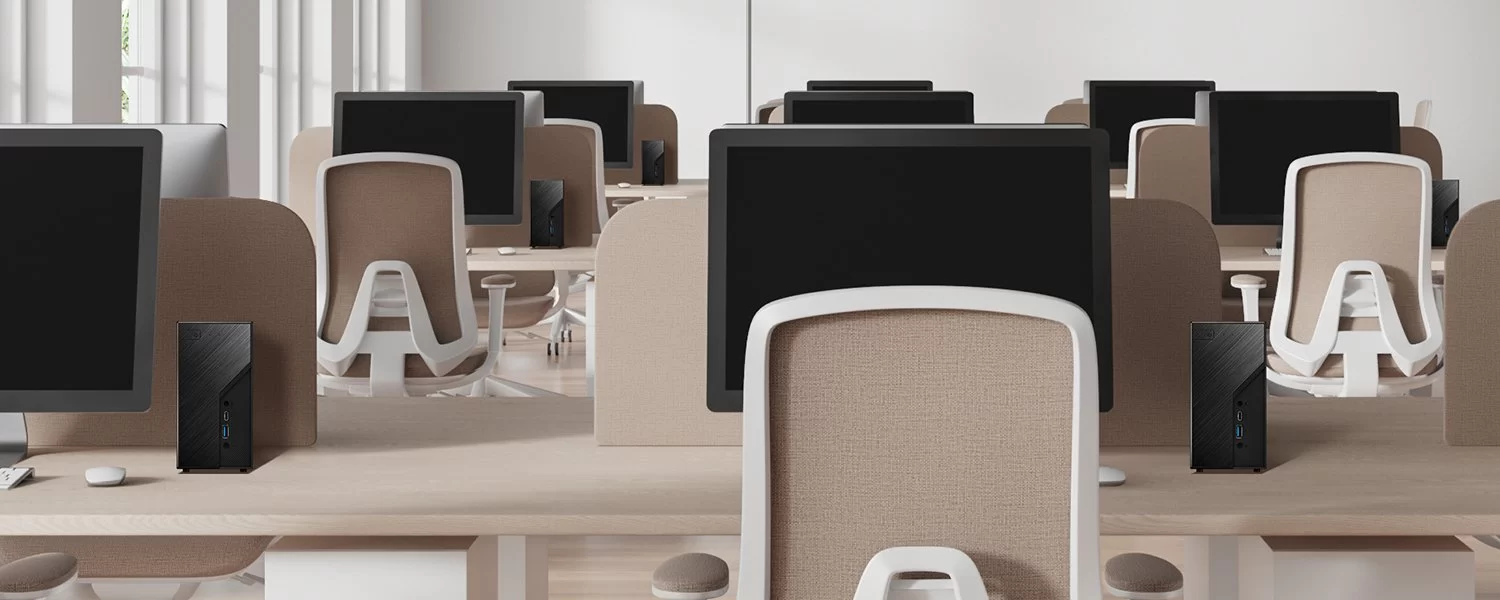

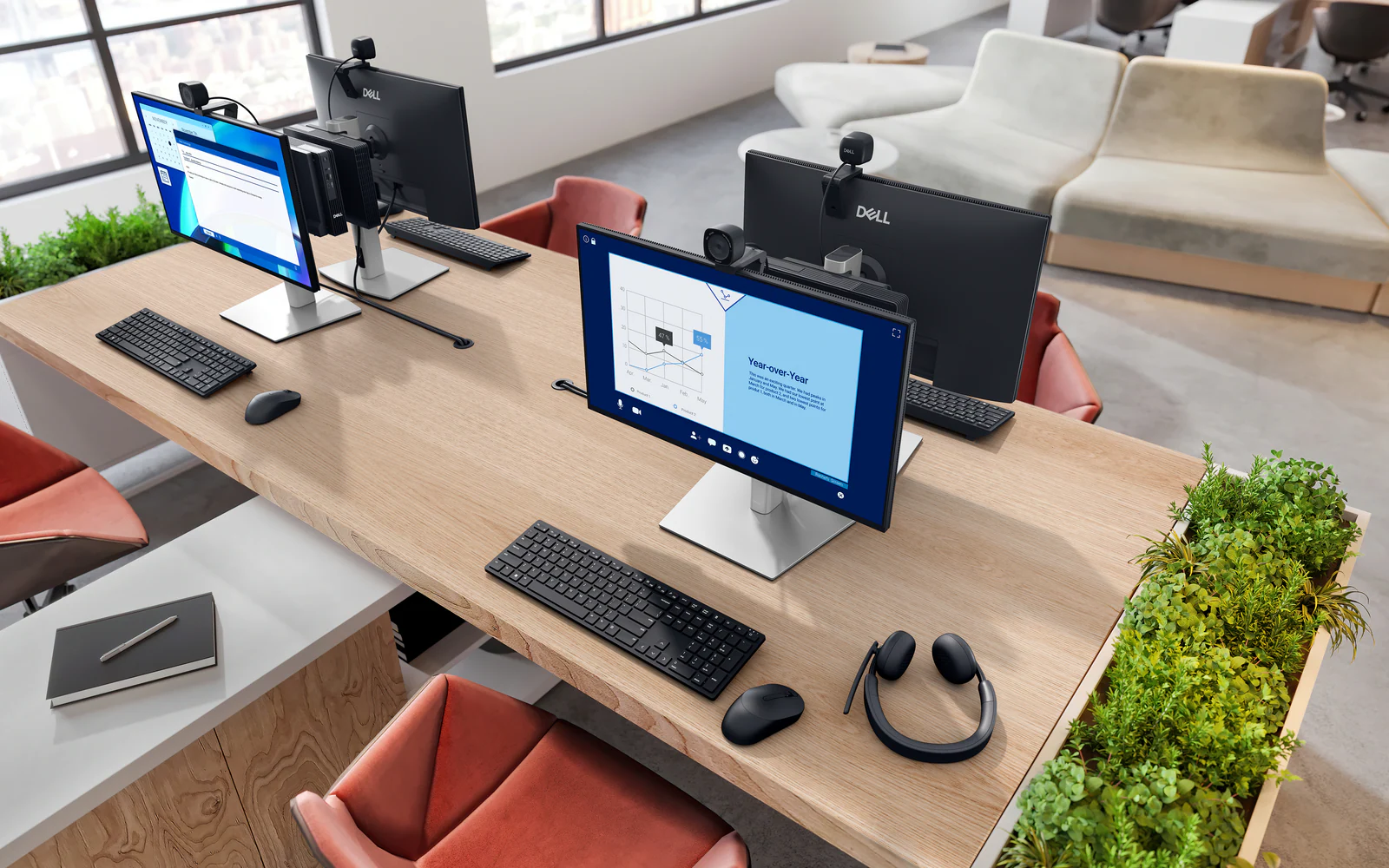
For more than a decade, the OptiPlex Micro was the default small PC in offices, hospitals, schools and shops: a tiny Dell box bolted behind a monitor, managed by IT and rarely noticed. In 2025 Dell retired the OptiPlex name and replaced it with the Dell Pro family. The Dell Pro Micro QCM1250 is the direct successor of the OptiPlex Micro 7020, and the first in the line to offer Intel’s Arrow Lake desktop processors with a built-in NPU. We look at the Core Ultra 5 235T version, the one that makes the most sense for most buyers, and at how it compares with the mini PCs that dominate online stores.
What has changed from the OptiPlex Micro
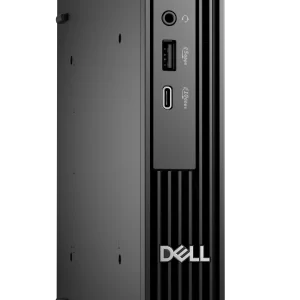
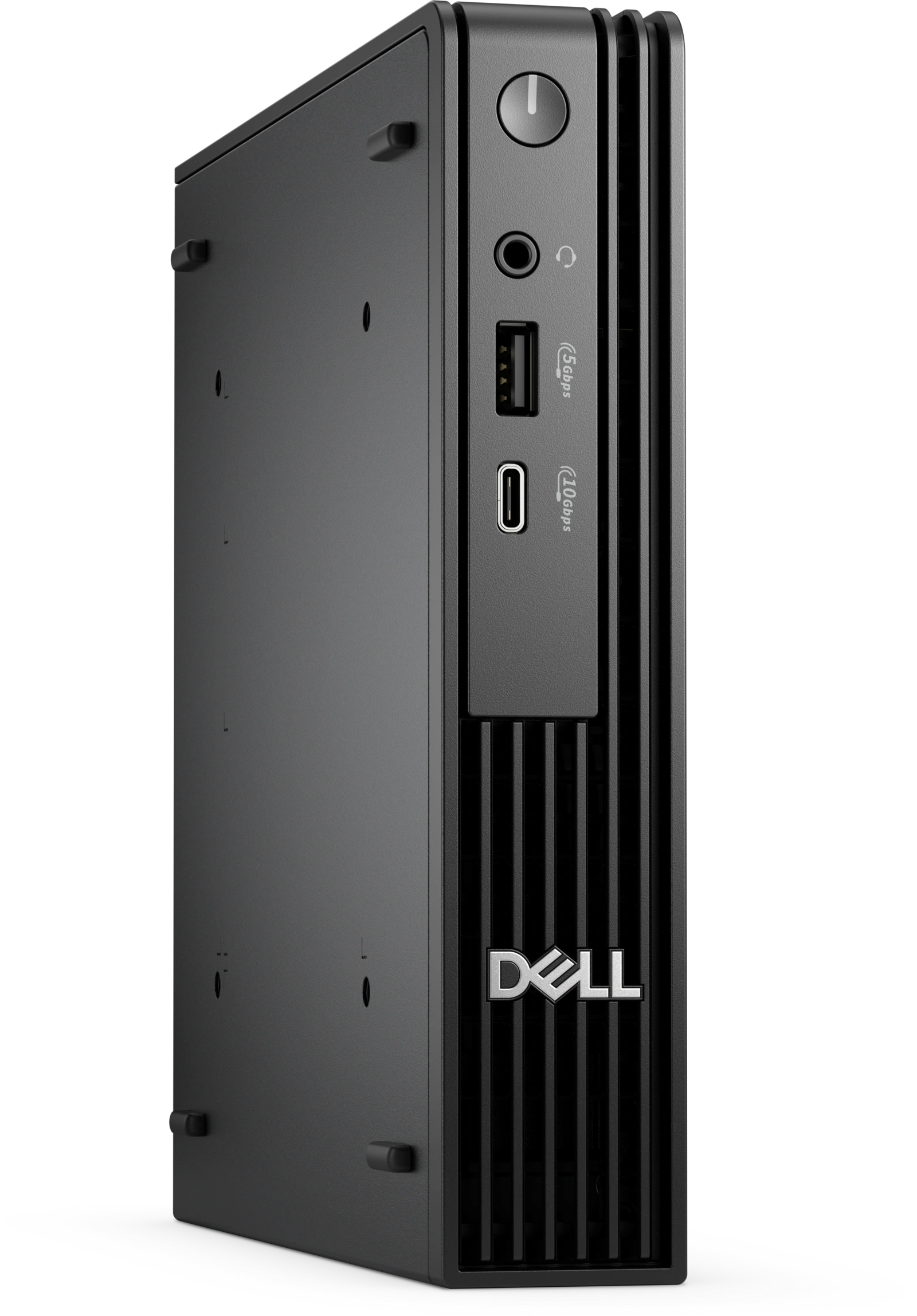
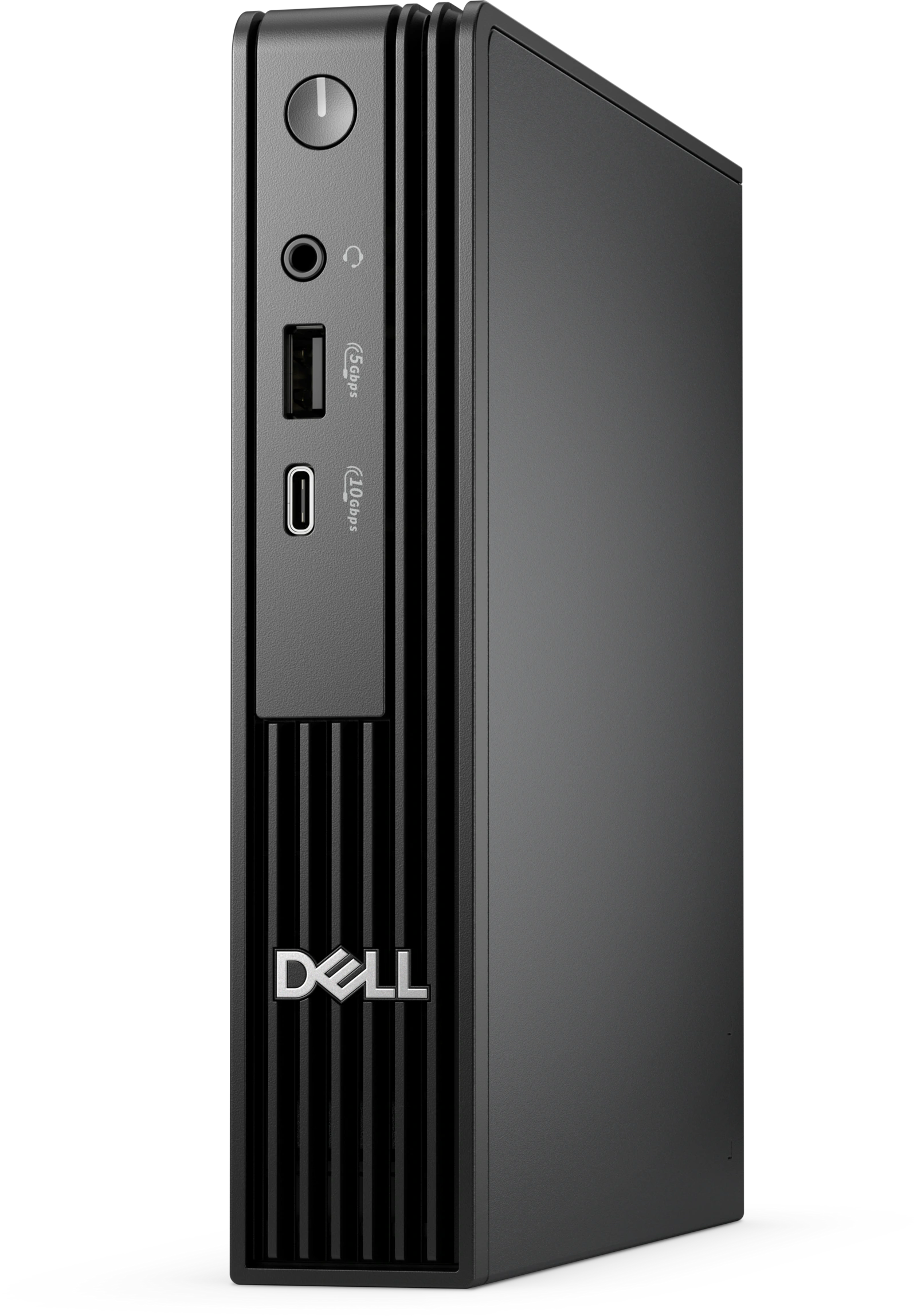
From the outside, little has changed. The chassis still measures 182 × 36 × 178 mm (about 1.2 litres), stands upright or lies flat and fits Dell’s monitor, desk and VESA mounts. Inside, the big news is the processor choice. Alongside the familiar 14th Gen Core i3, i5 and i7 “T” chips, Dell now offers the Core Ultra 5 235T and Core Ultra 7 265T, 35 W versions of Intel’s Core Ultra Series 2 desktop processors. They bring a newer CPU architecture, better integrated graphics and an NPU for AI features.
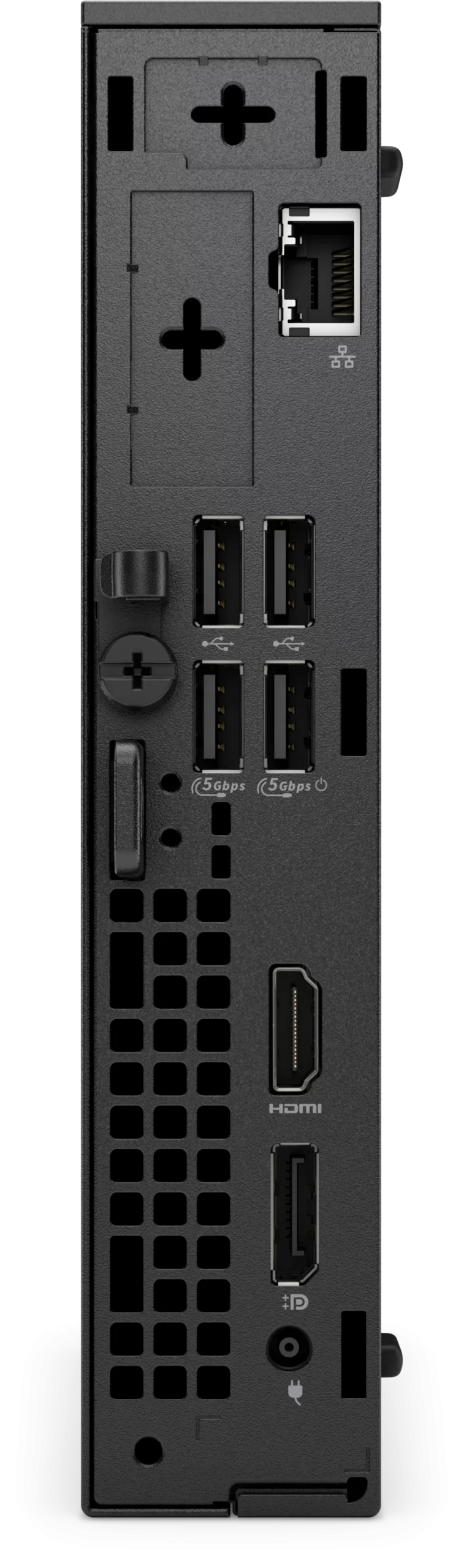
Dell has also kept the details that made the OptiPlex popular with IT departments: two SO-DIMM slots, two M.2 SSD slots, a modular rear port, a Kensington slot and padlock ring, and a long list of security and remote management tools.
Core Ultra or 14th Gen: which processor to choose
The Core Ultra 5 235T has 14 cores (six performance and eight efficient) with a boost of up to 5.0 GHz and 24 MB of cache. Compared with the Core i5-14500T it replaces, it has fewer threads (14 instead of 20, because Arrow Lake drops Hyper-Threading), but each core is faster and more efficient. In everyday office work it feels at least as quick, and it runs cooler and quieter. It also adds the NPU and a more modern graphics engine.
The Core Ultra 7 265T adds six more efficient cores (20 in total) for heavier multi-threaded work such as large Excel models, software builds or batch photo processing. The 14th Gen Core i3, i5 and i7 configurations are still on sale and sometimes discounted, but unless the price difference is significant we would choose a Core Ultra model, which will stay current for longer.
The NPU in daily use
The 235T’s NPU delivers 13 TOPS, with up to 27 TOPS combined across CPU, GPU and NPU according to Intel. That is not enough for Microsoft’s Copilot+ PC features, which require 40 TOPS from the NPU, but it is useful in a business PC. Windows Studio Effects (background blur, eye contact, voice focus) run on the NPU without loading the CPU, and a growing number of business applications use it for transcription, meeting summaries and security software. Think of it as a modest bonus rather than a reason to buy.

Memory, storage and upgrades
Many configurations ship with a single memory module, for example 1 × 16 GB. That works, but it leaves the memory in single-channel mode, which reduces graphics performance. Adding a second identical SO-DIMM is cheap and doubles the bandwidth; Dell supports up to 64 GB in total. The two M.2 slots accept 2230 or 2280 NVMe drives, and the second one is free on most configurations, so a data SSD can be added in minutes. Access is tool-friendly, as expected from a business PC designed to be serviced by IT staff.
Ports and the modular slot
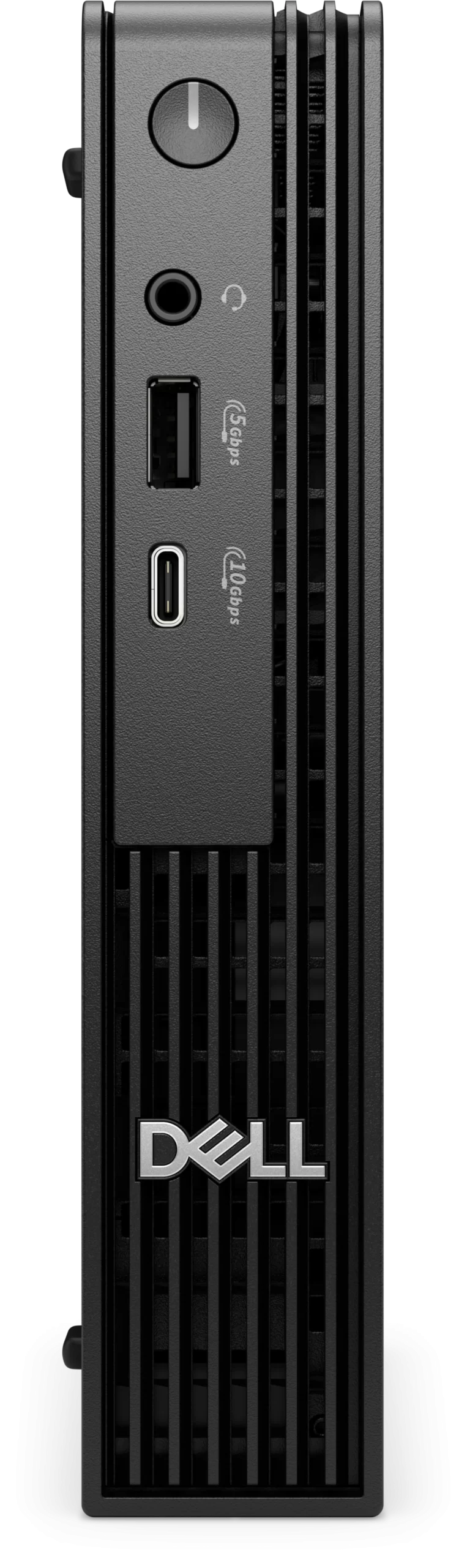
The standard port selection is functional rather than generous: a 10 Gbps USB-C and a 5 Gbps USB-A at the front, three more 5 Gbps USB-A and two USB 2.0 at the back, HDMI 2.1, DisplayPort 1.4a and Gigabit Ethernet. What sets the Pro Micro apart is the optional module port. Depending on the module ordered, it can add a third video output (HDMI 2.1 FRL, DisplayPort 2.1 or VGA), a USB-C port with DisplayPort Alt Mode and power-in, two extra 10 Gbps USB-A ports, legacy PS/2 and serial ports or 5G optical fibre networking. For companies with old peripherals or special requirements, that flexibility is rare among mini PCs.
The weak points are networking and fast I/O. There is no 2.5GbE, no Thunderbolt and no USB4, and the front USB-C does not carry video. Wi-Fi 6E (Intel AX211) is good, but Wi-Fi 7 is not offered on this model.
A PC for the whole fleet
The Pro Micro is designed to be deployed by the hundred. Dell’s management tools, BIOS-level protection (SafeBIOS, SafeID), optional Intel vPro on some processors and long-term availability of identical configurations matter to IT departments far more than an extra USB port. The business warranty, with on-site service options for up to several years, is another strong argument compared with brands that require you to ship a faulty unit overseas.

Noise and power
With 35 W processors and a blower fan, the Pro Micro is quiet in office use; the fan is barely audible at idle and moderate under sustained load. Dell supplies a 65 W or 90 W adapter depending on the processor, and an optional module adds USB-C power-in so that a USB-C monitor can power the PC through a single cable. The system is ENERGY STAR qualified and uses recycled materials.
How it compares
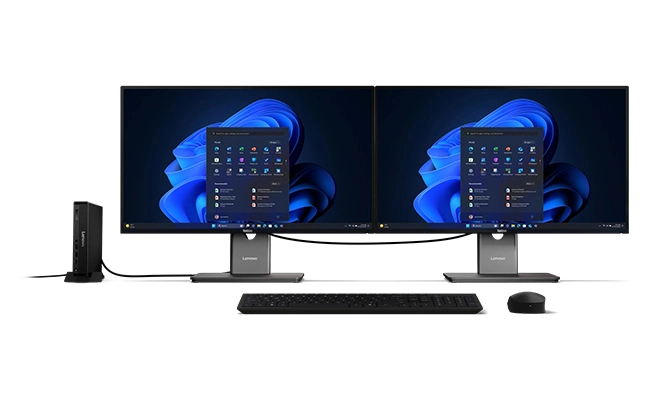
Against other business micro PCs such as the Lenovo ThinkCentre M70q Gen 6 Tiny (Core Ultra 5 225T), the Pro Micro is very similar in size and philosophy; the Dell has a more powerful processor in this configuration and its modular rear port. Against consumer mini PCs from GEEKOM, Beelink or MINISFORUM, the Dell looks expensive on paper: for the same money you can buy a Ryzen 7 mini PC with 32 GB, 1 TB, 2.5GbE and USB4. What you pay for with Dell is support, security, fleet management and long-term consistency.
Within Dell’s own range, the Pro Micro Plus (QBM1250) uses the same idea with 65 W processors, more USB ports and up to four displays, while the Pro Max Micro is a larger 2.9-litre workstation that accepts discrete NVIDIA RTX graphics. The standard Pro Micro is the smallest and quietest of the three, and the right choice when the PC must disappear behind a screen.
Prices
Dell lists an “estimated value” of about US $1,490 for the Core Ultra 5 235T with 16 GB and 256 GB, but Dell frequently runs deals: during Black Friday 2026 the same configuration was offered for US $853 on Dell’s site. It is also sold on Amazon USA, often below Dell’s own list price. As with all Dell business PCs, never pay the “estimated value” price; wait for a promotion or compare configurations carefully.
Configurations worth considering
Dell’s configurator can be confusing, with more than a dozen ready-made builds plus a “build your own” option. Our recommendations:
- Office and school desks: Core Ultra 5 235T, 16 GB, 256 or 512 GB SSD, Wi-Fi 6E. Add a second 8 or 16 GB module later for dual channel.
- Power users and developers: Core Ultra 7 265T with 32 GB and 512 GB, which gives room for virtual machines, large datasets and many browser tabs.
- Reception, kiosks and signage: the cheapest Core Ultra configuration plus the optional module for a third display or USB-C power-in, mounted behind the screen.
- Avoid the 8 GB configurations with Windows 11 unless the PC will run a single application; 8 GB is tight for modern browsers and Teams.
Living with it
Day to day, the Pro Micro is the kind of PC you forget about, which is the point. It boots quickly, stays quiet, and Dell’s update tools keep the BIOS and drivers current without user intervention. Keyboard and mouse are included in most configurations. The only practical annoyances are the limited number of fast USB ports at the rear and the lack of an SD card reader, both easy to solve with a small hub. If you plan to mount it behind a monitor, order the Dell bracket designed for it, so that the rear vents stay unobstructed and the power button remains accessible.
Who should buy it
Buy it if you need a reliable, compact office PC with a recognised brand, upgradeable memory and storage, strong security, flexible ports for special peripherals and on-site warranty, or if you are equipping several desks with identical machines.
Skip it if you want the most hardware per dollar, gaming or 3D performance, fast networking (2.5GbE or more) or Thunderbolt/USB4 docks. For heavy workloads, the larger Dell Pro Max Micro with a discrete GPU is a better match.
Verdict
The Dell Pro Micro QCM1250 is exactly what its predecessor was: a tiny, dependable business desktop, now updated with Arrow Lake processors, an NPU and DDR5. The Core Ultra 5 235T version is fast, quiet and efficient, and the modular port remains a clever feature. It is not a bargain at list price, and its networking is basic, but bought on promotion it is one of the best-supported small PCs you can put on an office desk.
| Configuration Options | ||||||||||||||||||||||||||
|---|---|---|---|---|---|---|---|---|---|---|---|---|---|---|---|---|---|---|---|---|---|---|---|---|---|---|
|
||||||||||||||||||||||||||
| AI Capabilities | ||||||||||||||||||||||||||
|
||||||||||||||||||||||||||
| Processor | ||||||||||||||||||||||||||
|
||||||||||||||||||||||||||
| Ports | ||||||||||||||||||||||||||
|
||||||||||||||||||||||||||
| Network | ||||||||||||||||||||||||||
|
||||||||||||||||||||||||||
| GPU | ||||||||||||||||||||||||||
|
||||||||||||||||||||||||||
| Internal Ports | ||||||||||||||||||||||||||
|
||||||||||||||||||||||||||
| Storage & RAM | ||||||||||||||||||||||||||
|
||||||||||||||||||||||||||
| Power | ||||||||||||||||||||||||||
|
||||||||||||||||||||||||||
| Others Specifications | ||||||||||||||||||||||||||
|
||||||||||||||||||||||||||
| Specification | ||||||||||||||||||||||||||
|
||||||||||||||||||||||||||

More information: Dell Pro Micro QCM1250 on minis-pc.com
Discover our full Mini PC comparison: minis-pc.com
Article written for minis-pc.com — Mini PC Comparisons and Reviews
Our 2026 Buying Guides & Deals
Disclaimer: This article is for information purposes only. Specifications, prices, coupons and availability may change at any time or contain errors, so please check them on the manufacturer's official website or store before buying. Some links on this page are affiliate links: if you buy through them we may earn a small commission at no extra cost to you.