
Apple Mac mini M6 (2026)

Original price was: $899.00.$779.00Current price is: $779.00.
 Amazon.com
| Processor | 9 |
|---|---|
| RAM | 6.5 |
| Hard Disk | 5 |
| Connectivity | 9 |
Apple Mac mini (2026) — compact desktop with Apple M6 chip: 12-core CPU (2 super + 4 performance + 6 efficiency cores), 12-core GPU with Neural Accelerators and ray tracing, Dual 16-core Neural Engine (Apple Intelligence). 16 GB unified memory (24 / 32 GB optional) — SOLDERED — non-upgradeable. 256 GB SSD (up to 2 TB optional, not upgradeable). Wi-Fi 7, Bluetooth 6 (Apple N1), 2.5 GbE (10 GbE optional). 3× Thunderbolt 4, HDMI, 2× front USB-C 10 Gb/s, headphone jack. Up to three displays. 127 × 127 × 50 mm, 0.67 kg, internal 155 W power supply. macOS.

Original price was: $899.00.$779.00Current price is: $779.00.
Apple Mac mini M6 (2026) Prices

Price History
Description
Apple Mac mini M6 (2026)
Five-by-Five-Inch Desktop With Apple M6 (12-core CPU, 12-core GPU), Dual 16-core Neural Engine, Wi-Fi 7 and 2.5 GbE
The Apple Mac mini with M6 is the 2026 version of Apple’s five-by-five-inch desktop and the first Apple computer with the M6 chip, which Apple describes as its first 2 nm-class processor. The base model combines a 12-core CPU with two new “super” cores, a 12-core GPU with a Neural Accelerator in every core and hardware ray tracing, a Dual 16-core Neural Engine, 16 GB of unified memory and a 256 GB SSD. It adds Wi-Fi 7 and Bluetooth 6 through Apple’s own N1 chip, keeps 2.5 GbE as standard, and offers three Thunderbolt 4 ports, HDMI and two front USB-C ports in a 0.67 kg aluminium chassis with an internal power supply.
Apple announced it on 25 August 2026 and started deliveries on 22 September 2026. The M6 model starts at US $899 with 16 GB and 256 GB (US $799 with education pricing), and a more powerful M5 Pro version starts at US $1,699. The M6 replaces the M4 Mac mini, which is no longer sold by Apple. It is the Apple pick in our holiday gift list. This page analyses each part of the hardware in detail and the limits that come with Apple’s closed design.
| Apple Mac mini — Apple M6 (16 GB / 256 GB) | |
|---|---|
| CPU | Apple M6 chip — 12-core CPU (2 super cores + 4 performance cores + 6 efficiency cores) — Apple’s first 2 nm-class chip (announced by Apple; process not listed on the specifications page) |
| GPU | Apple M6 12-core GPU — Neural Accelerator in each GPU core — hardware-accelerated ray tracing — Media Engine with H.264, HEVC, ProRes, ProRes RAW and AV1 decode |
| AI Engine | Dual 16-core Neural Engine + GPU Neural Accelerators — Apple Intelligence and Siri AI on macOS (TOPS not published by Apple) — not a Windows Copilot+ PC |
| Memory | 16 GB unified memory (153 GB/s) — configurable to 24 GB or 32 GB (170 GB/s) at purchase — SOLDERED — non-upgradeable |
| Storage | 256 GB SSD — configurable to 512 GB, 1 TB or 2 TB at purchase |
| Storage Expansion | No internal M.2 slot — not user-upgradeable — external drives via Thunderbolt 4 / USB |
| Wireless Connectivity | Apple N1 wireless chip — Wi-Fi 7 (802.11be) + Bluetooth 6 + Thread |
| Ethernet | 1× RJ45 2.5 Gigabit Ethernet (100/1000/2500BASE-T) — configurable to 10 Gb Ethernet |
| Video Output | Up to three external displays via 3× Thunderbolt 4 and 1× HDMI: two displays up to 6K@60Hz or 4K@165Hz plus a third up to 5K@60Hz (Thunderbolt) or 4K@60Hz (HDMI); or one display up to 8K@60Hz / 5K@120Hz / 4K@240Hz plus a second up to 5K@60Hz — VRR and HDR |
| Audio Output | Built-in speaker — 3.5 mm headphone jack with support for high-impedance headphones — multichannel audio over HDMI |
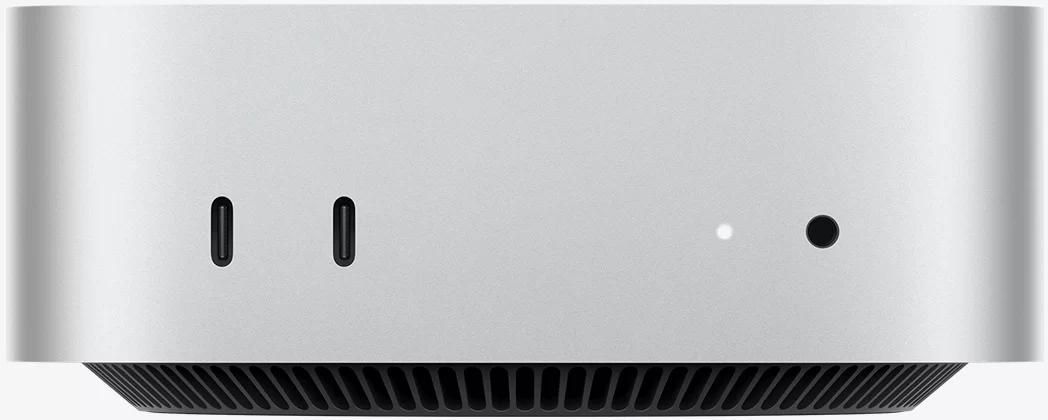
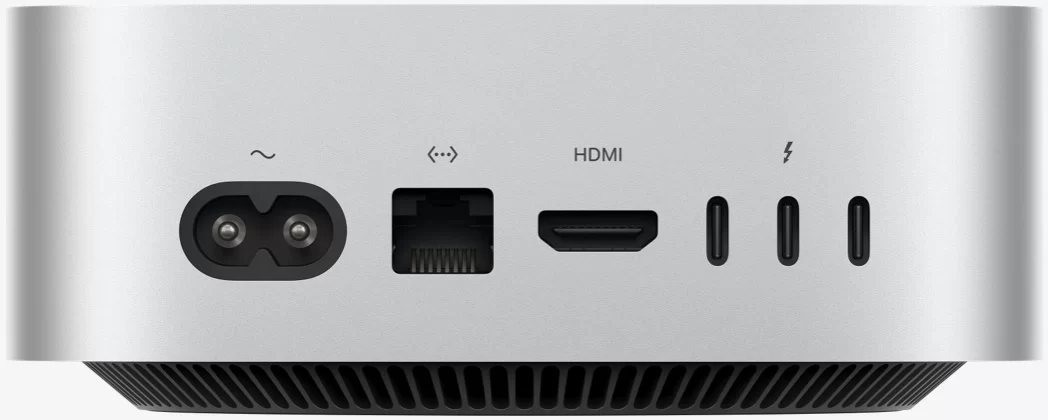
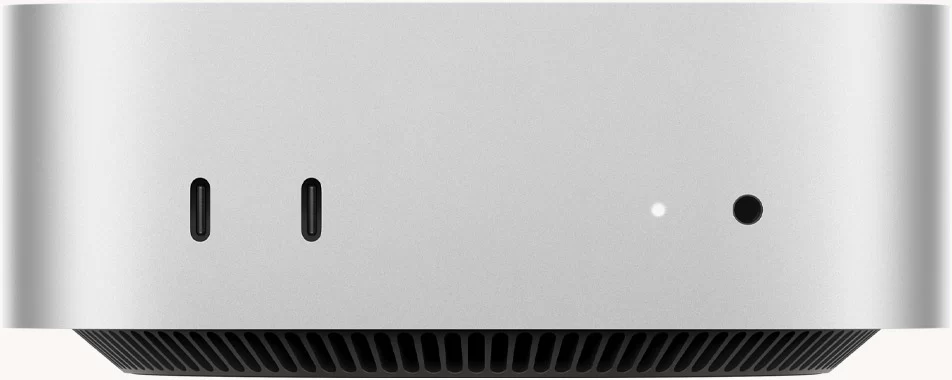
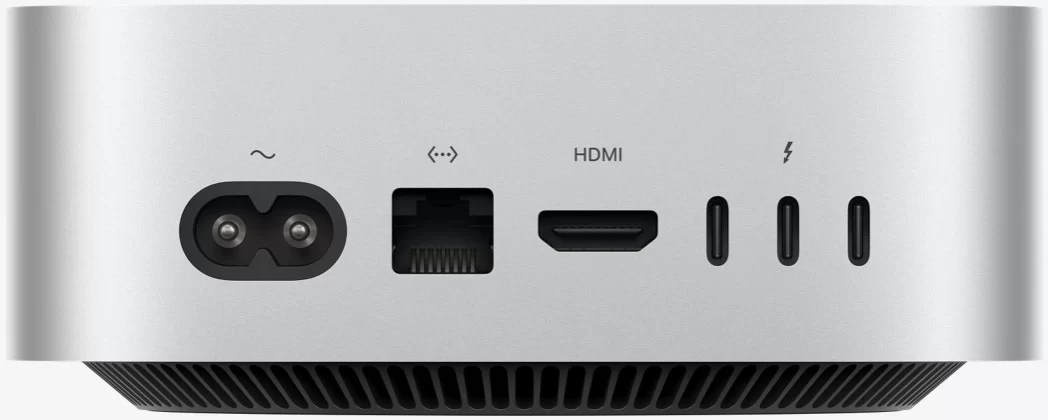
| Ports & Buttons | Front: 2× USB-C (USB 3, up to 10 Gb/s), 3.5 mm headphone jack · Rear: 3× Thunderbolt 4 / USB 4 (USB-C, up to 40 Gb/s, DisplayPort), 1× HDMI, 1× 2.5 GbE RJ45, AC power input |
| System | macOS (macOS 27 at launch) with Apple Intelligence and Siri AI |
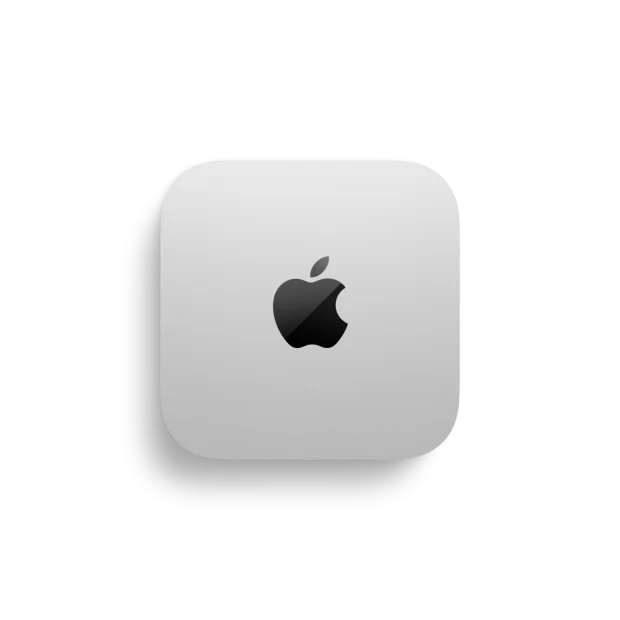
| Product Dimension | 127 × 127 × 50 mm — 0.67 kg — Silver, 100% recycled aluminium enclosure |
| Power | Built-in power supply — AC 100–240 V, 50/60 Hz — maximum continuous power 155 W — 1.8 m power cord included |
Available Configurations
| Chip | Memory | Storage | Thunderbolt | US price |
|---|---|---|---|---|
| M6 (12-core CPU / 12-core GPU) | 16 GB | 256 GB | 3× Thunderbolt 4 | US $899 |
| M6 (12-core CPU / 12-core GPU) | 16 GB | 512 GB | 3× Thunderbolt 4 | US $1,199 |
| M6 (12-core CPU / 12-core GPU) | 24 GB | 512 GB | 3× Thunderbolt 4 | Not confirmed |
| M5 Pro (15-core CPU / 16-core GPU) | 24 GB | 512 GB | 3× Thunderbolt 5 | US $1,699 |
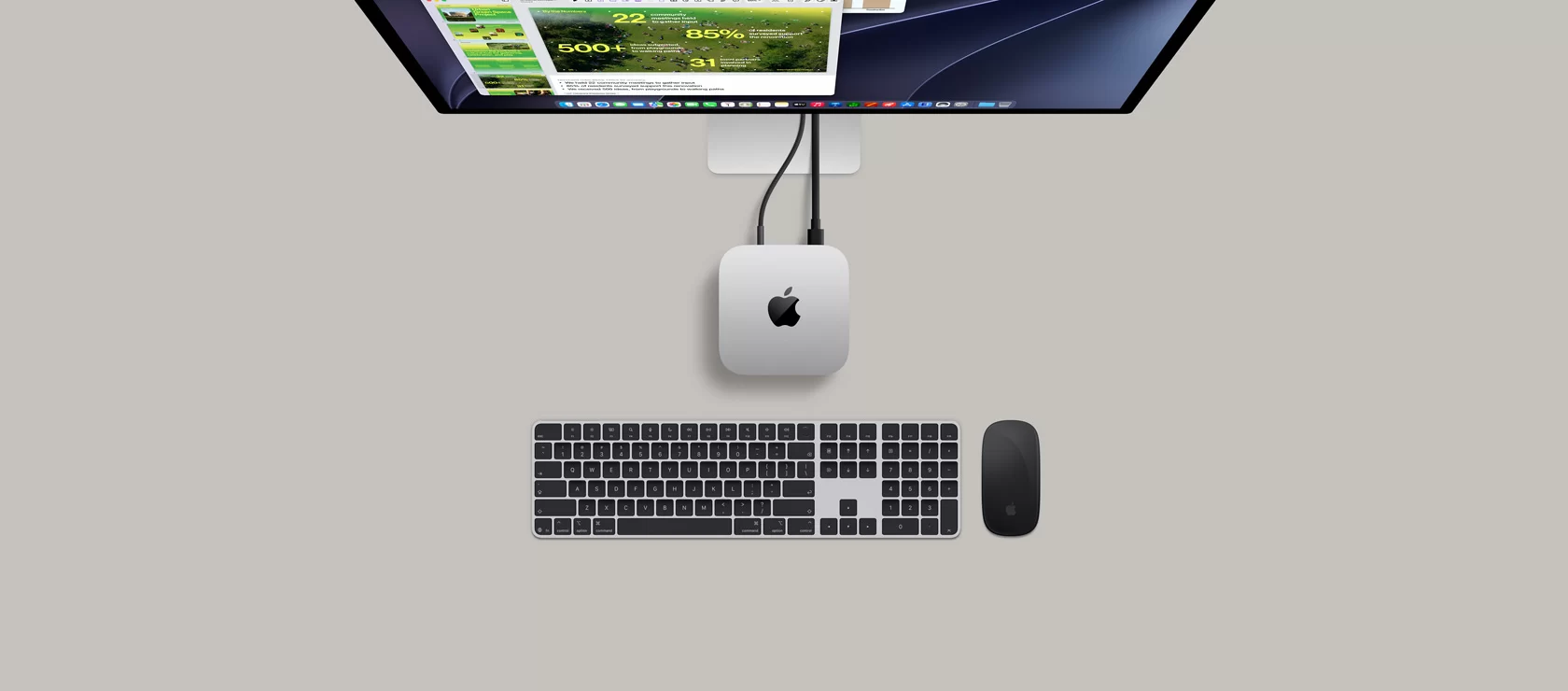
Processor — Apple M6
The M6 has a 12-core CPU organised in three types of core: two super cores for maximum single-threaded speed, four performance cores and six efficiency cores. That is two more cores than the M4 it replaces. Apple states that the M6 offers the fastest single-threaded performance in the world and up to 40% more CPU performance than M4, and its own application tests show gains such as 2.3× faster spreadsheet calculations than an M1 Mac mini; these are manufacturer figures measured under Apple’s conditions.
In daily use this means a computer that opens apps instantly, compiles code quickly and stays responsive with many programs open. For office work, study, programming, photo editing and music production, the M6 has more than enough power.
Key processor data:
- 12 Cores: 2 super + 4 performance + 6 efficiency
- Apple’s first 2 nm-class chip (announced by Apple)
- Up to 40% faster CPU than M4 (Apple claim)
- Unified memory: 153 GB/s with 16 GB, 170 GB/s with 24 or 32 GB
- Clock frequencies and cache sizes are not published by Apple
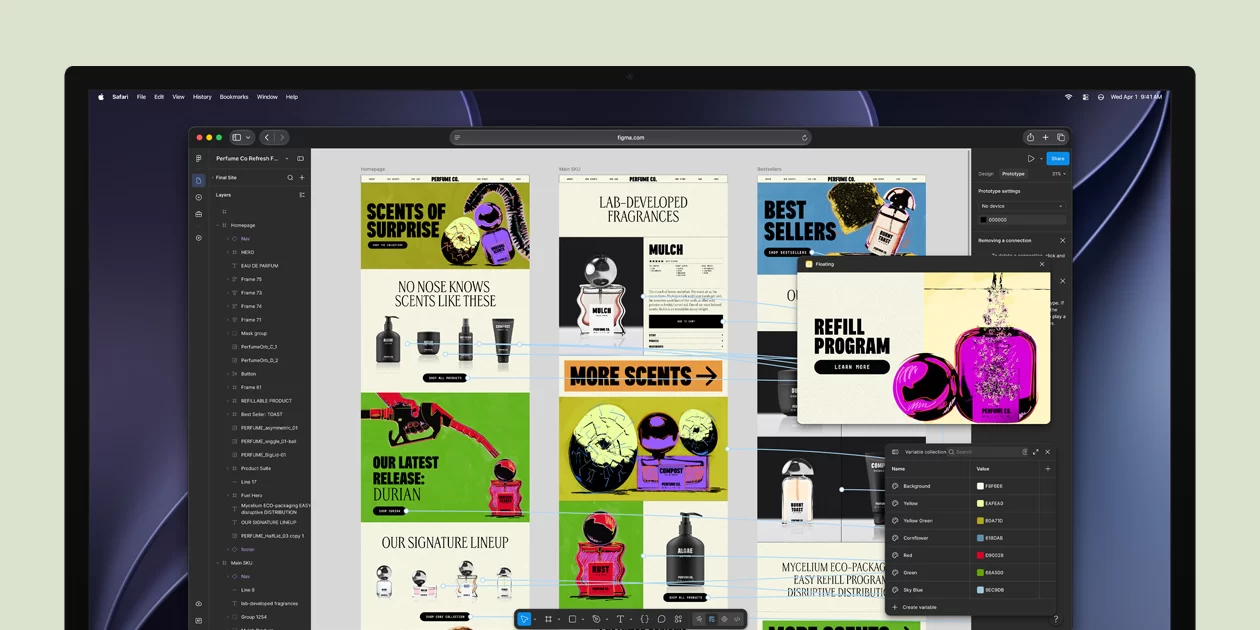
Artificial Intelligence — Dual 16-core Neural Engine
AI is the main theme of this generation. The M6 has Apple’s first Dual 16-core Neural Engine, and each of the 12 GPU cores includes a Neural Accelerator. Apple claims up to 4× faster AI performance than M4 and, in its own test, much faster time to first token when running language models in LM Studio. Apple does not publish a TOPS figure.
On macOS this powers Apple Intelligence and the new Siri AI, with on-device writing tools, image features and personal context. The Mac mini can also run local AI models and agent tools; with 16 GB the practical limit is small and medium models, so buyers interested in local AI should consider 24 or 32 GB at purchase, because memory cannot be added later. As a Mac, it is not a Windows Copilot+ PC.
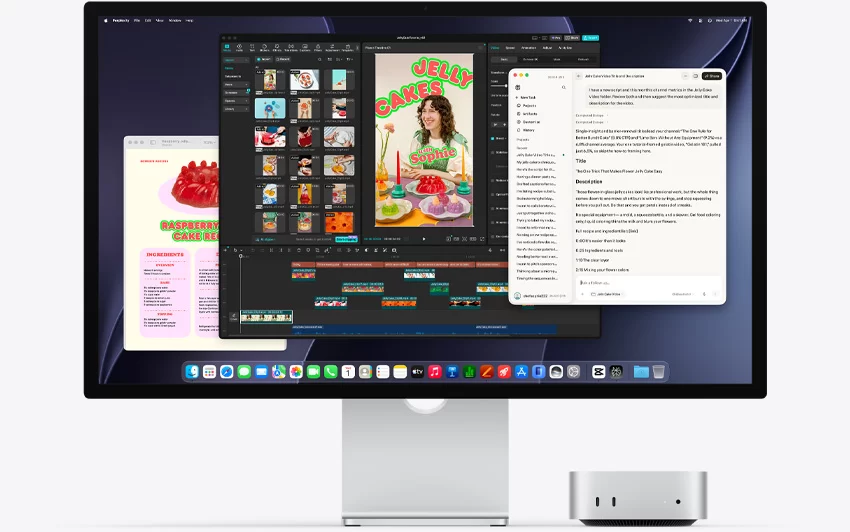
Graphics — 12-core GPU With Ray Tracing
The 12-core GPU supports hardware-accelerated ray tracing and, according to Apple, up to 2× faster graphics than M4. Apple shows ray-traced games such as Cyberpunk 2077: Ultimate Edition running about twice as fast as on the M4 Mac mini, and Blender ray-traced rendering more than ten times faster than on an M1 Mac mini.
The Media Engine accelerates H.264, HEVC, ProRes and ProRes RAW encoding and decoding, plus AV1 decoding, which makes the Mac mini an efficient machine for video editing in Final Cut Pro or DaVinci Resolve and for 4K streaming. Gaming on Mac has improved, but the catalogue is still smaller than on Windows; buyers who mainly want to play PC games should look at a Windows gaming mini PC.
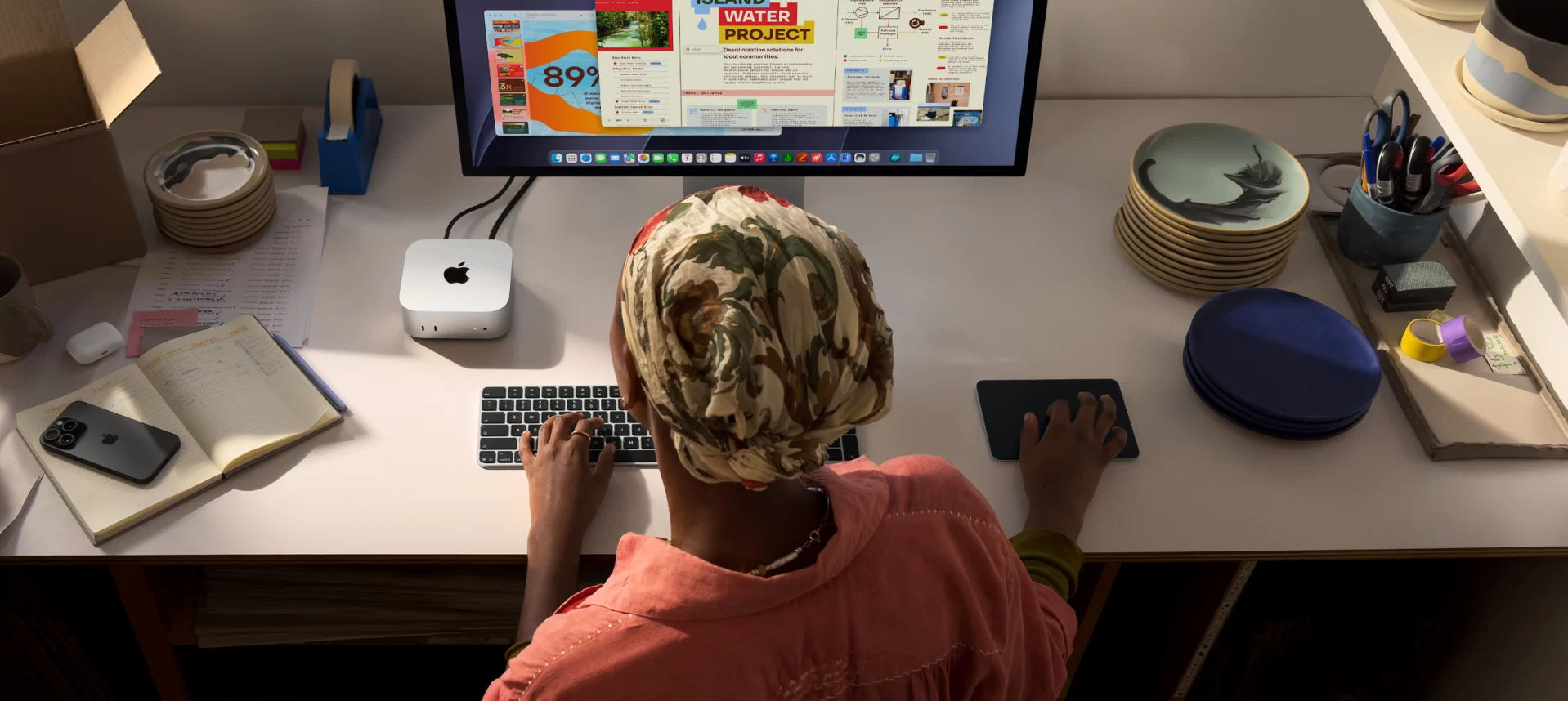
Memory — 16 GB Unified, Soldered
Memory is unified: the CPU, GPU and Neural Engine share the same pool, which is efficient and fast (153 GB/s with 16 GB, 170 GB/s with 24 or 32 GB). The trade-off is that it is SOLDERED — non-upgradeable. The configuration chosen at purchase is permanent. 16 GB is comfortable for study, office work, programming and photo editing; 24 GB or 32 GB is advisable for video editing, local AI models and long-term use.
Storage — 256 GB SSD, Not Upgradeable
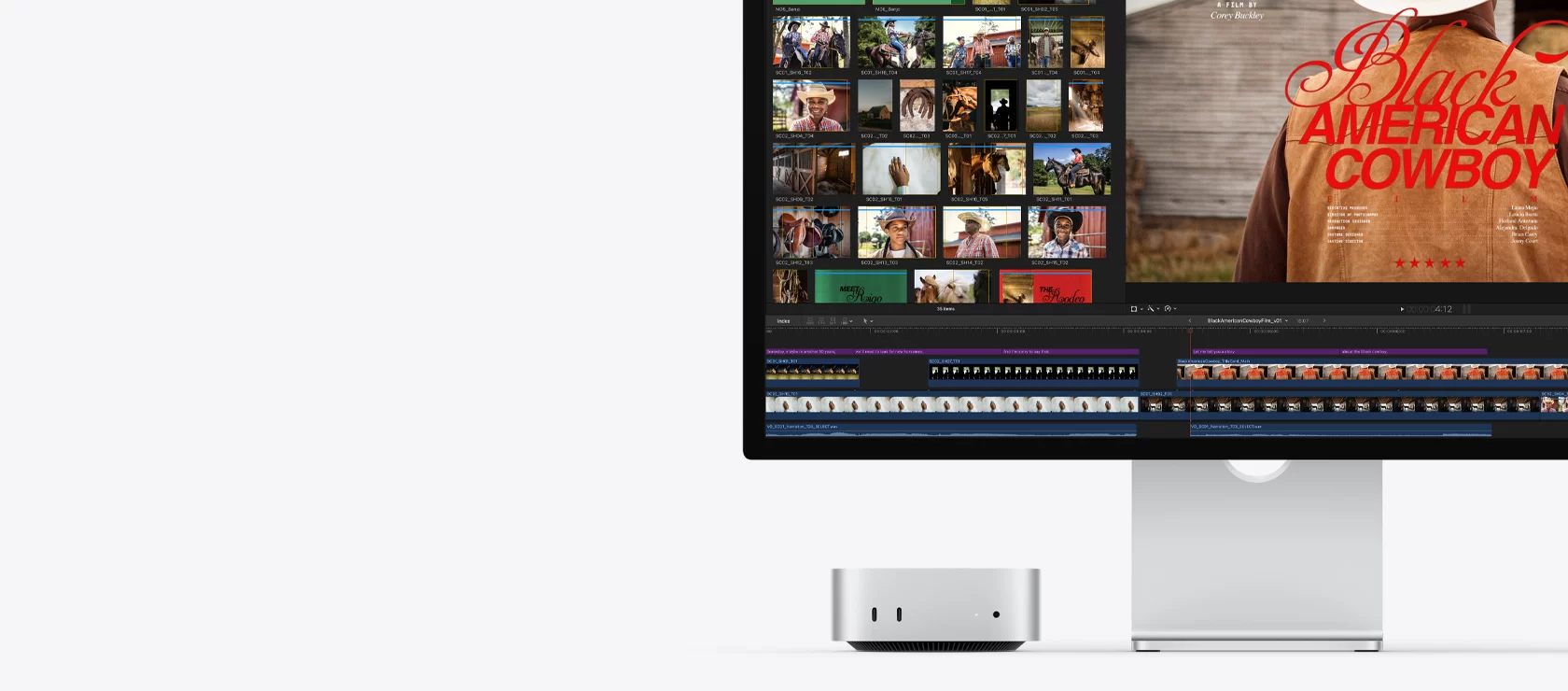
The base model has a 256 GB SSD, configurable to 512 GB, 1 TB or 2 TB when ordering. Apple states that storage is up to 2× faster than the previous generation. There is no standard M.2 slot, so internal storage cannot be expanded by the user. 256 GB fills up quickly with photos, video projects or large apps; the alternatives are choosing 512 GB at purchase or adding an external SSD through Thunderbolt 4, which at 40 Gb/s is fast enough to work directly from the external drive.
Connectivity — Wi-Fi 7, Bluetooth 6 and 2.5 GbE
The new Apple N1 wireless chip brings Wi-Fi 7 (802.11be), Bluetooth 6 and Thread, the smart-home networking protocol. Wired networking is 2.5 Gigabit Ethernet as standard, with a 10 Gb Ethernet option when ordering. For a home or small office this covers both fast Wi-Fi and fast local networks.
Ports and Displays
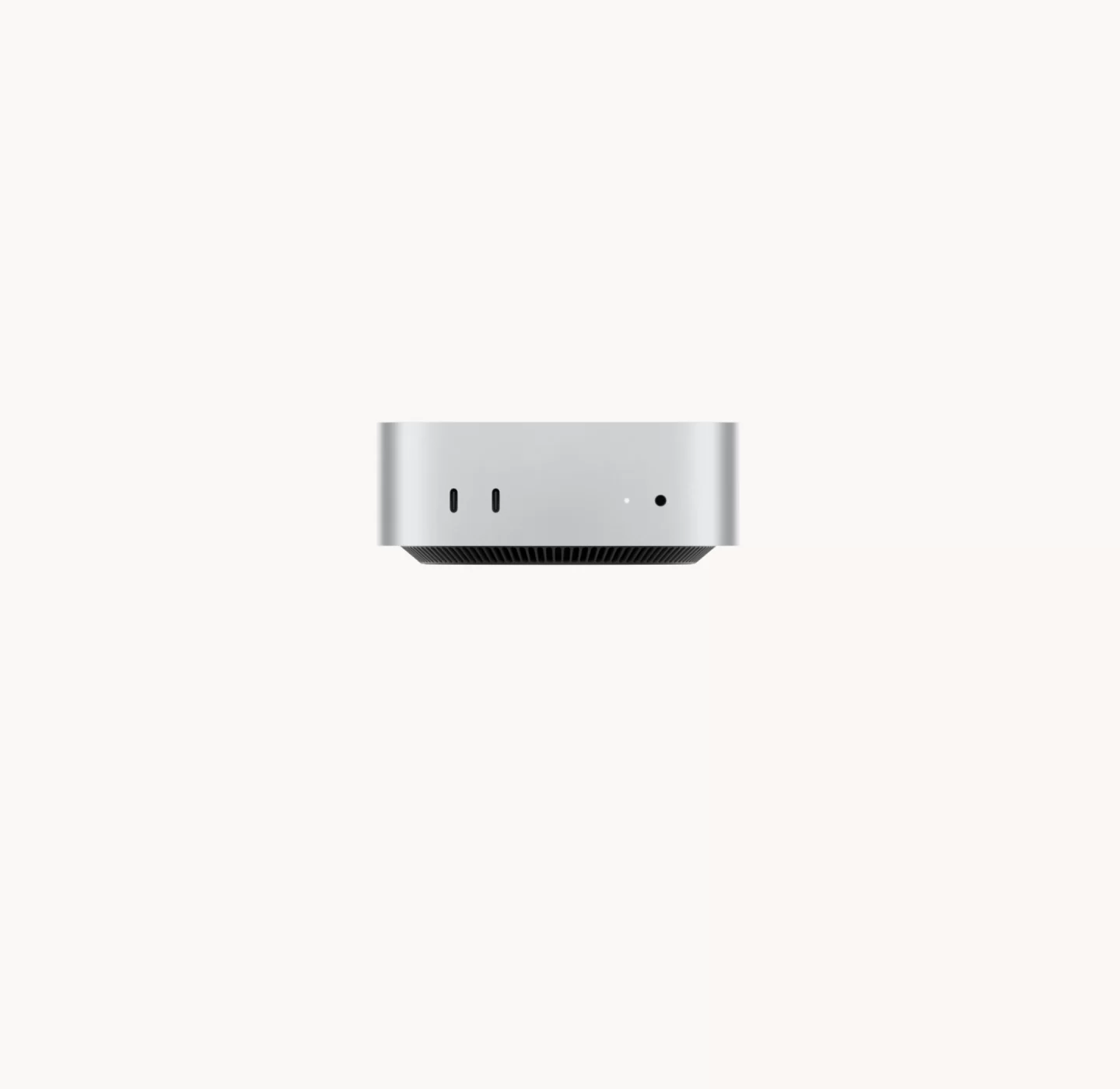
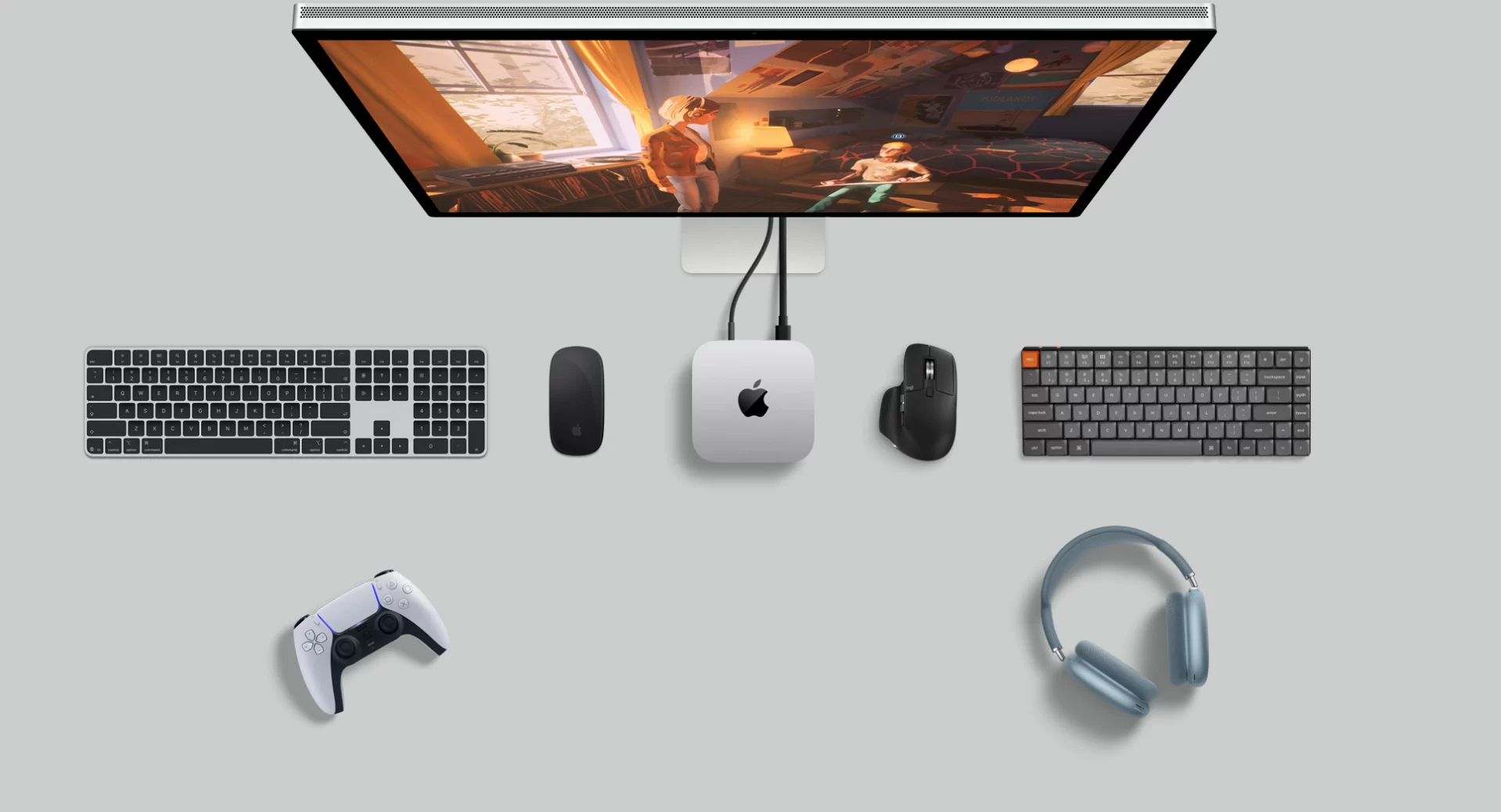
The front has two USB-C ports at up to 10 Gb/s and a 3.5 mm headphone jack that supports high-impedance headphones. The rear has three Thunderbolt 4 ports (40 Gb/s, USB 4 and DisplayPort), HDMI with multichannel audio, Ethernet and the power input. There are no USB-A ports, so older keyboards, mice or flash drives need an adapter or a hub.
The M6 supports up to three external displays: for example two 6K screens plus a third 5K screen, or one 8K screen at 60 Hz. Variable refresh rate and HDR are supported. Thunderbolt clustering for AI is reserved for the M5 Pro model with Thunderbolt 5.
Ventilation and Thermal Design
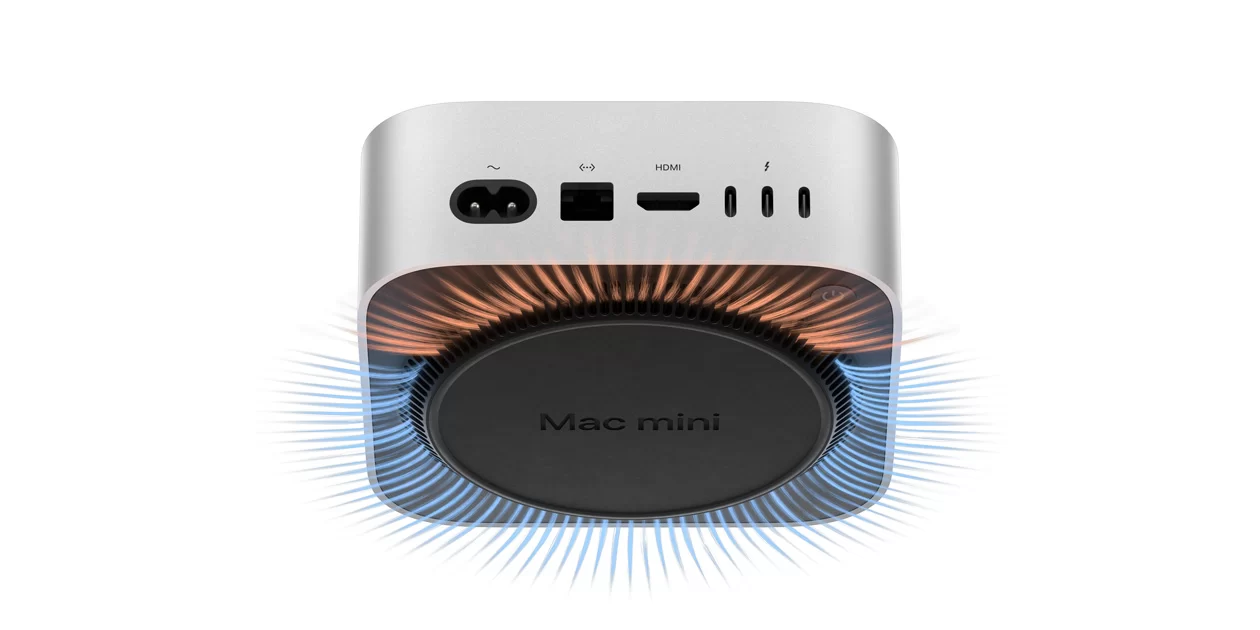
The Mac mini uses active cooling with a fan and a thermal module made with recycled aluminium and copper. Air enters through the base and leaves at the back. Apple specifies a typical sound pressure of just 5 dBA at idle, which is practically silent, and the efficient M6 rarely needs the fan to work hard in everyday use. Under sustained heavy loads the fan becomes audible but remains quiet compared with most Windows mini PCs of similar performance. Apple does not publish a TDP figure; the maximum continuous power of the whole system is 155 W.
Design and Power
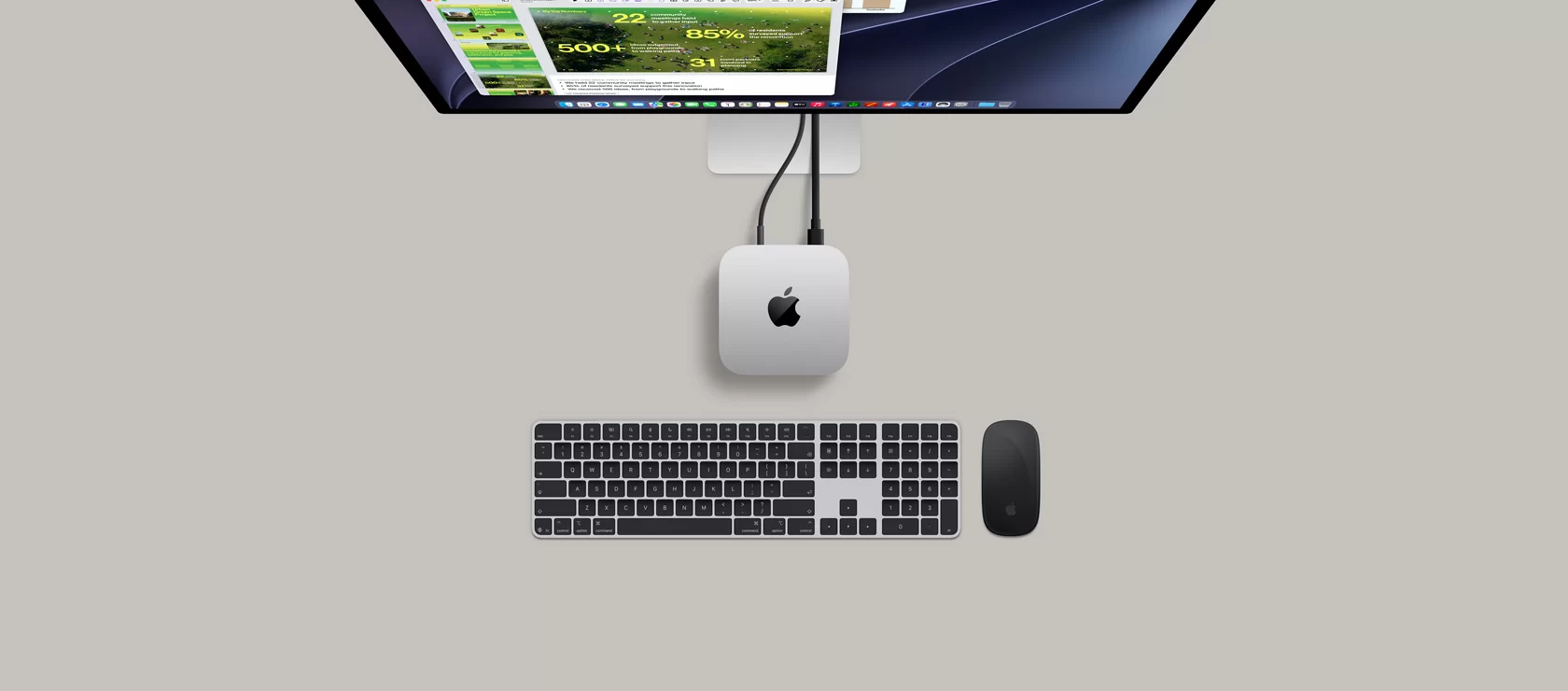
The chassis measures 127 × 127 × 50 mm and weighs 0.67 kg, with a 100% recycled aluminium enclosure in silver. The power supply is inside, so only a power cord is needed (1.8 m, included). The Mac mini also has a small built-in speaker for alerts and calls. The power button is on the underside, as in the previous generation. Keyboard, mouse and monitor are not included.
Software — macOS
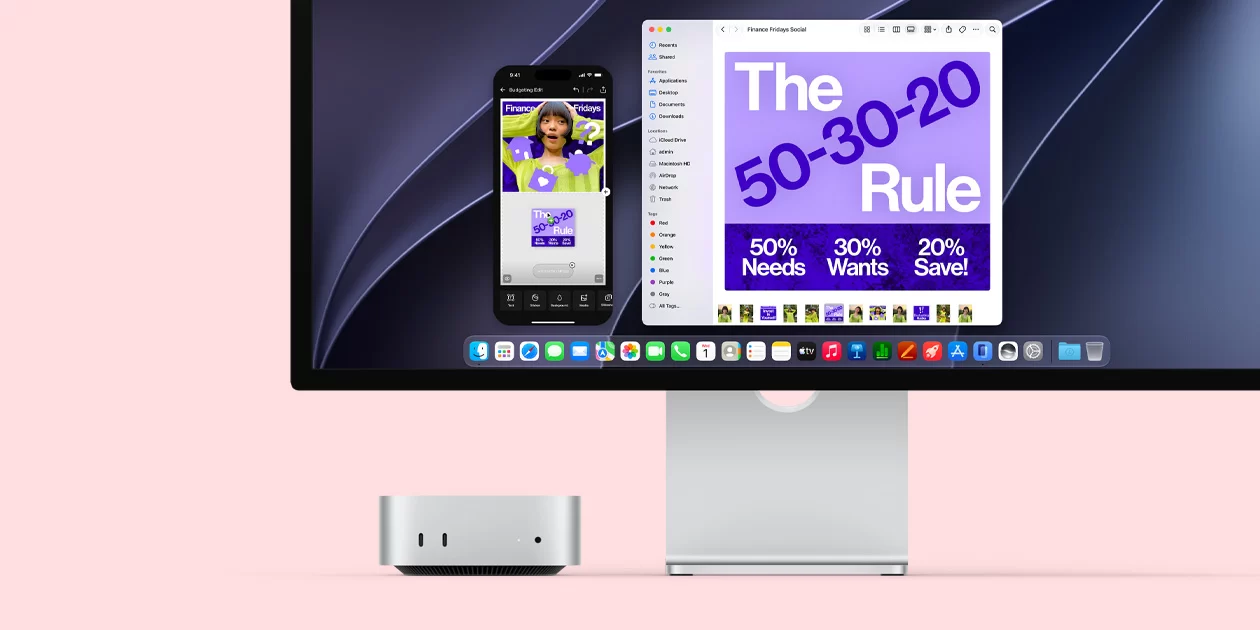
The Mac mini ships with macOS (macOS 27 at launch), Apple Intelligence, Siri AI, iPhone Mirroring, AirDrop, Universal Clipboard and a full set of Apple apps, including Pages, Numbers, Keynote, iMovie and GarageBand at no extra cost. It integrates especially well with an iPhone or iPad. Windows applications cannot run natively; some can run through virtualisation or compatibility tools, but buyers who depend on specific Windows software should check compatibility first.
Who Is It For
A good choice for:
- Students and families already using an iPhone or iPad
- Creative work: photo editing, music production, video editing
- Programmers, especially for Apple platforms
- Buyers who want a silent, compact, high-quality computer with long software support
- Local AI experimentation (with 24 GB or 32 GB)
Not recommended for:
- Gamers who want the full Windows game catalogue
- Users who need Windows-only software
- Buyers who want to upgrade memory or storage later
- Anyone who needs many USB-A ports without adapters
- Tight budgets — Windows mini PCs offer more memory and storage for the money
Strengths and Limitations
Strengths:
- M6: 12-core CPU with super cores, 12-core GPU with ray tracing
- Dual 16-core Neural Engine for Apple Intelligence
- Wi-Fi 7, Bluetooth 6, 2.5 GbE
- 3× Thunderbolt 4 + HDMI, up to three displays
- Practically silent (5 dBA at idle), internal power supply
- Compact 0.67 kg aluminium chassis
Limitations:
- SOLDERED — non-upgradeable memory
- Storage not upgradeable; 256 GB base is small
- Expensive memory and storage upgrades at purchase
- No USB-A ports
- Higher starting price than the M4 model
- macOS: smaller game catalogue, no native Windows apps
Compatible upgrades & accessories
Selected by matching this mini PC's specifications (memory type, M.2 slots and ports). Always check compatibility with the manufacturer before buying.
Disclaimer: The specifications, features, prices and availability shown on this page are provided for information purposes only. They may contain errors or change without notice. Please always check them on the manufacturer's official product page before buying.
Additional information
Specification: Apple Mac mini M6 (2026)
| Configuration Options | ||||||||||||
|---|---|---|---|---|---|---|---|---|---|---|---|---|
|
||||||||||||
| AI Capabilities | ||||||||||||
|
||||||||||||
| Processor | ||||||||||||
|
||||||||||||
| Ports | ||||||||||||
|
||||||||||||
| Network | ||||||||||||
|
||||||||||||
| GPU | ||||||||||||
|
||||||||||||
| Storage & RAM | ||||||||||||
|
||||||||||||
| Power | ||||||||||||
|
||||||||||||
| Others Specifications | ||||||||||||
|
||||||||||||
| Specification | ||||||||||||
|
||||||||||||


