
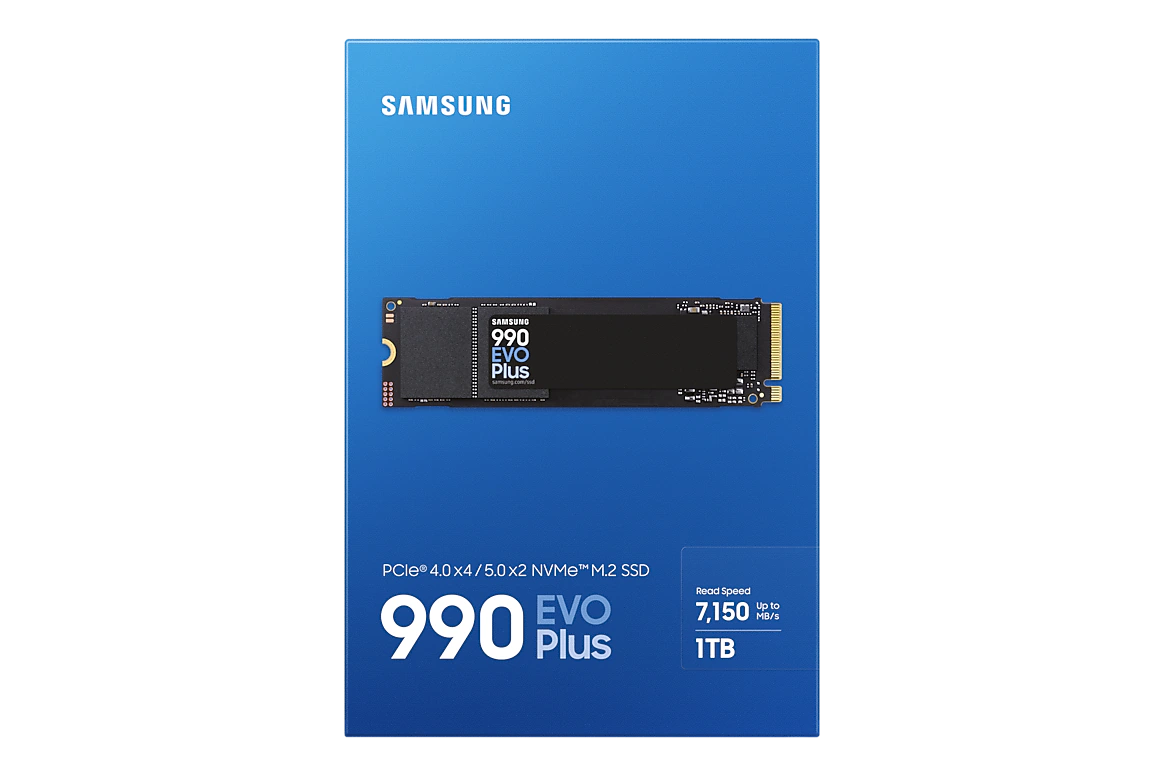
Samsung 990 EVO Plus NVMe M.2 SSD PCIe 4.0 ×4 / 5.0 ×2
| Performance | 9.2 |
|---|---|
| Efficiency & Thermals | 9.5 |
| Compatibility | 9.3 |
| Value | 8.8 |
Samsung 990 EVO Plus: M.2 2280 NVMe SSD with PCIe 4.0 ×4 / 5.0 ×2 interface, up to 7,250 MB/s read and 6,300 MB/s write, 1–4 TB, DRAM-less HMB design with low power draw (4.2–4.6 W active), 600 TBW per TB and 5-year warranty. A cool-running storage upgrade for mini PCs with an M.2 2280 PCIe slot.

Description
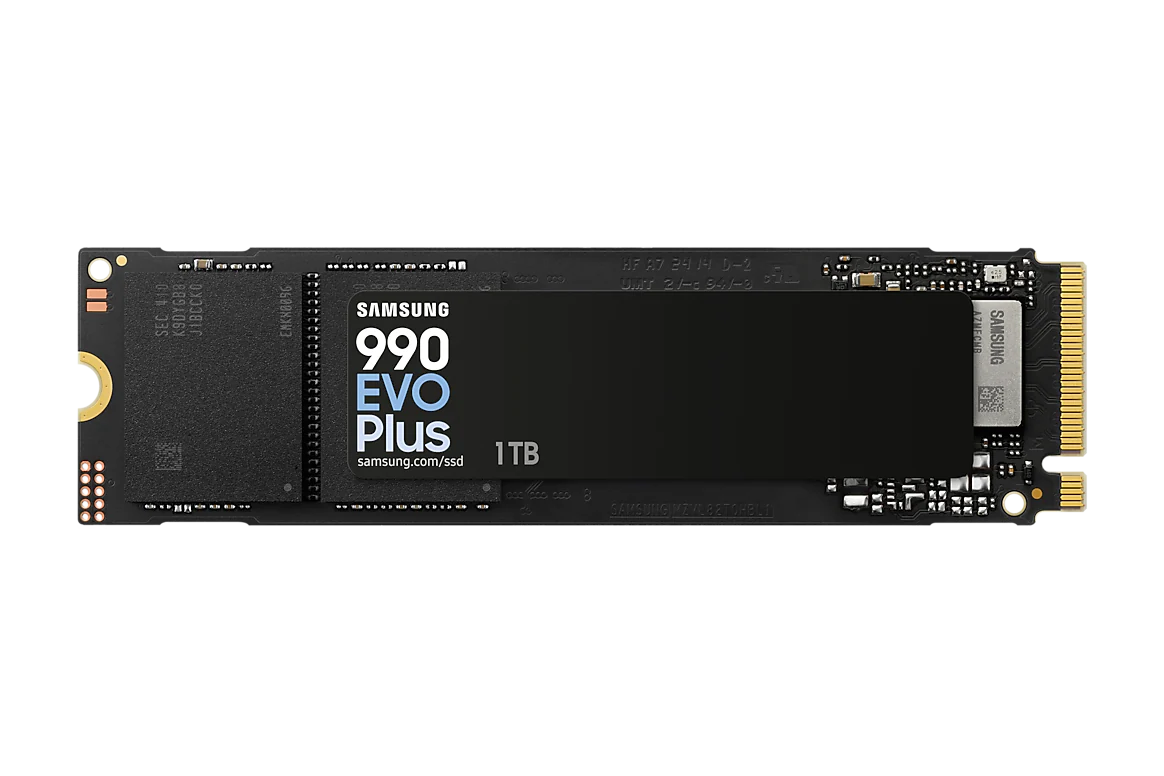
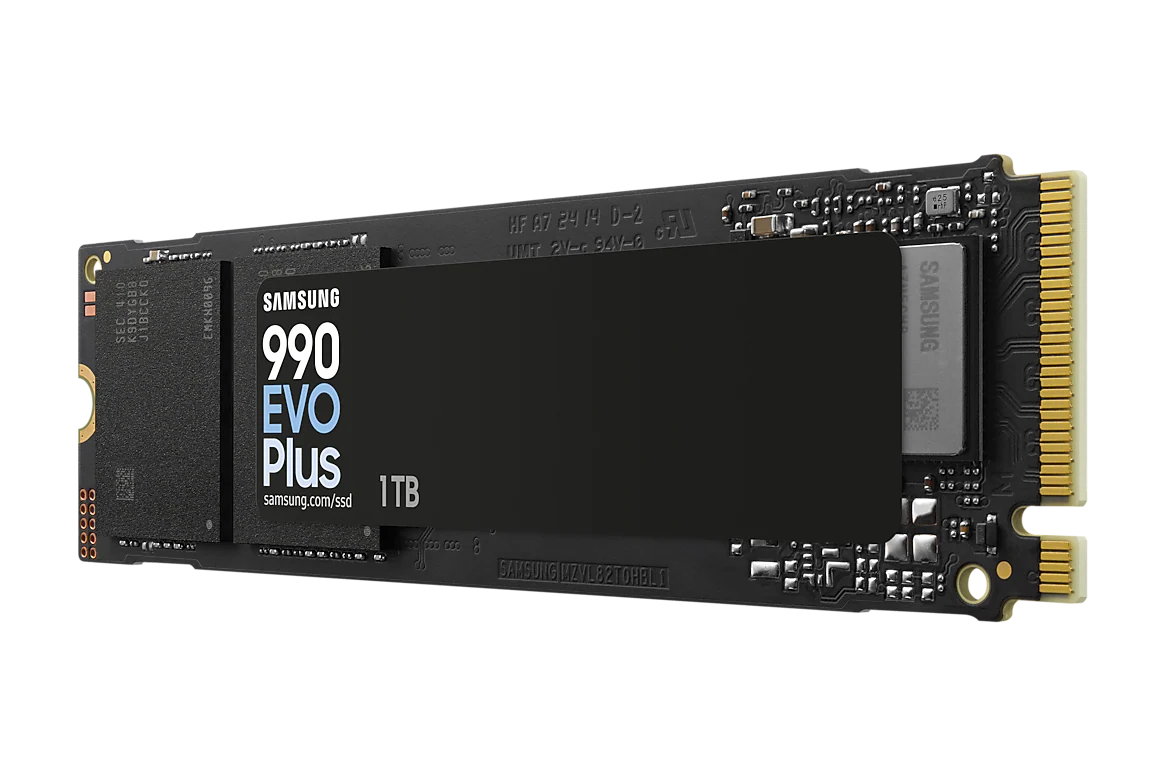
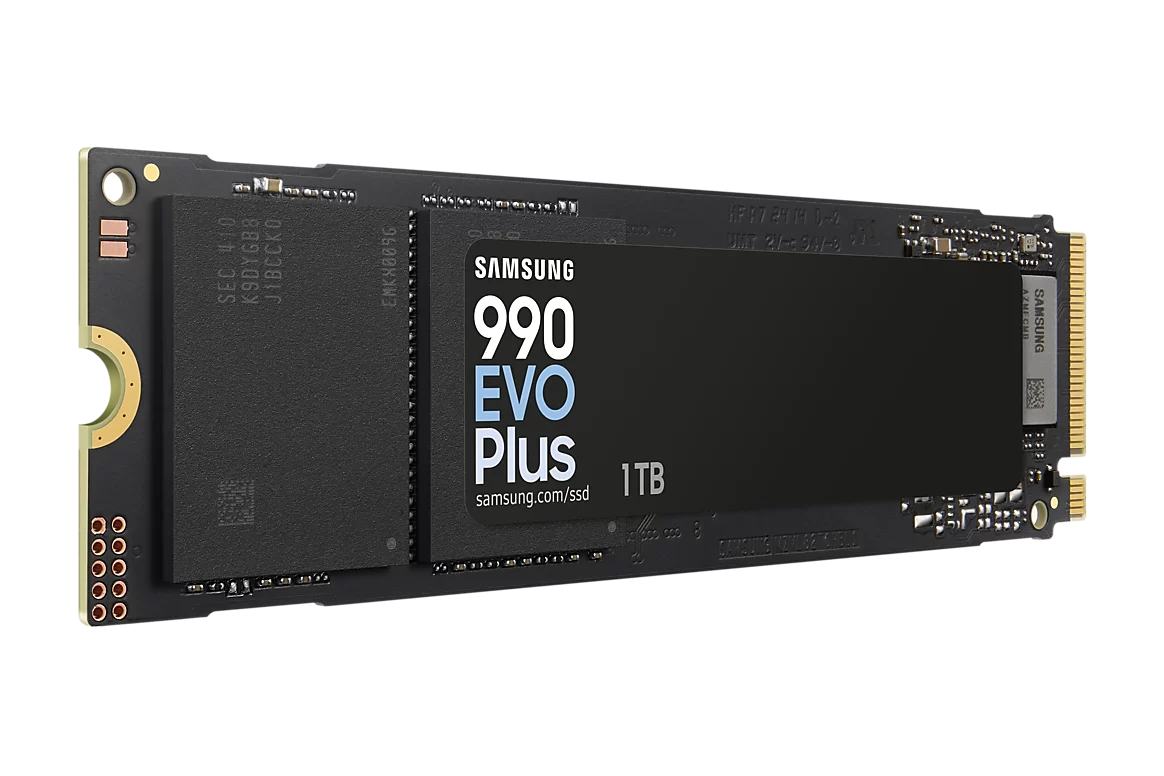
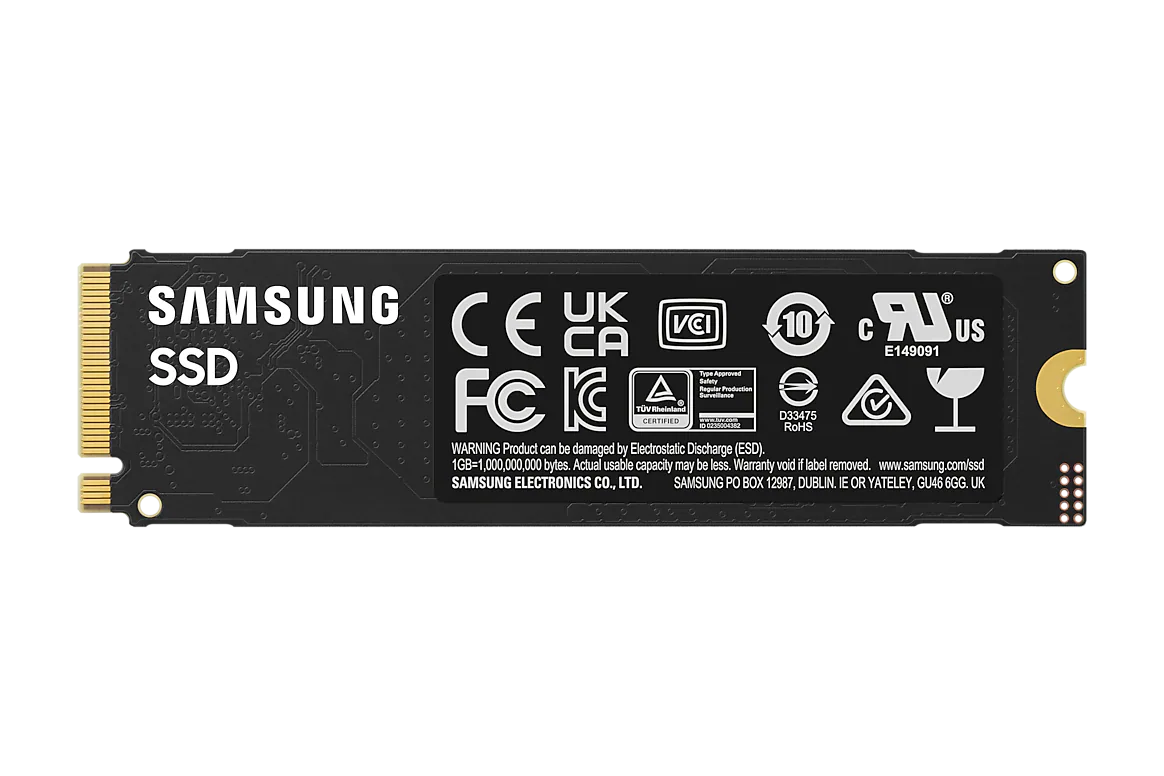
Samsung 990 EVO Plus NVMe M.2 SSD
PCIe 4.0 ×4 / 5.0 ×2 · up to 7,250 MB/s · 1 TB, 2 TB and 4 TB · single-sided M.2 2280
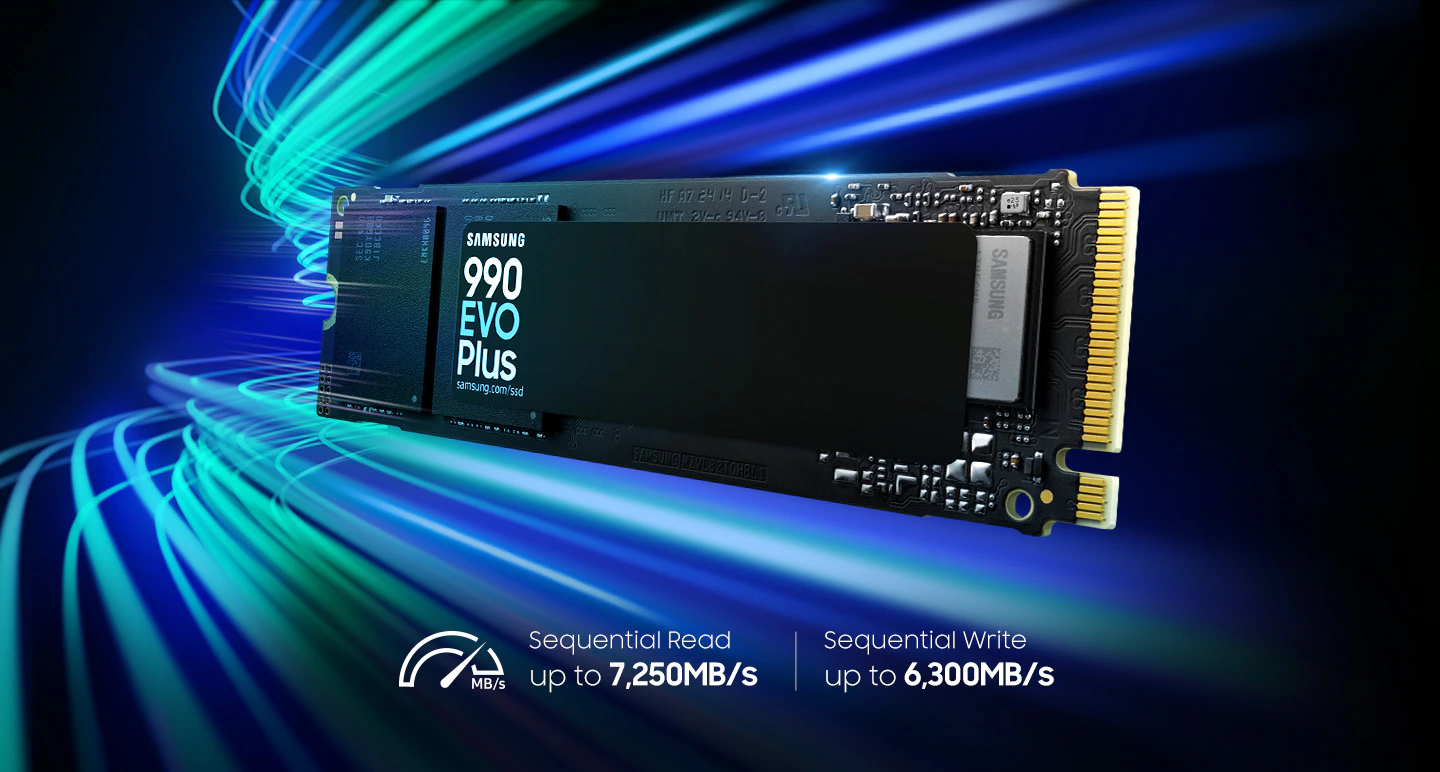
The Samsung 990 EVO Plus is a mainstream NVMe SSD in the M.2 2280 format, built around Samsung’s own controller and eighth-generation V-NAND TLC flash. It reaches up to 7,250 MB/s sequential read and 6,300 MB/s sequential write, and its hybrid interface works either as PCIe 4.0 ×4 or as PCIe 5.0 ×2. It is available in 1 TB, 2 TB and 4 TB capacities.
For mini PCs, the most relevant points are its low power draw and moderate heat, its single-sided design that fits under the thin covers and thermal pads of compact systems, and a capacity of up to 4 TB on a single drive. It is a natural upgrade for mini PCs that ship with a small 512 GB or 1 TB SSD, or for adding a second fast drive to models with two M.2 slots.
| Samsung 990 EVO Plus — Specifications | |
|---|---|
| Model | Samsung 990 EVO Plus (MZ-V9S1T0 / MZ-V9S2T0 / MZ-V9S4T0) |
| Form Factor | M.2 2280, single-sided |
| Interface | PCIe 4.0 ×4 / PCIe 5.0 ×2, NVMe 2.0 |
| Capacities | 1 TB, 2 TB, 4 TB |
| Sequential Read | 1 TB: up to 7,150 MB/s · 2 TB / 4 TB: up to 7,250 MB/s |
| Sequential Write | Up to 6,300 MB/s (all capacities) |
| Random Read / Write (4 KB, QD32) | 1 TB: 850K / 1,350K IOPS · 2 TB: 1,000K / 1,350K IOPS · 4 TB: 1,050K / 1,400K IOPS |
| Controller | Samsung in-house controller (nickel-coated) |
| NAND Flash | Samsung V-NAND TLC (8th generation) |
| Cache | DRAM-less, Host Memory Buffer (HMB) + Intelligent TurboWrite 2.0 |
| Endurance (TBW) | 1 TB: 600 TBW · 2 TB: 1,200 TBW · 4 TB: 2,400 TBW |
| Power | Average active (read/write): 1 TB 4.3 / 4.2 W · 2 TB 4.6 / 4.2 W · 4 TB 5.5 / 4.8 W · Idle typ. 60 mW · Sleep typ. 5 mW |
| Operating Temperature | 0 °C to 70 °C |
| Security | AES 256-bit encryption, TCG Opal, IEEE 1667 |
| Dimensions & Weight | 80.15 × 22.15 × 2.38 mm (max) · up to 9.0 g |
| Software | Samsung Magician (firmware updates, health, performance tools) · Samsung Data Migration |
| Warranty | 5-year limited warranty or TBW limit, whichever comes first |
| Mini PC Compatibility | Any M.2 2280 M-key PCIe NVMe slot (full speed in PCIe 4.0 ×4 or PCIe 5.0 ×2 slots) |
Performance
Samsung rates the 2 TB and 4 TB models at up to 7,250 MB/s sequential read and 6,300 MB/s sequential write; the 1 TB model is slightly lower at 7,150 MB/s read. Those figures sit at the top of what a PCIe 4.0 ×4 link can deliver, so in practice the drive saturates the fastest storage slot of most mini PCs released in 2024–2026. Random performance — the figure that matters most for boot times, application launches and everyday responsiveness — reaches up to 1,000,000 read IOPS on the 2 TB model.
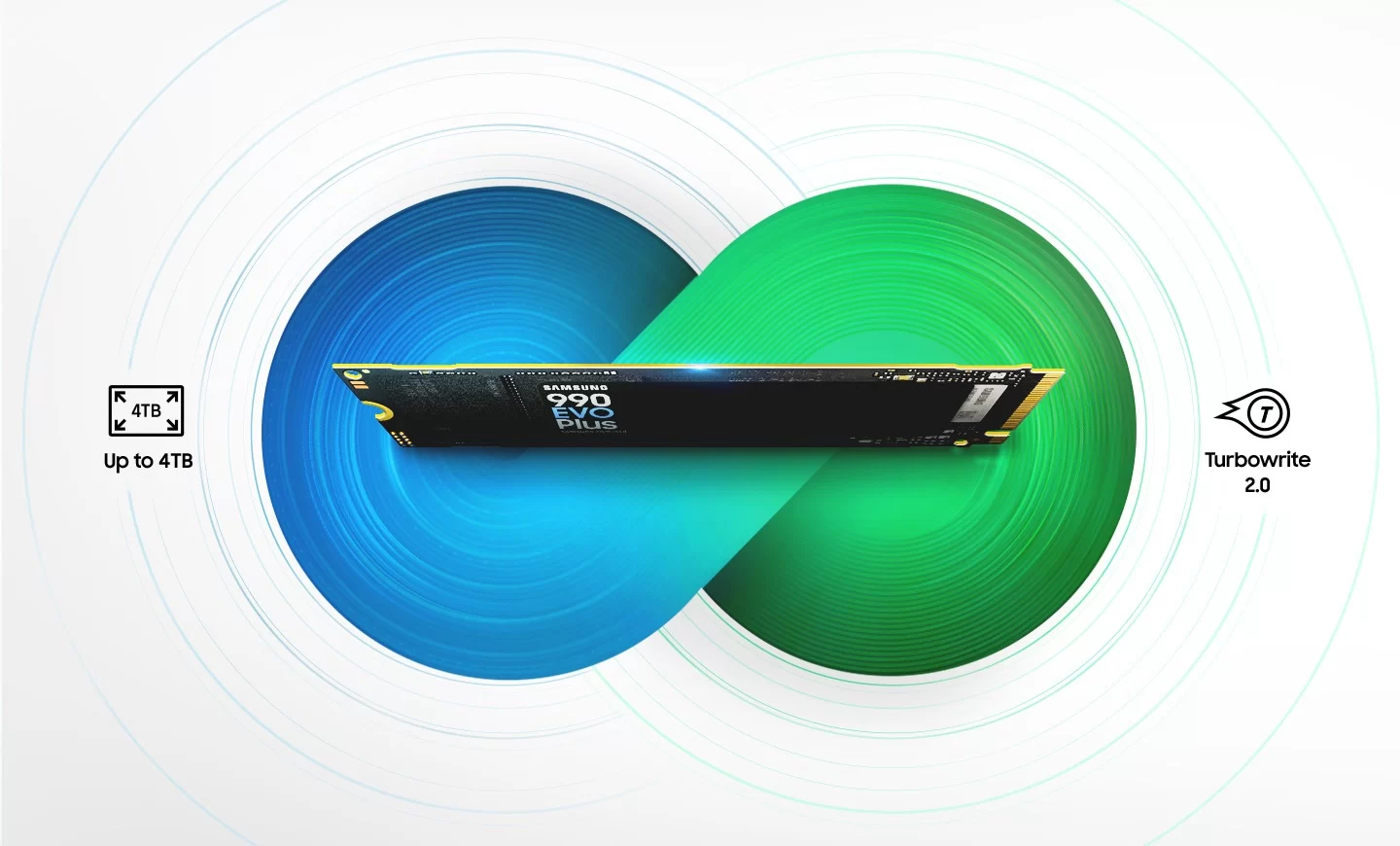
Write speed depends on the TurboWrite 2.0 cache: very large copies that exceed the cache slow down, as with every consumer TLC drive without DRAM. For normal use, game installs and project files this is rarely noticeable.

Interface: PCIe 4.0 ×4 and PCIe 5.0 ×2
The 990 EVO Plus can link either as PCIe 4.0 with four lanes or as PCIe 5.0 with two lanes. Both modes offer similar bandwidth. The second mode is useful in newer laptops and compact systems that route only two PCIe 5.0 lanes to an M.2 slot. In older PCIe 3.0 ×4 slots the drive works without problems but is limited to roughly 3,500 MB/s.
Controller, NAND and cache
The drive pairs Samsung’s in-house controller with its eighth-generation V-NAND TLC flash. It has no DRAM cache: instead it uses Host Memory Buffer (HMB), a small portion of system RAM, to store its mapping tables. On current mini PCs with DDR5 or LPDDR5X memory the effect on real-world performance is minimal, and the design keeps power consumption and heat down.
Power and thermals in a mini PC
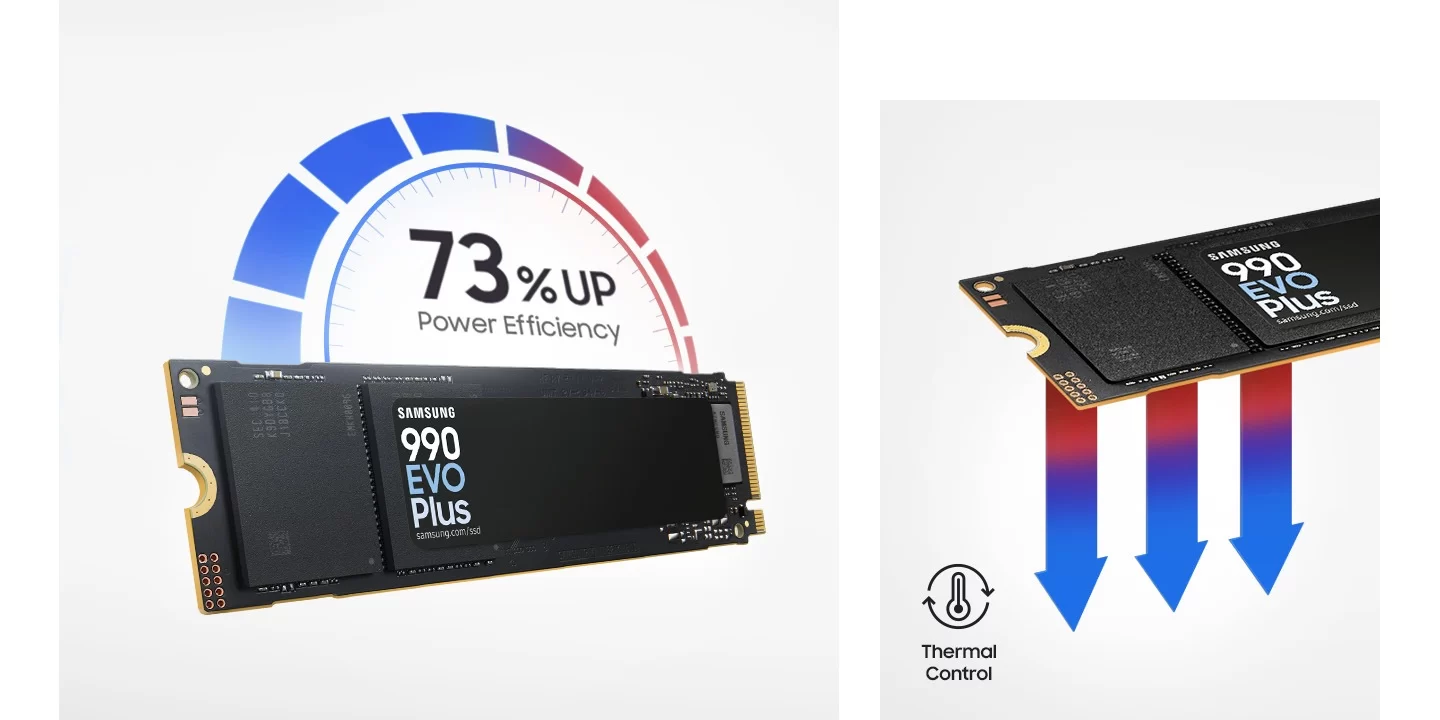
Ventilation is the key factor for SSDs inside small chassis. The nickel-coated controller improves efficiency by around 73% (MB/s per watt) compared with the previous 990 EVO, and the average active power is 4.2–4.6 W on the 1 TB and 2 TB models, with 60 mW at idle. That makes the 990 EVO Plus a good fit for mini PCs where the SSD sits under a thin cover or a thermal pad, with little direct airflow. The drive has no heatsink, so it fits single-sided slots and the low clearance of compact systems; if your mini PC includes a thermal pad or a metal spreader over the M.2 slot, keep it in place. Samsung’s Dynamic Thermal Guard throttles the drive only if it approaches its temperature limit.
Capacities and endurance
The 1 TB model is the value choice for an operating system plus applications. The 2 TB model has the best overall balance and the highest random performance per gigabyte, and the 4 TB version is ideal for large game libraries, video editing projects or local AI models, which can easily occupy 50–100 GB each. Endurance is 600 TBW per terabyte, more than enough for many years of typical home and office use.
Software and security
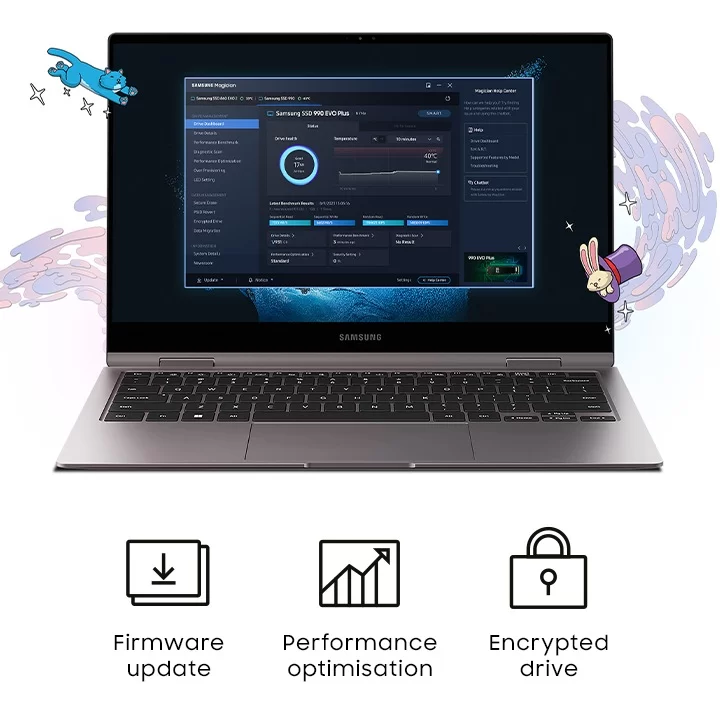
Samsung Magician provides firmware updates, drive health information, benchmarks and encryption management, and Samsung Data Migration clones your existing system drive to the new SSD. The drive supports AES 256-bit hardware encryption with TCG Opal and IEEE 1667.
Which mini PCs can use the Samsung 990 EVO Plus?
Any mini PC with a free M.2 2280 M-key slot wired for PCIe NVMe can take this drive. That covers most current models reviewed on minis-pc.com, including AMD Ryzen AI and Ryzen AI Max systems, Intel Core Ultra machines and many Intel N-series budget boxes. A few points to check before buying:
- Slot length: the drive is 80 mm long. Pocket PCs and some ultra-compact models only accept M.2 2242 or 2230 drives, so check the slot size in the mini PC’s specifications or manual.
- PCIe generation: in a PCIe 3.0 ×4 slot the drive works normally but is limited to roughly 3,500 MB/s. Some second slots in budget mini PCs are wired as PCIe ×2 or ×1, which also caps speed.
- SATA-only slots: a few older or entry-level models have an M.2 slot that only supports SATA drives. An NVMe drive will not be detected in those slots.
- Thermal pad and cover: many mini PCs have a thermal pad or metal plate over the SSD. Keep it, and remove any protective film before closing the case.
- Warranty: most mini PC brands allow storage upgrades, but some warranty seals cover the screws. Check the brand’s policy first.
On every mini PC page of minis-pc.com you will find the storage interface, the number of M.2 slots and the maximum supported capacity in the specifications table, and compatible drives appear automatically in the Compatible upgrades & accessories block.
How to install it in a mini PC
- Back up your data or clone the current drive (both brands include migration software).
- Shut down, unplug the power adapter and press the power button to discharge the system.
- Open the bottom cover; on many mini PCs the screws are under the rubber feet.
- Insert the drive at a 30° angle into the free M.2 slot, press it down and fix it with the screw or tool-less latch.
- Refit the thermal pad or heat-spreader plate if the mini PC has one, close the case and power on.
- For a second drive, initialise it in Windows Disk Management (GPT) and create a new volume.
Who is it for?
Ideal for: users who want to replace the small SSD of a new mini PC with a faster or larger one, add a second high-performance drive to a mini PC with two M.2 slots, or store large game libraries and AI models. It also suits silent and fanless-oriented builds thanks to its low power draw.
Not ideal for: mini PCs with only M.2 2242/2230 or SATA-only slots, or users who regularly copy hundreds of gigabytes in one go and need the sustained write speed of a drive with DRAM cache.
Specifications from the manufacturer. Prices and availability vary by capacity and region; always check compatibility with your mini PC before buying.
Disclaimer: The specifications, features, prices and availability shown on this page are provided for information purposes only. They may contain errors or change without notice. Please always check them on the manufacturer's official product page before buying.
Additional information
Specification: Samsung 990 EVO Plus NVMe M.2 SSD PCIe 4.0 ×4 / 5.0 ×2
| Configuration Options | ||||||||||||||||||
|---|---|---|---|---|---|---|---|---|---|---|---|---|---|---|---|---|---|---|
|
||||||||||||||||||
| Storage & RAM | ||||||||||||||||||
|
||||||||||||||||||
| Power | ||||||||||||||||||
|
||||||||||||||||||
| Others Specifications | ||||||||||||||||||
|
||||||||||||||||||
| Specification | ||||||||||||||||||
|
||||||||||||||||||


