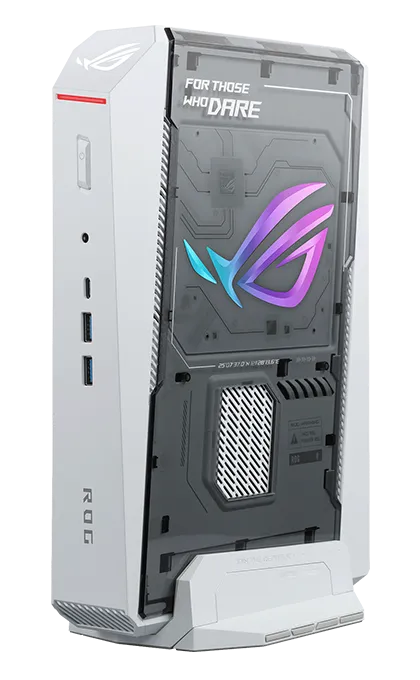
The ASUS ROG NUC 16 is what happens when a gaming tower is squeezed into a box you can stand next to your monitor. Our RTX 5070 Ti configuration pairs a 24-core Intel Core Ultra 9 290HX Plus with 12 GB of GDDR7 graphics, 32 GB of DDR5-6400, a PCIe 5.0-ready storage slot, Wi-Fi 7 and a triple-fan cooling system — for US $3,199 in ASUS’s US store. We analyse whether it is the best compact gaming PC for the holidays and who should consider it.
Tower Performance, Console Footprint
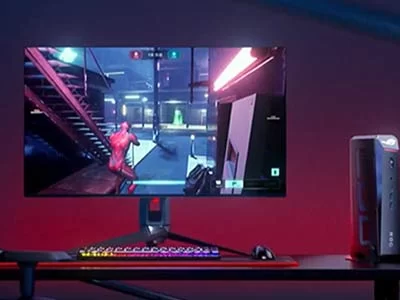
The ROG NUC 16 combines a processor that can run between 45 and 160 W with an RTX 5070 Ti Laptop GPU. That is a serious gaming combination: AAA games at high settings in 1440p, high frame rates in competitive titles thanks to DLSS 4.5 and Multi Frame Generation, and smooth streaming at the same time. Few mini PCs come close; most rely on integrated graphics that cannot match a dedicated NVIDIA GPU.
Specifications at a Glance
- CPU: Intel® Core™ Ultra 9 290HX Plus — 24 cores — up to 5.5 GHz — 45–160 W
- GPU: NVIDIA® GeForce RTX™ 5070 Ti Laptop — 12 GB GDDR7
- Memory: 32 GB DDR5-6400 (16 GB × 2) — up to 128 GB — FULLY USER-UPGRADEABLE (NOT soldered)
- Storage: 1 TB PCIe 4.0 + free PCIe 5.0 slot (up to 4 TB each)
- Connectivity: Wi-Fi 7, Bluetooth 5.4, 2.5 GbE, Thunderbolt 4
- Video: 2× HDMI 2.1 + 2× DP 2.1 + Thunderbolt 4
- Size: 282.5 × 189.5 × 56.5 mm — about 3.1–3.2 kg
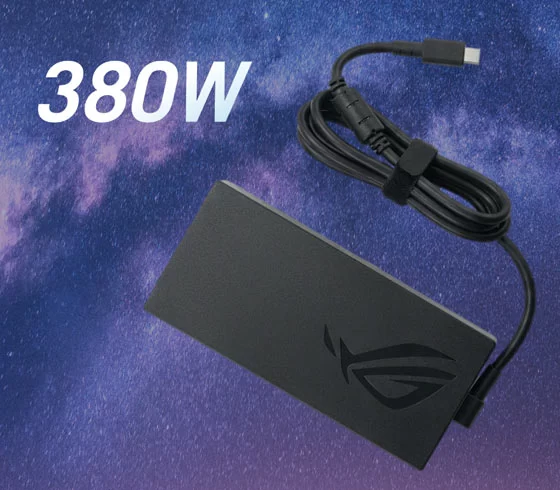
- Power: 380 W adapter
The Blackwell Advantage
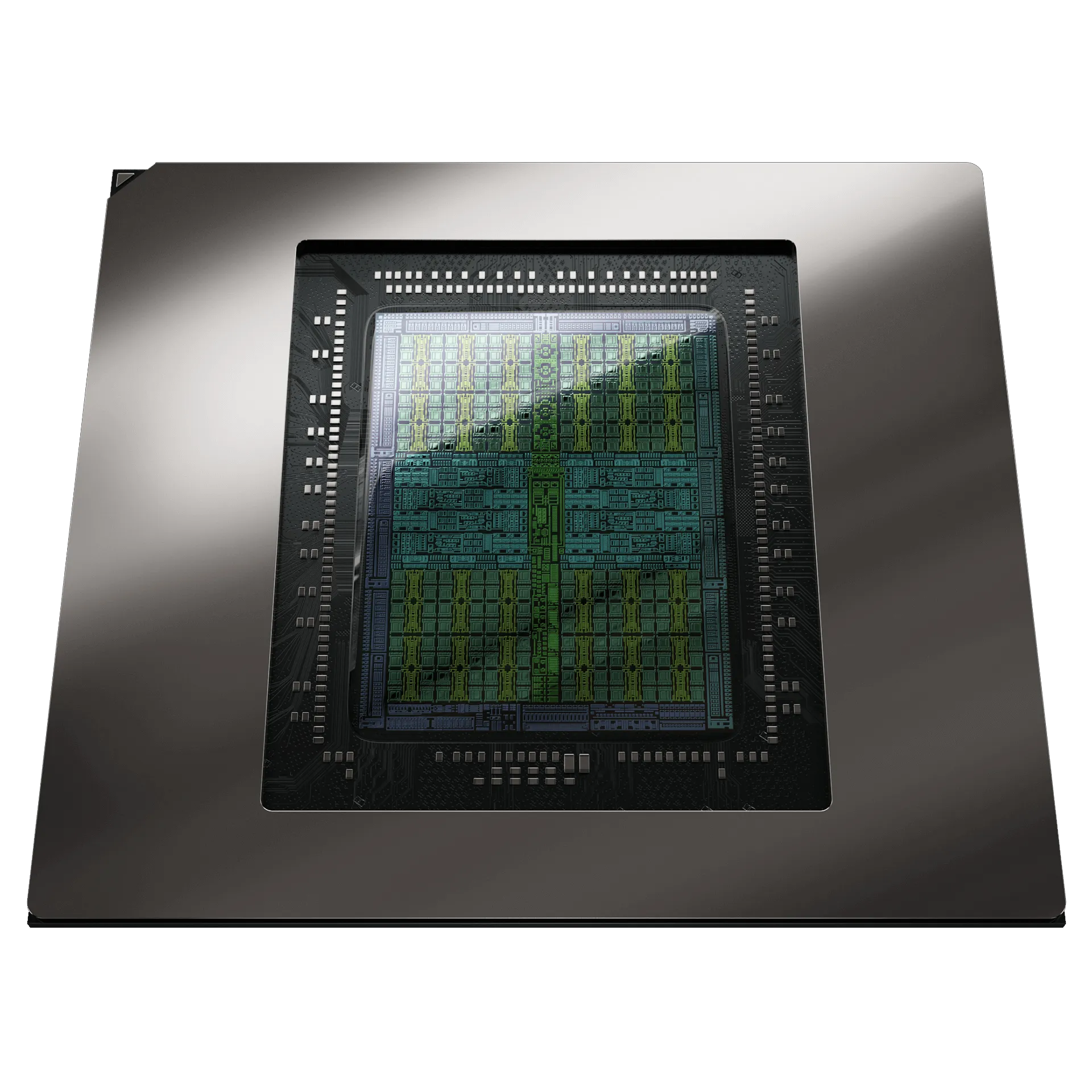
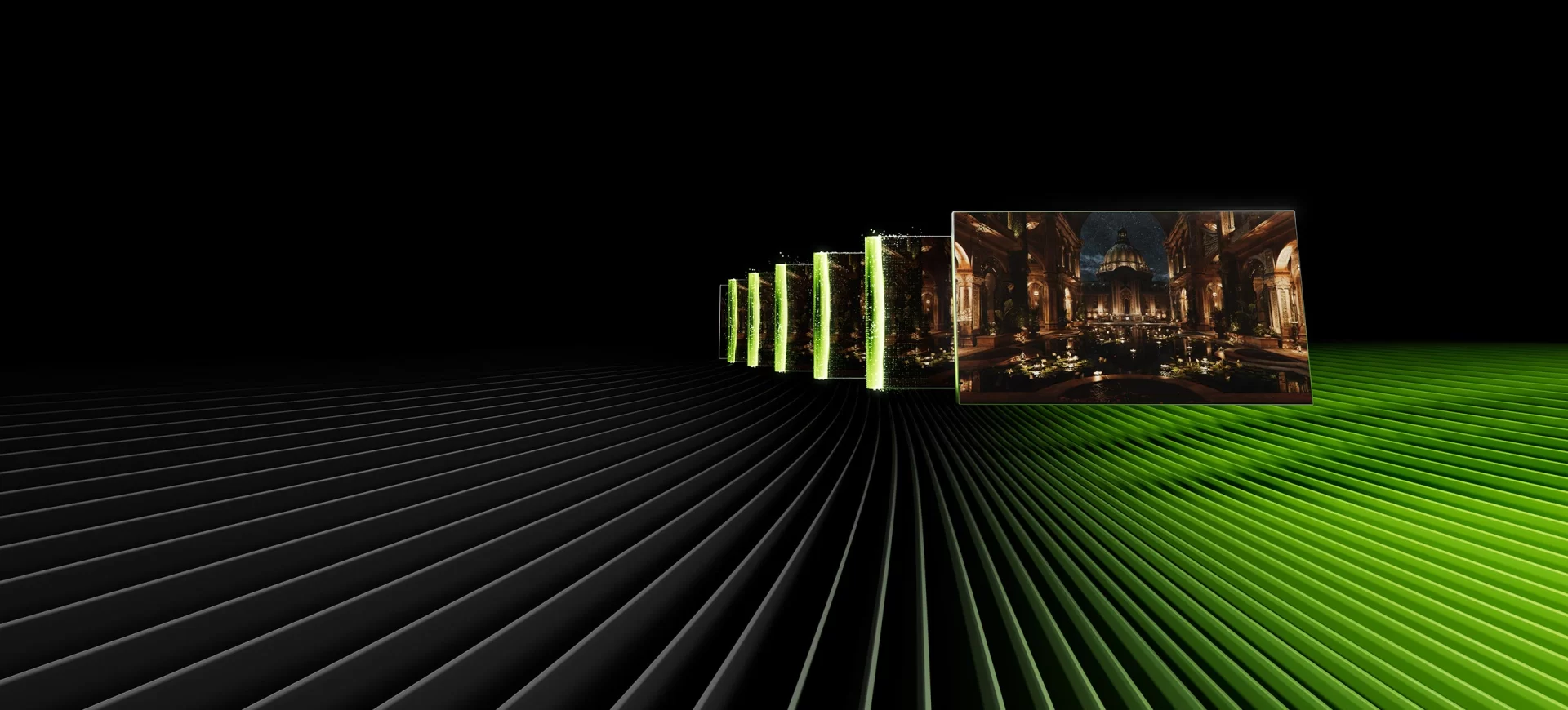
NVIDIA’s Blackwell GPUs bring fifth-generation Tensor cores, fourth-generation ray tracing and DLSS 4.5 with Dynamic Multi Frame Generation. In supported games, these technologies multiply frame rates while keeping image quality high, and Reflex reduces input lag. The 12 GB of GDDR7 on the 5070 Ti gives more room for high-resolution textures than the 8 GB of the RTX 5060 configuration.
Cooling and Power
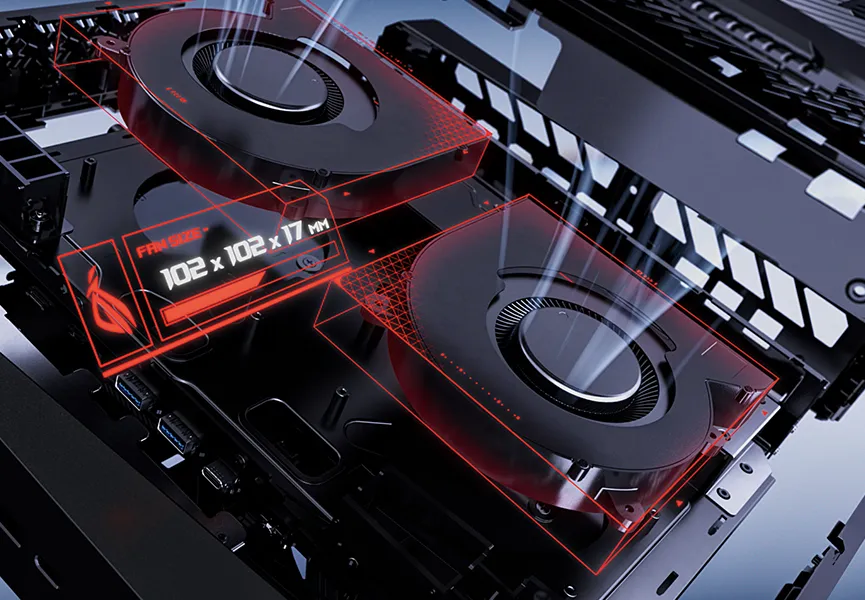
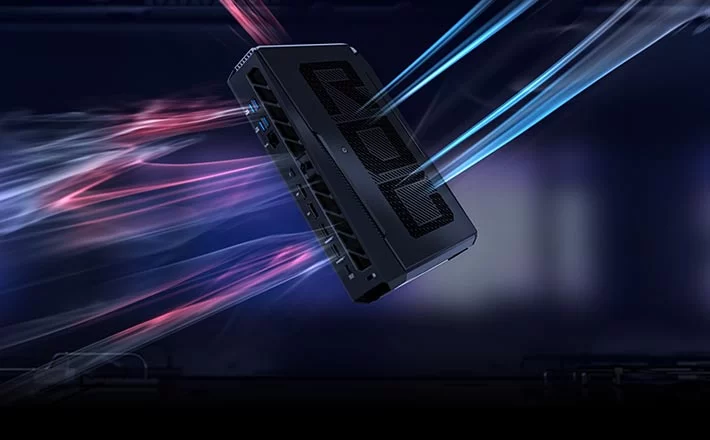
Running a 160 W-capable CPU and a high-end laptop GPU in a small chassis requires strong cooling. ASUS’s QuietFlow system uses three fans and dual vapor chambers, with a 12% increase in CPU thermal capacity according to ASUS, and a 380 W adapter supplies the power. ASUS also states that the ROG NUC 16 passed military-grade durability tests.


Upgradeability
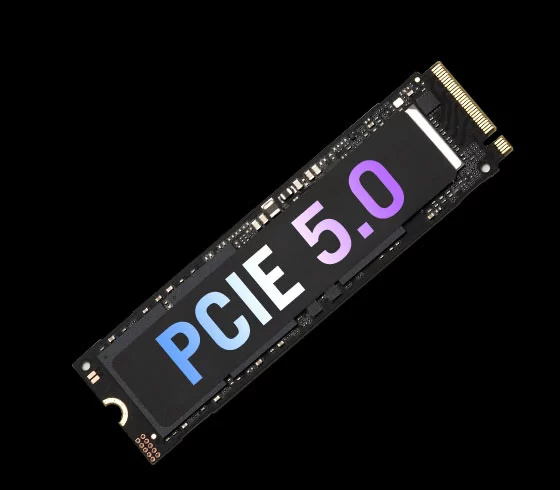
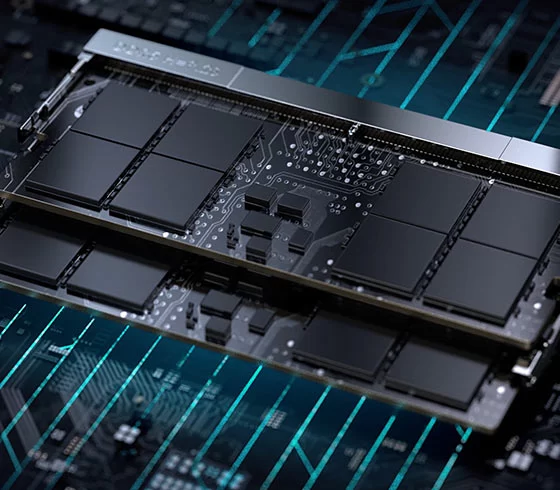
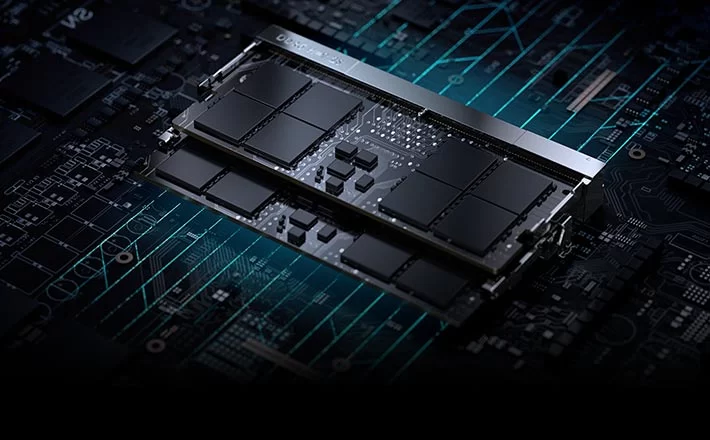
Unlike consoles, the ROG NUC 16 can grow. Memory uses CSO-DIMM or SO-DIMM modules up to 128 GB in total, and the second M.2 slot supports PCIe 5.0 SSDs. For gamers, adding a second large SSD for the game library is the most common upgrade.
Design: Vertical or Horizontal
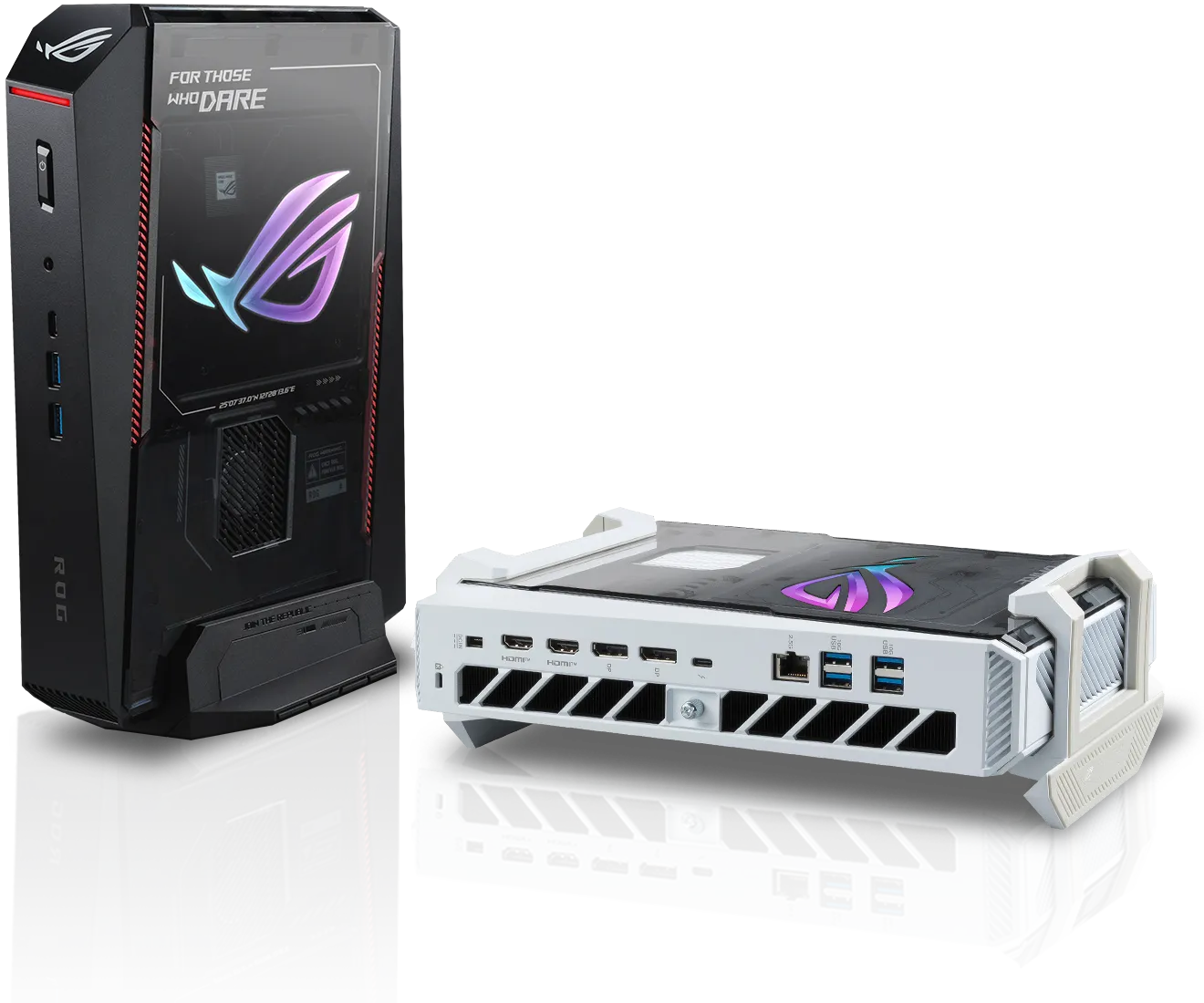
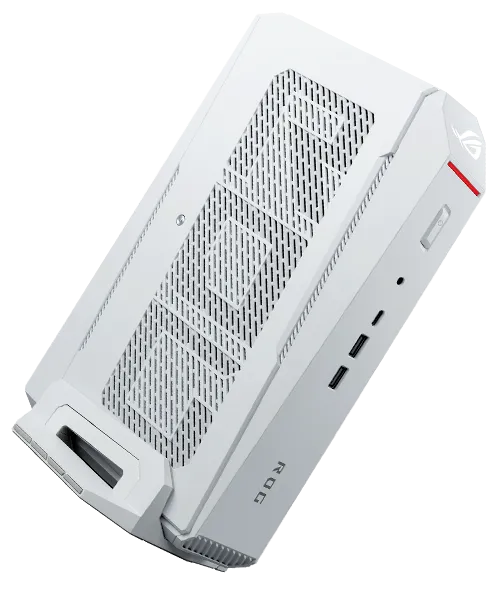
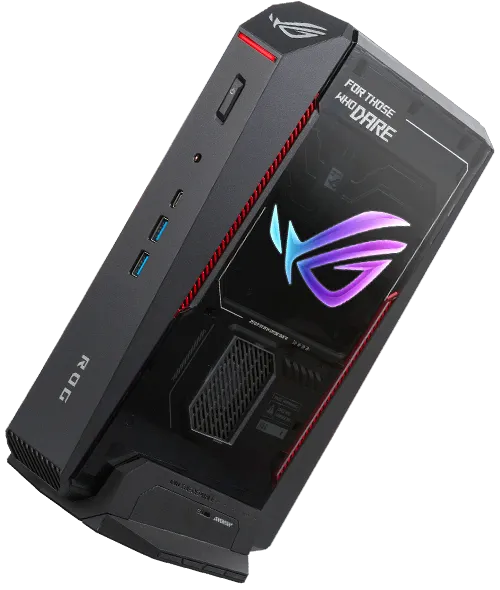
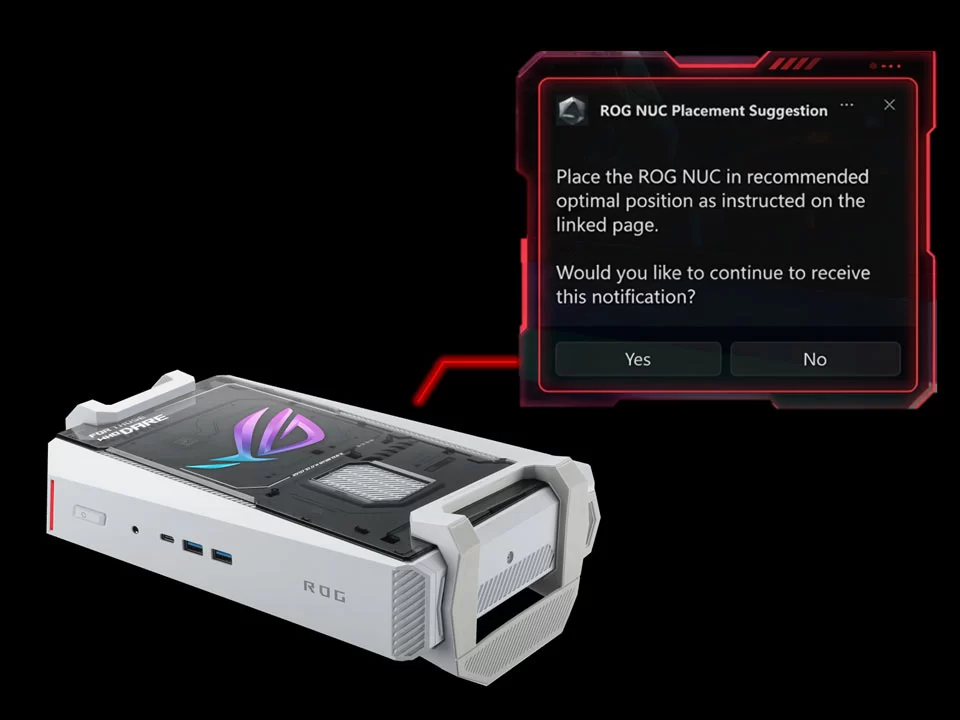
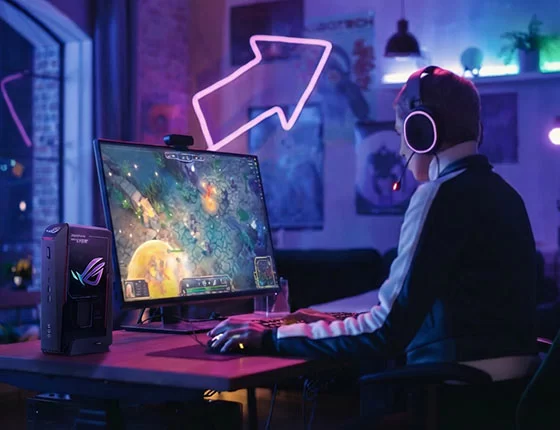
The chassis can stand upright on a removable stand or lie flat under a monitor, and a G-sensor adapts the lighting. In black or white, it looks more like a console than a PC. At 282.5 mm long and over 3 kg, it is larger than a typical mini PC — but far smaller than a gaming tower.

Software and Ecosystem
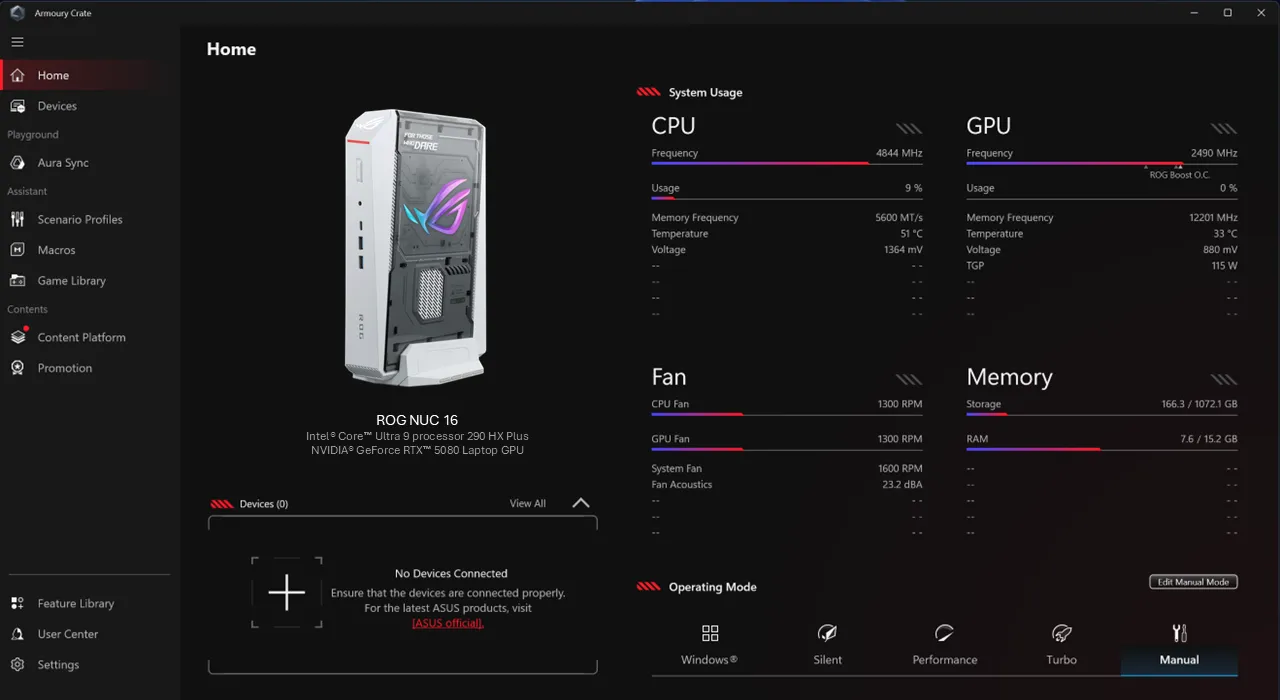
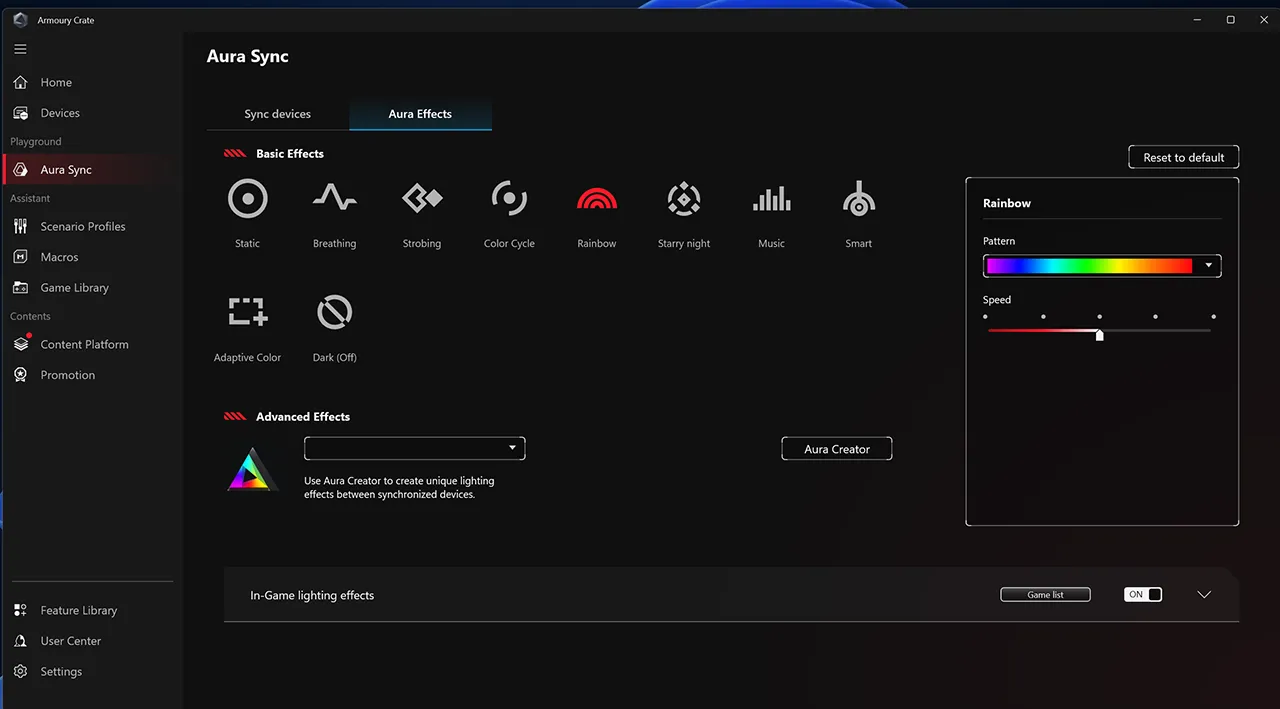
Armoury Crate controls performance modes and lighting, Aura Sync coordinates RGB with other ASUS devices, GlideX links a phone to the PC and Power Sync manages power behaviour. Windows 11 Home is pre-installed.
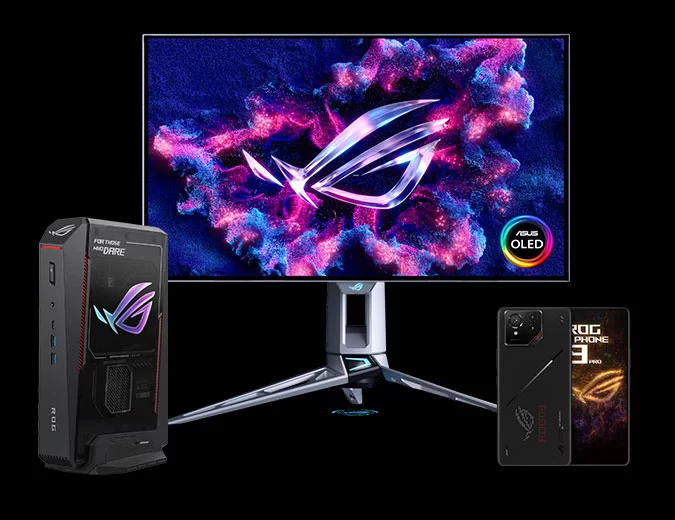
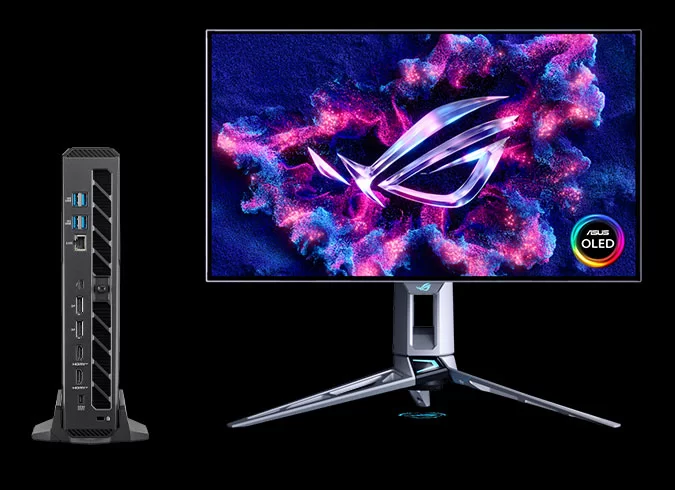
Ports and Displays
Two HDMI 2.1 FRL and two DisplayPort 2.1 outputs, plus Thunderbolt 4 with DP 2.1, support several high-refresh monitors. Seven USB ports (six USB-A 3.2 Gen 2 and a front USB-C) cover controllers, headsets and capture devices.
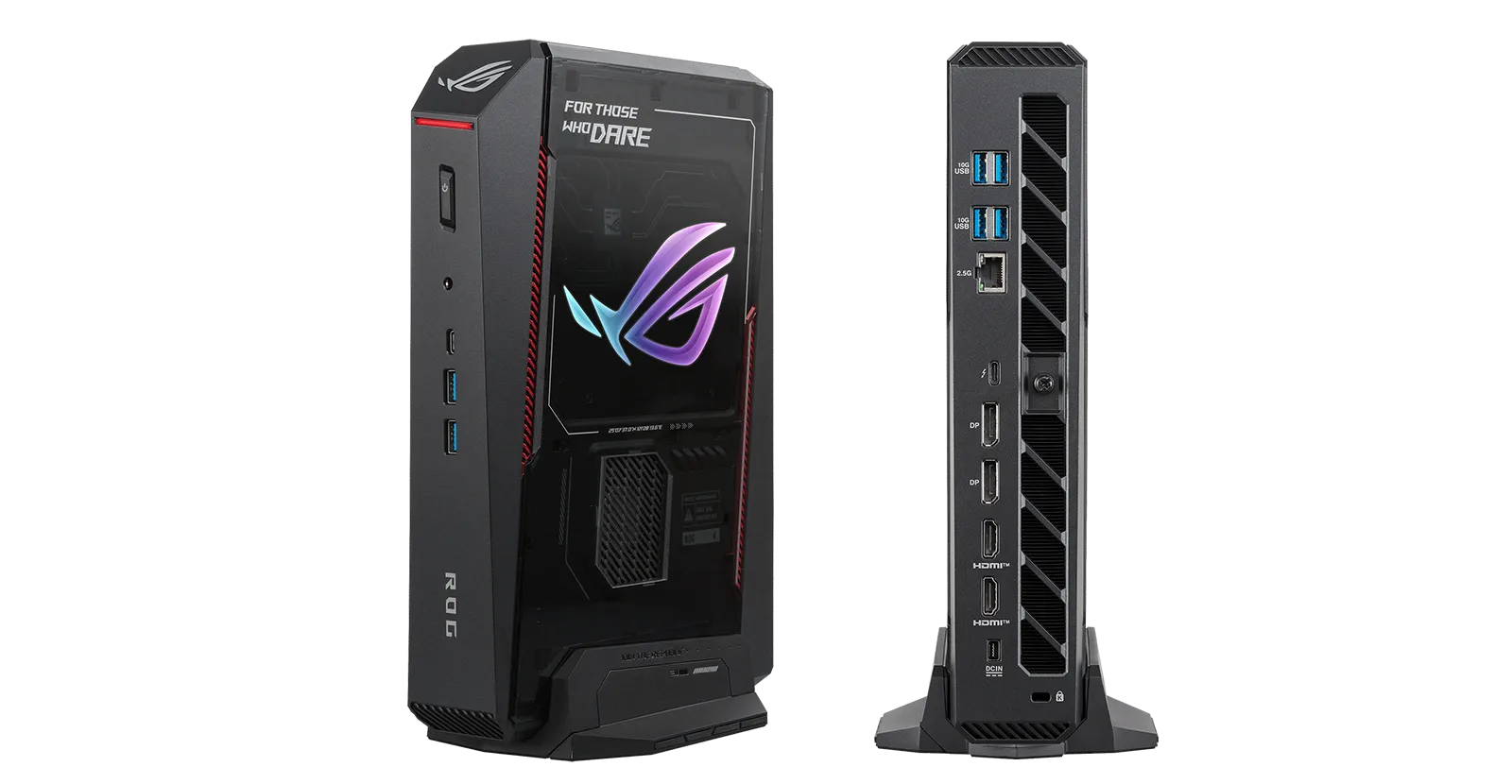

Who Gains Most From It
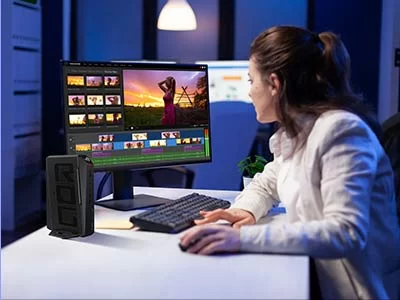
The ROG NUC 16 is aimed at gamers who want high settings in demanding games but do not have space for a tower, streamers who need a strong NVIDIA encoder and GPU, and creators who use CUDA-accelerated applications for video, 3D or AI. Families looking for a living-room gaming PC that looks like a console will also find it attractive. It is not for buyers who mainly browse and work in office applications — a much cheaper mini PC covers those tasks — or for those who want the smallest possible computer, because at over 3 kg it is closer to a compact gaming desktop than a palm-sized box.
Setting It Up for Gaming
After first boot, we recommend updating Windows, the NVIDIA driver and Armoury Crate, then choosing a performance mode that balances noise and speed. Installing a second SSD in the PCIe 5.0 slot is the best way to give the game library its own fast drive. A monitor with HDMI 2.1 or DisplayPort 2.1 and a high refresh rate lets the RTX 5070 Ti show what it can do, and enabling DLSS in supported games raises frame rates significantly.
Long-Term Expectations
With 24 CPU cores, a Blackwell GPU with 12 GB of GDDR7, memory upgradeable to 128 GB and a PCIe 5.0 slot, the ROG NUC 16 should run new games well for several years. The GPU cannot be replaced, which is the main difference with a tower PC, so choosing the right GPU tier at purchase is important.
Price and Value
At US $3,199 (and around the same on Amazon), the RTX 5070 Ti configuration costs more than a comparable gaming tower. The premium pays for the compact design, the cooling engineering and the ASUS warranty and software. The RTX 5060 configuration at US $2,499 is the value entry point, and the RTX 5080 models top the range.
How It Compares
- Minisforum AtomMan G7 Pro (RTX 5070): slimmer and cheaper, with an older 14th-gen Core i9.
- GMKtec EVO-X2 (Ryzen AI Max+ 395): no discrete GPU but up to 128 GB of unified memory, better for local AI than for high-end gaming.
- A gaming tower: similar performance for less money, but much larger.
What to Check Before Buying
- Choose the GPU tier carefully: RTX 5060 (8 GB), 5070 Ti (12 GB) or 5080 (16 GB).
- Make sure your desk can accommodate a 282 × 190 mm footprint and 3 kg.
- Check the colour of the exact model number you buy.
- Consider adding a PCIe 5.0 SSD for large game libraries.
Strengths and Limitations
Strengths:
- 24-core Core Ultra 9 290HX Plus up to 160 W
- RTX 5070 Ti with 12 GB GDDR7 and DLSS 4.5
- DDR5-6400 upgradeable to 128 GB
- PCIe 5.0 slot, Wi-Fi 7, Thunderbolt 4
- Quiet triple-fan cooling with dual vapor chambers
- Vertical or horizontal design
Limitations:
- Very high price
- Large and heavy for a mini PC
- Single 2.5 GbE port
- Not a Copilot+ PC
- Large 380 W external adapter
Verdict
The ASUS ROG NUC 16 is one of the most powerful compact gaming PCs available. For gamers who want AAA performance without a tower — and can afford the price — it is a top holiday choice; the RTX 5060 version is the sensible way in for tighter budgets. Our recommendation is the RTX 5070 Ti configuration reviewed here: its 12 GB of GDDR7 give more headroom for high-resolution textures than the 8 GB of the RTX 5060, while costing considerably less than the RTX 5080 models. Paired with a high-refresh 1440p monitor and a fast second SSD for the game library, it makes a compact gaming setup that can replace a tower for most players.
| AI Capabilities | ||||||||||||||
|---|---|---|---|---|---|---|---|---|---|---|---|---|---|---|
|
||||||||||||||
| Processor | ||||||||||||||
|
||||||||||||||
| Ports | ||||||||||||||
|
||||||||||||||
| Network | ||||||||||||||
|
||||||||||||||
| GPU | ||||||||||||||
|
||||||||||||||
| Internal Ports | ||||||||||||||
|
||||||||||||||
| Storage & RAM | ||||||||||||||
|
||||||||||||||
| Power | ||||||||||||||
|
||||||||||||||
| Others Specifications | ||||||||||||||
|
||||||||||||||


More information: ASUS ROG NUC 16 on minis-pc.com
Discover our full Mini PC comparison: minis-pc.com
Article written for minis-pc.com — Mini PC Comparisons and Reviews
Our 2026 Buying Guides & Deals
Disclaimer: This article is for information purposes only. Specifications, prices, coupons and availability may change at any time or contain errors, so please check them on the manufacturer's official website or store before buying. Some links on this page are affiliate links: if you buy through them we may earn a small commission at no extra cost to you.