Running AI models on your own computer — instead of in the cloud — keeps your data private, works without an internet connection and has no subscription or per-use costs. Free tools such as Ollama, LM Studio and llama.cpp make it easy to download and chat with open models, use them for coding, summarise documents or build your own assistants. A mini PC can be an excellent local AI machine, but only if you choose the right one. This guide explains what really matters.
Recommended mini PCs for local AI
| Mini PC | Processor | Memory | Best for |
|---|---|---|---|
| Beelink GTR9 Pro | Ryzen AI Max+ 495 | 128 / 192 GB unified | Largest models, 2× 10GbE |
| MINISFORUM MS-S1 MAX | Ryzen AI Max+ 395 | 64 / 128 GB unified | Large models, clustering, PCIe slot |
| GMKtec EVO-X2 | Ryzen AI Max+ 395 | 64 / 128 GB unified | Entry into Strix Halo |
| MINISFORUM AI X1 Pro | Ryzen AI 9 HX 370 | Up to 128 GB DDR5 (upgradeable) | Upgradeable route, OCuLink eGPU |
| Beelink SER10 MAX | Ryzen AI 9 HX 470 | 32 / 64 GB DDR5 (upgradeable) | Medium models, quiet desk PC |
| Apple Mac mini M6 | Apple M6 | 16–32 GB unified | Small models, silent and efficient |
Memory capacity matters most
A language model has to fit in memory to run well. The required space depends on the number of parameters and the precision (quantisation). Most people run models in 4-bit formats, which reduce memory needs by about four times with only a small loss of quality.
| Model size (parameters) | Memory for a 4-bit model* | Mini PC memory to aim for |
|---|---|---|
| 3–8 billion | about 3–6 GB | 16 GB |
| 12–14 billion | about 8–10 GB | 32 GB |
| 27–32 billion | about 18–22 GB | 32–64 GB |
| 70 billion | about 40–45 GB | 64–96 GB (with GPU memory allocation) |
| 100–120 billion (incl. large MoE models) | about 60–75 GB | 128 GB |
| 200 billion and more | over 110 GB | 128–192 GB, or several PCs linked |
*Approximate values for the model weights in 4-bit quantisation; longer context windows need extra memory. On mini PCs with integrated graphics, the GPU uses part of the system memory, so the total installed memory is what counts.
Memory bandwidth decides the speed
Once a model fits, the speed at which it generates text (tokens per second) depends mainly on memory bandwidth: for every word, the processor reads most of the model’s weights from memory. As a rule of thumb, dividing memory bandwidth by the model’s size gives an upper limit on tokens per second.
- Dual-channel DDR5-5600 (most Ryzen and Intel mini PCs): about 90 GB/s. Good for models up to around 14 billion parameters at comfortable reading speed.
- LPDDR5X-7500 to 8533 (soldered memory on Ryzen AI 300, Core Ultra and similar): around 120–135 GB/s. A noticeable step up.
- AMD Strix Halo (Ryzen AI Max+): about 256 GB/s on a 256-bit bus, with up to 128 GB — or 192 GB on Ryzen AI Max+ 495 models. The best combination of capacity and speed in the mini PC world.
- Apple silicon: unified memory with high bandwidth and excellent software support, limited by the capacity configured at purchase.
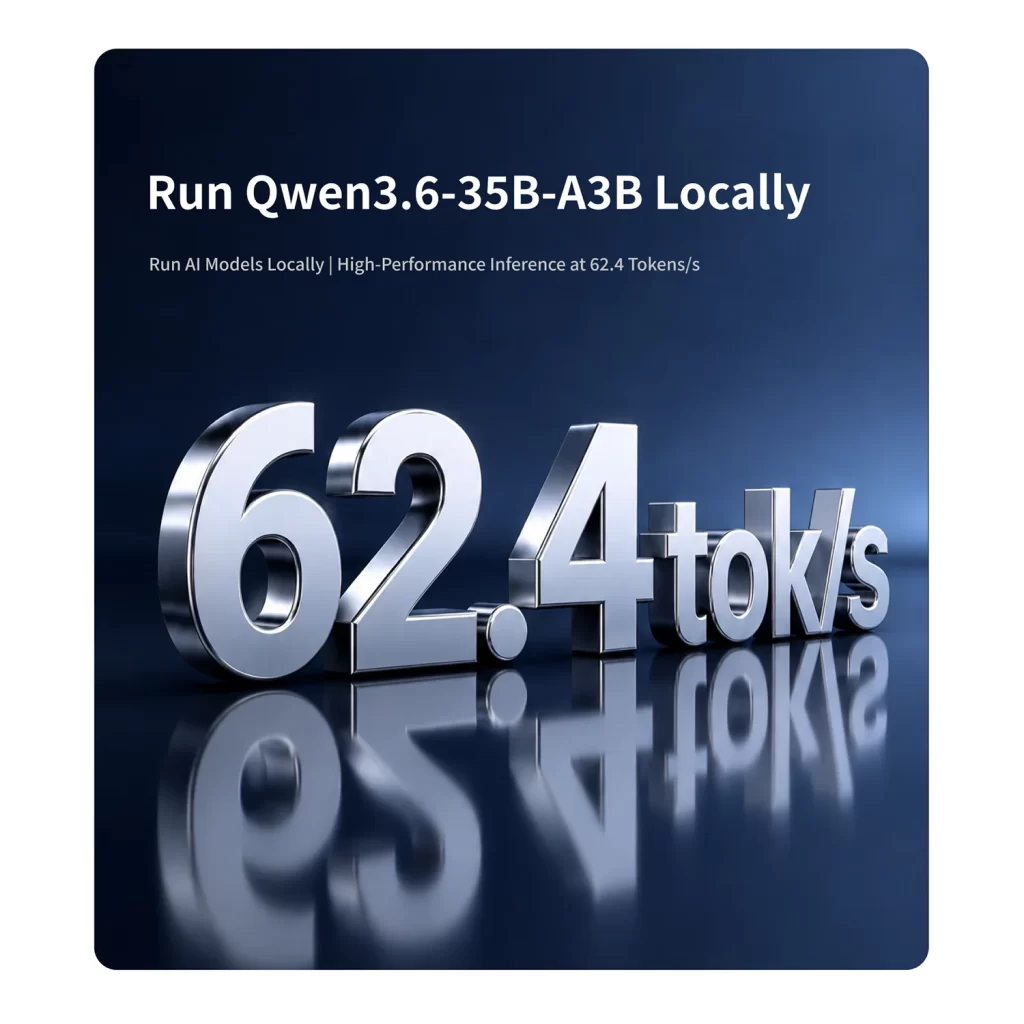
Mixture-of-experts (MoE) models are a special case: they are large, but only a fraction of their parameters is used for each word. They need lots of memory but run surprisingly fast — an ideal match for Strix Halo systems with 128 GB.
CPU, GPU or NPU?
- Integrated GPU: the main workhorse for local language models on mini PCs. Tools such as LM Studio and llama.cpp use the Radeon or Intel Arc GPU through Vulkan, ROCm or other back-ends. In the BIOS of many AMD systems you can increase the memory reserved for graphics.
- CPU: works with any model and is a good fallback, but is usually slower than the GPU for generation.
- NPU: very efficient for small, optimised models and Windows features such as Copilot+, Studio Effects and live captions. Support in popular local-LLM tools is still limited, so do not choose a mini PC for local language models on NPU TOPS alone — memory and GPU matter more. Our NPU guide explains this in detail.
Three ways to build a local AI mini PC
1. Strix Halo: the best all-in-one option
Mini PCs with the Ryzen AI Max+ 395 or 495 combine 128 GB (or 192 GB) of fast unified memory with a strong Radeon 8060S GPU. They can run 70-billion-parameter models and large MoE models at usable speeds, in a quiet box that uses a fraction of the power of a desktop with a big graphics card. Models with dual 10GbE, such as the Beelink GTR9 Pro and MINISFORUM MS-S1 MAX, can even be linked together for the largest models. Our Strix Halo comparison covers every model.
2. Upgradeable DDR5 with lots of memory
A Ryzen AI 300 mini PC with two SO-DIMM slots, such as the MINISFORUM AI X1 Pro (up to 128 GB) or the Beelink SER10 MAX, is a cheaper way to load large models. Generation is slower than on Strix Halo because of the lower bandwidth, but you can start with 32 GB and upgrade later. See our guide to soldered vs upgradeable RAM.
3. A mini PC plus an external graphics card
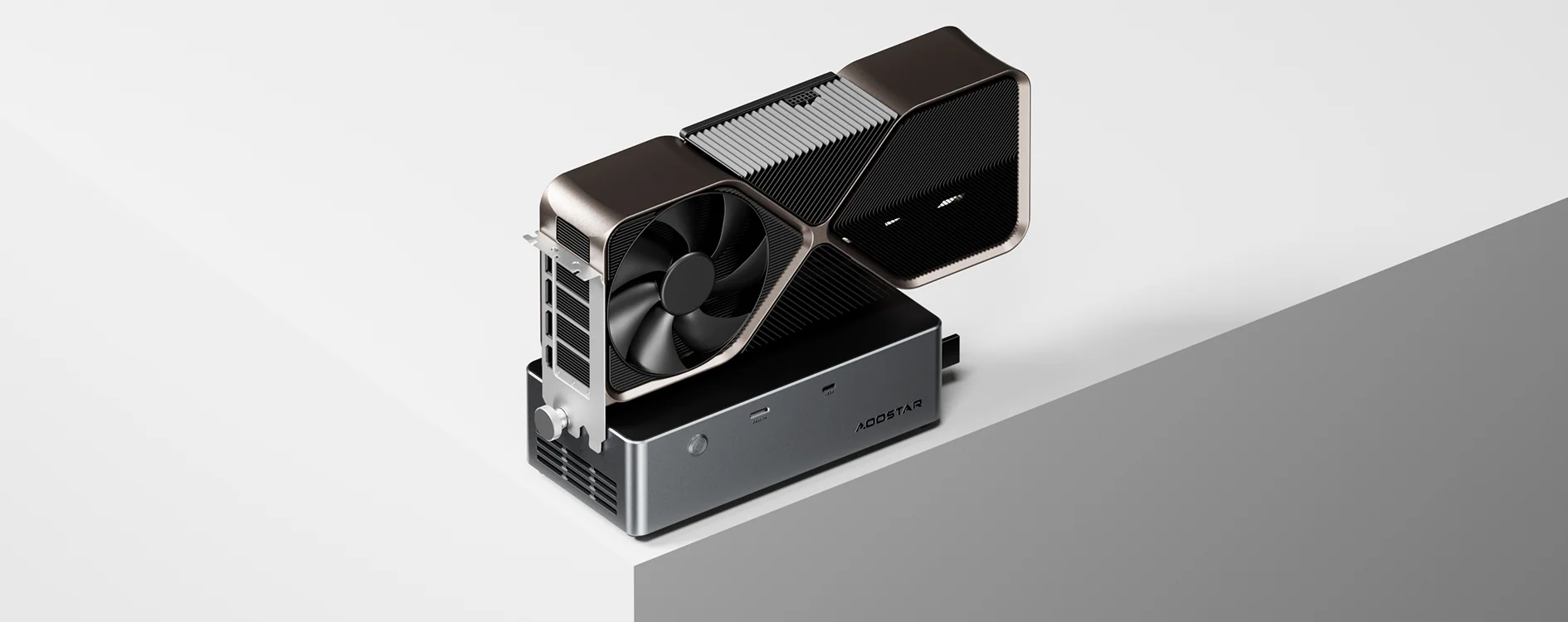
For the fastest generation with small and medium models, a desktop graphics card with 16–24 GB of video memory in an OCuLink or USB4 dock is hard to beat. The limit is the card’s memory: models that do not fit slow down dramatically. Our external GPU guide explains the options.
What about the Mac mini?
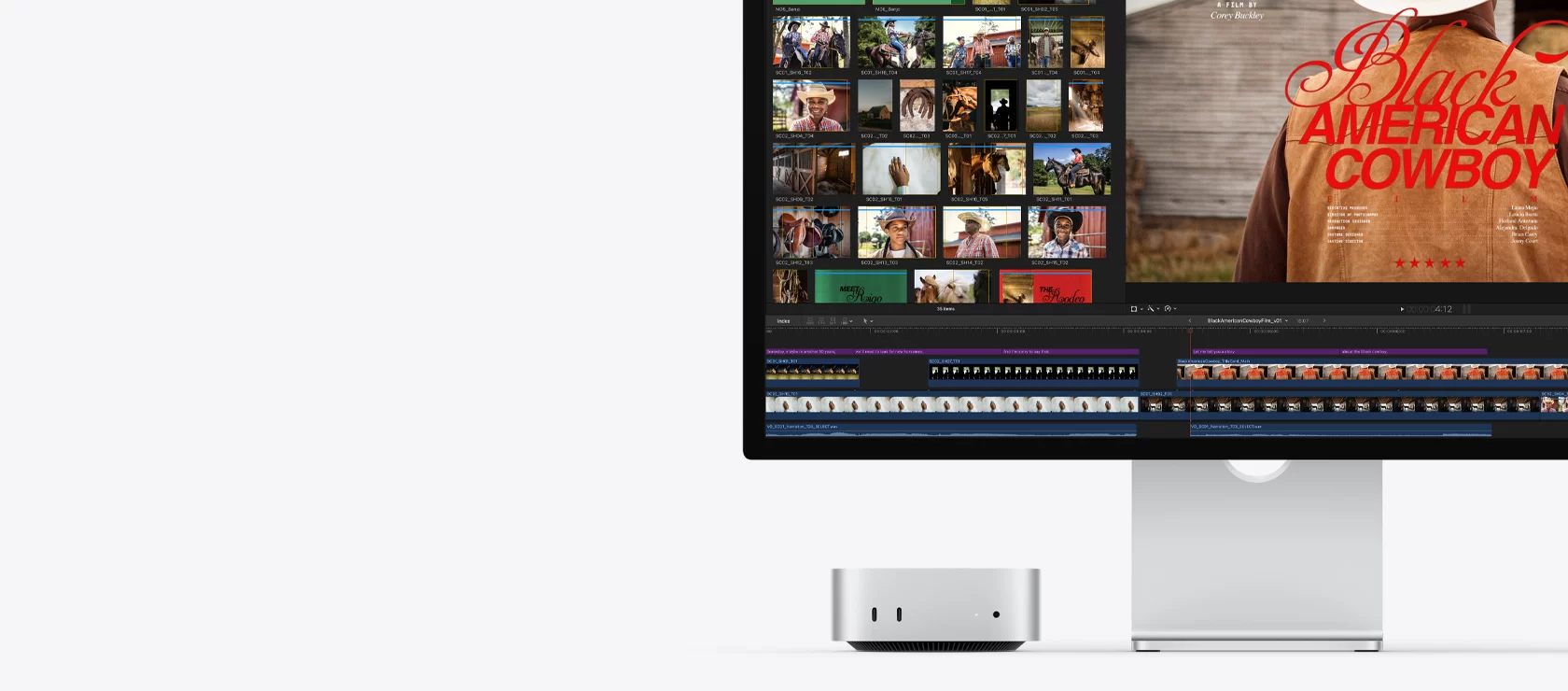
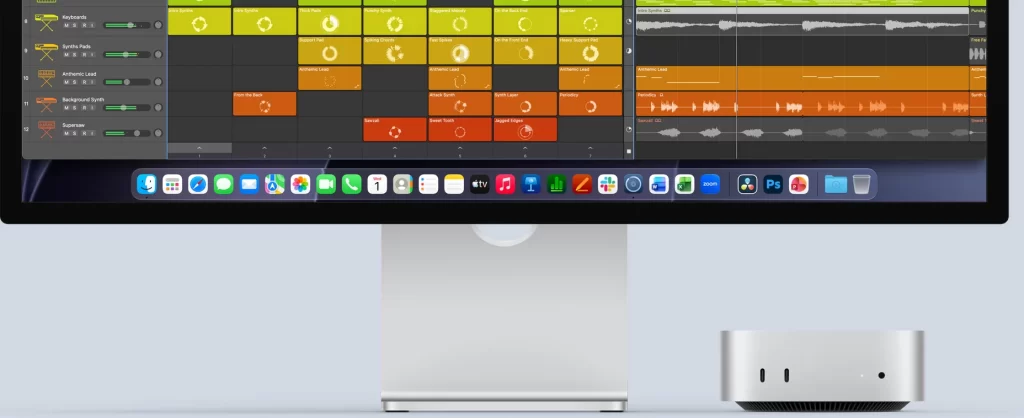
Apple’s Mac mini runs local models very efficiently thanks to its unified memory and well-optimised software such as LM Studio and Ollama with Apple’s own back-ends. Its main limitation is that memory is fixed at purchase, and higher capacities are expensive. For small and medium models, it is a quiet, simple and very efficient option.
Getting started
- Install a tool: LM Studio offers a friendly interface; Ollama is simple from the command line and integrates with many apps; llama.cpp gives the most control.
- Choose a model that fits: start with a 7–14 billion parameter model in 4-bit format, then try larger ones if your memory allows.
- Enable GPU acceleration and, on AMD systems, check the graphics memory allocation in the BIOS or driver.
- Keep drivers updated: GPU and AI software improve quickly, and updates often bring big speed gains.
- Use a quiet power mode for long sessions if noise matters; generation speed drops only slightly.
Which mini PC should you buy?
- Casual use and small models (up to 14B): any modern mini PC with 32 GB of DDR5 or LPDDR5X.
- Medium models and a growing setup: an upgradeable Ryzen AI 300 system with 64–128 GB, such as the AI X1 Pro.
- Large models and the best speed in a small box: a Strix Halo mini PC with 128 GB — or 192 GB on the GTR9 Pro.
- Silence and simplicity: a Mac mini with as much memory as your budget allows.
Conclusion
For local AI, think memory first: capacity decides which models you can run, and bandwidth decides how fast they answer. NPU TOPS figures matter much less than marketing suggests. With the right configuration, a mini PC can run powerful AI models privately, quietly and without monthly fees.
Our 2026 Buying Guides & Deals
Disclaimer: This article is for information purposes only. Specifications, prices, coupons and availability may change at any time or contain errors, so please check them on the manufacturer's official website or store before buying. Some links on this page are affiliate links: if you buy through them we may earn a small commission at no extra cost to you.