Not everyone needs a powerful computer. For homework, office documents, video calls and streaming, a small, quiet and inexpensive mini PC is enough — and the Beelink Mini S13 is one of the most popular examples. Around US $239 buys an Intel N150 processor, 16 GB of memory, a 500 GB SSD and Windows 11 Pro in a box the size of a palm.
What you get
The Mini S13 replaced the Mini S12 Pro and moved from the N100 to the slightly faster Intel N150: four cores up to 3.6 GHz, run by Beelink at up to 25 W. Memory is 16 GB of DDR4-3200 in one SO-DIMM slot, storage is a 500 GB M.2 SSD with a second M.2 slot, and connectivity includes two HDMI outputs for two 4K monitors, four USB-A 10 Gbps ports, Wi-Fi 6, Bluetooth 5.2 and Gigabit Ethernet on most units.
Everyday performance
For the tasks it is designed for — browsing with many tabs, Microsoft Office or Google Docs, video calls, online classes and 4K video — the N150 is responsive and quiet. It struggles with heavy multitasking, photo and video editing and modern games, and single-channel memory limits the integrated graphics. Think of it as a replacement for an old office desktop, not as a workstation.
Graphics, video and two monitors
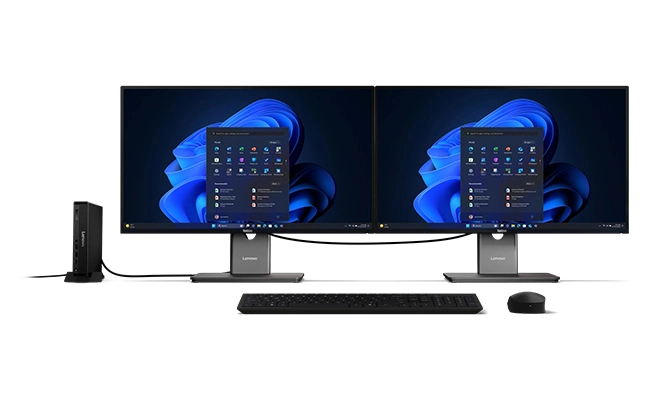
The integrated Intel UHD Graphics are modest, but they do the important things well. Two HDMI ports drive two 4K screens at 60 Hz, which is ideal for spreadsheets on one monitor and email or a browser on the other. The media engine decodes H.264, HEVC, VP9 and AV1 in hardware, so 4K streaming on YouTube or Netflix in a browser plays smoothly with low processor load. Older and lighter games, emulators of classic consoles and cloud gaming services work; modern 3D titles do not.
Storage: the most useful upgrade
Storage is where the Mini S13 shines for its price. Inside there are two M.2 2280 slots: the main one is PCIe 3.0 ×4 and accepts NVMe or SATA drives, and the second is PCIe 3.0 ×1 for an NVMe drive, each up to 2 TB. Depending on the batch, the pre-installed 500 GB drive may be SATA, reading at around 500 MB/s. Replacing it with an inexpensive NVMe SSD makes Windows start and apps open noticeably faster, and the second slot is perfect for a media library or backups. Our step-by-step SSD upgrade guide explains how to clone the system drive.
Memory: replaceable, but capped
The 16 GB DDR4-3200 module sits in a single SO-DIMM slot and is not soldered, so it can be replaced if it fails. However, the N150 platform used here supports a maximum of 16 GB in one channel, so there is no capacity upgrade. For browsers, Office, video calls and lightweight servers, 16 GB is enough; for virtual machines or many Docker containers, it is a real limit.
Noise, heat and power consumption
A small fan and heatsink keep the processor cool with a 25 W power limit. In everyday office use the fan is barely audible, and under sustained load it becomes noticeable but not intrusive. The external 36 W adapter and an idle consumption of only a few watts mean low electricity costs even when the computer runs all day, which is exactly what you want from a home server or a digital-signage player.
Design and mounting
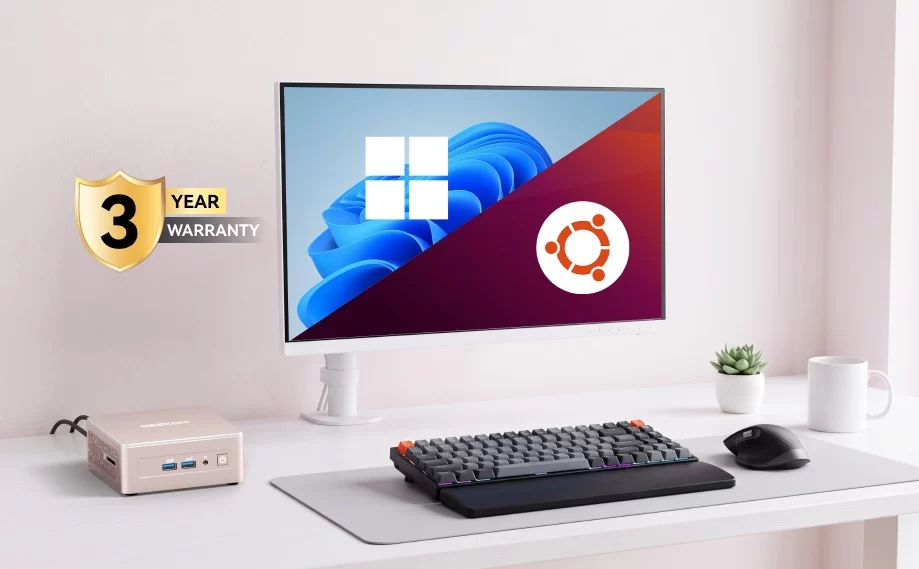
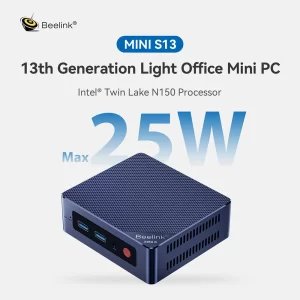
The blue chassis with a red power button is about 115 × 102 × 39 mm (dimensions vary slightly between listings) and weighs around 280 g. The included VESA bracket lets you hide it behind a monitor or TV, turning any screen into an all-in-one computer. Beelink backs the model with a three-year warranty.
A surprisingly good home server
The Mini S13’s low power consumption makes it attractive for running 24 hours a day. Intel Quick Sync allows a Plex or Jellyfin server to transcode video efficiently, and Home Assistant, Pi-hole or a small file server run comfortably. The two M.2 slots let you add a second drive for media, and Beelink’s Mate MINI S dock adds four 2.5GbE ports for router or home-lab projects. Our guide to using a mini PC as a home server covers these uses in detail.
Limits to be aware of
The memory is capped at 16 GB in single channel, so there is no meaningful RAM upgrade. There is no USB-C and no card reader. Most units have a single Gigabit Ethernet port. Some batches ship with a SATA M.2 drive, which is slower than NVMe — replacing it with an NVMe SSD in the ×4 slot is the most useful upgrade. And the N150 has no NPU, so Copilot+ features are not available. Beelink also no longer lists the Mini S13 in its own store, although it remains easy to find at retailers.
Mini S13 vs Beelink EQ14 and rivals
Beelink’s EQ14 uses the same N150 but adds a built-in power supply, dual 2.5GbE and two PCIe M.2 slots, for around US $379 — the better choice for a home server or a cleaner desk. The GMKtec NucBox G3S with the older N95 costs a little more but has a slightly different port layout, and the ACEMAGIC Vista V1 with N150 adds DisplayPort and is even smaller. If you need more performance on a budget, a Ryzen-based model such as the BOSGAME E5 offers eight threads and dual-channel memory for a little more money.
Who should buy it?
The Mini S13 is a good choice for students, families and small offices that need a simple, reliable Windows computer, for living-room media players, for digital signage and for anyone starting a first home server. Users who need USB-C, more memory, faster networking or a built-in power supply should look at the EQ14 or a Ryzen-based mini PC.
Verdict
The Beelink Mini S13 does exactly what an entry-level mini PC should: it is cheap, quiet, efficient and expandable on storage. Its limits — 16 GB single-channel memory, no USB-C and basic networking — are acceptable at around US $239, and its low power use makes it as useful as a home server as it is on an office desk.
| AI Capabilities | ||||||||||||||
|---|---|---|---|---|---|---|---|---|---|---|---|---|---|---|
|
||||||||||||||
| Processor | ||||||||||||||
|
||||||||||||||
| Ports | ||||||||||||||
|
||||||||||||||
| Network | ||||||||||||||
|
||||||||||||||
| GPU | ||||||||||||||
|
||||||||||||||
| Internal Ports | ||||||||||||||
|
||||||||||||||
| Storage & RAM | ||||||||||||||
|
||||||||||||||
| Power | ||||||||||||||
|
||||||||||||||
| Others Specifications | ||||||||||||||
|
||||||||||||||
| Specification | ||||||||||||||
|
||||||||||||||


More information: Beelink Mini S13 on minis-pc.com
Discover our full Mini PC comparison: minis-pc.com
Article written for minis-pc.com — Mini PC Comparisons and Reviews
Our 2026 Buying Guides & Deals
Disclaimer: This article is for information purposes only. Specifications, prices, coupons and availability may change at any time or contain errors, so please check them on the manufacturer's official website or store before buying. Some links on this page are affiliate links: if you buy through them we may earn a small commission at no extra cost to you.