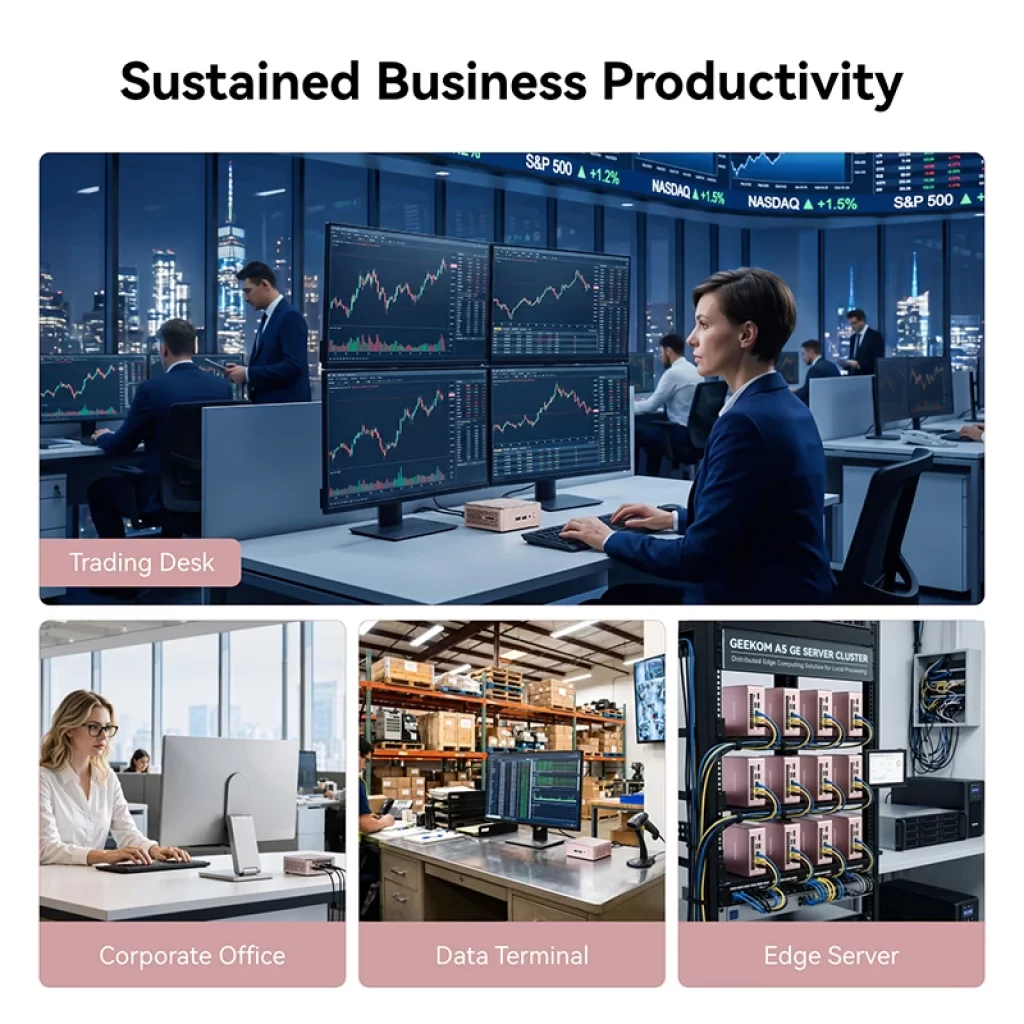
For offices, home offices and small businesses, a mini PC is often a better choice than a traditional desktop tower. It takes almost no desk space, can be mounted behind a monitor, uses a fraction of the electricity and is quiet enough for meeting rooms and reception desks. Modern models also drive several monitors and run Windows 11 Pro smoothly. This guide explains what really matters for office and business use, and which mini PCs we recommend.
Our recommended office mini PCs
| Mini PC | Processor | Memory | Best for |
|---|---|---|---|
| Beelink EQ14 | Intel N150 | 16 GB | Reception, kiosks, basic office |
| GEEKOM A5 2027 Edition | Ryzen 7 7730U | 16 GB | Everyday office, four displays |
| Lenovo ThinkCentre M70q Gen 6 Tiny | Core Ultra 5 225T | Configurable | Corporate fleets |
| MSI Cubi NUC AI+ 3MG | Core Ultra 5 | Barebone | Copilot+ and Thunderbolt docks |
| GEEKOM IT13 2025 Edition | Core i9-13900HK | 32 GB | Power users, four displays |
| Beelink EQi | Intel Core 3 304 | 16 GB | Small office server, Thunderbolt |
How much performance do you need?
- Basic office work (email, web apps, documents, video calls): an Intel N150 or N-series mini PC with 16 GB is enough, and costs very little to buy and run.
- Power users (large spreadsheets, many browser tabs, several monitors, light photo editing): a Ryzen 5/7 or Intel Core / Core Ultra with 16–32 GB.
- Developers, analysts and creative staff: 8 or more cores and 32–64 GB of upgradeable memory, such as a Ryzen 7 or Core i7/i9 system.
- AI features at work: Copilot+ PCs (NPU of 40 TOPS or more) add features such as Recall, live captions with translation and advanced video-call effects. Useful, but not essential for most office tasks.
Features that matter in an office
Windows 11 Pro
Windows 11 Pro adds BitLocker drive encryption, joining a company domain or Microsoft Entra ID, Group Policy, Remote Desktop hosting and Hyper-V. Many mini PCs include Pro; budget models often come with Home, which can be upgraded at extra cost. Check the operating system in each product page.
Multiple monitors
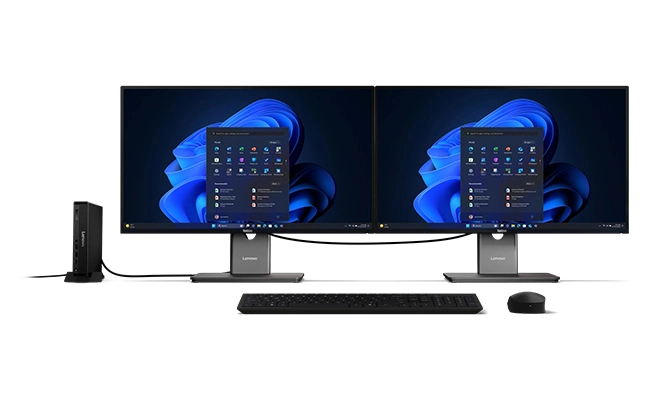
Two or three screens make office work much more productive. Most mini PCs support at least two displays; models with two HDMI ports plus USB4 or Thunderbolt can drive three or four. A USB4 or Thunderbolt port also allows a single-cable connection to a monitor with a built-in hub. Our ports guide explains the differences.
VESA mounting
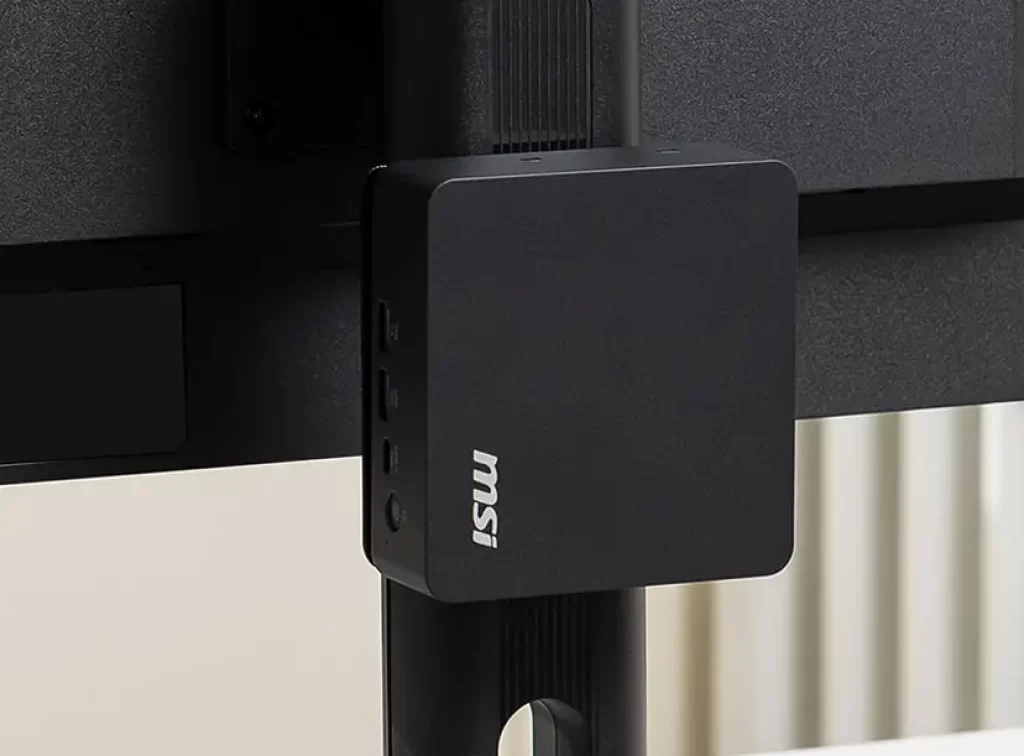
Most office mini PCs include a VESA bracket to mount them behind the monitor, turning any screen into an all-in-one PC and keeping desks clear. Check that the ports you need remain accessible once mounted.
Networking and security
Wired Ethernet is preferable in offices; 2.5GbE is now common and useful for fast file servers. Business models may add features such as a Kensington lock slot, fingerprint readers for Windows Hello, a firmware TPM for BitLocker and remote management. Intel vPro and AMD PRO processors offer advanced fleet management for IT departments.
Warranty and support
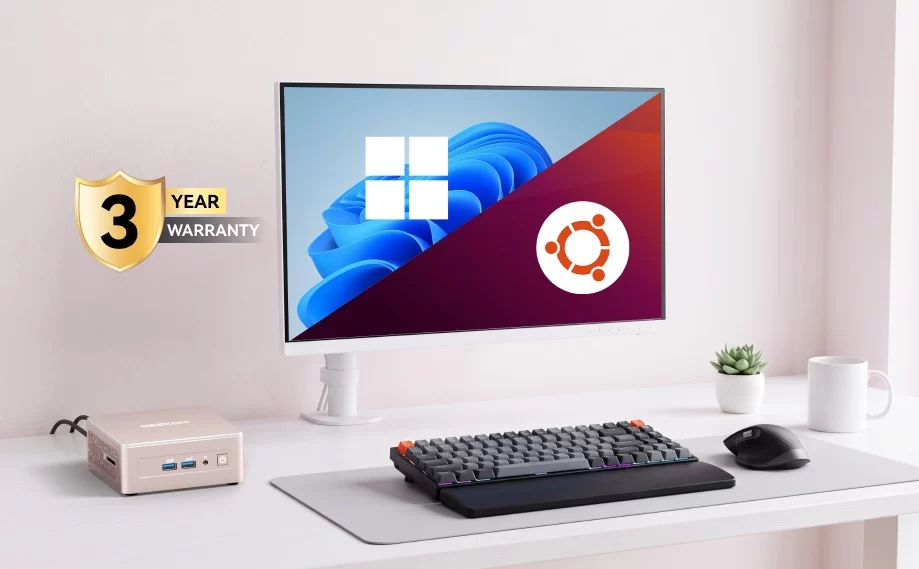
For a business, warranty and support matter as much as performance. Brands such as Lenovo offer business warranties with on-site service options, and some mini PC brands such as GEEKOM and Beelink offer three-year warranties on many models. Check the warranty period and the support channels available in your country.
Noise and power consumption
A quiet PC matters in shared offices and meeting rooms. Low-power processors such as the Intel N150 are practically silent, while more powerful systems can be configured with quieter BIOS power modes — see our guide to fan noise and BIOS power modes. Over a year, a mini PC typically uses far less electricity than a desktop tower, which adds up across many workstations.
Which mini PC for which office?
- Reception desks, kiosks and thin clients: Beelink EQ14 — Intel N150, very quiet, built-in power supply, two HDMI outputs.
- Everyday office work with up to four monitors: GEEKOM A5 2027 Edition — Ryzen 7, 16 GB and four 4K displays at a modest price.
- Corporate fleets: Lenovo ThinkCentre M70q Gen 6 Tiny — a business brand with configurable options, management features and business support.
- Copilot+ features and Thunderbolt docks: MSI Cubi NUC AI+ 3MG — barebone with Thunderbolt 4 and a Copilot+ NPU.
- Power users and analysts: GEEKOM IT13 2025 Edition — Core i9, 32 GB, two USB4 ports and four displays, with a three-year warranty.
- Small office server and fast networking: Beelink EQi — Intel Core 3, two Thunderbolt 4 ports and fast Ethernet, with Windows 11 Pro.
Setting up mini PCs for the office
- Enable BitLocker on Windows 11 Pro to protect data if a PC is lost or stolen.
- Set the BIOS to power on after a power cut for unattended machines, and enable Wake-on-LAN for remote maintenance.
- Keep firmware and drivers updated through the manufacturer’s support page.
- Use a USB4 or Thunderbolt dock for hot-desking: one cable connects monitors, keyboard, mouse and network.
- Choose models with upgradeable memory and two M.2 slots to extend their working life.
Conclusion
For most offices, a mini PC is the smarter desktop: smaller, quieter, cheaper to run and powerful enough for everyday work. Choose the processor for the most demanding task your staff perform, make sure you have Windows 11 Pro, enough monitor outputs and a solid warranty — and enjoy clean, uncluttered desks.
Our 2026 Buying Guides & Deals
Disclaimer: This article is for information purposes only. Specifications, prices, coupons and availability may change at any time or contain errors, so please check them on the manufacturer's official website or store before buying. Some links on this page are affiliate links: if you buy through them we may earn a small commission at no extra cost to you.