
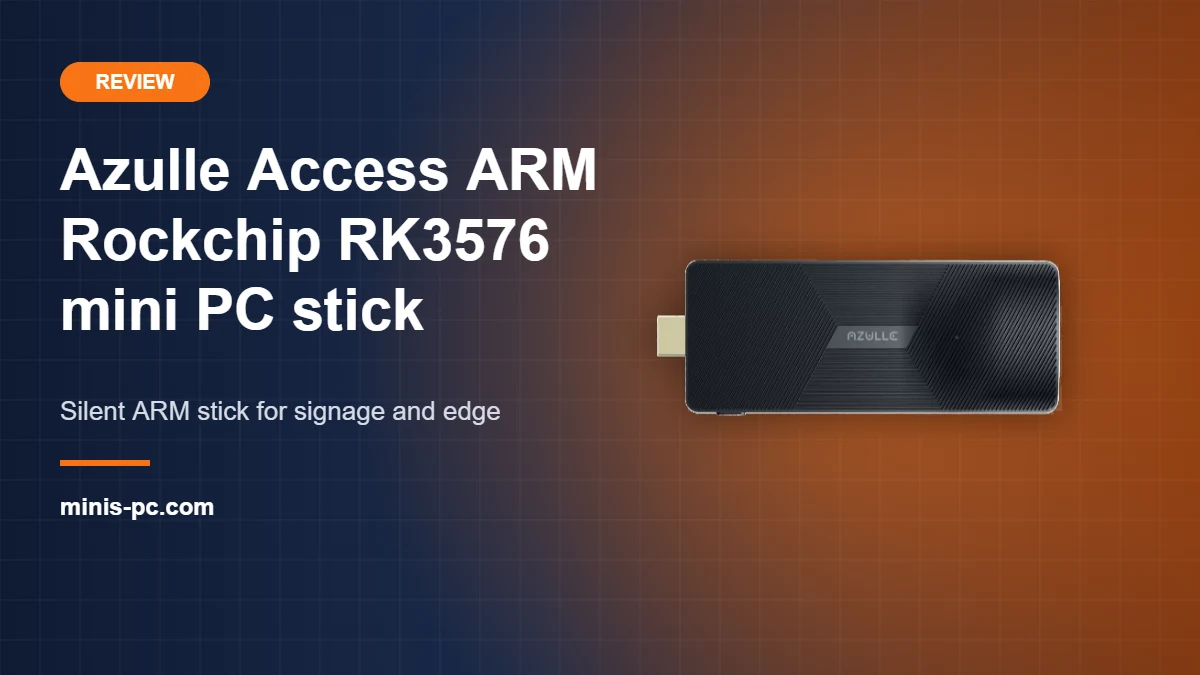
Not every screen needs a Windows PC behind it. Menu boards, lobby displays, information kiosks and dashboards mostly need something silent, reliable, cheap to run and easy to manage. That is the idea behind the Azulle Access ARM: a fanless HDMI stick that swaps Intel for a Rockchip RK3576 ARM processor and Windows for Linux or Android 14. It is a very different product from Azulle’s Intel-based Access Pro, and it is important to understand those differences before buying.
ARM instead of x86: what changes
The RK3576 uses the same ARM architecture as smartphones, tablets and many single-board computers. Its eight cores — four Cortex-A72 up to 2.2 GHz and four Cortex-A53 — consume very little power and produce little heat, which suits a sealed, fanless stick. The flip side is software: Windows is not supported, and x86 desktop applications will not run. Everything must come from the Linux or Android ecosystems. For signage players, web-based dashboards, kiosk apps, MQTT or Node-RED gateways and containers built for ARM, that is not a problem; for office users, it is a deal-breaker.
Performance in practice
For its intended jobs, the RK3576 is comfortable. A signage loop in 4K, a browser kiosk, a digital menu or a building dashboard run smoothly, and the video engine decodes modern codecs in hardware. As a general-purpose desktop with a full Ubuntu environment it is usable for light browsing and terminal work, but noticeably slower than an Intel N100 or N150. Choose the 8 GB model if you plan to run a desktop environment or several services; 4 GB is enough for a single application.
HDMI 2.1 and CEC: built for screens
The stick’s male HDMI 2.1 connector outputs up to 4K at 120 Hz — more than the 4K at 60 Hz of the Intel Access Pro. More importantly for signage, it supports HDMI-CEC, which lets the player control the display: turning screens on and off on a schedule, changing inputs or adjusting volume without a separate remote or serial cable. In a deployment of dozens of screens, that saves energy and support visits.

A small NPU for edge vision
The RK3576 includes a 6 TOPS NPU. It will not run large chatbots, but it is well suited to computer vision at the edge: counting people in front of a display, detecting whether a shelf is empty, reading QR codes or recognising simple gestures. Rockchip’s RKNN toolkit converts common models for the NPU on Linux and Android. For an integrator, that means some audience analytics or interactive features can run on the player itself, without a separate AI box.
Connectivity
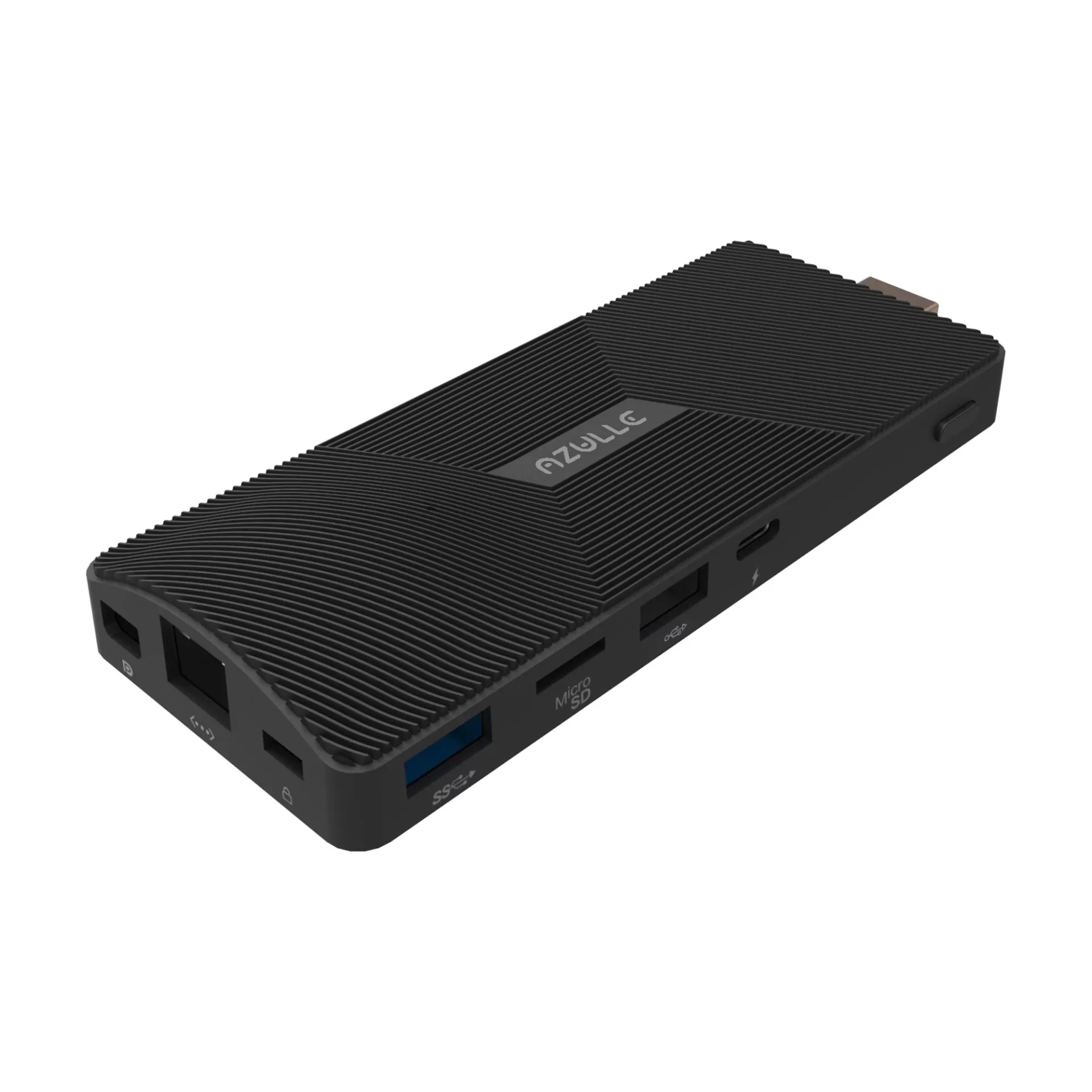
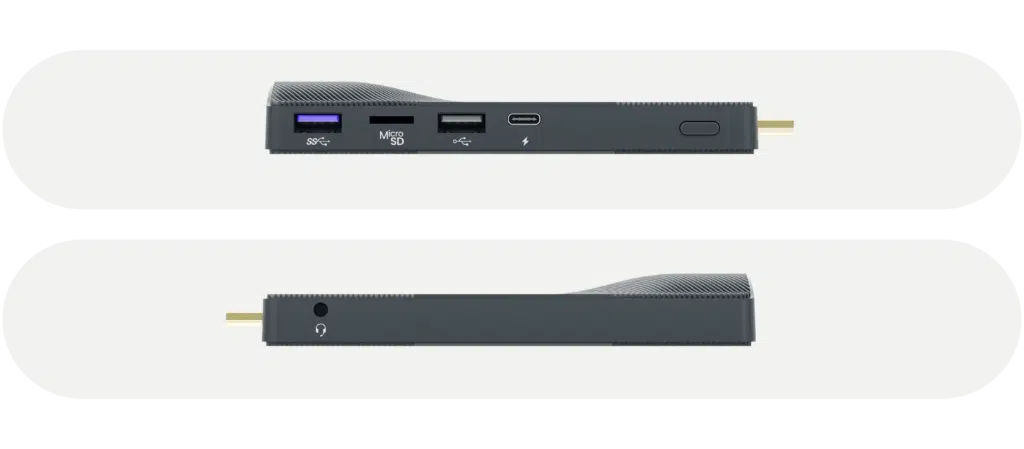
Like the Access Pro, the Access ARM includes a full-size Gigabit Ethernet port — the most reliable way to connect signage players. Wireless is Wi-Fi 5 and Bluetooth 5.2, adequate for content updates and peripherals. There is one USB 3.1 and one USB 2.0 port for a touch screen, camera or keyboard, a microSD slot for content and a combo audio jack. Power arrives over USB-C from the included 12 V adapter.

Silent, cool and maintenance-free
With no fan and a low-power ARM processor, the Access ARM runs silently and stays cool. There are no moving parts to fail and no dust to clean, which matters when a device runs 24 hours a day behind a screen in a restaurant or hospital corridor. The included HDMI extender keeps the stick away from the display’s hot rear panel, and a Kensington slot deters theft.
Linux or Android?
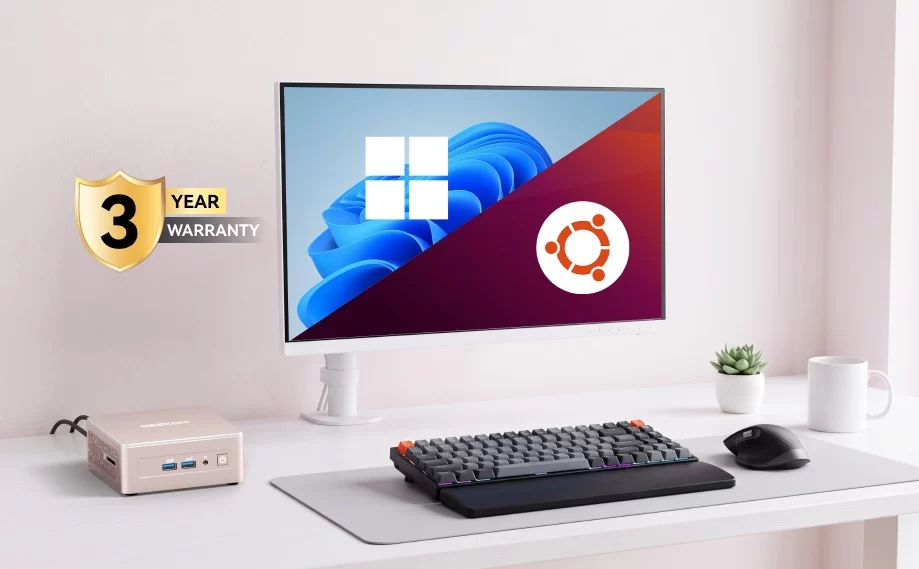
Android 14 is the quickest route for most signage projects: many commercial signage platforms have Android players, setup is familiar, and remote management tools are mature. Ubuntu Linux is the better choice for custom software, kiosk browsers locked to a single page, Docker containers and IoT gateways, and for teams who want full control over updates and security. Azulle also sells it without an OS for integrators with their own image.
Documentation: some rough edges
Azulle’s specification table for this model contains evident copy errors — it mentions an “Intel Smart Cache” and an Intel AX201 wireless module, neither of which can apply to an ARM platform — and lists a Mini DisplayPort that is not visible in the product images. These are documentation issues rather than hardware problems, but integrators should confirm details such as the wireless chip and driver support for their chosen OS before large deployments.
Price
In Azulle’s own store the Access ARM costs US $283–379 depending on memory and storage, while US retailers often list it for considerably less. Even at lower prices it is more expensive than generic RK3576 or RK3588 boxes from Chinese brands. What you pay for is a finished, supported product with a 3-year warranty, a US-based vendor, HDMI extender and mounting options, and a form factor that hides completely behind the screen.
Alternatives
If you need Windows or x86 software, Azulle’s Access Pro with an Intel N100 or N150 is the obvious alternative, at a higher price. Generic RK3588 mini PCs offer more performance and a stronger 6 TOPS NPU in a box format, but they are not sticks and often lack long-term support. For hobby and development projects, single-board computers with the RK3576 or RK3588 are cheaper but need a case, cooling and power supply.
Who should buy it?
The Access ARM is a good fit for signage integrators, kiosk builders and IoT designers who work with Linux or Android and want a silent, wired, low-power player that disappears behind the screen, with HDMI-CEC and a small NPU for edge features. It is not for anyone who needs Windows, desktop productivity or gaming.
Verdict
The Azulle Access ARM is a well-targeted product: an ARM HDMI stick with Gigabit Ethernet, 4K at 120 Hz, HDMI-CEC, a 6 TOPS NPU and silent passive cooling, backed by a 3-year warranty. The lack of Windows, the soldered memory and storage, the modest CPU and a few documentation errors are the points to weigh. For commercial screens running Linux or Android, it is a neat, reliable way to turn any display into a smart one.

| AI Capabilities | ||||||||||||||||||||||||
|---|---|---|---|---|---|---|---|---|---|---|---|---|---|---|---|---|---|---|---|---|---|---|---|---|
|
||||||||||||||||||||||||
| Processor | ||||||||||||||||||||||||
|
||||||||||||||||||||||||
| Ports | ||||||||||||||||||||||||
|
||||||||||||||||||||||||
| Network | ||||||||||||||||||||||||
|
||||||||||||||||||||||||
| GPU | ||||||||||||||||||||||||
|
||||||||||||||||||||||||
| Storage & RAM | ||||||||||||||||||||||||
|
||||||||||||||||||||||||
| Power | ||||||||||||||||||||||||
|
||||||||||||||||||||||||
| Others Specifications | ||||||||||||||||||||||||
|
||||||||||||||||||||||||
| Specification | ||||||||||||||||||||||||
|
||||||||||||||||||||||||



More information: Azulle Access ARM Mini PC Stick Rockchip RK3576 on minis-pc.com
Discover our full Mini PC comparison: minis-pc.com
Article written for minis-pc.com — Mini PC Comparisons and Reviews
Our 2026 Buying Guides & Deals
Disclaimer: This article is for information purposes only. Specifications, prices, coupons and availability may change at any time or contain errors, so please check them on the manufacturer's official website or store before buying. Some links on this page are affiliate links: if you buy through them we may earn a small commission at no extra cost to you.