
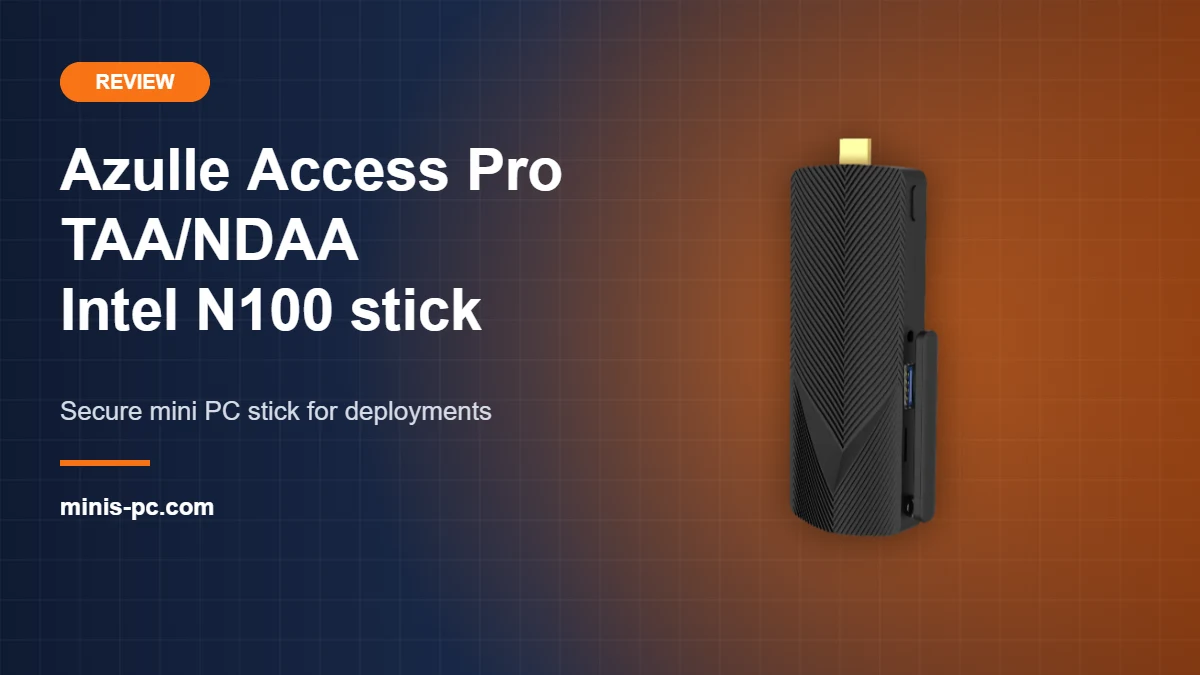
PC sticks — computers the size of a large USB drive that plug straight into an HDMI port — were popular a decade ago and then almost disappeared, replaced by small mini PCs. Azulle is one of the few companies that kept developing them, aimed squarely at businesses. The Access Pro TAA/NDAA is its most specialised version: an Intel N100 stick that Azulle says is designed and manufactured in the USA, so it can be bought by organisations bound by US federal procurement rules. Here is what that means, and whether the hardware justifies the price.
Why TAA and NDAA matter
The Trade Agreements Act (TAA) restricts US government purchases to products made in the United States or in designated partner countries; China is not among them. The NDAA (National Defense Authorization Act) adds restrictions on components and suppliers considered security risks. For a federal agency, a military base, a defence contractor or certain healthcare and financial institutions, a device that does not meet these rules simply cannot be purchased, however good or cheap it is. That is the market this stick is built for. Almost all N100 mini PCs on the market are made in China and do not qualify.
The hardware in brief
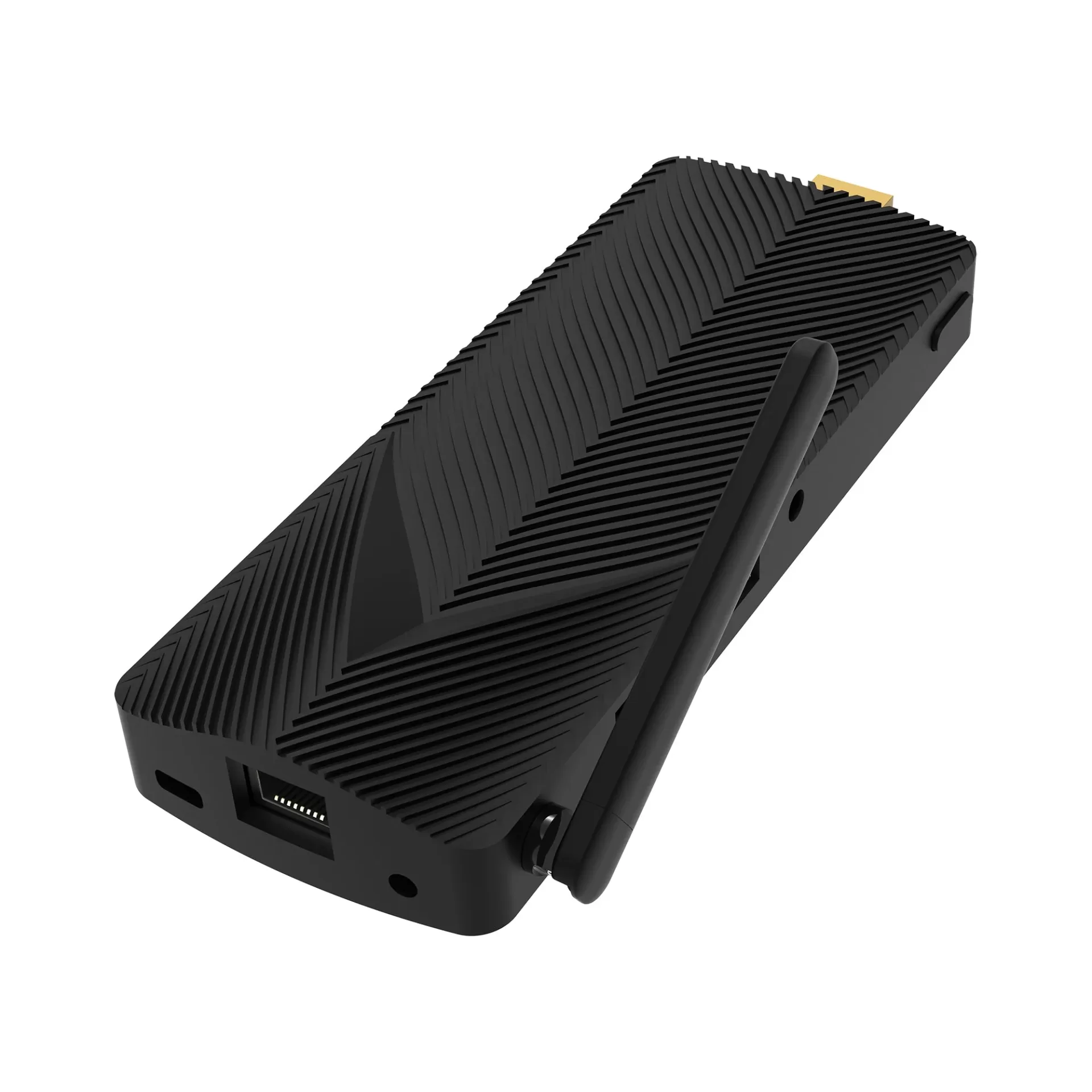
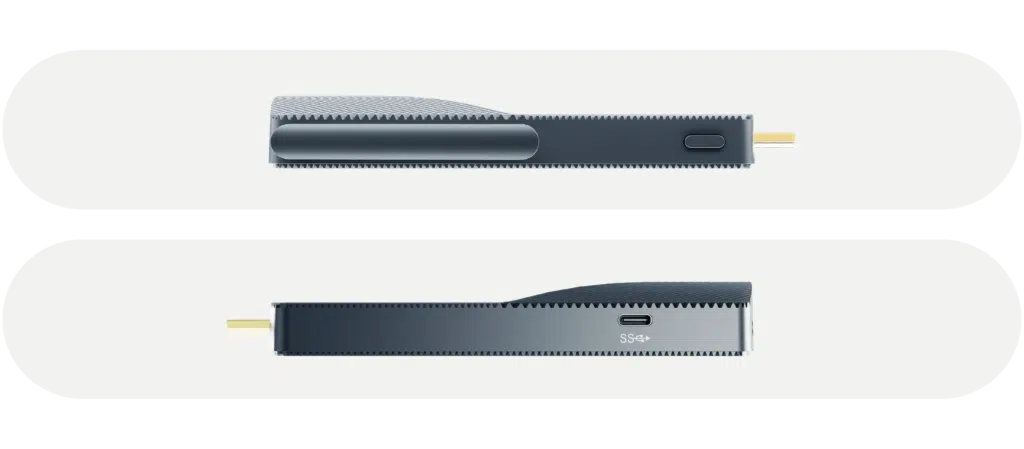
The Access Pro TAA/NDAA uses an Intel Processor N100 with four cores up to 3.4 GHz, embedded 4 GB LPDDR4 or 8 GB LPDDR5, and 64 or 128 GB of eMMC. It connects through its own male HDMI 2.0 connector at up to 4K and 60 Hz, and offers Wi-Fi 6, Bluetooth 5.2, a full-size Gigabit Ethernet port, one USB-A 3.0, one USB-C 3.0, a microSD slot and a combo audio jack. It is completely fanless and comes with a 3-year warranty.
Performance: enough for its job
The N100 is an efficient chip that has proven itself in thousands of budget mini PCs. In a stick it handles exactly the tasks it was designed for: playing 4K signage loops, running a kiosk application or a browser-based dashboard, joining video calls in a small meeting room, or acting as a thin client for a virtual desktop. Hardware decoding of HEVC and AV1 keeps video smooth with low processor load. What it should not be asked to do is heavy multitasking, photo or video editing, or gaming. Being passively cooled in a small body, it will also reduce its clocks under long full loads.
Memory and storage: choose carefully
This is the main limitation. Memory and storage are soldered, so the configuration you buy is the one you keep. The base model’s 4 GB is enough for Linux or a single dedicated application, but tight for Windows 11 Pro with a browser and updates running. The 8 GB LPDDR5 / 128 GB version is the sensible choice for Windows. eMMC storage is also much slower than an NVMe SSD, so updates and installs take longer; the microSD slot is useful for storing signage content and media.
Connectivity: the Ethernet advantage
Most PC sticks rely only on Wi-Fi. The Access Pro adds a Gigabit Ethernet port, which in a professional deployment is a big deal: a wired connection is more reliable, easier to secure and simpler to manage across dozens of screens. Wi-Fi 6 is there when a cable is not possible. The BIOS supports Wake-on-LAN, PXE network boot and Auto Power On, so IT teams can image, wake and recover devices remotely, and screens come back online on their own after a power outage.
Silent and maintenance-free
With no fan, there is nothing to wear out and nothing to clog with dust — a real advantage in retail spaces, hospitals and classrooms where devices run all day for years. The finned body dissipates heat passively and becomes warm under load. The included HDMI extender lets you place the stick a few centimetres away from the back of the display, which improves cooling and reduces strain on the TV’s HDMI port. A Kensington slot helps prevent theft in public areas.
Setting it up
Deployment is simple: plug the stick into the display (directly or with the extender), connect the 12 V power adapter — the stick cannot be powered from the TV’s USB port — and connect Ethernet or Wi-Fi. A keyboard and mouse, or a Bluetooth combo, are needed for the first configuration. For fleets, PXE boot and Wake-on-LAN allow centralised imaging and management. Azulle also offers signage and conferencing software bundles pre-installed.
Price: you pay for compliance
At around US $400–515 in Azulle’s store depending on memory and operating system, the Access Pro TAA/NDAA costs several times more than a Chinese-made N100 mini PC with more memory and an SSD. Judged only on hardware, it is poor value. But for its intended buyers the comparison is irrelevant: the alternative is not a cheaper N100 box, it is a compliant device from another US or allied-country supplier, often bigger and more expensive. Azulle’s standard Access Pro with an N150 costs less, but does not carry the same compliance.
Alternatives
If TAA/NDAA compliance is not a requirement, there are far cheaper options. Azulle’s own Access ARM stick uses a Rockchip RK3576 with Linux or Android and is ideal for signage at a fraction of the price. N150 mini PCs such as the Beelink Mini S13 or Beelink EQ14 offer more memory, an NVMe SSD and two displays for much less, though they are not sticks and have fans. Fanless N-series boxes from MeLE offer a middle ground. For organisations that do need compliance, ASRock Industrial’s TAA-compliant NUC boxes are a more powerful — and larger — alternative.
Who should buy it?
The Access Pro TAA/NDAA makes sense for US government agencies, military and defence contractors, and regulated institutions that need a compact, silent, compliant PC for signage, kiosks, meeting rooms or thin-client work. For anyone else, the same N100 performance is available for much less.
Verdict
The Azulle Access Pro TAA/NDAA is a niche product that does its niche job well. It is silent, compact, well connected — with Gigabit Ethernet and Wi-Fi 6 — and easy to manage remotely, and its USA-made, TAA/NDAA-compliant status opens doors that cheaper devices cannot. Soldered memory, slow eMMC storage, a single display and a high price are the trade-offs. If you need compliance, it is one of the few sticks that offer it; if you do not, look elsewhere.
| AI Capabilities | ||||||||||||||||||||||||||
|---|---|---|---|---|---|---|---|---|---|---|---|---|---|---|---|---|---|---|---|---|---|---|---|---|---|---|
|
||||||||||||||||||||||||||
| Processor | ||||||||||||||||||||||||||
|
||||||||||||||||||||||||||
| Ports | ||||||||||||||||||||||||||
|
||||||||||||||||||||||||||
| Network | ||||||||||||||||||||||||||
|
||||||||||||||||||||||||||
| GPU | ||||||||||||||||||||||||||
|
||||||||||||||||||||||||||
| Storage & RAM | ||||||||||||||||||||||||||
|
||||||||||||||||||||||||||
| Power | ||||||||||||||||||||||||||
|
||||||||||||||||||||||||||
| Others Specifications | ||||||||||||||||||||||||||
|
||||||||||||||||||||||||||
| Specification | ||||||||||||||||||||||||||
|
||||||||||||||||||||||||||



More information: Azulle Access Pro TAA/NDAA Mini PC Stick on minis-pc.com
Discover our full Mini PC comparison: minis-pc.com
Article written for minis-pc.com — Mini PC Comparisons and Reviews
Our 2026 Buying Guides & Deals
Disclaimer: This article is for information purposes only. Specifications, prices, coupons and availability may change at any time or contain errors, so please check them on the manufacturer's official website or store before buying. Some links on this page are affiliate links: if you buy through them we may earn a small commission at no extra cost to you.