
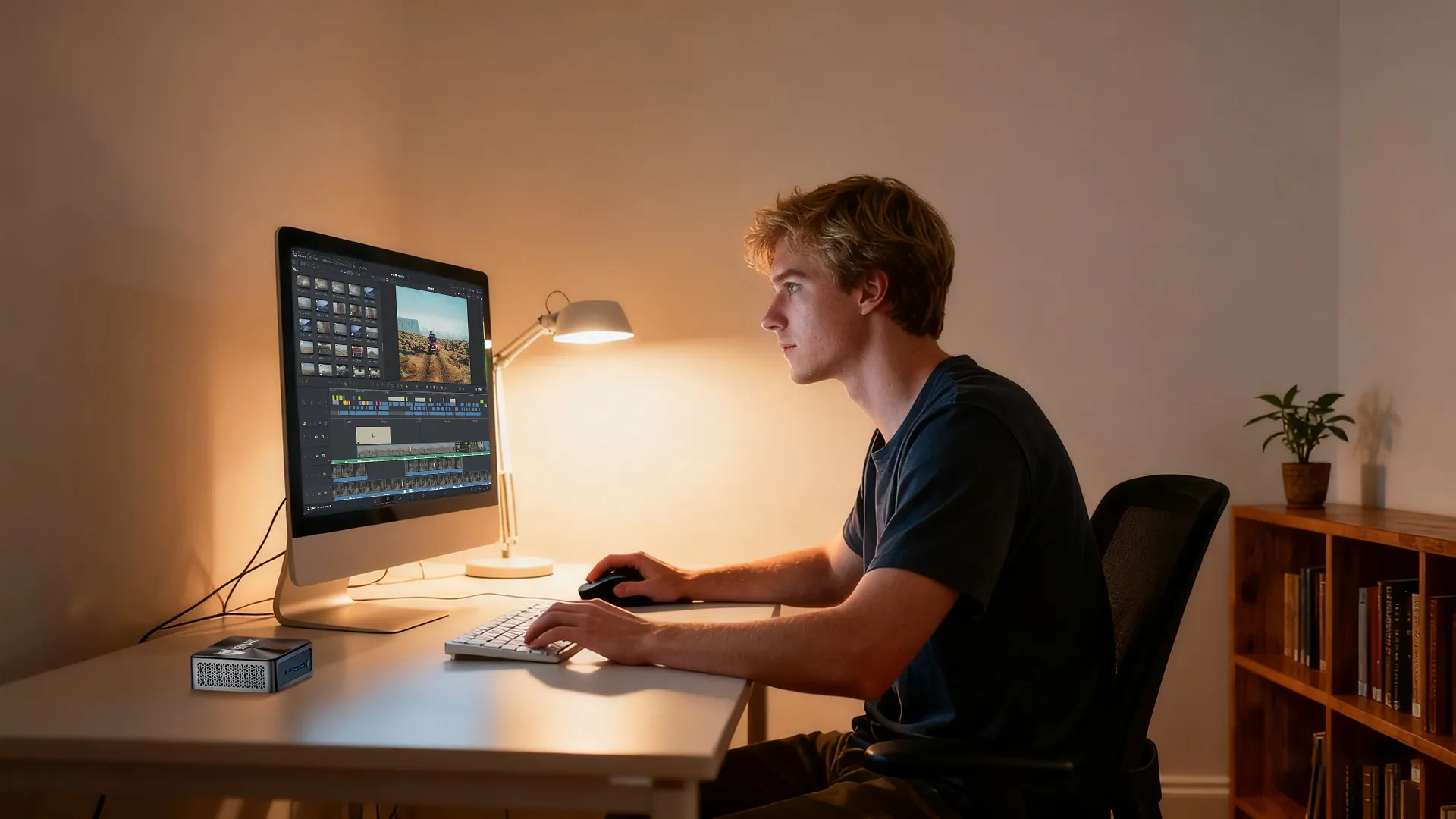
BMAX is best known for inexpensive Intel N-series mini PCs, but the MaxMini B8A Pro moves the brand into a more powerful class with the AMD Ryzen 7 8745HS. The idea is simple: the same eight-core processor and Radeon 780M graphics found in more expensive mini PCs, in a compact box at a lower price. The question is where BMAX saves money to get there, and whether those savings matter for you.
The same processor as pricier rivals
The Ryzen 7 8745HS, with eight Zen 4 cores and sixteen threads up to 4.9 GHz, is the heart of many popular mini PCs. In daily use it is fast in every common task — office suites, browsers with dozens of tabs, video calls, code compilation and photo editing — and it handles video exports and virtual machines well. BMAX says its cooling sustains 45 W without throttling, which is a sensible middle ground between performance and noise in a compact chassis. In practice, CPU performance is close to that of more expensive 8745HS models.
Radeon 780M: the reason to choose this class
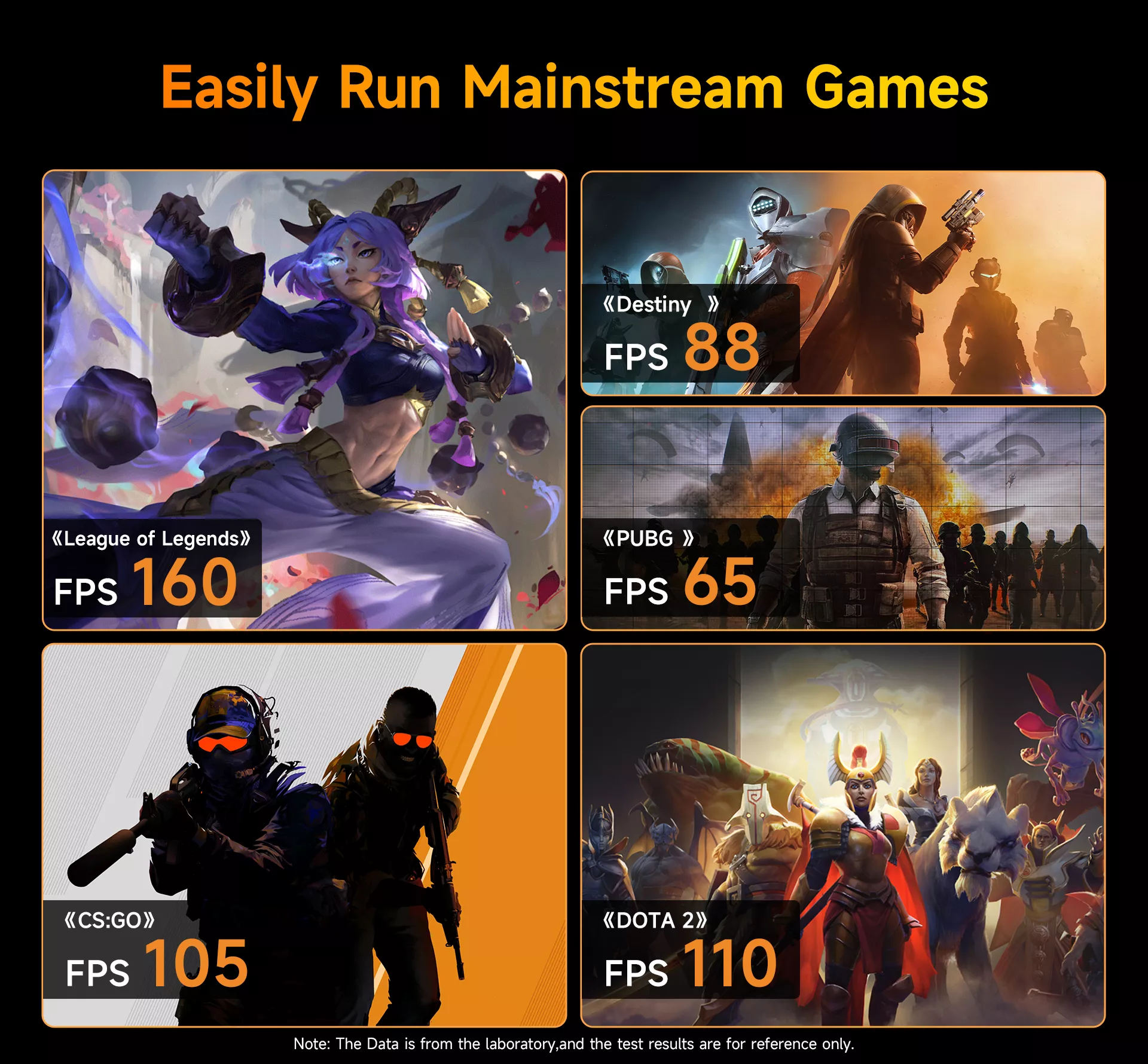
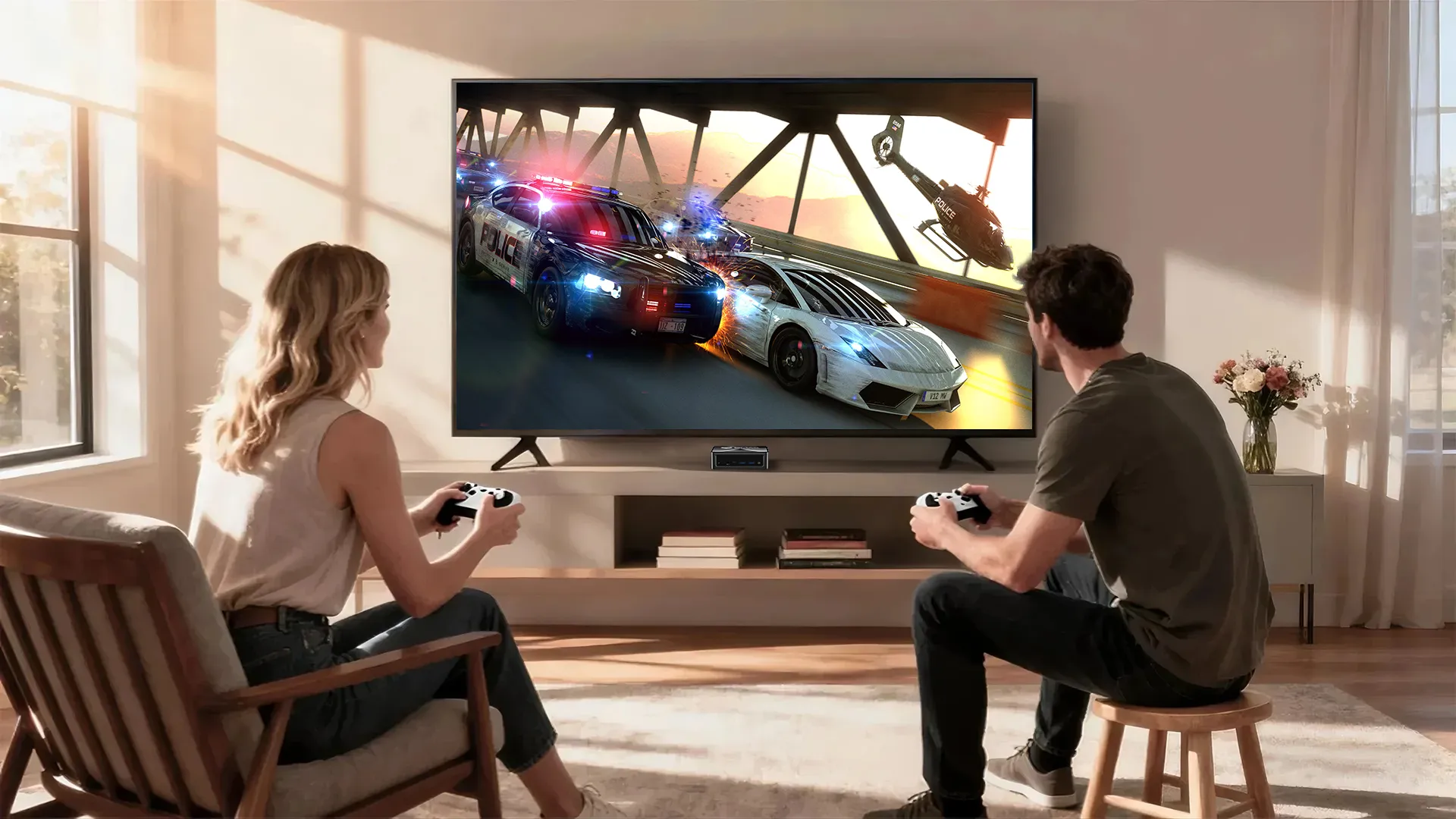
The Radeon 780M remains one of the best integrated GPUs at this price. BMAX quotes a Time Spy score of 2778 — above an entry-level discrete GeForce MX550. That is enough for esports titles at high frame rates, many recent games at 1080p on low to medium settings, emulation and AV1 video. One caveat: the GPU depends heavily on memory bandwidth, so the memory configuration (see below) directly affects gaming performance.
Memory: check the configuration
The B8A Pro comes with 16 GB of DDR5-4800 on SO-DIMM, so it can be upgraded. BMAX does not state whether this is one 16 GB module or two 8 GB modules. If it is a single module, the system runs in single channel, which can cost a significant share of graphics performance. Adding a matching second module — or replacing it with 2 × 16 GB of DDR5-5600 — is the most effective upgrade you can make. BMAX advertises support for up to 256 GB; in practice, 64 GB (2 × 32 GB) is a realistic maximum for most buyers.
Storage: room to grow
The included 512 GB NVMe SSD reads at about 3200 MB/s, typical of a PCIe 3.0 drive. It is fast enough for Windows and applications, though not as fast as PCIe 4.0 drives in pricier models. The good news is the second M.2 2280 NVMe slot: adding a 1 or 2 TB drive for games or media is easy and inexpensive.
Connectivity: where BMAX saves
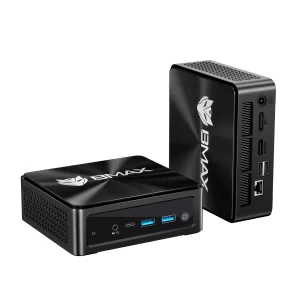
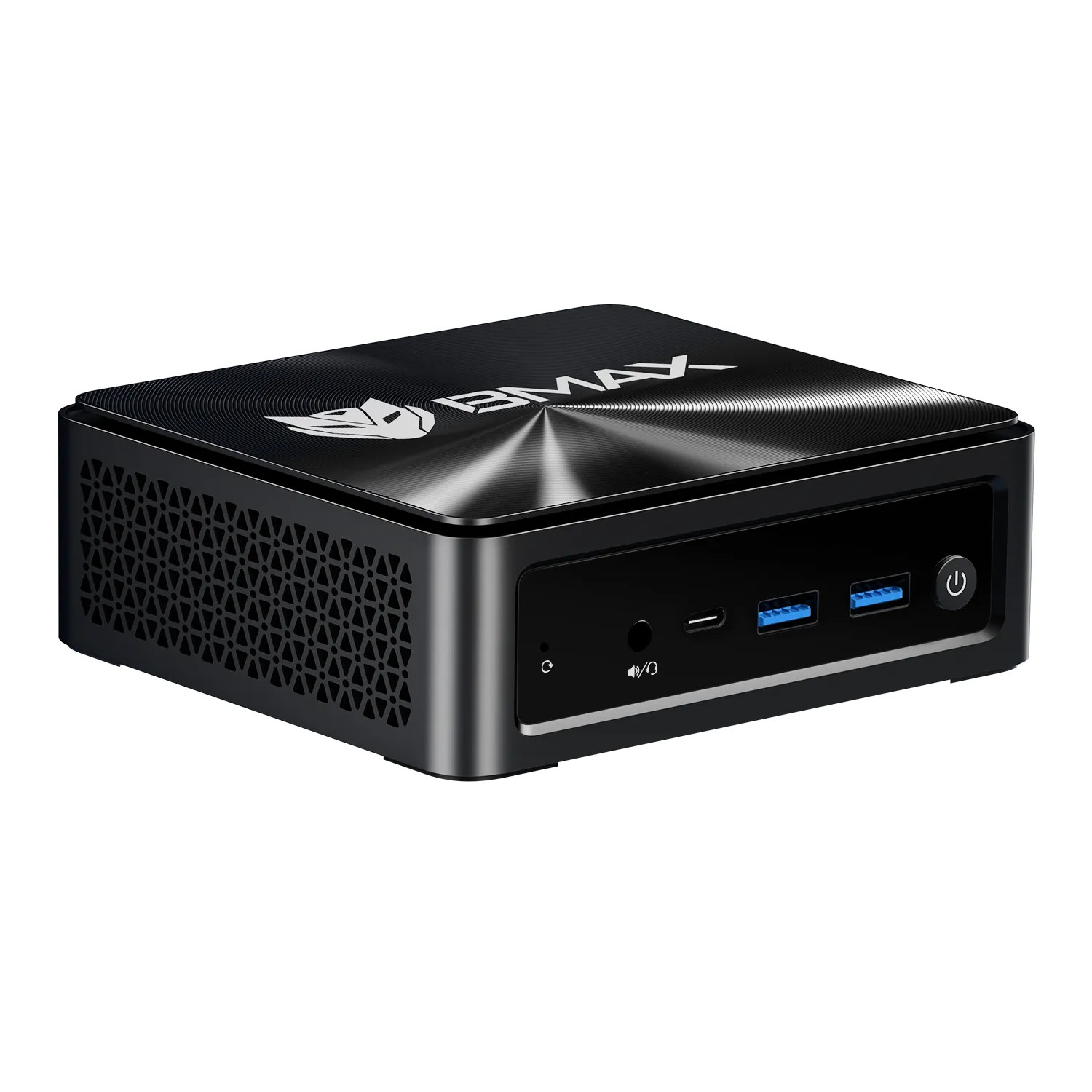
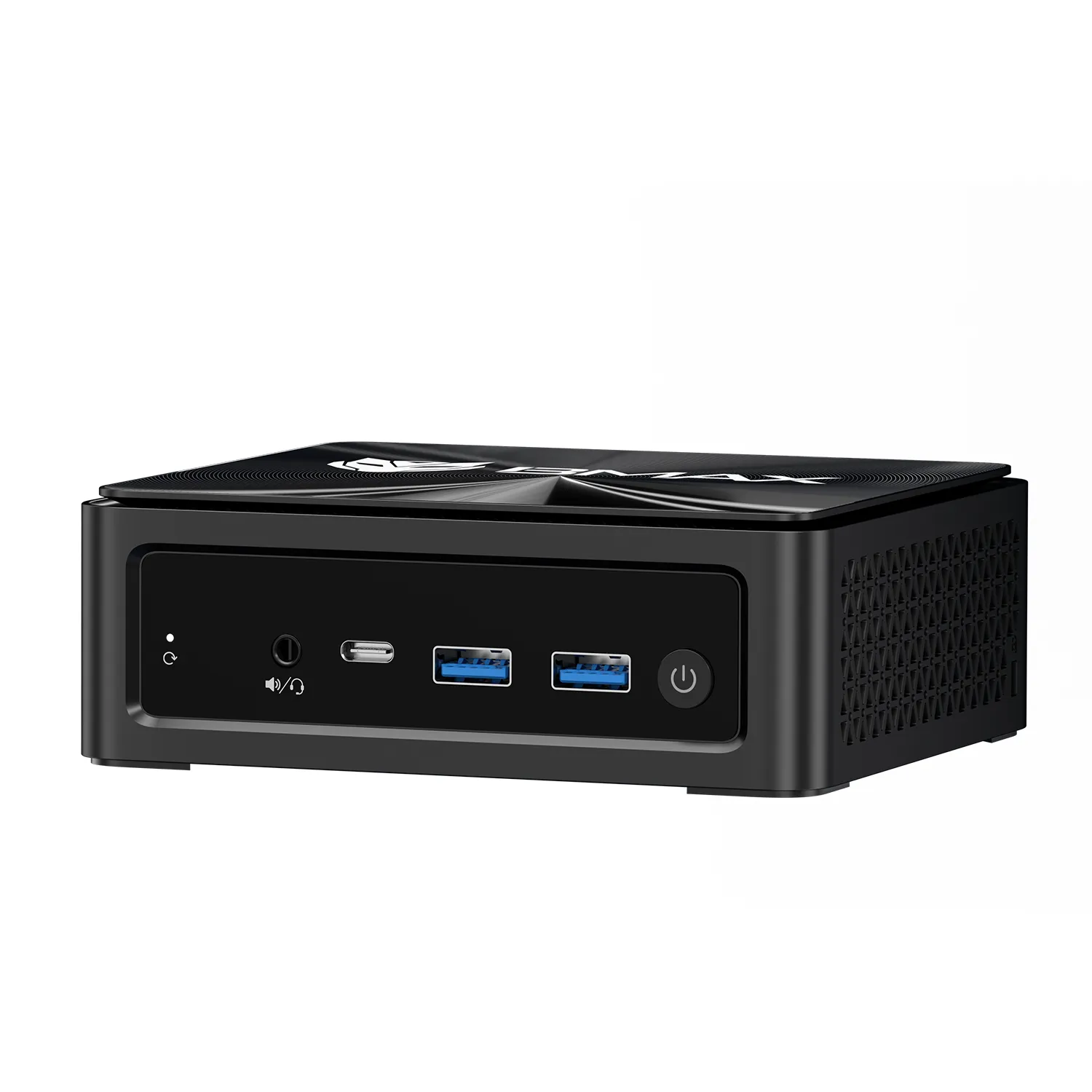
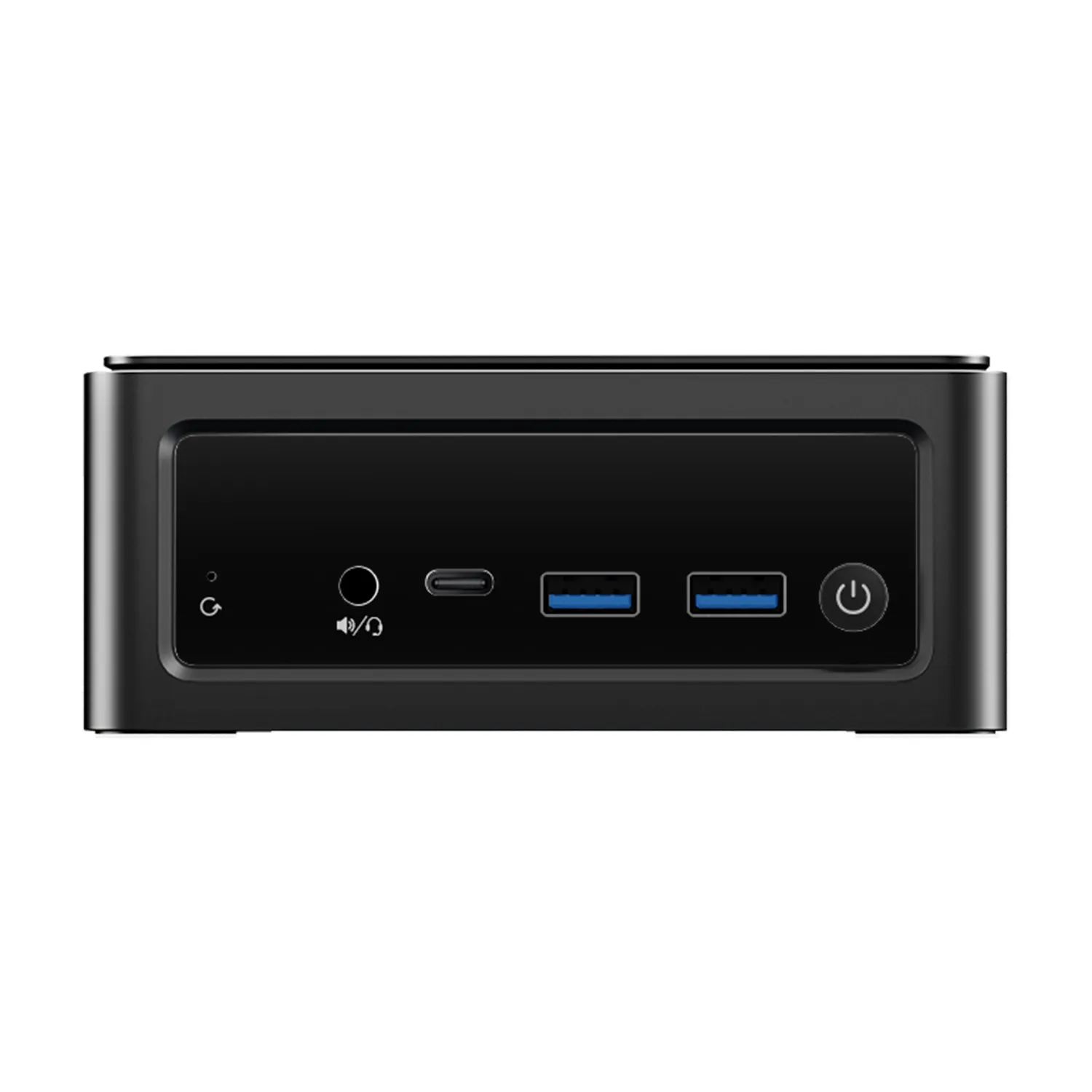
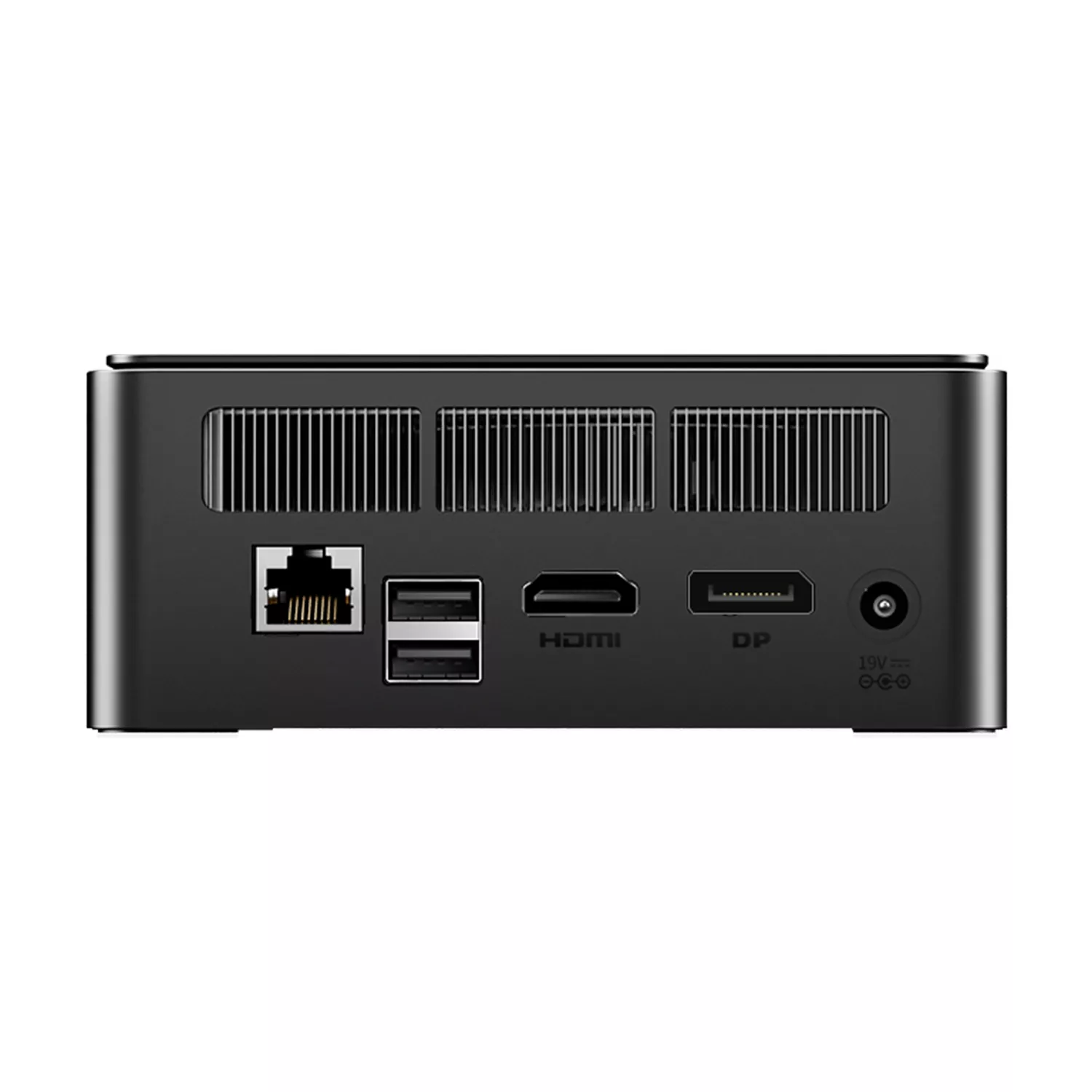
This is the main difference from more expensive 8745HS mini PCs. The B8A Pro has one Ethernet port (BMAX does not state its speed), no 2.5GbE, no USB4 and no OCuLink. You get four USB-A ports, a full-function USB-C port with video output, HDMI 2.1 and DisplayPort for three displays, plus Wi-Fi 6 and Bluetooth 5.2. For a home or office desktop that is perfectly adequate. For a home server or router, or for connecting an external GPU or fast USB4 storage, models such as the GMKtec K6 or Beelink SER8 are better choices.
Cooling and build
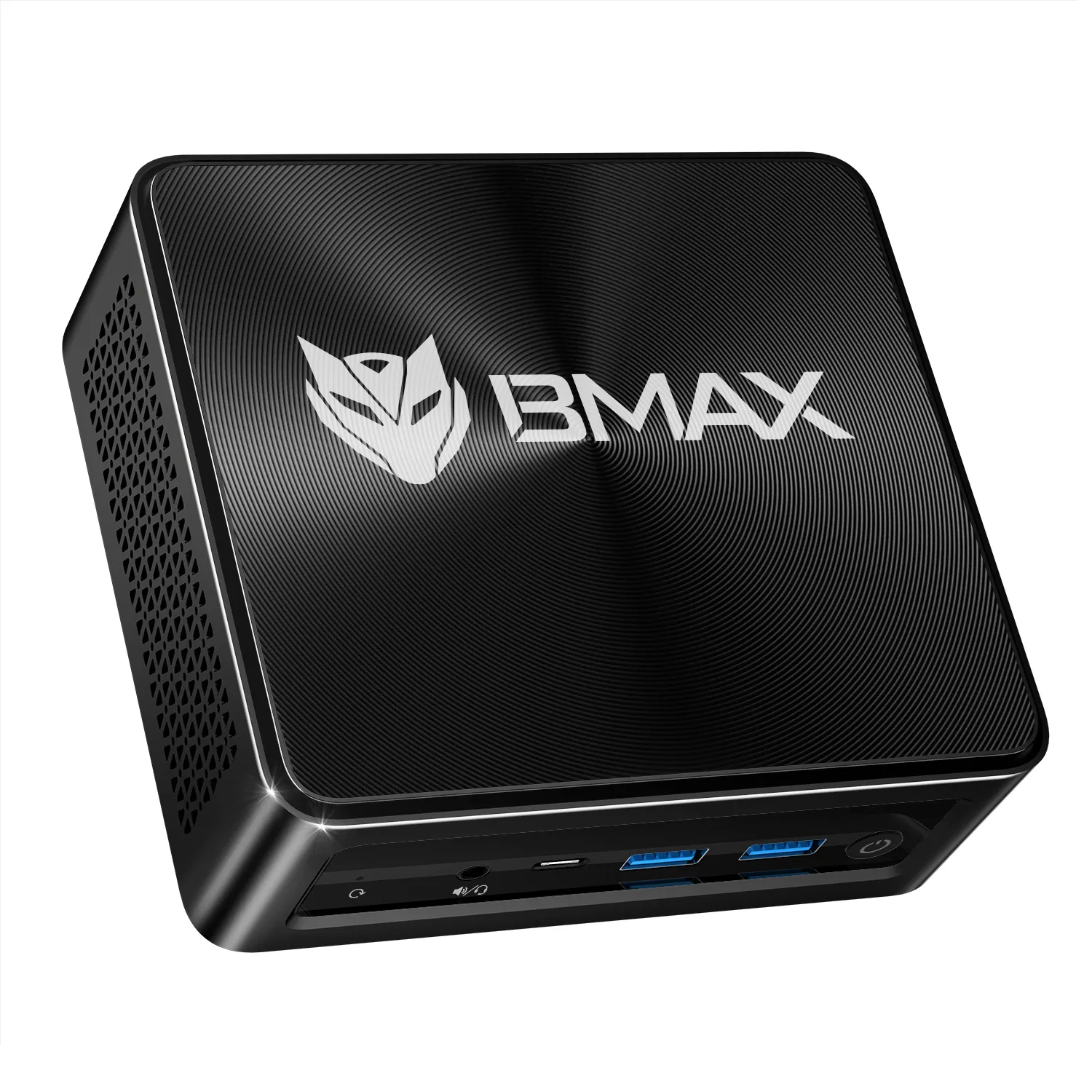
BMAX’s “space capsule” cooling uses two enlarged copper heat pipes, a large fan and an air intake in the top cover. The company claims 15–25% better cooling than conventional designs. As with every 8745HS mini PC, expect an audible fan under sustained load, and a quiet machine in office work. The top cover is waterproof, dustproof and scratch-resistant, and the black design is compact enough to sit discreetly beside a monitor.
Software and recovery
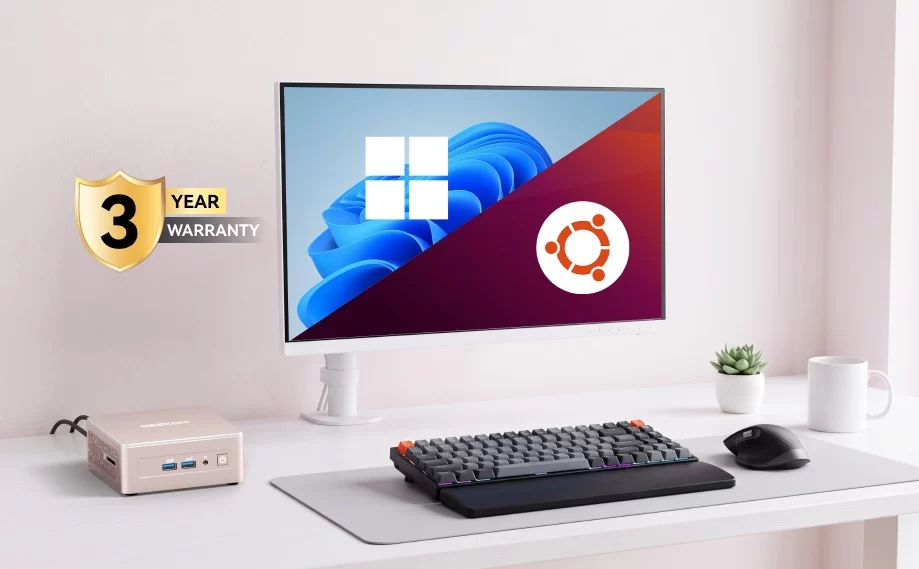
Windows 11 Pro is pre-installed, and BMAX supports Ubuntu. The One-Click Recovery function is a useful touch for less technical users: it restores Windows to factory settings in a few steps if the system becomes unstable, without needing a USB recovery drive.
Gaps in the specifications
BMAX’s product page is light on details: it does not list the USB speeds, the Ethernet speed, the power adapter rating, the exact dimensions or the memory layout. None of these is likely to be a problem for typical use, but if you need a specific feature — two-channel memory out of the box, for example — check the listing or ask the seller before buying.
Setting it up
After the first start, run Windows Update and install AMD’s latest chipset and Radeon drivers, which improve stability and gaming performance. Then check the memory configuration in Task Manager (Performance › Memory › Slots used): if only one slot is used, adding a matching DDR5 module is the first upgrade to make. A second NVMe drive installs in the free slot after removing the bottom cover.
Alternatives
The Beelink SER8 uses the same processor with USB4 and very quiet cooling, at a higher price. The ALLIWAVA H90Pro adds dual 2.5GbE and a vapor chamber. The GMKtec NucBox K6 (Ryzen 7 7840HS) offers USB4 and dual 2.5GbE. If your budget is tighter and you mainly do office work, BMAX’s own N150 models such as the B4 Turbo cost much less.
Who should buy it?
The B8A Pro is a good fit for buyers who want Ryzen 7 performance and Radeon 780M graphics for the lowest possible price, for office, study, media and light gaming, and who are happy to upgrade memory or storage themselves. It is less suitable for home labs, networking projects or anyone who needs USB4 or OCuLink.
Verdict
The BMAX MaxMini B8A Pro delivers the essentials of a modern Ryzen 7 mini PC — a fast eight-core processor, strong integrated graphics, upgradeable DDR5 and a spare M.2 slot — at a budget price. The savings show in the connectivity, the modest memory speed and the thin official specifications. If those limits do not affect you, it is one of the most affordable ways to get 8745HS performance.
| AI Capabilities | ||||||||||||||||||||
|---|---|---|---|---|---|---|---|---|---|---|---|---|---|---|---|---|---|---|---|---|
|
||||||||||||||||||||
| Processor | ||||||||||||||||||||
|
||||||||||||||||||||
| Ports | ||||||||||||||||||||
|
||||||||||||||||||||
| Network | ||||||||||||||||||||
|
||||||||||||||||||||
| GPU | ||||||||||||||||||||
|
||||||||||||||||||||
| Internal Ports | ||||||||||||||||||||
|
||||||||||||||||||||
| Storage & RAM | ||||||||||||||||||||
|
||||||||||||||||||||
| Others Specifications | ||||||||||||||||||||
|
||||||||||||||||||||

More information: BMAX MaxMini B8A Pro on minis-pc.com
Discover our full Mini PC comparison: minis-pc.com
Article written for minis-pc.com — Mini PC Comparisons and Reviews
Our 2026 Buying Guides & Deals
Disclaimer: This article is for information purposes only. Specifications, prices, coupons and availability may change at any time or contain errors, so please check them on the manufacturer's official website or store before buying. Some links on this page are affiliate links: if you buy through them we may earn a small commission at no extra cost to you.