
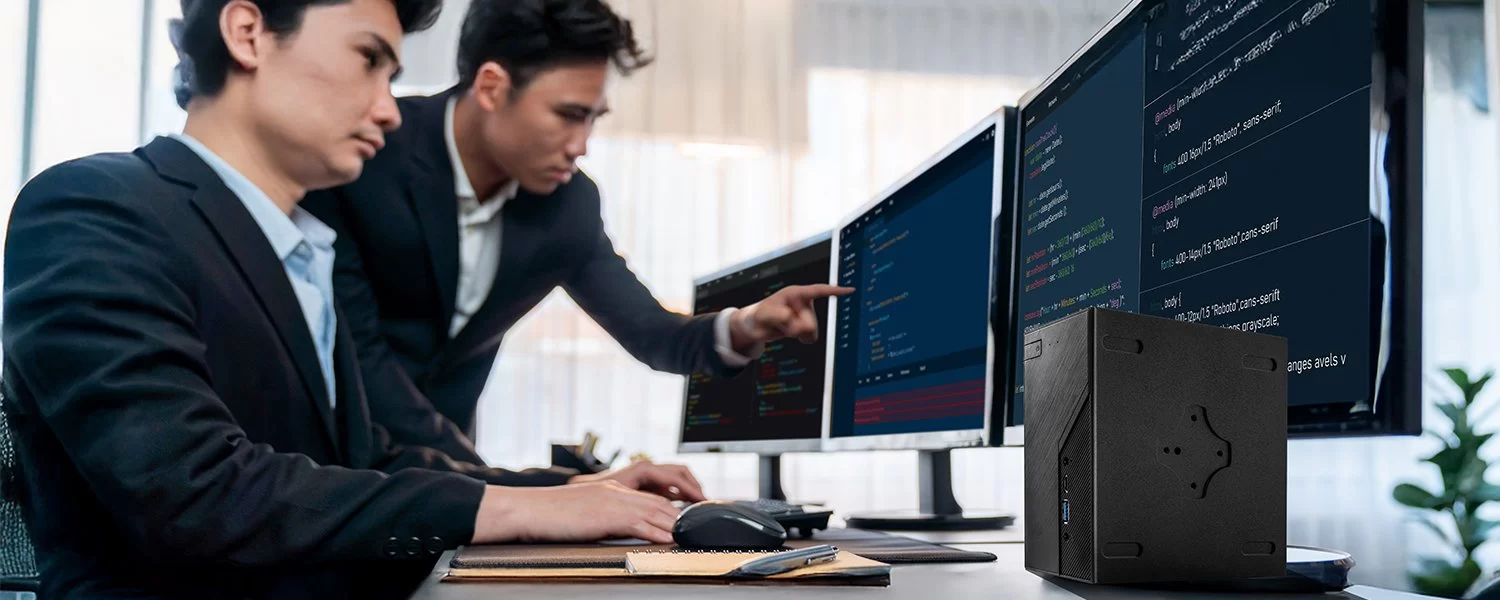
Almost every mini PC on the market has its processor soldered to the board. When it becomes slow, the whole computer has to be replaced. The ASRock DeskMini series has always offered an alternative: a tiny barebone with a real desktop socket. The DeskMini X600/USB4 is the latest version for AMD AM5, and it adds the one feature the previous DeskMini X600 lacked — a USB4 port. Here is how it works, how to configure it and what to watch out for.
What is in the box — and what is not
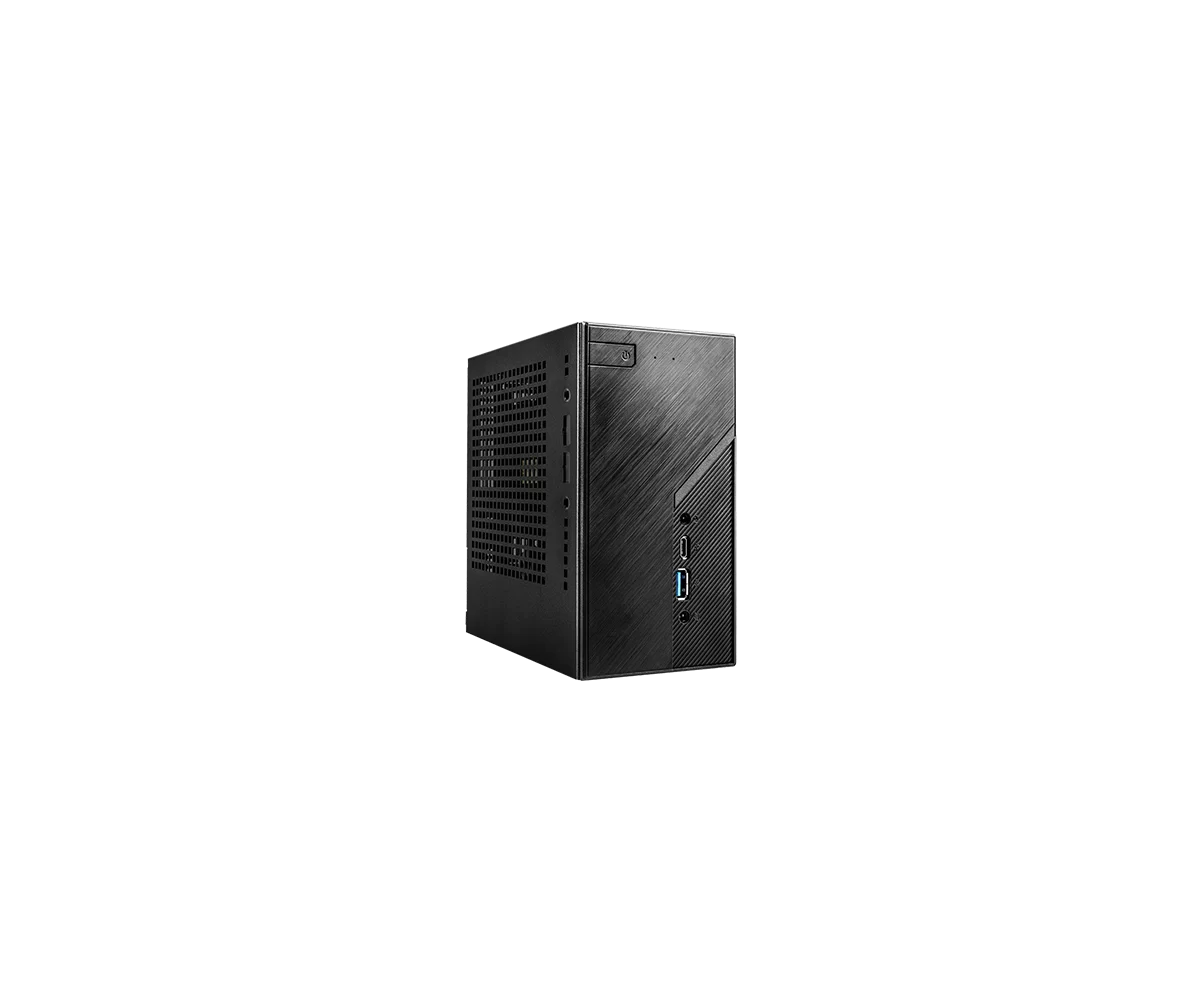
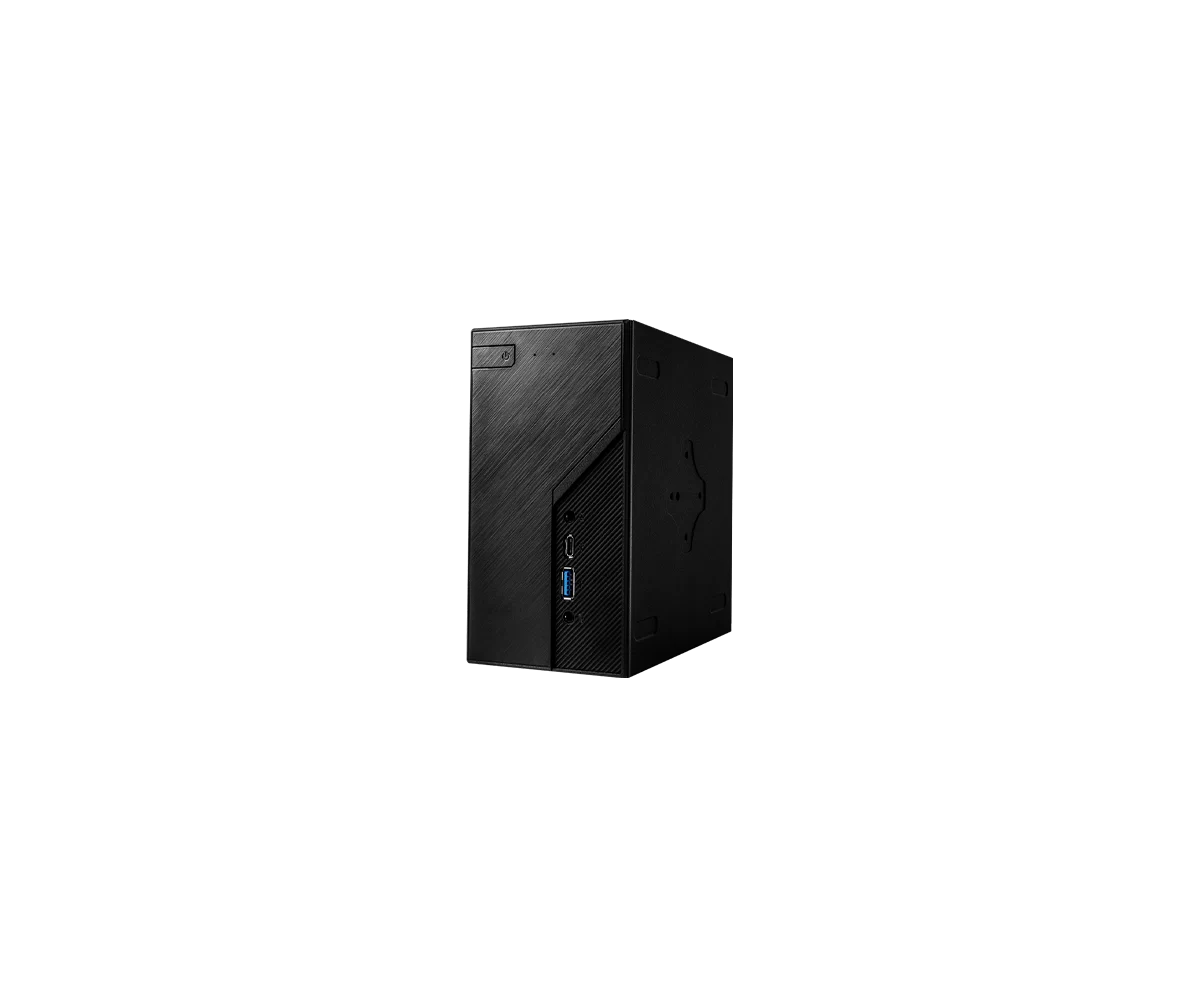
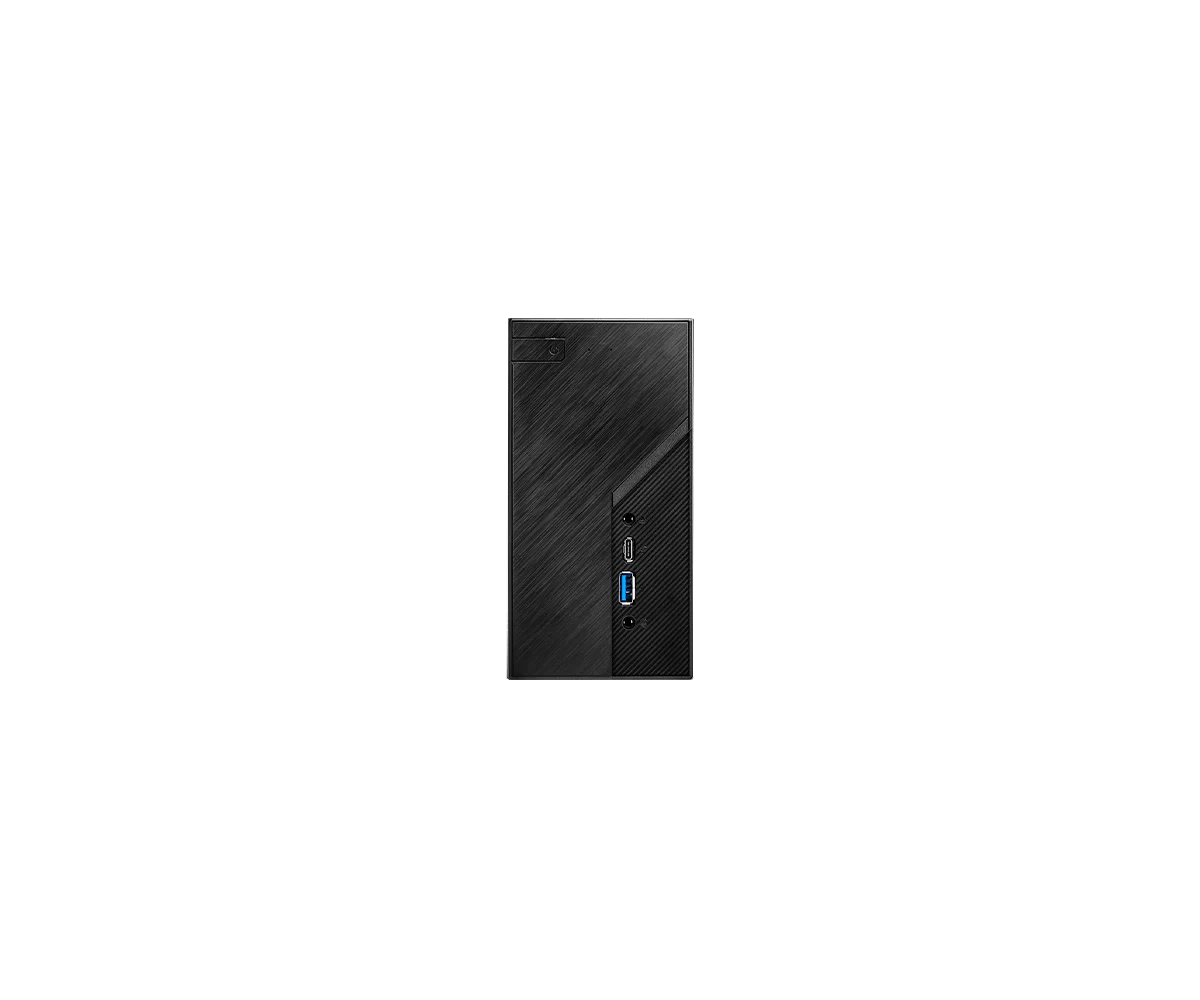
You get a 155 × 155 × 80 mm chassis with the X600 motherboard already installed, a 120 W power adapter, two SATA cables and screws. Everything else is up to you: an AM5 Ryzen processor of up to 65 W, a low-profile cooler up to 47 mm tall, two DDR5 SO-DIMM modules, at least one NVMe SSD and an operating system. The standard model has no Wi-Fi card; the X600W/USB4 variant includes one.
Choosing the processor
This is the most important decision, because it determines performance, graphics and even which ports work at full speed.
Ryzen 8000G (8500G, 8600G, 8700G): the best match for most users. These APUs have strong integrated graphics — the 8700G’s Radeon 780M handles 1080p gaming at low to medium settings — and they are the only processors that enable the USB4 port. The 8600G and 8700G also include a small NPU of about 16 TOPS. The downside: they support only PCIe 4.0, so the first M.2 slot will not reach Gen5 speeds.
Ryzen 7000 and 9000 (non-G): faster CPU cores and more cache, ideal for compiling, rendering, virtual machines and number crunching. Their integrated GPU is very basic (two compute units), fine for desktop use and video but not for games. With these processors the rear Type-C port runs at only 10 Gbps instead of USB4. ASRock states that PCIe 5.0 speed on the first M.2 slot requires a Ryzen 7000 “Raphael” processor; behaviour with Ryzen 9000 is not specified.
The 65 W limit: ASRock officially supports processors up to 65 W. Chips such as the Ryzen 7 9700X (65 W default) fit; 105–170 W models such as the 9800X3D, 9900X or 9950X are outside the specification, and the 120 W adapter and small cooler would not handle them properly.
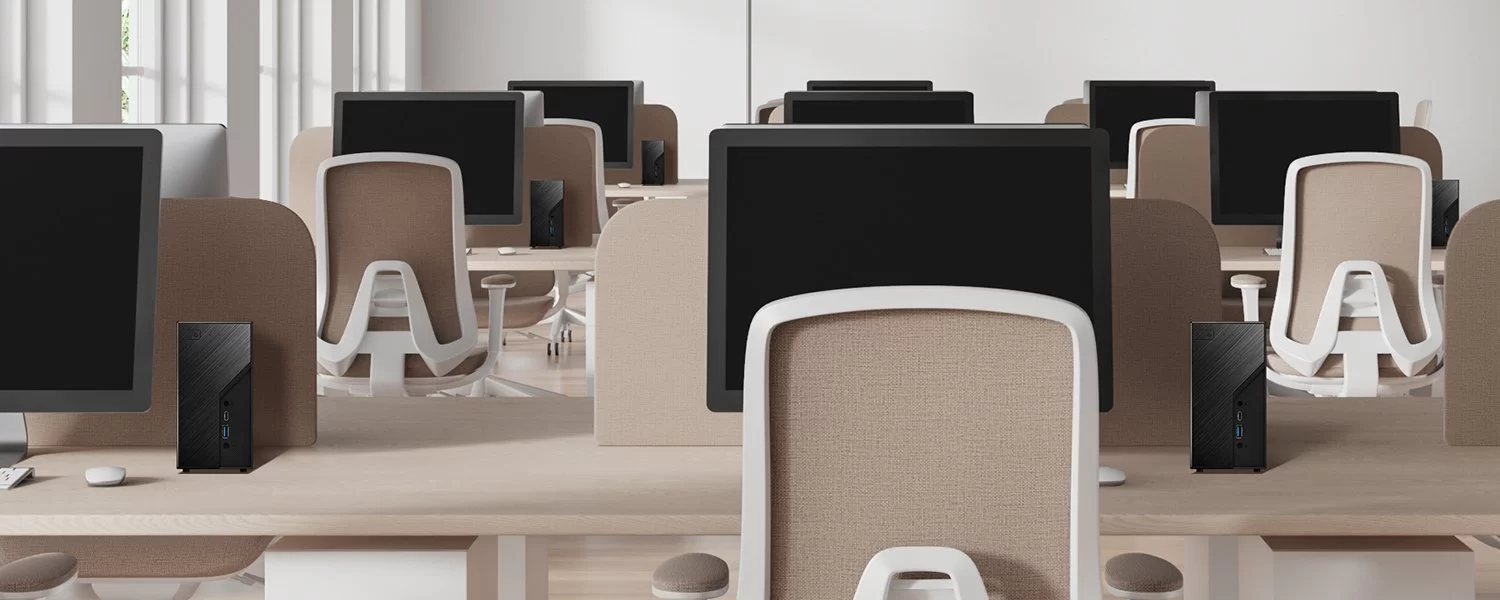
Memory: up to 128 GB
Two DDR5 SO-DIMM slots accept up to 128 GB (2 × 64 GB) of non-ECC memory, at 6400 MT/s or higher with EXPO profiles. Nothing is soldered. For an APU build, fast dual-channel memory directly improves graphics performance; for a workstation build, 64 or 128 GB makes this tiny box a capable virtualisation or development machine.
Storage: four drives in two litres
Few mini PCs can match the DeskMini here. There are two M.2 2280 NVMe slots (one PCIe 5.0 ×4, one PCIe 4.0 ×4) and two 2.5-inch SATA bays. A typical build might use a fast NVMe for the system, a second NVMe for projects or games, and two large SATA SSDs for archives or backups. RAID 1 on the NVMe drives protects against a drive failure. Hard drives fit too, but SSDs are quieter and cooler in such a small chassis.
Connectivity: the USB4 caveat
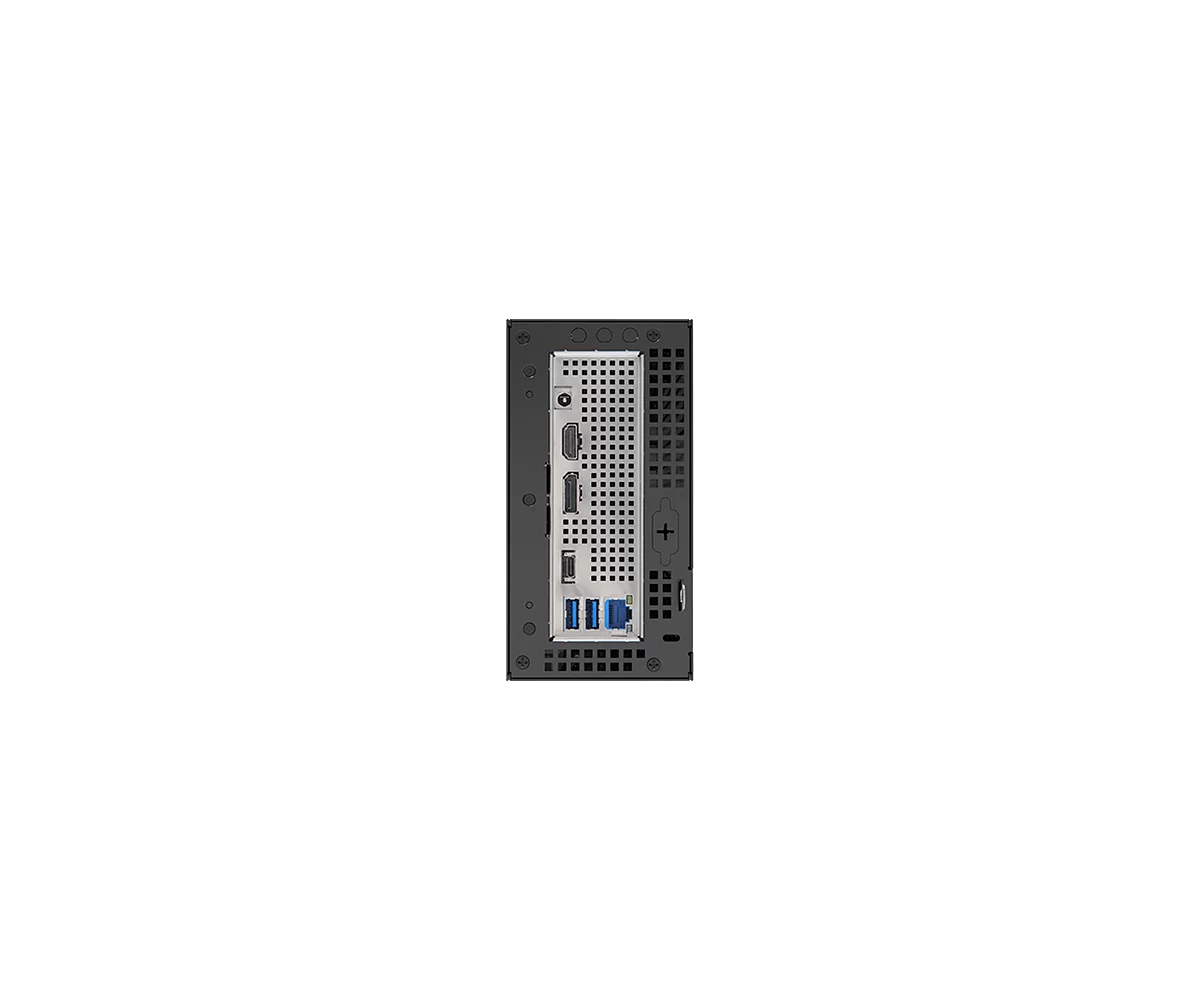
The new USB4 port on the back offers 40 Gbps, DisplayPort Alt Mode and 15 W charging — but only with a Ryzen 8000G. This is the most important point to understand before buying: if you pair the DeskMini with a Ryzen 9000 for CPU performance, you lose USB4. The rest of the connectivity is functional but dated: four 5 Gbps USB ports, HDMI 2.1, DisplayPort 1.4, one 2.5GbE port and no built-in Wi-Fi on the standard model. If you need fast external storage with a non-G processor, this limitation matters.
Cooling and noise
Cooling is your responsibility. ASRock and other manufacturers sell low-profile AM5 coolers designed for the DeskMini’s 47 mm height limit. With a 65 W processor, a good cooler keeps temperatures under control, but under full load the fan will be audible in such a small box. Enabling AMD’s Eco mode or setting a lower power limit in the BIOS reduces noise substantially with only a small performance loss — a common tweak among DeskMini owners.
Building it
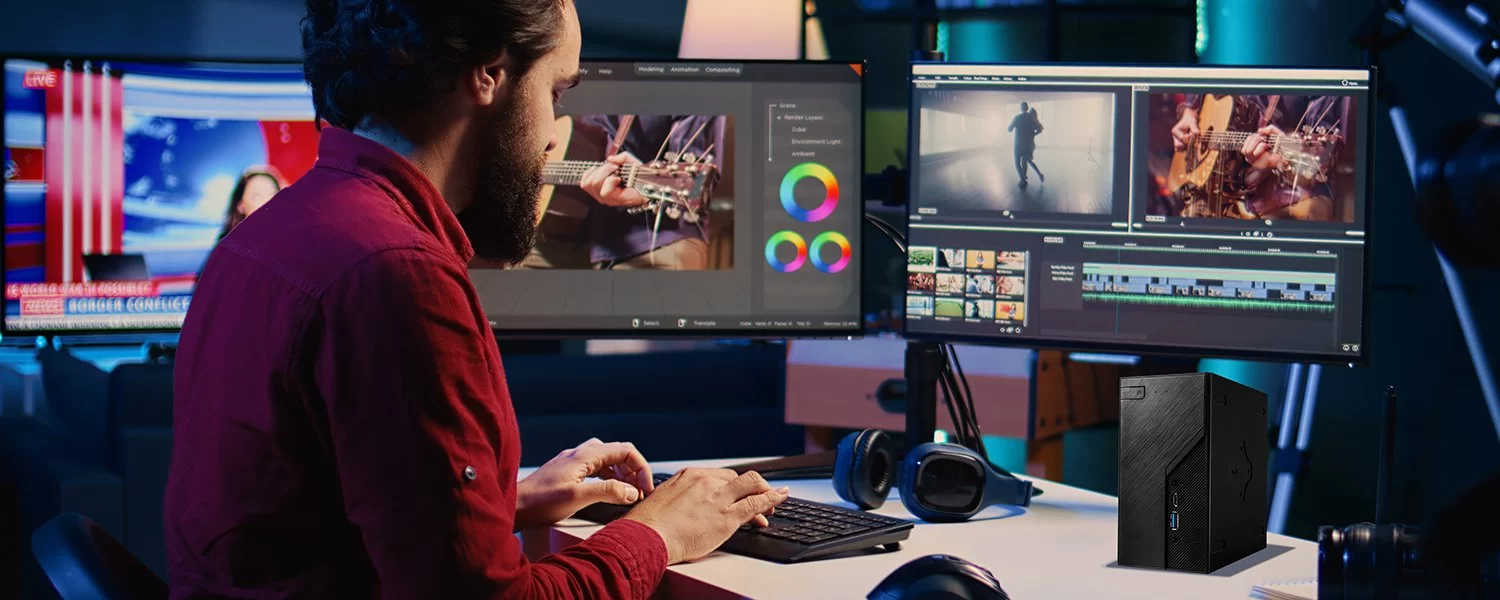
Assembly takes about 30 minutes. Slide out the motherboard tray, install the CPU in the socket, apply thermal paste and mount the cooler, insert the two SO-DIMMs and the NVMe SSDs, connect any 2.5-inch drives with the supplied cables, and slide the tray back in. Update the BIOS to the latest version before installing a new-generation processor, especially a Ryzen 9000, since support was added through firmware updates. Then install Windows 11 or your preferred Linux distribution, followed by AMD’s chipset and graphics drivers.
Three example builds
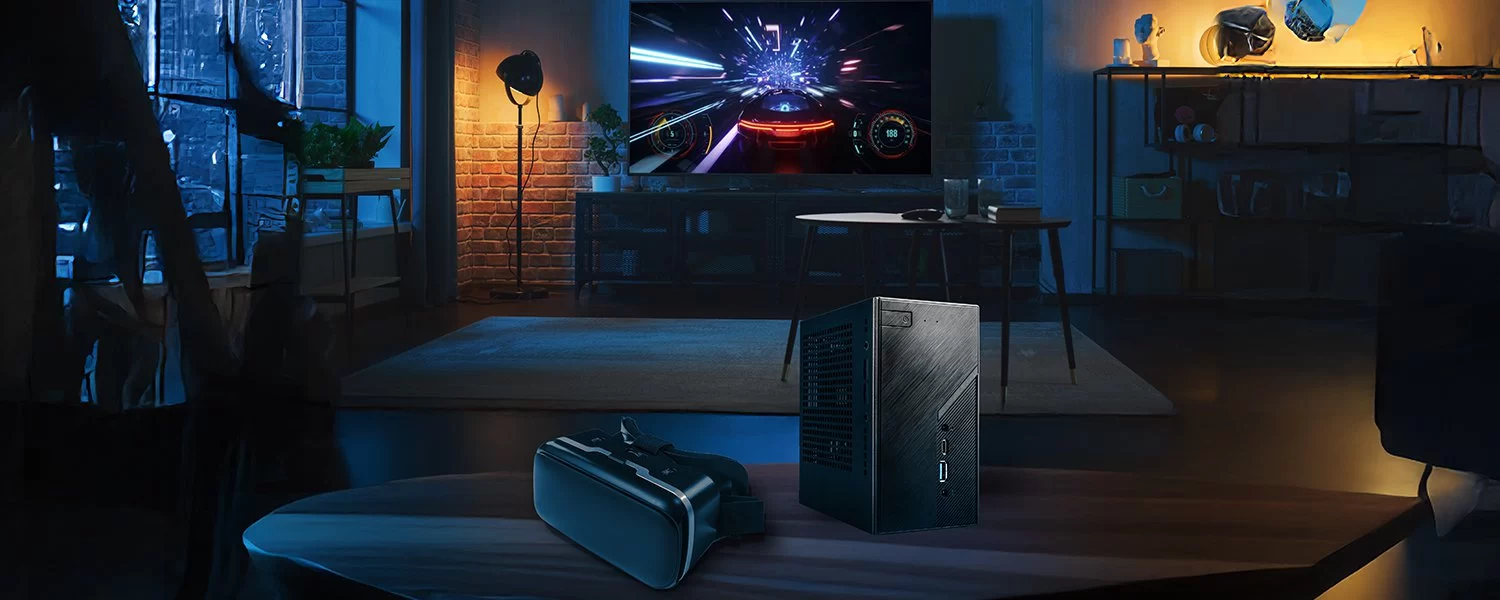
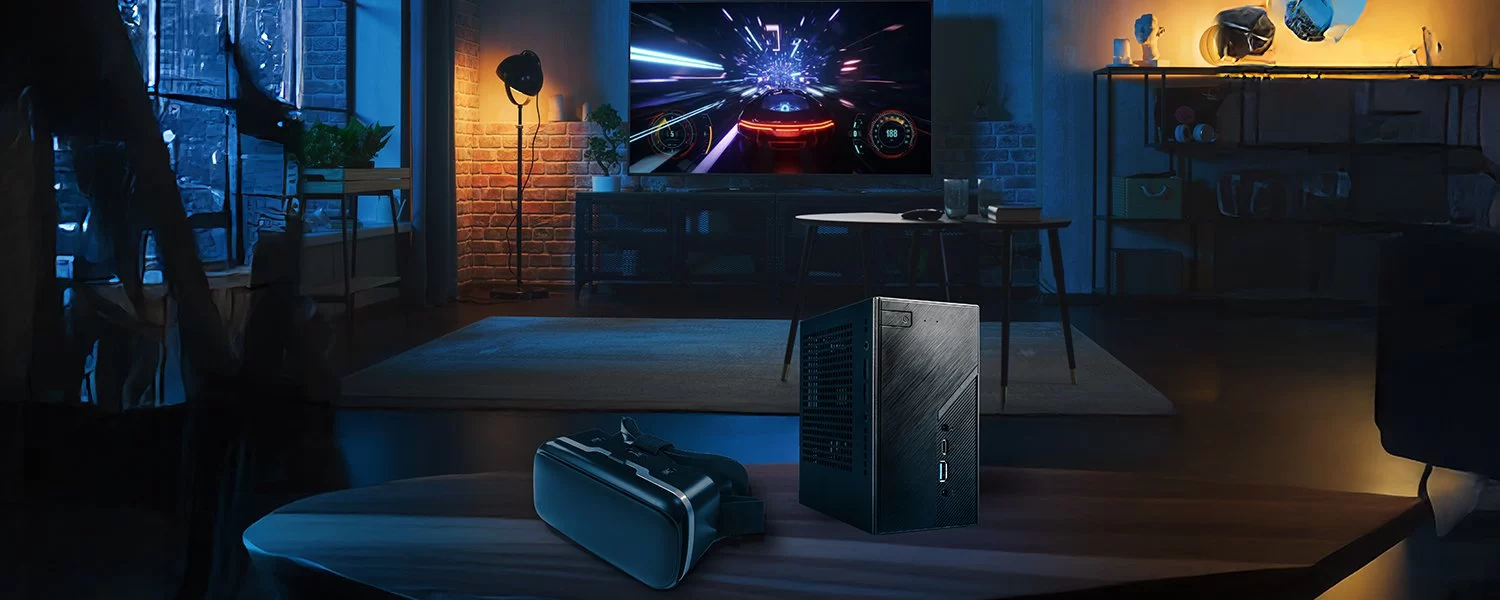
Living room and light gaming: Ryzen 7 8700G, 32 GB DDR5-6400, 1 TB NVMe. Strong integrated graphics, USB4 for an external SSD and a quiet setup with Eco mode.
Compact workstation: Ryzen 9 7900 (65 W, 12 cores), 64–128 GB DDR5, PCIe 5.0 NVMe plus a second NVMe. Excellent multi-threaded performance and Gen5 storage, with basic graphics.
Home server: Ryzen 5 7600, 32 GB, NVMe system drive and two large 2.5-inch SSDs in RAID or as separate storage. Low power at idle, a 2.5GbE port and room for four drives.
The real cost
The barebone price is attractive, but a complete build includes the processor, cooler, memory, SSD and possibly a Windows licence and Wi-Fi card. With DDR5 prices high in 2026, the total can exceed that of a complete mini PC with a mobile Ryzen. What you get in exchange is a socketed, upgradeable platform: in a few years, a new AM5 processor and a BIOS update can give the same box a second life.
What changed from the DeskMini X600
The original DeskMini X600 was already popular among small-form-factor builders, but it had one recurring criticism: no fast Type-C port. The USB4 revision answers that with a rear Type-C port that offers 40 Gbps with Ryzen 8000G processors, DisplayPort output and 15 W charging. Storage, memory support, chassis size and the 65 W limit are unchanged. If you already own a DeskMini X600 and do not need USB4, there is no reason to switch; if you are buying new and plan to use a Ryzen 8000G, the USB4 version is the better choice.
An upgrade path that lasts
AMD has committed to supporting the AM5 socket for several generations. In practice, that means you can start with an affordable Ryzen 5 8500G or 7600 today and move later to a faster chip — as long as it stays within the 65 W limit and ASRock adds support through a BIOS update. Memory and drives move with you. Compared with a mini PC with a soldered processor, this flexibility can extend the useful life of the machine by several years and reduce electronic waste.
Linux and home lab use
The AM5 platform is well supported by modern Linux kernels, and the DeskMini works well as a Proxmox, TrueNAS or Docker host. The Realtek 2.5GbE controller is supported by current distributions. With four drives, up to 128 GB of memory and a 65 W eight- or twelve-core CPU, it can host many containers and virtual machines while staying small enough to sit on a bookshelf. The single network port is the main limit for router or firewall roles.
Alternatives
The previous DeskMini X600 is very similar but lacks the USB4 port. ASRock’s DeskMini B860 applies the same idea to Intel’s LGA 1851 Core Ultra 200S processors. Among complete mini PCs, models with the Ryzen 7 8745HS or Ryzen AI 9 HX 370 offer similar or better graphics, Wi-Fi and often OCuLink, ready to use — but with a soldered processor and fewer drive bays. If you need a discrete graphics card, ASRock’s larger DeskSlim X600 (about 5 L) adds a PCIe slot.
Who should buy it?
The DeskMini X600/USB4 is for builders and enthusiasts who want desktop AM5 performance, plenty of storage and the freedom to upgrade, in the smallest possible box. Pair it with a Ryzen 8000G to get the most out of it, including USB4. It is not for people who want a plug-and-play computer or a Copilot+ PC.
Verdict
The ASRock DeskMini X600/USB4 remains one of the most flexible small PCs you can buy. A real AM5 socket, up to 128 GB of DDR5, four drives and now USB4 make it a unique platform at 1.92 litres. The compromises are real — USB4 only with Ryzen 8000G, modest USB speeds, no Wi-Fi on the base model and a 65 W limit — but for anyone who enjoys choosing every component and upgrading later, it is still a reference in its category.
| Configuration Options | ||||||||||||||||||||||||
|---|---|---|---|---|---|---|---|---|---|---|---|---|---|---|---|---|---|---|---|---|---|---|---|---|
|
||||||||||||||||||||||||
| AI Capabilities | ||||||||||||||||||||||||
|
||||||||||||||||||||||||
| Processor | ||||||||||||||||||||||||
|
||||||||||||||||||||||||
| Ports | ||||||||||||||||||||||||
|
||||||||||||||||||||||||
| Network | ||||||||||||||||||||||||
|
||||||||||||||||||||||||
| GPU | ||||||||||||||||||||||||
|
||||||||||||||||||||||||
| Internal Ports | ||||||||||||||||||||||||
|
||||||||||||||||||||||||
| Storage & RAM | ||||||||||||||||||||||||
|
||||||||||||||||||||||||
| Power | ||||||||||||||||||||||||
|
||||||||||||||||||||||||
| Others Specifications | ||||||||||||||||||||||||
|
||||||||||||||||||||||||
| Specification | ||||||||||||||||||||||||
|
||||||||||||||||||||||||

More information: ASRock DeskMini X600/USB4 on minis-pc.com
Discover our full Mini PC comparison: minis-pc.com
Article written for minis-pc.com — Mini PC Comparisons and Reviews
Our 2026 Buying Guides & Deals
Disclaimer: This article is for information purposes only. Specifications, prices, coupons and availability may change at any time or contain errors, so please check them on the manufacturer's official website or store before buying. Some links on this page are affiliate links: if you buy through them we may earn a small commission at no extra cost to you.