
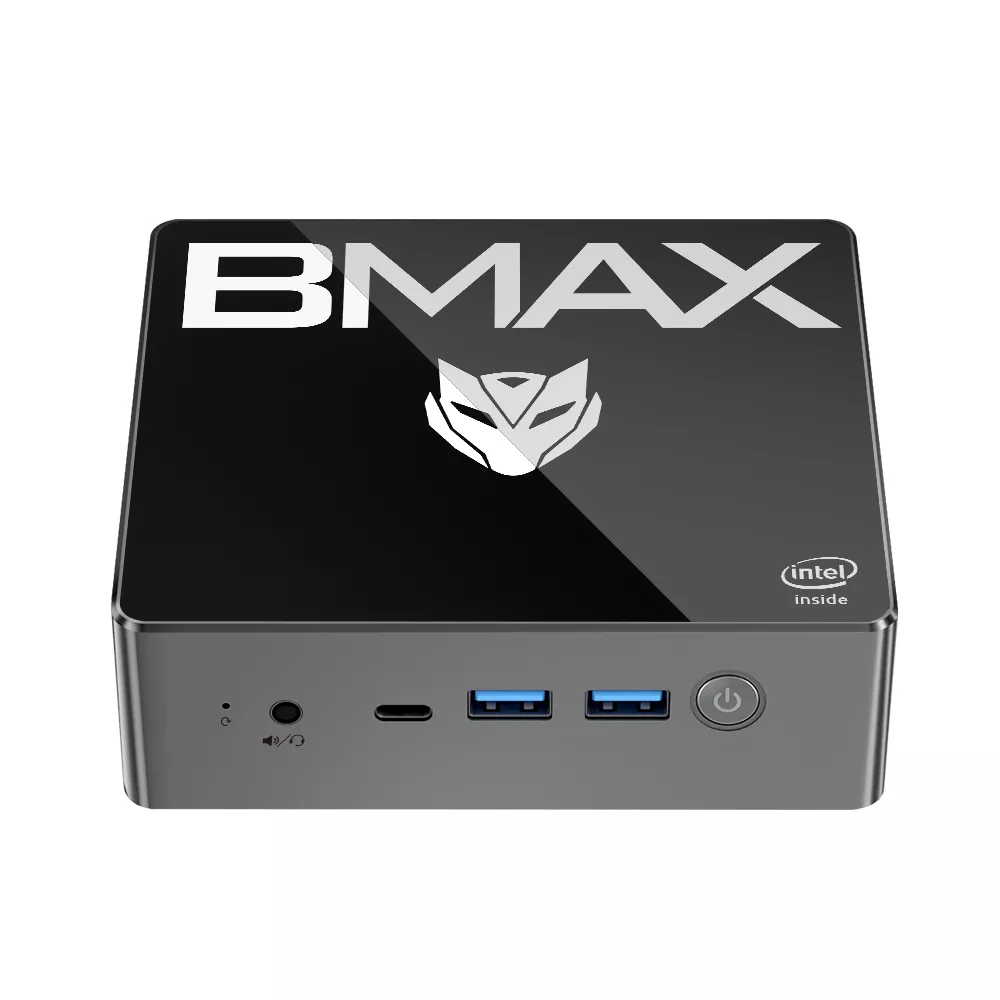
Intel’s N150 has become the default processor for budget mini PCs, and dozens of brands sell boxes built around it. The BMAX MaxMini B4 Turbo is one of the cheapest, and it has one feature that many rivals lack: a 2.5-inch SATA bay for a second drive. Here is what you get for the money, and what you give up.
The N150: enough for everyday work
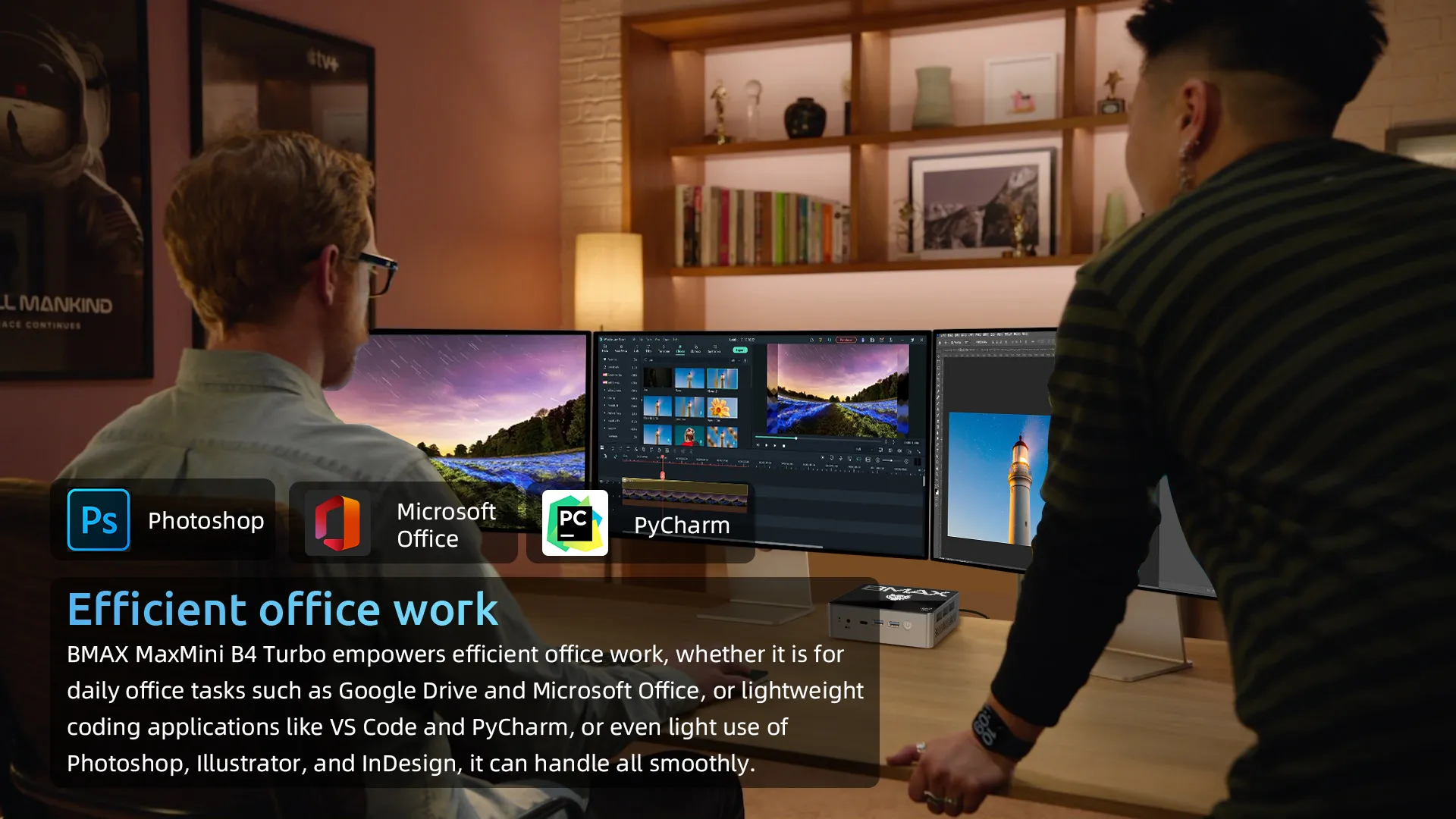
The N150 has four efficient cores that boost to 3.6 GHz and consumes just 6 W. It is slightly faster than the N100 and handles the tasks most home and office users need: documents and spreadsheets, web apps, video calls, email and streaming. Light coding in VS Code or PyCharm works well, and small image edits are possible. It slows down with heavy multitasking, large photo libraries or video editing — for those, a Ryzen 5 or Ryzen 7 mini PC is a better investment.
16 GB of memory: a welcome surprise
Many N150 mini PCs ship with 8 or 12 GB. The B4 Turbo includes 16 GB of DDR4, which makes Windows 11 noticeably more comfortable when many browser tabs and applications are open. BMAX does not say whether the memory is soldered or in a slot, but 16 GB is already the practical maximum for most N150 users.
Storage: slower SSD, but a bonus bay
The included 512 GB or 1 TB SSD is SATA, not NVMe. In daily use the difference is small — Windows boots quickly and applications open without delay — but large file copies are several times slower than on an NVMe drive. The compensation is the 2.5-inch bay: you can add a 2 TB SSD for photos and documents or a large hard drive for media and backups, turning the B4 Turbo into a small media server or a family PC with plenty of storage.
Displays and media
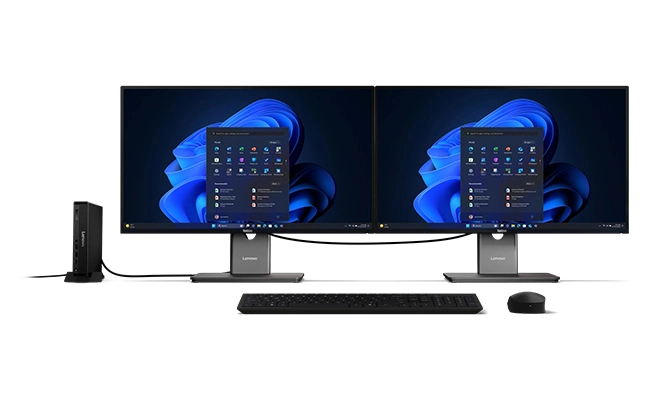
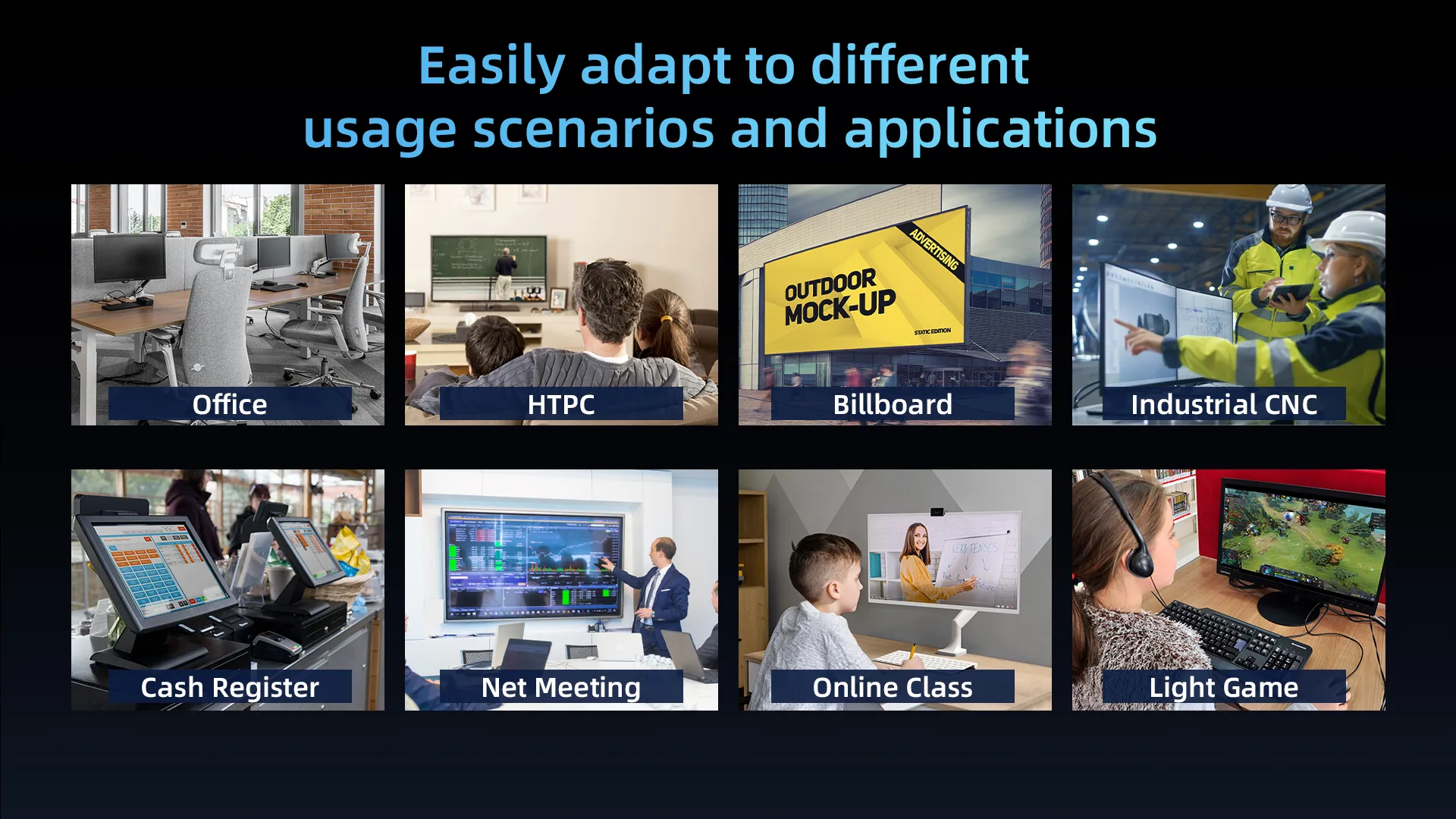
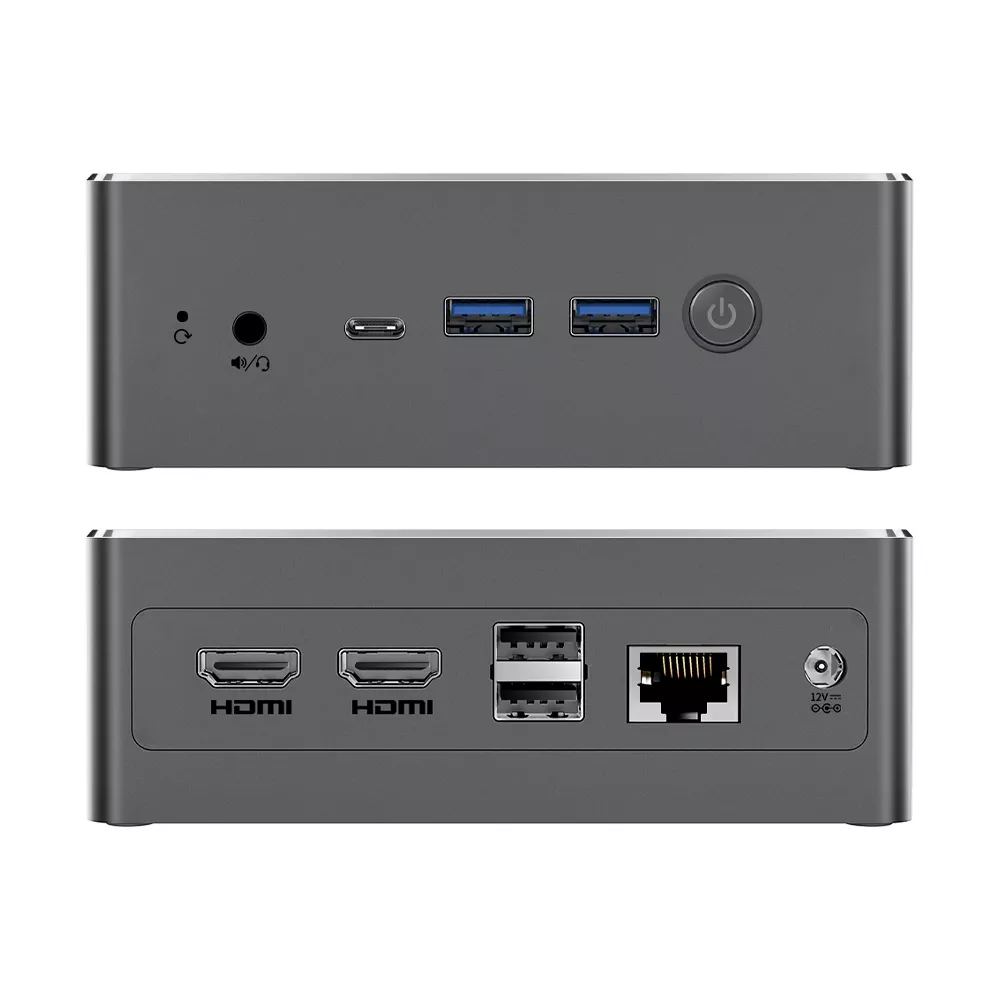
Two HDMI ports and a full-function USB-C port support three 4K displays, which is useful for office work with several screens. The Intel graphics decode 4K video efficiently, so the B4 Turbo makes a quiet, low-power media player for a living room TV — BMAX highlights exactly this use. Gaming is limited to very light titles and cloud gaming services.
Connectivity: dated wireless
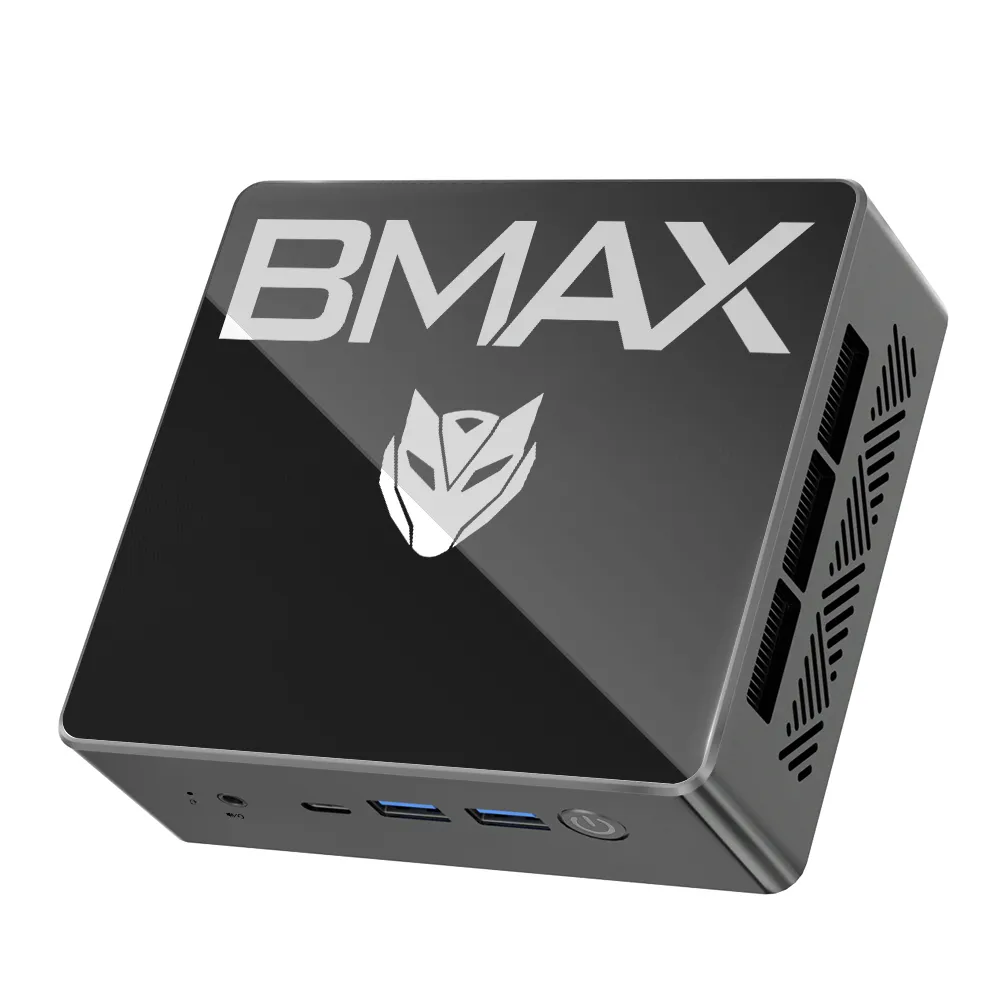
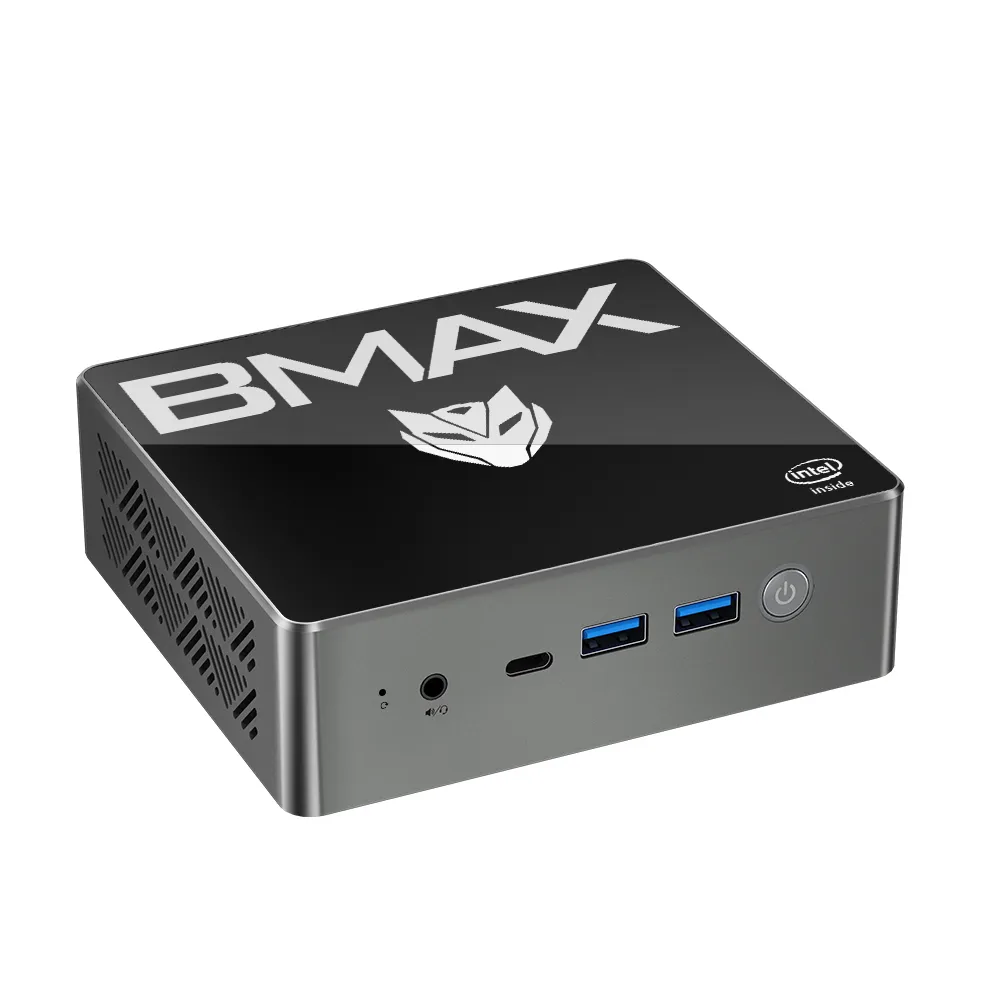
Here the B4 Turbo shows its budget nature. Wireless is dual-band Wi-Fi of the Wi-Fi 5 class with Bluetooth 5.0, while many current N150 rivals offer Wi-Fi 6. Two of the four USB-A ports are USB 2.0, which is fine for a keyboard and mouse but slow for drives. There is one Ethernet port; BMAX does not specify its speed, so assume Gigabit. If you rely on Wi-Fi in a busy network, a Wi-Fi 6 model will feel more reliable.

Quiet and efficient
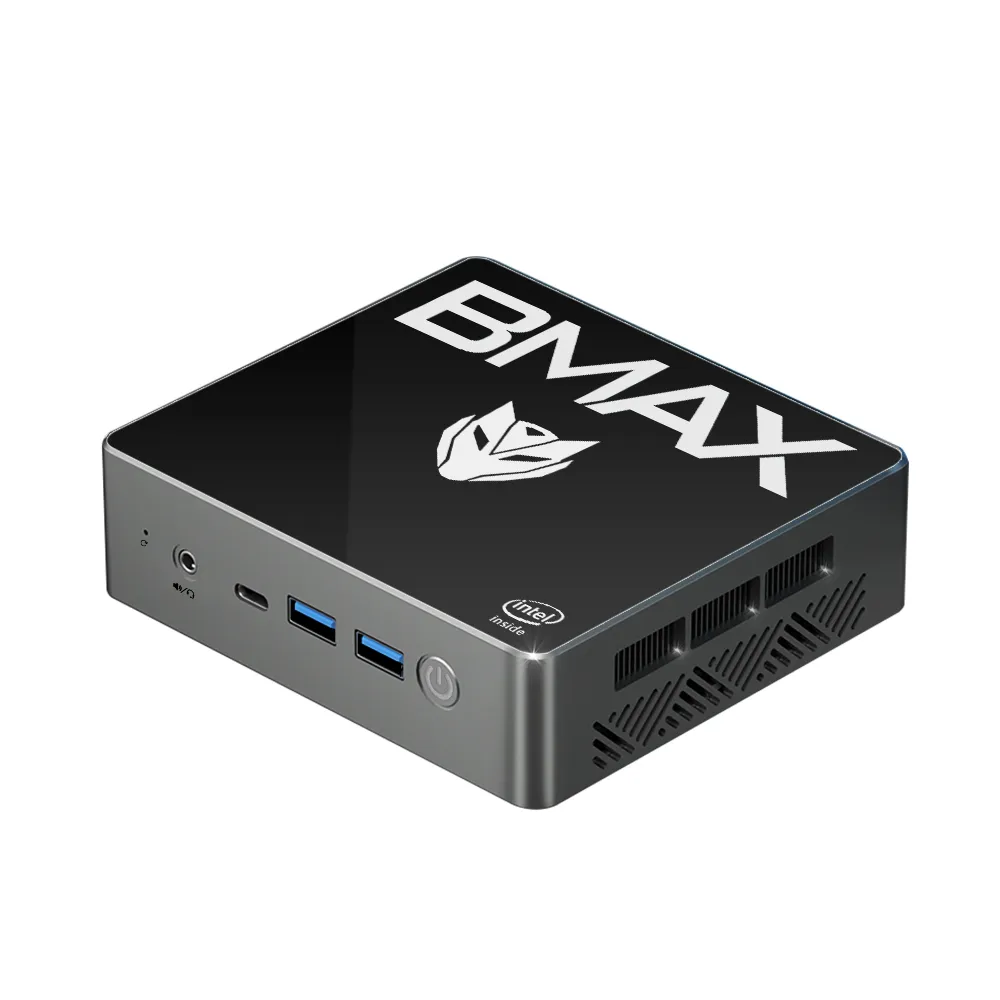
With a 6 W processor, the B4 Turbo runs cool and quiet. The fan rarely needs to spin up, and total power consumption is low enough to leave the PC on all day as a home server, media centre or kiosk without worrying about the electricity bill.

Recovery and Linux
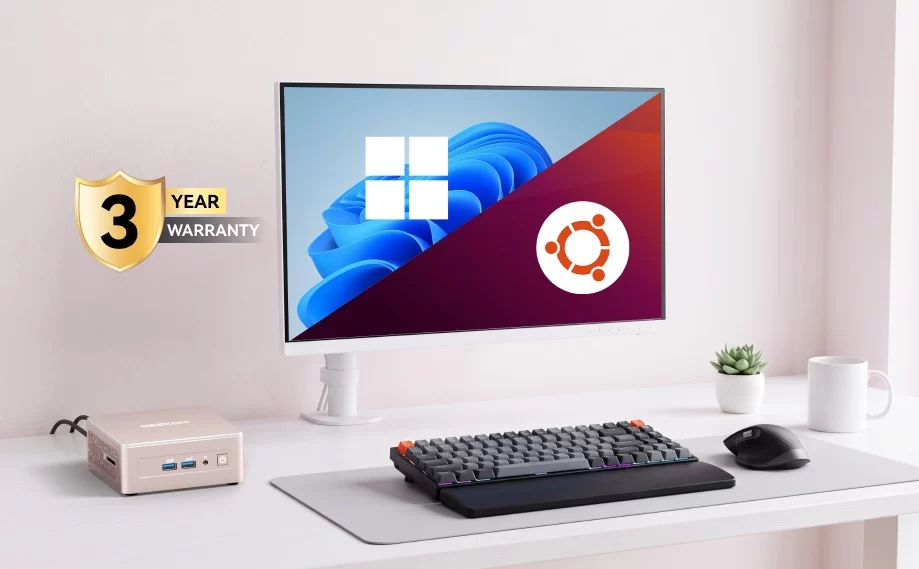
Windows 11 is pre-installed, and the built-in Smart Recovery environment resets the system quickly if something goes wrong — handy for families and less technical users. BMAX also supports dual boot with Linux, and the N150 platform is well supported by current distributions such as Ubuntu and Linux Mint.
Setting it up
After the first start, run Windows Update and install Intel’s graphics driver. To add a second drive, open the bottom cover, connect a 2.5-inch SSD or hard drive to the bay, then initialise and format it in Disk Management. For a media server, install Plex or Jellyfin on the second drive; for a family PC, use it for photos and backups.
N150 versus N100 and Core 3
Compared with the older N100, the N150 raises the maximum boost from 3.4 to 3.6 GHz and the graphics clock from 750 to 1000 MHz, which gives a modest but noticeable improvement in responsiveness and video playback. Intel’s newer Core 3 processors, such as the Core 3 304 in the BOSGAME E6 ECO, go further with a performance core and an NPU, but they cost more. For basic tasks, the N150 remains the best value, and the B4 Turbo is one of the cheapest ways to get it with 16 GB of memory.
Alternatives
The Beelink Mini S13 and Beelink EQ14 offer the N150 with NVMe storage, and the EQ14 adds dual Gigabit LAN and an internal power supply. BOSGAME’s E6 ECO with the Core 3 304 is faster and adds Wi-Fi 7 and dual 2.5GbE, at a higher price. If you need more performance for multitasking or light gaming, BMAX’s own B8A Pro with a Ryzen 7 8745HS is a big step up.
Who should buy it?
The B4 Turbo suits students, home offices and families on a tight budget who need a quiet PC for documents, browsing and 4K streaming, and who value the option to add a large second drive. It is not for users who want fast storage, modern Wi-Fi or any real gaming.
Verdict
The BMAX MaxMini B4 Turbo is a straightforward, low-cost N150 mini PC with two genuine strengths: 16 GB of memory and a 2.5-inch bay for extra storage. Its SATA SSD, older wireless, USB 2.0 ports and thin official specifications are the price of its low cost. For basic work and media at home, it does the job quietly and cheaply.
| AI Capabilities | ||||||||||||||||||
|---|---|---|---|---|---|---|---|---|---|---|---|---|---|---|---|---|---|---|
|
||||||||||||||||||
| Processor | ||||||||||||||||||
|
||||||||||||||||||
| Ports | ||||||||||||||||||
|
||||||||||||||||||
| Network | ||||||||||||||||||
|
||||||||||||||||||
| GPU | ||||||||||||||||||
|
||||||||||||||||||
| Internal Ports | ||||||||||||||||||
|
||||||||||||||||||
| Storage & RAM | ||||||||||||||||||
|
||||||||||||||||||
| Others Specifications | ||||||||||||||||||
|
||||||||||||||||||

More information: BMAX MaxMini B4 Turbo on minis-pc.com
Discover our full Mini PC comparison: minis-pc.com
Article written for minis-pc.com — Mini PC Comparisons and Reviews
Our 2026 Buying Guides & Deals
Disclaimer: This article is for information purposes only. Specifications, prices, coupons and availability may change at any time or contain errors, so please check them on the manufacturer's official website or store before buying. Some links on this page are affiliate links: if you buy through them we may earn a small commission at no extra cost to you.