
Dell Pro Max Micro FCM2250 Intel® Core™ Ultra 7 265

$1,473.38
 Amazon.com
| Processor | 9 |
|---|---|
| RAM | 8 |
| Hard Disk | 9 |
| Connectivity | 8.5 |
Dell Pro Max Micro FCM2250: 2.9-litre compact workstation with Intel® Core™ Ultra 7 265 (Arrow Lake, 20 cores / 20 threads, up to 5.3 GHz, 65 W, runs up to 85 W), Intel AI Boost NPU 13 TOPS, NVIDIA RTX™ A1000 8 GB GDDR6 (4× mini DP) + Intel Graphics, up to 64 GB DDR5 5600/6400 (not soldered, ECC options), 3× M.2 2280 (2× Gen4 + 1× Gen5), 2× PCIe Gen4 ×8 slots, Wi-Fi 7 + Bluetooth 5.4, Gigabit Ethernet (2.5/5/10GbE options), USB-C 20 Gbps, USB-C 10 Gbps, 4× USB-A 10 Gbps, 2× USB-A 5 Gbps, 3× DisplayPort 1.4a, optional module (Thunderbolt 4, HDMI 2.1, DP 2.1…), 180/280 W adapter, Windows 11 Pro, Ubuntu, RHEL. 206 × 79.3 × 178 mm.

$1,473.38
Dell Pro Max Micro FCM2250 Intel® Core™ Ultra 7 265 Prices

Price History
| Price history for Dell Pro Max Micro FCM2250 Ultra 7 265 RTX A1000 512GB 16GB WiFi 7 Win 11 | Intel Core Ultra 7 265 vPro (20-Core, up to 5.3GHz) | RTX A1000 8GB | Wi-Fi 7 | Windows 11 Pro | New | |
|---|---|
|
Latest updates:
|
|
Description
Dell Pro Max Micro FCM2250
Compact Workstation With Intel® Core™ Ultra 7 265, NVIDIA RTX™ A1000 8 GB, up to 64 GB DDR5, Three M.2 Slots (one Gen5), Wi-Fi 7 and Up to 10GbE
The Dell Pro Max Micro FCM2250 is Dell’s smallest workstation: a 2.9-litre desktop that combines a full 65 W Intel® Core™ Ultra 7 265 (20 cores, up to 5.3 GHz, 13 TOPS NPU) with professional NVIDIA RTX™ graphics. The configuration on this page uses the RTX A1000 with 8 GB of GDDR6, certified for CAD and design software. It adds up to 64 GB of DDR5, three M.2 2280 slots (one PCIe Gen5), two PCIe slots, Wi-Fi 7, optional 2.5, 5 or 10 GbE networking, a 20 Gbps USB-C port and Dell’s optional module port.
It belongs to the Dell Pro Max range that replaced the Precision workstations in 2025. Dell also offers it with Core Ultra 5 235/245 and Core Ultra 9 285 processors, integrated graphics only, or NVIDIA RTX A400, RTX 2000 Ada and RTX 4000 SFF Ada cards. Windows 11 Pro, Windows 11 Pro for Workstations, Ubuntu 24.04 and Red Hat Enterprise Linux 9.4 are supported.
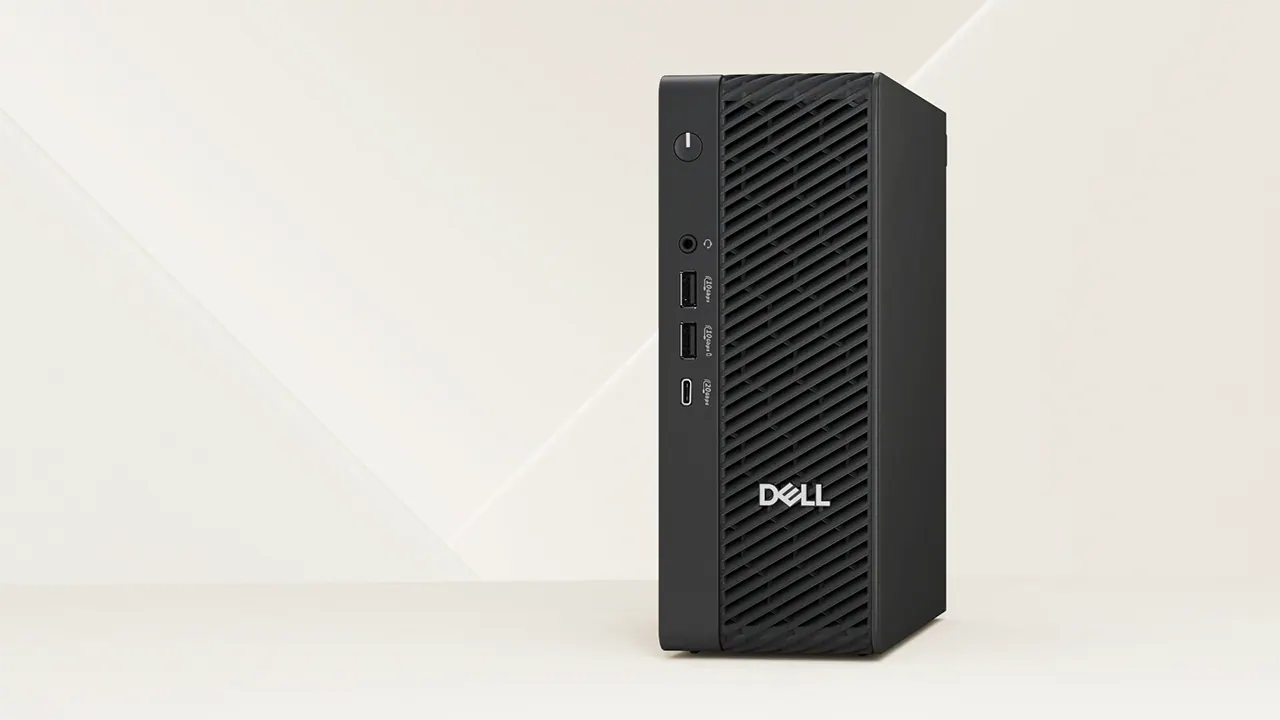
| Dell Pro Max Micro FCM2250 — Intel® Core™ Ultra 7 265 | |
|---|---|
| CPU | Intel® Core™ Ultra 7 265 (Arrow Lake) 2.4 GHz (up to 5.3 GHz) 20 Cores / 20 Threads (8 P-cores + 12 E-cores) 30 MB Intel® Smart Cache TSMC N3B process (compute tile) NPU: Yes Options: Core Ultra 5 235, Core Ultra 5 245, Core Ultra 9 285 (vPro on selected models) |
| GPU | NVIDIA RTX™ A1000 — 8 GB GDDR6 (Ampere, discrete) Intel® Graphics (4 Xe-cores, integrated) Other options: RTX A400 4 GB, RTX 2000 Ada 16 GB, RTX 4000 SFF Ada 20 GB |
| AI Engine | Intel AI Boost NPU — 13 TOPS NVIDIA RTX A1000 Tensor Cores for GPU-accelerated AI Not a Copilot+ PC |
| Memory | 8 GB to 64 GB DDR5 5600 or 6400 MT/s, single or dual channel Up to 64 GB (2 × 32 GB); ECC options FULLY USER-UPGRADEABLE (NOT soldered) |
| Storage | 256 GB to 2 TB per drive M.2 2230 / 2280 NVMe SSD — PCIe Gen4, self-encrypting options |
| Storage Expansion | 2× M.2 2280 PCIe Gen4 NVMe (single-sided) 1× M.2 2280 PCIe Gen5 NVMe (single-sided) 2× PCIe Gen4 ×8 slots (×8 and ×1 electrical) |
| Wireless Connectivity | Intel® Wi-Fi 7 BE200 (2×2) + Bluetooth 5.4 or Qualcomm FastConnect 7800 Wi-Fi 7 + Bluetooth 5.4 or no wireless card |
| Ethernet | 1× Gigabit Ethernet RJ45 Options: 1× 2.5GbE, 1× 5GbE or 2× 10GbE |
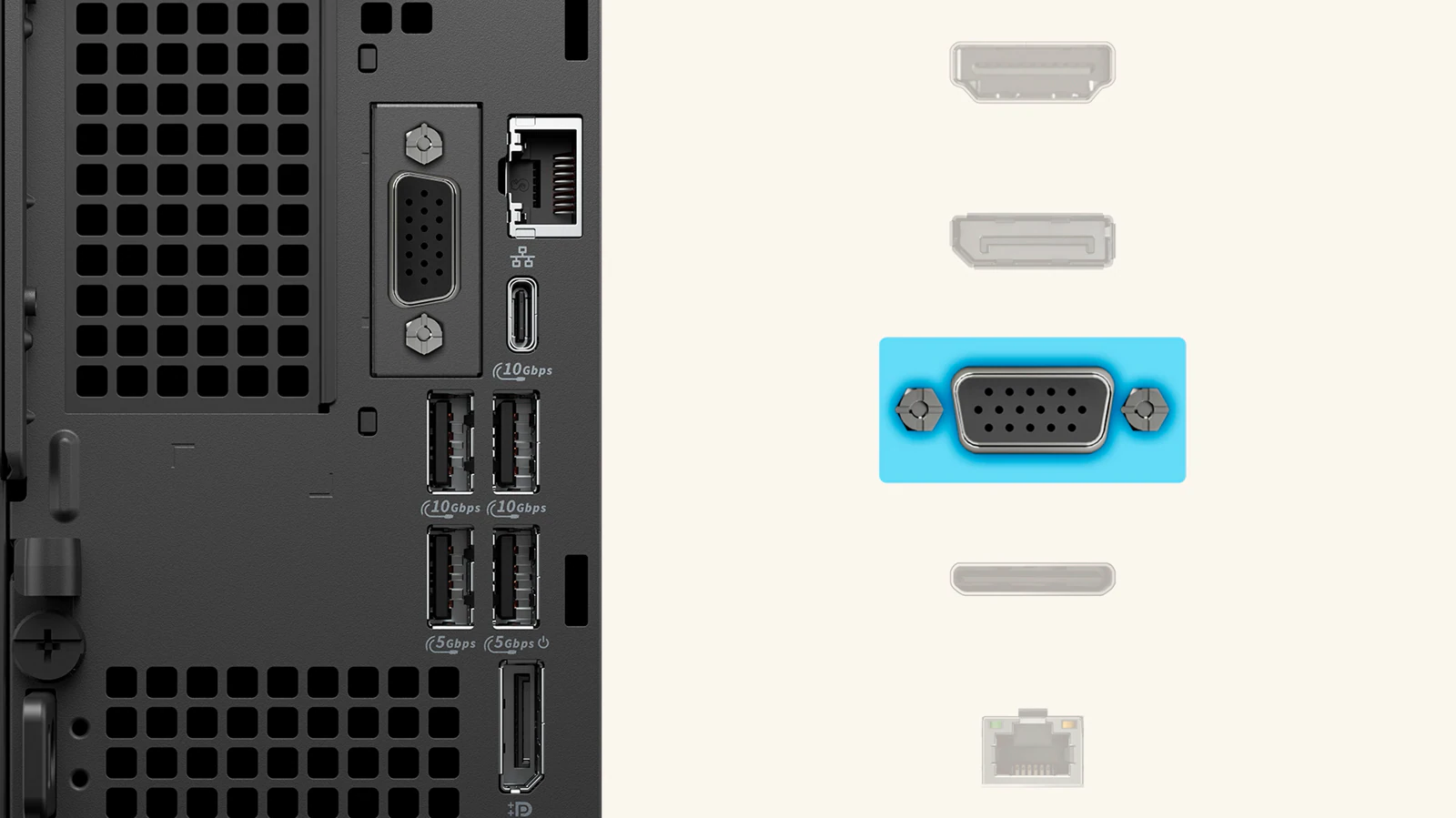
| Video Output | 3× DisplayPort 1.4a (HBR3) — integrated graphics 4× Mini DisplayPort 1.4a on the RTX A1000 (DP adapters included) Optional module: HDMI 2.1 FRL, DisplayPort 2.1, VGA, USB-C DP Alt Mode or Thunderbolt 4 |
| Audio Output | 1× headset (headphone + microphone) jack Stereo speakers (Realtek ALC3204) |
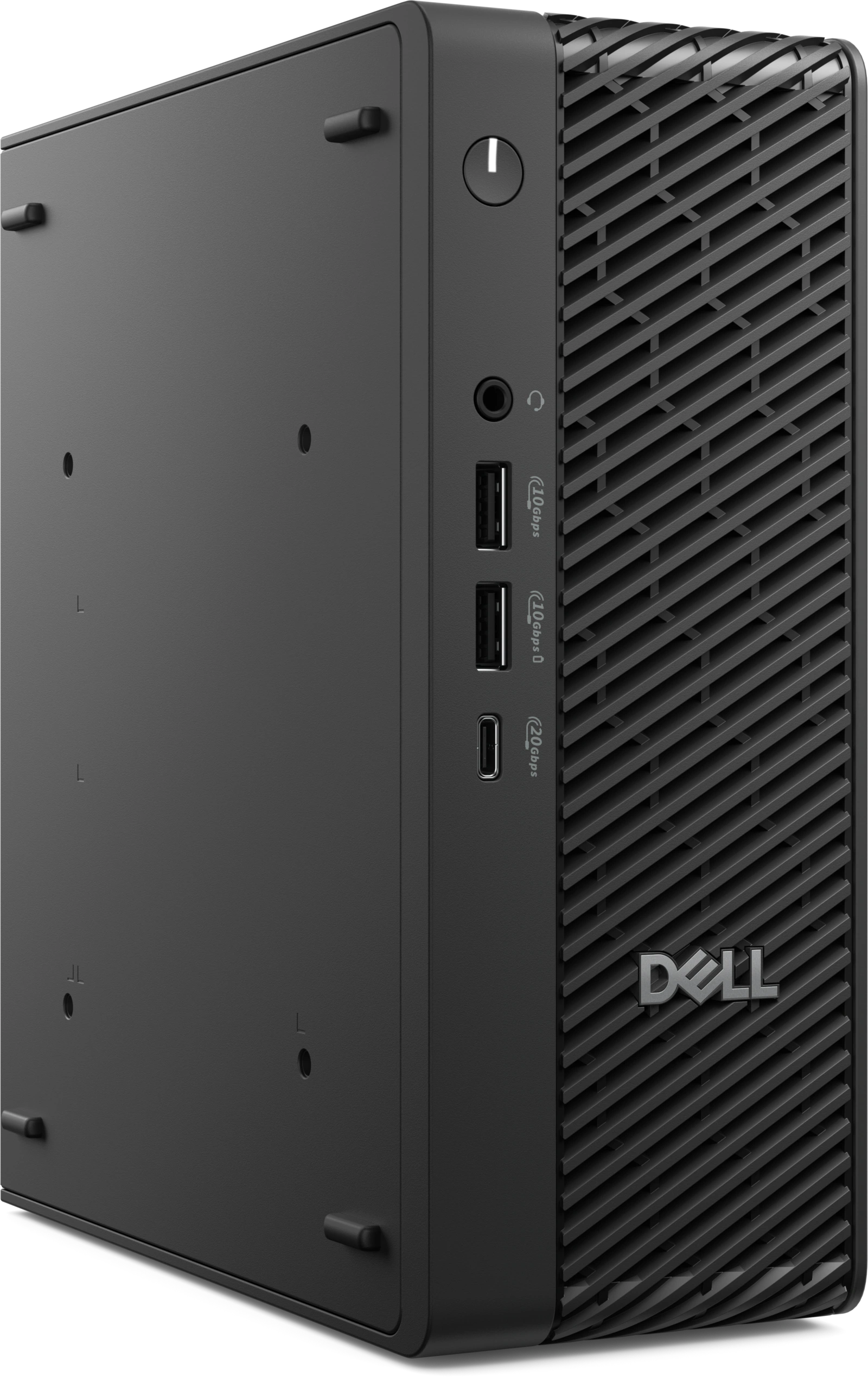
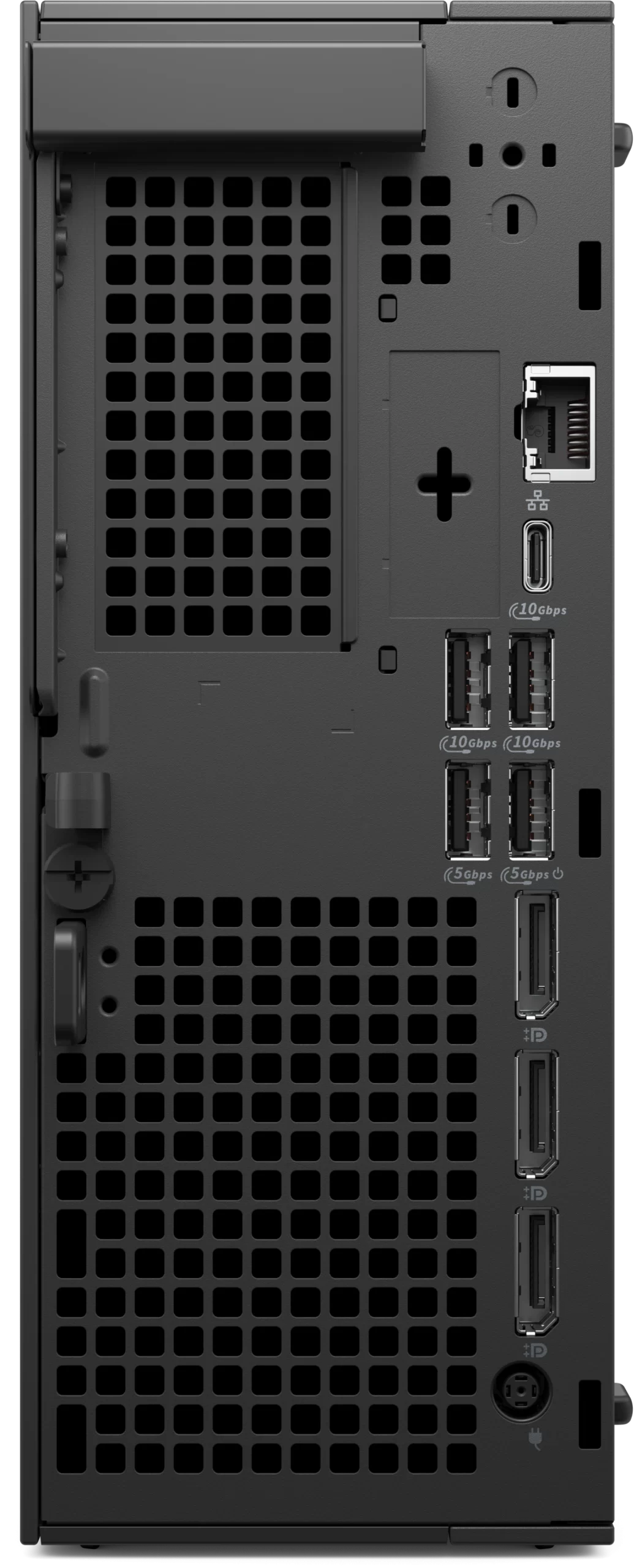
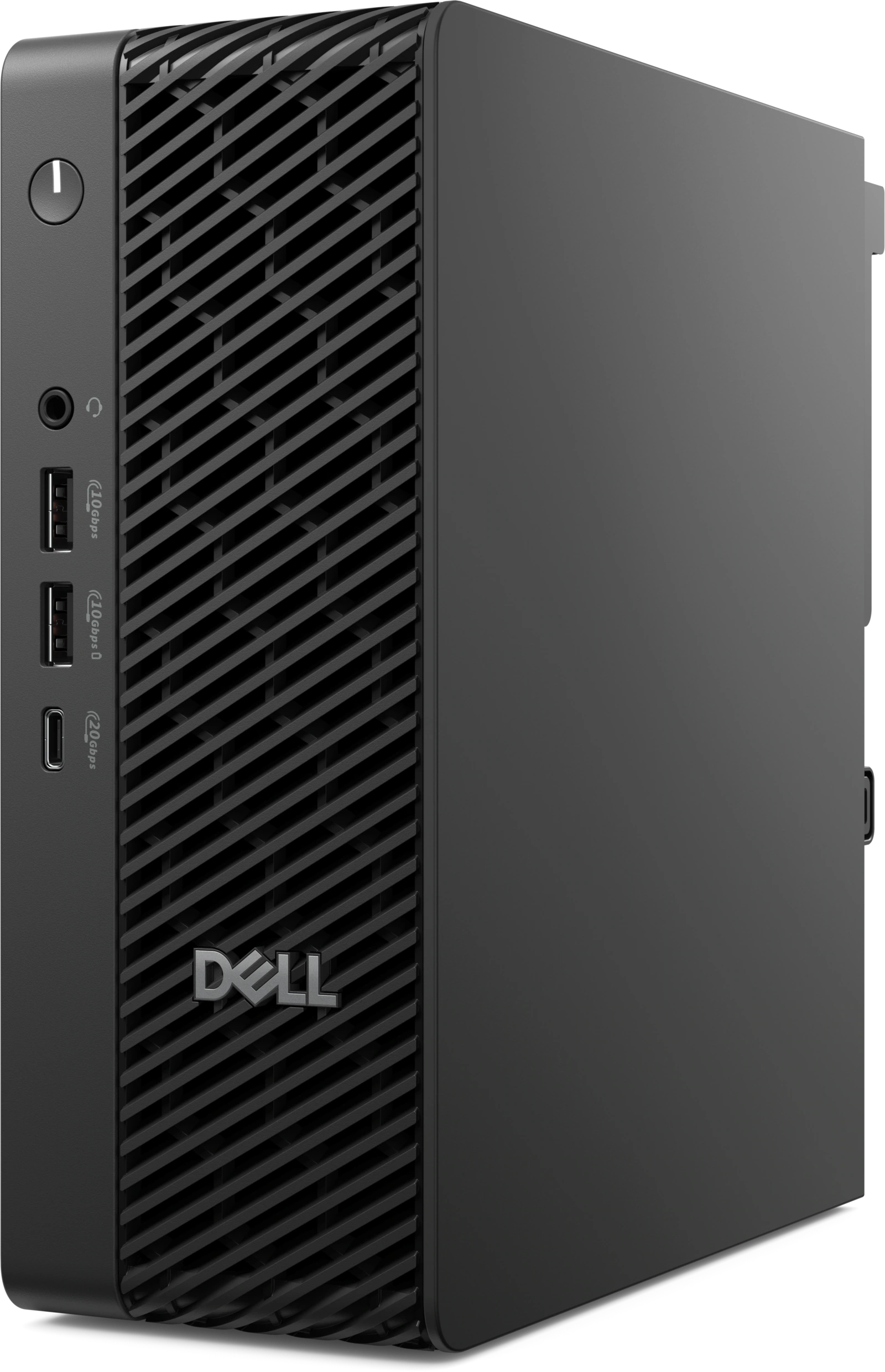
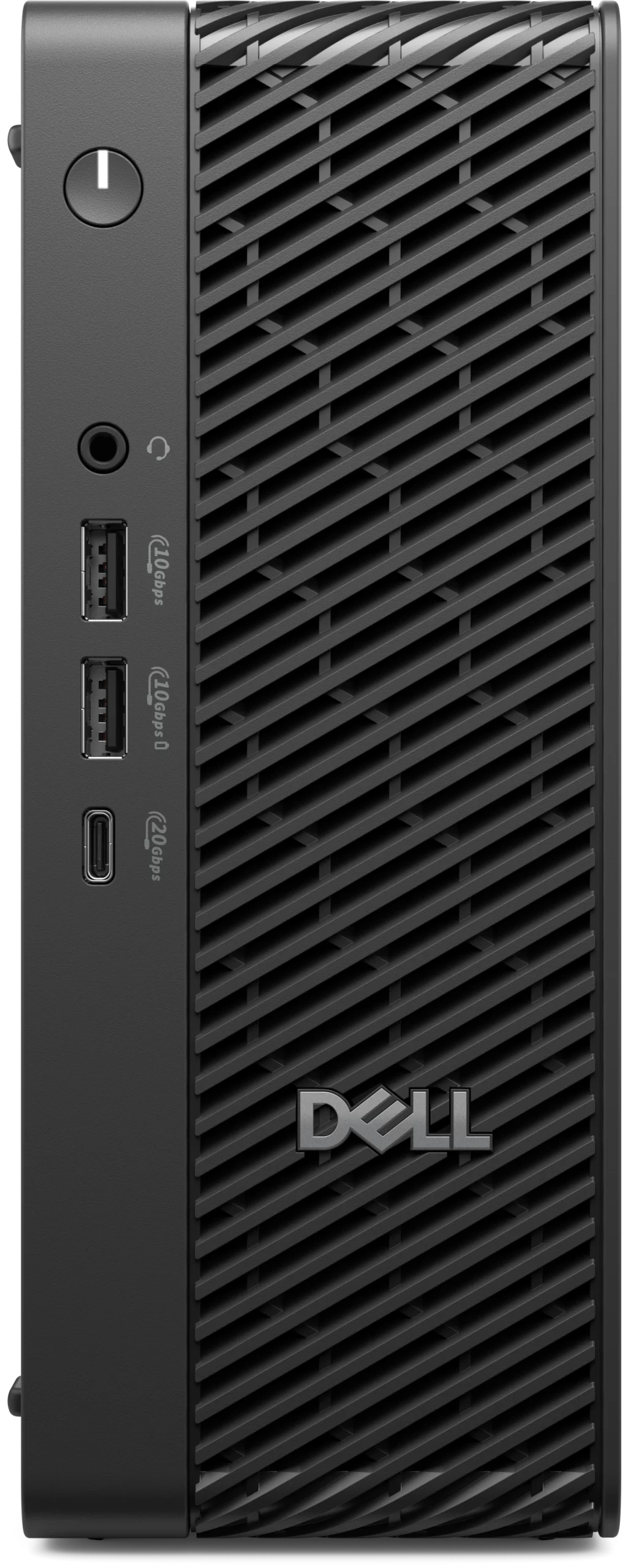
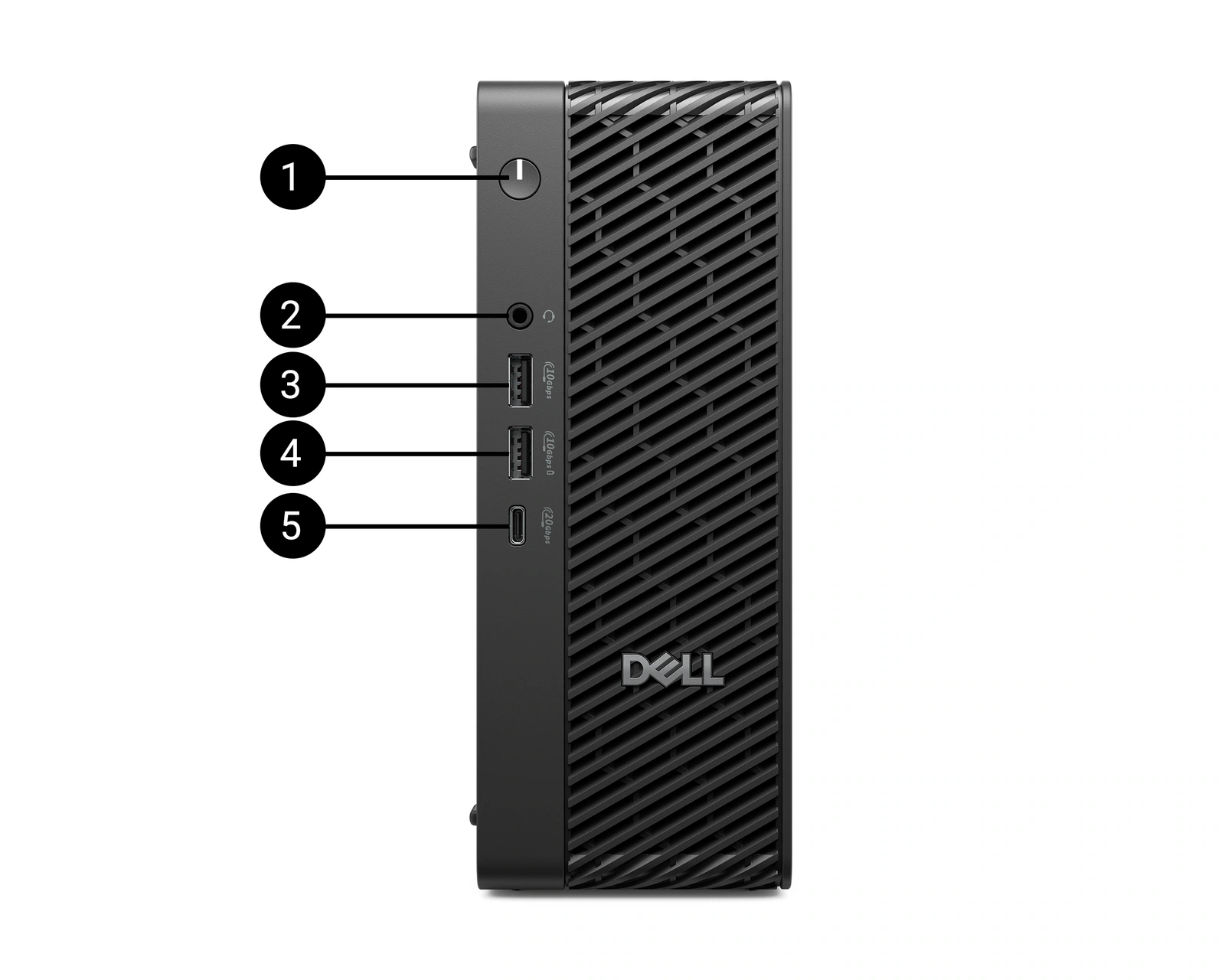
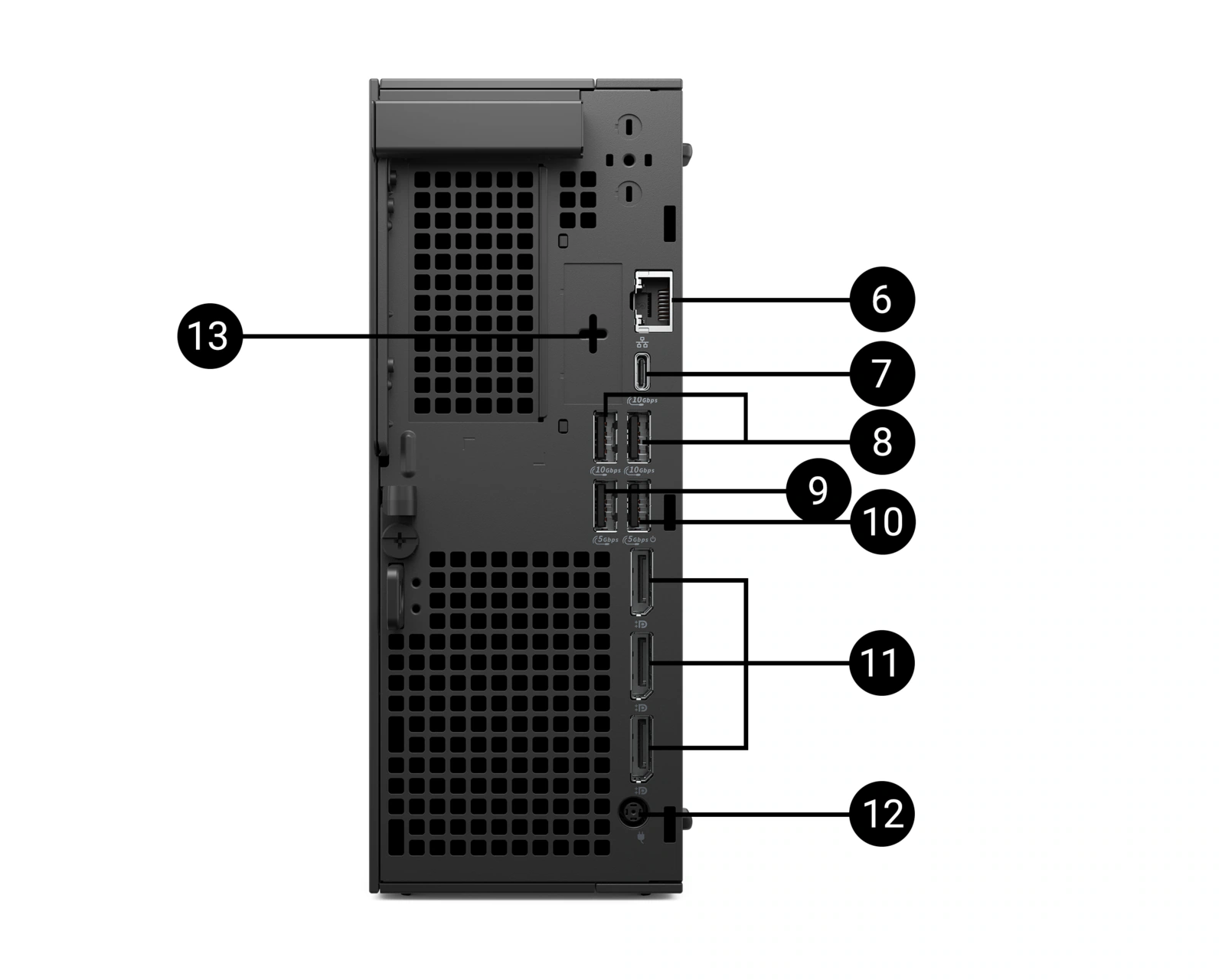
| Ports & Buttons | Front: Power button 1× USB-C 3.2 Gen 2×2 (20 Gbps) 1× USB-A 3.2 Gen 2 (10 Gbps) with PowerShare 1× USB-A 3.2 Gen 2 (10 Gbps) 1× headset jack Rear: 1× USB-C 3.2 Gen 2 (10 Gbps) 2× USB-A 3.2 Gen 2 (10 Gbps) 1× USB-A 3.2 Gen 1 (5 Gbps) with Smart Power On 1× USB-A 3.2 Gen 1 (5 Gbps) 3× DisplayPort 1.4a 1× Gigabit RJ45 Optional 2.5GbE / 5GbE / 2× 10GbE 4× Mini DisplayPort (RTX A1000) 1× power-adapter port 1× optional module port Kensington security slot Padlock ring |
| Performance Modes | Core Ultra 7 265: 65 W processor base power (Intel) Dell thermal design allows 65 W processors to run at up to 85 W RTX A1000: about 50 W |
| System | Windows 11 Pro / Pro for Workstations / Home Ubuntu 24.04 LTS Red Hat Enterprise Linux 9.4 |
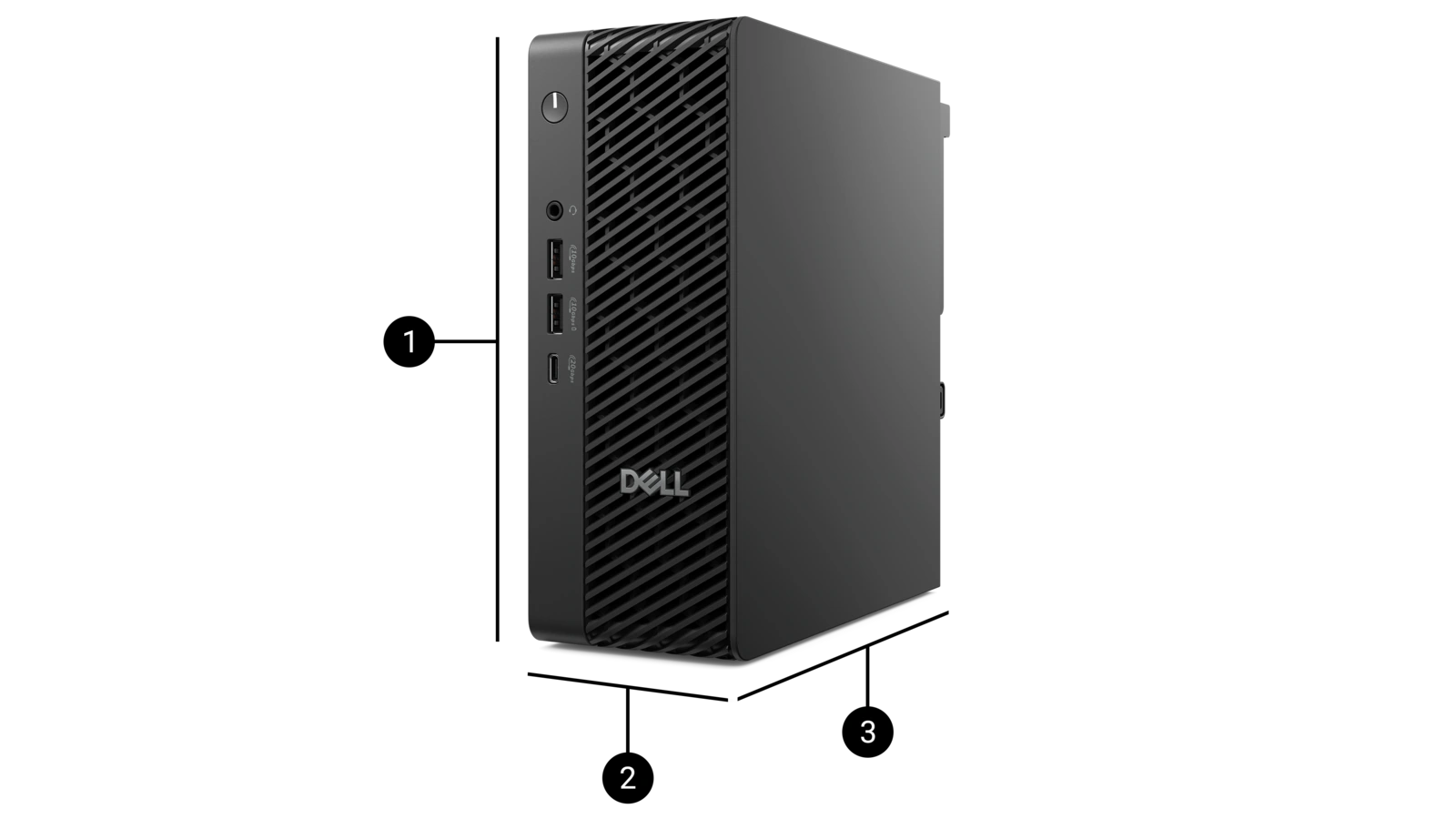
| Product Dimension | 206 × 79.3 × 178 mm (H × W × D), about 2.9 L 2.34–2.54 kg |
| Power | 180 W or 280 W external adapter (7.4 mm barrel) 280 W with discrete graphics |
Available Configurations
| Component | Options |
|---|---|
| Processor | Core Ultra 5 235 · Core Ultra 5 245 · Core Ultra 7 265 · Core Ultra 9 285 (vPro on selected models) |
| Graphics | Intel integrated · NVIDIA RTX A400 4 GB · RTX A1000 8 GB · RTX 2000 Ada 16 GB · RTX 4000 SFF Ada 20 GB (US configurator also lists AMD Radeon Pro W7400 and RTX PRO 2000 Blackwell) |
| Memory | 8 / 16 / 32 / 64 GB DDR5 5600 or 6400 MT/s, non-ECC or ECC |
| Storage | 256 GB to 2 TB M.2 NVMe (up to three drives) |
| Networking | Gigabit standard · 2.5GbE · 5GbE · 2× 10GbE · Wi-Fi 7 |
| Power | 180 W (integrated graphics) · 280 W (discrete graphics) |
| Price (Dell US, Nov 2026) | From about US $1,305 (Core Ultra 5, integrated graphics); Core Ultra 7 265 + RTX A1000 from about US $1,530 on promotion |
Processor: Intel Core Ultra 7 265
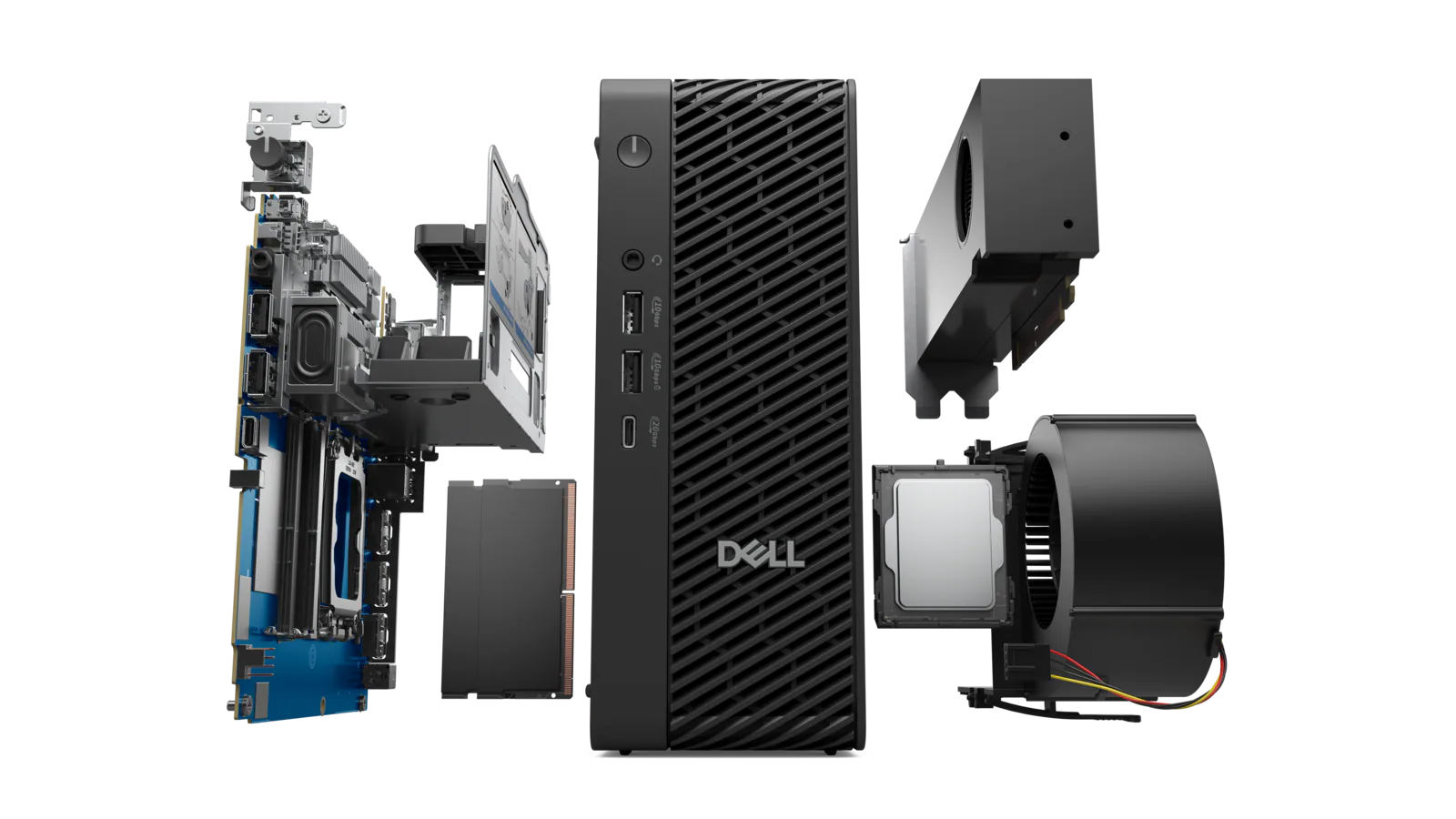
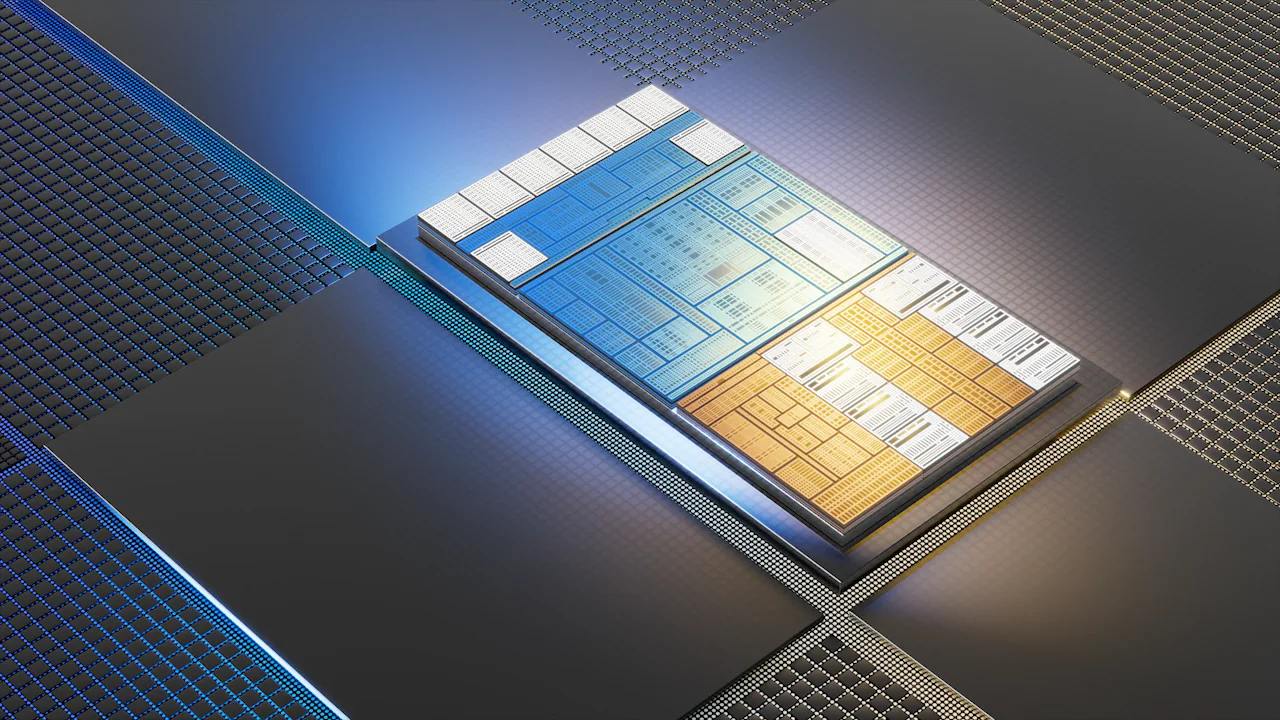
Unlike most mini PCs, which use 28–45 W laptop chips, the Pro Max Micro takes full 65 W desktop processors. The Core Ultra 7 265 has 20 cores (8 performance and 12 efficient), a 2.4 GHz performance-core base, a boost of up to 5.3 GHz and 30 MB of cache. According to Dell, a new thermal solution lets these 65 W processors run at up to 85 W for sustained loads, which matters for long renders, simulations and compiles. The result is performance close to a full-size tower in a box that fits on a shelf.
Dell also offers the Core Ultra 5 235 and 245 (14 cores) and the Core Ultra 9 285 (24 cores, up to 5.6 GHz). vPro versions add Intel’s remote management for corporate fleets. The Core Ultra 7 265 is the sweet spot for most CAD and engineering users.
AI capabilities
The processor includes an Intel AI Boost NPU of 13 TOPS for Windows Studio Effects, transcription and other low-power AI tasks. It does not reach the 40 TOPS of Copilot+ PCs, so this is not a Copilot+ PC. The real AI power comes from the GPU: the RTX A1000 has Tensor Cores and CUDA support, so it can accelerate AI features in design and video applications and run small local language or image models within its 8 GB of memory. Larger RTX 2000 Ada (16 GB) and RTX 4000 SFF Ada (20 GB) options are better for serious local AI work.
Graphics
The NVIDIA RTX A1000 is a low-profile professional card based on the Ampere architecture, with 8 GB of GDDR6 and a power draw of about 50 W. It is certified for applications such as SolidWorks, AutoCAD, Revit, Creo and Adobe’s creative suite, with NVIDIA’s enterprise drivers. It has four Mini DisplayPort 1.4a outputs (Dell includes DP adapters), and the integrated Intel Graphics (4 Xe-cores) still drive the three DisplayPort outputs on the motherboard. Gaming is possible at moderate settings, but this card is tuned for stability and certified drivers, not frame rates.
Other options range from the entry-level RTX A400 (4 GB) to the RTX 2000 Ada (16 GB) and RTX 4000 SFF Ada (20 GB), which turns the Pro Max Micro into a genuine small-form-factor workstation for heavy 3D and AI workloads.
Memory
Memory is DDR5 at 5600 or 6400 MT/s, from 8 GB up to 64 GB (2 × 32 GB) in dual channel, with ECC options for critical workloads. It is FULLY USER-UPGRADEABLE (NOT soldered). As with Dell’s other micro desktops, some configurations ship with a single module; for workstation use we recommend two modules to enable dual channel.
Storage
Storage is generous: three M.2 2280 slots, two at PCIe Gen4 and one at PCIe Gen5, all for single-sided NVMe drives. Dell ships drives from 256 GB to 2 TB, including self-encrypting models, and an SSD heatsink. Separate drives for the operating system, projects and cache are easy to set up.
Connectivity
The front panel has a 20 Gbps USB-C port, two 10 Gbps USB-A ports (one with PowerShare for charging) and a headset jack. The rear adds a 10 Gbps USB-C, two 10 Gbps USB-A, two 5 Gbps USB-A, three DisplayPort 1.4a outputs and Gigabit Ethernet. Networking can be upgraded to 2.5GbE, 5GbE or dual 10GbE, which is rare in such a small machine and useful for large files on a NAS. Wireless options are Wi-Fi 7 (Intel BE200 or Qualcomm FastConnect 7800) with Bluetooth 5.4.
The two PCIe Gen4 ×8 slots (×8 and ×1 electrical) hold the graphics card and a network card. Dell’s optional module port can add VGA, HDMI 2.1 FRL, DisplayPort 2.1, serial, PS/2, USB-C with DisplayPort Alt Mode, two USB-A, Thunderbolt 4 with USB-C, 5G optical fibre or a 5GbE NIC.
Ventilation and thermal design
The Pro Max Micro uses a redesigned cooling system with a large blower and dedicated airflow for the CPU and the graphics card; Dell states that it allows 65 W processors to run at 85 W. The patterned front panel and perforated sides keep air moving. Under heavy CPU and GPU load the fans are audible, as in any compact workstation, but the system is designed for long sustained loads rather than short bursts.
Design
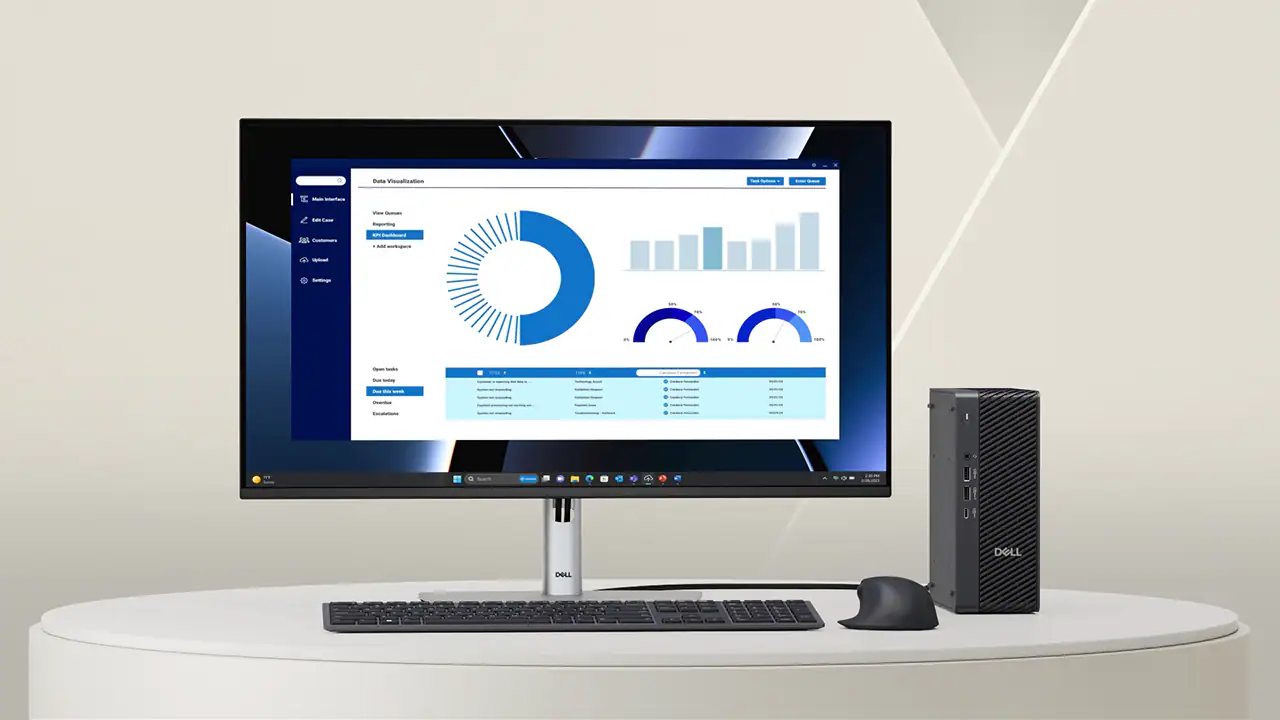
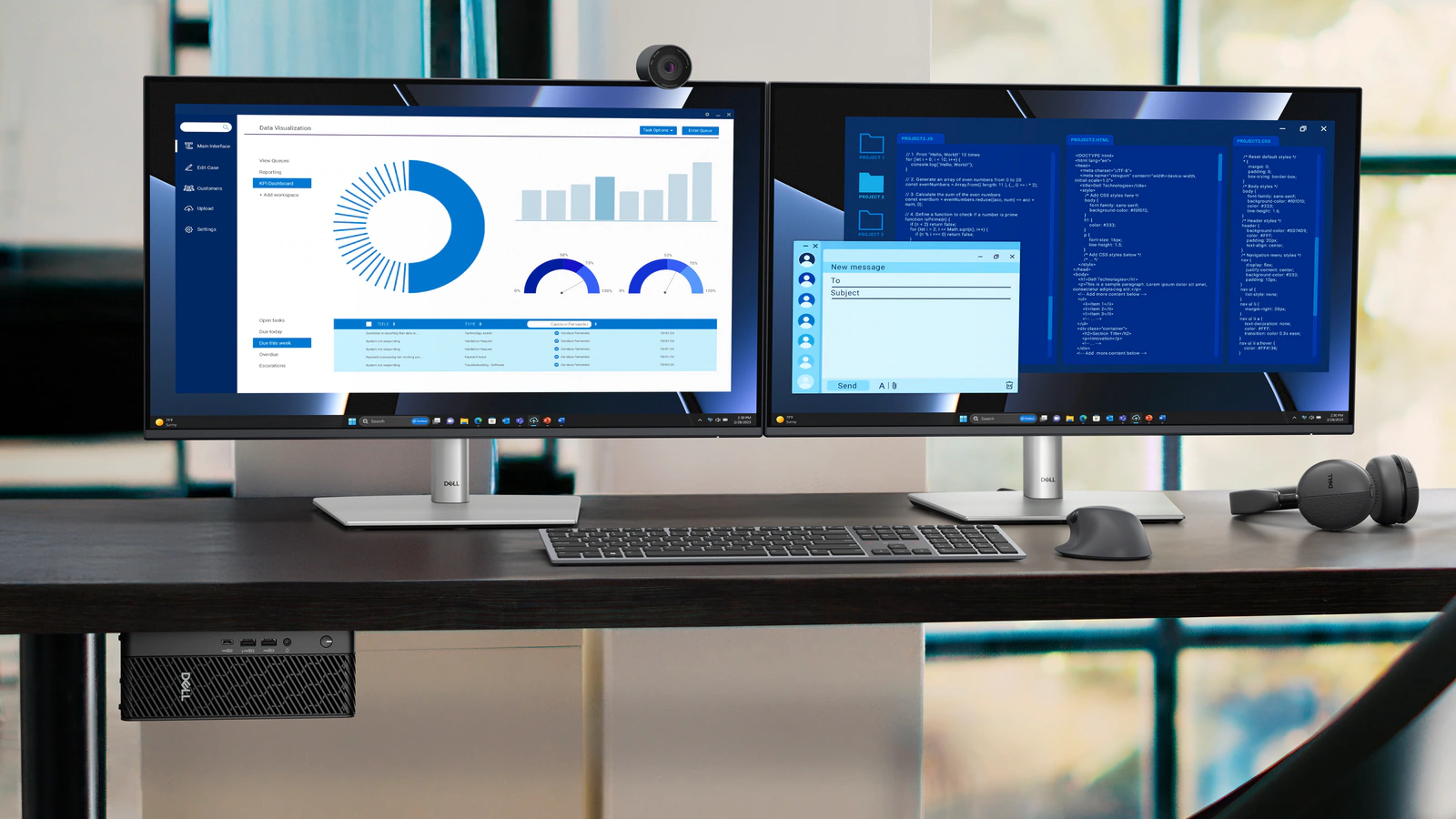
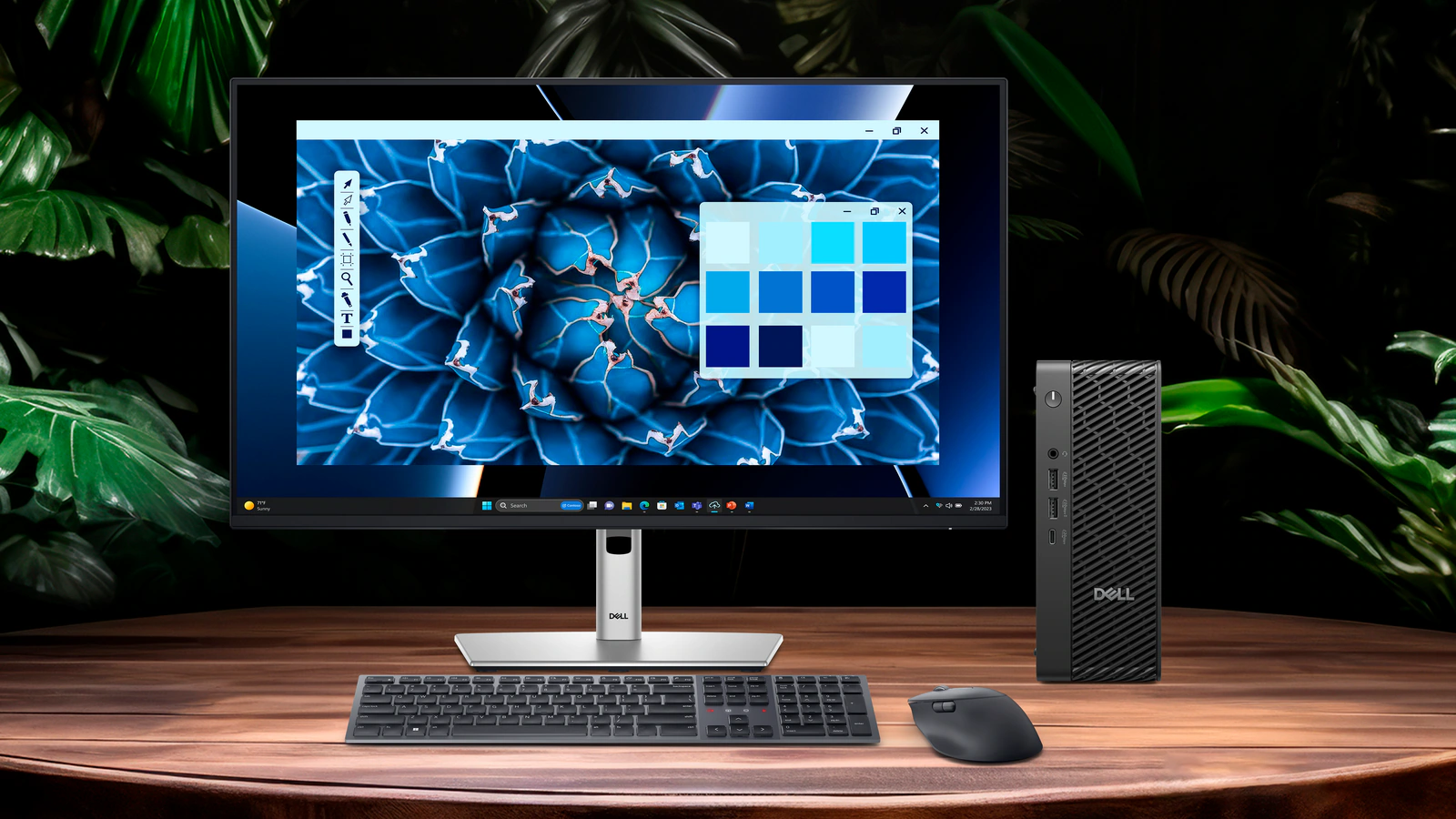
The black chassis measures 206 × 79.3 × 178 mm (about 2.9 litres) and weighs 2.34–2.54 kg, more than twice the volume of Dell’s 1.2-litre Pro Micro but far smaller than a tower. It can stand upright on a desk, be mounted under a desk or behind a monitor, or sit on Dell’s all-in-one stand (CFS25). A Kensington slot and padlock ring are included.

Power
Power comes from an external 180 W or 280 W adapter with a 7.4 mm barrel; configurations with discrete graphics use the 280 W unit. The system is ENERGY STAR qualified.
Software
Dell offers Windows 11 Pro, Windows 11 Pro for Workstations and Windows 11 Home, plus Ubuntu 24.04 LTS and Red Hat Enterprise Linux 9.4, which is important for engineering and AI development teams. Dell Optimizer, SupportAssist, SafeBIOS, SafeID and Dell’s management tools are included, and vPro processors add Intel AMT.
Who is it for?
Ideal for: engineers, architects and designers who need certified professional graphics in a small space; companies that want a managed workstation under the desk or on a stand; developers who need Linux support, fast storage and optional 10GbE; and anyone who wants desktop-class 65 W performance without a tower.
Not for: gamers (a GeForce mini PC gives far more frames for the money), buyers who just need an office PC (the Dell Pro Micro is smaller and cheaper), or users who need the smallest possible footprint.
Specifications from Dell and Intel. Options, prices and availability vary by country; ECC memory and some network options are limited to specific configurations.
Compare with similar mini PCs
| Mini PC | Processor | Score | |
|---|---|---|---|
 | Dell Pro Max Micro FCM2250 Intel® Core™ Ultra 7 265 (this one) | Intel® Core™ Ultra 7 265 (Arrow Lake) | 8.6 |
 | ACEMAGIC F2A Intel® Core™ Ultra X7 358H | Intel® Core™ Ultra X7 358H (Panther Lake) | 8.5 |
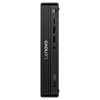 | Lenovo ThinkCentre M70q Gen 6 Tiny Intel® Core™ Ultra 5 225T | Intel® Core™ Ultra 5 225T (Arrow Lake) | 6.8 |
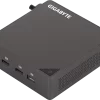 | GIGABYTE BRIX GB-BRU7-255H Intel® Core™ Ultra 7 255H Barebone | Intel® Core™ Ultra 7 255H (Arrow Lake-H) | 8.2 |
Compatible upgrades & accessories
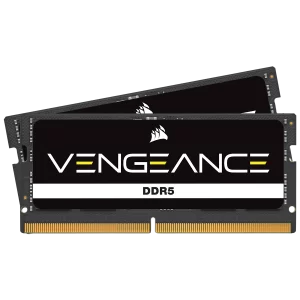 CORSAIR VENGEANCE DDR5 SODIMM 5600 MT/s CL48 (16–96 GB)
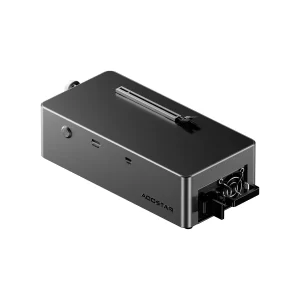 AOOSTAR AG02 OCuLink & USB4 eGPU Dock (800 W PSU)
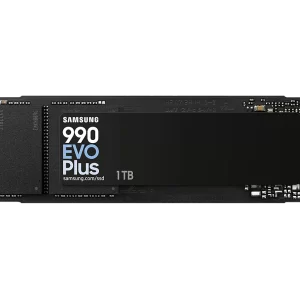 Samsung 990 EVO Plus NVMe M.2 SSD PCIe 4.0 ×4 / 5.0 ×2
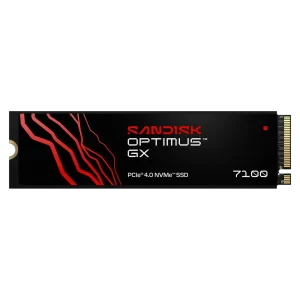 SANDISK Optimus GX 7100 NVMe M.2 2280 SSD PCIe 4.0 ×4
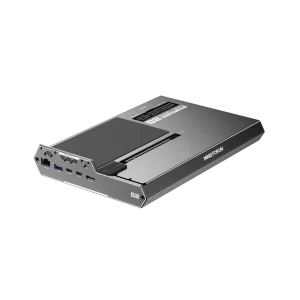 MINISFORUM DEG2 OCuLink & Thunderbolt 5 eGPU Dock
Selected by matching this mini PC's specifications (memory type, M.2 slots and ports). Always check compatibility with the manufacturer before buying.
Disclaimer: The specifications, features, prices and availability shown on this page are provided for information purposes only. They may contain errors or change without notice. Please always check them on the manufacturer's official product page before buying.
Additional information
Specification: Dell Pro Max Micro FCM2250 Intel® Core™ Ultra 7 265
| Configuration Options | ||||||||||||||||||||||||||
|---|---|---|---|---|---|---|---|---|---|---|---|---|---|---|---|---|---|---|---|---|---|---|---|---|---|---|
|
||||||||||||||||||||||||||
| AI Capabilities | ||||||||||||||||||||||||||
|
||||||||||||||||||||||||||
| Processor | ||||||||||||||||||||||||||
|
||||||||||||||||||||||||||
| Ports | ||||||||||||||||||||||||||
|
||||||||||||||||||||||||||
| Network | ||||||||||||||||||||||||||
|
||||||||||||||||||||||||||
| GPU | ||||||||||||||||||||||||||
|
||||||||||||||||||||||||||
| Internal Ports | ||||||||||||||||||||||||||
|
||||||||||||||||||||||||||
| Storage & RAM | ||||||||||||||||||||||||||
|
||||||||||||||||||||||||||
| Power | ||||||||||||||||||||||||||
|
||||||||||||||||||||||||||
| Others Specifications | ||||||||||||||||||||||||||
|
||||||||||||||||||||||||||
| Specification | ||||||||||||||||||||||||||
|
||||||||||||||||||||||||||


