The GEEKOM A5 2027 Edition offers something budget mini PCs cannot: eight Zen 3 cores, dual-channel memory up to 64 GB, three storage bays and support for four 4K monitors, at a promotional price close to US $400. With its Ryzen 7 7730U, 2.5 GbE, Wi-Fi 6 and a three-year warranty, it is one of the most interesting step-ups for students who have outgrown Intel N-series machines. We analyse what it does well and where it shows its age.

An Eight-Core Upgrade for Serious Study
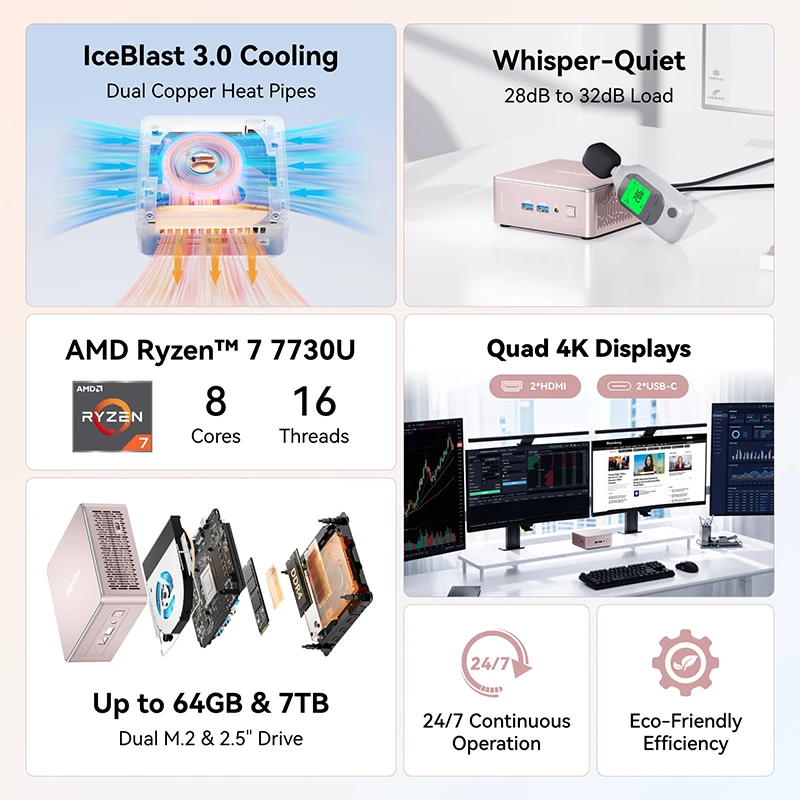
Where an Intel N150 has four cores and four threads, the Ryzen 7 7730U has eight cores and sixteen threads with a boost of up to 4.5 GHz. That difference is felt in programming, statistics software, large spreadsheets, photo editing and running many applications at once. For students in engineering, design, economics or computer science, the A5 is a desktop that will not be the bottleneck. GEEKOM tunes the chip to a 15 W sustained profile, prioritising quiet, stable operation over short bursts of speed.

Specifications at a Glance
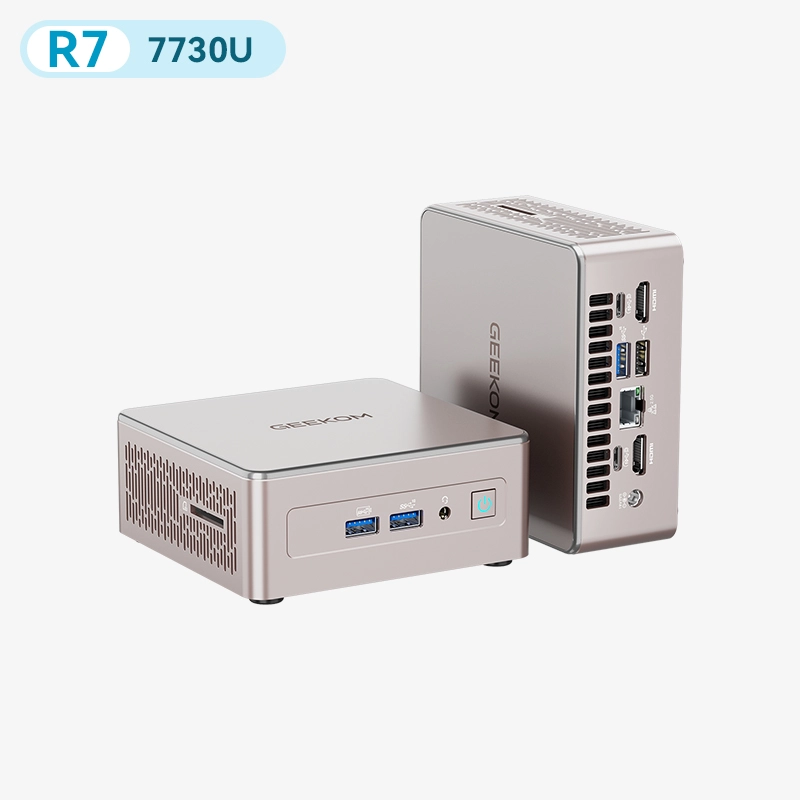
- CPU: AMD Ryzen™ 7 7730U — 8 Cores / 16 Threads — 2.0 to 4.5 GHz — 16 MB L3
- GPU: AMD Radeon™ Graphics — 8 CUs — up to 2.0 GHz
- Memory: 16 GB DDR4 — 2× SO-DIMM, dual channel, up to 64 GB — FULLY USER-UPGRADEABLE (NOT soldered)
- Storage: 256/500/512 GB NVMe + M.2 2242 SATA + 2.5-inch SATA bay — up to 7 TB
- Connectivity: 2.5 GbE, Wi-Fi 6, Bluetooth 5.4, SD 4.0 reader
- Video: 2× HDMI 2.0 + 2× USB-C — up to four 4K displays
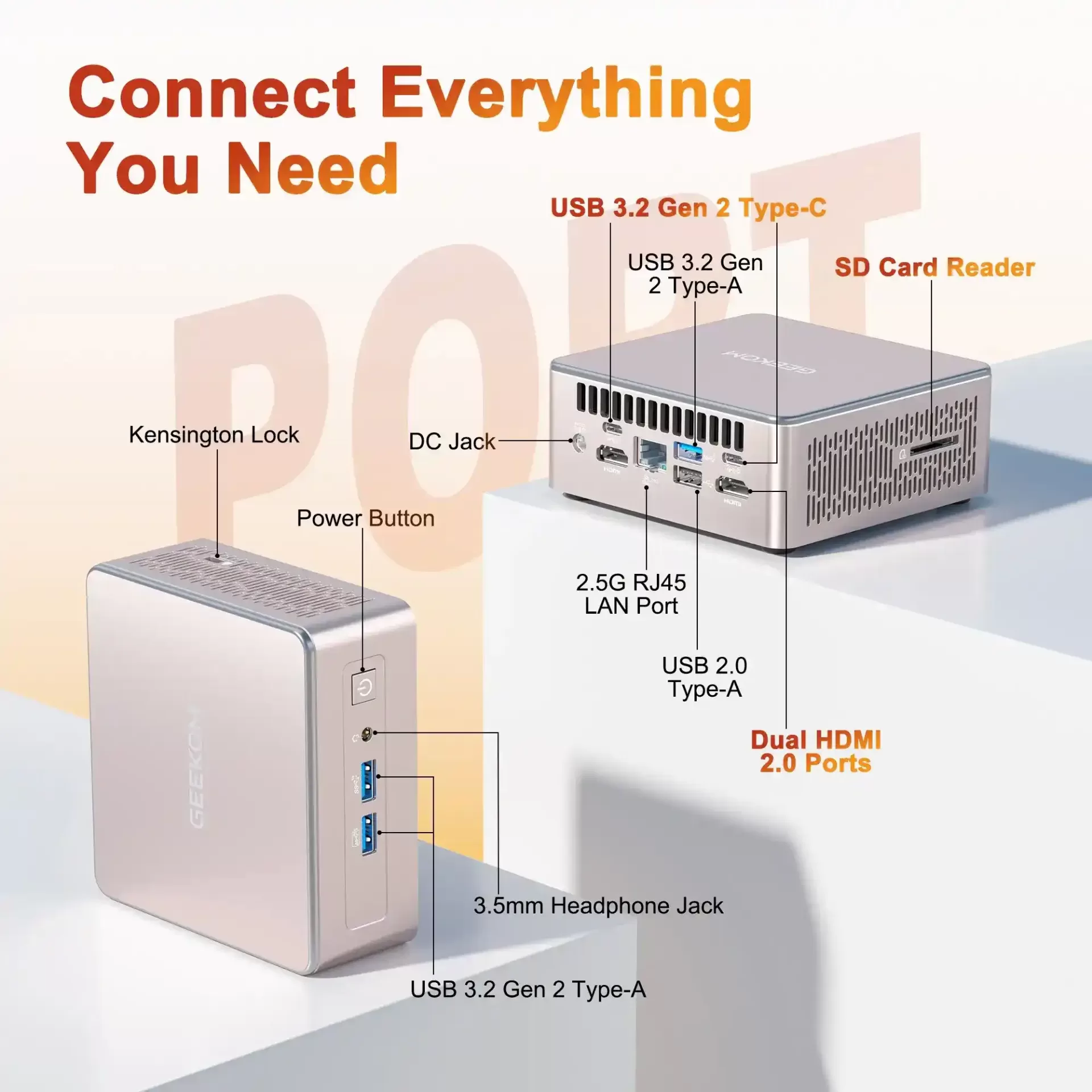
- Ports: 3× USB-A 3.2 Gen 2, 2× USB-C 3.2 Gen 2, 1× USB 2.0
- Warranty: three years (US store)
Four Screens and Plenty of Ports
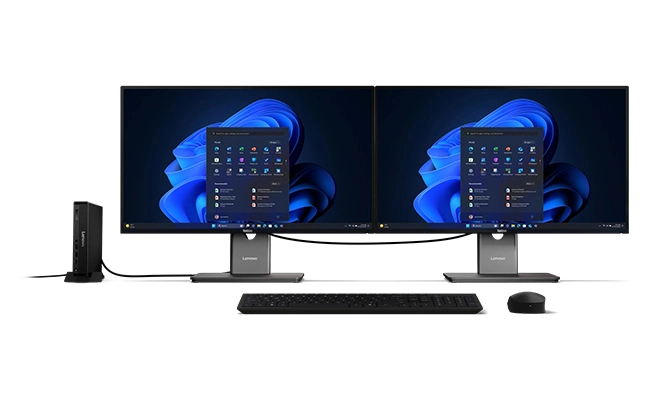
Quad 4K display support is the A5’s standout practical feature. With two HDMI 2.0 ports and two USB-C 3.2 Gen 2 ports carrying video, a student can keep course material, notes, a video lesson and a code editor on separate screens. The port selection is generous — five 10 Gbps USB ports, a USB 2.0 port for a keyboard or mouse receiver, an SD 4.0 card reader and 2.5 GbE — and Wi-Fi 6 with Bluetooth 5.4 handles wireless needs.


Room to Grow: Memory and Storage
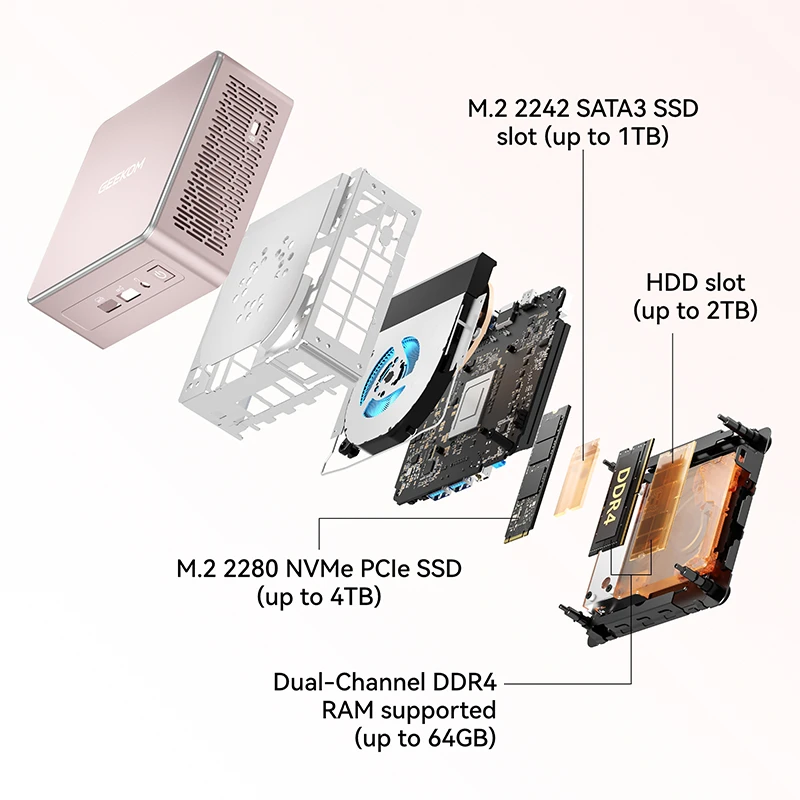
Many compact PCs force a choice between small size and upgradeability. The A5 keeps both: two SO-DIMM slots for up to 64 GB of DDR4, an M.2 2280 NVMe slot for up to 4 TB, an M.2 2242 SATA slot and a 2.5-inch bay for a hard drive. A student can buy the 256 GB version today and add a large, inexpensive 2.5-inch drive for media and backups later. Dual-channel memory also helps the integrated graphics.

Cooling, Noise and Reliability
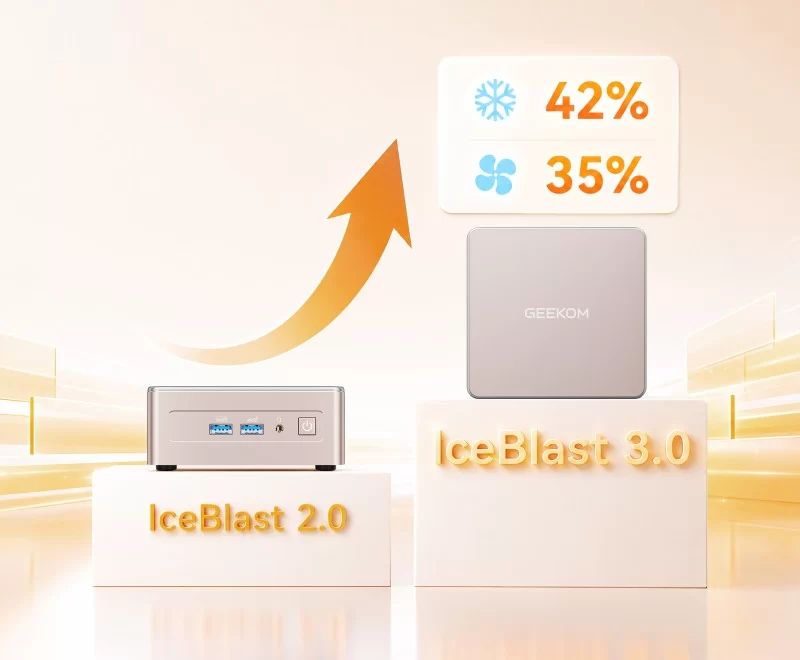
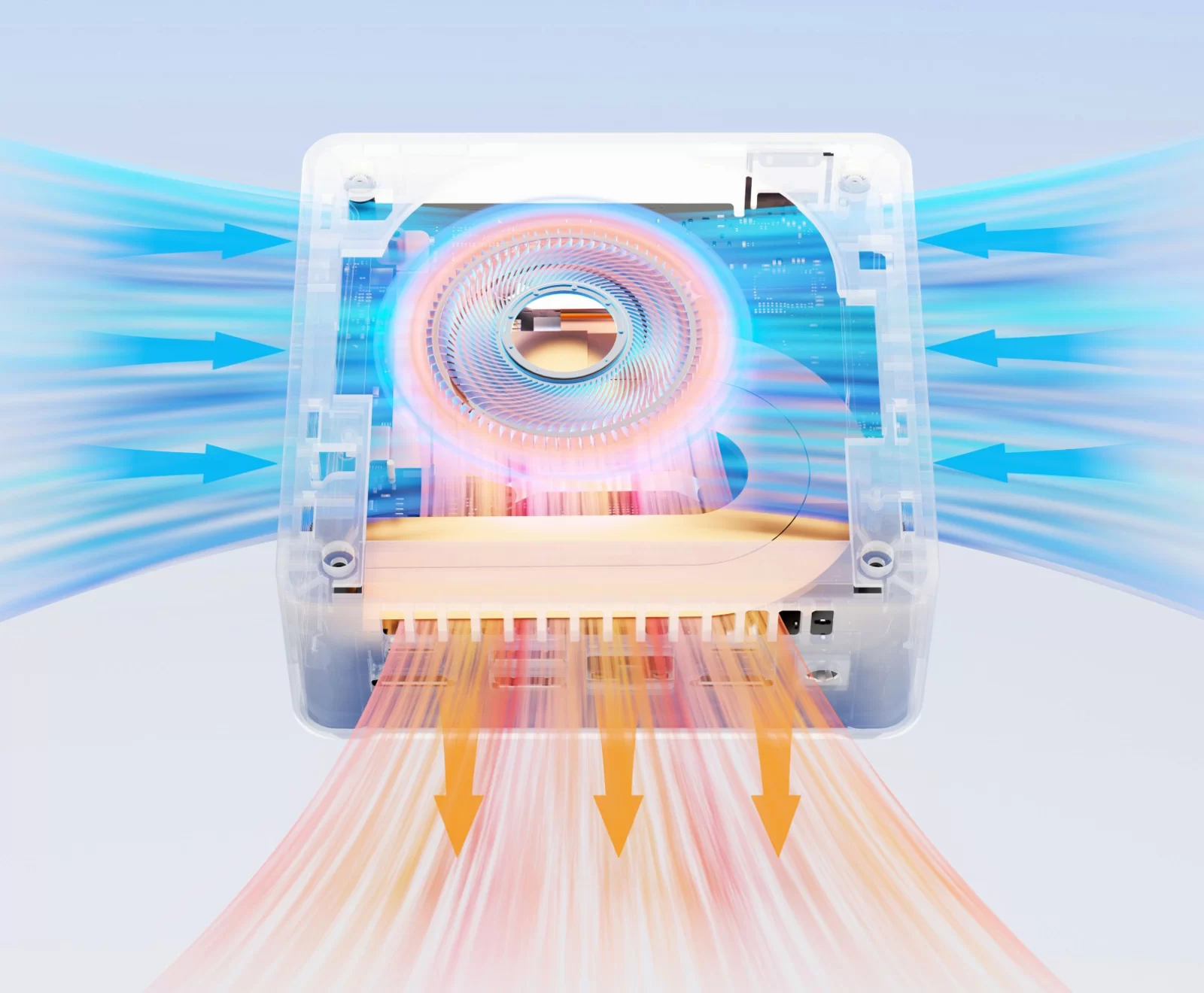
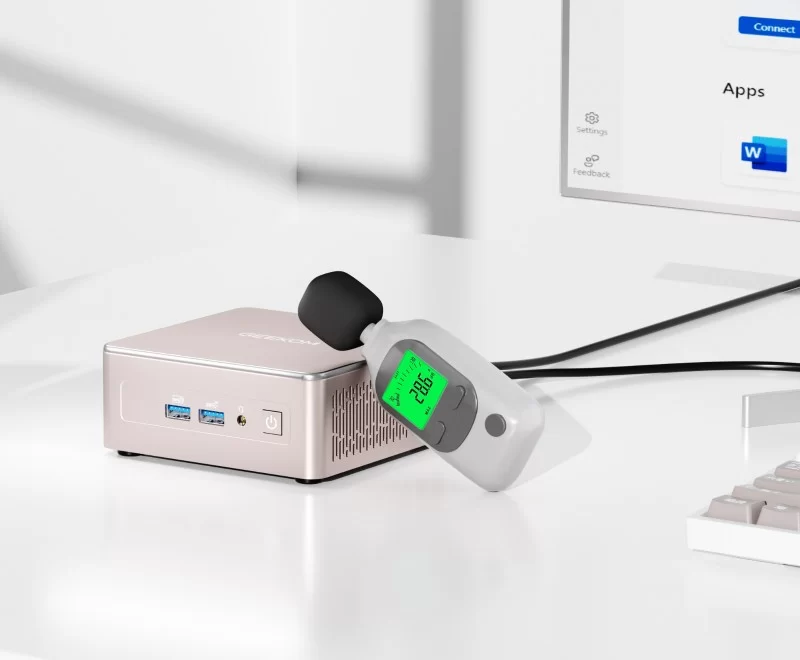
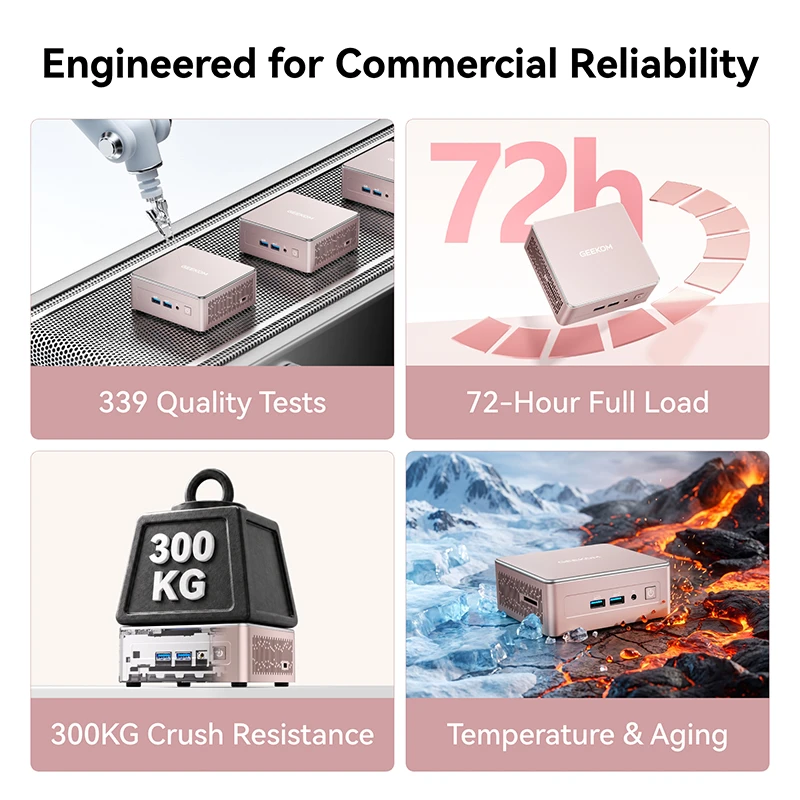
IceBlast 3.0 combines a large fan with an all-metal inner frame. GEEKOM reports noise of 28 dB at idle and about 32 dB under heavy load, and temperatures below 72 °C after an hour of high load in a warm room (manufacturer figures). The reinforced frame, 339 reliability tests and 72-hour aging tests are aimed at business buyers, but they are equally reassuring for a desktop that has to survive several years of study.

About the “Agentic AI” Label
GEEKOM markets the 2027 Edition as “Agentic AI Ready”. In practice this refers to cloud-based AI agents and assistants, which run on remote servers and work on almost any modern PC. The Ryzen 7 7730U has no NPU, so the A5 is not a Copilot+ PC and does not accelerate local AI models. Students who specifically want Copilot+ features or local AI should look at Ryzen AI or Core Ultra 200V machines, which cost more.
Everyday Use: Office, Classroom and Home
The A5 is designed for long workdays: GEEKOM states that in its 15 W quiet mode it handles 30+ browser tabs, video meetings and heavy Excel files over a full working day, and that the 2027 Edition can run multi-layered Photoshop and Illustrator files, 2D CAD and light 4K video editing. Its low energy use — about 2 kWh per day running 24/7, according to GEEKOM — makes it inexpensive to leave on.


Setting It Up for Study and Work
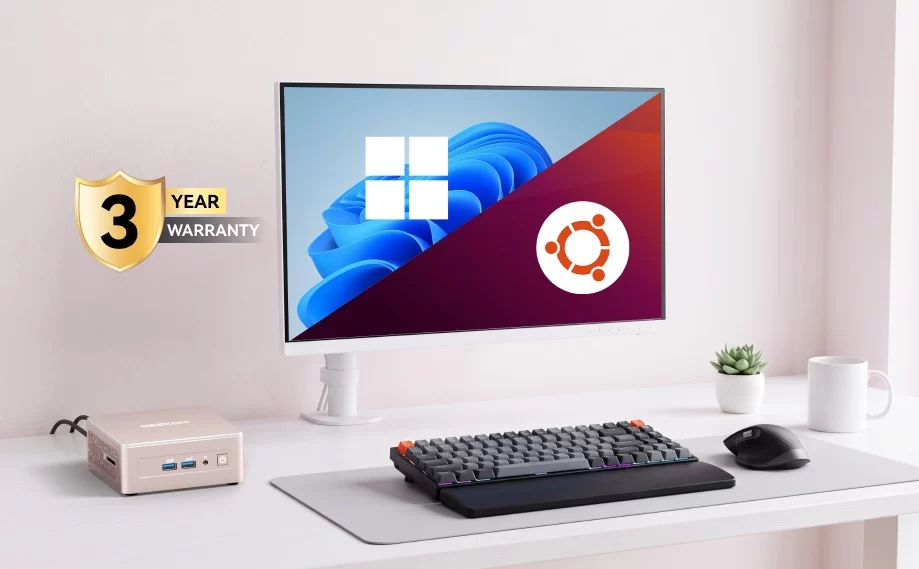
The A5 is easy to configure for a multi-screen workspace. Two monitors can be connected through HDMI and two more through the USB-C ports, using monitors with USB-C input or simple USB-C to DisplayPort or HDMI cables. Windows 11 comes pre-installed, and GEEKOM also shows Ubuntu support for students who work with Linux tools. We recommend updating the BIOS and drivers from GEEKOM’s support site at the start. If the 256 GB version is chosen, adding a 2.5-inch SSD or hard drive in the internal bay is the cheapest way to gain space for projects and media, and a second 16 GB memory module upgrade to 32 GB is useful for virtual machines or data work.
Long-Term Use and Expectations
The A5 is built for years of service: GEEKOM highlights its reinforced frame, extensive reliability testing and a three-year warranty, and the 15 W sustained profile keeps temperatures and noise low. Its expansion options — up to 64 GB of memory and up to 7 TB of storage — mean the machine can grow with a student from the first year to the last. The trade-off is that the Zen 3 platform will not gain AI features: there is no NPU, and future Windows functions that depend on local AI acceleration will not be available. For productivity, programming and multi-screen work, however, eight cores and sixteen threads will remain comfortable for a long time.
Price and Value
GEEKOM lists the A5 at US $549, with a promotional price of US $419 using a discount code at the time of writing; Amazon listings for the 2027 Edition start around US $499 with 256 GB. At the promotional price, it costs little more than premium N150 machines while offering twice the cores, four times the threads, quad displays, 2.5 GbE and far more expansion. The three-year warranty adds value.
How It Compares
- ACEMAGIC Vista V1 / GMKtec G3S (Intel N-series): cheaper and smaller, but four cores, single-channel memory and limited expansion.
- Minisforum AI X1 Pro / GMKtec K13: Copilot+ PCs with powerful NPUs and stronger graphics, at roughly US $600–750 or more.
- Beelink SER9: a much faster Ryzen AI 9 platform for creators and AI, at a considerably higher price.
What to Check Before Buying
- Look for the discount code price in GEEKOM’s store, and compare with Amazon.
- Choose 500 or 512 GB if you do not plan to add a second drive soon.
- Make sure you understand that “agentic AI” refers to cloud services, not local AI.
- Check that your monitors have HDMI or USB-C inputs for the four-display setup.
Strengths and Limitations
Strengths:
- Eight cores / sixteen threads up to 4.5 GHz
- DDR4 dual channel, upgradeable to 64 GB
- Up to 7 TB across three storage bays
- Four 4K displays (2× HDMI + 2× USB-C)
- 2.5 GbE, Wi-Fi 6, Bluetooth 5.4, SD 4.0 reader
- Quiet IceBlast 3.0 cooling, 3-year warranty
Limitations:
- Zen 3 processor from 2022 — not the latest generation
- No NPU — not a Copilot+ PC
- Vega-based graphics, limited for modern games
- No USB4 or Wi-Fi 7
- Exact dimensions not published on the product page
Verdict
The GEEKOM A5 2027 Edition is the sensible upgrade for students and home offices who need more than an N150 can give: eight cores, four screens and room to expand for years. It is not an AI PC or a gaming machine, but at its promotional price it is one of the best-balanced productivity mini PCs available. Our advice is to buy it with the discount code when available, start with the 500 or 512 GB SSD, and plan a second memory module if virtual machines or data analysis are part of the course. Students who want Copilot+ features should spend more on a Ryzen AI or Core Ultra 200V model, but for everyone else the A5 offers more practical value per dollar than almost any other mini PC in its price range.
| AI Capabilities | ||||||||||||||||
|---|---|---|---|---|---|---|---|---|---|---|---|---|---|---|---|---|
|
||||||||||||||||
| Processor | ||||||||||||||||
|
||||||||||||||||
| Ports | ||||||||||||||||
|
||||||||||||||||
| Network | ||||||||||||||||
|
||||||||||||||||
| GPU | ||||||||||||||||
|
||||||||||||||||
| Internal Ports | ||||||||||||||||
|
||||||||||||||||
| Storage & RAM | ||||||||||||||||
|
||||||||||||||||
| Power | ||||||||||||||||
|
||||||||||||||||
| Others Specifications | ||||||||||||||||
|
||||||||||||||||


More information: GEEKOM A5 2027 Edition on minis-pc.com
Discover our full Mini PC comparison: minis-pc.com
Article written for minis-pc.com — Mini PC Comparisons and Reviews
Our 2026 Buying Guides & Deals
Disclaimer: This article is for information purposes only. Specifications, prices, coupons and availability may change at any time or contain errors, so please check them on the manufacturer's official website or store before buying. Some links on this page are affiliate links: if you buy through them we may earn a small commission at no extra cost to you.