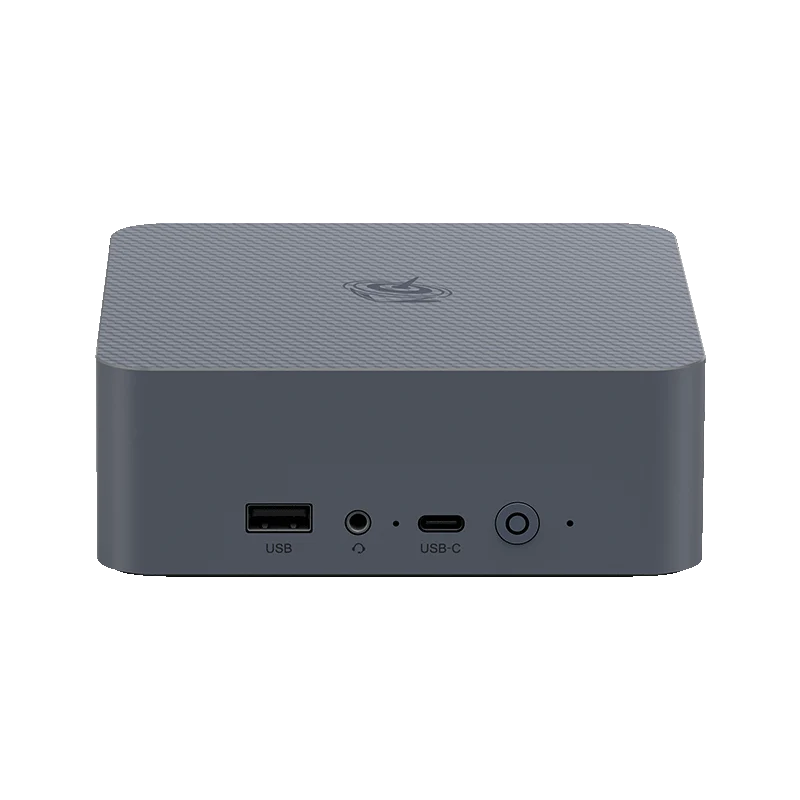
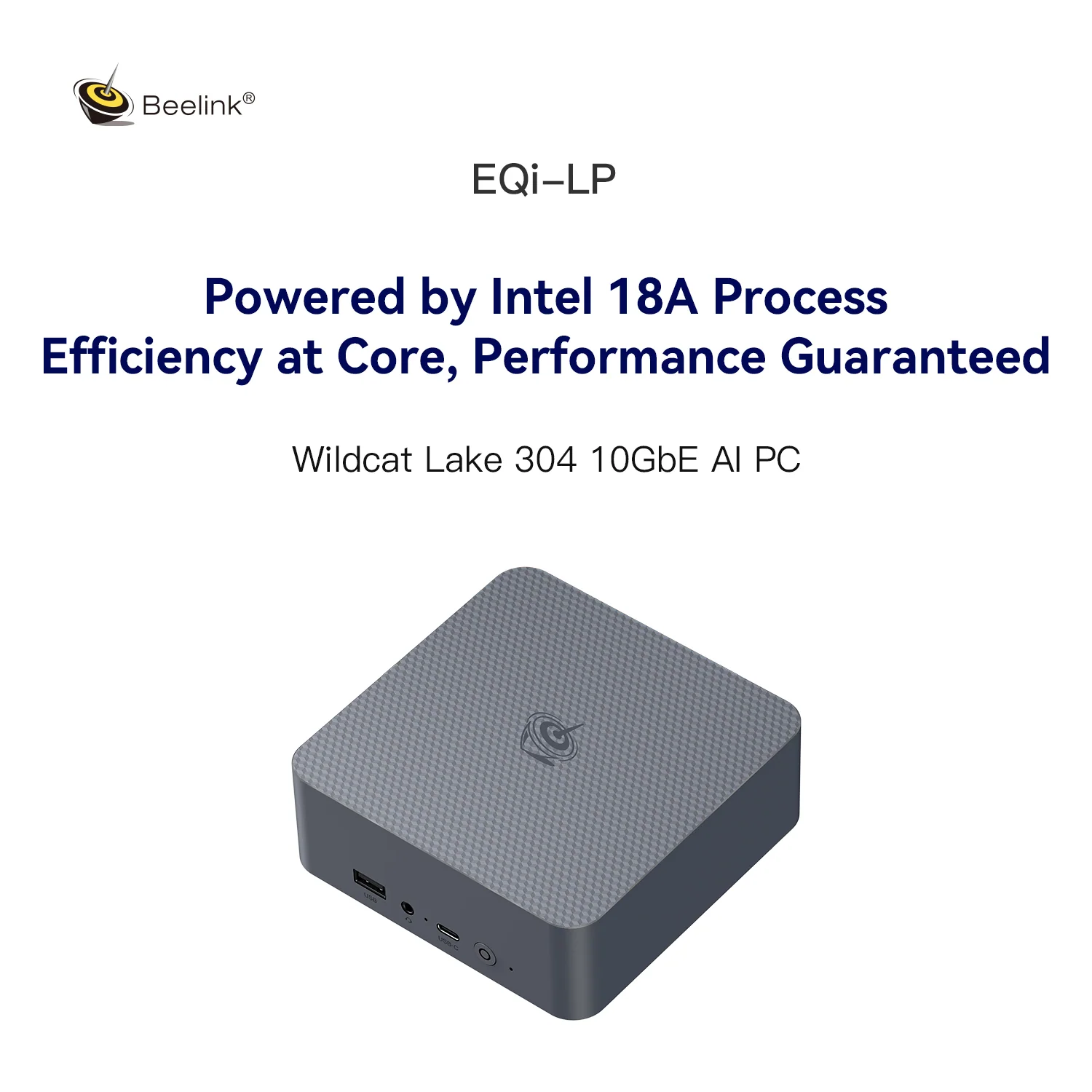
Beelink’s new EQi brings Intel’s Wildcat Lake platform to one of the best-connected budget mini PCs we have seen: two Thunderbolt 4 ports, 10 Gigabit plus 2.5 Gigabit Ethernet, two M.2 slots beside 512 GB of onboard UFS 3.1 storage and a built-in power supply, for US $509 in the Beelink store. It uses the same Intel® Core™ 3 304 as the GMKtec NucBox M3S, so we can also compare how two brands have built around the same chip.
Wildcat Lake in Brief
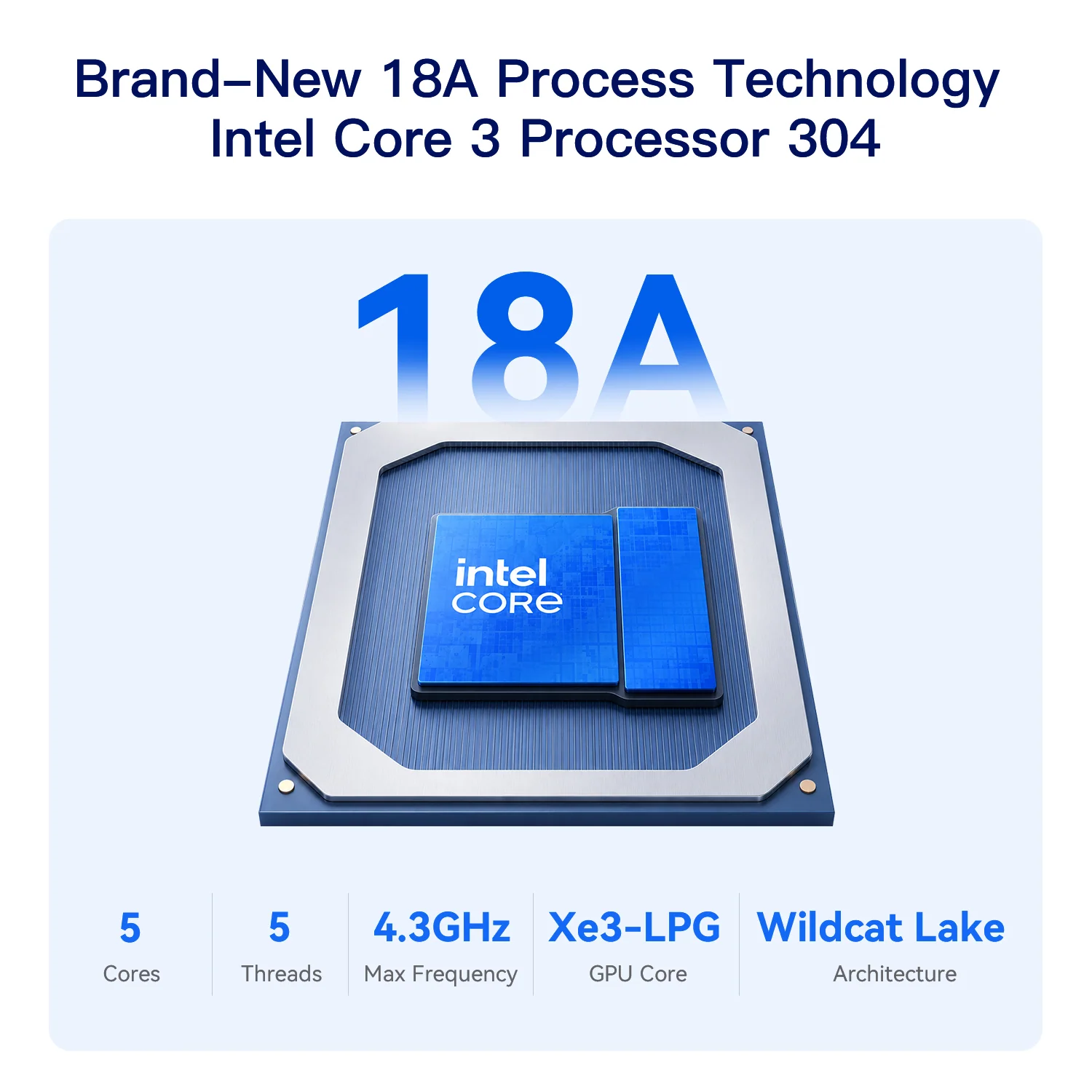
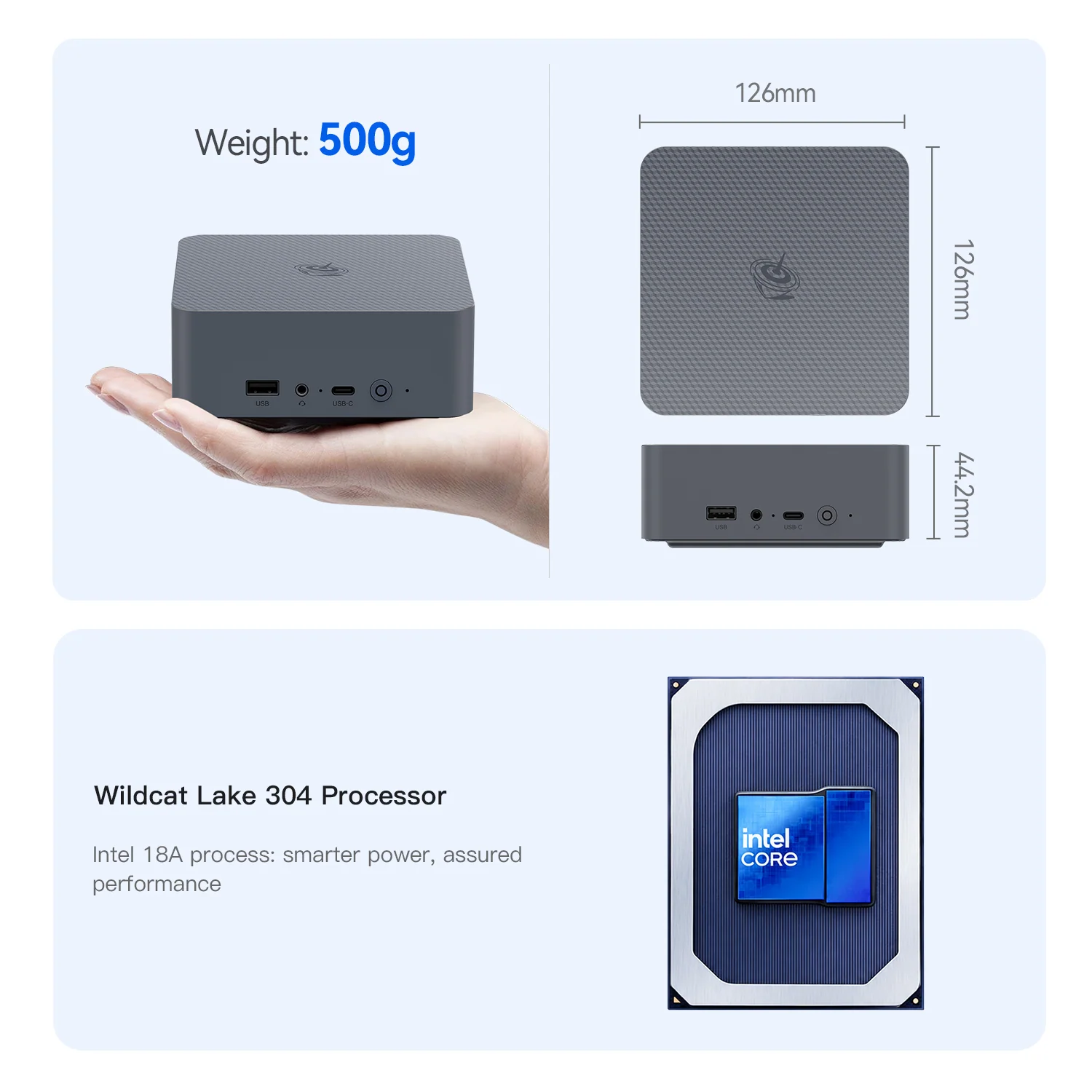
The Core 3 304 is part of Intel’s 2026 entry-level family built on Intel 18A. It has one Performance core that reaches 4.3 GHz and four Low-Power Efficient cores, 6 MB of cache and an Intel NPU 5 rated at up to 15 TOPS, with a 15 W base power. The single fast core keeps daily use snappy, and the platform brings modern features — Thunderbolt 4, PCIe 4.0 and LPDDR5/DDR5 — to inexpensive machines.
Specifications at a Glance
- CPU: Intel® Core™ 3 304 — 1P + 4 LP-E cores, 5 threads — up to 4.3 GHz — 6 MB cache — Intel 18A
- GPU: Intel® Graphics (Xe3, 1 Xe-core) — up to 2.3 GHz
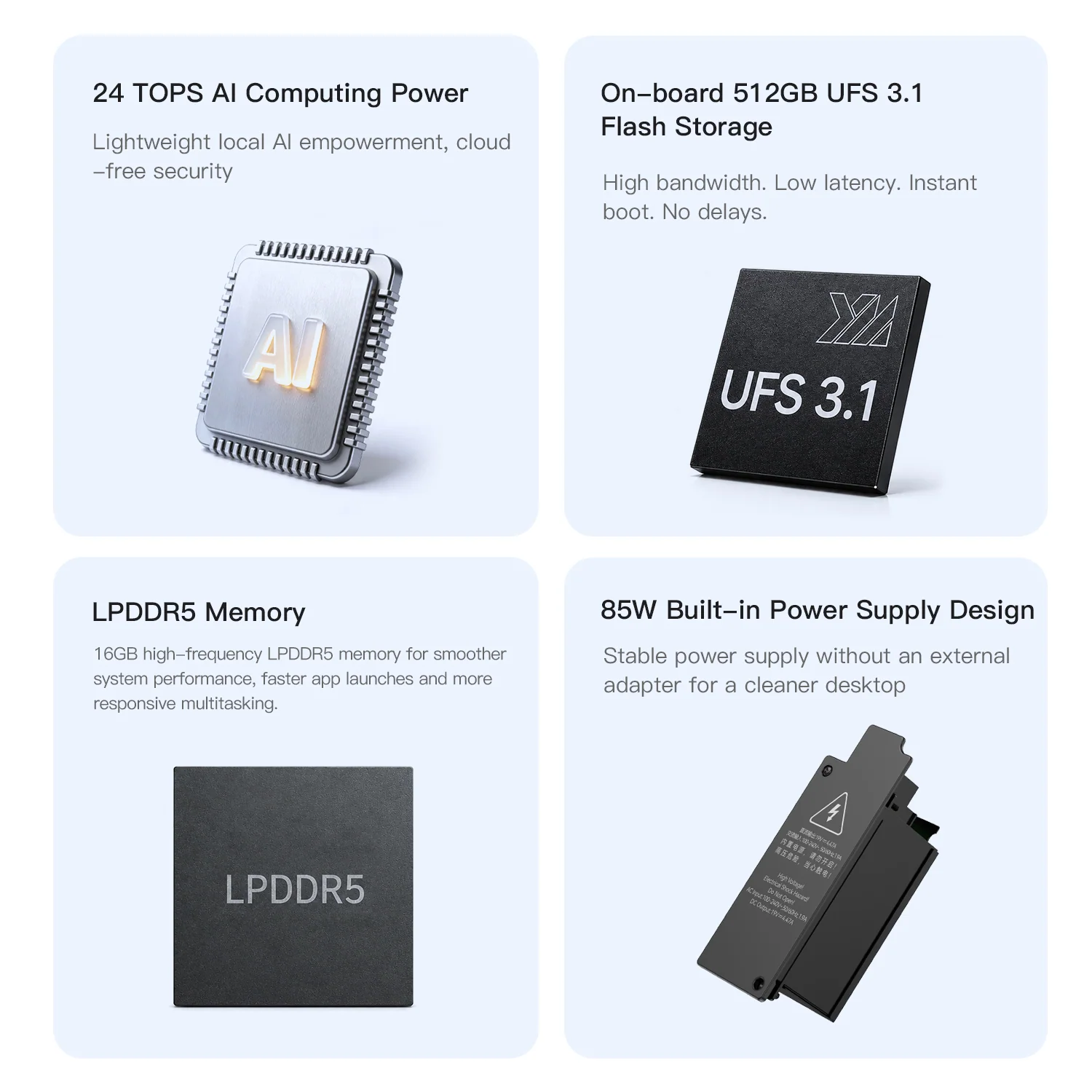
- NPU: Intel NPU 5 — up to 15 TOPS (24 TOPS total with GPU, manufacturer figure)
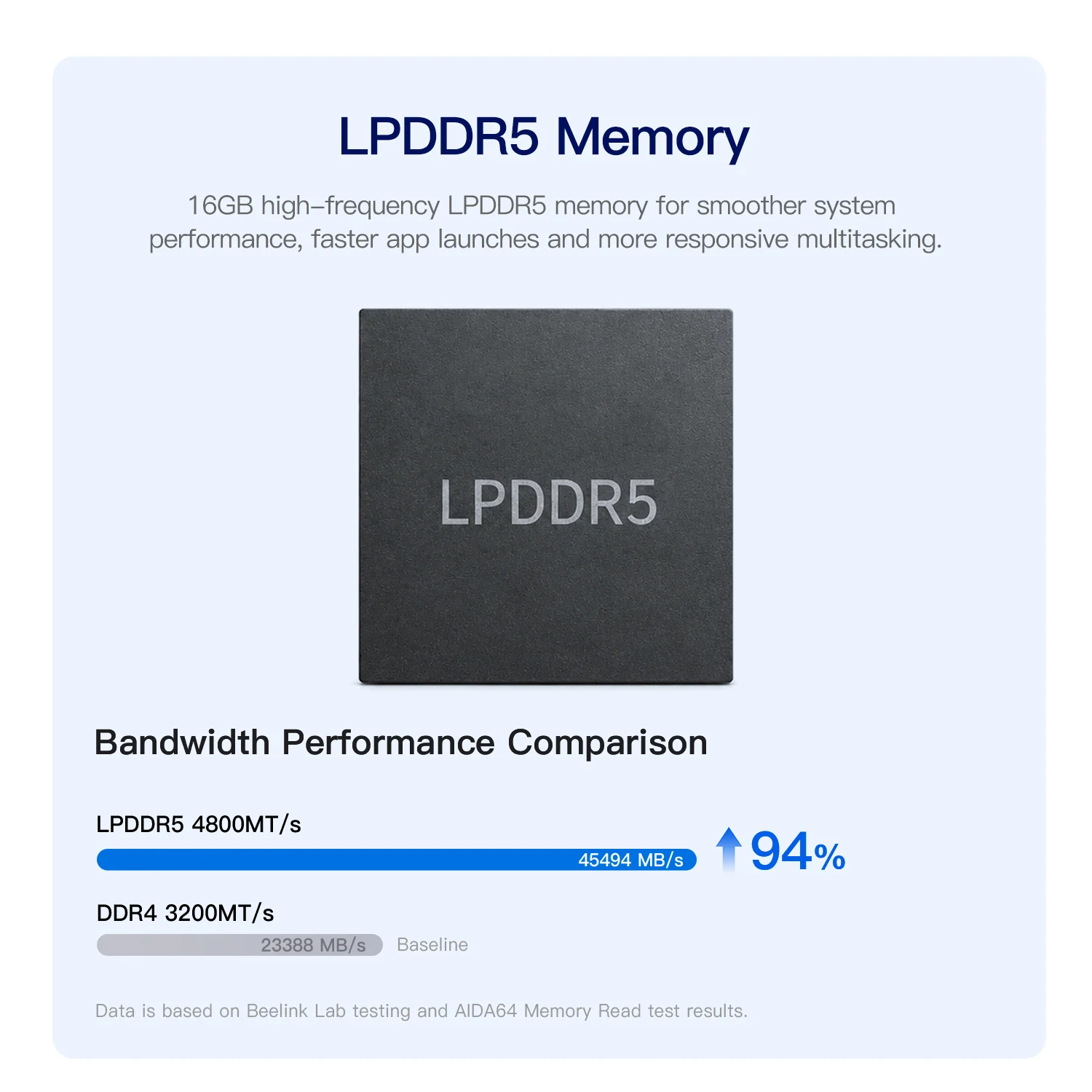
- Memory: 16 GB LPDDR5 5600 — SOLDERED — non-upgradeable (DDR5 SO-DIMM versions also announced)
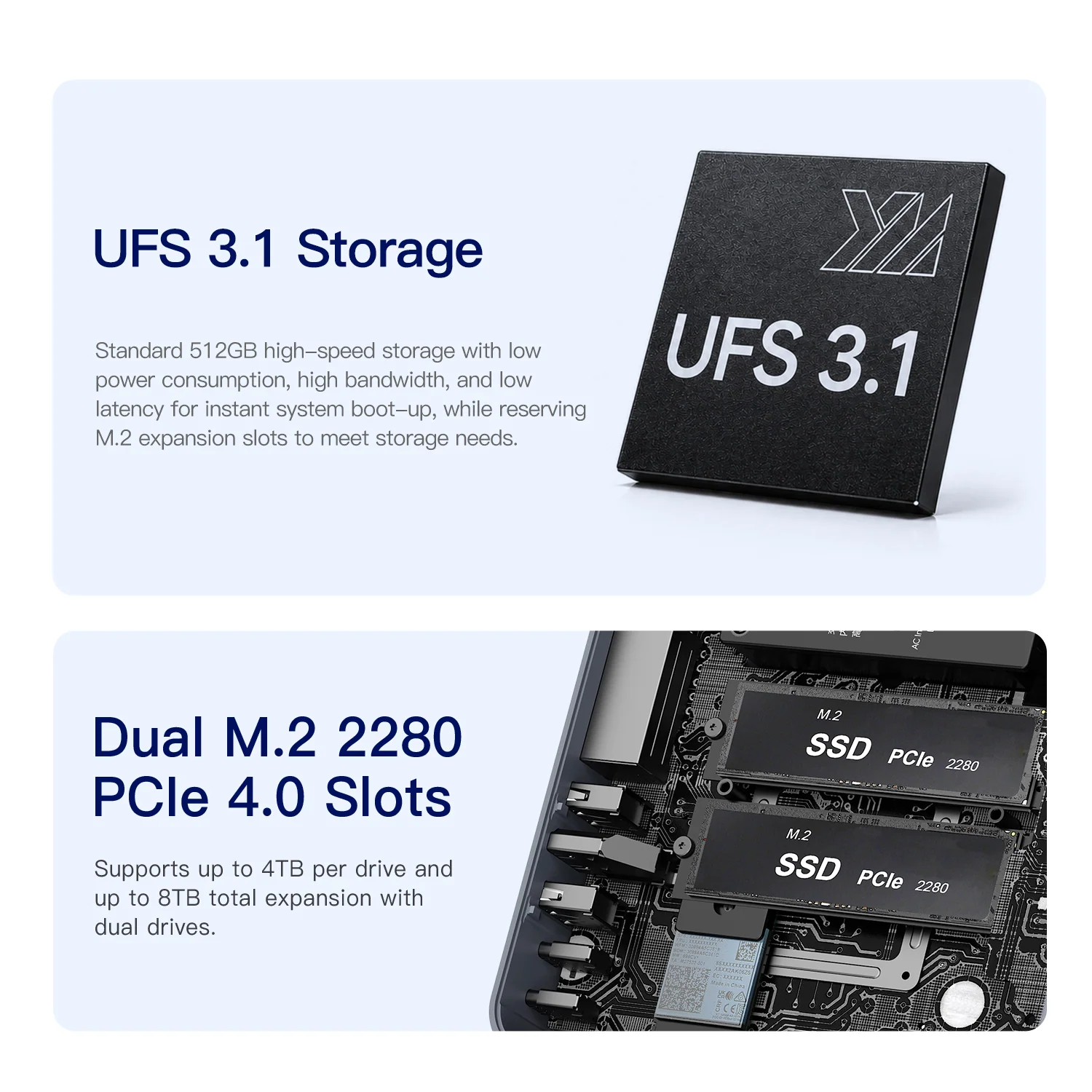
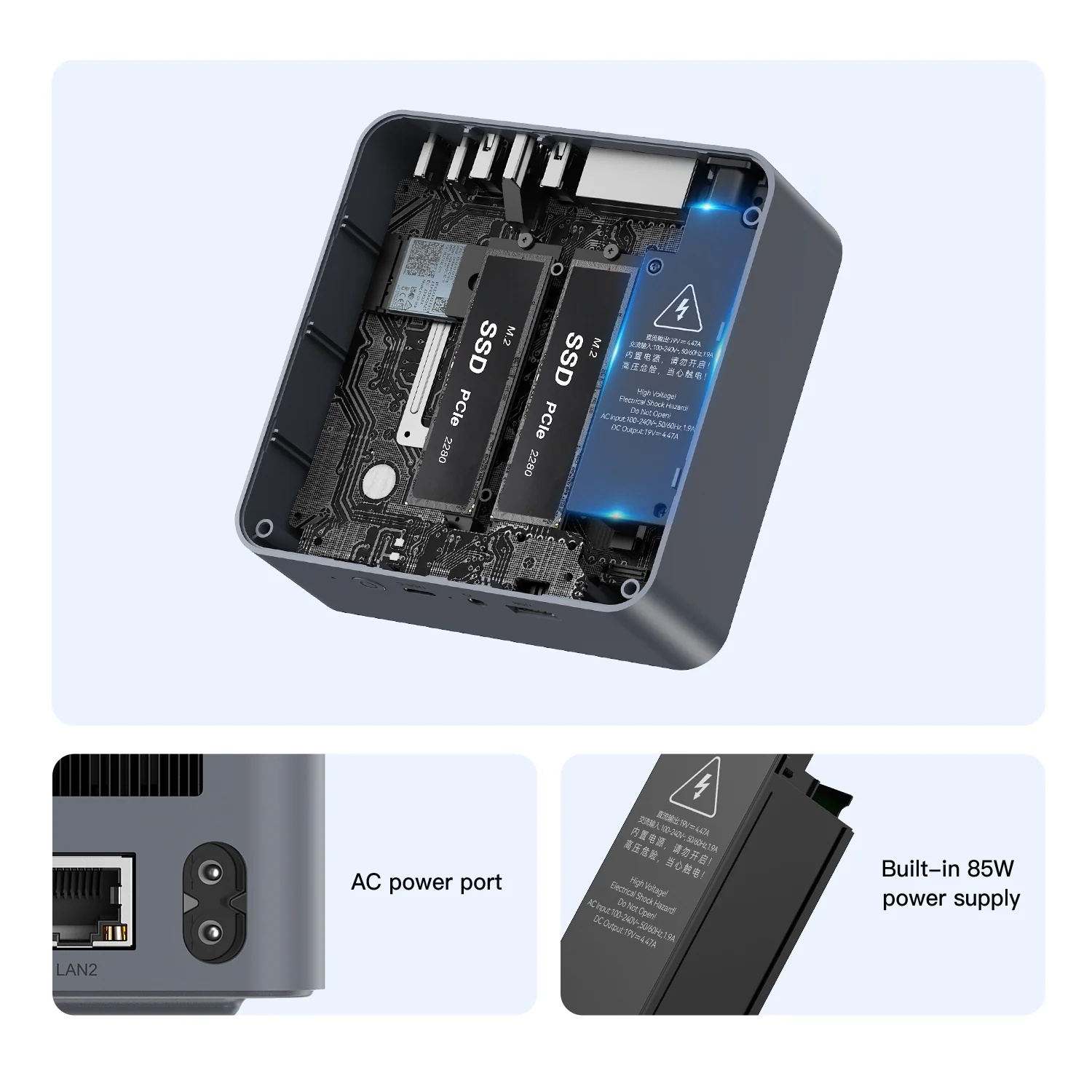
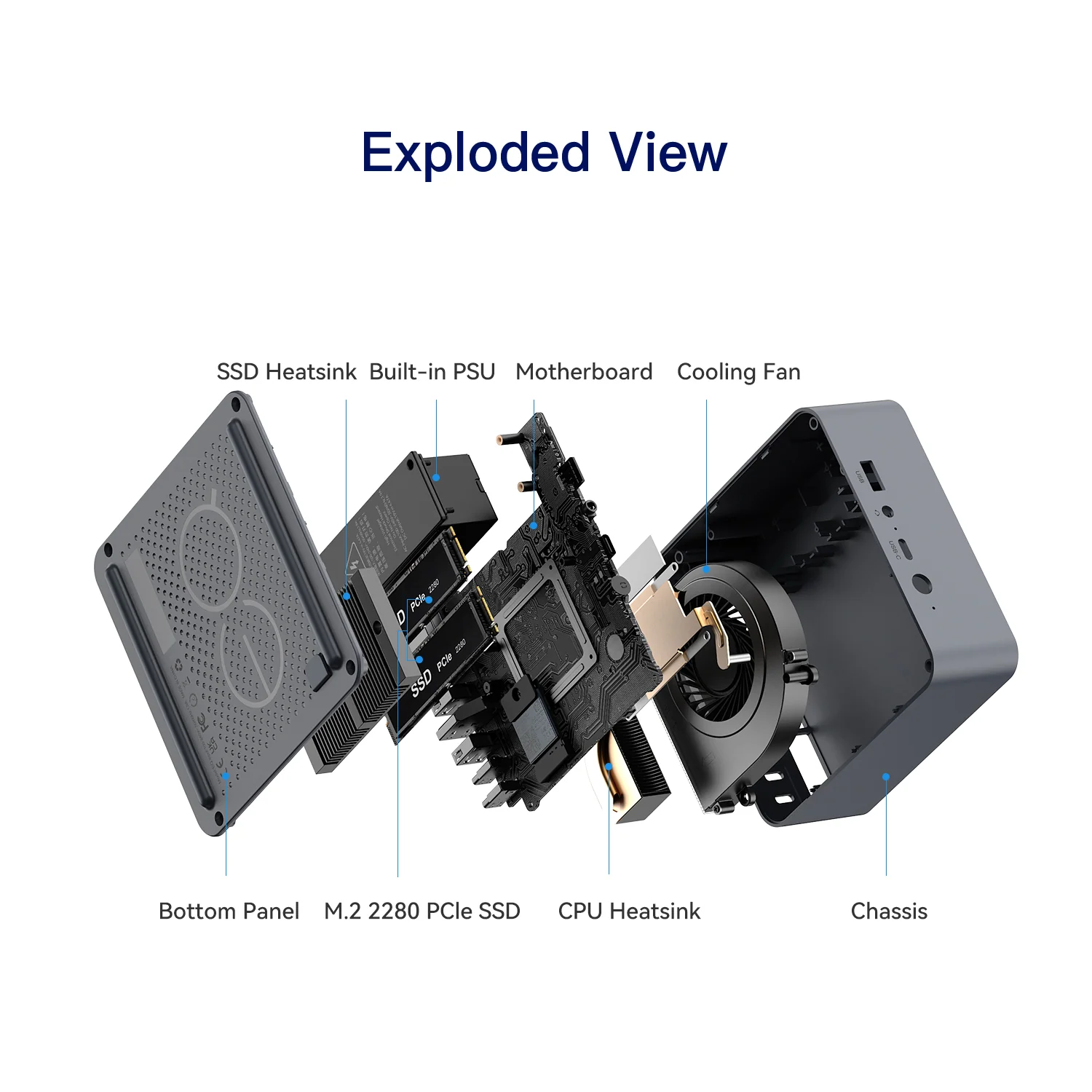
- Storage: 512 GB UFS 3.1 + 2× M.2 2280 (PCIe 4.0 ×2 and ×1), up to 4 TB each
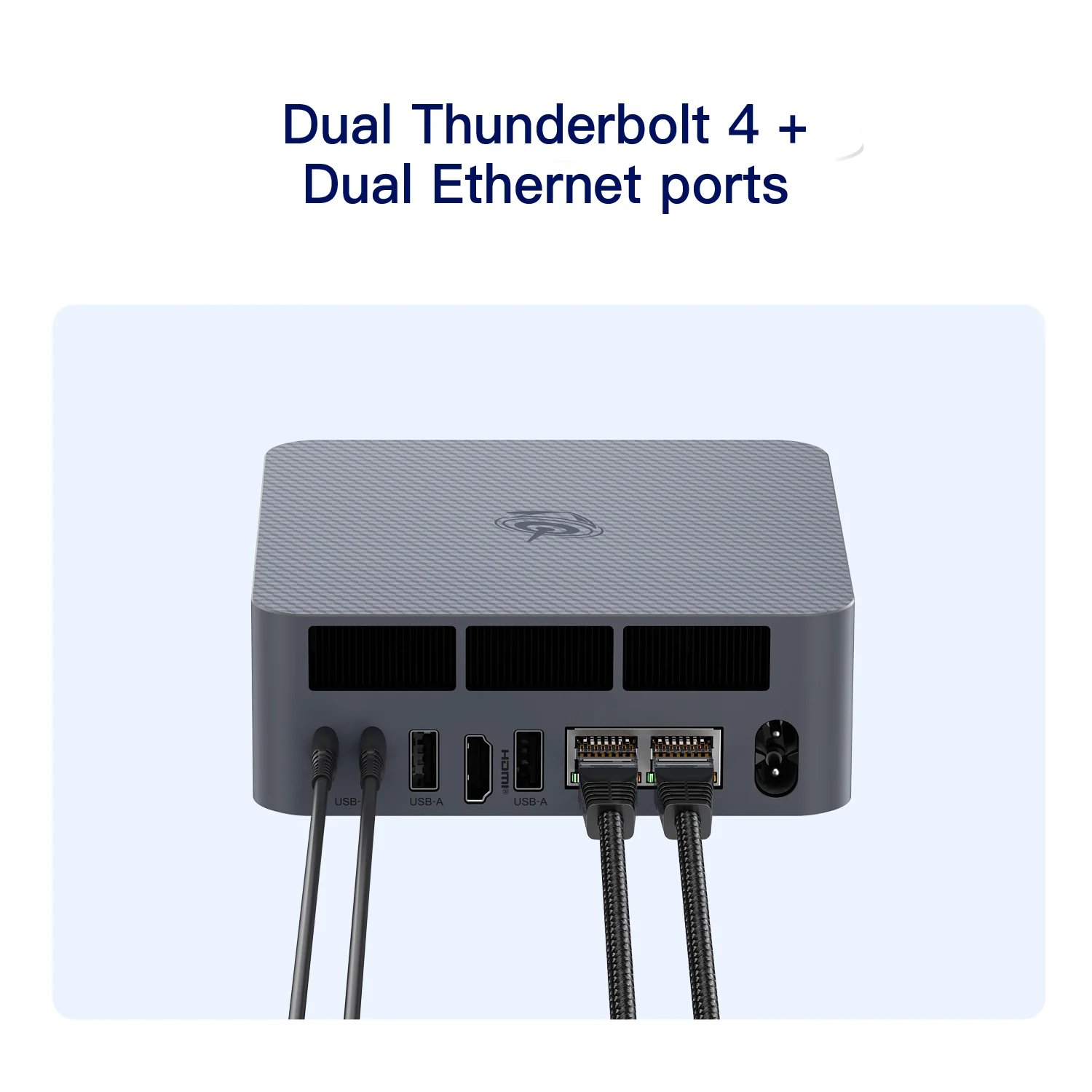
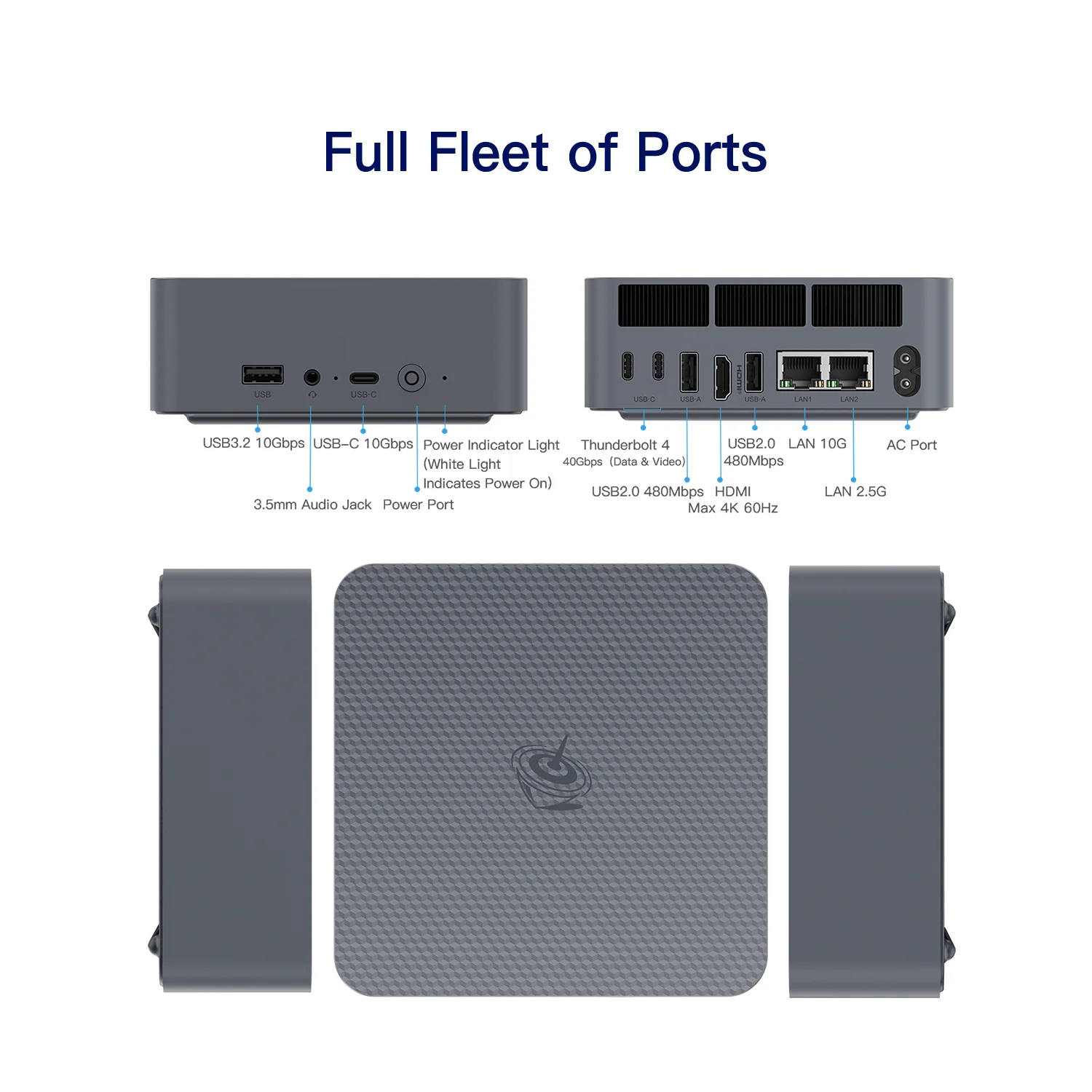
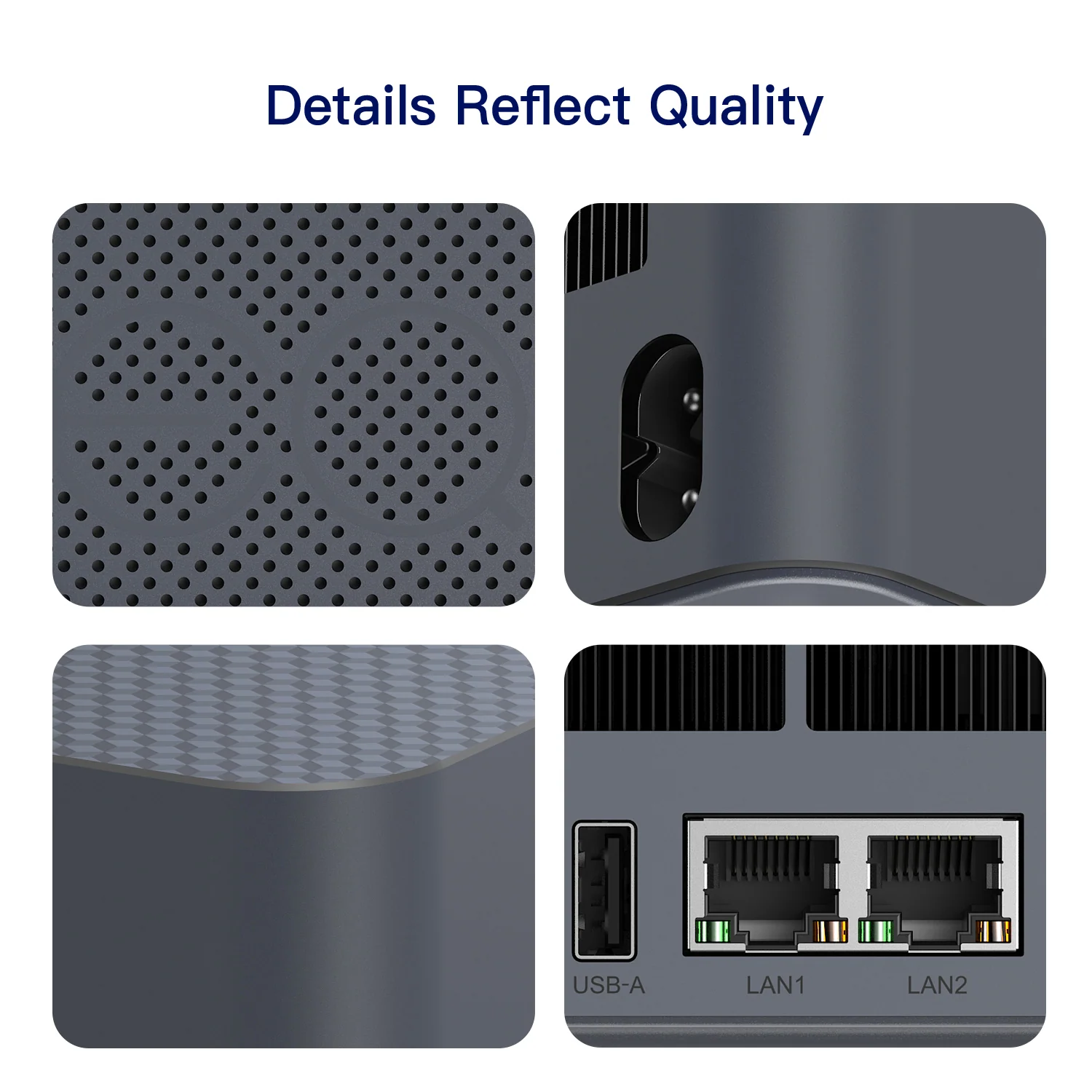
- Connectivity: 10 GbE + 2.5 GbE, 2× Thunderbolt 4, Wi-Fi 6, Bluetooth 5.2
- Video: HDMI + 2× Thunderbolt 4 — three displays
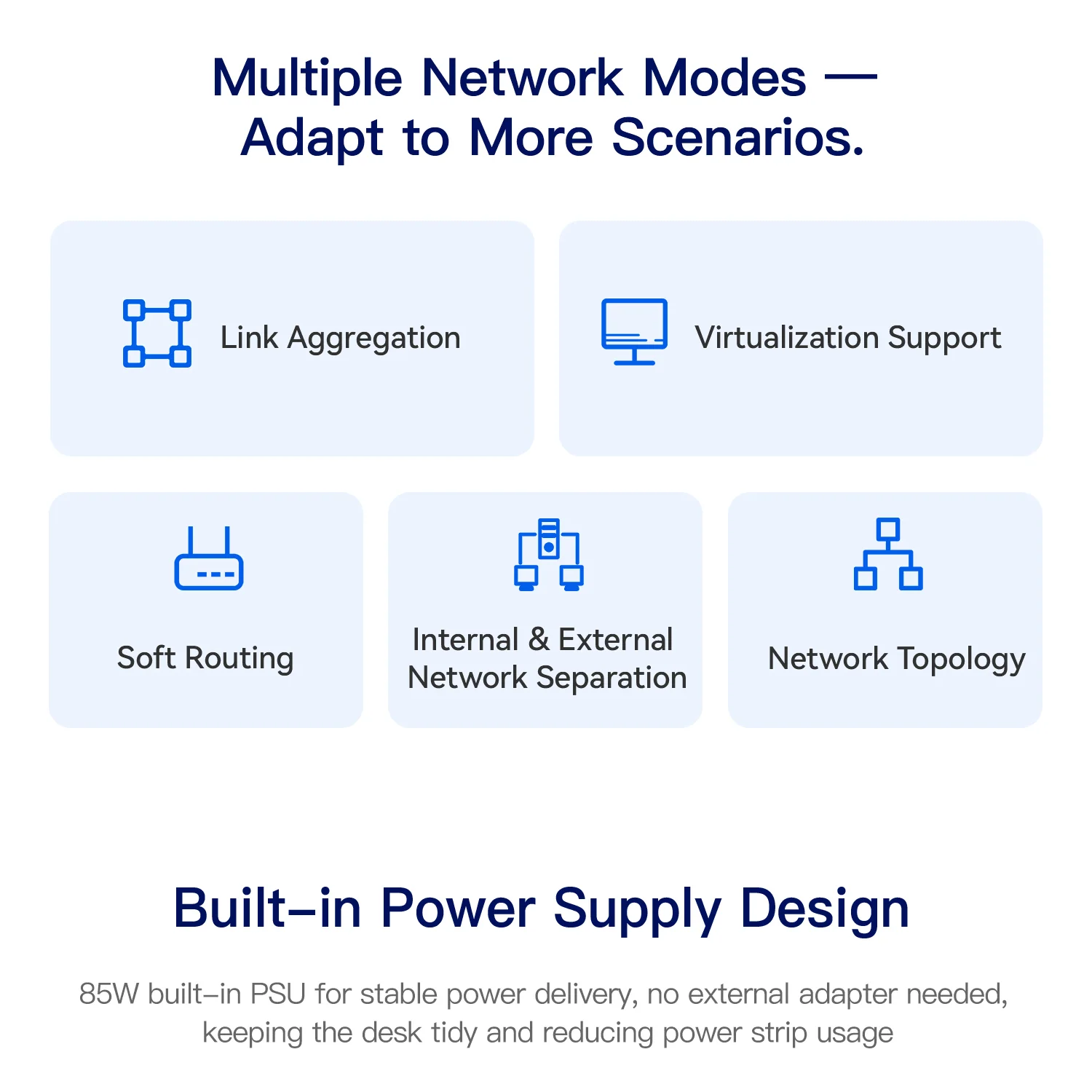
- Power: built-in 85 W PSU — 126 × 126 × 44.2 mm, 500 g
Performance in Everyday Use
For browsing, office documents, video calls and media, the EQi should feel quick and quiet thanks to its 4.3 GHz P-core and fast LPDDR5 memory. Multi-core tasks such as video export or large compilations are limited by the four low-power cores; Beelink publishes comparisons with older 12th-generation entry-level processors in which the Core 3 304 comes out ahead (manufacturer figures). The integrated Xe3 graphics with one Xe-core is designed for displays and video, not for 3D gaming.
The Connectivity Advantage
This is where the EQi stands apart. Two Thunderbolt 4 ports at 40 Gbps allow fast external SSDs, Thunderbolt docks and monitors, and one 10 GbE port plus one 2.5 GbE port make it suitable for a home lab, a small NAS front-end or a network appliance with two separate networks. Few mini PCs at this price include 10 GbE at all. Compared with the GMKtec NucBox M3S, which uses the same processor, the EQi offers a second Thunderbolt-class port, 10 GbE instead of a single 2.5 GbE and a built-in power supply; the M3S offers a USB4 port, three USB-A 10 Gbps ports and a lower price.
Storage and Memory
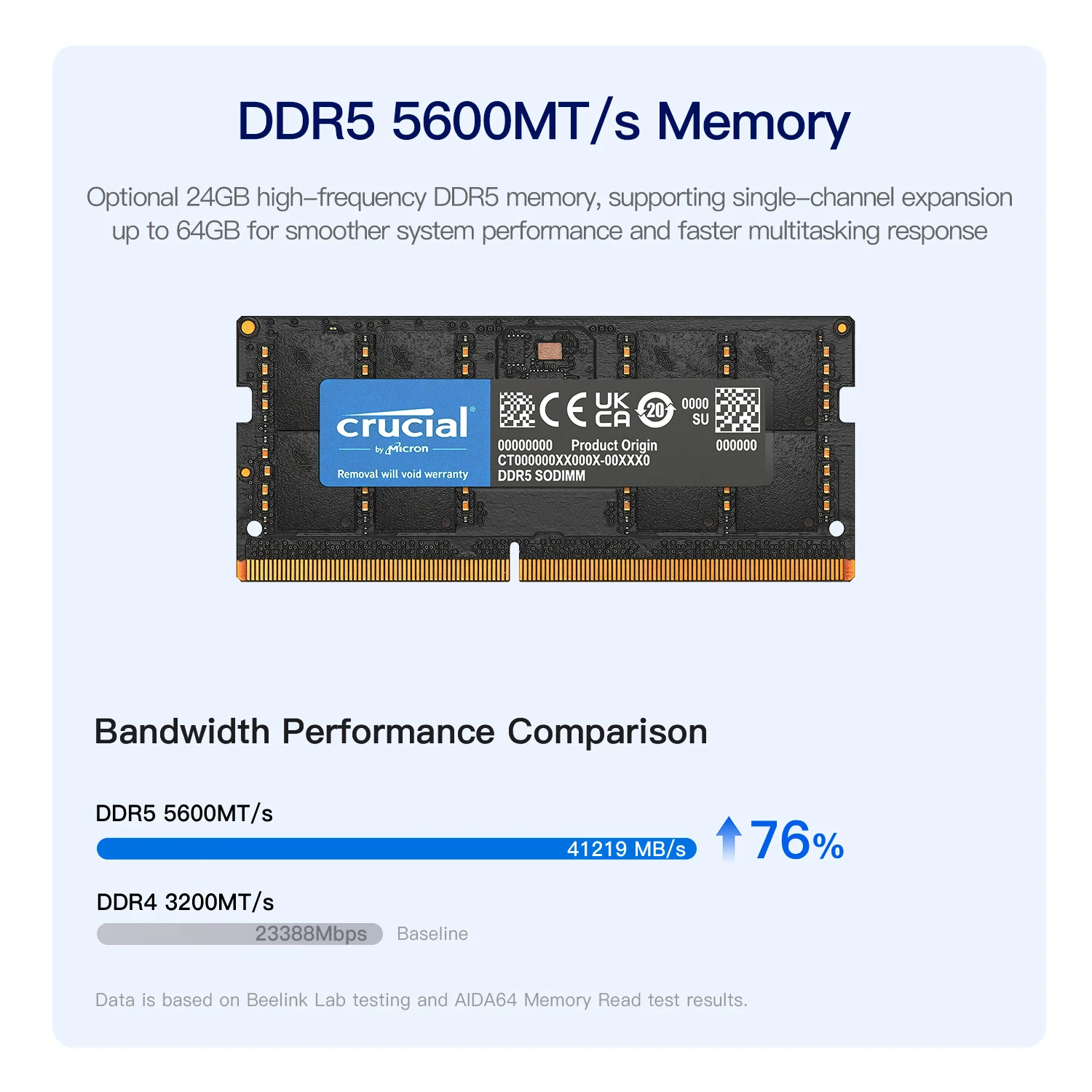
The system lives on 512 GB of onboard UFS 3.1 storage, which leaves both M.2 slots free for data drives (PCIe 4.0 ×2 and ×1, up to 4 TB each). The ×1 slot is slower than the other, which is worth knowing when choosing which drive goes where. The store version uses 16 GB of soldered LPDDR5; Beelink also announces DDR5 SO-DIMM versions with 24 GB or 32 GB that can be expanded, which are the better choice for users who want headroom.
Noise, Design and Power
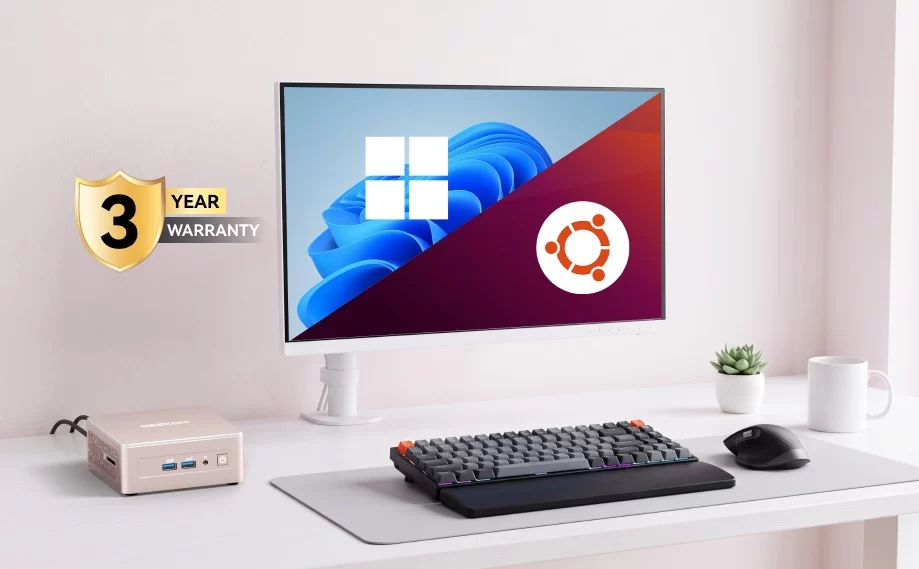
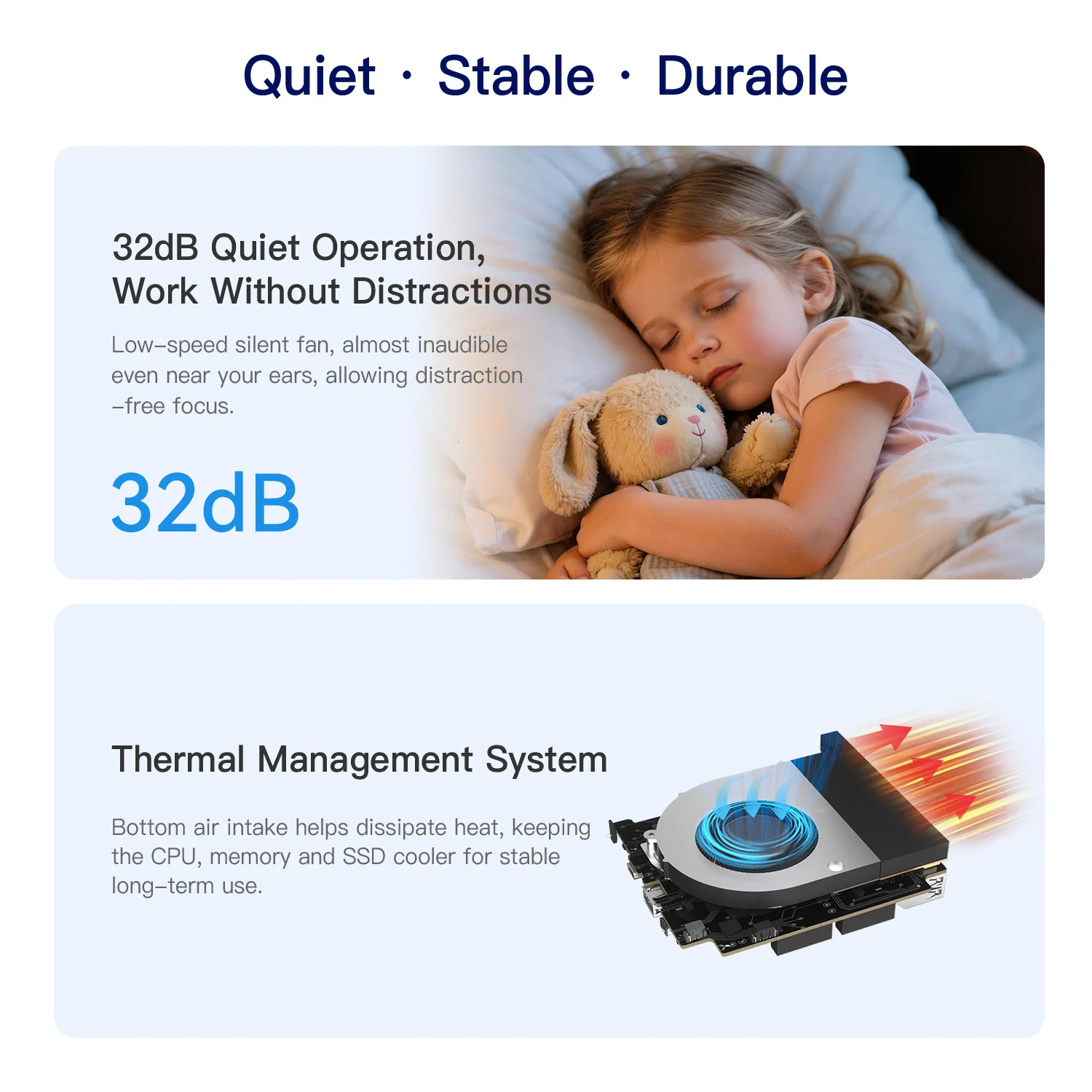
With a 15 W processor, a stated noise level of 32 dB (manufacturer figure) and a compact 126 × 126 × 44.2 mm chassis, the EQi is built for quiet desks. The built-in 85 W power supply removes the external brick, and Wake-on-LAN plus auto power-on support always-on and remote setups. Beelink includes a three-year warranty.
Price and Value
At US $509 for 16 GB + 512 GB, the EQi costs more than the GMKtec NucBox M3S (US $389.99 with 12 GB + 256 GB) and much more than N100/N150 machines. The extra money buys 10 GbE, two Thunderbolt 4 ports, more memory and storage, a built-in PSU and a three-year warranty. For users who will use that connectivity, it is good value; for a simple office PC, cheaper options do the same job.
How It Compares
- GMKtec NucBox M3S (Core 3 304): same processor; cheaper, one USB4 port and single 2.5 GbE, 12 GB soldered, external adapter.
- Intel N150 mini PCs: much cheaper, slower main core, usually Gigabit or 2.5 GbE and no Thunderbolt.
- AMD Ryzen 7 mini PCs (for example MINISFORUM UM870 Slim): far stronger CPU and GPU, upgradeable DDR5, but no 10 GbE and higher power use.
Strengths and Limitations
Strengths:
- 10 GbE + 2.5 GbE dual Ethernet
- Two Thunderbolt 4 ports at 40 Gbps
- 512 GB UFS 3.1 plus two free M.2 slots
- Built-in 85 W power supply
- Quiet operation (32 dB stated)
- Modern Intel 18A platform with NPU 5
- Three-year warranty
Limitations:
- Only 5 cores / 5 threads
- 16 GB LPDDR5 soldered in the store version
- Entry-level graphics
- Second M.2 slot limited to PCIe 4.0 ×1
- Wi-Fi 6 rather than Wi-Fi 6E/7
- Not a Copilot+ PC
Using the 10 GbE Port Well
A 10 Gigabit Ethernet port is only useful if the rest of the network keeps up. To benefit from it, the EQi needs a 10 GbE switch, a NAS with a 10 GbE interface or a direct cable to another 10 GbE computer. In that setup, large file copies and backups run several times faster than over 2.5 GbE. The second 2.5 GbE port can stay connected to the router for internet access, keeping the fast storage network separate. Storage speed also matters: the onboard UFS 3.1 and the PCIe 4.0 ×2 slot are fast enough to make good use of 10 GbE, while the PCIe 4.0 ×1 slot is better suited to bulk data.
As a Home Server or Office Desktop
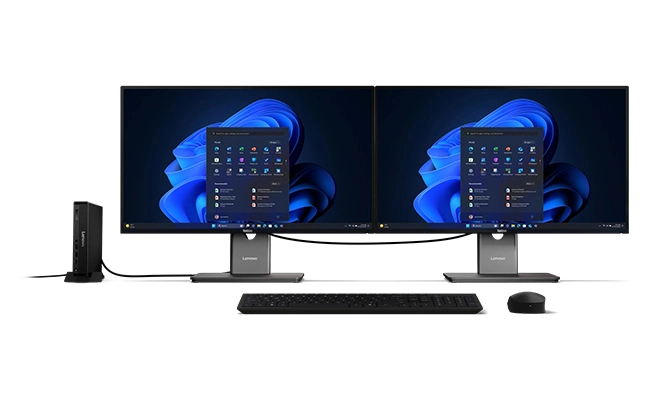
For a home lab, the EQi combines low power use, a quiet fan, Wake-on-LAN, automatic power-on after outages and a built-in power supply, which are all useful for a machine that stays on day and night. It can host file sharing, media serving, home automation or lightweight containers, with both M.2 slots available for data. As an office desktop, the two Thunderbolt 4 ports allow a single-cable dock and fast external drives, and three displays can be connected. In both roles, the 5-core processor is the limiting factor for heavier workloads such as many virtual machines or video transcoding at scale.
LPDDR5 or DDR5: Choosing the Version
Beelink describes two memory designs for the EQi. The LPDDR5 version sold in its store at launch has 16 GB of soldered memory, which is enough for office work and light server tasks but cannot grow. The DDR5 SO-DIMM versions (24 GB and 32 GB, upgradeable) are the better long-term choice for a home lab with containers or virtual machines. At the time of writing, the DDR5 versions were mentioned in the product information but not listed in Beelink’s store, so availability should be checked before buying.
What to Check Before Buying
- Decide between the LPDDR5 version (16 GB, soldered) and the DDR5 versions (upgradeable) before buying, and check that the version you want is available.
- Make sure you will use the 10 GbE port; without a 10 GbE switch, NAS or computer, the extra cost brings no benefit.
- Put your fastest data drive in the PCIe 4.0 ×2 slot; the second slot is limited to PCIe 4.0 ×1.
- Keep expectations realistic for multi-core work: the processor has five cores and five threads.
- Check the Wi-Fi version of the listing you buy from: the specification sheet lists Wi-Fi 6, while one store listing mentions Wi-Fi 6E.
- Use the Thunderbolt 4 ports for docks and external SSDs to get the most out of the platform.
- Compare with the GMKtec NucBox M3S if you do not need 10 GbE: it uses the same processor and costs less.
Verdict
The Beelink EQi shows how much a modern entry-level platform can do when the manufacturer invests in connectivity. It is not a performance machine, but as a quiet office desktop, a Thunderbolt workstation or a home-lab node with 10 GbE, it offers features that are hard to find at its price.
| AI Capabilities | ||||||||||||||||
|---|---|---|---|---|---|---|---|---|---|---|---|---|---|---|---|---|
|
||||||||||||||||
| Processor | ||||||||||||||||
|
||||||||||||||||
| Ports | ||||||||||||||||
|
||||||||||||||||
| Network | ||||||||||||||||
|
||||||||||||||||
| GPU | ||||||||||||||||
|
||||||||||||||||
| Internal Ports | ||||||||||||||||
|
||||||||||||||||
| Storage & RAM | ||||||||||||||||
|
||||||||||||||||
| Power | ||||||||||||||||
|
||||||||||||||||
| Others Specifications | ||||||||||||||||
|
||||||||||||||||

More information: Beelink EQi on minis-pc.com
Discover our full Mini PC comparison: minis-pc.com
Article written for minis-pc.com — Mini PC Comparisons and Reviews
Our 2026 Buying Guides & Deals
Disclaimer: This article is for information purposes only. Specifications, prices, coupons and availability may change at any time or contain errors, so please check them on the manufacturer's official website or store before buying. Some links on this page are affiliate links: if you buy through them we may earn a small commission at no extra cost to you.