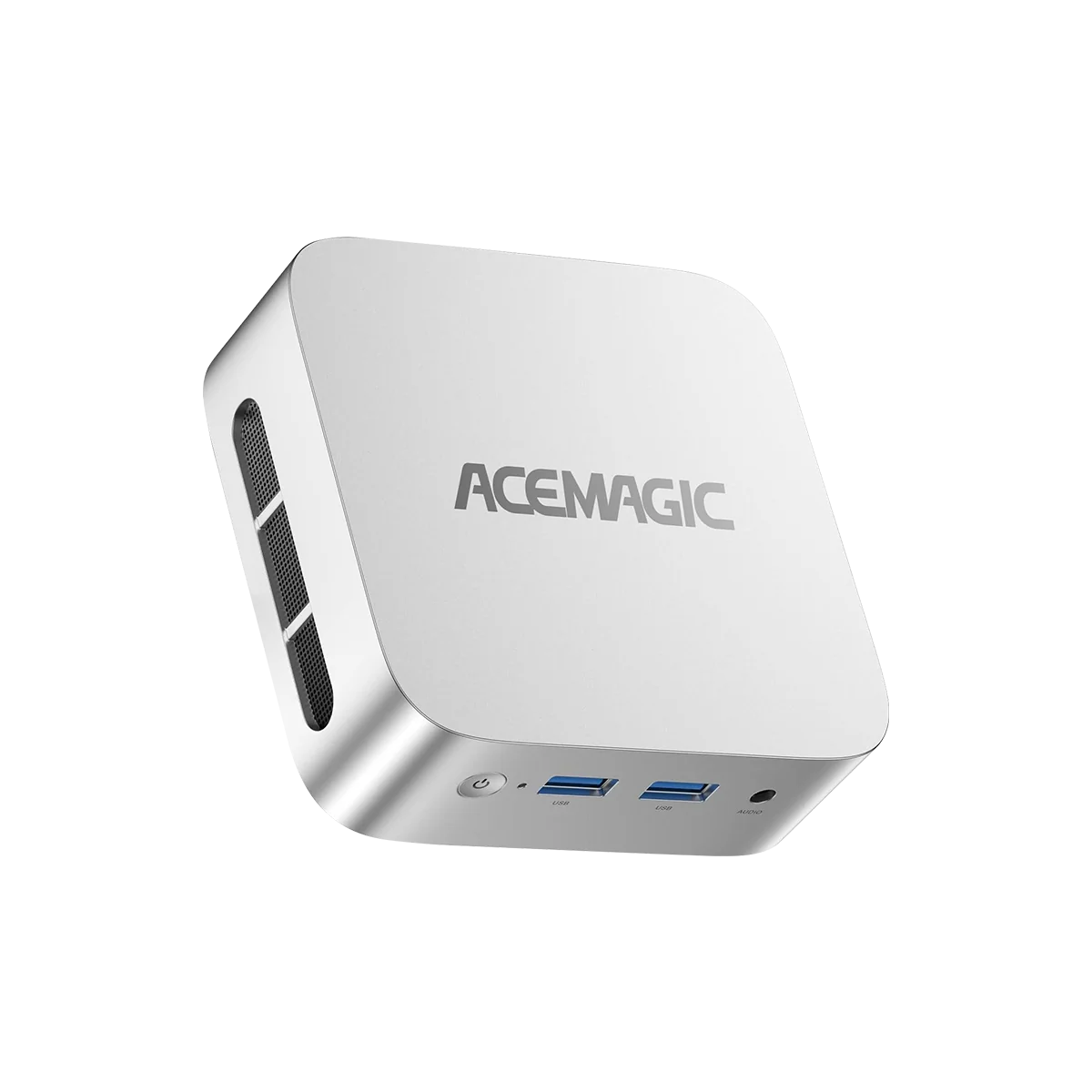
The ACEMAGIC Vista V1 is one of the cheapest ways to get Intel’s N150 processor, Wi-Fi 6 and 16 GB of memory in a complete Windows mini PC. In ACEMAGIC’s store the N150 version costs US $269 with a 512 GB or 1 TB SSD, and a black N95 version sells for US $229. We analyse what this small 0.33-litre box offers students and home users — and what it leaves out.

The N150: A Small but Useful Step Forward
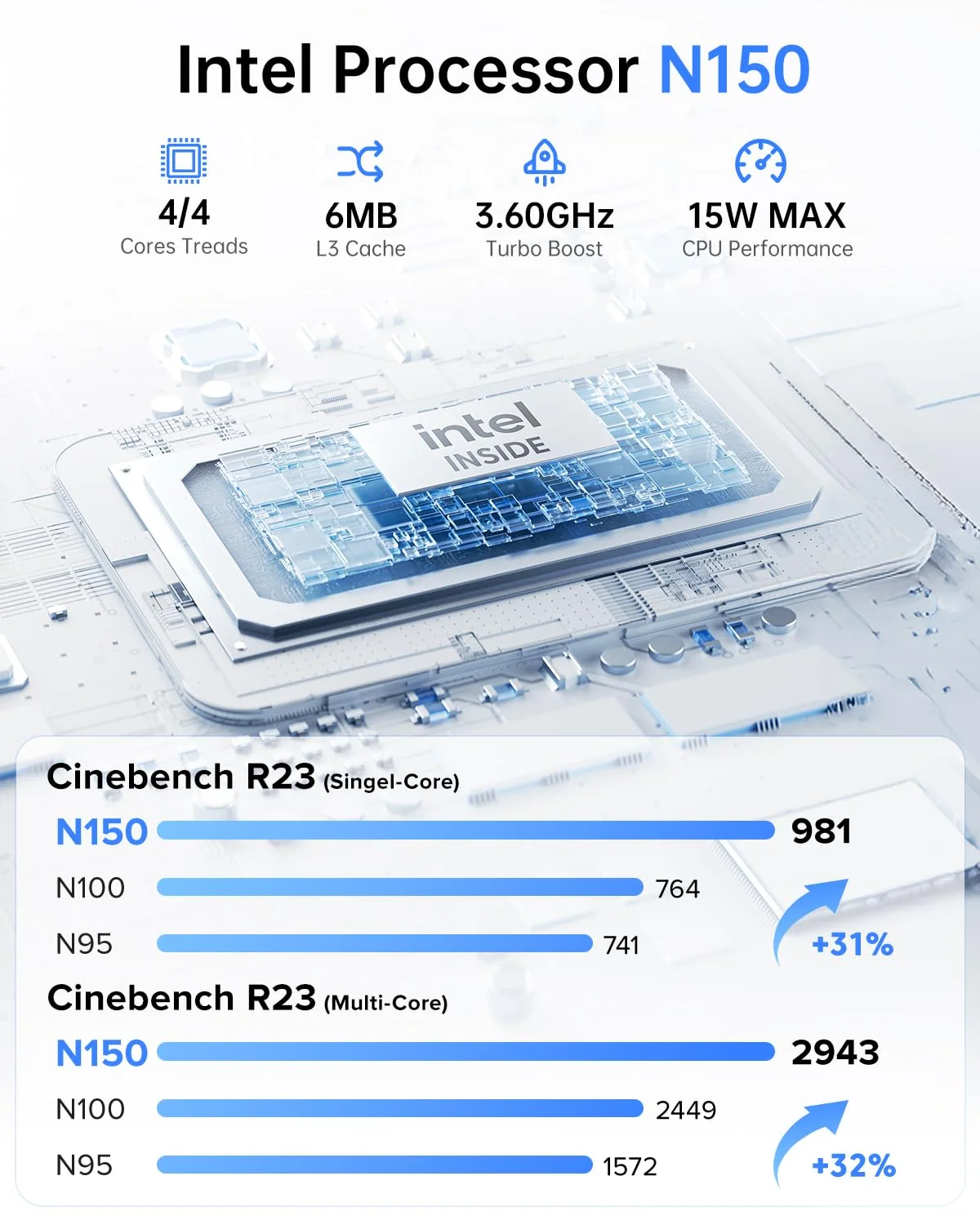
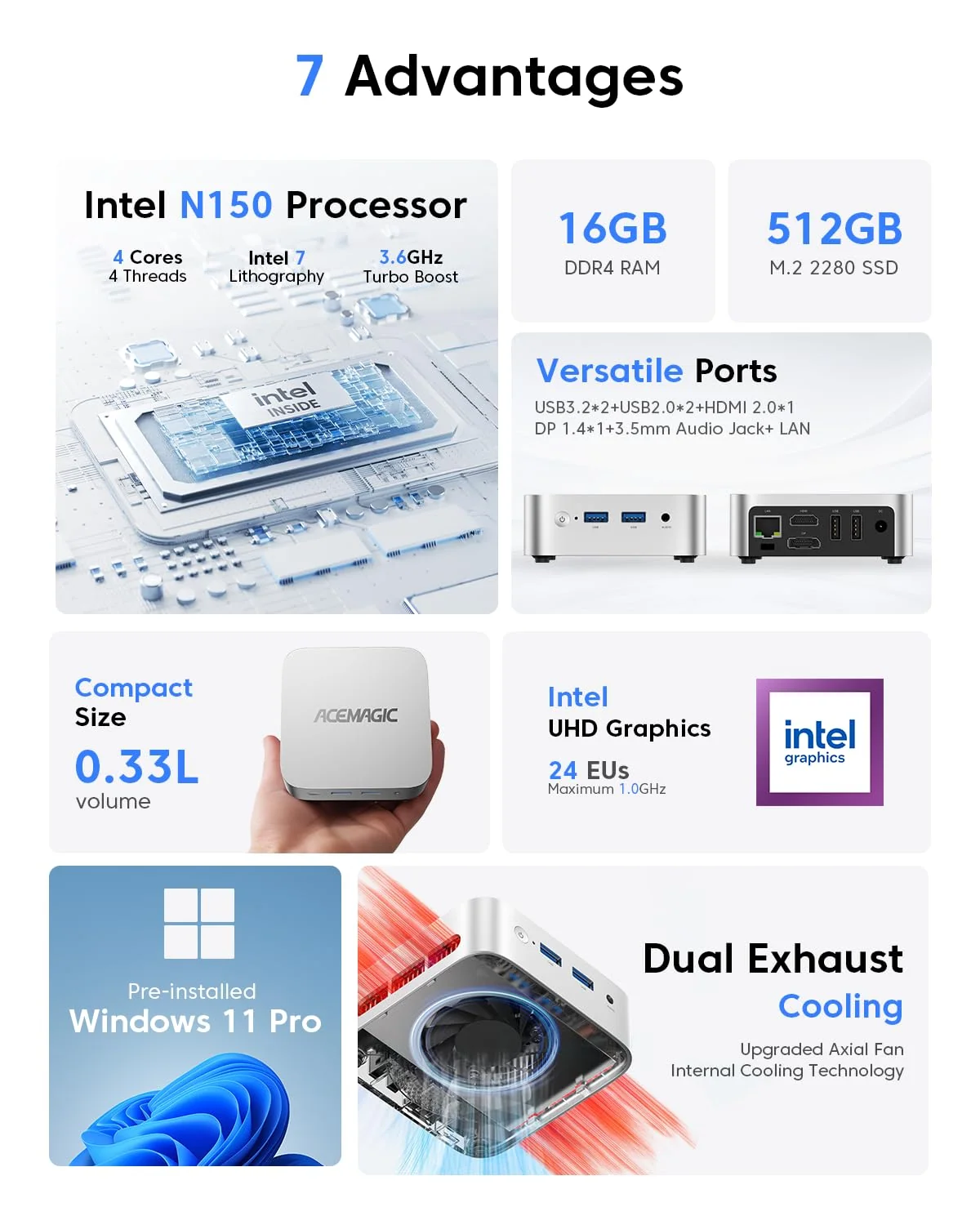
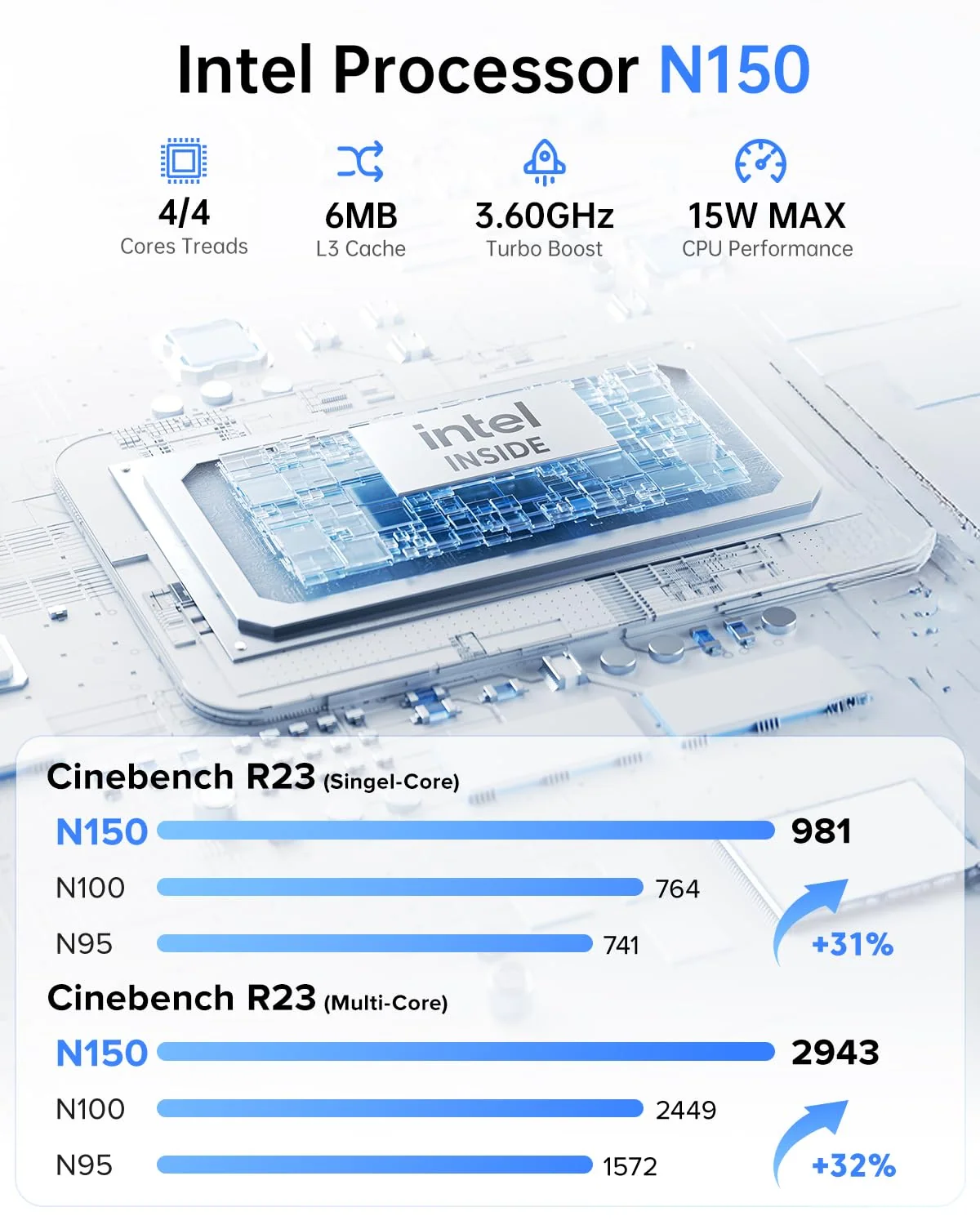
The N150 is a refresh of Intel’s N100 that raises the turbo frequency to 3.6 GHz and slightly increases graphics clocks. In daily use that means Windows, the browser and office applications feel a little more responsive than on N95 or N100 machines. It remains a four-core, four-thread processor designed for efficiency, so its natural territory is homework, online classes, streaming and simple office work.

Specifications at a Glance
- CPU: Intel® Processor N150 — 4 Cores / 4 Threads — up to 3.6 GHz — 6 MB cache
- GPU: Intel® Graphics — 24 EUs — up to 1.0 GHz
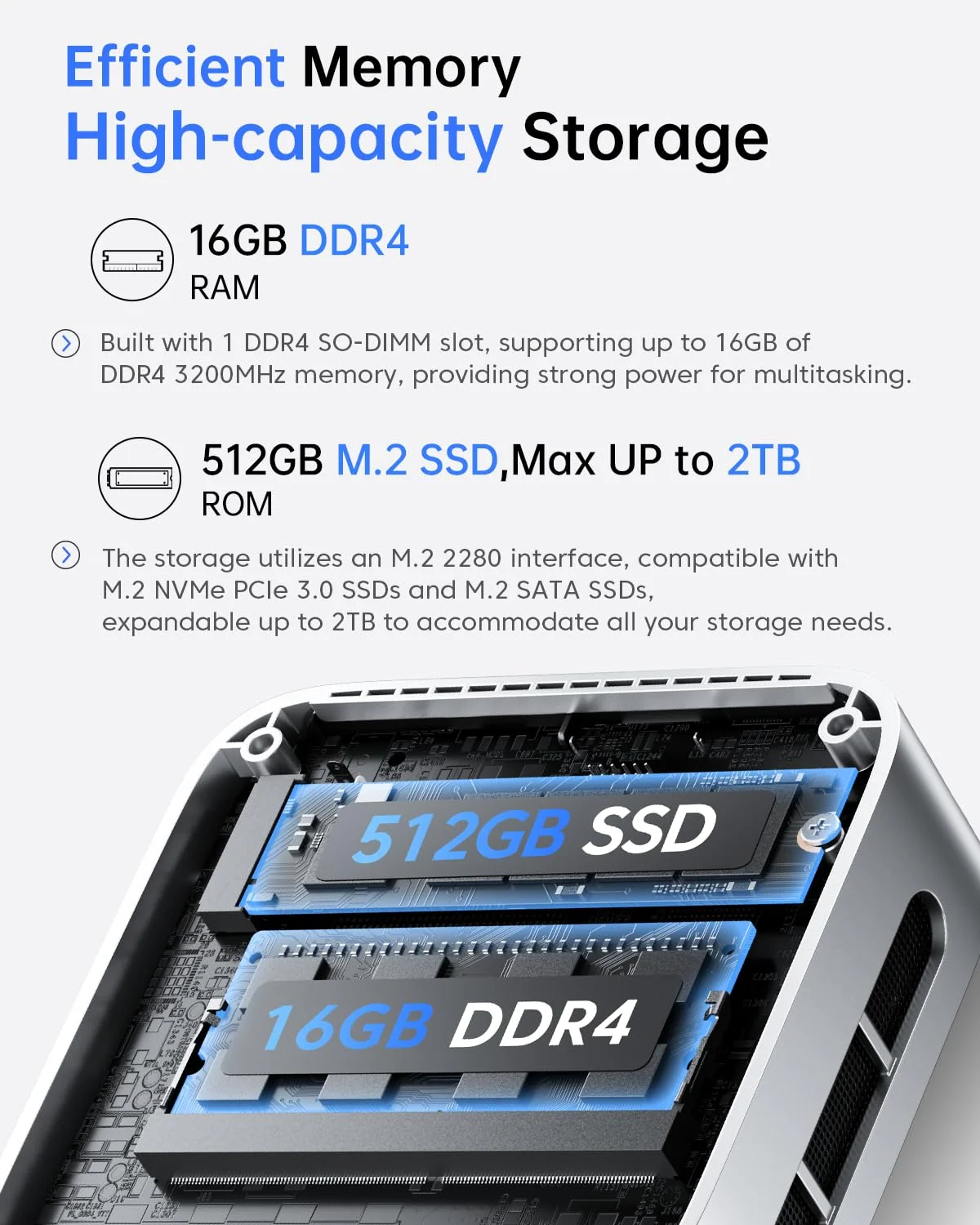
- Memory: 16 GB DDR4 — 1× SO-DIMM, up to 16 GB — FULLY USER-UPGRADEABLE (NOT soldered)
- Storage: 512 GB or 1 TB M.2 2280 (NVMe PCIe 3.0 or SATA, up to 2 TB)
- Connectivity: Wi-Fi 6, Bluetooth 5.2, Gigabit Ethernet
- Video: HDMI 2.0 + DisplayPort 1.4 — two 4K@60Hz displays
- Size: 100 × 100 × 33 mm (0.33 L)
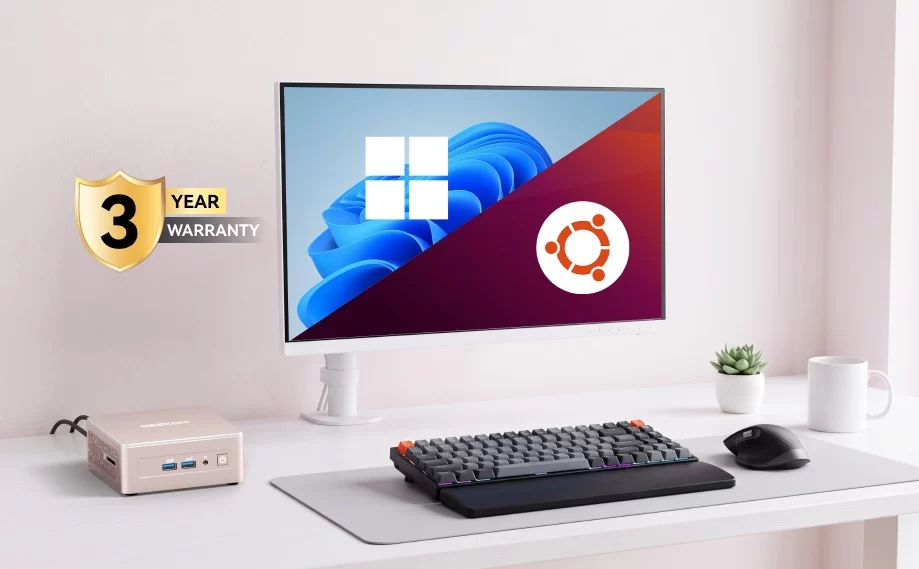
- OS: Windows 11 Pro
Everyday Performance
With 16 GB of memory as standard, the V1 handles a realistic student workload — a video call, a document and a dozen browser tabs — better than budget machines with 8 GB. Video in 4K plays smoothly through hardware decoding. The limits are the usual ones for this class: four cores without Hyper-Threading, single-channel memory and an entry-level GPU, so photo editing with heavy filters, video export and modern games are out of reach.

A Note on the Memory Type
ACEMAGIC’s product description mentions LPDDR5, while the detailed specification sheet and the official images show 16 GB of DDR4 in a SO-DIMM slot. We consider the specification sheet the reliable source: the V1 uses upgradeable DDR4. Buyers who plan to replace the module should still confirm the configuration with the seller, as listings sometimes differ between regions.
Connectivity and Ports
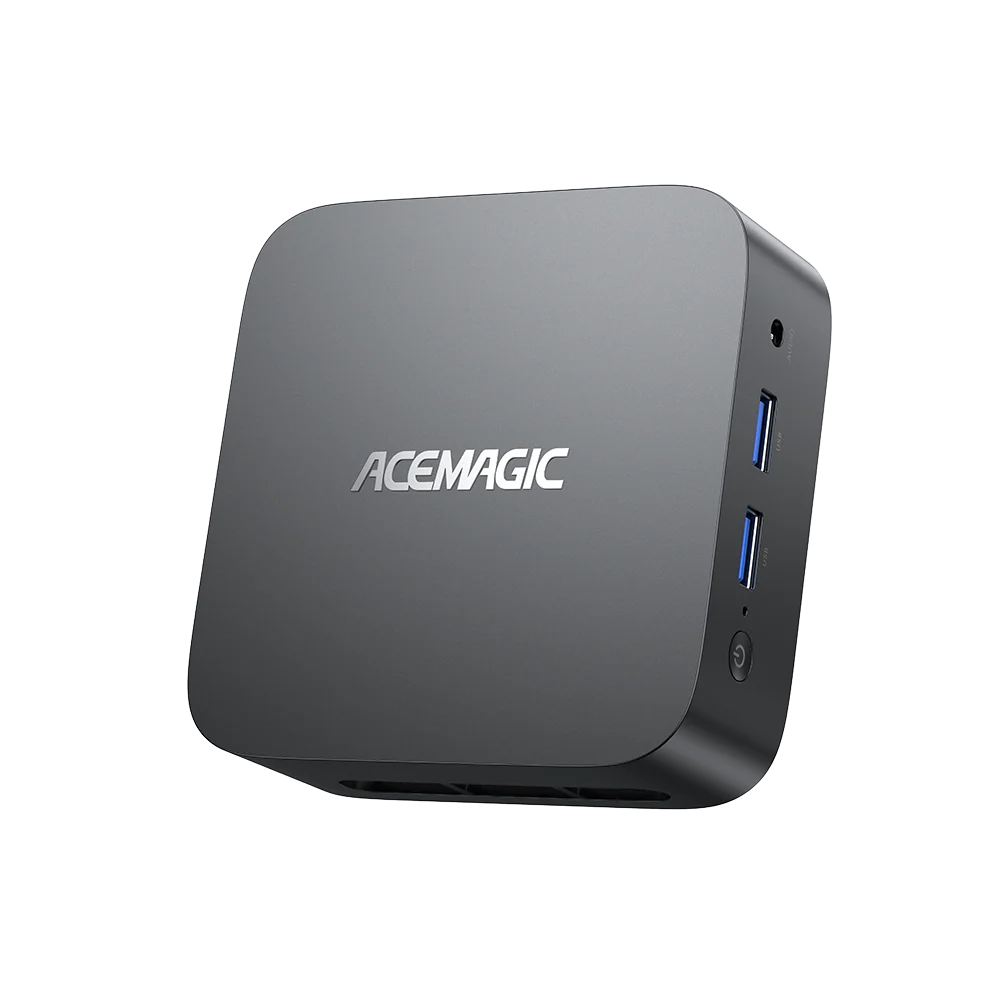
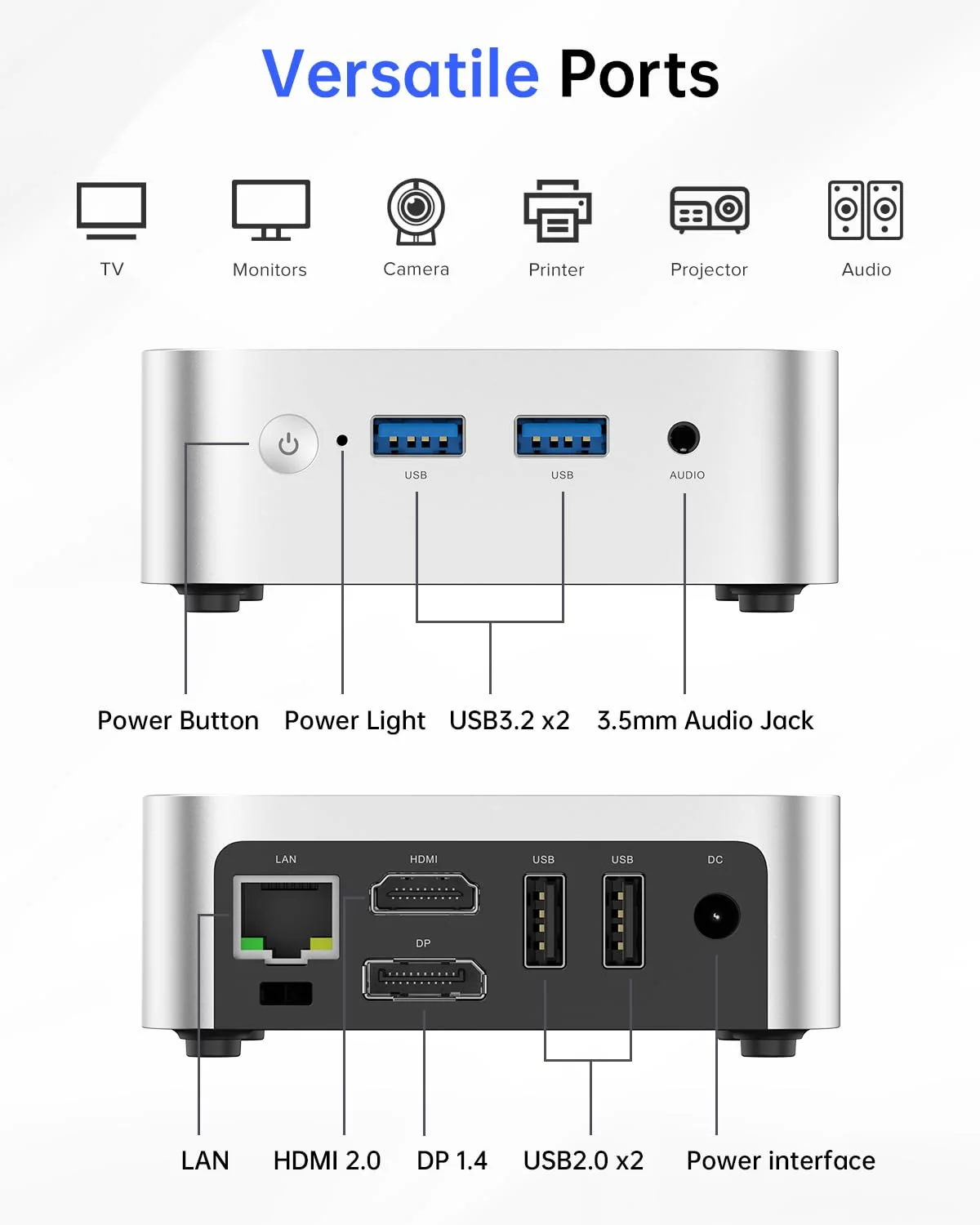
Wi-Fi 6 and Bluetooth 5.2 are a real advantage over older budget machines with Wi-Fi 5. Two front USB-A 3.2 Gen2 ports at 10 Gbps are convenient for flash drives and external SSDs, while the rear offers two USB-A 2.0 ports for keyboard and mouse, Gigabit Ethernet, HDMI 2.0 and DisplayPort 1.4. The DisplayPort output is useful because many office monitors have one. There is no USB-C port and no second internal SSD slot.


Design, Cooling and Accessories
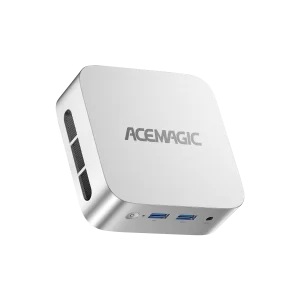
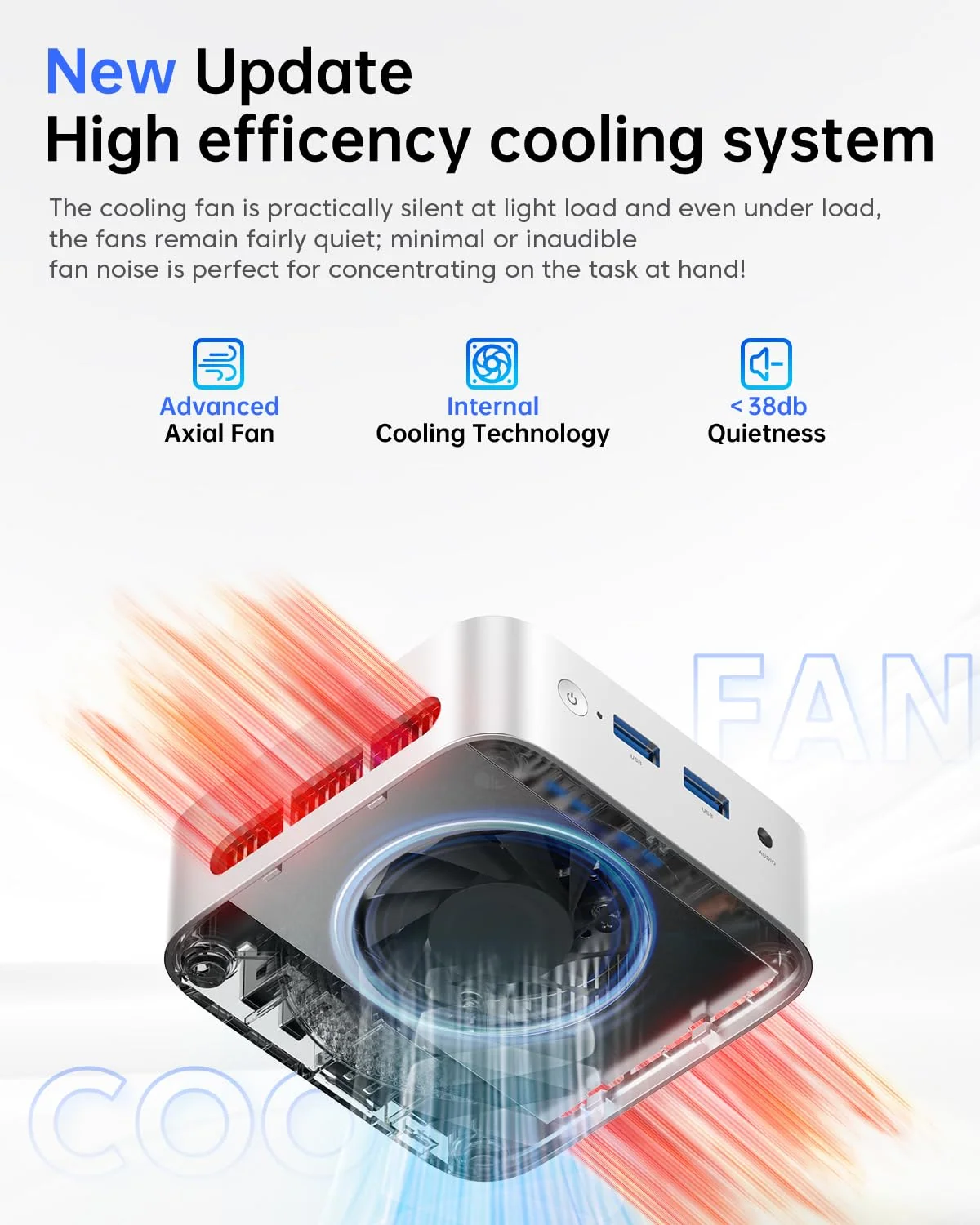
The silver 100 × 100 × 33 mm chassis is one of the smallest in its class. An axial fan with dual exhaust keeps the processor cool; with such a low-power chip noise should remain modest. The box includes a mounting bracket, so the V1 can be hidden behind a monitor, plus an HDMI cable and the power adapter.


Setting It Up for School and Home
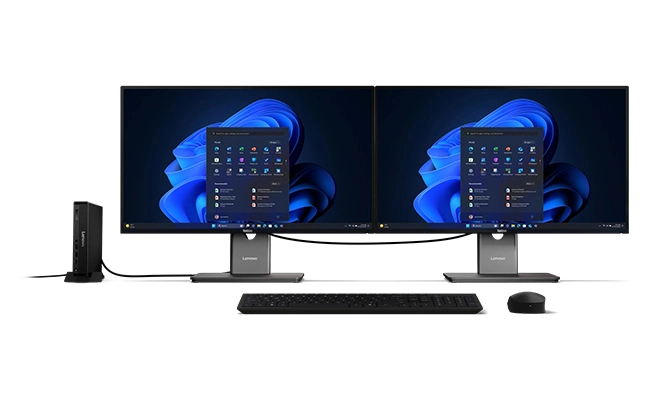
Setting up the V1 is simple: connect a monitor to HDMI or DisplayPort, plug in a keyboard and mouse to the rear USB 2.0 ports, and keep the faster front 10 Gbps ports free for flash drives and external SSDs. Windows 11 Pro comes pre-installed. We recommend updating Windows and drivers first, then setting up automatic backups of school documents. Two screens — one on HDMI and one on DisplayPort — make studying much more comfortable, and the V1 handles both at 4K. The included mounting bracket lets the computer disappear behind the monitor in a small bedroom or shared study space.
Long-Term Use and Expectations
With 16 GB of memory as standard and Wi-Fi 6, the V1 starts from a stronger position than many budget machines, and the N150 is a current chip that will receive driver support for years. Its main long-term limitation is storage: with a single M.2 slot, the only internal upgrade is replacing the SSD, so buyers who keep large photo or video libraries should choose the 1 TB version at the same price. As with every N-series computer, it is designed for light work; students who will need programming environments, data analysis tools or creative applications should consider a Ryzen or Core Ultra mini PC instead.
Price and Value
At US $269 with 16 GB and 512 GB or 1 TB, the V1 gives more memory and storage than many N150 rivals at the same price, with Wi-Fi 6 included. Amazon listings vary and are sometimes higher than the official store, so it is worth comparing. The N95 version at US $229 saves money but loses Wi-Fi 6 and some speed, so we recommend the N150 model for most students.
How It Compares
- GMKtec NucBox G3S (N95): cheaper and with two SSD slots, but slower and with Wi-Fi 5.
- Beelink Mini S13 (N150): same processor class, a strong alternative with a reputation for quiet operation.
- GEEKOM A5 (Ryzen 7 7730U): eight cores, quad displays, 2.5 GbE and up to 64 GB of memory, for a higher price.
What to Check Before Buying
- Make sure you choose the N150 (silver) version if you want Wi-Fi 6 and Bluetooth 5.2.
- Plan storage carefully: there is only one internal M.2 slot.
- Check that your monitors have HDMI or DisplayPort inputs; there is no USB-C video output.
- Consider a mid-range Ryzen model if you need more performance for creative work.
Strengths and Limitations
Strengths:
- Intel N150 up to 3.6 GHz
- 16 GB DDR4 standard, upgradeable (not soldered)
- Wi-Fi 6 and Bluetooth 5.2 (N150 version)
- HDMI 2.0 + DisplayPort 1.4 dual 4K
- Two USB-A 10 Gbps ports at the front
- Very compact 0.33-litre chassis, mounting bracket included
Limitations:
- Four cores, four threads only
- Single SSD slot
- Single-channel memory
- No USB-C port
- No NPU — not a Copilot+ PC
- Memory type described inconsistently on the product page
Verdict
The ACEMAGIC Vista V1 is a well-balanced budget desktop: the N150, 16 GB of memory and Wi-Fi 6 cover what most students need, and the compact design keeps the desk clear. For school work and home use at a low price, it is one of the most complete options in its class.
| AI Capabilities | ||||||||||||||||
|---|---|---|---|---|---|---|---|---|---|---|---|---|---|---|---|---|
|
||||||||||||||||
| Processor | ||||||||||||||||
|
||||||||||||||||
| Ports | ||||||||||||||||
|
||||||||||||||||
| Network | ||||||||||||||||
|
||||||||||||||||
| GPU | ||||||||||||||||
|
||||||||||||||||
| Internal Ports | ||||||||||||||||
|
||||||||||||||||
| Storage & RAM | ||||||||||||||||
|
||||||||||||||||
| Power | ||||||||||||||||
|
||||||||||||||||
| Others Specifications | ||||||||||||||||
|
||||||||||||||||

More information: ACEMAGIC Vista V1 on minis-pc.com
Discover our full Mini PC comparison: minis-pc.com
Article written for minis-pc.com — Mini PC Comparisons and Reviews
Our 2026 Buying Guides & Deals
Disclaimer: This article is for information purposes only. Specifications, prices, coupons and availability may change at any time or contain errors, so please check them on the manufacturer's official website or store before buying. Some links on this page are affiliate links: if you buy through them we may earn a small commission at no extra cost to you.