A mini PC for less than the price of many school textbooks: the GMKtec NucBox G3S puts an Intel N95 processor, DDR4 memory in a real slot, two SSD slots and two 4K HDMI outputs into a small box with Windows 11 Pro, starting at US $249.99 in GMKtec’s store. We look at what a student or a family really gets for that money, and where the savings show.

What the G3S Is For
The G3S is designed for basic computing: documents, spreadsheets, browsing, online classes, video calls and streaming. Its four-core Intel N95 reaches 3.4 GHz and is clearly faster than the older Celeron N5095 that still appears in very cheap mini PCs. It is not a computer for editing video or playing modern games, but for school work and family use it does the job quietly while using little power.
Specifications at a Glance
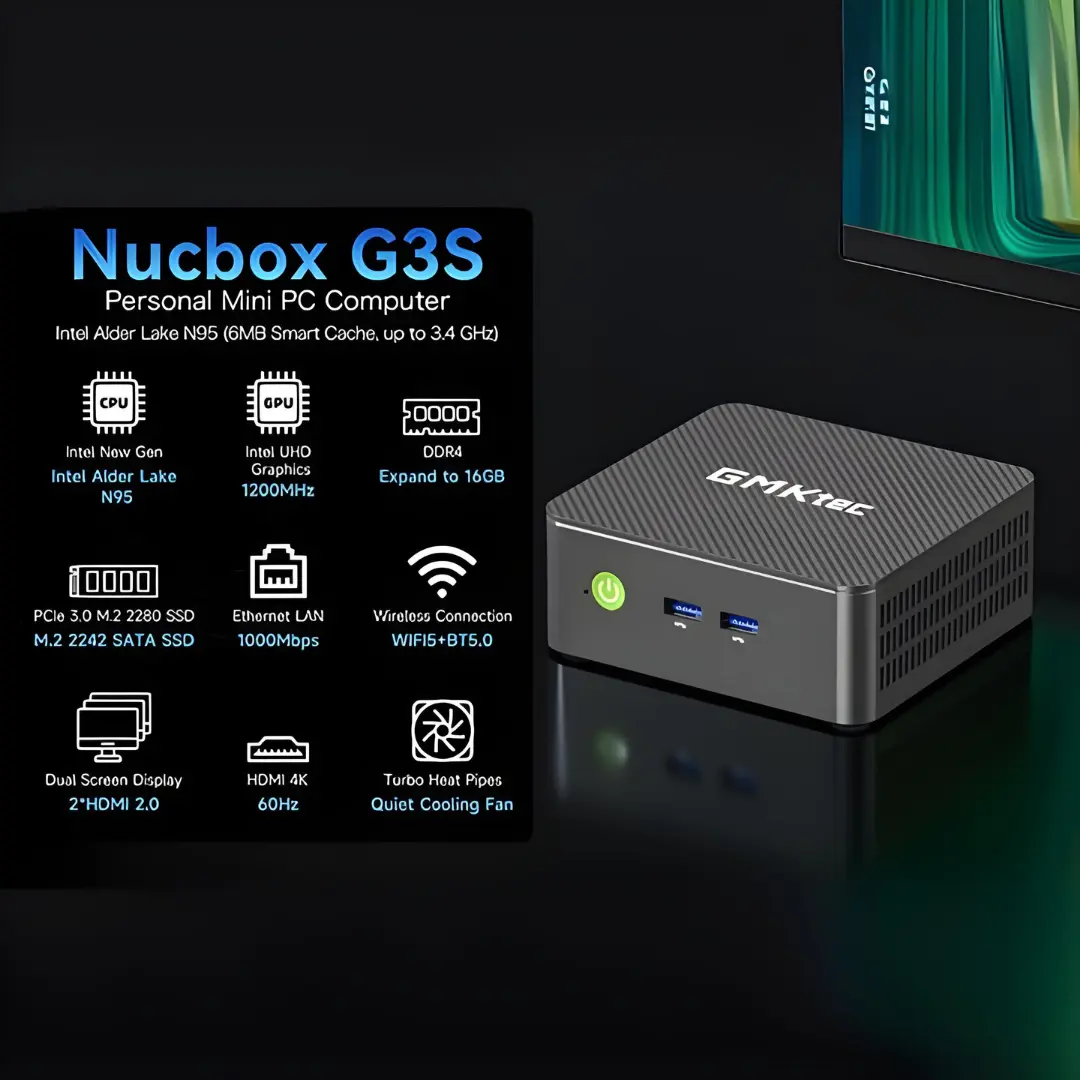
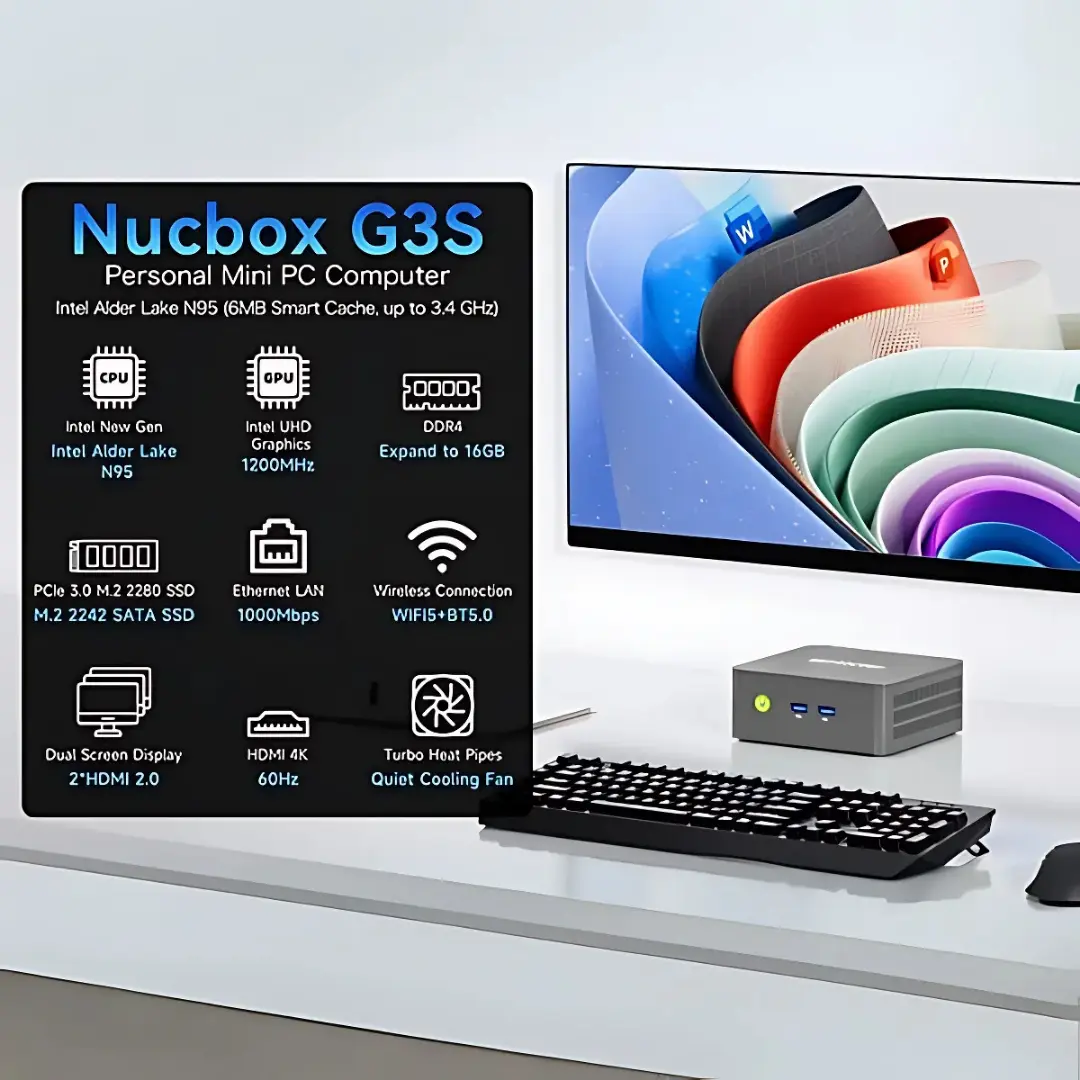
- CPU: Intel® Processor N95 — 4 Cores / 4 Threads — up to 3.4 GHz — 6 MB cache
- GPU: Intel® UHD Graphics — 16 EUs — up to 1.2 GHz
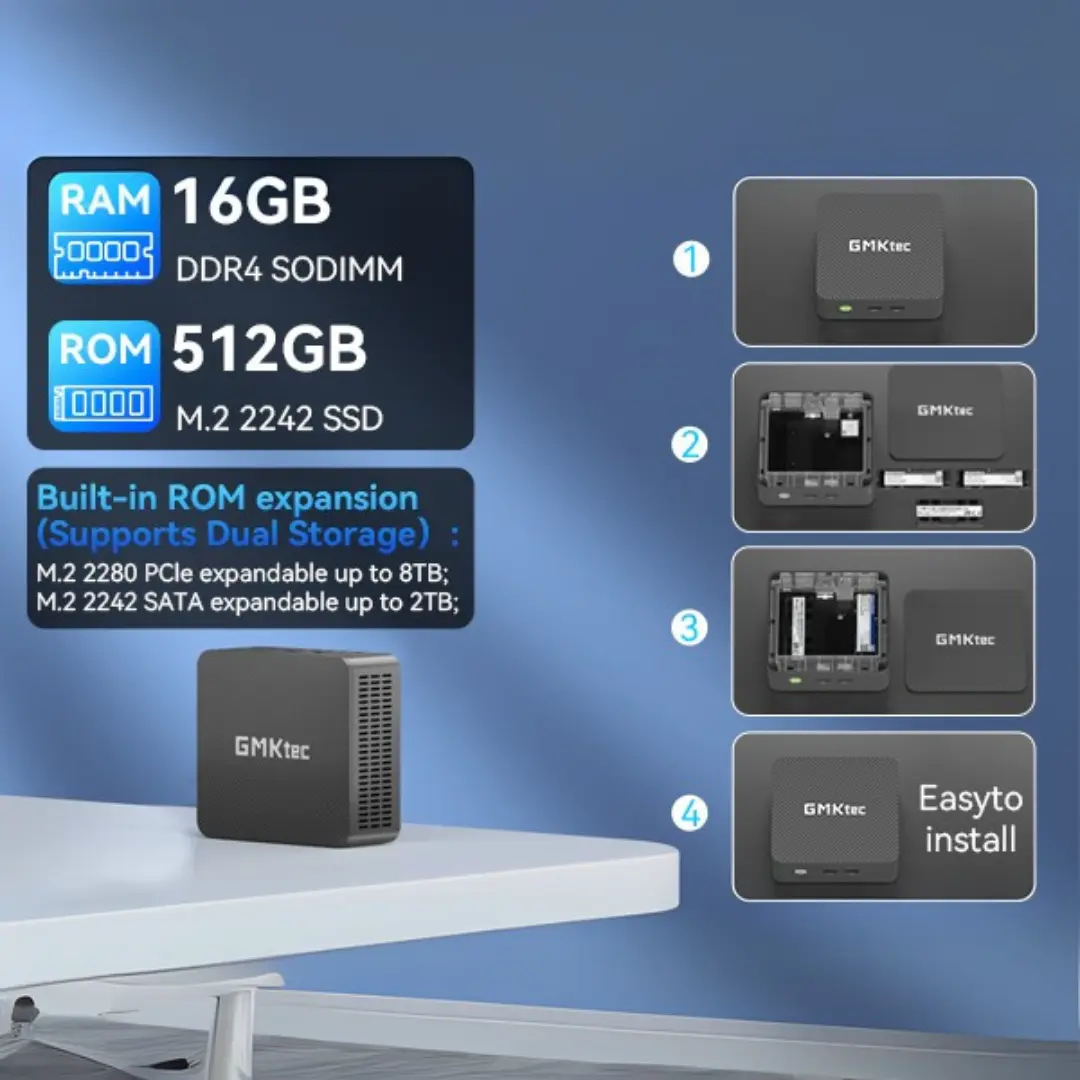
- Memory: 8 GB or 16 GB DDR4 — 1× SO-DIMM, up to 16 GB — FULLY USER-UPGRADEABLE (NOT soldered)
- Storage: 256 GB or 512 GB SSD + second slot (M.2 2280 PCIe Gen3 ×2 up to 8 TB, M.2 2242 SATA up to 2 TB)
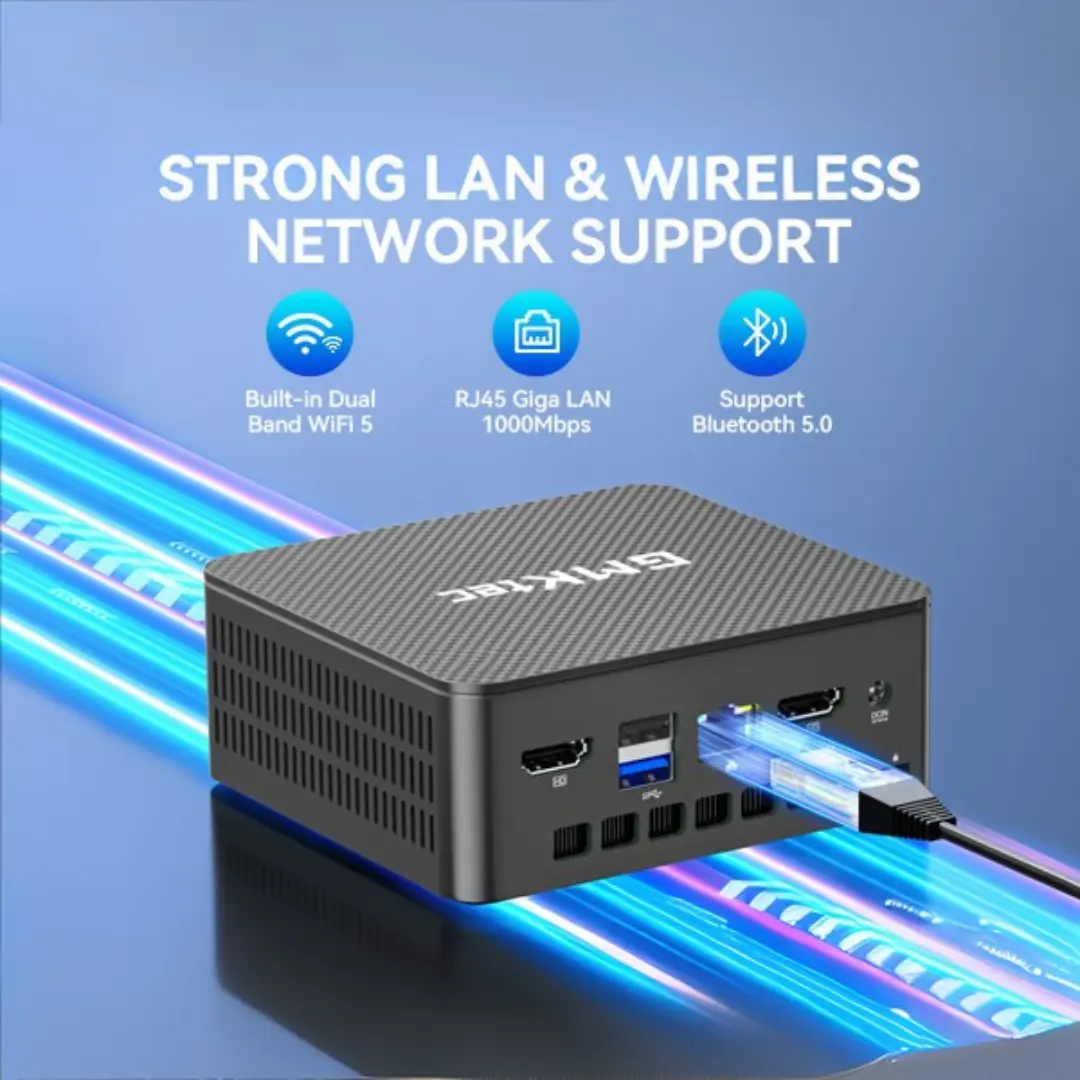
- Connectivity: Wi-Fi 5, Bluetooth 5.0, Gigabit Ethernet
- Video: 2× HDMI 2.0 — two 4K@60Hz displays
- Power: 12 V / 3 A via USB Type-C
- OS: Windows 11 Pro
Performance in Daily Use
In everyday tasks the N95 feels responsive: Windows starts quickly from the SSD, office applications open without long waits and 4K video plays smoothly thanks to hardware decoding. The limit appears when many things happen at once — a video call, dozens of browser tabs and a large spreadsheet — where four cores without Hyper-Threading reach their ceiling. For that reason we recommend the 16 GB configuration for students who keep many tabs open, even though it costs US $90 more in GMKtec’s store.


Upgradeability: The Real Advantage
Many budget mini PCs solder their memory to the board. The G3S does not: its DDR4 sits in a SO-DIMM slot that accepts up to 16 GB, so the 8 GB version can be upgraded later. Storage is even more flexible, with an M.2 2280 PCIe slot and an M.2 2242 SATA slot. A student can start with the cheaper model and add a second SSD for photos or projects when needed, extending the useful life of the machine.
Displays, Connectivity and Ports
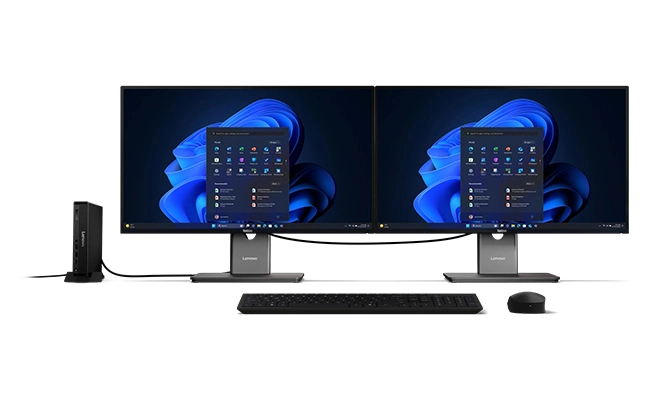
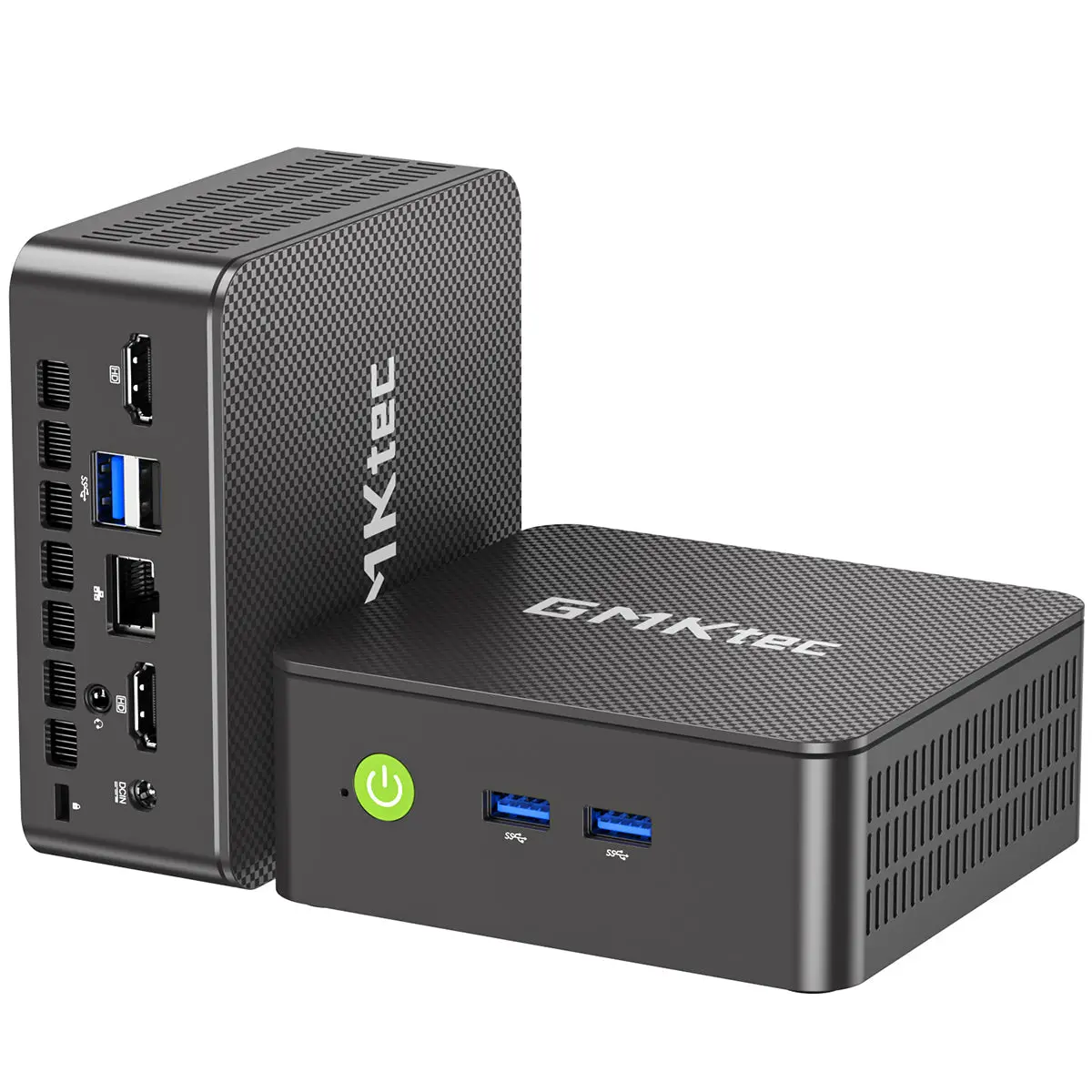
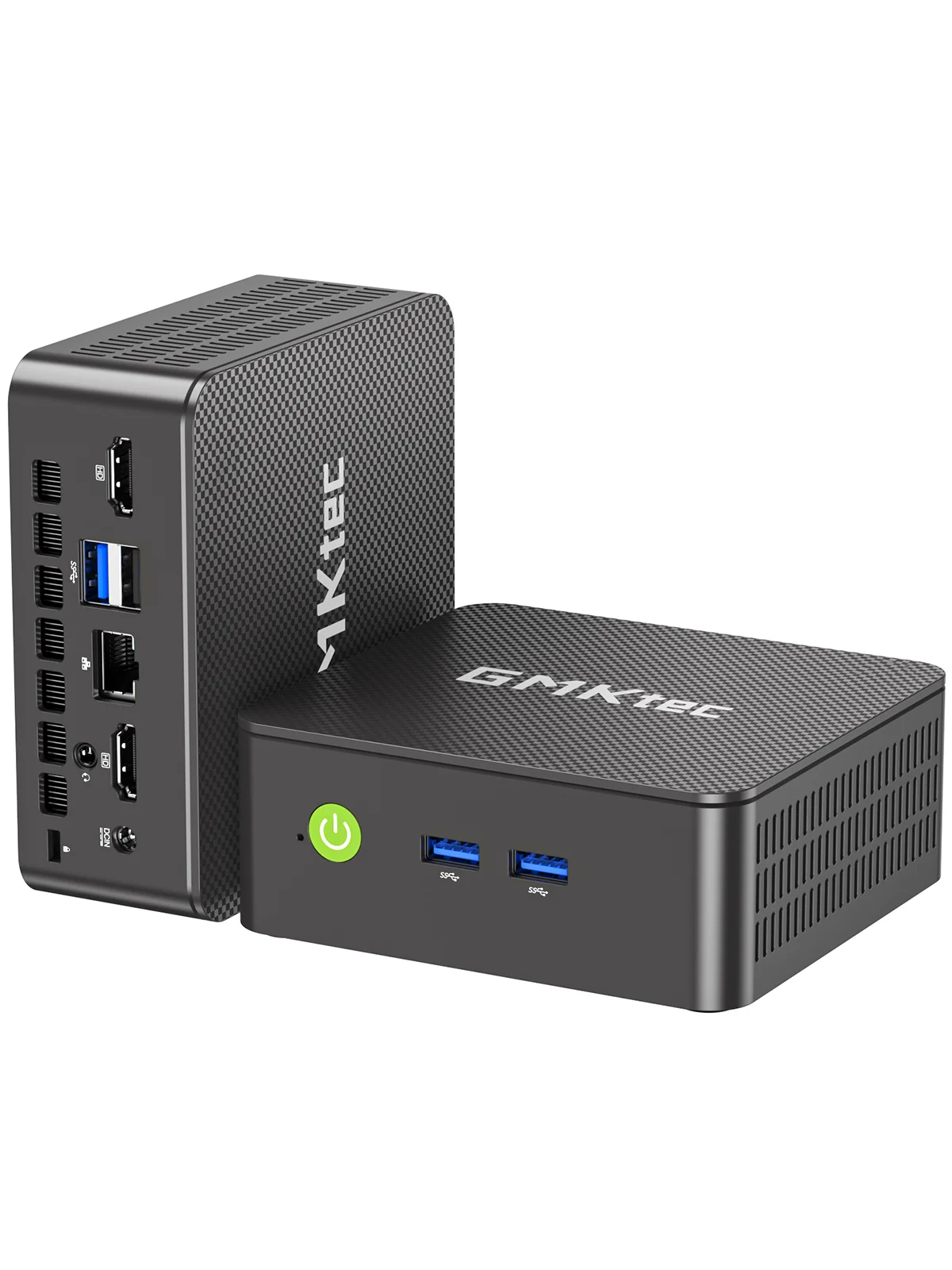
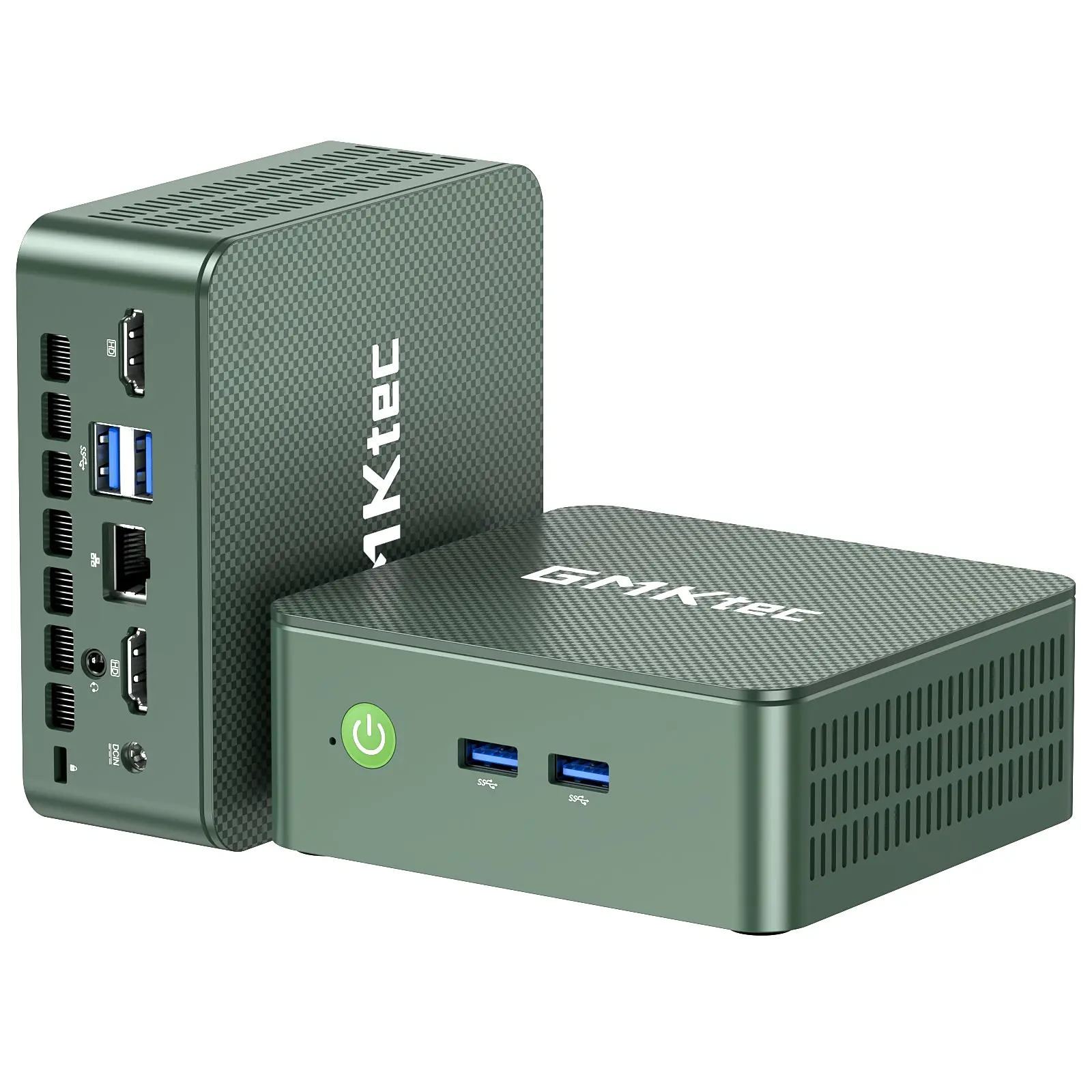
Two HDMI 2.0 ports drive two 4K screens at 60 Hz — very practical for studying with notes on one screen and a video lesson on the other. Networking is Wi-Fi 5 with Bluetooth 5.0 plus Gigabit Ethernet; this is an older Wi-Fi standard than the Wi-Fi 6 offered by some rivals, but sufficient for streaming and online classes. Two USB-A 3.2 ports sit at the front and more USB-A ports at the rear. There is no USB-C port for data or video; the USB-C connector is only for power.


Design, Noise and Mounting
The compact square chassis comes in Titanium Grey or Green and includes a VESA mount, so it can be attached to the back of a monitor to free the desk completely. Heat pipes and a quiet fan cool the 15 W processor; noise should be low in normal use, although it is not a silent fanless design. Auto Power On and Wake on LAN make it useful as a kiosk, a digital signage player or a small always-on box.


Setting It Up for a Student
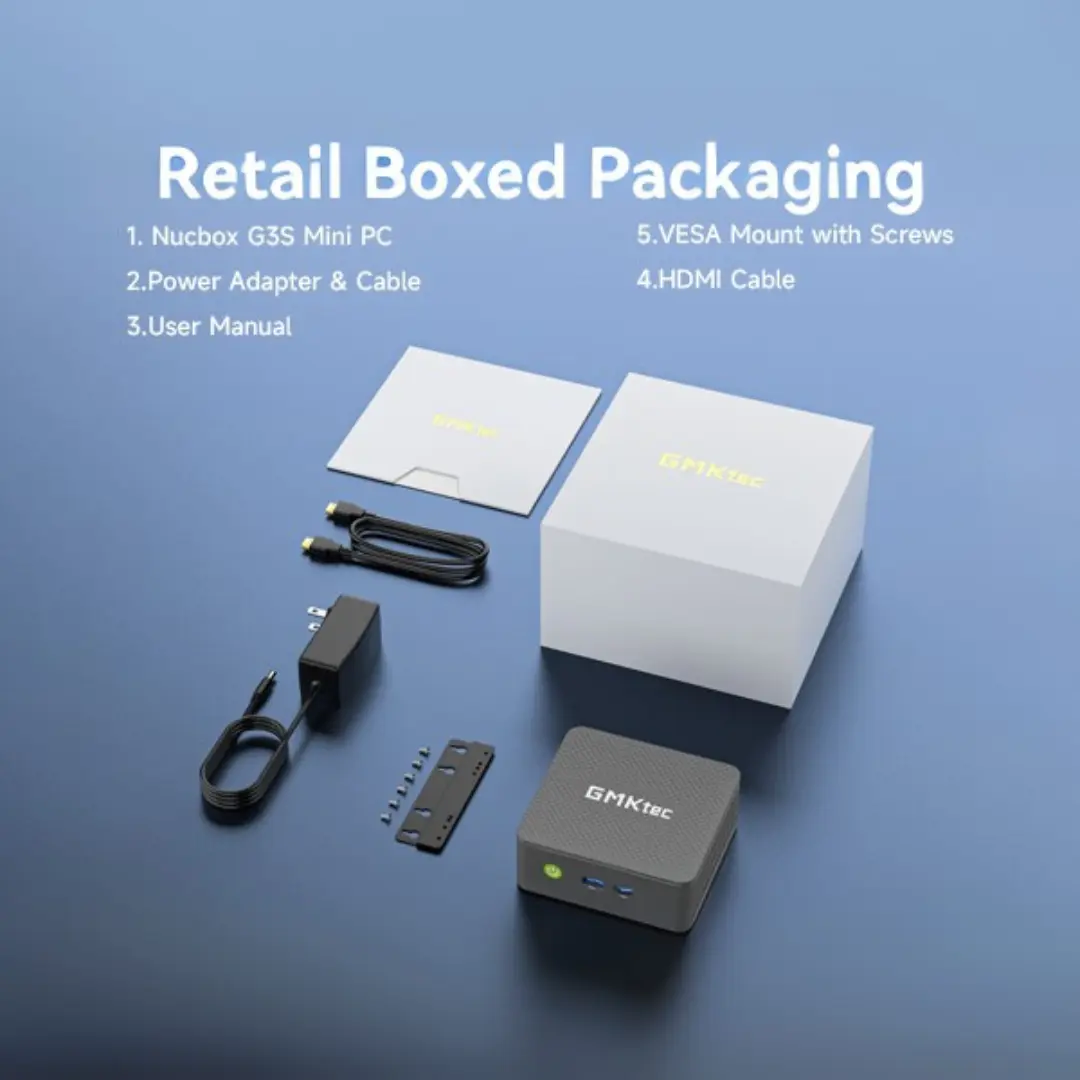
Out of the box the G3S needs only a monitor, a keyboard and a mouse: Windows 11 Pro is already installed, and the HDMI cable and VESA mount are in the box. For school use we recommend a few simple steps: update Windows and the drivers from GMKtec’s support page, uninstall anything that is not needed, and enable automatic backups of documents to a cloud service or a USB drive. A second monitor connected to the other HDMI port is one of the most useful upgrades for studying, because it lets a student follow a video class while taking notes. If the 8 GB version starts to feel slow with many tabs open, a 16 GB DDR4 SO-DIMM module is an inexpensive fix that takes a few minutes to install.
Long-Term Use and Expectations
A budget computer is judged by how long it stays useful. The G3S has two points in its favour: memory and storage can be expanded, and the low-power processor keeps temperatures and fan wear modest. Its weaker points are the age of the platform — the N95 dates from 2023 and Wi-Fi 5 is an older standard — and the lack of USB-C data or display output. For a student who mainly writes, researches and attends online classes, those limits rarely matter during several school years. For anyone who expects to move into heavier work such as programming large projects or editing video, a Ryzen-based mini PC with more cores is a better long-term investment.
Price and Value
At US $249.99 for 8 GB + 256 GB, the G3S is among the cheapest complete Windows mini PCs from a known brand, and Amazon listings are often slightly lower. Its rivals with the newer Intel N150, such as the ACEMAGIC Vista V1 or the Beelink Mini S13, offer a bit more speed and Wi-Fi 6 for a similar or slightly higher price. The G3S compensates with two SSD slots and a USB-C power input.
How It Compares
- ACEMAGIC Vista V1 (N150): faster processor, Wi-Fi 6 and DisplayPort, single SSD slot.
- Beelink Mini S13 (N150): a popular N150 alternative with a good reputation for quiet operation.
- GEEKOM A5 (Ryzen 7 7730U): much faster eight-core processor, quad displays and 2.5 GbE, at a higher price.
What to Check Before Buying
- Choose 16 GB if you keep many browser tabs or video calls open.
- Confirm the colour and configuration: Titanium Grey or Green, 256 GB or 512 GB.
- Remember that the USB-C port is only for power, not for a USB-C monitor or dock.
- If you need Wi-Fi 6 or faster processing, consider an N150 model instead.
Strengths and Limitations
Strengths:
- Low price from a known brand
- Memory not soldered — upgradeable to 16 GB
- Two SSD slots (PCIe + SATA)
- Two 4K@60Hz HDMI outputs
- USB-C power input, VESA mount included
- Windows 11 Pro, Wake on LAN and Auto Power On
Limitations:
- N95 is slower than the newer N150
- Single-channel memory
- Wi-Fi 5 and Bluetooth 5.0 only
- No USB-C data or video, no DisplayPort
- No NPU — not a Copilot+ PC
Verdict
The GMKtec NucBox G3S is an honest budget computer: it does not pretend to be fast, but it covers school and office basics, it is easy to upgrade and it costs little. For students on a tight budget, it is one of the most sensible ways to get a complete Windows desktop. Our recommendation is clear: choose the 16 GB + 512 GB configuration if the budget allows, add a second monitor through the spare HDMI port, and use the free SSD slot when more space is needed. With those small steps, the G3S becomes a comfortable study computer that can last through several school years, while costing less than many tablets. Families looking for a shared computer for homework and video calls will find it equally practical.
GMKtec NucBox G3S Intel® Processor N95
| AI Capabilities | ||||||||||||||||
|---|---|---|---|---|---|---|---|---|---|---|---|---|---|---|---|---|
|
||||||||||||||||
| Processor | ||||||||||||||||
|
||||||||||||||||
| Ports | ||||||||||||||||
|
||||||||||||||||
| Network | ||||||||||||||||
|
||||||||||||||||
| GPU | ||||||||||||||||
|
||||||||||||||||
| Internal Ports | ||||||||||||||||
|
||||||||||||||||
| Storage & RAM | ||||||||||||||||
|
||||||||||||||||
| Power | ||||||||||||||||
|
||||||||||||||||
| Others Specifications | ||||||||||||||||
|
||||||||||||||||

More information: GMKtec NucBox G3S on minis-pc.com
Discover our full Mini PC comparison: minis-pc.com
Article written for minis-pc.com — Mini PC Comparisons and Reviews
Our 2026 Buying Guides & Deals
Disclaimer: This article is for information purposes only. Specifications, prices, coupons and availability may change at any time or contain errors, so please check them on the manufacturer's official website or store before buying. Some links on this page are affiliate links: if you buy through them we may earn a small commission at no extra cost to you.