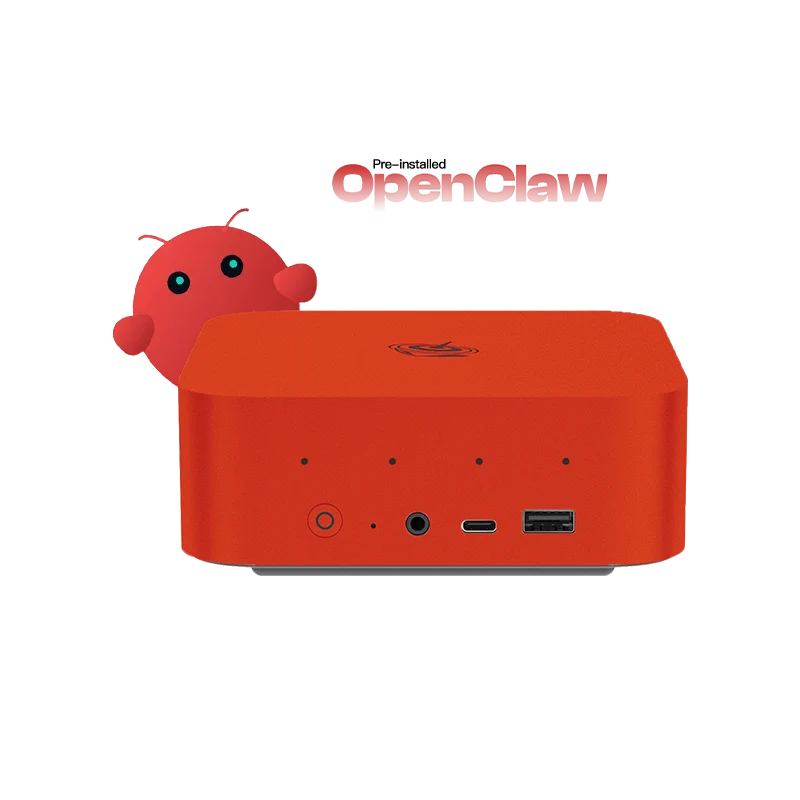
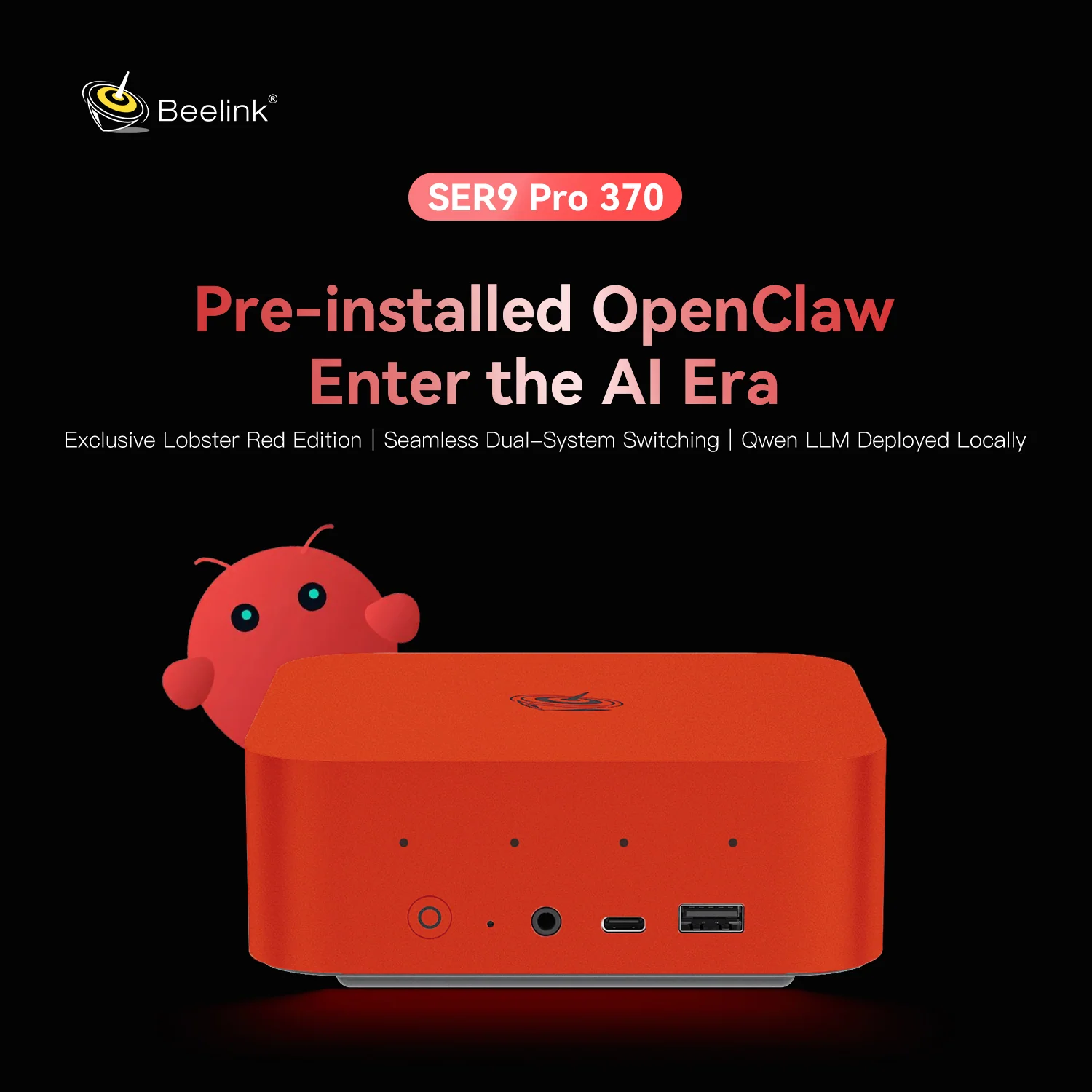
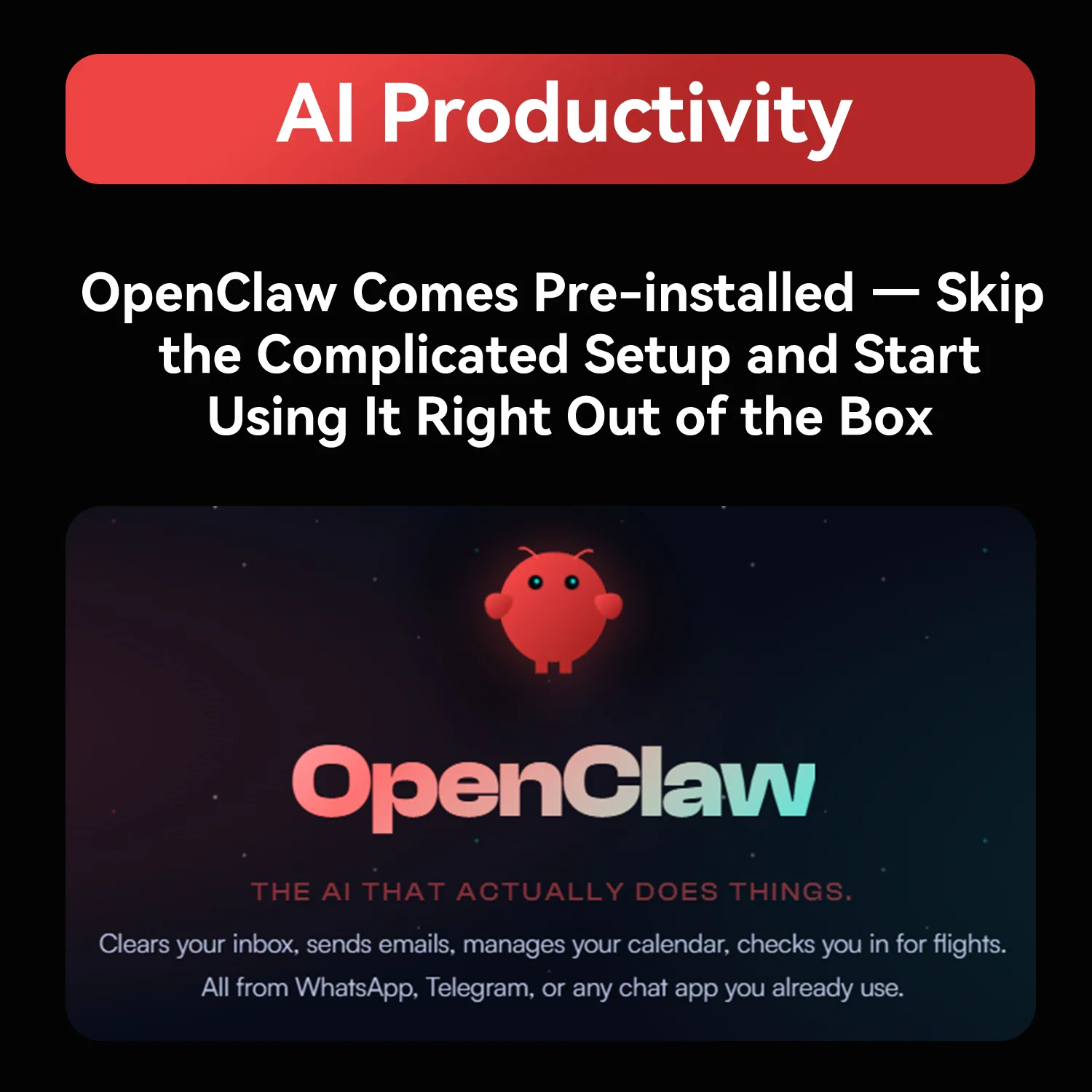
Beelink’s SER9 Pro with the Ryzen AI 9 HX 370 is not just another AI mini PC: it arrives with a local AI assistant already installed. Ubuntu, the OpenClaw agent environment and a Qwen LLM run on the device from the first boot, and a dual-system option adds Windows 11 Pro. Around that software sit 12 Zen 5 cores, Radeon 890M graphics, 32 GB of LPDDR5X 7500, dual PCIe 4.0 slots, USB4, built-in speakers and microphones and a bright red chassis. At US $1,169, we analyse who benefits from this approach.
Local AI Without the Setup
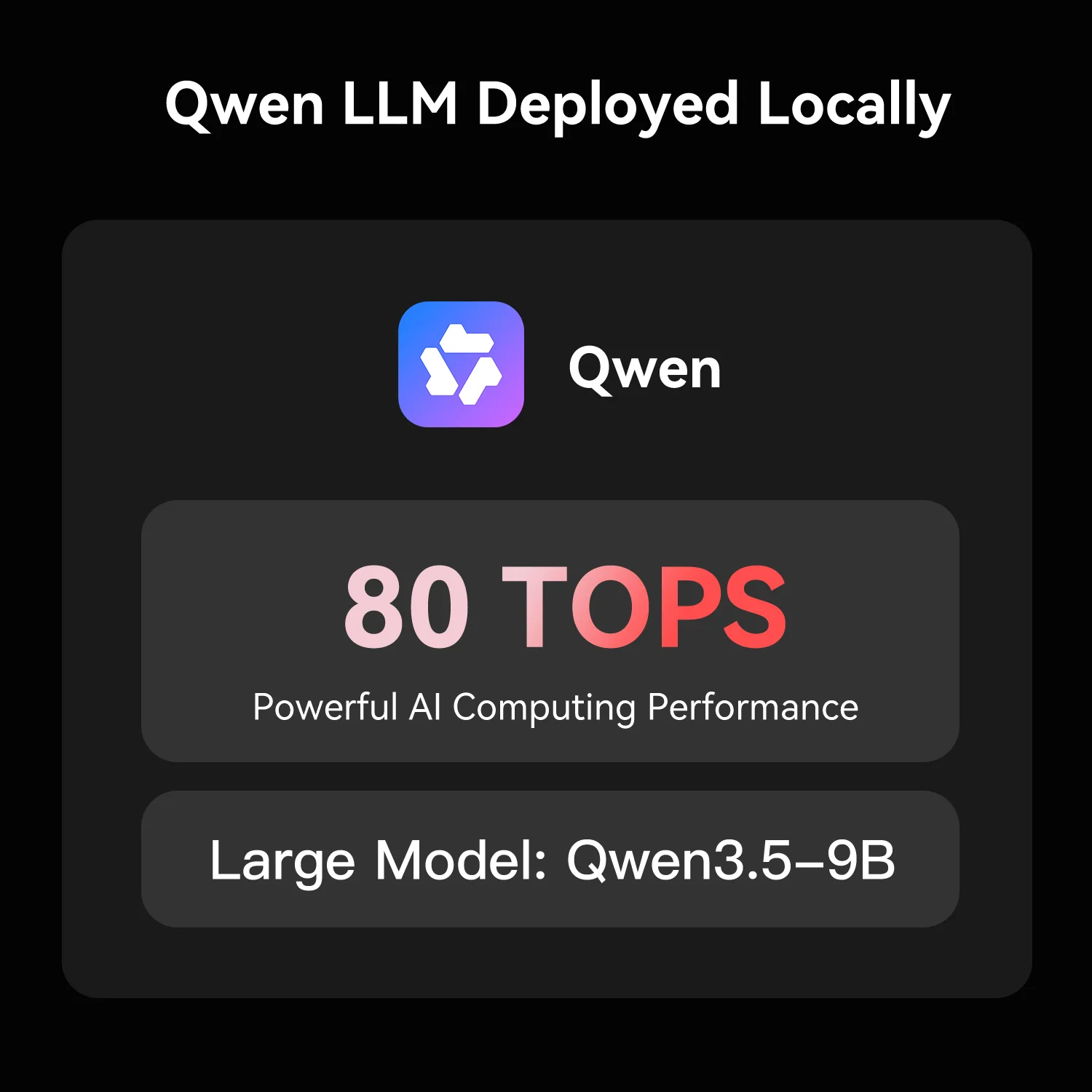
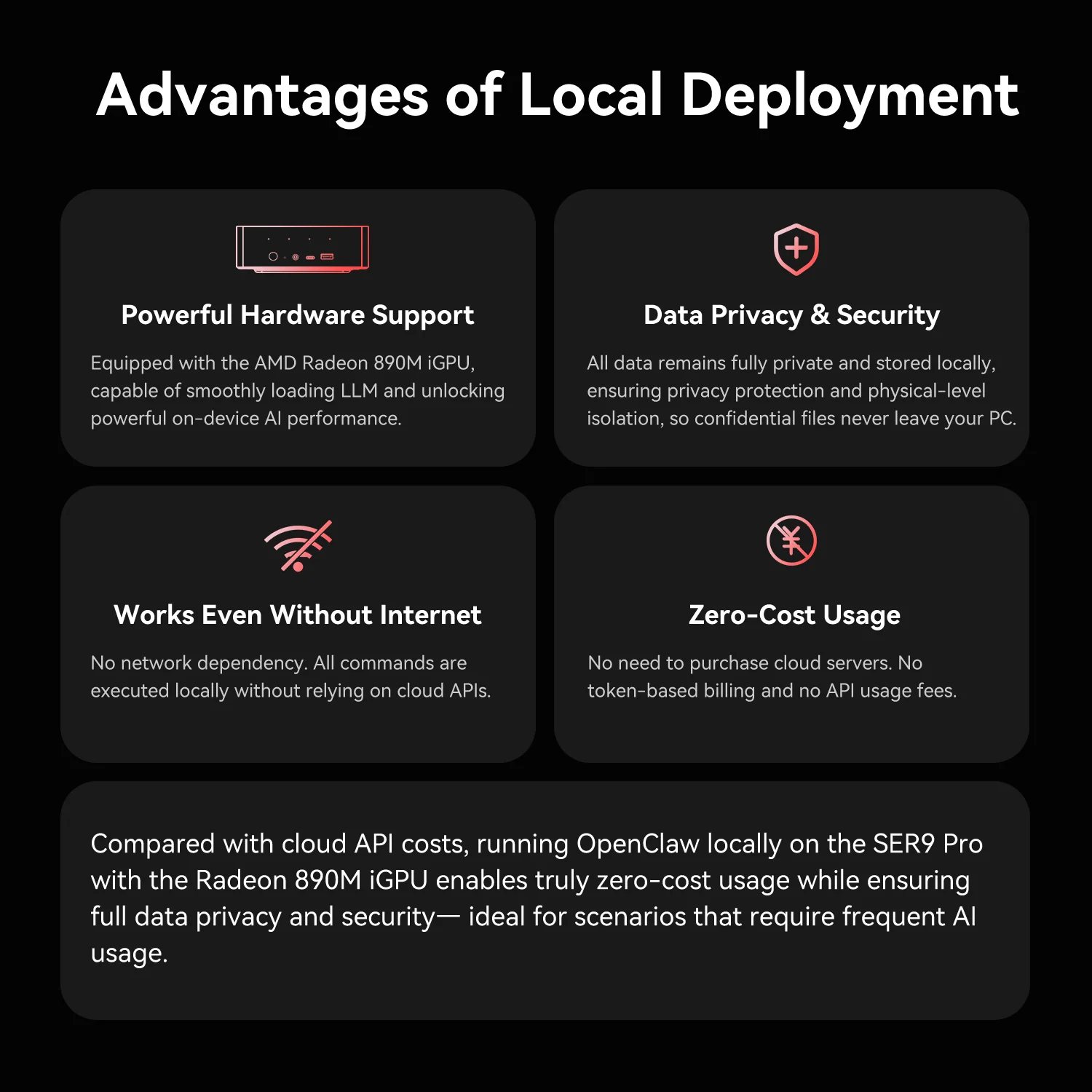
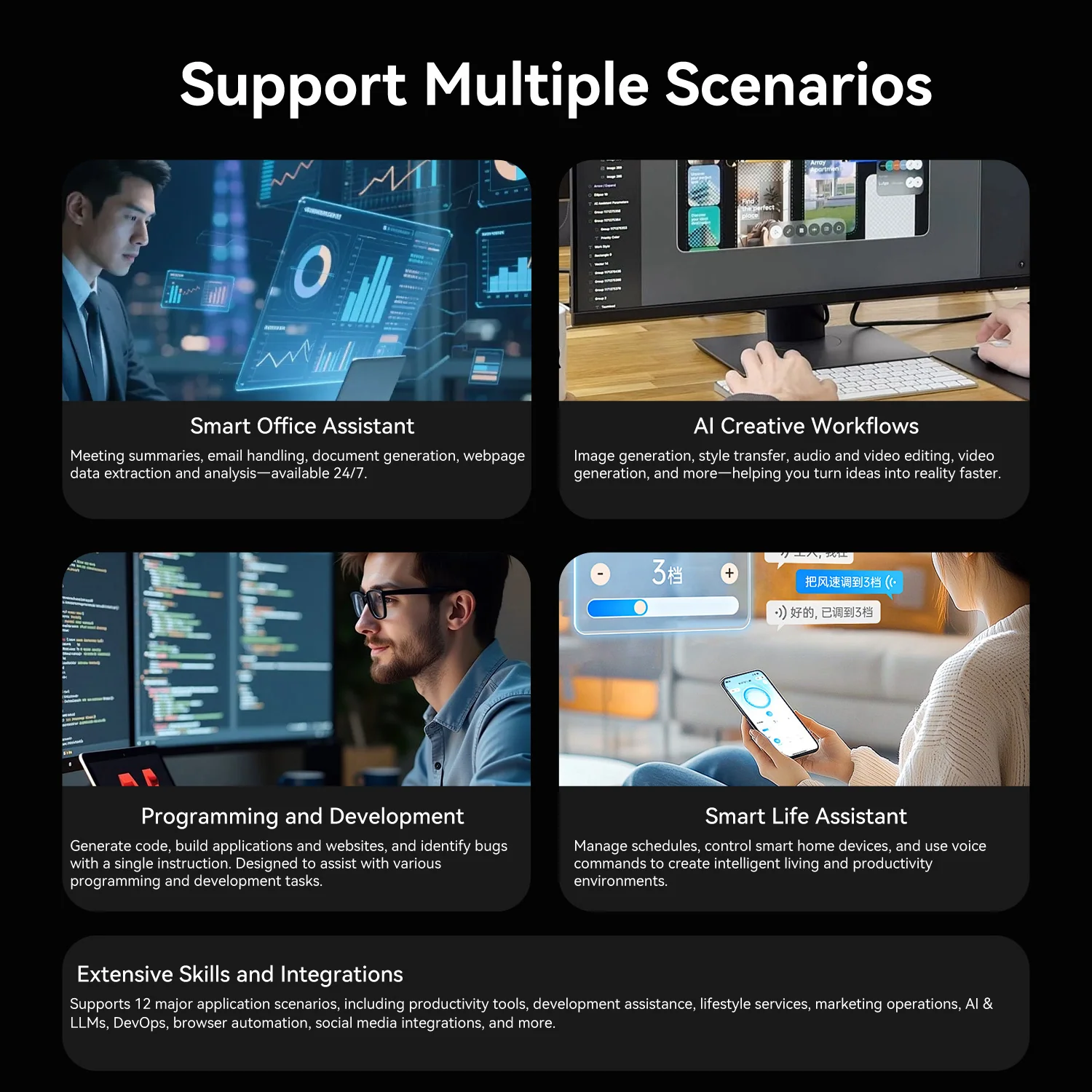
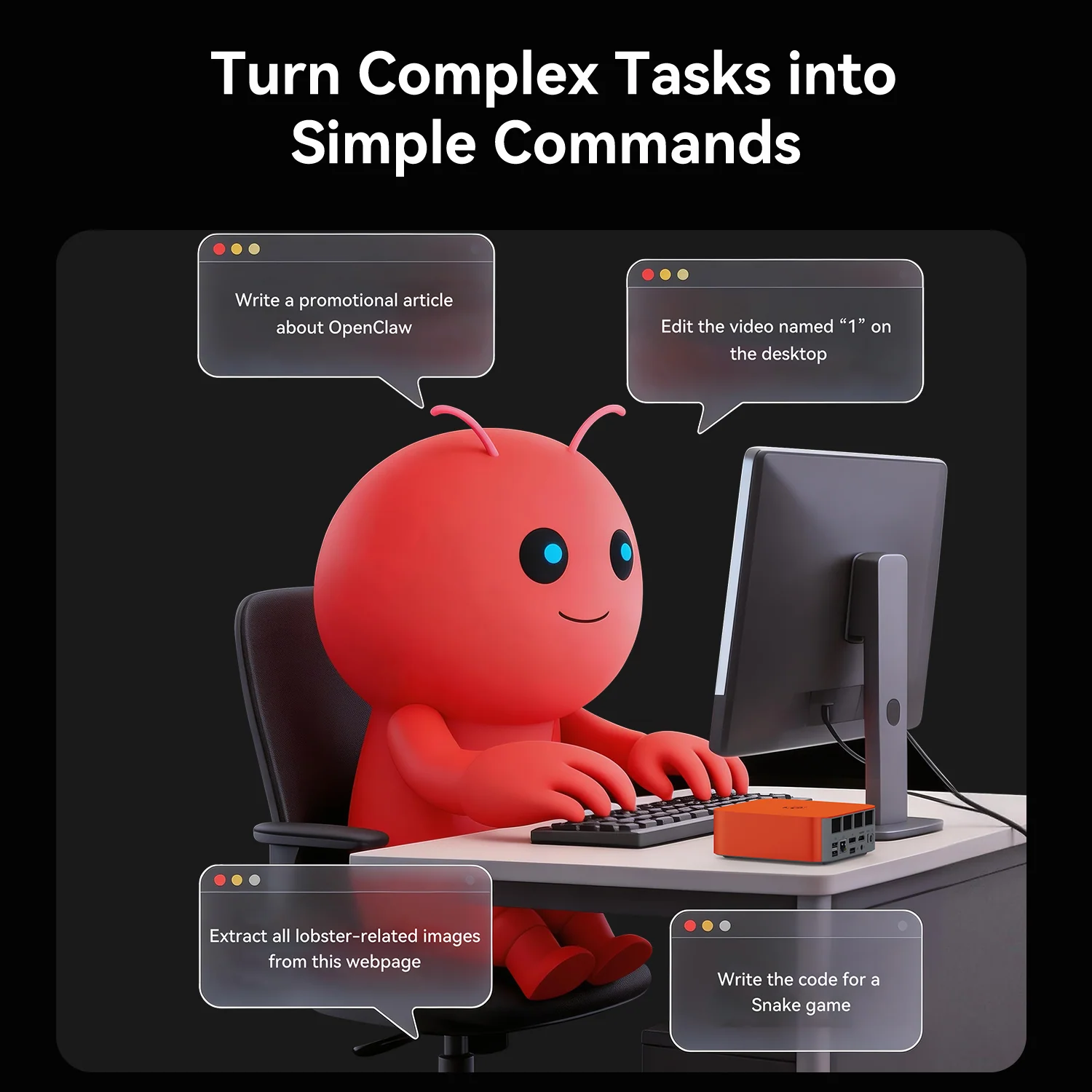
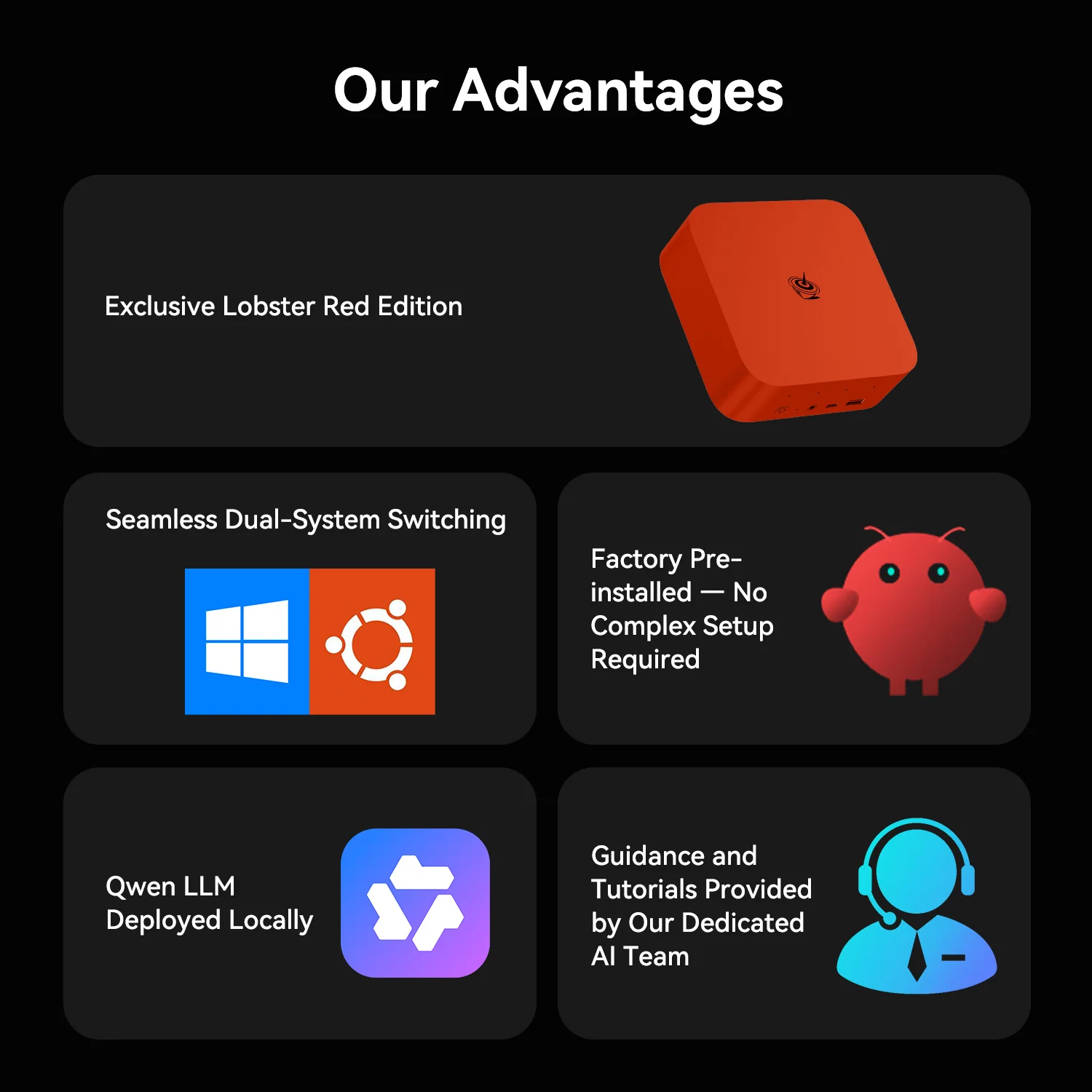
Running LLMs locally usually means installing drivers, runtimes and models by hand. Beelink removes that barrier: OpenClaw and a Qwen model are pre-installed and configured, so the SER9 Pro can summarise documents, help with code and automate tasks offline from day one. Data stays on the device, which is valuable for students and professionals working with private material. Beelink rates the platform at up to 80 TOPS (manufacturer figure), with a 50 TOPS NPU.
Specifications at a Glance
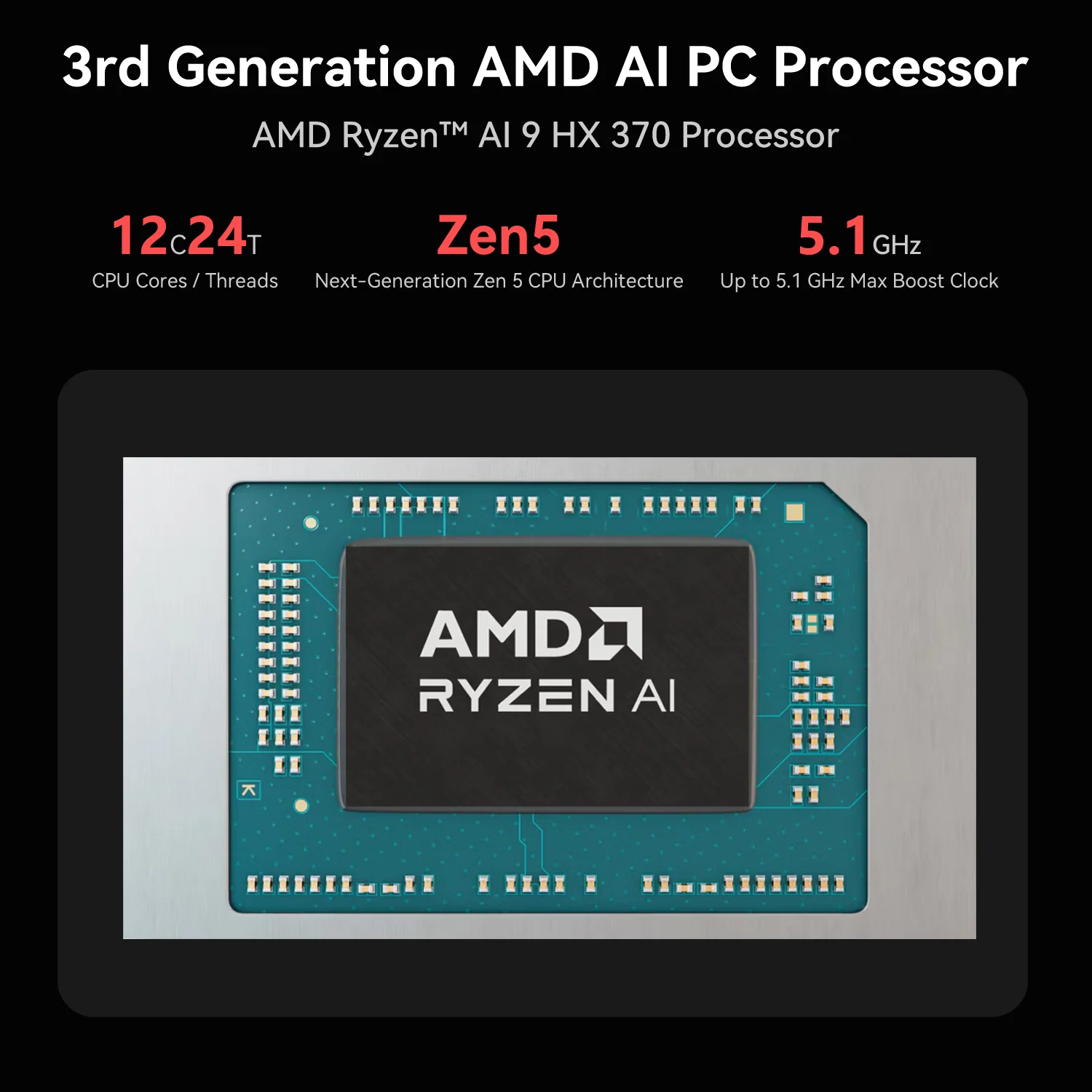
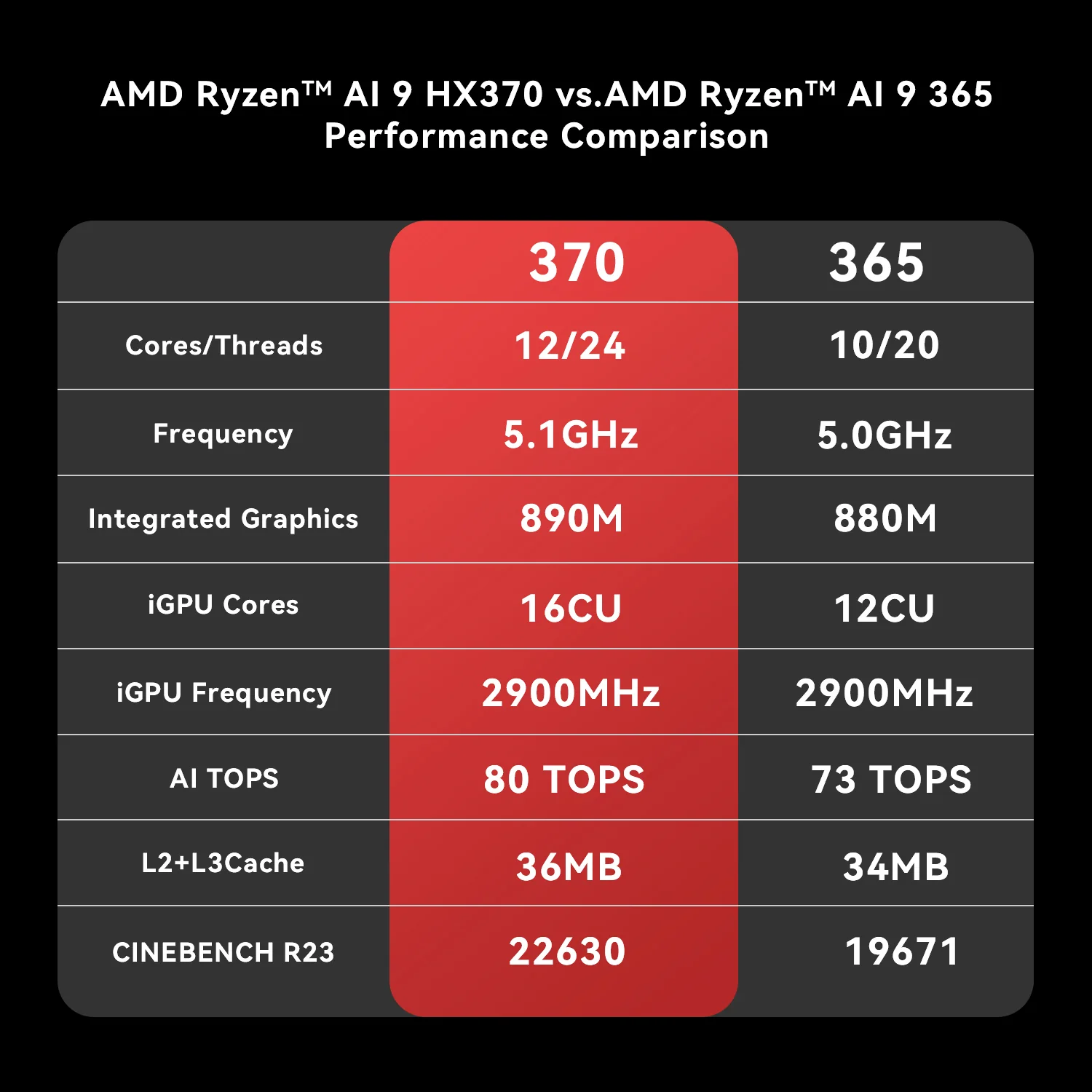
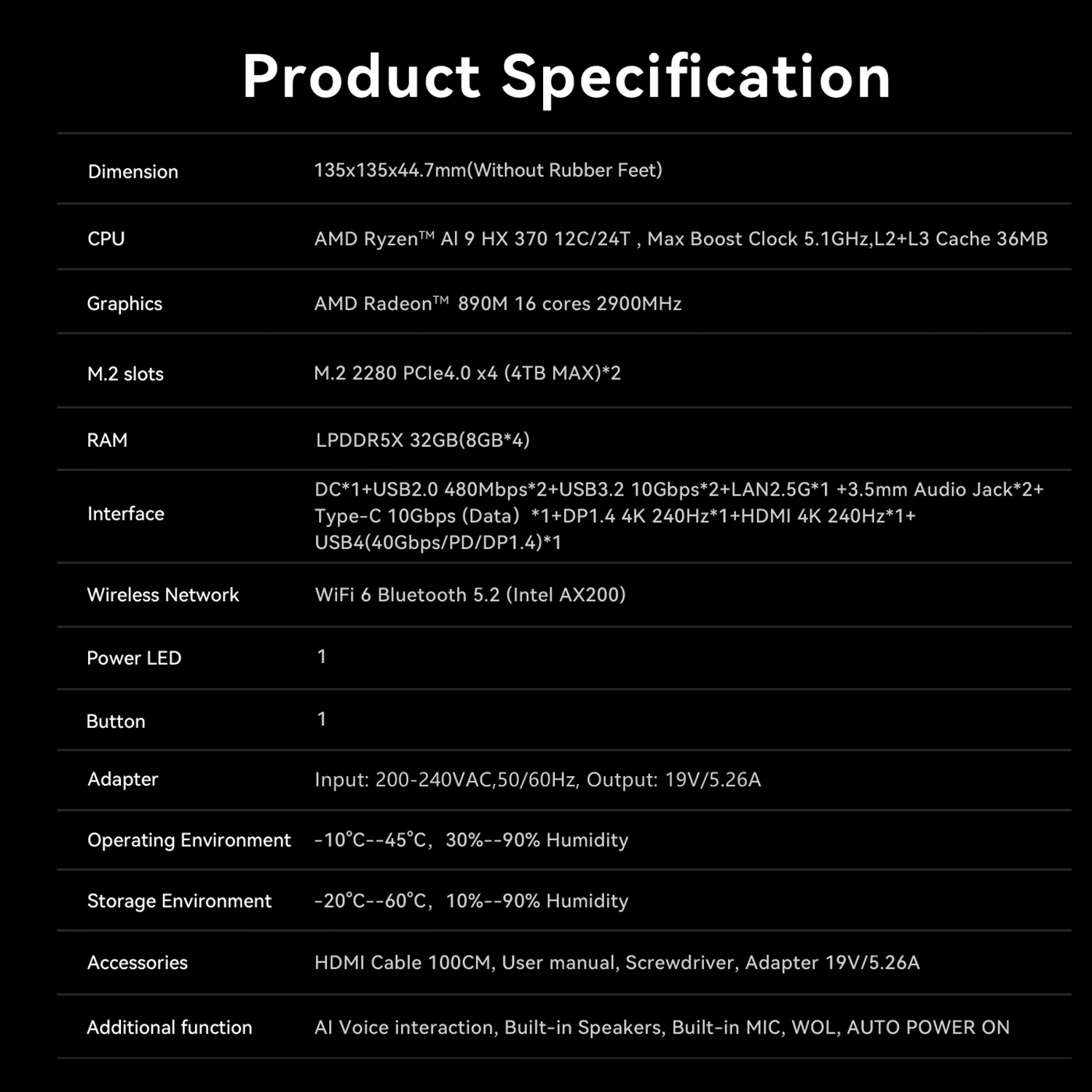
- CPU: AMD Ryzen™ AI 9 HX 370 — 12 Cores / 24 Threads — up to 5.1 GHz — 36 MB cache — 65 W
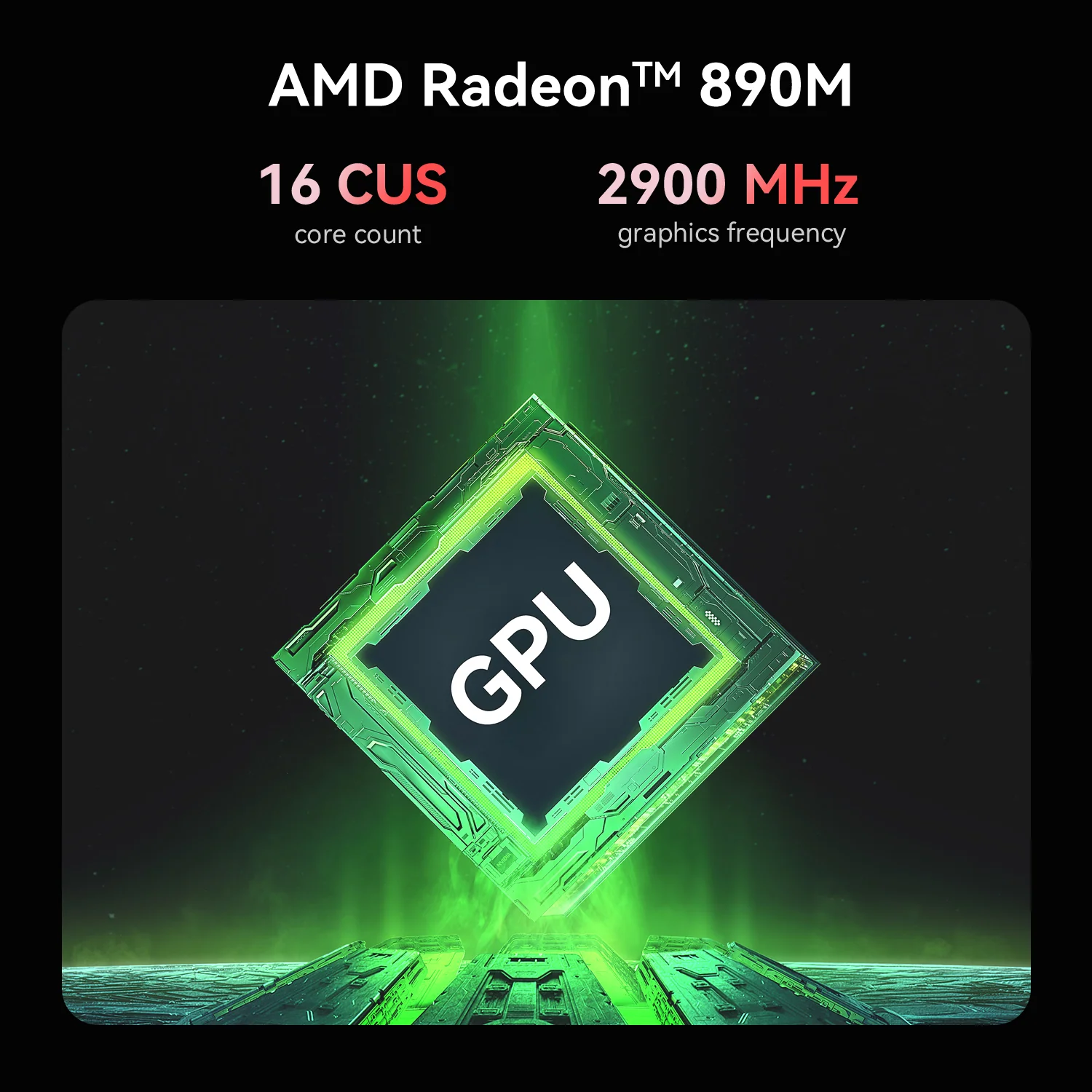
- GPU: AMD Radeon™ 890M — 16 CUs — 2.9 GHz
- NPU: XDNA 2 — 50 TOPS — up to 80 TOPS total
- Memory: 32 GB LPDDR5X 7500 — SOLDERED — non-upgradeable
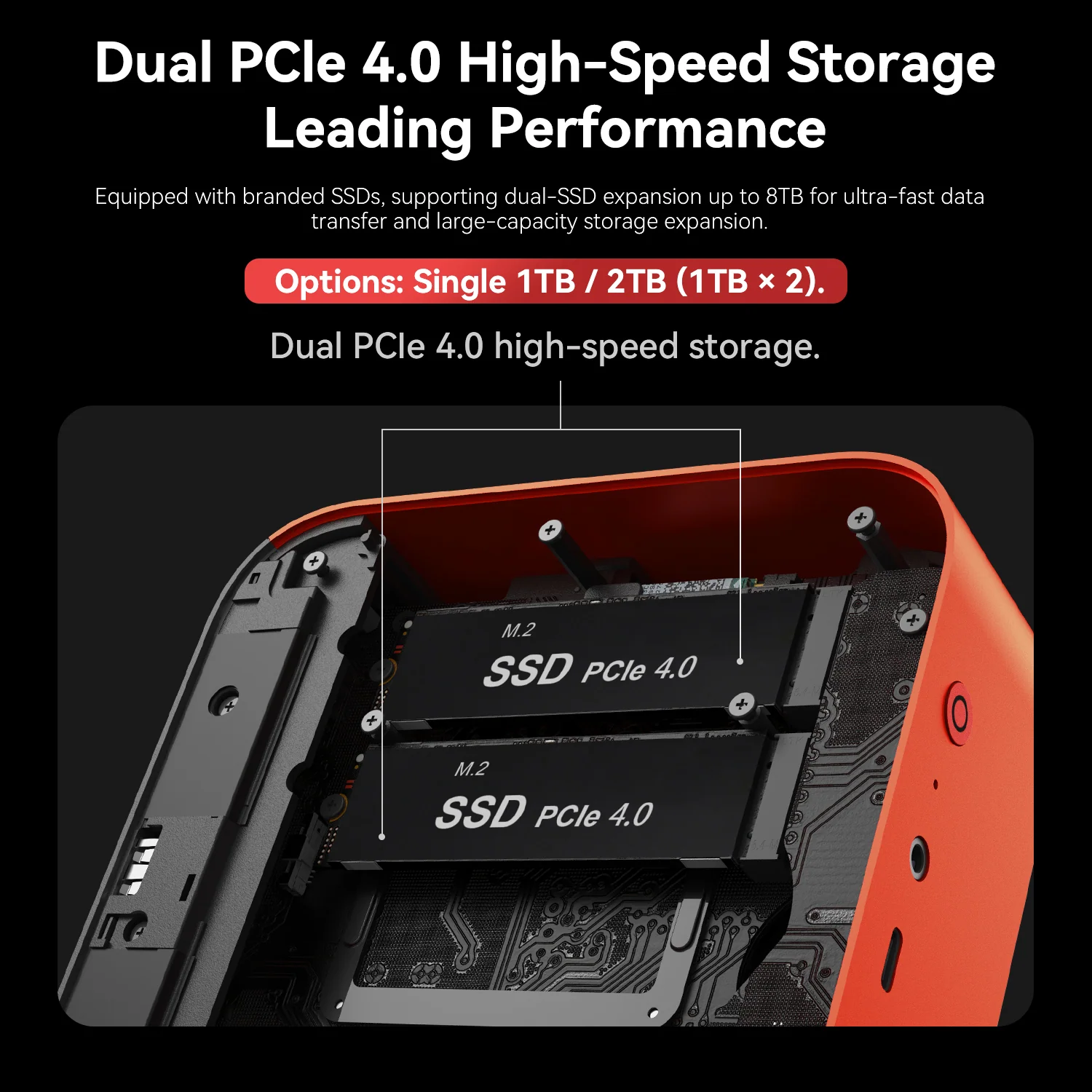
- Storage: 1 TB or 2 TB PCIe 4.0 + second PCIe 4.0 slot (up to 8 TB)
- Connectivity: 2.5 GbE, Wi-Fi 6, Bluetooth 5.2, USB4
- Audio: dual speakers + AI microphone array
- OS: Ubuntu + OpenClaw (optional Windows 11 Pro dual system)
Performance: Zen 5 at 65 W
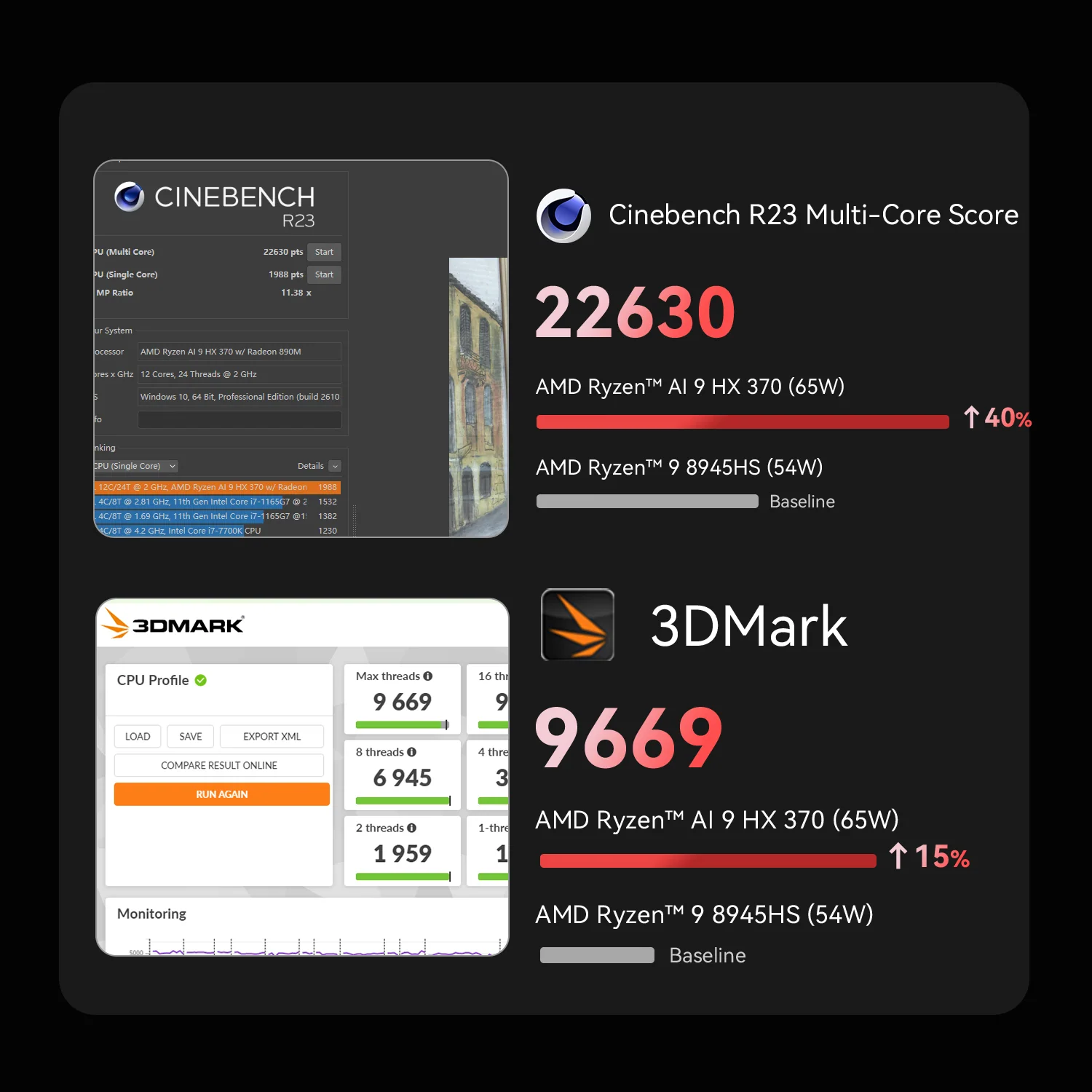
Beelink runs the HX 370 at 65 W, which helps sustained multi-core performance. Its own comparison shows a Cinebench R23 multi-core score of 22,630 and roughly 15% more performance than the Ryzen AI 9 365 SER9 Pro (manufacturer figures). For programming, data work and creative applications, twelve Zen 5 cores are more than enough, and the Radeon 890M handles 1080p gaming in many titles with adjusted settings.

Memory and Storage
The 32 GB of LPDDR5X 7500 is fast — which helps the GPU and local AI — but soldered, so it cannot be expanded. Storage is more flexible, with two PCIe 4.0 ×4 slots for up to 8 TB. Students who expect to work with larger local models in the future should weigh the fixed memory against upgradeable alternatives such as the GEEKOM A9 Max.
Built-In Speakers and Microphones
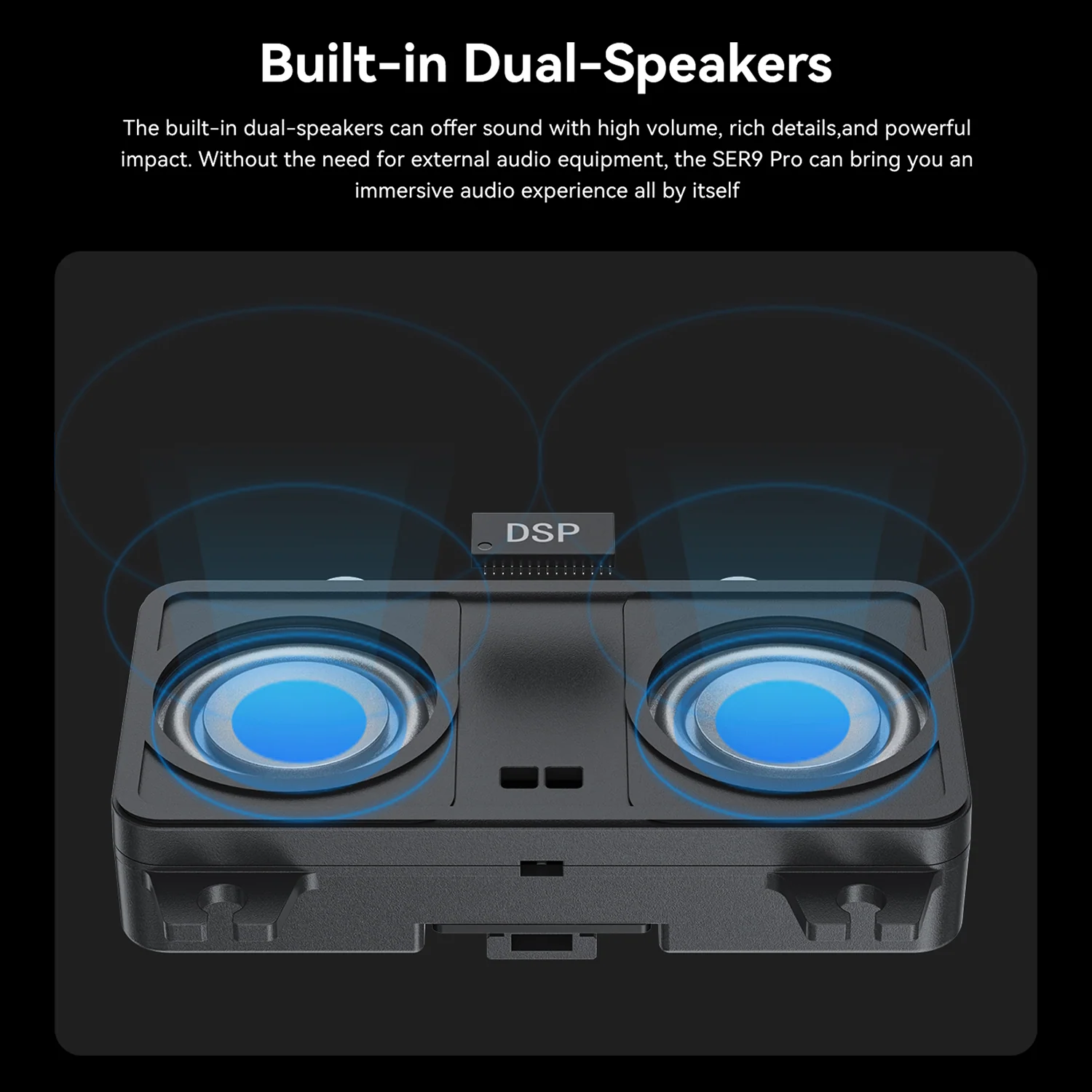
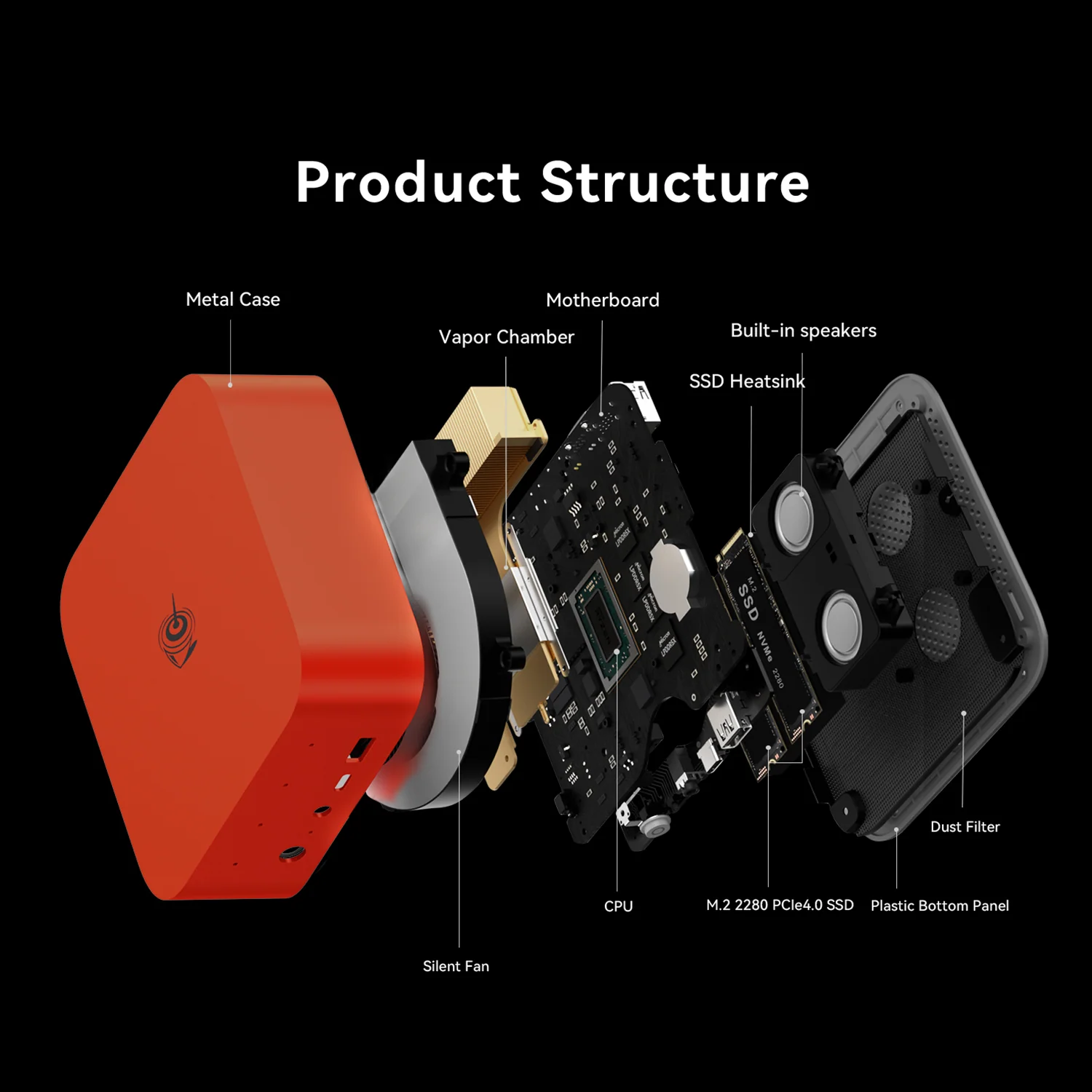
The SER9 Pro includes dual DSP-tuned speakers and a microphone array with an AI audio chip for 360° voice pickup within 5 metres. For video classes, meetings and voice interaction with the AI assistant, that means no extra headset or speakers are needed — a real convenience in a small study space.

Connectivity and Displays
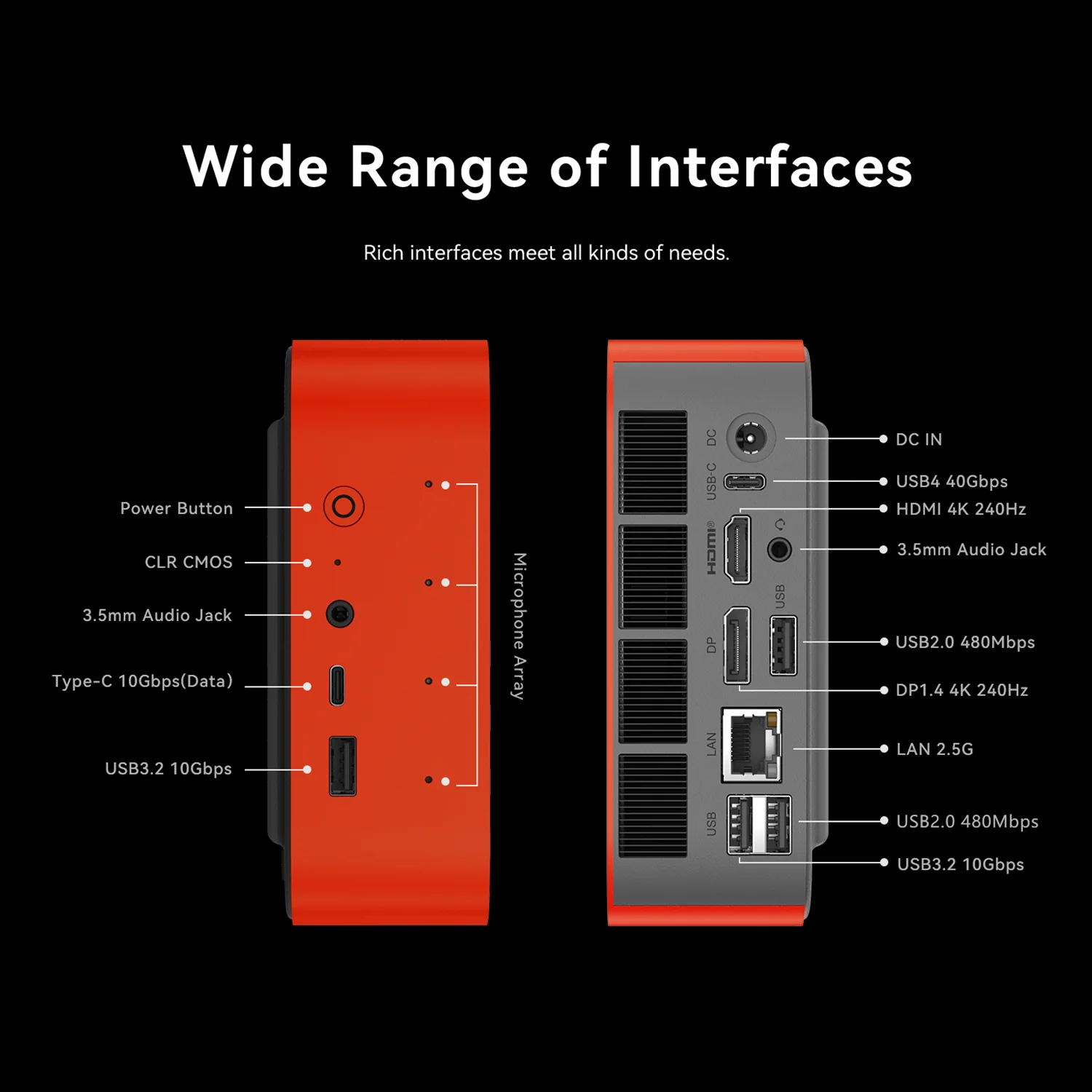
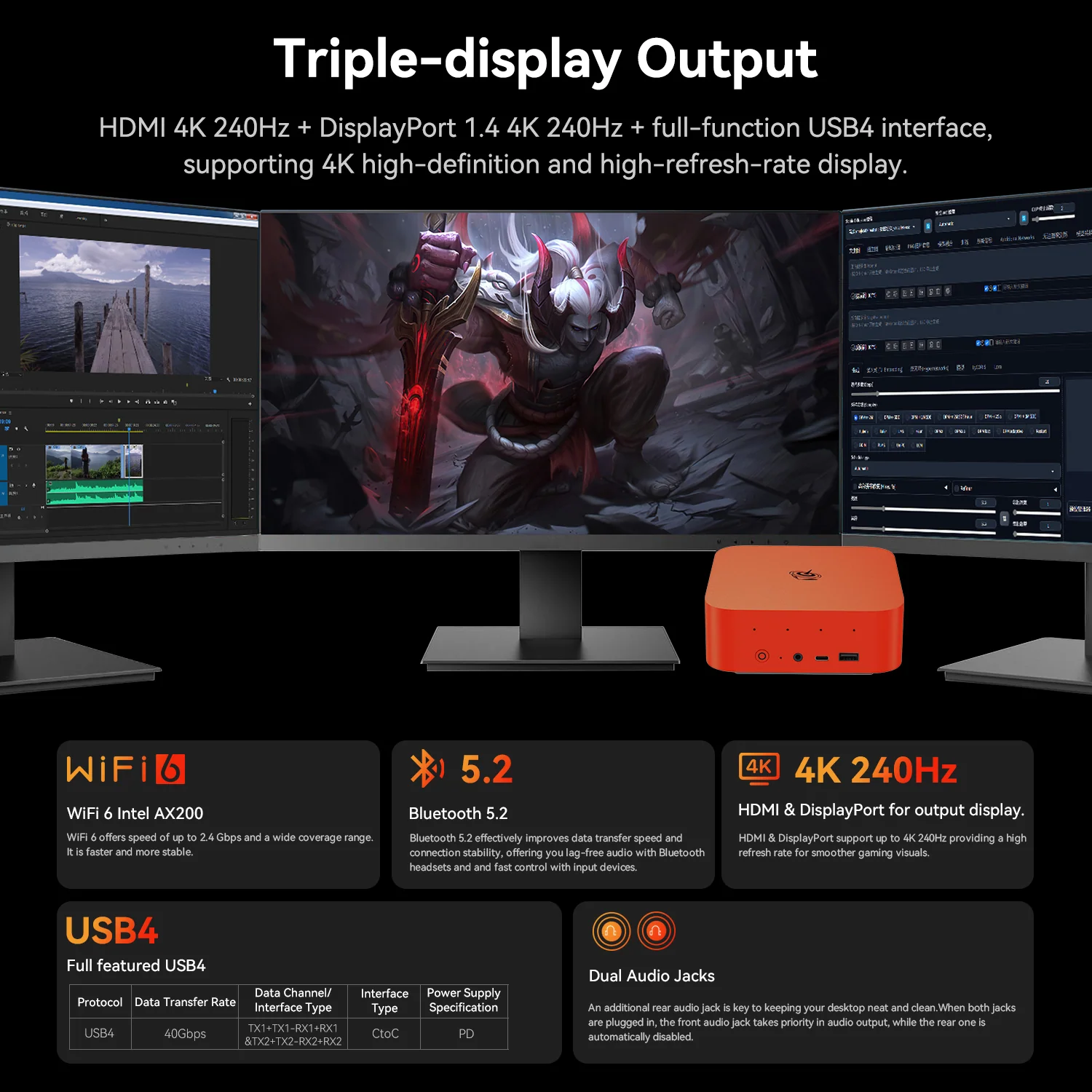
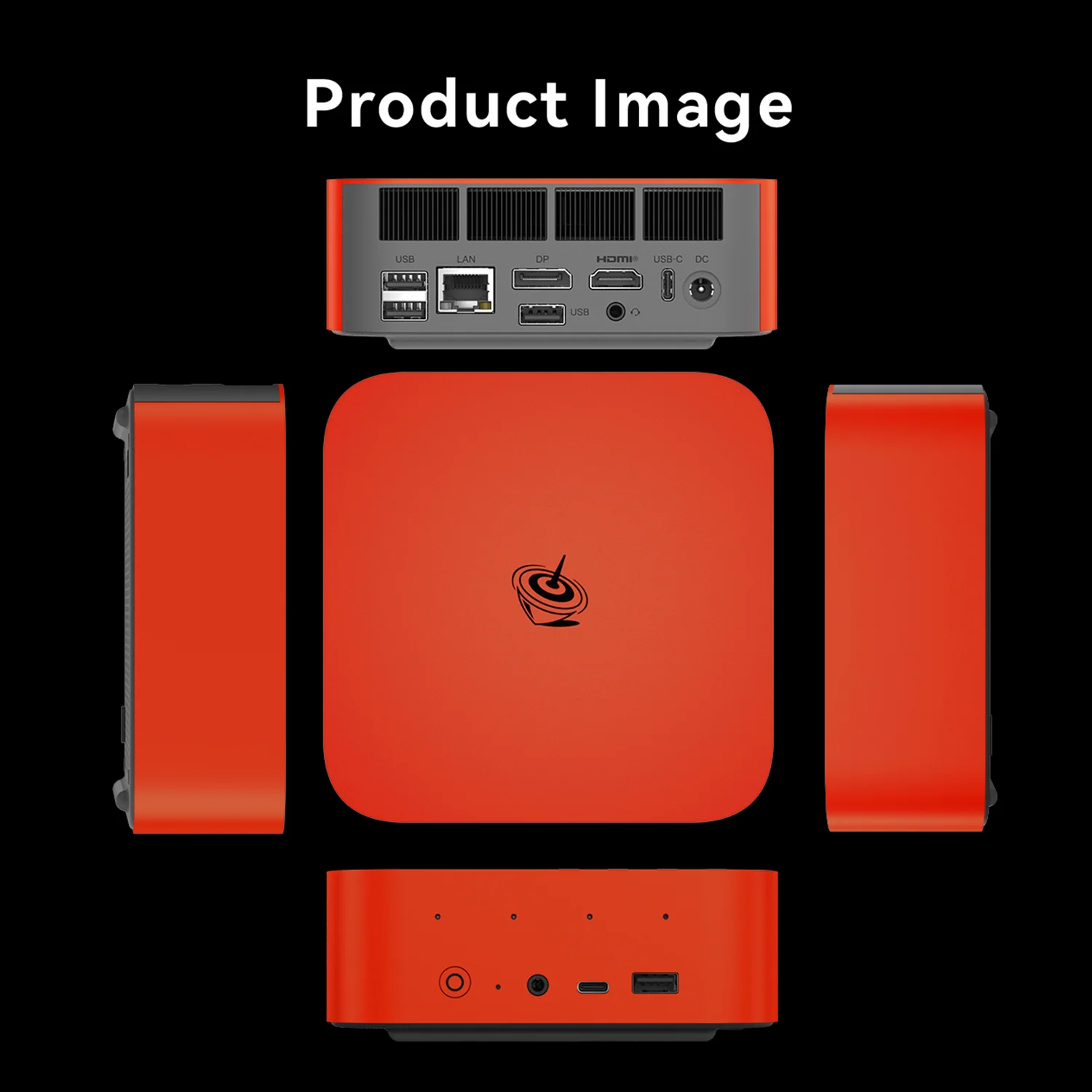
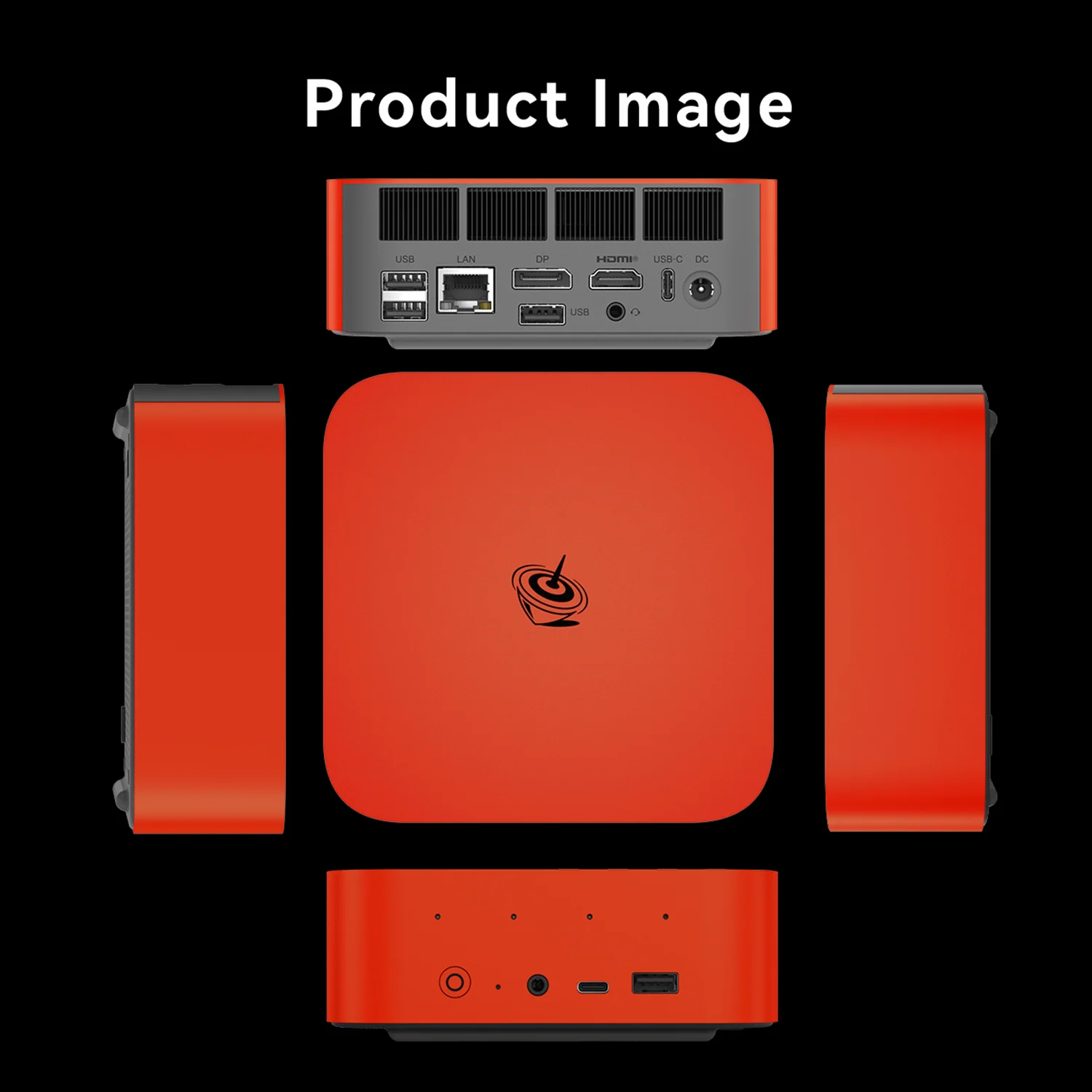
Ports include USB4 at 40 Gbps, a 10 Gbps USB-C data port, two USB-A 3.2 at 10 Gbps, two USB 2.0 ports and 2.5 GbE. HDMI and DisplayPort both support 4K at 240 Hz, and three displays can be connected. Wi-Fi 6 (Intel AX200) is reliable but older than the Wi-Fi 7 of the newest competitors.
Cooling, Noise and Design
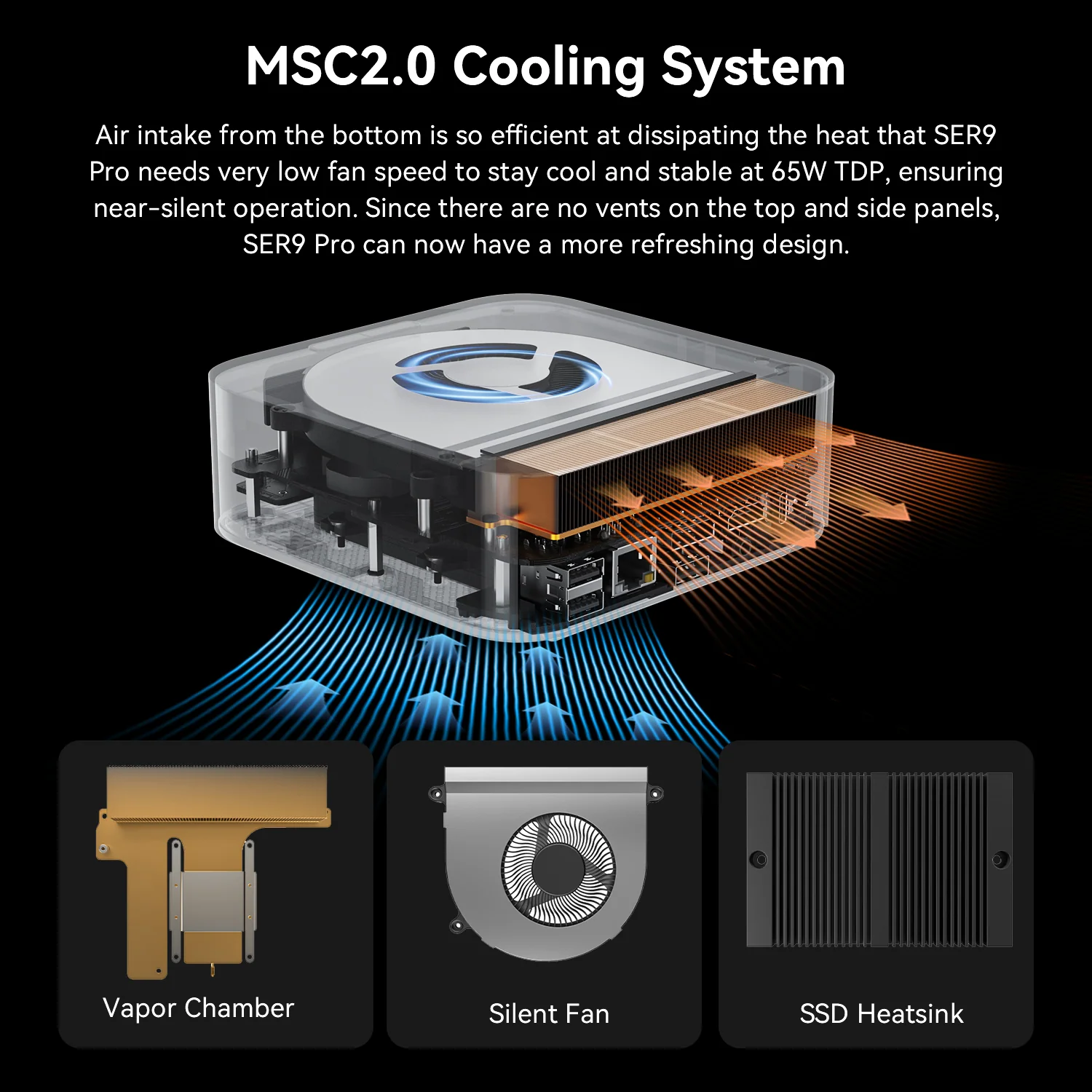
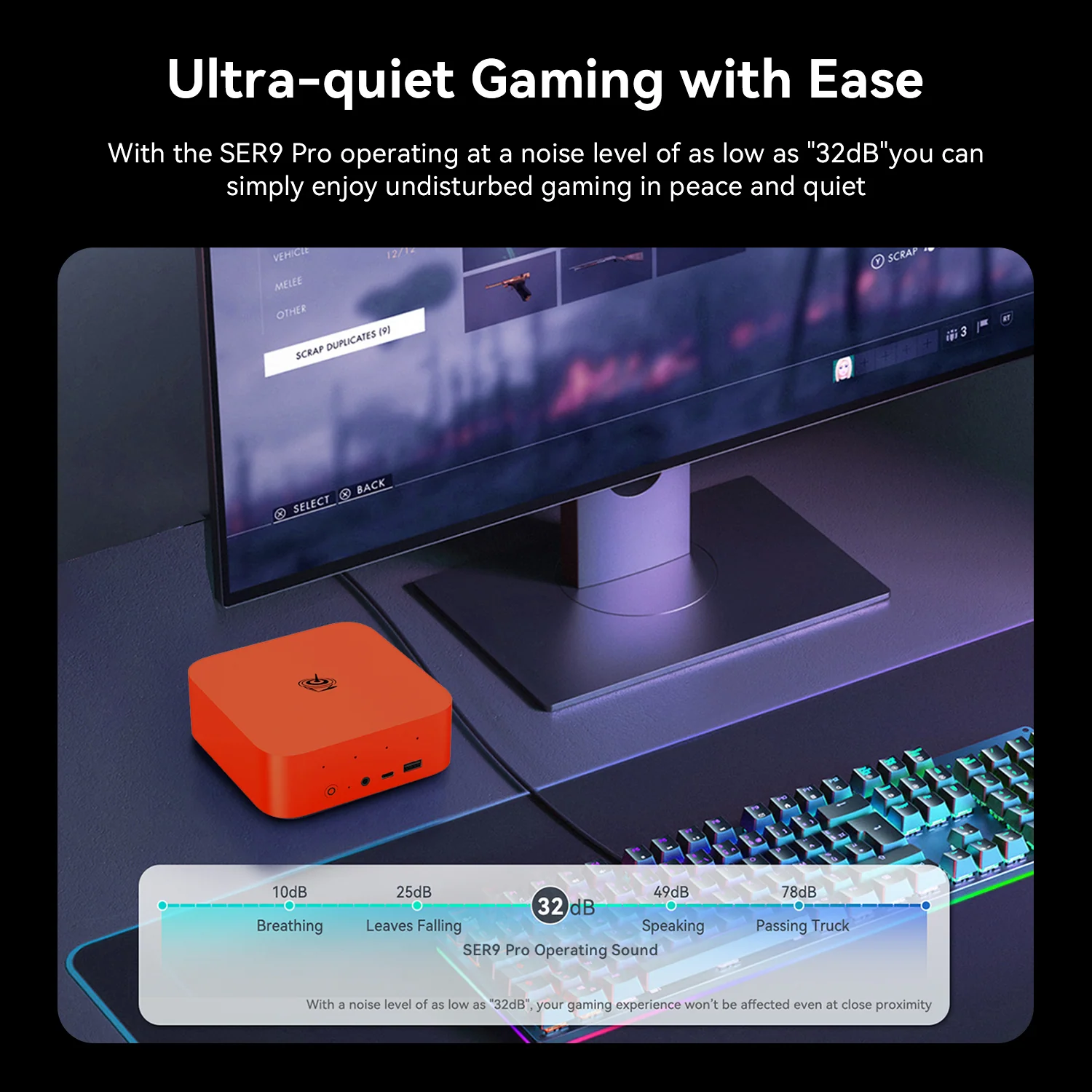
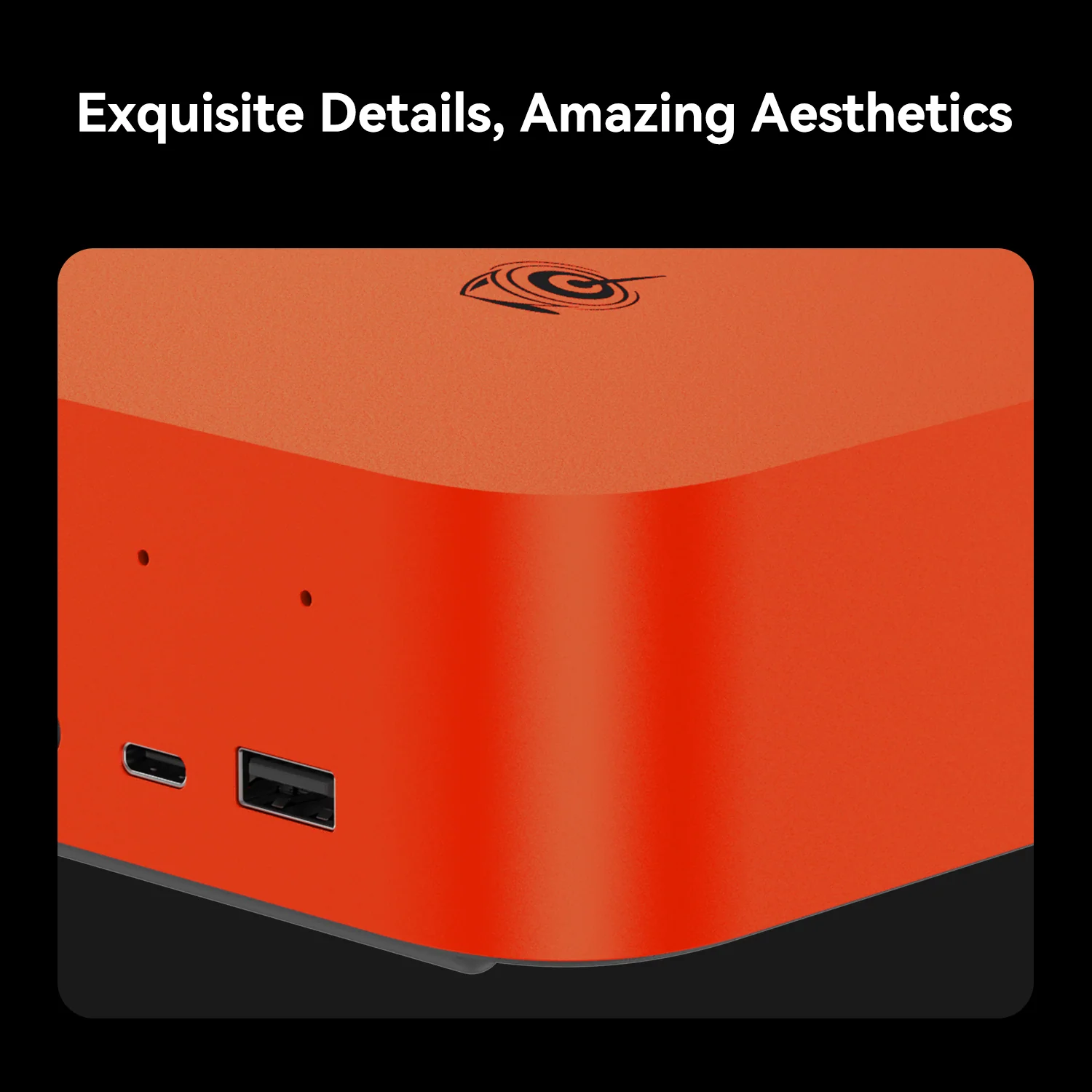
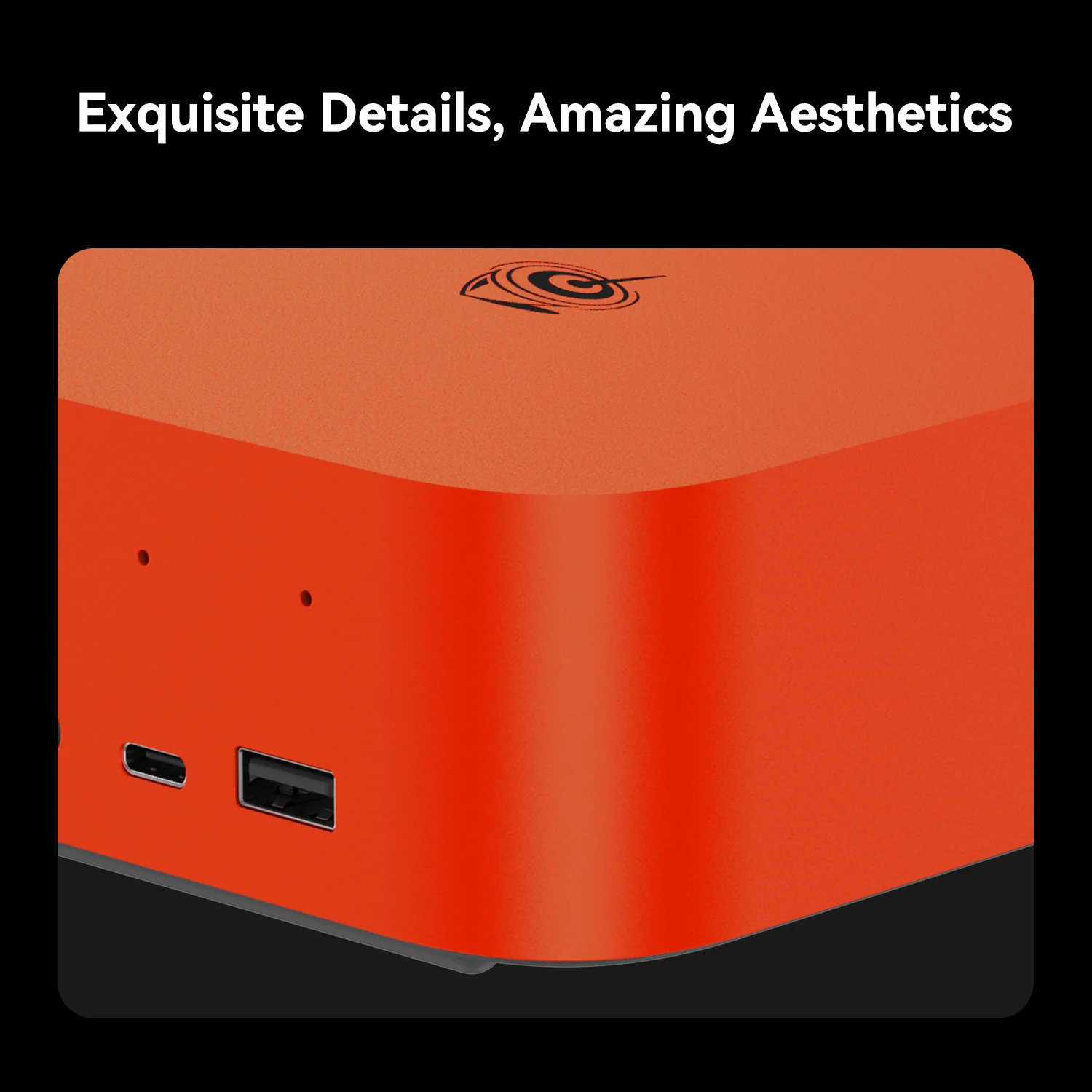
The MSC 2.0 system — vapor chamber, silent fan and SSD heatsink — keeps noise around 32 dB according to Beelink, even at 65 W. The 135 × 135 × 44.7 mm “Lobster Red” chassis stands out on any desk, and the vent-free top and sides give it a clean shape.
Ubuntu, Windows or Both
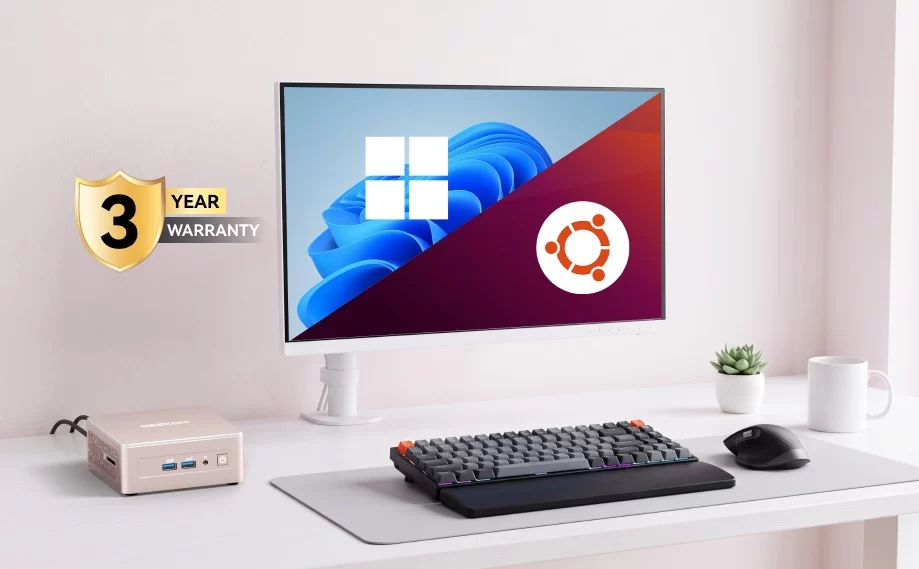
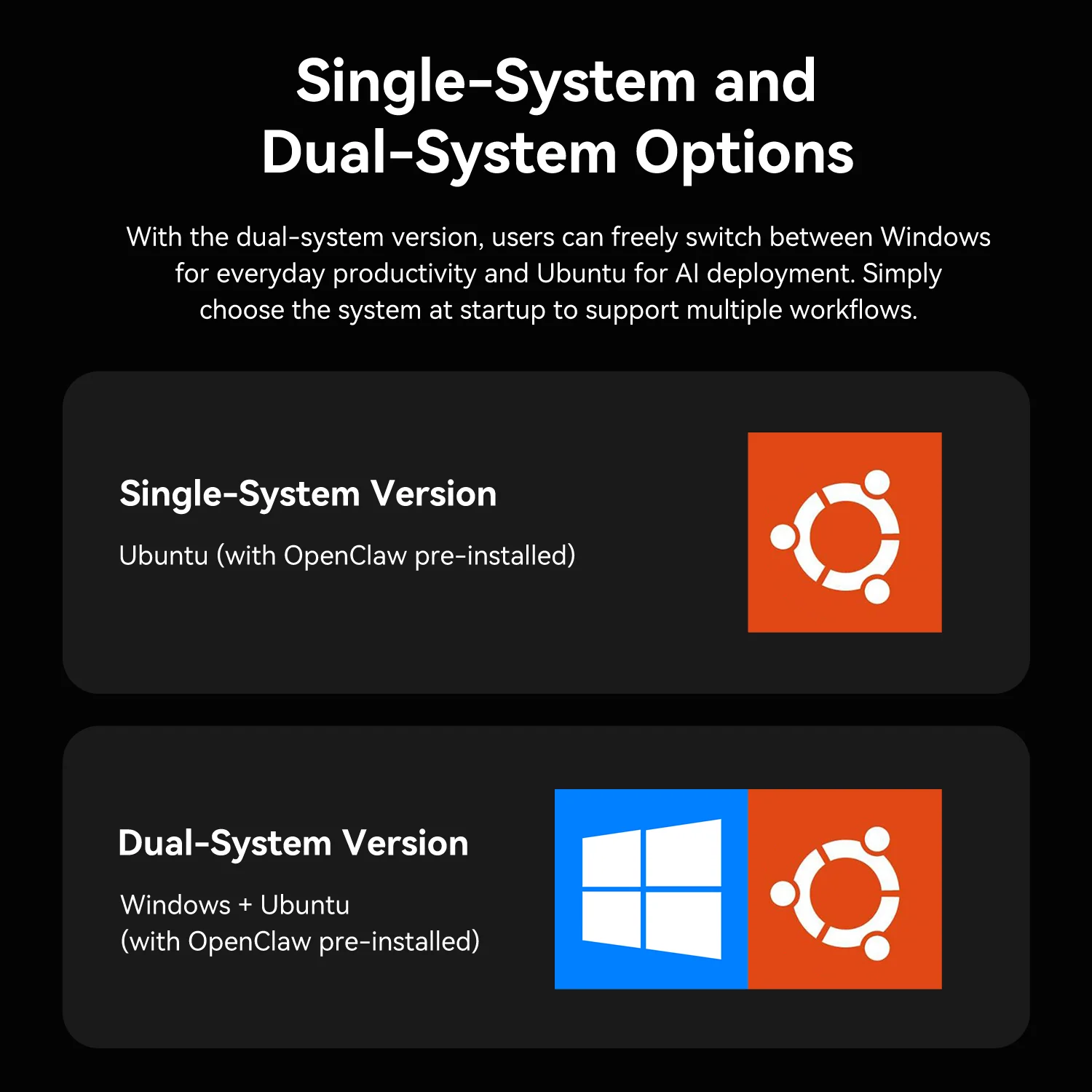
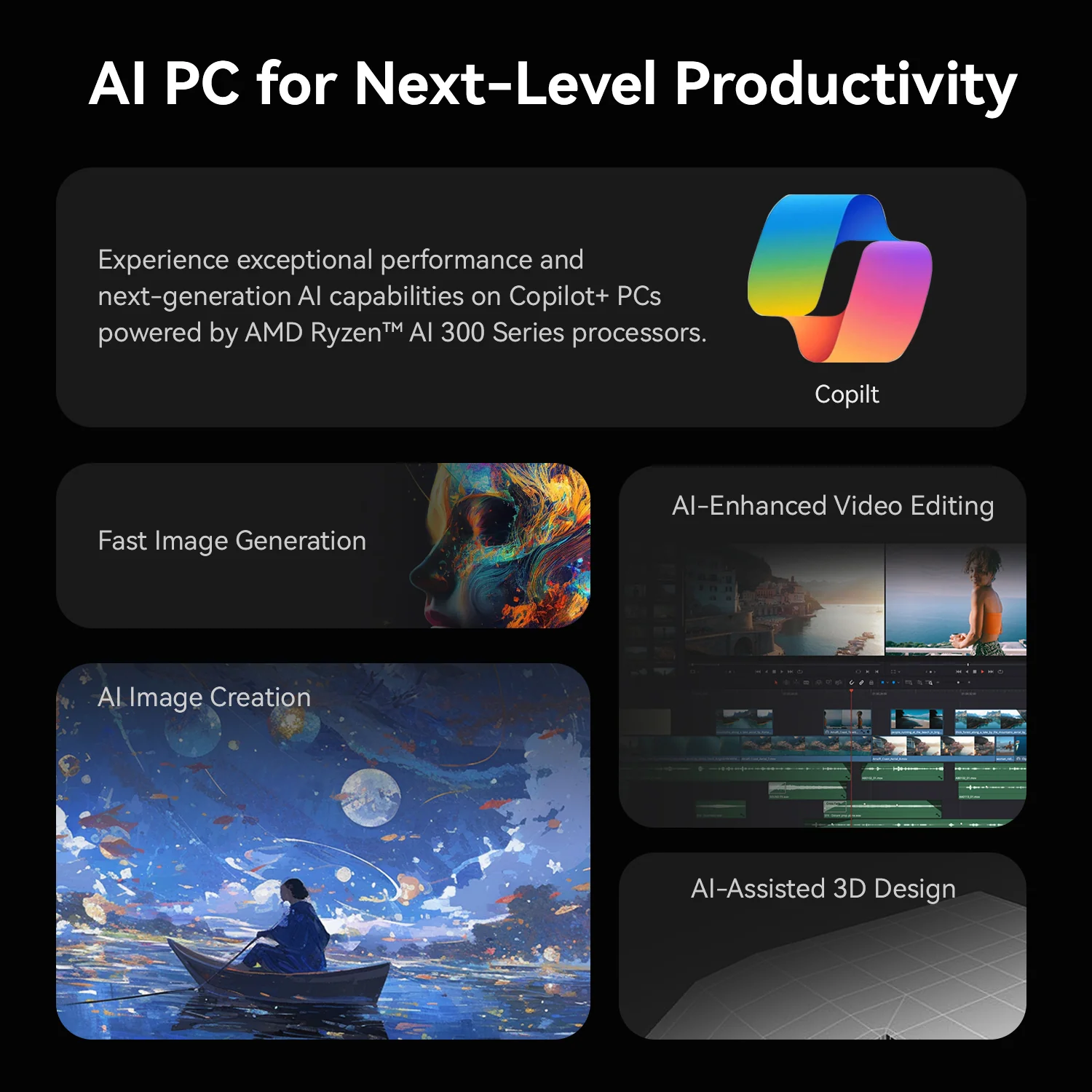
The standard version runs Ubuntu with the AI software; for US $20 more, the dual-system version adds Windows 11 Pro for everyday applications and Copilot+ features. For most students we recommend the dual-system version, because it keeps access to Windows-only software while preserving the pre-configured AI environment.
Setting It Up
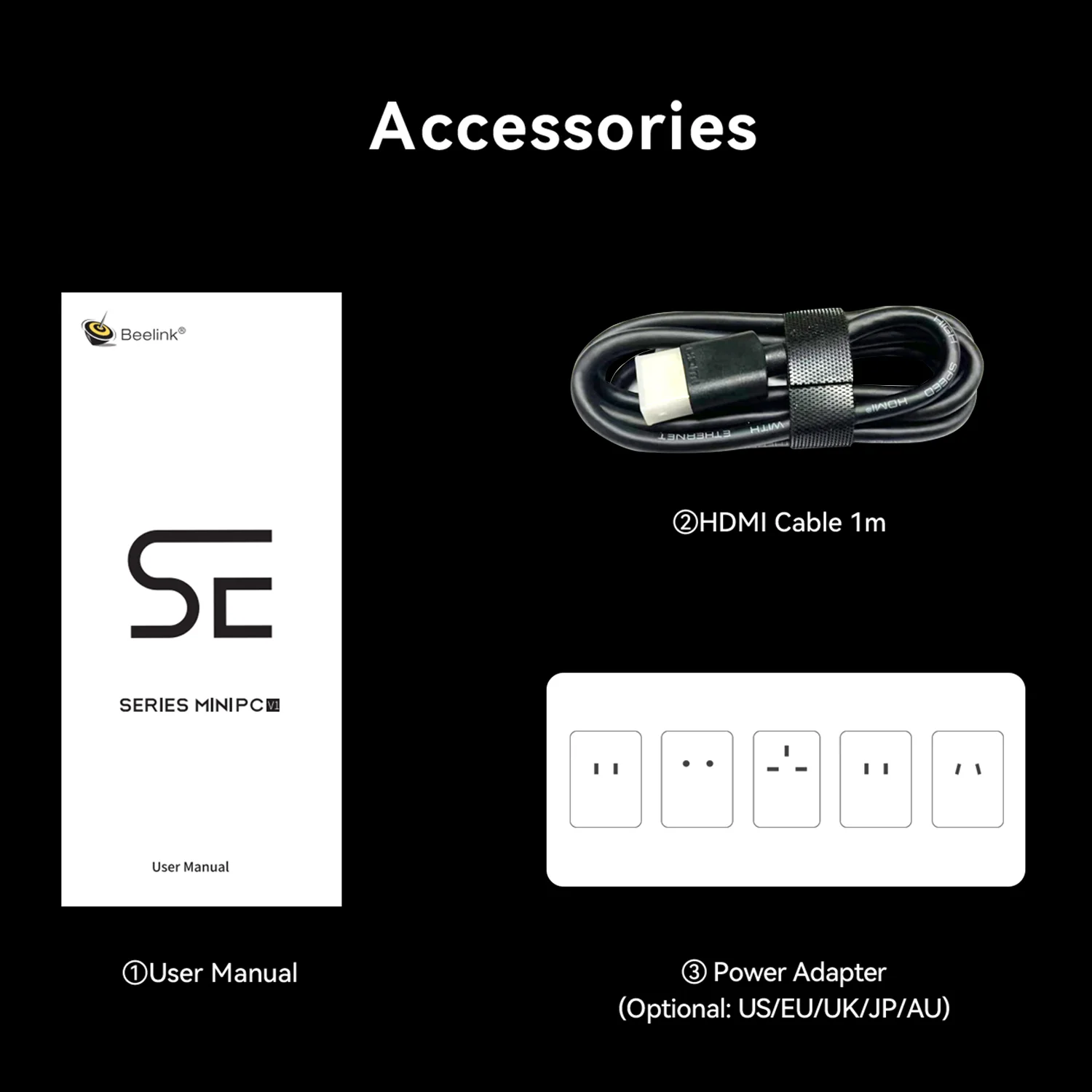
On first boot the standard version starts Ubuntu with OpenClaw ready to use; Beelink provides guides and tutorials for the AI software. We recommend updating the system first, then exploring the pre-installed assistant with a few real tasks — summarising lecture notes, drafting emails or explaining code — to understand what the local model does well. Buyers of the dual-system version choose Ubuntu or Windows at startup; in Windows, the NPU enables Copilot+ features where supported. A second PCIe 4.0 SSD can be added for more model files or projects, since AI models take a lot of space.
Privacy and Running Costs
Local AI has two practical advantages over cloud assistants. Privacy: documents, notes and code processed by the local model never leave the computer, which matters for confidential work and personal data. Cost: there are no monthly subscriptions or per-use fees once the hardware is paid for. The trade-off is model size — a 9-billion-parameter model running on 32 GB of shared memory is capable for everyday tasks but not as knowledgeable as the largest cloud models. For many students and developers, combining both — local AI for private work and cloud tools for complex questions — is the most efficient approach.
Who Gains Most From It
The SER9 Pro HX 370 suits students and developers who want to learn about and use local AI without spending days on setup, users who value a quiet and compact desk with built-in audio, and buyers who also want strong general performance for programming, design and casual gaming. It is less suitable for buyers who want to expand memory over time, who need Wi-Fi 7, or who prefer to buy through Amazon with fast delivery.
Price and Availability
Beelink lists the SER9 Pro HX 370 at US $1,169 (1 TB, Ubuntu) and US $1,189 (1 TB, Ubuntu + Windows), with 2 TB versions above US $1,350, as a pre-sale with shipping within 35 days at the time of writing. We did not find this specific configuration on Amazon US; it is sold through Beelink’s official store. Beelink offers a three-year warranty.
How It Compares
- GEEKOM A9 Max (HX 470/370): upgradeable DDR5, Wi-Fi 7, dual 2.5 GbE and more ports, but no speakers or pre-installed local AI.
- Minisforum AI X1 Pro-370: same processor with OCuLink and upgradeable memory, often cheaper.
- Beelink SER9 Pro (AI 9 365): the same chassis with a slightly slower chip and fewer GPU units.
What to Check Before Buying
- Choose the Ubuntu + Windows version if you need Windows applications.
- Remember that the 32 GB of memory cannot be upgraded.
- Check the pre-sale shipping time in Beelink’s store.
- This configuration is sold through Beelink’s store, not Amazon US.
Strengths and Limitations
Strengths:
- Local AI (OpenClaw + Qwen) pre-installed and ready
- Ryzen AI 9 HX 370 at 65 W
- Radeon 890M and fast LPDDR5X 7500
- Dual PCIe 4.0 slots, USB4, 2.5 GbE
- Built-in speakers and AI microphone array
- Quiet MSC 2.0 cooling, 3-year warranty
Limitations:
- Memory soldered — 32 GB permanent
- Wi-Fi 6, not Wi-Fi 7
- Pre-sale shipping times
- Not available on Amazon US in this configuration
- Default OS is Ubuntu (Windows costs extra)
Verdict
The Beelink SER9 Pro HX 370 is one of the easiest ways to get a private local AI assistant on a desk, wrapped in a quiet, powerful and eye-catching mini PC. Its soldered memory and Wi-Fi 6 are the compromises; for students and developers who want local AI without the setup work, it is a compelling choice. We recommend the Ubuntu + Windows version with 1 TB for most buyers: it keeps the ready-made AI environment, adds full access to Windows software and Copilot+ features, and leaves the second PCIe 4.0 slot free for future storage. Buyers who know they will need more than 32 GB of memory should look at upgradeable alternatives instead, since that limit cannot be changed later. For everyone else, the combination of a ready-to-use local assistant, strong Zen 5 performance, built-in audio and a quiet compact chassis is hard to find in any other mini PC at this price, and the three-year warranty adds peace of mind for a machine bought for several years of study or work.
| AI Capabilities | ||||||||||||||||
|---|---|---|---|---|---|---|---|---|---|---|---|---|---|---|---|---|
|
||||||||||||||||
| Processor | ||||||||||||||||
|
||||||||||||||||
| Ports | ||||||||||||||||
|
||||||||||||||||
| Network | ||||||||||||||||
|
||||||||||||||||
| GPU | ||||||||||||||||
|
||||||||||||||||
| Internal Ports | ||||||||||||||||
|
||||||||||||||||
| Storage & RAM | ||||||||||||||||
|
||||||||||||||||
| Power | ||||||||||||||||
|
||||||||||||||||
| Others Specifications | ||||||||||||||||
|
||||||||||||||||

More information: Beelink SER9 Pro on minis-pc.com
Discover our full Mini PC comparison: minis-pc.com
Article written for minis-pc.com — Mini PC Comparisons and Reviews
Our 2026 Buying Guides & Deals
Disclaimer: This article is for information purposes only. Specifications, prices, coupons and availability may change at any time or contain errors, so please check them on the manufacturer's official website or store before buying. Some links on this page are affiliate links: if you buy through them we may earn a small commission at no extra cost to you.