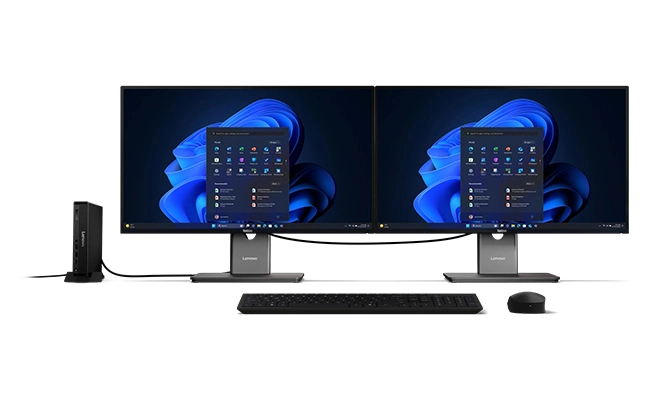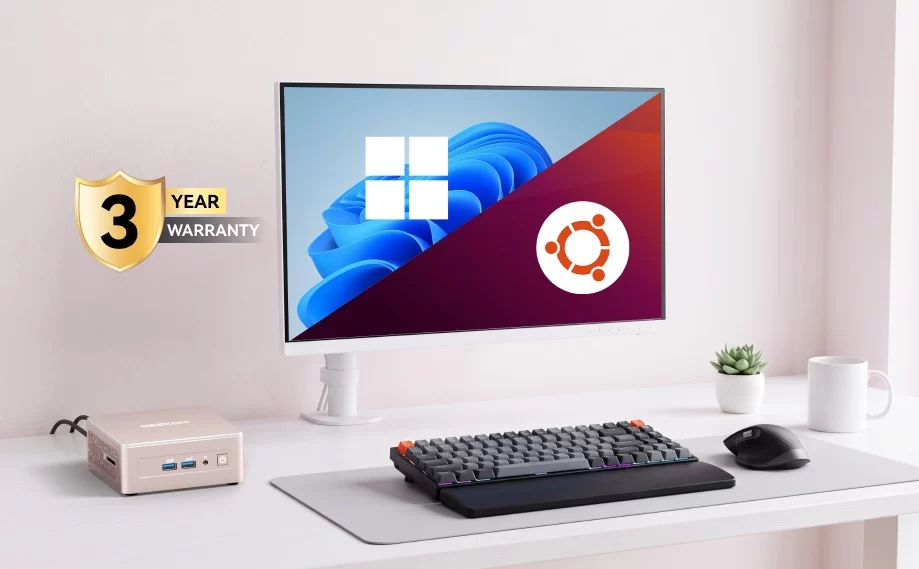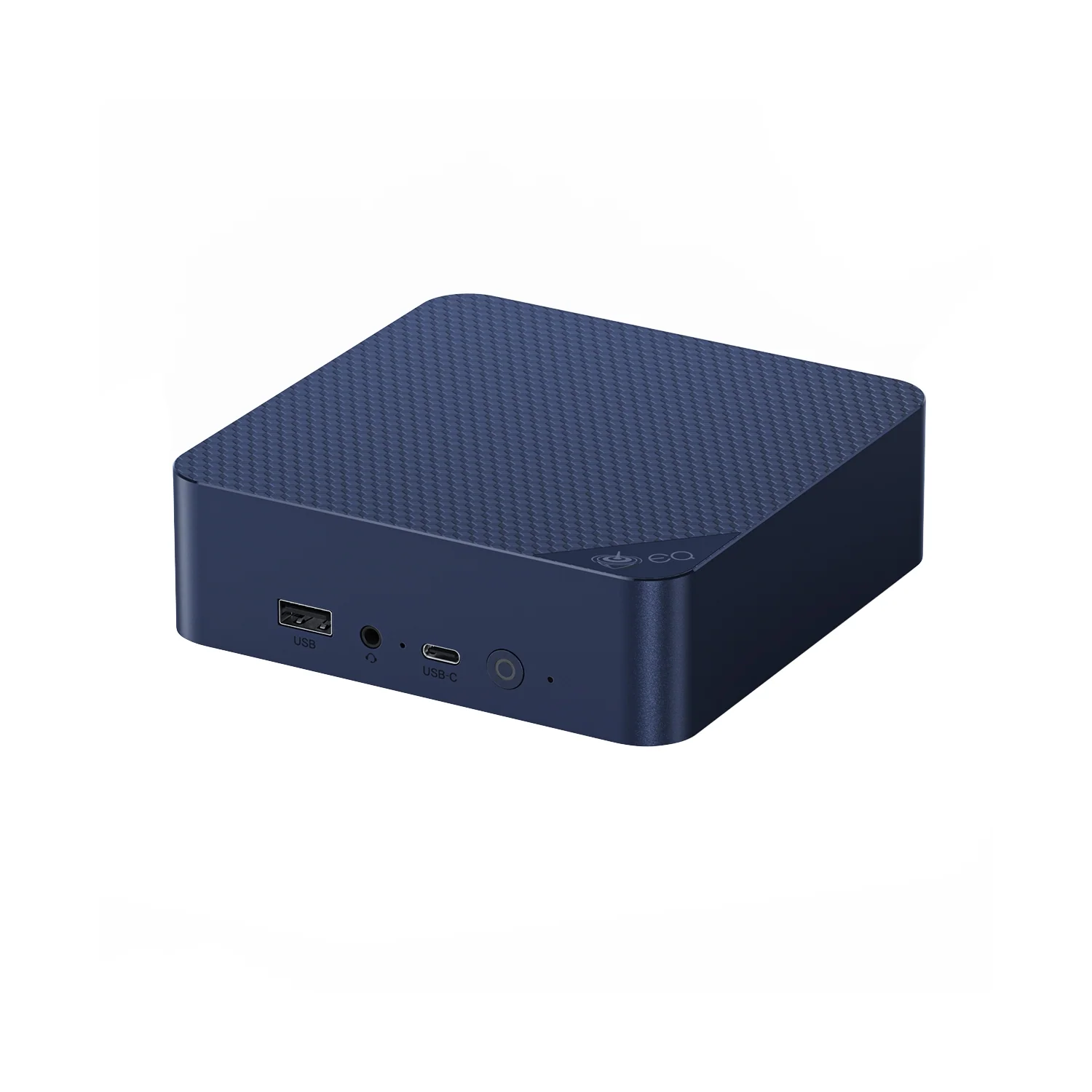
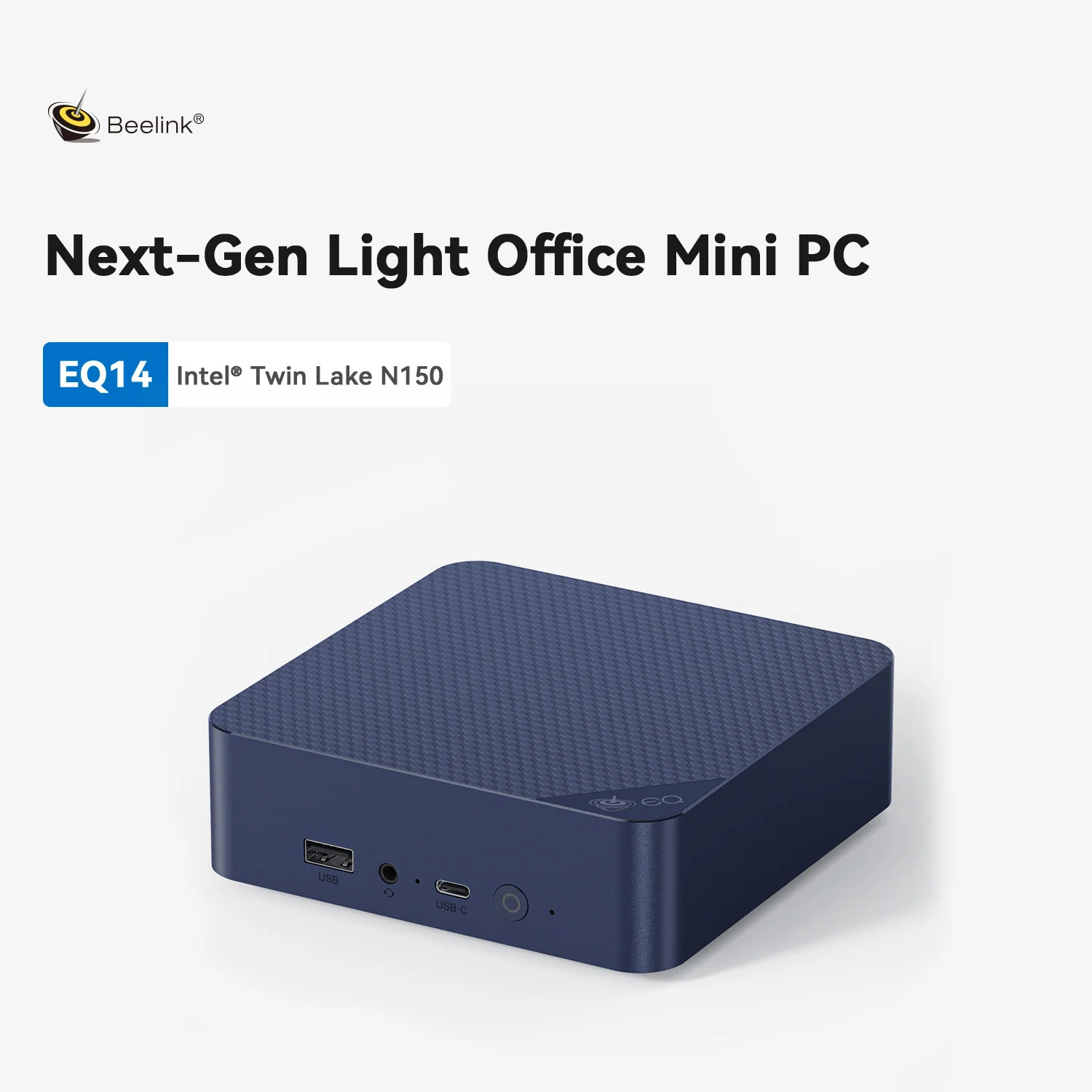
Some of the best gifts are the simplest. The Beelink EQ14 is a small Windows computer with an Intel N150 processor, 16 GB of memory, a 500 GB SSD, two HDMI outputs and two Ethernet ports — and, unusually, a power supply built inside, so it plugs into the wall with a single cable. At US $389 in Beelink’s official store (November 2026), it is our replacement for the KAMRUI Hyper H1 in this year’s gift list. We analyse what it offers a family, a student or a home-server enthusiast, and what it does not.
A Computer for Everyday Life
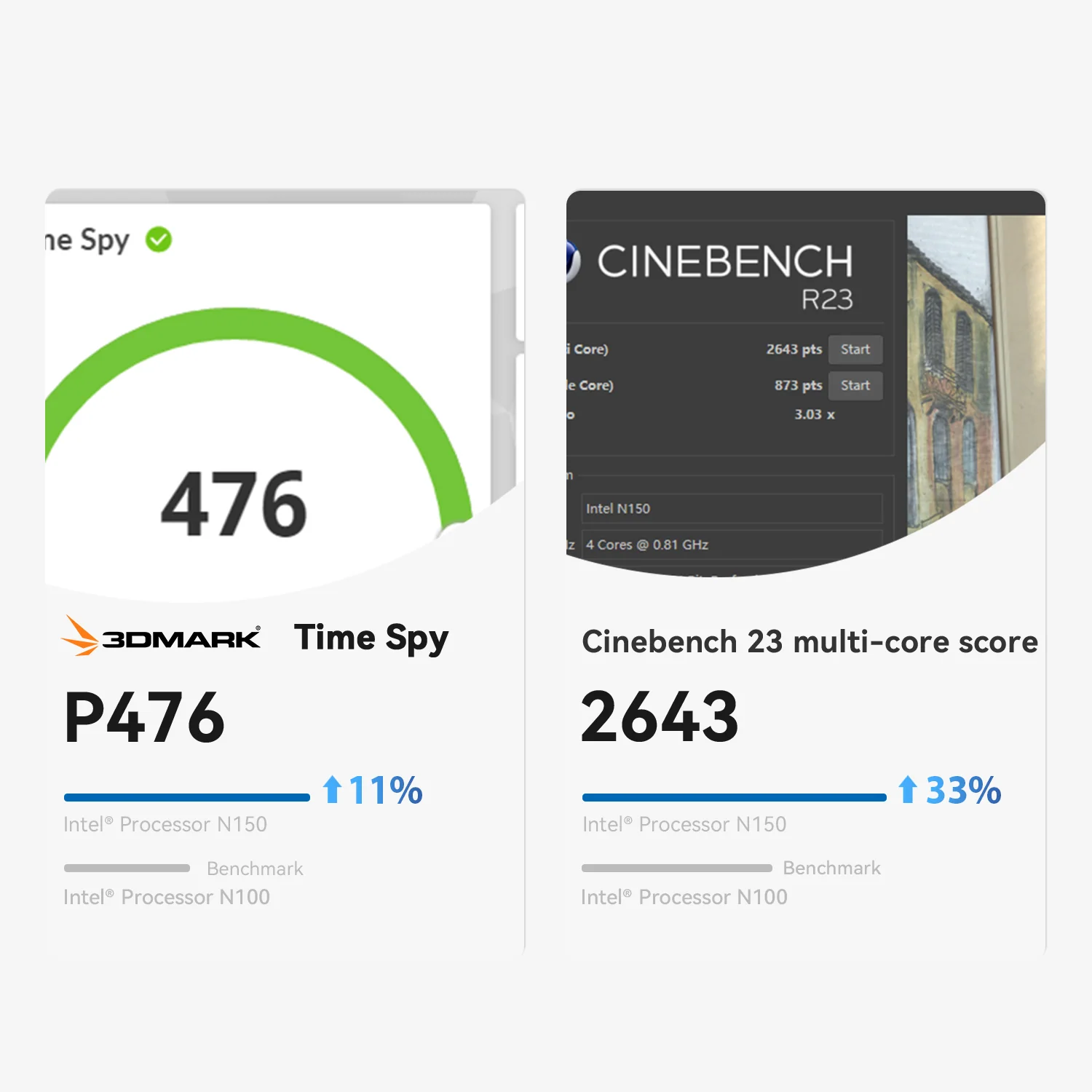
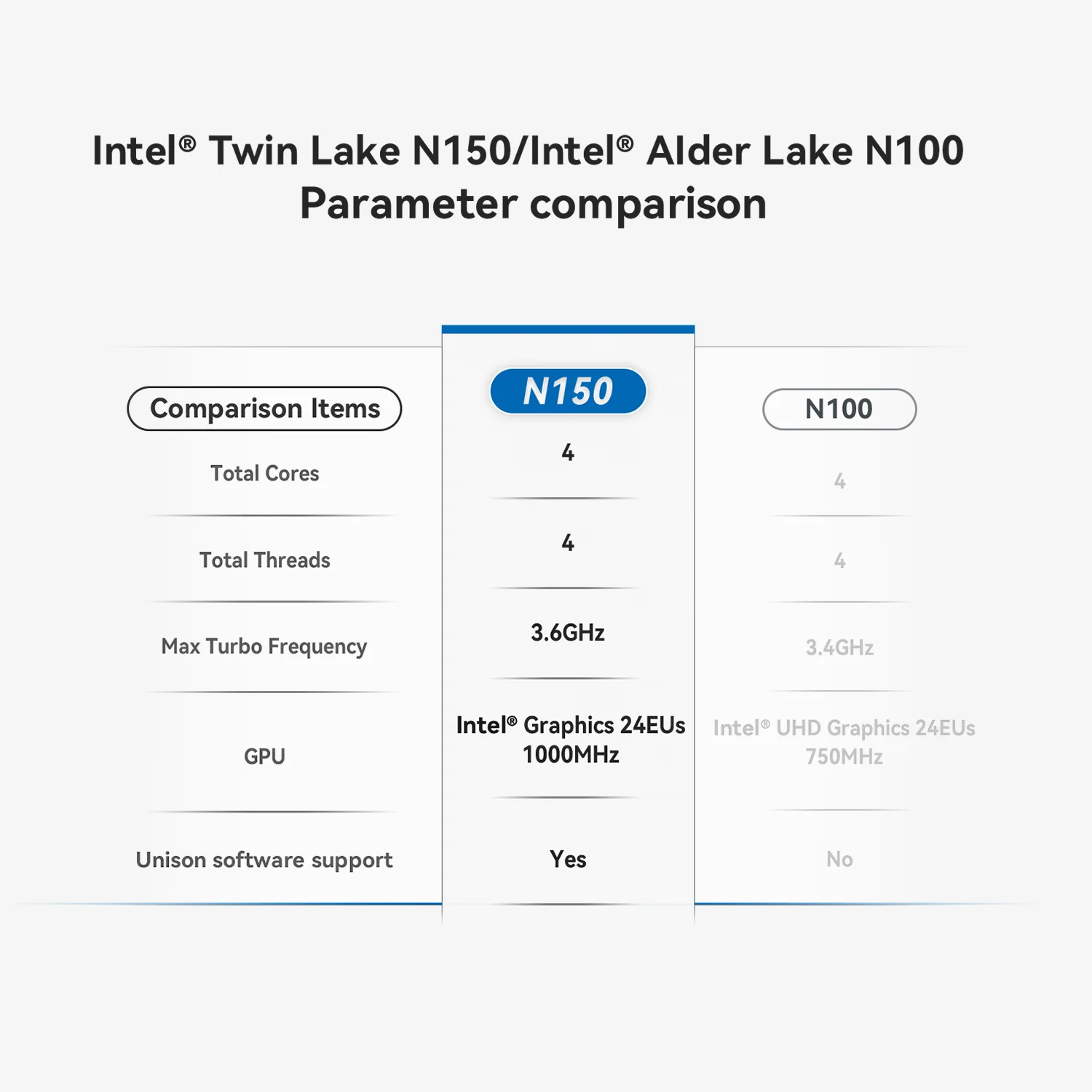
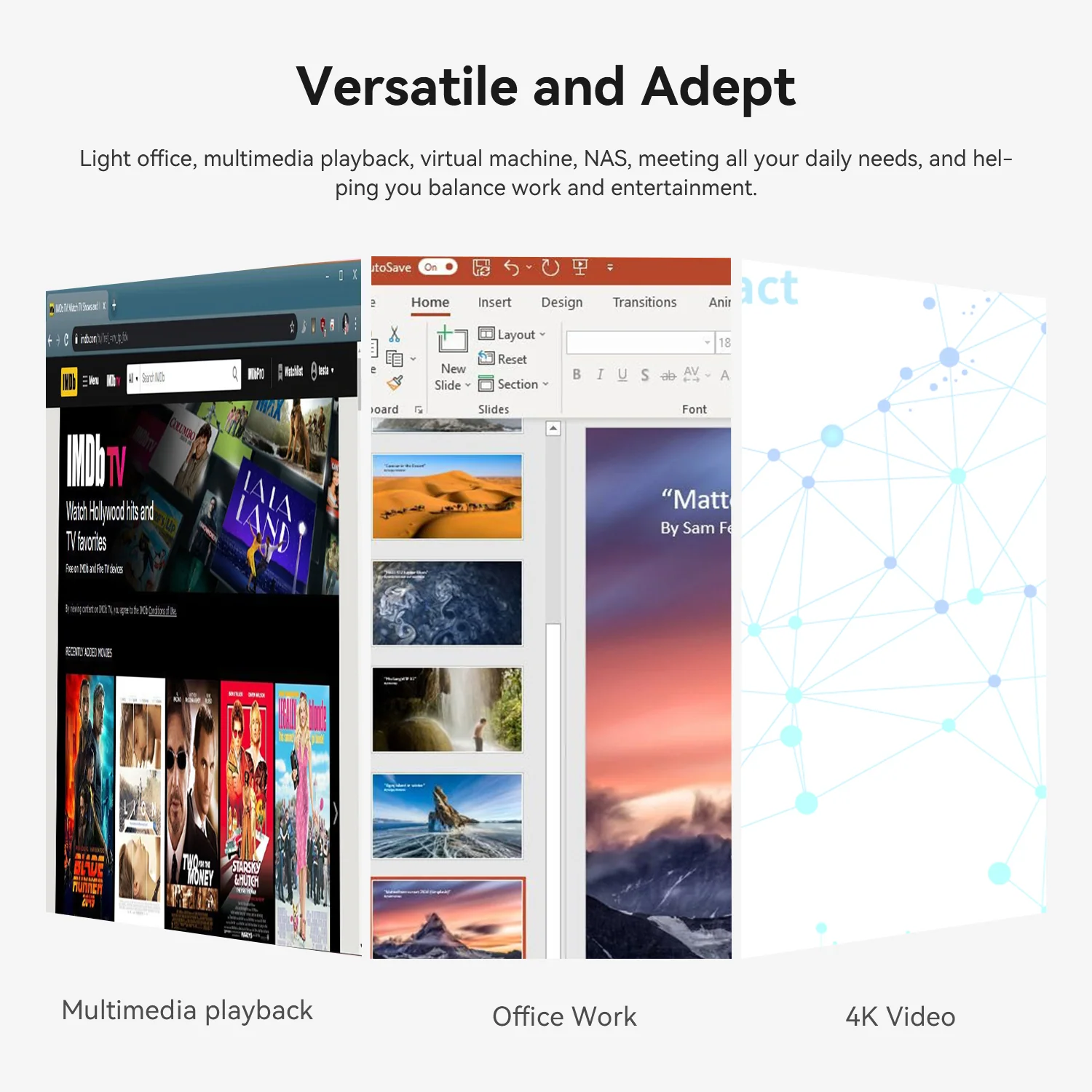
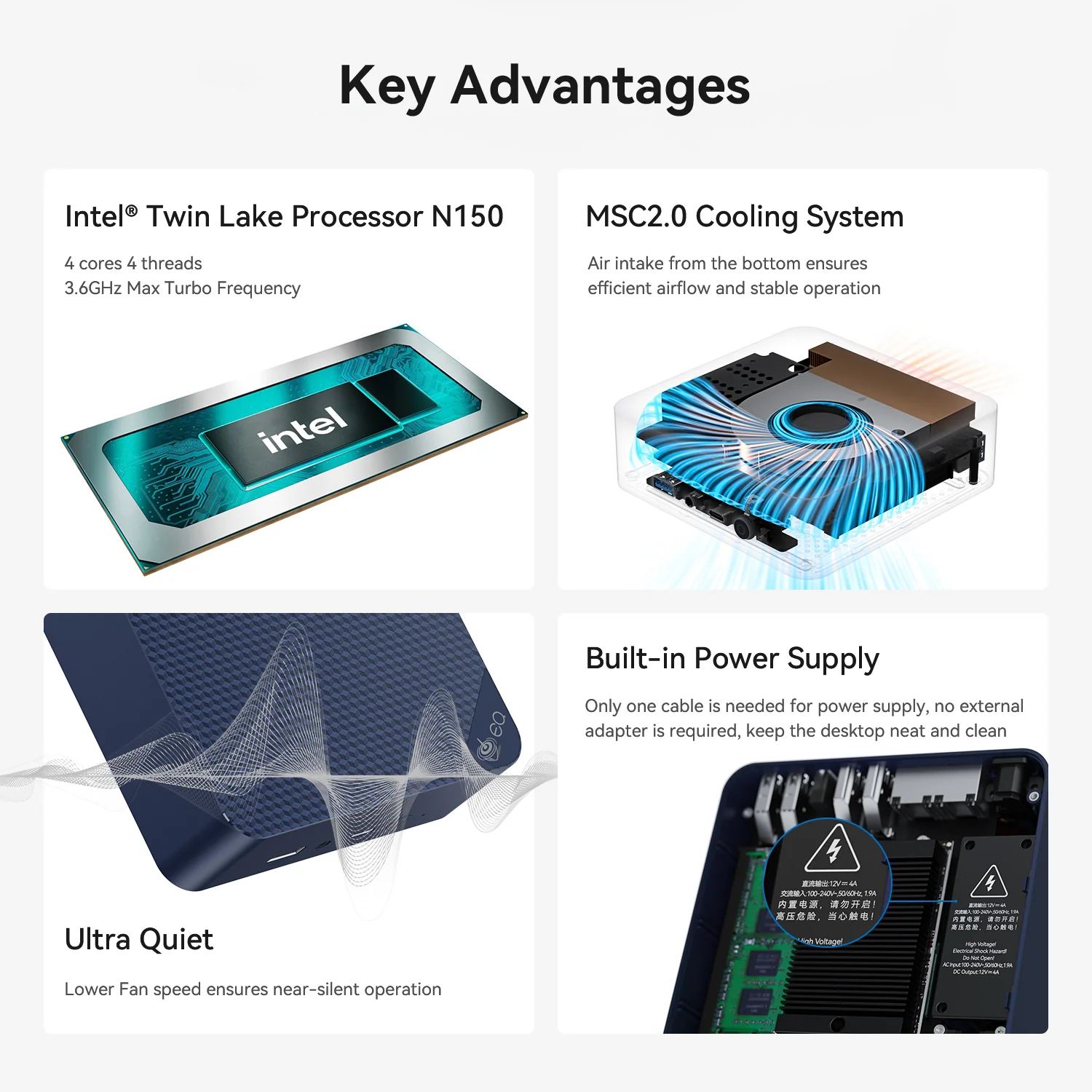
The EQ14 is designed for the tasks most people actually do: email, documents, browsing, online classes, video calls, streaming and photo viewing. The four-core Intel N150 reaches 3.6 GHz and Beelink lets it run at 25 W, which keeps it responsive in normal use. It boots quickly, handles a dozen browser tabs with 16 GB of memory and plays 4K video smoothly thanks to hardware decoding. It is not a gaming or editing computer, and it does not pretend to be one.

Specifications at a Glance
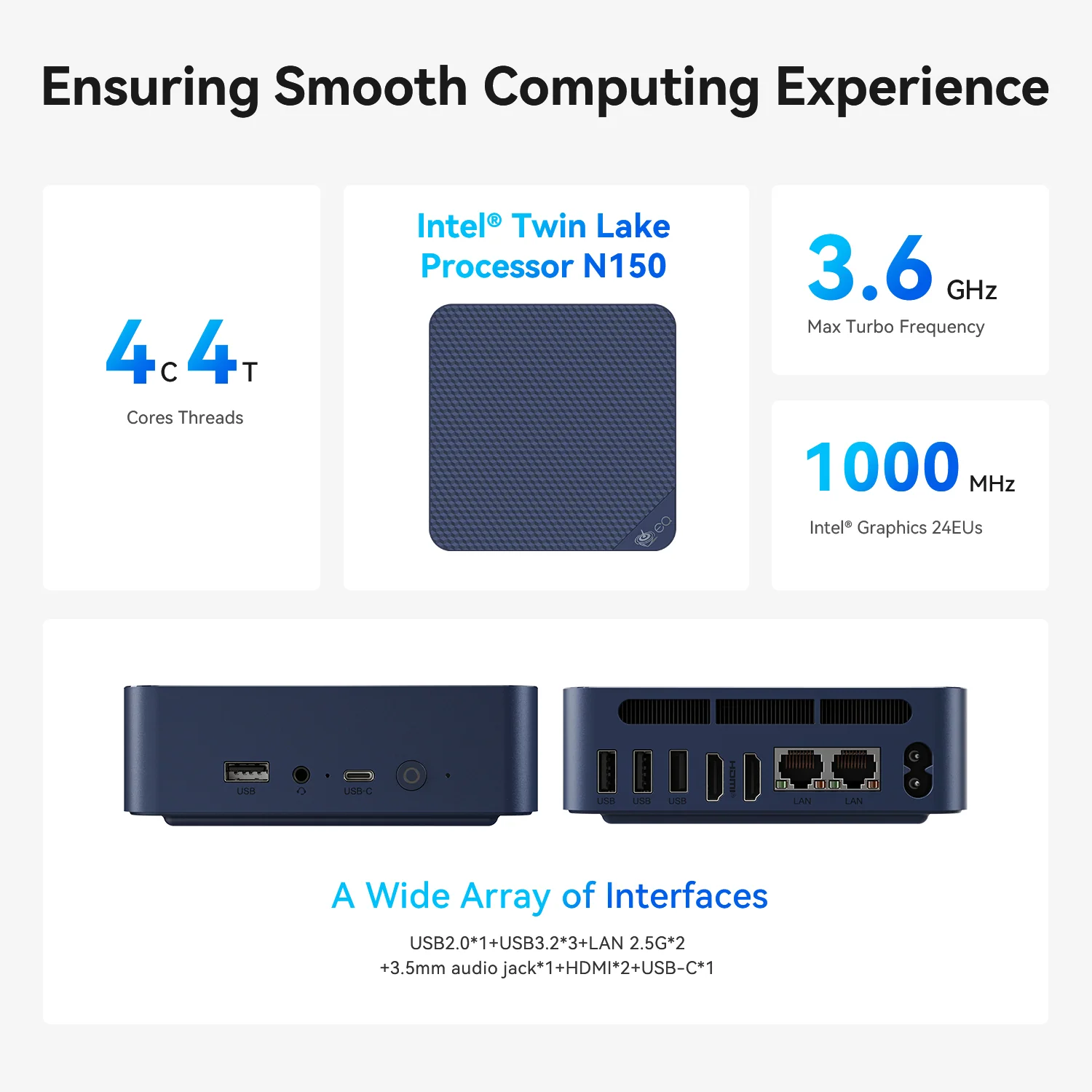
- CPU: Intel® Processor N150 — 4 Cores / 4 Threads — up to 3.6 GHz — 6 MB cache — No NPU
- GPU: Intel® UHD Graphics, 24 EUs
- Memory: 16 GB DDR4 3200 — FULLY USER-UPGRADEABLE (NOT soldered), maximum 16 GB
- Storage: 500 GB SATA SSD + two M.2 2280 PCIe 3.0 slots (up to 8 TB)
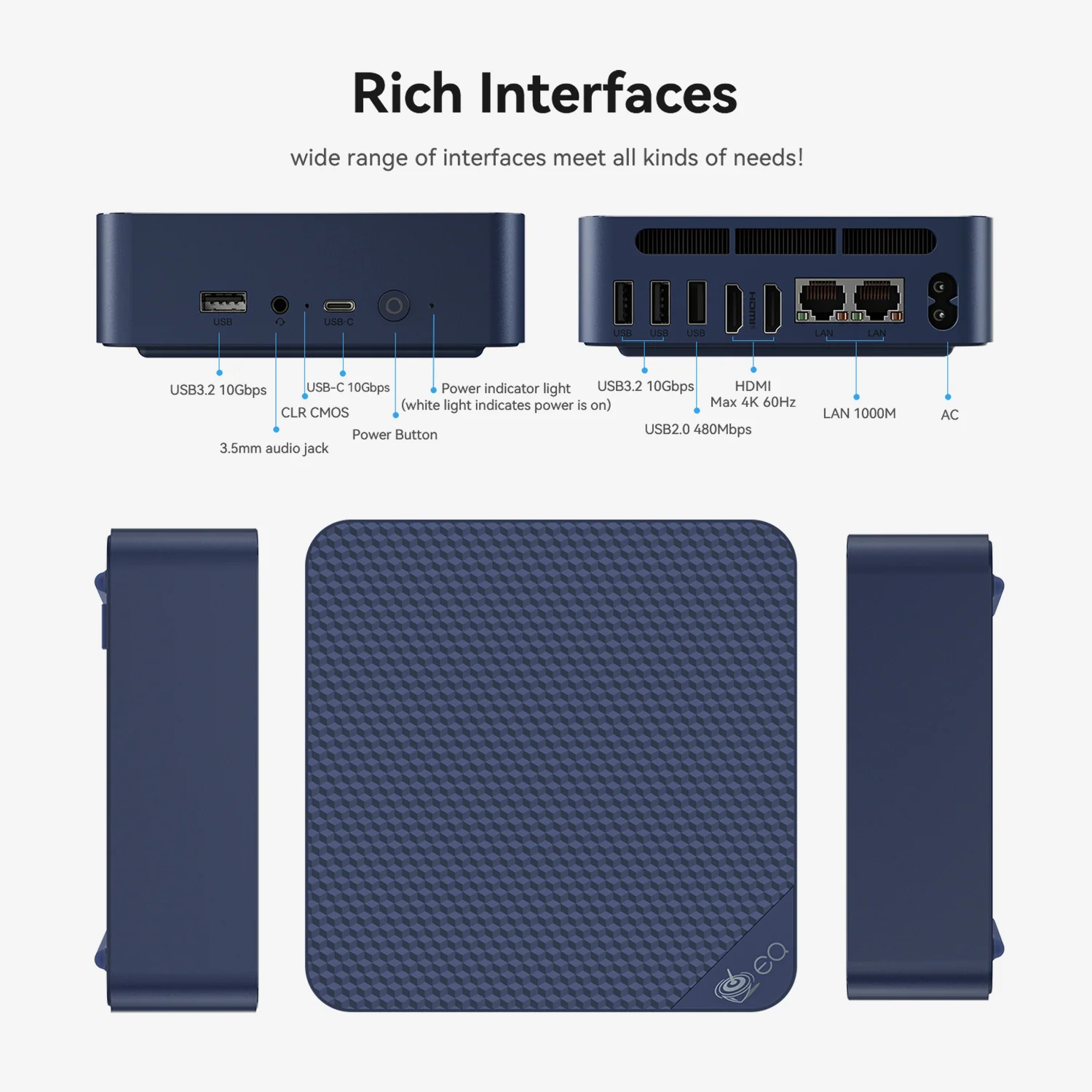
- Network: Dual 2.5 GbE (current batch), Wi-Fi 6, Bluetooth 5.2
- Video: 2× HDMI 4K@60Hz
- Power: built-in power supply
- Size: 126 × 126 × 39 mm, 490 g
The Detail That Makes It a Good Gift
Most mini PCs come with an external power brick that ends up on the floor, gets lost when moving or needs a different plug abroad. The EQ14 hides the power supply inside the chassis. The person receiving it only needs a monitor, a keyboard and a mouse; Windows 11 Home is already installed and activated. Setup takes a few minutes, and the computer can go behind a TV or on a bookshelf without a tangle of cables.
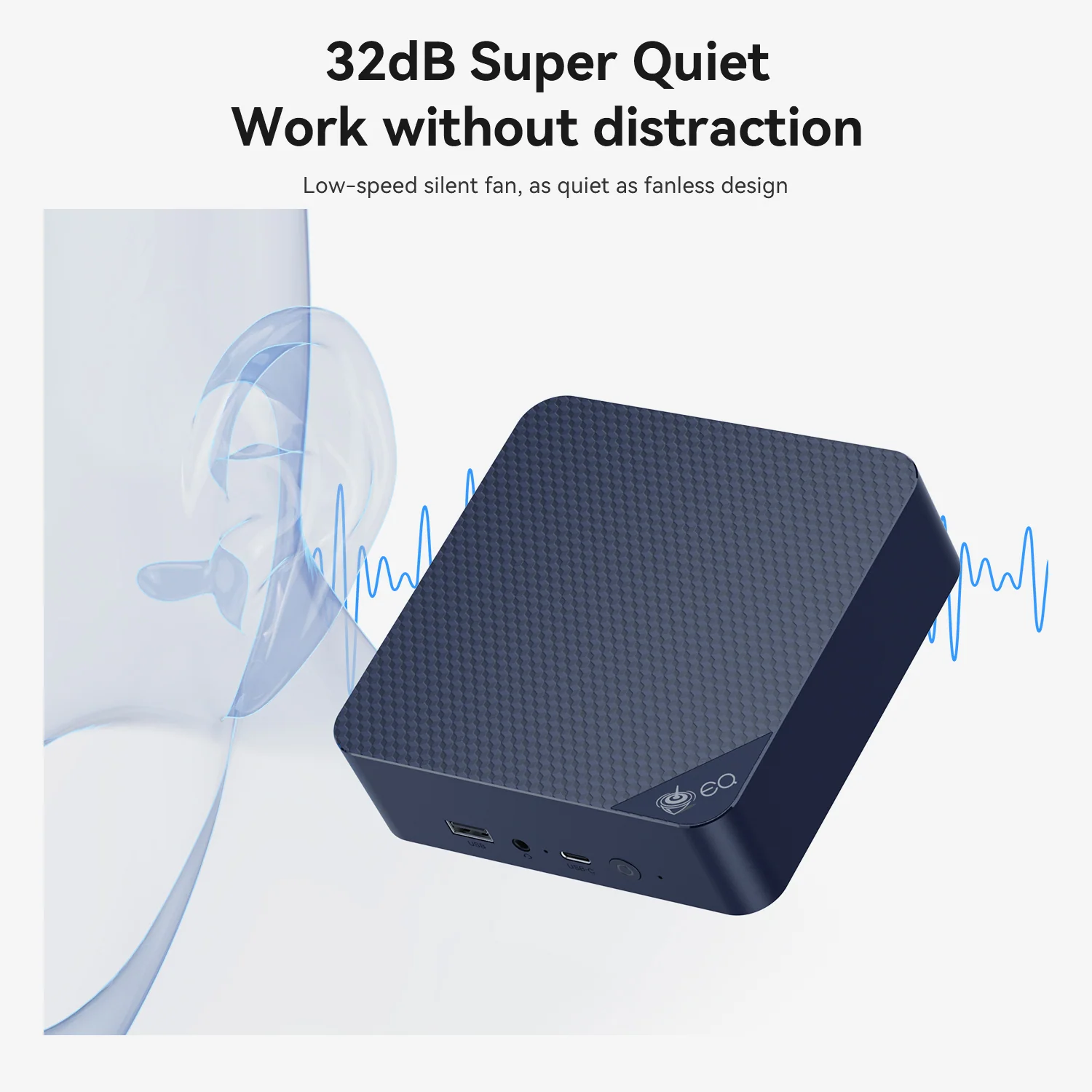
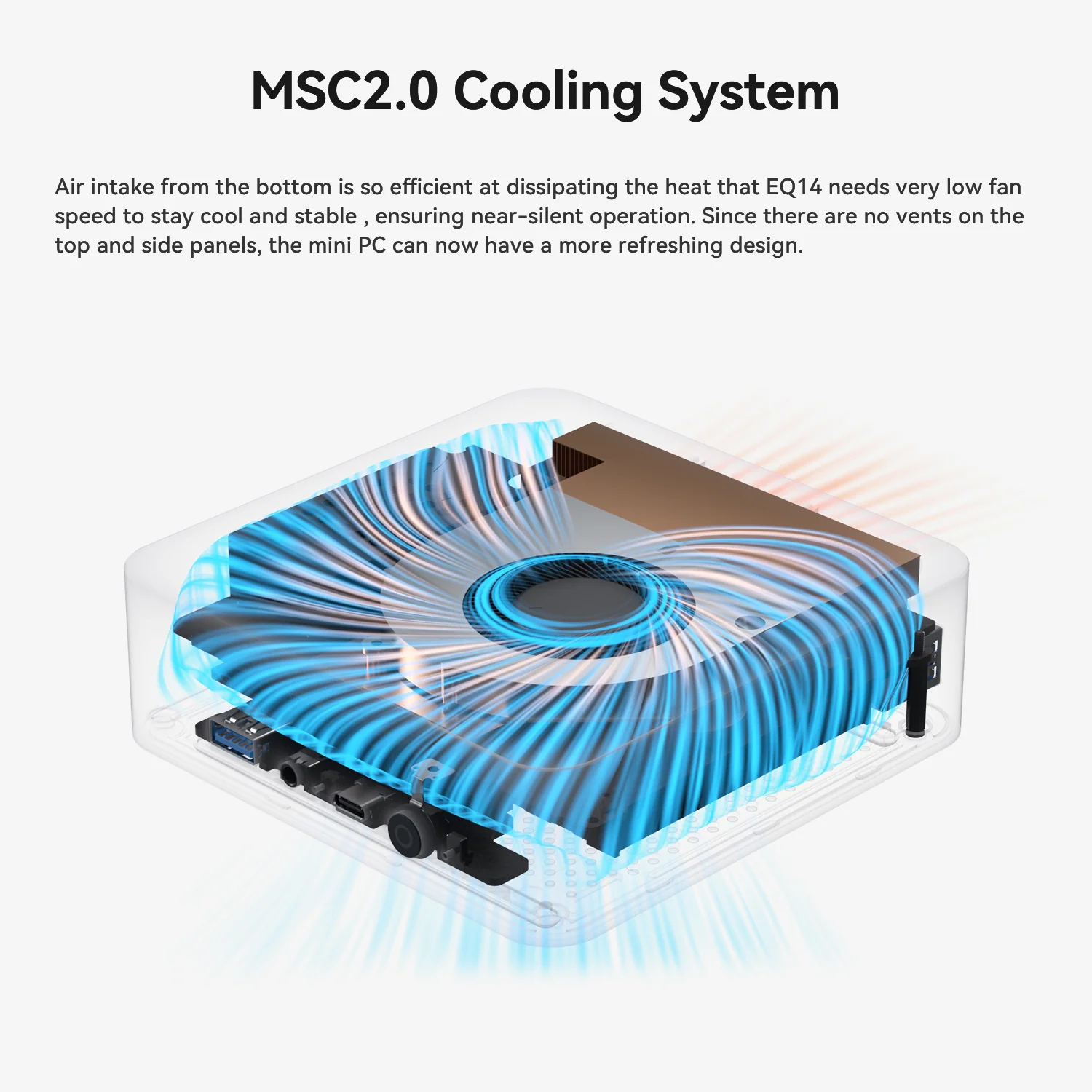
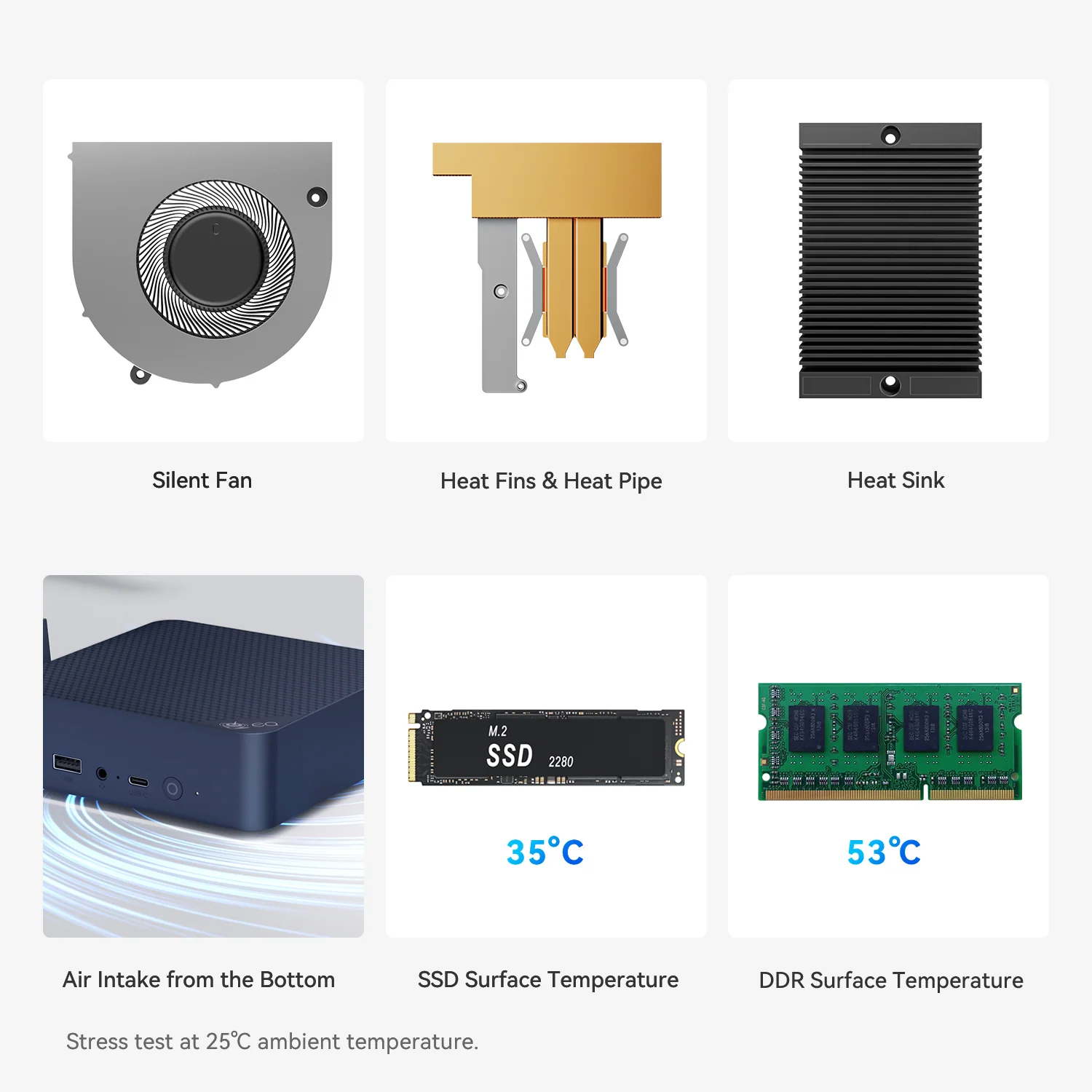
The second detail is silence. Air enters from the bottom and leaves at the back, and the fan barely needs to spin with a 25 W processor. Beelink rates the noise at 32 dB. In a bedroom or a living room, it is practically inaudible during normal use.
Room to Grow
The EQ14 is easy to expand. The 16 GB memory module is not soldered (although 16 GB is the platform’s maximum), and there are two M.2 slots: one holds the included 500 GB SATA drive and the other is free. Adding an NVMe SSD is the best upgrade for anyone who stores lots of photos or wants faster file copies. With up to 8 TB of internal storage according to Beelink, it can also become a family media server or a backup box.
For Home-Lab and Network Projects
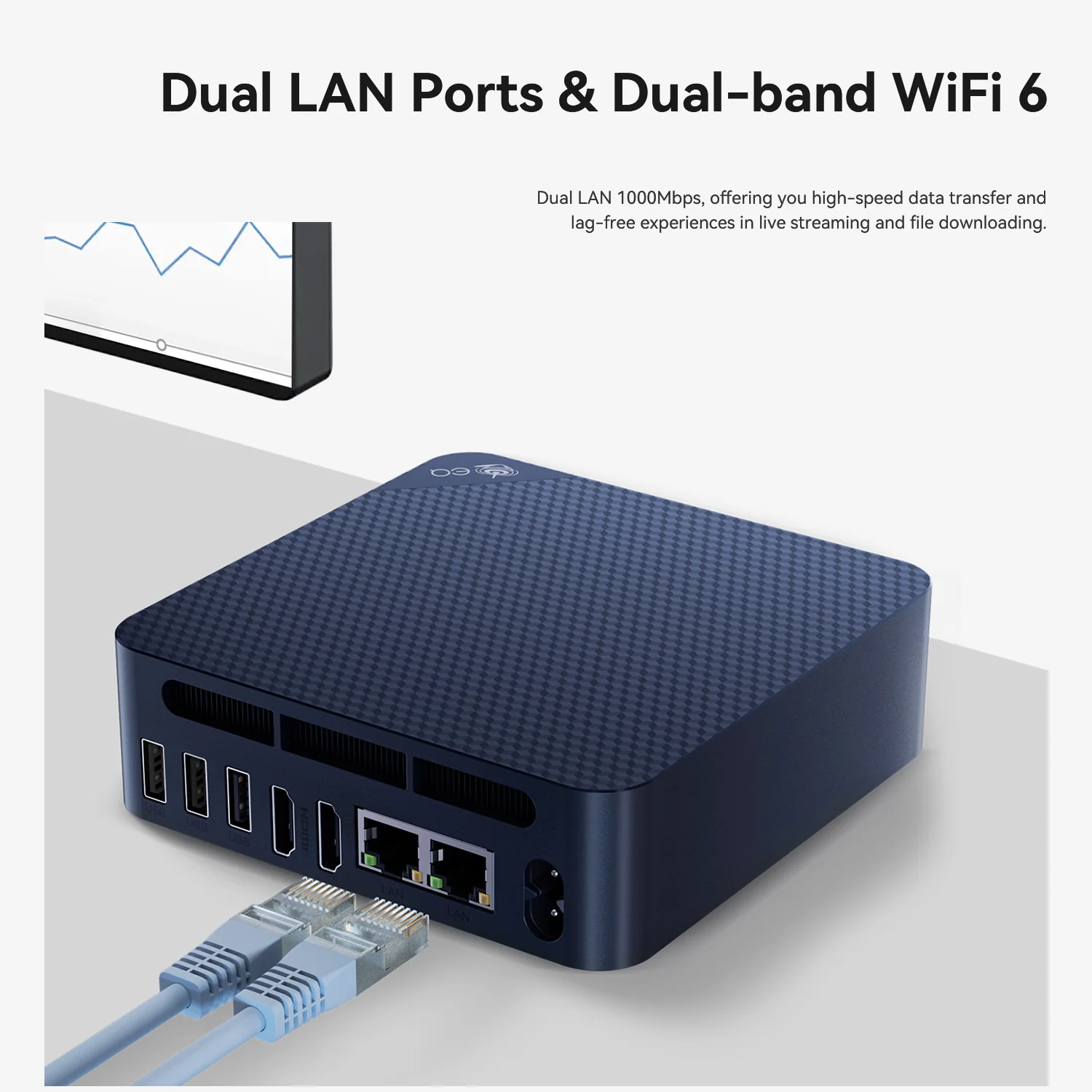
The EQ14 has a following among home-lab users for good reasons: low power use, two Ethernet ports, two M.2 slots, Wake on LAN and Auto Power On. The current official configuration uses two 2.5 GbE ports with the Intel I226-V controller, which are well supported in Linux, Proxmox and firewall distributions. Buyers should check the listing, because earlier batches came with two Gigabit ports. As a small router, a Home Assistant server, a Docker host or a network-attached storage box, it uses little electricity and runs quietly all day.
Ports and Their Limits
There are five USB ports: a USB-C 10 Gbps and a USB-A 10 Gbps at the front, and two USB-A 10 Gbps plus one USB 2.0 at the back. That is plenty for keyboards, mice, webcams, external drives and printers. The USB-C port, however, only carries data — it cannot drive a monitor or power the computer — so screens must use the two HDMI outputs. Both handle 4K at 60 Hz.
How It Compares
Against the ACEMAGIC Vista V1 (N150), the EQ14 is larger but has an internal power supply, a second M.2 slot, dual Ethernet and a USB-C port; the V1 offers HDMI plus DisplayPort and a smaller 0.33-litre chassis at a lower price. Against the Beelink Mini S13, the EQ14 adds the second Ethernet port, the built-in power supply and a cleaner design. Against the GMKtec NucBox G3S (N95), the EQ14 has a faster processor, more memory as standard and better networking, at a higher price.
Against more powerful options such as Ryzen 5 or Ryzen 7 mini PCs, the EQ14 is clearly slower in demanding tasks, but uses less power, makes less noise and costs less. For the jobs it is designed for, extra power would go unused.
Who Gains Most From It
The EQ14 suits families looking for a shared computer, grandparents who need something simple for video calls and photos, students who mainly use online platforms and office tools, and anyone who wants a quiet 4K media player. Home-lab users get a compact, efficient server with two network ports. It is less suitable for gamers, content creators, buyers who want Copilot+ AI features, and anyone who needs more than 16 GB of memory or video output through USB-C.
What to Check Before Buying
- Network ports: the current official listing is dual 2.5 GbE; some units in circulation have dual 1 GbE
- Included SSD: the stock drive is SATA; add NVMe in the second slot for faster storage
- Monitor connections: use HDMI — the USB-C port does not carry video
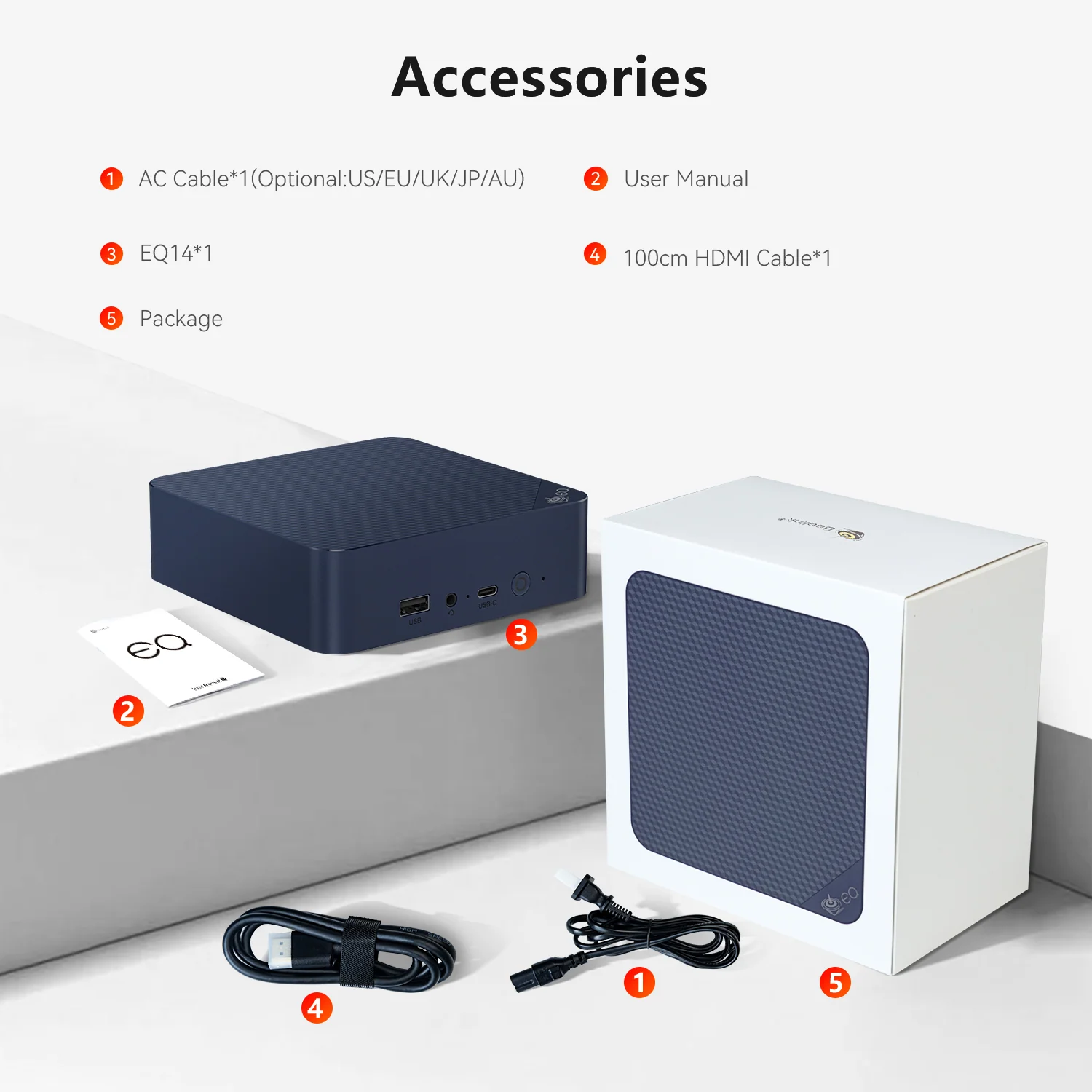
- Power cable: the box includes a regional AC cable (US, EU, UK, AU or JP), not an external adapter
- Windows edition: Windows 11 Home is pre-installed
Setting It Up as a Gift
Setting up the EQ14 is about as simple as a desktop computer gets. Connect the AC cable, a monitor or TV to one of the HDMI ports, and a keyboard and mouse to the rear USB ports, keeping the faster front ports free for flash drives and phones. Windows 11 Home is already activated, so the first start only asks for language, Wi-Fi and an account. We recommend running Windows Update and Beelink’s driver updates first, then setting up automatic backup of documents and photos to an external drive or a cloud service.
For older family members, a few small changes make a big difference: larger text and icons, a browser with the most-used websites pinned, a video-call app on the taskbar and remote-assistance software so a relative can help from a distance. The small size of the EQ14 also allows a very tidy desk.
Performance Expectations in Daily Use
It helps to be realistic about what four efficient cores can do. Office documents, email, web apps, online classes and video calls run smoothly, and 4K video on streaming services plays without stutter thanks to the media engine. Opening many heavy websites at once, editing long videos or running large spreadsheets with complex formulas will be noticeably slower than on a Ryzen 5 or Core i5 computer. The single-channel memory, a limitation of the N150 itself, also holds back the integrated graphics.
The upside is efficiency: at idle and in light work the EQ14 uses very little electricity, so it can stay on all day as a family computer or a home server without a noticeable effect on the electricity bill, and the fan stays slow and quiet.
Using It as a Home Server
The combination of two Ethernet ports, two M.2 slots, low power use and Wake on LAN is what makes the EQ14 popular beyond the desk. Typical projects include a Home Assistant server for the smart home, a Docker host for media and download services, a network-wide ad filter, a Proxmox host with a couple of lightweight virtual machines, or a router and firewall with one port for the internet connection and one for the home network. Auto Power On brings it back automatically after a power cut.
Beelink lists Windows 11 as the supported system, so Linux, Proxmox and firewall distributions are used at the owner’s discretion. The Intel I226-V network controller and the Intel AX101 wireless card are well supported by modern Linux kernels.
Long-Term Use
The N150 is a current processor that will receive Windows driver support for years, and 16 GB of memory gives the EQ14 enough headroom for future Windows updates in everyday use. The second M.2 slot means storage will not become a reason to replace it. Its main long-term limit is processing power: as websites and applications become heavier, an entry-level chip shows its age sooner than a mid-range one. For a family computer, a media player or a home server, that point is many years away; for a student who will later need programming or creative software, a more powerful mini PC is a better long-term investment.
Accessories Worth Adding
Because the EQ14 already includes an HDMI cable and needs no power adapter, very little is required to complete it. The most useful additions are an NVMe SSD for the free M.2 slot, which speeds up file copies and adds space for photos and media; a wireless keyboard and mouse set with a single USB receiver, which keeps the rear USB 2.0 port busy and the faster ports free; and a webcam with a built-in microphone for video calls, since the EQ14 has no camera or microphone of its own. For home-server use, a small uninterruptible power supply protects the drives during power cuts, and Auto Power On restarts the computer when power returns.
Buyers who plan to use two screens should check that both monitors have HDMI inputs, because the EQ14 has no DisplayPort and its USB-C port does not carry video. A simple HDMI switch or a monitor with two inputs also lets the EQ14 share a screen with a games console or a work laptop, which is handy in small homes and shared rooms where a second display is not practical.
Price and Value
At US $389 in Beelink’s official store with 16 GB and 500 GB (November 2026 price, subject to change), the EQ14 is no longer as cheap as at launch, because memory prices have risen across the industry. Retailers often sell it for less. For the money it delivers a complete, quiet, warranty-backed Windows computer with unusually good networking and expansion, and the built-in power supply sets it apart from almost every rival.
Strengths and Limitations
Strengths:
- Internal power supply — one cable
- Near-silent cooling
- Dual Ethernet, Wi-Fi 6, five USB ports
- Two M.2 slots
- Three-year warranty
Limitations:
- Entry-level performance
- 16 GB maximum, single-channel memory
- SATA SSD included
- USB-C data only
- No NPU — not a Copilot+ PC
Verdict
The Beelink EQ14 is not a powerful computer, but it is an excellent simple one. Its built-in power supply, quiet cooling, dual Ethernet and two M.2 slots make it more practical than most budget mini PCs, and its N150 processor is enough for school work, office tasks, streaming and home-server projects. As a gift for a family or a student who needs an everyday computer, it is one of the most sensible choices of the season.
| AI Capabilities | ||||||||||||||||
|---|---|---|---|---|---|---|---|---|---|---|---|---|---|---|---|---|
|
||||||||||||||||
| Processor | ||||||||||||||||
|
||||||||||||||||
| Ports | ||||||||||||||||
|
||||||||||||||||
| Network | ||||||||||||||||
|
||||||||||||||||
| GPU | ||||||||||||||||
|
||||||||||||||||
| Internal Ports | ||||||||||||||||
|
||||||||||||||||
| Storage & RAM | ||||||||||||||||
|
||||||||||||||||
| Power | ||||||||||||||||
|
||||||||||||||||
| Others Specifications | ||||||||||||||||
|
||||||||||||||||
| Specification | ||||||||||||||||
|
||||||||||||||||

More information: Beelink EQ14 on minis-pc.com
Discover our full Mini PC comparison: minis-pc.com
Article written for minis-pc.com — Mini PC Comparisons and Reviews
Our 2026 Buying Guides & Deals
Disclaimer: This article is for information purposes only. Specifications, prices, coupons and availability may change at any time or contain errors, so please check them on the manufacturer's official website or store before buying. Some links on this page are affiliate links: if you buy through them we may earn a small commission at no extra cost to you.