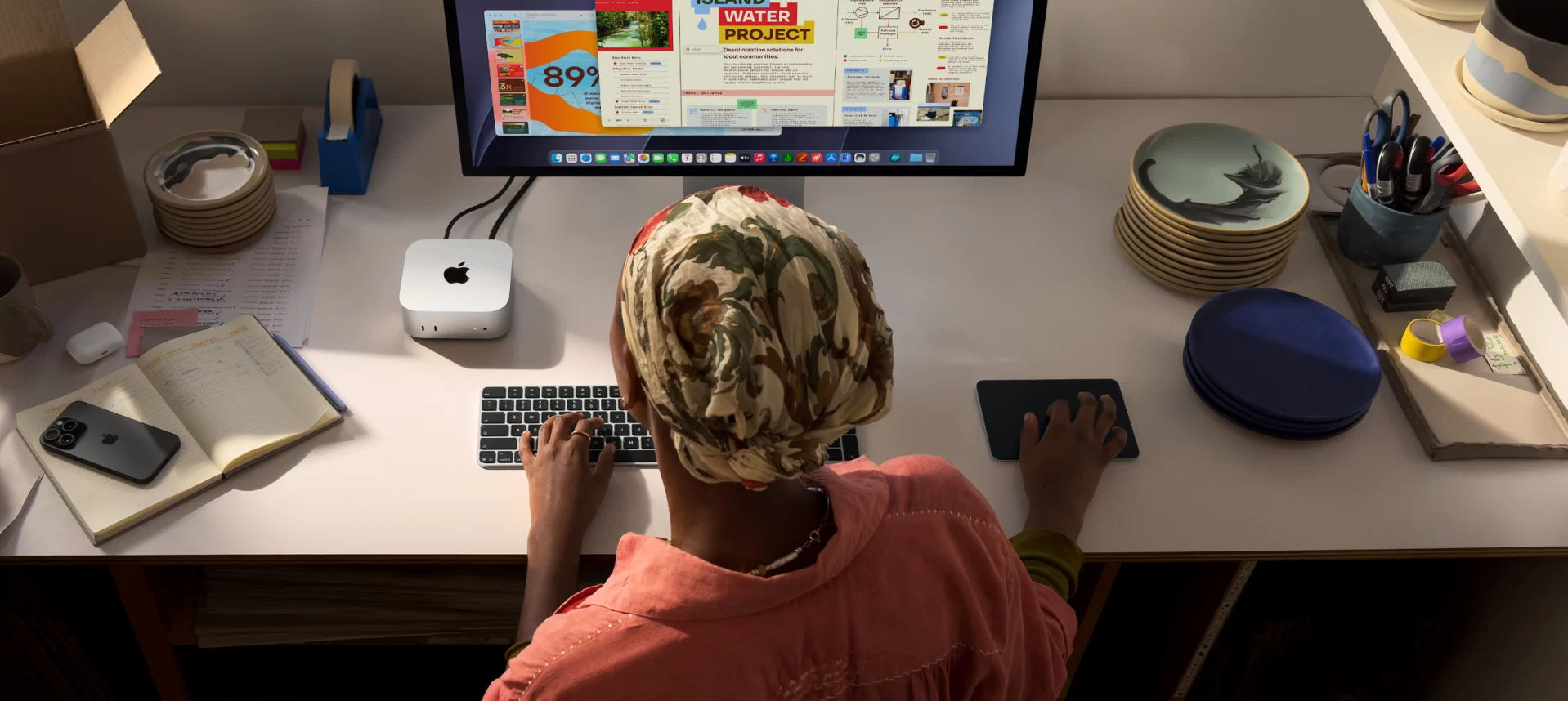
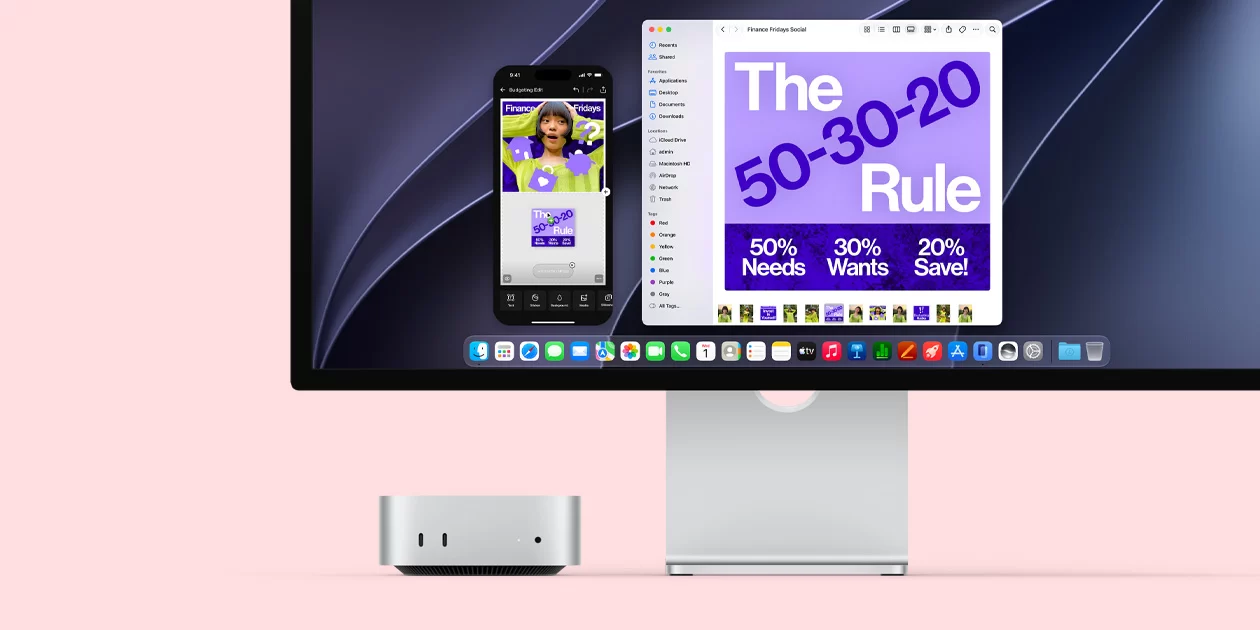
Apple’s smallest desktop is also one of the most popular Christmas gifts for students and families, and in 2026 it arrives with a new chip. The Mac mini with M6 brings a 12-core CPU with “super” cores, a 12-core GPU with ray tracing, a Dual 16-core Neural Engine for AI, Wi-Fi 7 and 2.5 GbE in the same five-by-five-inch aluminium box. It starts at US $899 with 16 GB and 256 GB — US $300 more than the M4 model cost at its 2024 launch — and it is the Apple pick in our holiday gift list. We analyse what the new chip changes, what the price buys and where Apple’s design still limits the buyer.
What Is New in the M6 Generation
Apple announced the M6 Mac mini on 25 August 2026, alongside an M5 Pro version and new Mac Studio models, and began deliveries on 22 September. The M6 is Apple’s first 2 nm-class chip. Its CPU grows from 10 to 12 cores, with two new super cores focused on single-threaded speed, four performance cores and six efficiency cores. The GPU has 12 cores with a Neural Accelerator in each, and the Neural Engine doubles into a Dual 16-core design. Apple claims up to 40% more CPU performance, up to 2× faster graphics and storage and up to 4× faster AI performance compared with M4.
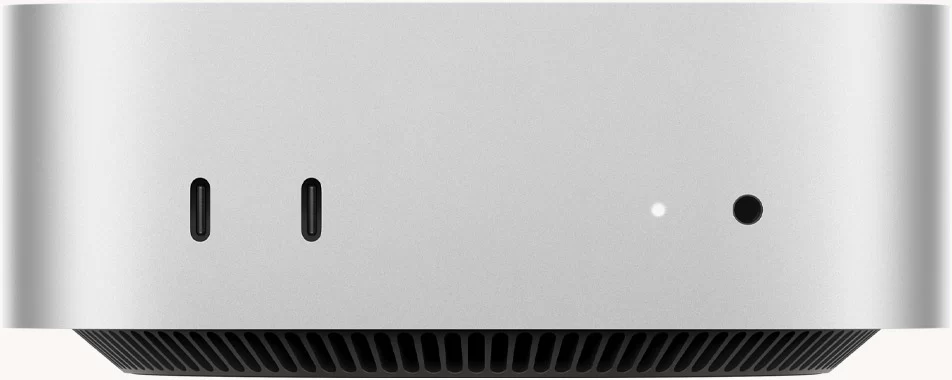
Connectivity also moves forward: the Apple N1 chip adds Wi-Fi 7, Bluetooth 6 and Thread, and 2.5 Gigabit Ethernet is now standard. The design does not change.
Specifications at a Glance
- CPU: Apple M6 — 12 cores (2 super + 4 performance + 6 efficiency)
- GPU: 12-core GPU with Neural Accelerators and ray tracing
- AI Engine: Dual 16-core Neural Engine — Apple Intelligence, Siri AI
- Memory: 16 GB unified (24 or 32 GB optional) — SOLDERED — non-upgradeable
- Storage: 256 GB SSD (up to 2 TB optional) — not upgradeable
- Network: Wi-Fi 7, Bluetooth 6, 2.5 GbE (10 GbE optional)
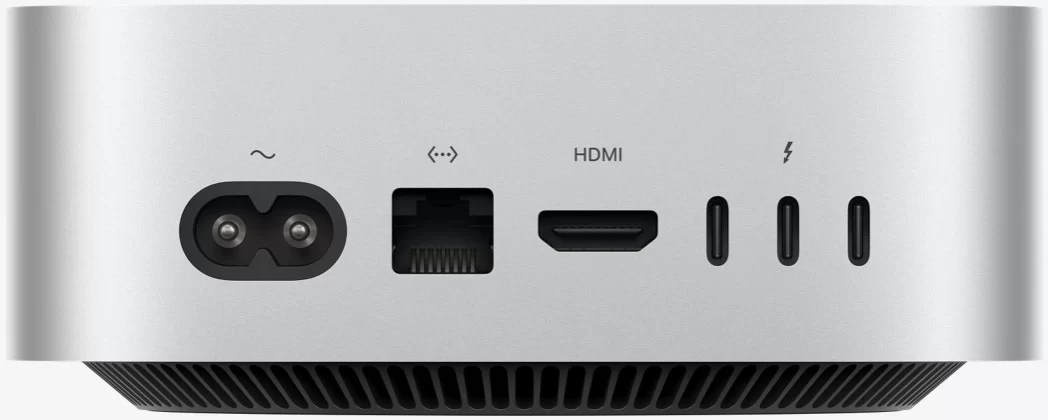
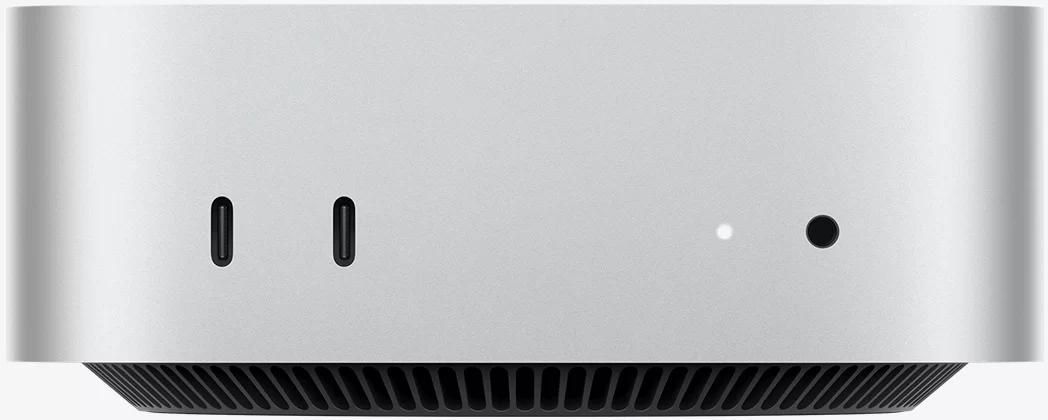
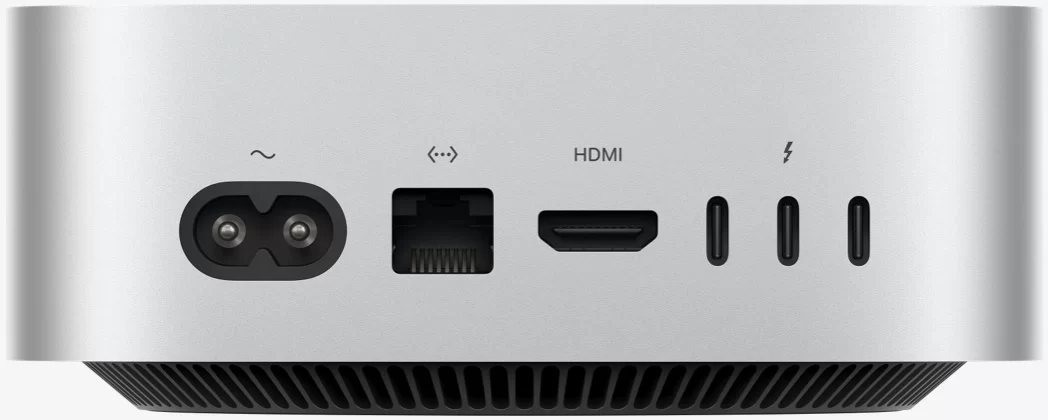
- Ports: 3× Thunderbolt 4, HDMI, 2× front USB-C 10 Gb/s, headphone jack
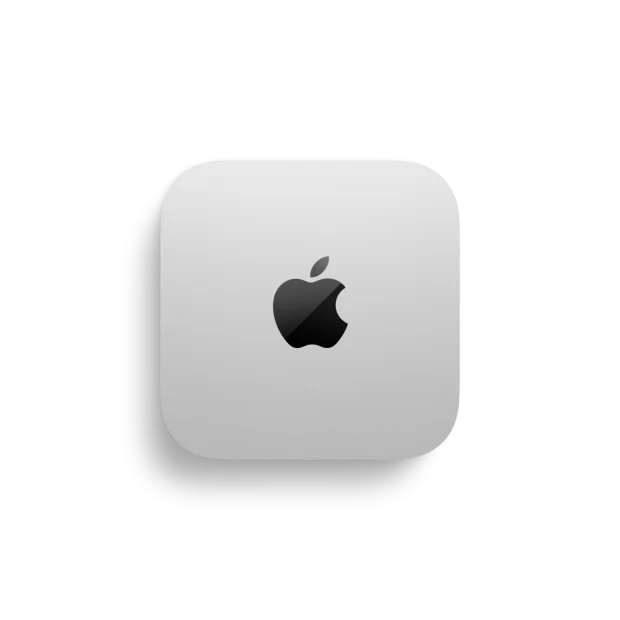
- Size: 127 × 127 × 50 mm, 0.67 kg, internal power supply
Performance in Real Use
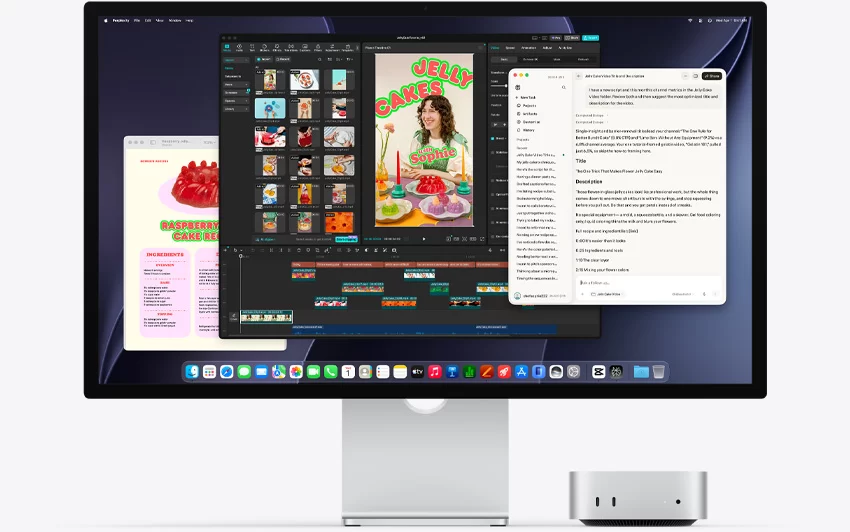
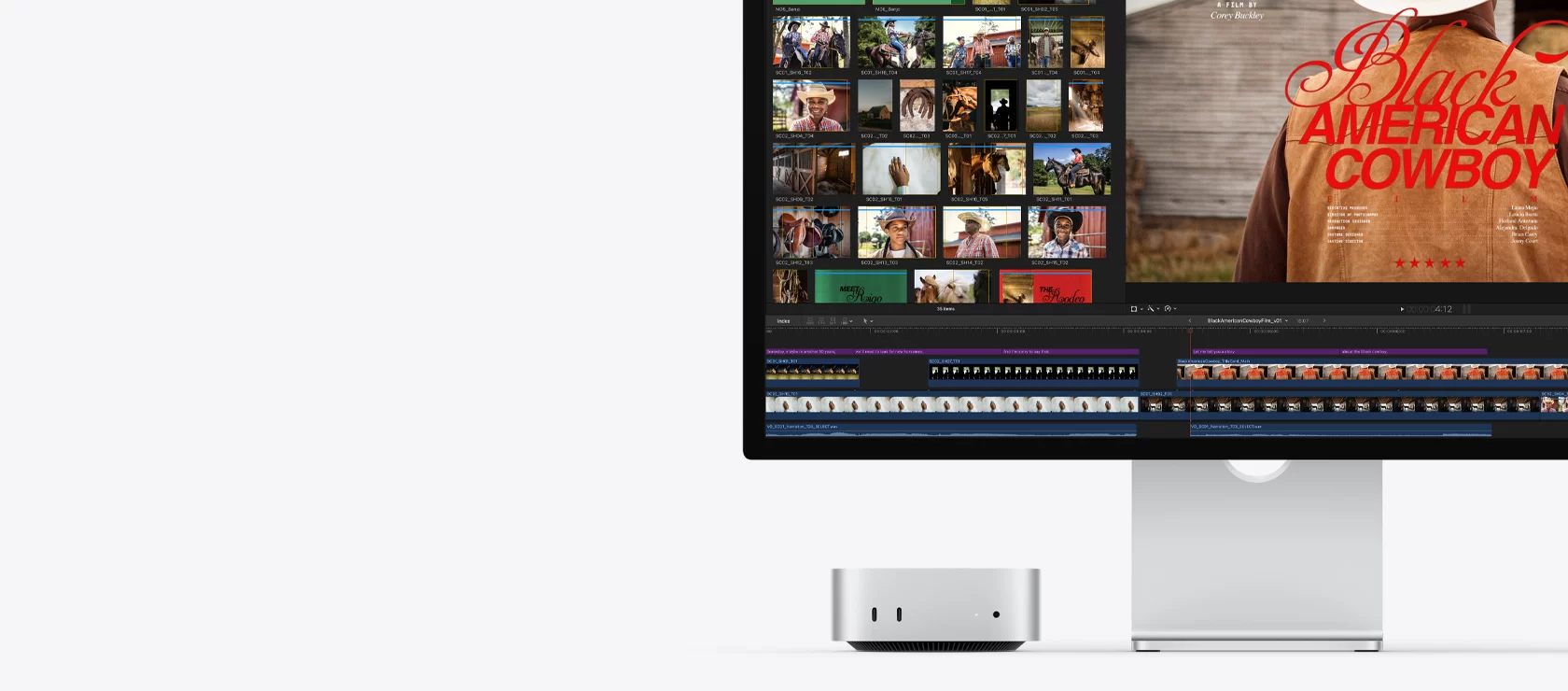
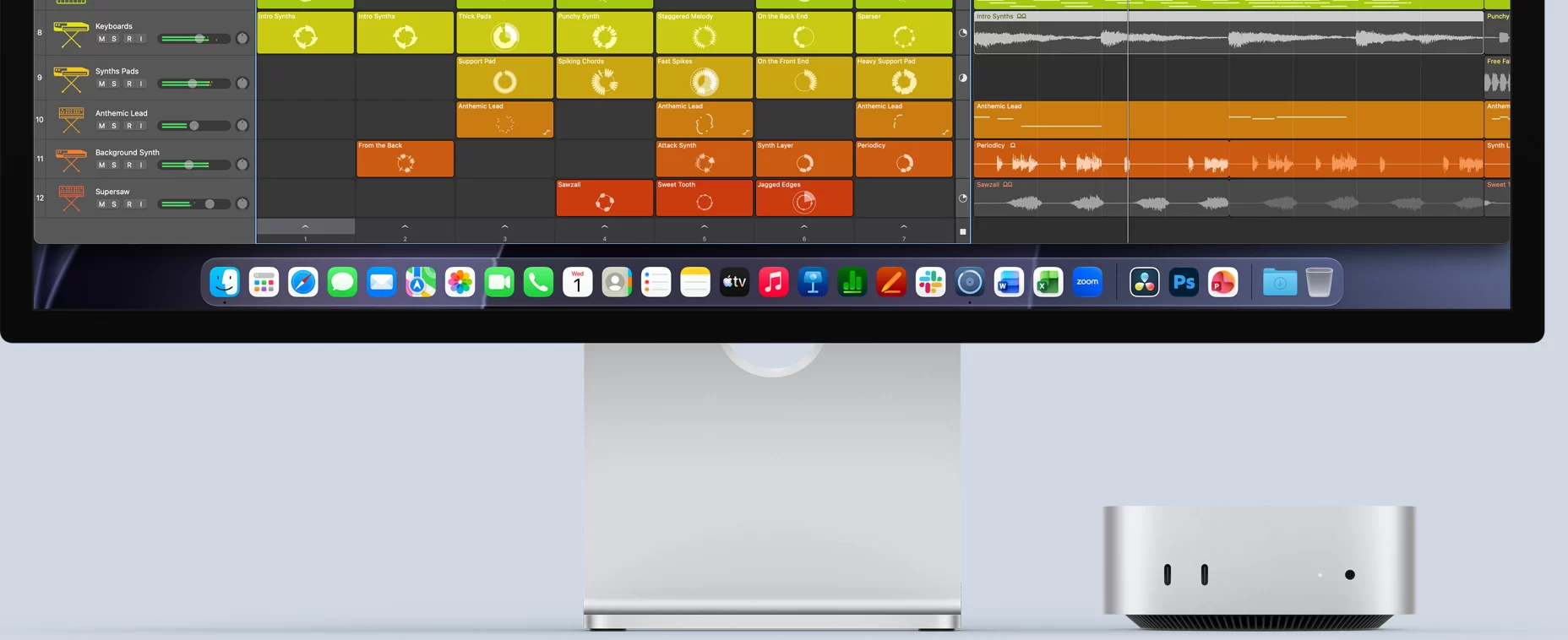
For the tasks students and families do — browsing, documents, video calls, photo libraries, school projects — the M6 is far beyond what is needed, and it will remain fast for many years. Where it really shines is creative and technical work: editing 4K video, producing music with many plug-ins, processing RAW photos, compiling code and running developer tools. Apple’s own comparisons show the M6 rendering ray-traced scenes in Blender more than twice as fast as M4 and processing images in Affinity much faster than earlier models; as always, these are manufacturer tests, but the direction is clear.
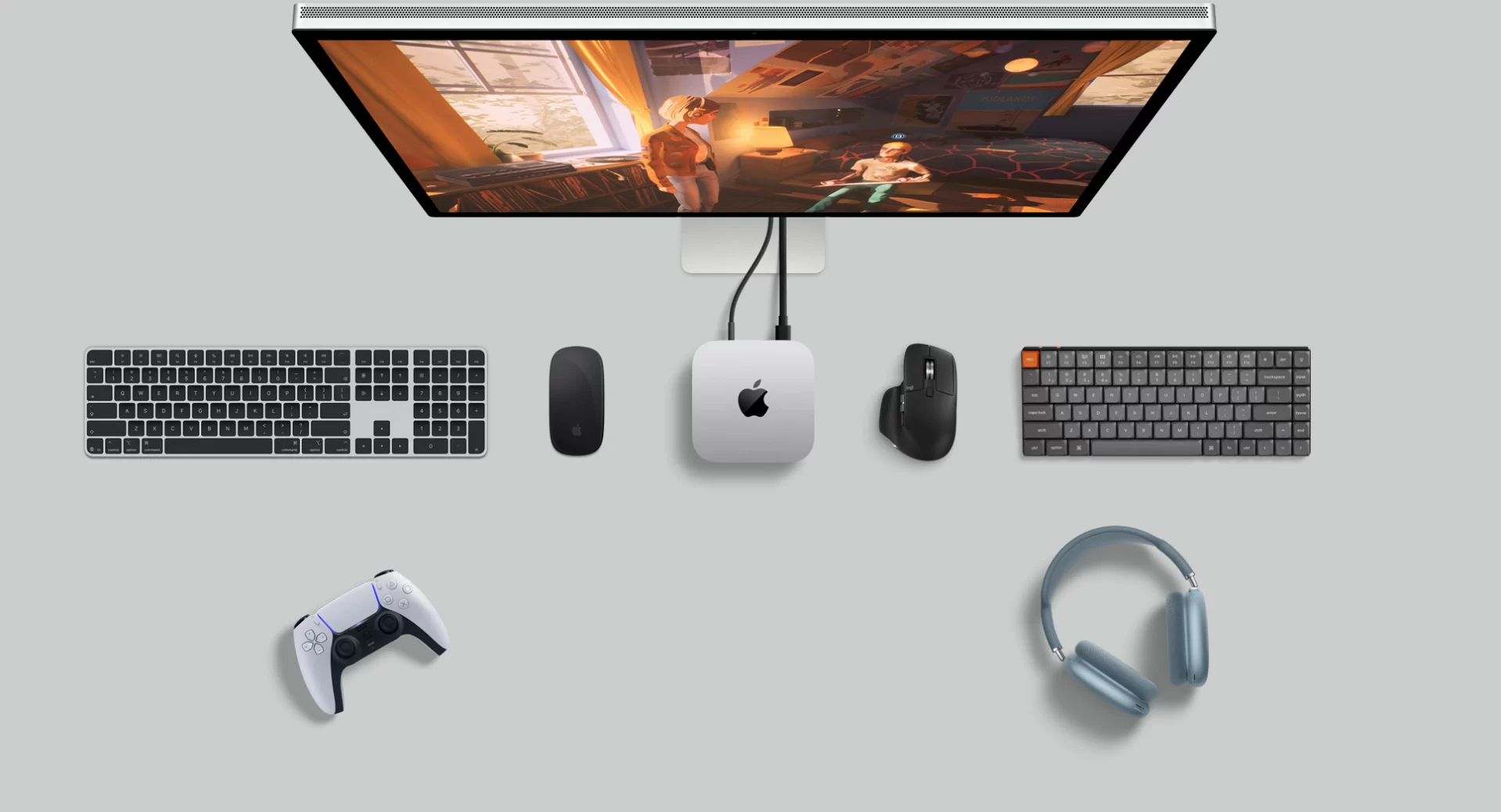
Gaming has become a real option on Mac, with ray-traced titles such as Cyberpunk 2077 and Resident Evil 4. Still, the catalogue is smaller than on Windows, and buyers whose priority is games will get more from a Windows gaming mini PC with a dedicated GPU.
AI on the Desktop
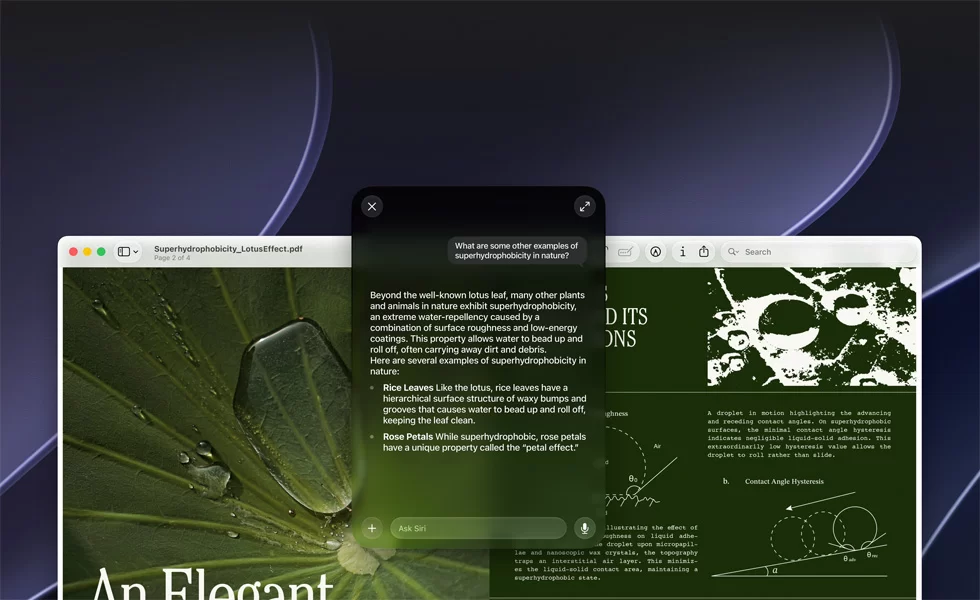
Apple presents the M6 Mac mini as a platform for AI, from the new Siri AI and Apple Intelligence features to running local models and agent workflows. The Dual 16-core Neural Engine and the Neural Accelerators in the GPU make on-device features fast and private. For anyone who wants to run larger local language models, memory is the deciding factor: 16 GB limits the size of models that fit, so 24 or 32 GB is the better choice at purchase — and it must be chosen then, because memory is soldered.
The Closed Design: What You Cannot Change Later
The Mac mini’s biggest limitation compared with Windows mini PCs is upgradeability. Memory is SOLDERED — non-upgradeable, and storage has no standard M.2 slot. The 256 GB base SSD is small for a computer that will be used for years, especially with photos or video. External Thunderbolt SSDs are a good and fast solution, but they add cost and a box on the desk. Apple’s prices for more memory and storage at purchase are high compared with standard modules and SSDs.
Windows mini PCs at similar prices often include 32 GB of upgradeable memory and 1 TB of storage. The Mac mini answers with a more efficient chip, very low noise, excellent build quality, long software support and deep integration with the iPhone.
Ports, Displays and Everyday Practicality
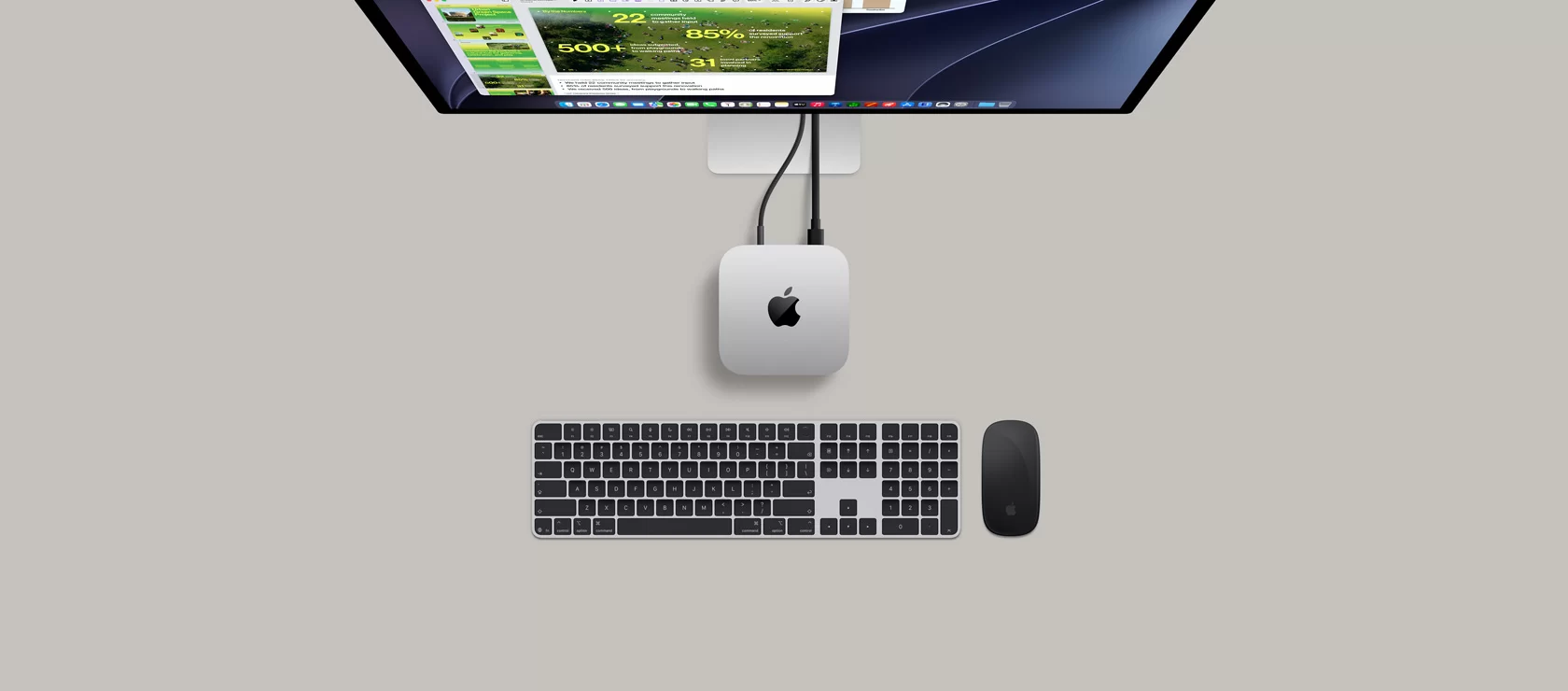
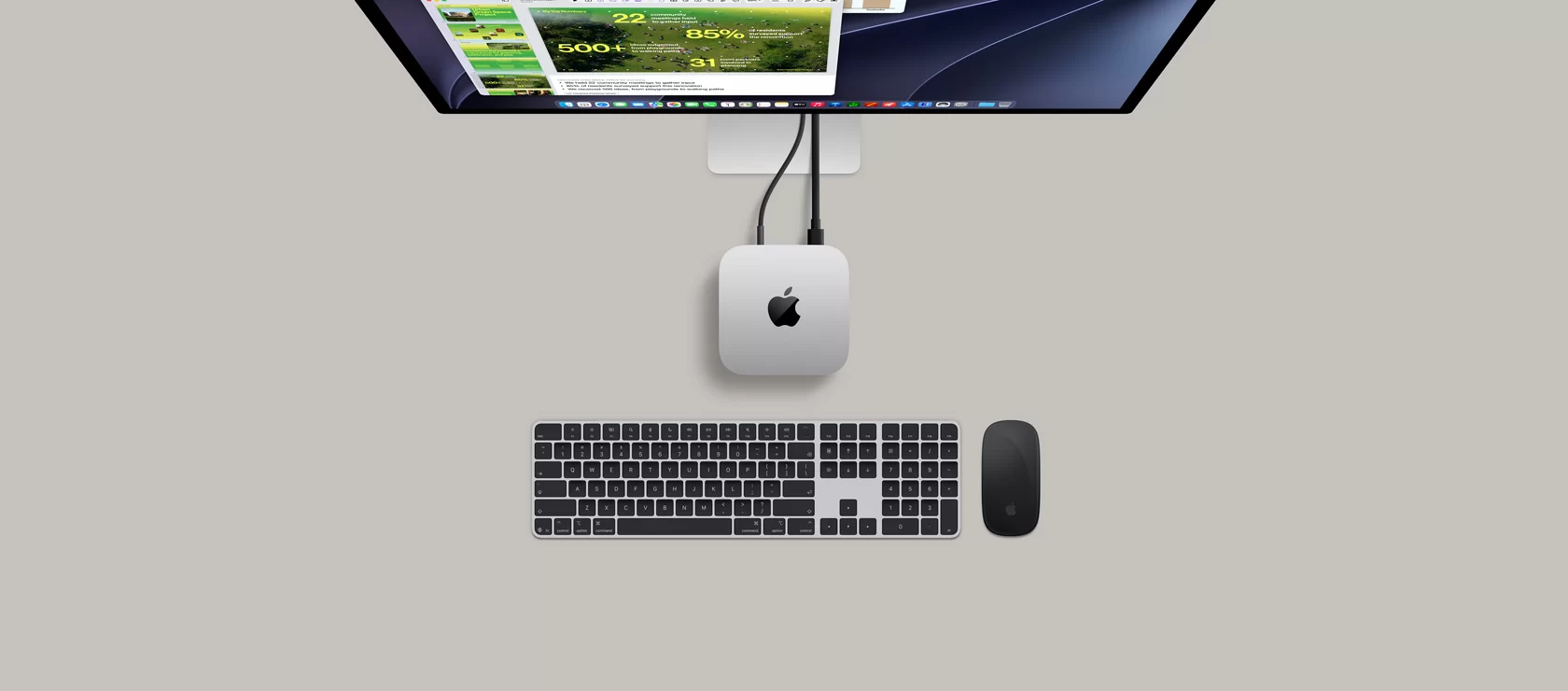
The port layout is practical: two USB-C ports and a headphone jack at the front for quick connections, and three Thunderbolt 4 ports, HDMI and Ethernet at the back. Up to three external displays are supported. There is no USB-A, so many households will need an inexpensive hub or adapters for older accessories, and there are no card readers. A keyboard, mouse and monitor are not included, which should be added to the budget of the gift.
Silence and Efficiency
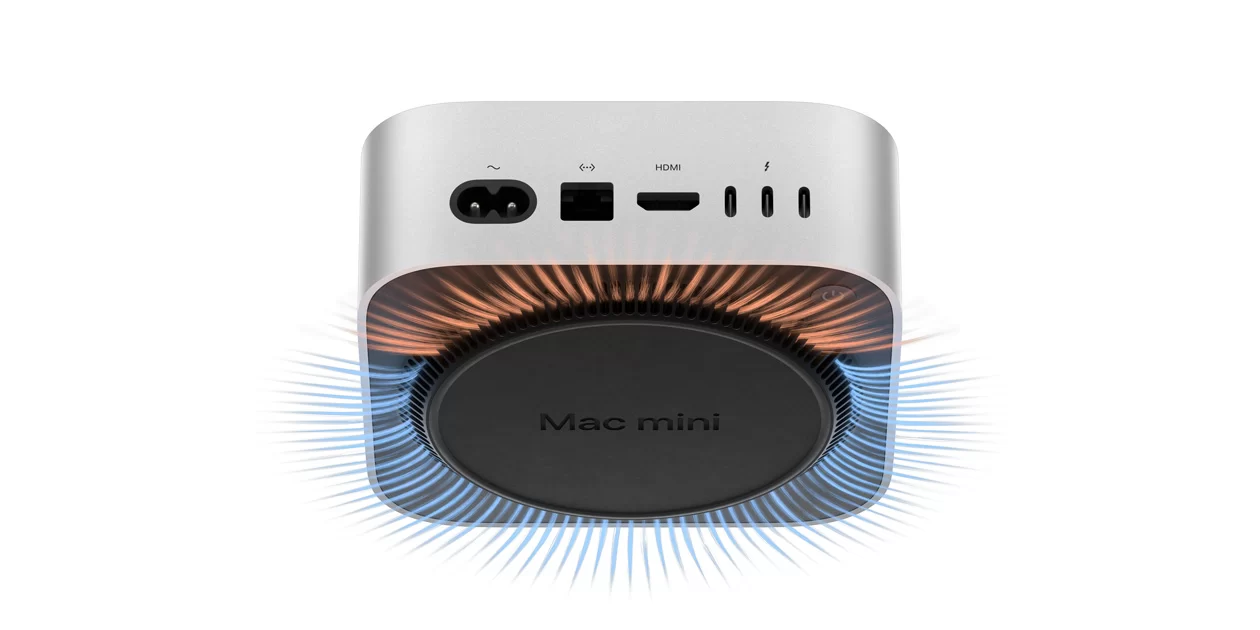
The Mac mini is one of the quietest desktop computers available: Apple specifies just 5 dBA at idle, and the efficient M6 keeps the fan at low speed in normal use. Power consumption is low, the power supply is internal, and the enclosure uses 100% recycled aluminium. For a bedroom, a study or a living room, it is close to inaudible.
How It Compares
Against the M4 Mac mini, the M6 is faster in every area and adds Wi-Fi 7, Bluetooth 6 and 2.5 GbE as standard, but the starting price is higher and the base storage is 256 GB. Against the M5 Pro Mac mini (from US $1,699), the M6 has fewer cores, a smaller GPU, Thunderbolt 4 instead of Thunderbolt 5 and a 32 GB memory limit, at around half the price. Against Windows AI mini PCs with AMD Ryzen AI 9 HX 370 or HX 470, the Mac mini is quieter, more efficient and stronger in single-threaded work, while the Windows machines offer upgradeable memory and storage, more USB-A ports, the full Windows game and software catalogue and more memory for the money. Against compact Windows gaming PCs, the Mac mini loses in game support but wins in noise, size and creative applications.
Who Gains Most From It
The M6 Mac mini is ideal for students and families already in the Apple world, for creative hobbyists who edit photos, video or music, for programmers who develop for Apple platforms, and for anyone who wants a premium, silent desktop that will last many years. It is less suitable for gamers who want the full Windows catalogue, for users who depend on Windows-only software, and for buyers who want to upgrade memory or storage over time.
What to Check Before Buying
- Memory: choose 24 or 32 GB at purchase for video editing or local AI — it cannot be upgraded
- Storage: 256 GB is small; consider 512 GB or an external Thunderbolt SSD
- Accessories: keyboard, mouse and monitor are not included; a USB-A hub may be needed
- Software: confirm that any essential Windows programs have Mac versions or alternatives
- Education pricing: Apple offers the M6 model from US $799 for eligible students and teachers
Choosing the Right Configuration
Because nothing inside can be upgraded later, the configuration matters more than with a Windows mini PC. For a student or a family computer used for documents, browsing, video calls and photos, the base 16 GB / 256 GB model is enough, ideally with an external SSD for photo libraries and backups. For photo editing, music production or programming, 16 GB with 512 GB is a more comfortable balance. For 4K video editing, larger projects and local AI models, 24 GB or 32 GB is the sensible choice, together with 512 GB or more of storage. The M5 Pro model only makes sense for professional workloads that need more GPU cores, more memory bandwidth or Thunderbolt 5.
Setting It Up as a Gift
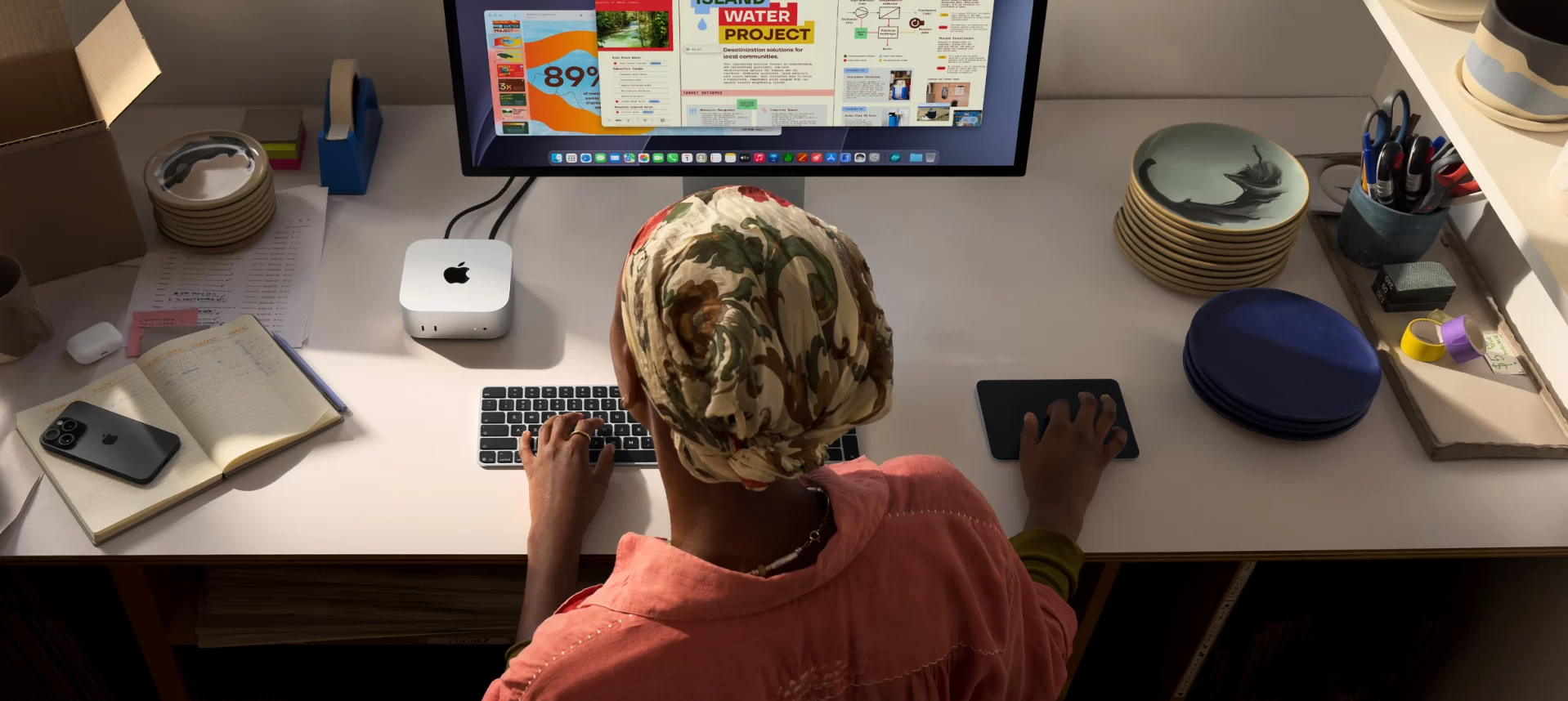
The Mac mini does not include a keyboard, mouse or monitor, so the gift needs either existing accessories or a small bundle. Any USB or Bluetooth keyboard and mouse works, and a monitor connects through HDMI or USB-C. Owners of an iPhone can sign in with their Apple Account during setup and immediately get their photos, messages, passwords and iPhone Mirroring on the computer. A USB-C hub with USB-A ports and a card reader is a practical extra, especially for households with older flash drives or a camera.
Long-Term Support
Macs typically receive macOS updates for many years, followed by additional years of security updates, and the M6 is the newest chip in Apple’s range, so this Mac mini starts its life at the beginning of that cycle. Combined with a very efficient processor and a build quality that resists daily use, it is a computer that should remain fast for school, work and creative hobbies for a long time — provided enough memory and storage are chosen at purchase.
For families, it is also worth remembering that a Mac mini keeps a good resale value compared with most Windows desktops, which partly offsets its higher purchase price when the time eventually comes to upgrade.
Mac or Windows for a Student?
The choice usually depends on the rest of the household and the school. If the student already uses an iPhone or iPad, the Mac mini fits naturally, and most school work happens in web apps, Microsoft 365 or Google Workspace, which run on both systems. If the course requires specific Windows software — some engineering, CAD or accounting programs — or the student mainly wants to play PC games, a Windows mini PC is the safer choice. For creative subjects such as music, video or design, the Mac mini is especially strong, with GarageBand and iMovie included and professional apps widely available.
Price and Value
The M6 Mac mini starts at US $899 with 16 GB and 256 GB, US $799 with education pricing, and launch coverage listed US $1,199 for the 512 GB configuration (prices for November 2026, subject to change; retailers often apply discounts). The price is higher than the M4 model was at launch, reflecting the general rise in memory costs. In exchange, buyers get one of the most efficient and refined desktop computers available, with a chip that will stay fast for many years.
Strengths and Limitations
Strengths:
- Fast 12-core M6 with super cores
- Strong GPU with ray tracing and Media Engine
- Dual 16-core Neural Engine
- Wi-Fi 7, 2.5 GbE, 3× Thunderbolt 4
- Practically silent, compact, internal power supply
Limitations:
- Soldered memory, non-upgradeable storage
- Small 256 GB base SSD
- No USB-A ports
- Higher starting price
- Smaller game catalogue than Windows
Verdict
The Mac mini with M6 is the most powerful entry-level Mac desktop Apple has made, with real gains in CPU, graphics and AI and a modern wireless platform. It is an excellent gift for a student or a family that uses an iPhone, and a strong creative and programming machine. The closed design and the expensive upgrades at purchase are its weak points, so buyers should choose memory and storage carefully. Chosen well, it is a computer that will last for years.

| Configuration Options | ||||||||||||
|---|---|---|---|---|---|---|---|---|---|---|---|---|
|
||||||||||||
| AI Capabilities | ||||||||||||
|
||||||||||||
| Processor | ||||||||||||
|
||||||||||||
| Ports | ||||||||||||
|
||||||||||||
| Network | ||||||||||||
|
||||||||||||
| GPU | ||||||||||||
|
||||||||||||
| Storage & RAM | ||||||||||||
|
||||||||||||
| Power | ||||||||||||
|
||||||||||||
| Others Specifications | ||||||||||||
|
||||||||||||
| Specification | ||||||||||||
|
||||||||||||

More information: Apple Mac mini M6 (2026) on minis-pc.com
Discover our full Mini PC comparison: minis-pc.com
Article written for minis-pc.com — Mini PC Comparisons and Reviews
Our 2026 Buying Guides & Deals
Disclaimer: This article is for information purposes only. Specifications, prices, coupons and availability may change at any time or contain errors, so please check them on the manufacturer's official website or store before buying. Some links on this page are affiliate links: if you buy through them we may earn a small commission at no extra cost to you.