AMD’s Ryzen AI Max+ processors — known by the code name Strix Halo — have created a new category of mini PC. They combine sixteen Zen 5 cores, an integrated Radeon 8060S GPU with 40 compute units, a 50 TOPS NPU and up to 128 GB of very fast unified memory in a single chip. The result is a small desktop that can run large AI models locally, play modern games at 1080p and 1440p, and handle professional workloads that used to require a tower PC with a dedicated graphics card. Several brands now offer Strix Halo mini PCs, and they differ more than you might expect. This guide compares them.
Strix Halo mini PCs compared
| Mini PC | Processor | Memory | Key features |
|---|---|---|---|
| MINISFORUM MS-S1 MAX | Ryzen AI Max+ 395 | 64 / 128 GB | 2× 10GbE, USB4 v2, PCIe slot, internal PSU |
| Beelink GTR9 Pro | Ryzen AI Max+ 495 | 128 / 192 GB | 2× 10GbE, 2× USB4, internal PSU |
| GEEKOM A9 Mega | Ryzen AI Max+ 395 | 128 GB | 2× 2.5GbE, 2× USB4 |
| GMKtec EVO-X2 | Ryzen AI Max+ 395 | 64 / 128 GB | 2.5GbE, 2× USB4 |
| GMKtec EVO-X3 | Ryzen AI Max+ 395 | 128 GB | 2.5GbE, USB4, OCuLink |
| Bosgame M5 | Ryzen AI Max+ 395 | 96 / 128 GB | 2.5GbE, 2× USB4 |
Prices change often for these models and depend heavily on memory configuration; each product page shows current offers.
What makes Strix Halo special
- CPU: 16 Zen 5 cores and 32 threads, boosting up to about 5.1 GHz — desktop-class multi-threaded performance.
- GPU: Radeon 8060S with 40 RDNA 3.5 compute units, several times faster than the Radeon 780M or 890M found in other mini PCs, and comparable to a mid-range laptop graphics card.
- Memory: LPDDR5X-8000 on a 256-bit bus, with roughly 256 GB/s of bandwidth — about twice that of ordinary dual-channel DDR5 mini PCs.
- Unified memory: the GPU can use a large share of system memory. On a 128 GB system, up to 96 GB can be assigned to graphics in Windows, and more under Linux — enough to load AI models that do not fit on consumer graphics cards.
- NPU: XDNA 2 with 50 TOPS, so every Strix Halo mini PC is a Copilot+ PC.
The main trade-off: memory is soldered — non-upgradeable. The capacity you buy is the capacity you keep, so choosing the right configuration matters more than with any other mini PC.

How the models differ
Power limits and cooling
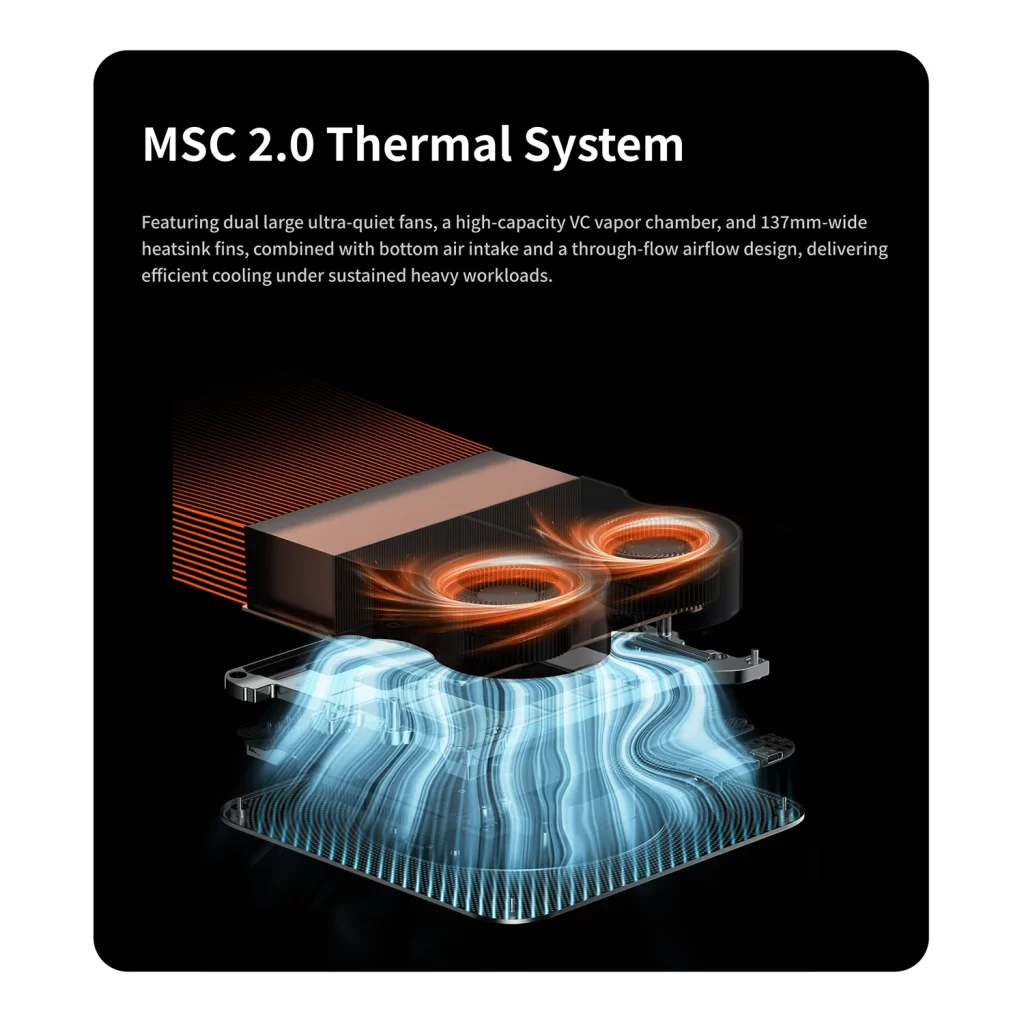
The Ryzen AI Max+ 395 can run from about 45 W to 120 W or more, and each manufacturer chooses its own limits. Higher sustained power means more performance in long renders, AI inference and games — but also more heat and noise. Models with large coolers and generous power limits, such as the MINISFORUM MS-S1 MAX (up to 130 W sustained in Performance mode) or the Bosgame M5 and GMKtec EVO-X2 (around 120 W sustained), extract more performance; others favour lower noise. Most offer Quiet, Balanced and Performance modes in the BIOS — see our guide to fan noise and BIOS power modes.
Power supply
Several models — the Beelink GTR9 Pro and MINISFORUM MS-S1 MAX — have an internal power supply, which keeps the desk tidy. Others, such as the GMKtec EVO-X2 and EVO-X3 and the GEEKOM A9 Mega, use a large external adapter of 230–330 W.
Networking
This is one of the biggest differences. The Beelink GTR9 Pro and MINISFORUM MS-S1 MAX offer dual 10 Gigabit Ethernet, ideal for fast NAS access, clustering several machines for AI or a home lab. The GEEKOM A9 Mega has dual 2.5GbE, while the GMKtec and Bosgame models have a single 2.5GbE port.
Expansion: USB4, USB4 v2, OCuLink and PCIe
Most models offer two USB4 ports. The MS-S1 MAX goes further with two USB4 v2 (80 Gbps) ports plus two USB4 and a PCIe slot, making it the most expandable. The GMKtec EVO-X3 adds an OCuLink port for an external graphics card. All models have two M.2 2280 PCIe 4.0 slots for storage.
Size and design
Strix Halo systems are larger than typical mini PCs because they need bigger coolers. Sizes range from compact cubes to slim tower designs that stand vertically; check the dimensions on each product page if desk space is limited.
How much memory do you need?
- 64 GB: enough for gaming, creative work and small to medium AI models (up to roughly 30 billion parameters in compressed formats).
- 96 GB: a middle ground for larger models while keeping the price down.
- 128 GB: the best choice for local AI — large language models of 70 billion parameters and more in compressed formats, several models at once, or long context windows. If AI is your main reason to buy, choose 128 GB.
- 192 GB (Ryzen AI Max+ 495 models): the newer 495 chip used in the Beelink GTR9 Pro supports configurations of up to 192 GB, opening the door to even larger models.
Because memory cannot be upgraded later, it is usually wiser to buy more than you need today.
Strix Halo for local AI
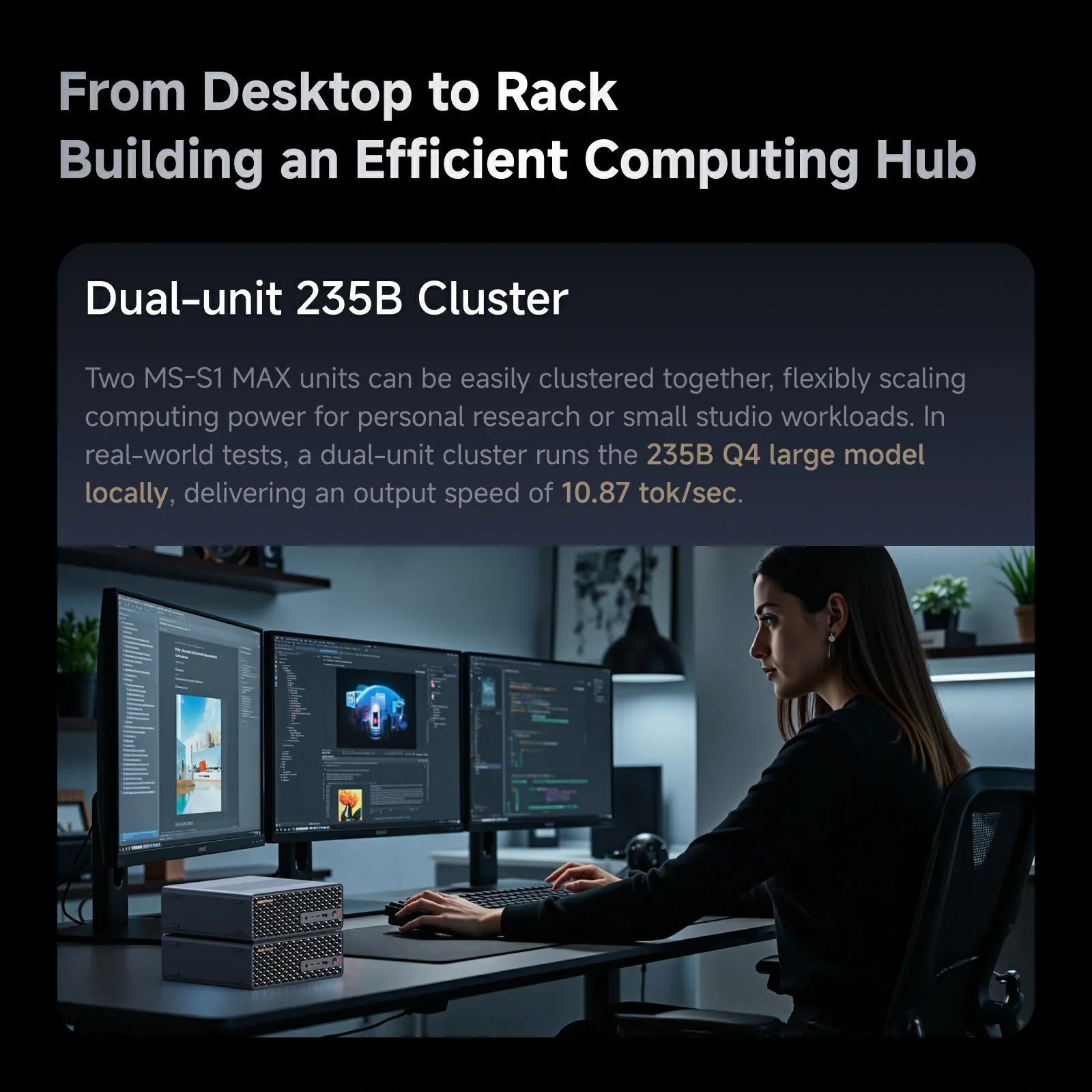
For running language models locally with tools such as Ollama, LM Studio or llama.cpp, Strix Halo is the most accessible high-memory option available in a small, quiet box. Its memory bandwidth is lower than that of a high-end desktop graphics card, so token generation is slower than on a large dedicated GPU — but it can load far larger models than any consumer graphics card with 16–24 GB of video memory, at a fraction of the power consumption. Dual 10GbE models such as the MS-S1 MAX and GTR9 Pro can even be linked together to share the load of very large models. Our guide to NPUs, TOPS and Copilot+ explains how the different AI engines are used.
Strix Halo for gaming and creative work
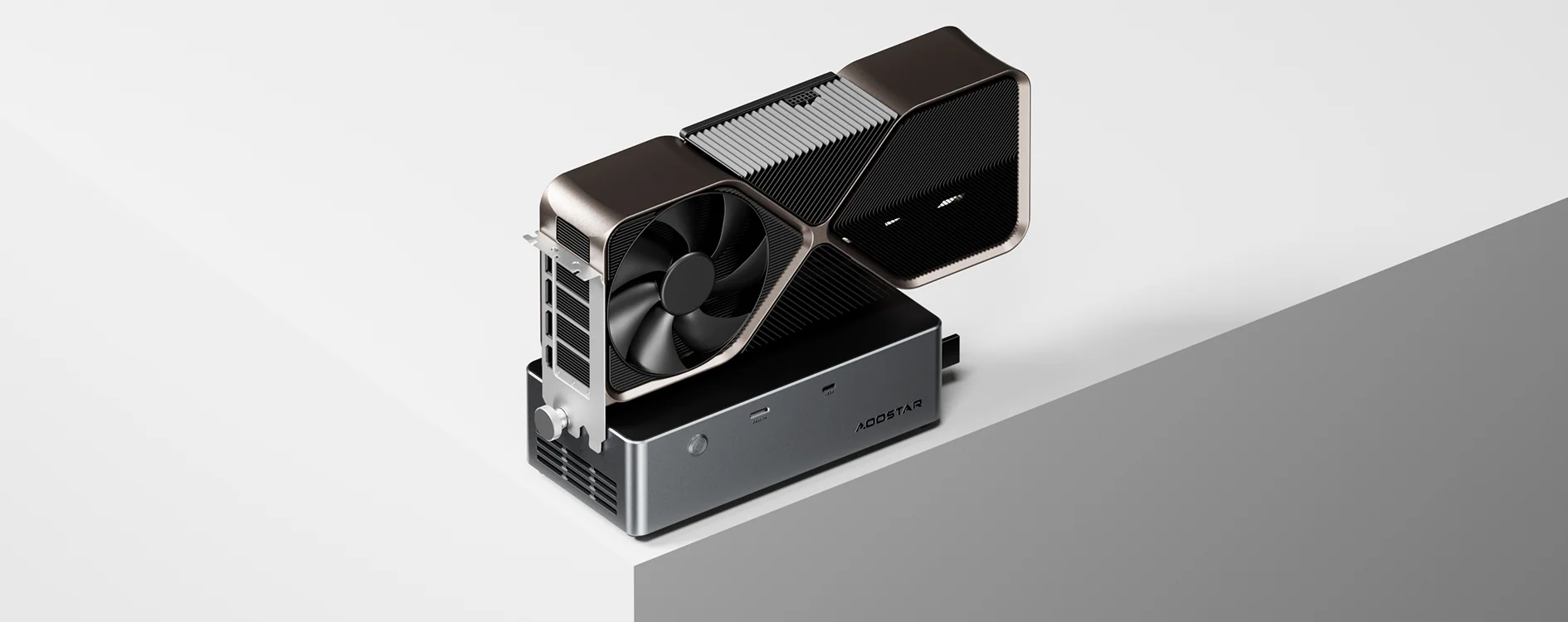
The Radeon 8060S runs most modern games at 1080p with high settings and many at 1440p with upscaling, without a dedicated graphics card. For video editing, 3D work and photography, the combination of sixteen cores and a strong GPU with plenty of memory makes these mini PCs genuine compact workstations. For even more graphics power, the OCuLink port of the EVO-X3 or the PCIe slot of the MS-S1 MAX allows a dedicated card to be added.
Which one should you choose?
- Best for networking and expansion: MINISFORUM MS-S1 MAX — dual 10GbE, USB4 v2, a PCIe slot, internal power supply and the highest sustained power.
- Best for the largest AI models: Beelink GTR9 Pro with the Ryzen AI Max+ 495 — up to 192 GB, dual 10GbE and an internal power supply.
- Best for an external GPU: GMKtec EVO-X3 — OCuLink for a desktop graphics card.
- Best entry point: GMKtec EVO-X2 or Bosgame M5 — the most affordable way into Strix Halo, especially in 64 GB or 96 GB versions.
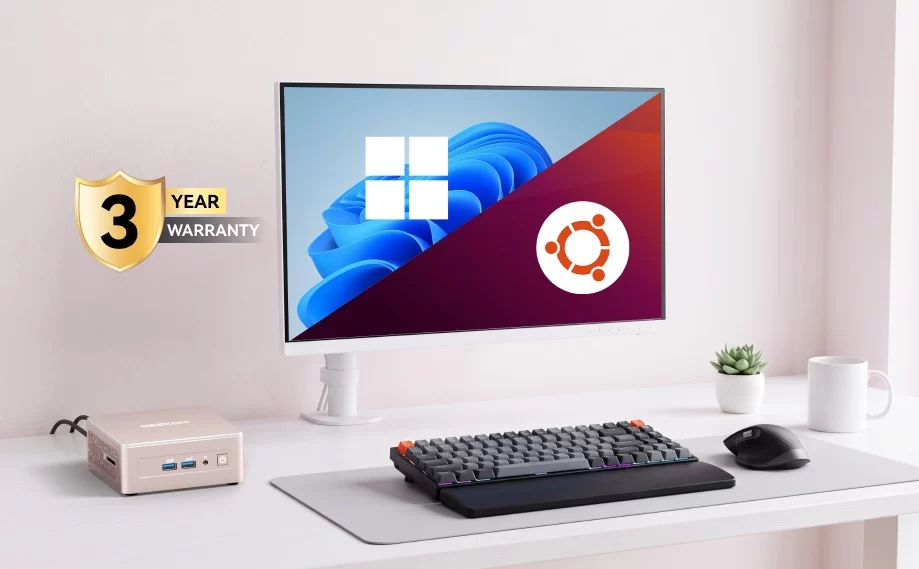
- Best balance of design and connectivity: GEEKOM A9 Mega — dual 2.5GbE, two USB4 ports and a three-year warranty.
Is Strix Halo right for you?
If you mainly browse, use office software and watch videos, a Strix Halo mini PC is far more than you need — a Ryzen 7 or Core Ultra model costs much less. Strix Halo makes sense when you want to run large AI models locally, play modern games without a separate graphics card, or need workstation performance in a compact, efficient box. In those cases, nothing else in the mini PC world comes close.
Conclusion
All Strix Halo mini PCs share the same remarkable chip, so the choice comes down to memory capacity, cooling, networking, expansion and price. Decide how much memory you need first — it cannot be changed later — then choose the model whose ports and power supply fit the way you work.
Our 2026 Buying Guides & Deals
Disclaimer: This article is for information purposes only. Specifications, prices, coupons and availability may change at any time or contain errors, so please check them on the manufacturer's official website or store before buying. Some links on this page are affiliate links: if you buy through them we may earn a small commission at no extra cost to you.