One line in a mini PC’s specifications deserves more attention than it usually gets: whether the memory is soldered or in replaceable SO-DIMM slots. It decides whether you can add memory in two years’ time, how fast the integrated graphics run, and even how much you should spend on day one. This guide explains the difference and helps you decide which is right for you.
The short answer
| Soldered (LPDDR5X / unified) | Upgradeable (DDR5 SO-DIMM) | |
|---|---|---|
| Speed | Faster: 7500–8533 MT/s, or a 256-bit bus on Strix Halo | DDR5-5600 typical |
| Capacity later | Fixed forever | Add or replace modules (often up to 64–128 GB) |
| Integrated graphics | Benefit from higher bandwidth | Slightly slower GPU performance |
| Power use and size | Lower power, smaller boards | Slightly more power and space |
| Repair | Memory fault means a board repair | A faulty module can be replaced |
| Buying advice | Buy the capacity you will need for years | Start smaller and upgrade later |
What “soldered” means
Soldered memory — usually LPDDR5 or LPDDR5X — is fixed to the motherboard or, on some chips such as Intel’s Core Ultra 200V (Lunar Lake) and Apple silicon, placed directly on the processor package. It cannot be removed or upgraded. In our product pages this is shown as SOLDERED — non-upgradeable.
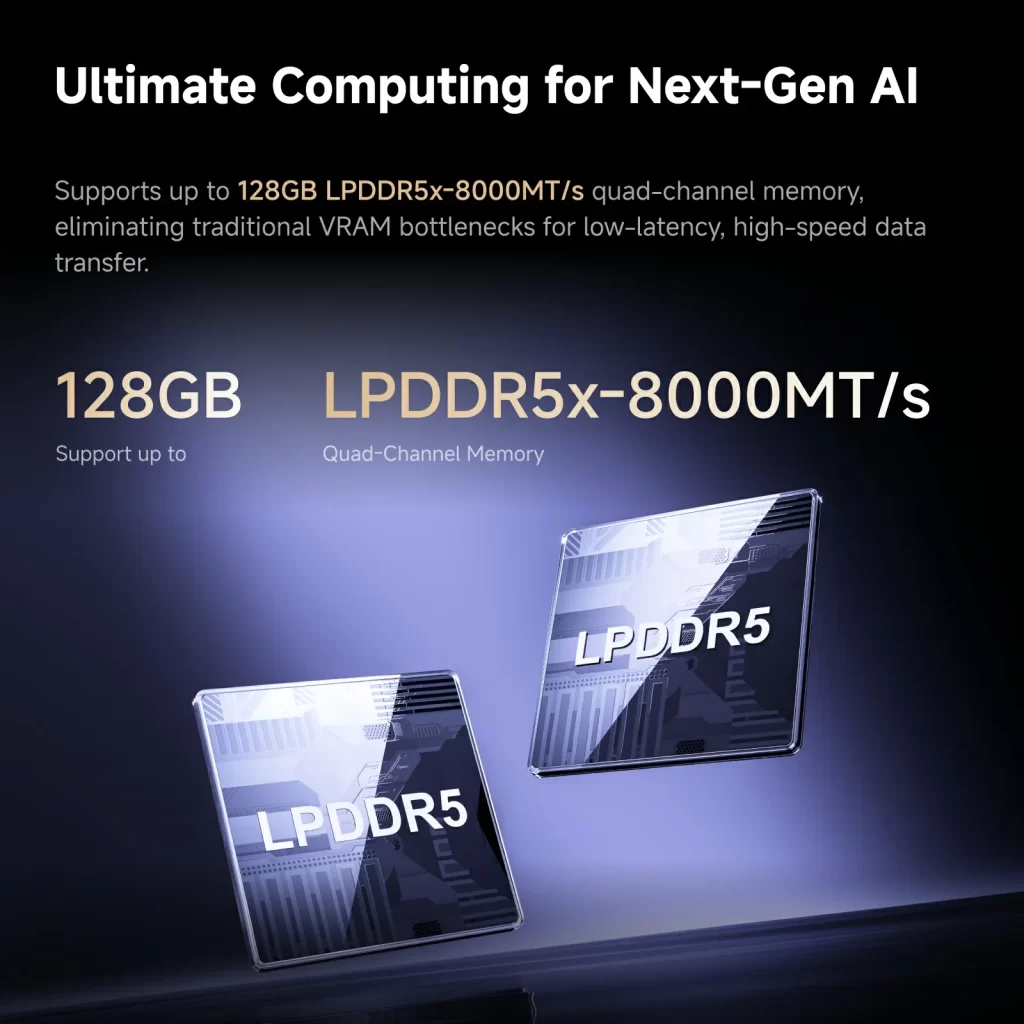
Manufacturers choose it for good reasons: LPDDR5X runs at higher speeds (7500–8533 MT/s), uses less power and takes less space. Processors such as AMD’s Ryzen AI 300 in some designs, Intel’s Lunar Lake, Apple’s M-series and AMD’s Strix Halo either require it or work best with it. Strix Halo, for example, uses a 256-bit memory bus that only soldered memory can provide, giving roughly twice the bandwidth of normal DDR5.
What “upgradeable” means
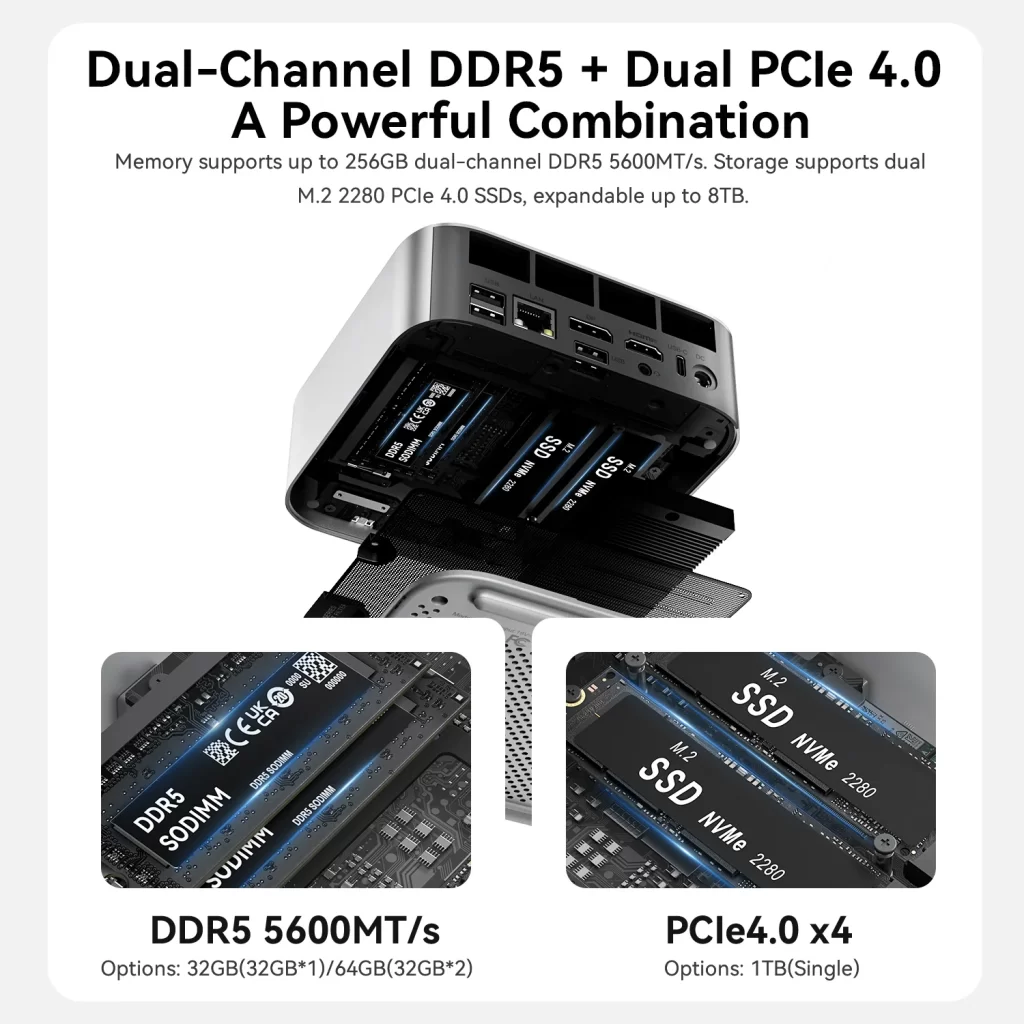
Upgradeable mini PCs use DDR5 SO-DIMM modules (DDR4 on older and budget models) in one or two slots. In our product pages this is shown as FULLY USER-UPGRADEABLE (NOT soldered). You can start with 16 or 32 GB and move to 64 GB, 96 GB or even 128 GB later, depending on the model. Barebone versions let you install your own memory from the start. Two slots also mean dual-channel operation, which matters for integrated graphics; single-slot budget models run in single channel and are limited to the capacity of one module.
Performance: is soldered memory faster?
For the CPU, the difference is small in most everyday tasks. For the integrated GPU, memory bandwidth matters a lot: LPDDR5X at 7500–8533 MT/s gives Radeon and Intel Arc graphics noticeably more performance in games and creative applications than DDR5-5600. Strix Halo’s unified memory is a special case: its bandwidth is high enough to make the Radeon 8060S competitive with mid-range laptop graphics cards, and its capacity allows very large AI models — something no SO-DIMM system can match.
Capacity: how much will you need?
- 8–16 GB: browsing, office, video and a home server running a few services. 16 GB is the sensible minimum in 2026.
- 32 GB: heavy multitasking, programming, photo editing, light video editing and several virtual machines.
- 64 GB: large creative projects, many virtual machines and medium-sized local AI models.
- 96–128 GB and more: large local AI models and workstation workloads.
With soldered memory, buy for the future: choose the capacity you expect to need in three to five years, because you cannot change it later. With upgradeable memory, you can buy what you need today and upgrade when prices fall — memory prices are high in 2026, which makes this flexibility more valuable.
Which should you choose?
- Choose soldered if you want the best integrated graphics performance, the smallest and most efficient design, a Copilot+ chip that requires it, or a Strix Halo system for local AI — and you buy enough capacity from the start.
- Choose upgradeable if you want to start cheaper and add memory later, run virtual machines or a home lab that may grow, need more than 32 GB on a budget, or want the PC to last as long as possible with simple repairs.
- For local AI: either Strix Halo with 128 GB of unified memory, or an upgradeable model with 96–128 GB of DDR5 such as the MINISFORUM AI X1 Pro. Strix Halo is much faster for AI; the upgradeable route is cheaper and more flexible.
Examples from our catalogue
| Mini PC | Processor | Memory | Type |
|---|---|---|---|
| Beelink SER9 Pro | Ryzen AI 9 HX 370 | 32 GB LPDDR5X-7500 | Soldered |
| GMKtec NucBox K13 | Core Ultra 7 256V | 16 GB LPDDR5X-8533 on-package | Soldered |
| Apple Mac mini M6 | Apple M6 | 16 / 24 / 32 GB unified | Soldered |
| Beelink SER10 MAX | Ryzen AI 9 HX 470 | 32 / 64 GB DDR5-5600, 2× SO-DIMM | Upgradeable |
| GEEKOM A9 Max 2026 Edition | Ryzen AI 9 HX 470 | 32 GB DDR5, 2× SO-DIMM | Upgradeable |
| MINISFORUM AI X1 Pro | Ryzen AI 9 HX 370 | DDR5-5600, up to 128 GB | Upgradeable |
How to check before buying
- Look for SO-DIMM (upgradeable) or LPDDR5/LPDDR5X, on-package or unified memory (soldered) in the specifications.
- Check the number of slots and the maximum supported capacity.
- Be careful with maximum figures listed by manufacturers: they sometimes quote theoretical values that have not been tested with real modules.
- If you plan to upgrade, check whether opening the case affects the warranty — usually it does not.
Our guide to upgrading the RAM in a mini PC explains how to choose compatible modules and install them step by step.
Conclusion
Neither option is better for everyone. Soldered memory brings speed, efficiency and — with Strix Halo — enormous capacity for AI, but it locks in your choice on day one. Upgradeable memory costs a little performance in integrated graphics, but gives you flexibility for years. Decide how long you will keep the PC and how your needs may grow, and let that guide your choice.
Our 2026 Buying Guides & Deals
Disclaimer: This article is for information purposes only. Specifications, prices, coupons and availability may change at any time or contain errors, so please check them on the manufacturer's official website or store before buying. Some links on this page are affiliate links: if you buy through them we may earn a small commission at no extra cost to you.