
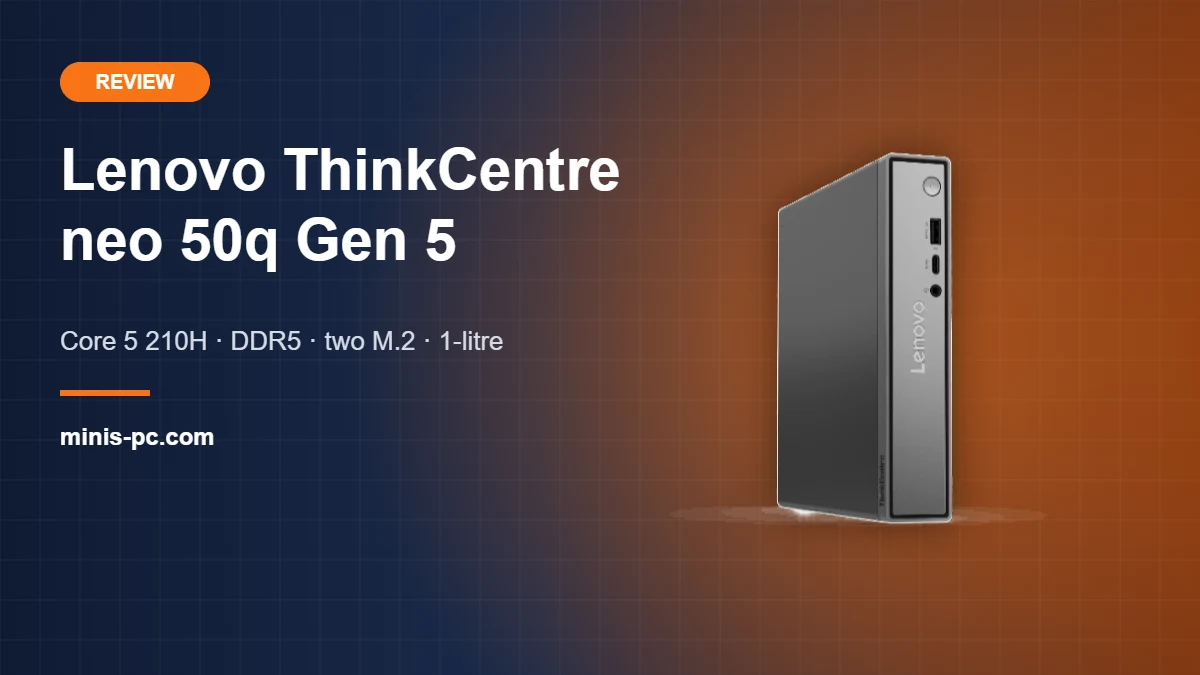
Lenovo’s ThinkCentre Tiny family has been the reference for 1-litre business PCs for more than a decade. Most attention goes to the M-series, with vPro processors and premium features, but the neo line is where Lenovo competes on price. The ThinkCentre neo 50q Gen 5 keeps the familiar Tiny chassis and adds a newer Core 5 210H processor, DDR5 memory and two PCIe 4.0 SSD slots. We look at whether it is the sensible choice for small businesses and home offices.
Where the neo 50q fits
Lenovo’s Tiny desktops come in several tiers. At the top, the M90q and M80q offer vPro processors, more ports and advanced management. The Lenovo ThinkCentre M70q Gen 6 sits in the middle with Core Ultra processors. The neo 50q is the entry point: it shares the 1-litre size, the build quality and the core security features, but uses mobile H-series and U-series processors and simplifies some options to lower the price. For many offices, it covers everything that is actually needed.
Core 5 210H: proven and fast
The Core 5 210H belongs to Intel’s Core Series 2, but its architecture comes from the Raptor Lake generation: four performance cores, four efficient cores, 12 threads, up to 4.8 GHz and 12 MB of cache, with a 45 W base power. That makes it considerably faster than the 15 W U-series chips in many budget mini PCs, especially in multi-threaded tasks. Office suites, browsers with many tabs, video calls and business software run smoothly, and occasional tasks like compressing files or editing photos are quick.
What the 210H lacks is an NPU. That means no Copilot+ features, but cloud-based AI tools and Microsoft 365 Copilot work normally. If on-device AI matters to you, the M70q Gen 6 with Core Ultra processors is the better Lenovo option.
Which configuration to choose
Lenovo offers four processors. The Core i3-1315U is the cheapest but noticeably slower and limited to 65 W adapters and fewer options. The Core i5-13420H is very similar to the Core 5 210H, which is its renamed successor. The Core 7 240H adds two cores, a 5.2 GHz boost and twice the cache, worth it for heavier spreadsheets, development or light content creation. For most office users, the Core 5 210H with 16 GB and 512 GB is the sweet spot, and it is the configuration most often found on Amazon USA at the time of writing. Avoid 8 GB models for Windows 11 unless the PC will run a single application, such as a point-of-sale system or a thin client.
Memory and storage that grow with you
Unlike many budget mini PCs, the neo 50q Gen 5 uses two standard DDR5 SO-DIMM slots with dual-channel support and up to 64 GB. If your unit ships with a single 8 or 16 GB module, adding a second identical module doubles bandwidth and improves graphics performance. Storage is equally flexible: two M.2 2280 PCIe 4.0 ×4 slots allow a fast system drive plus a data drive, and self-encrypting drives are available for companies with stricter security policies.
Ports and the punch-out option
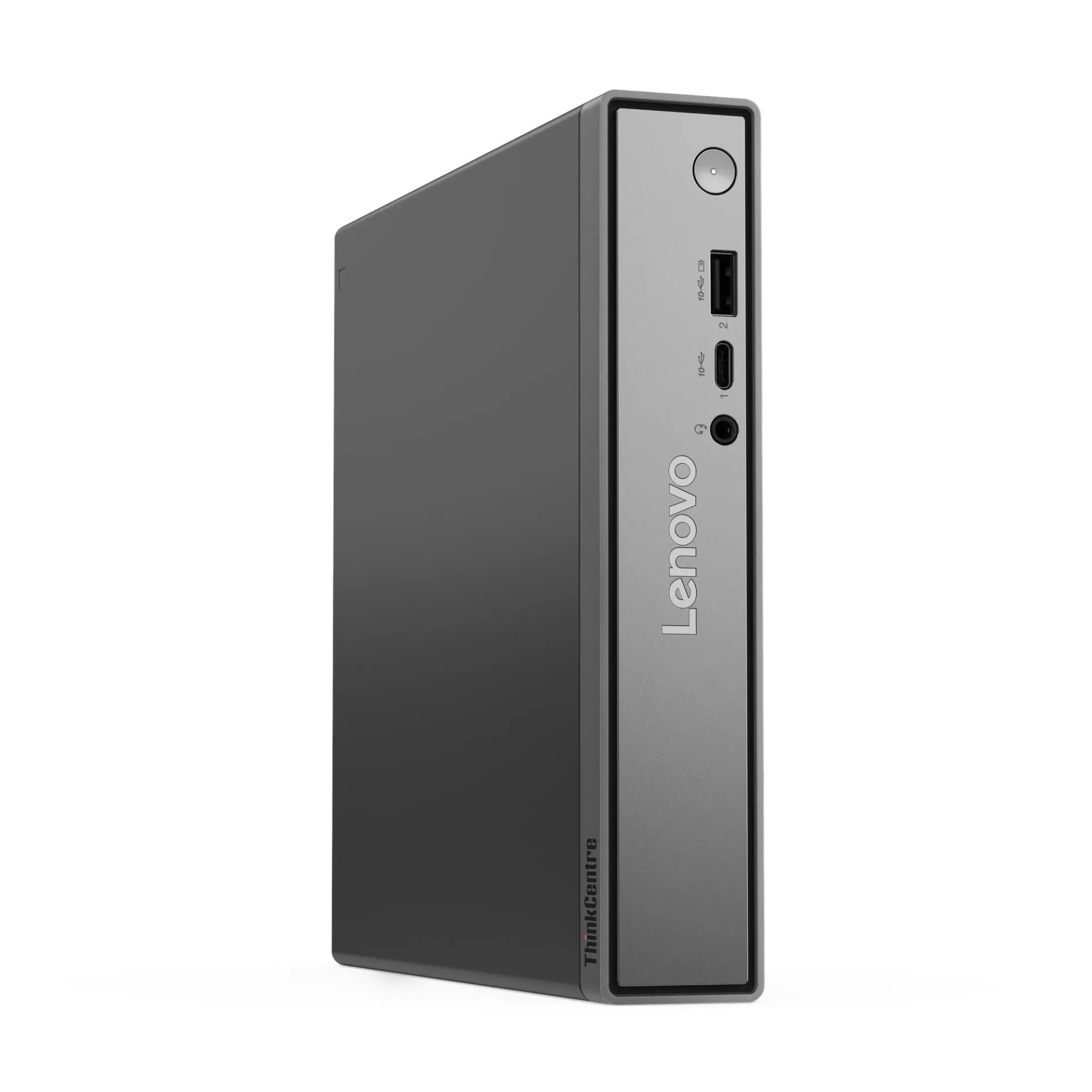
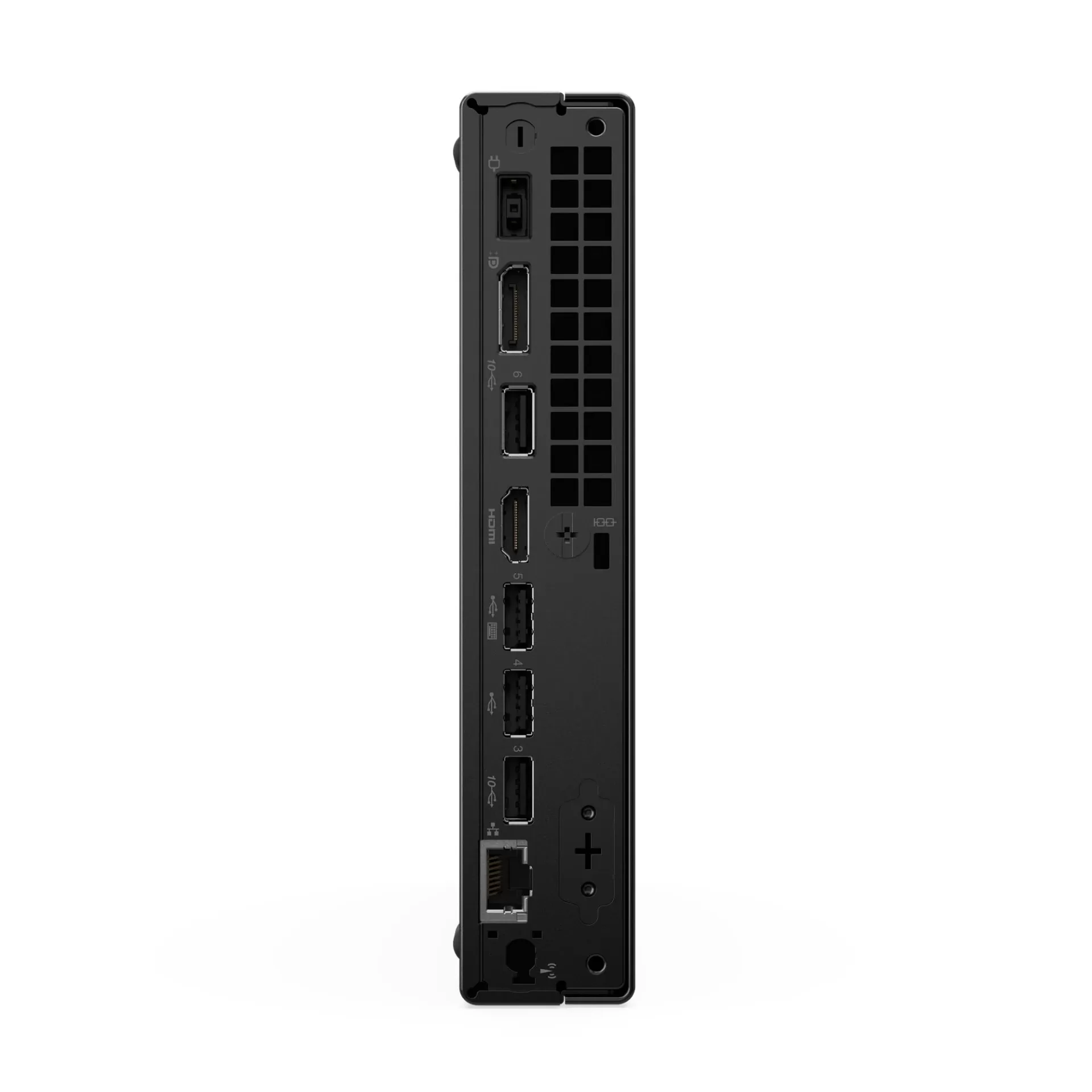
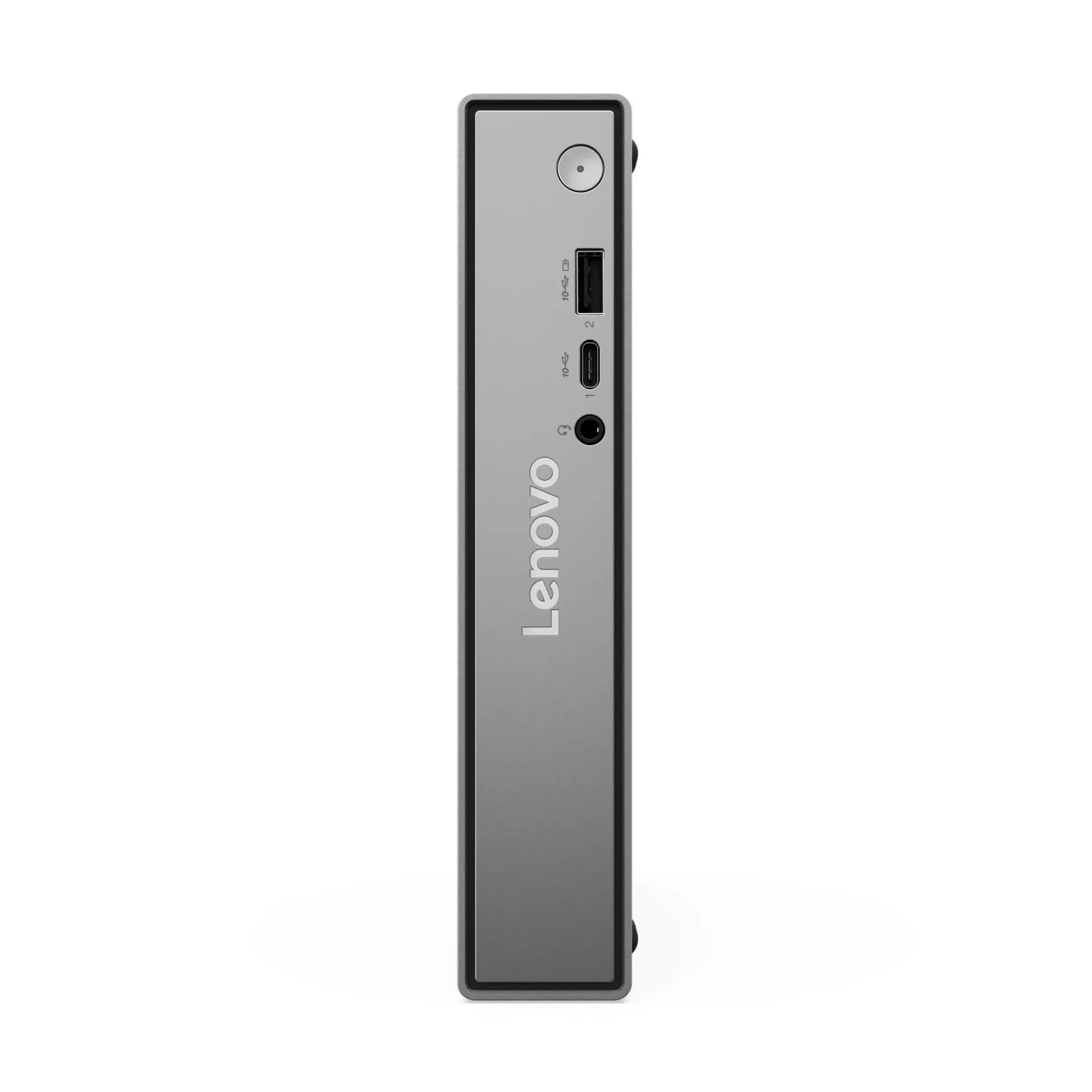
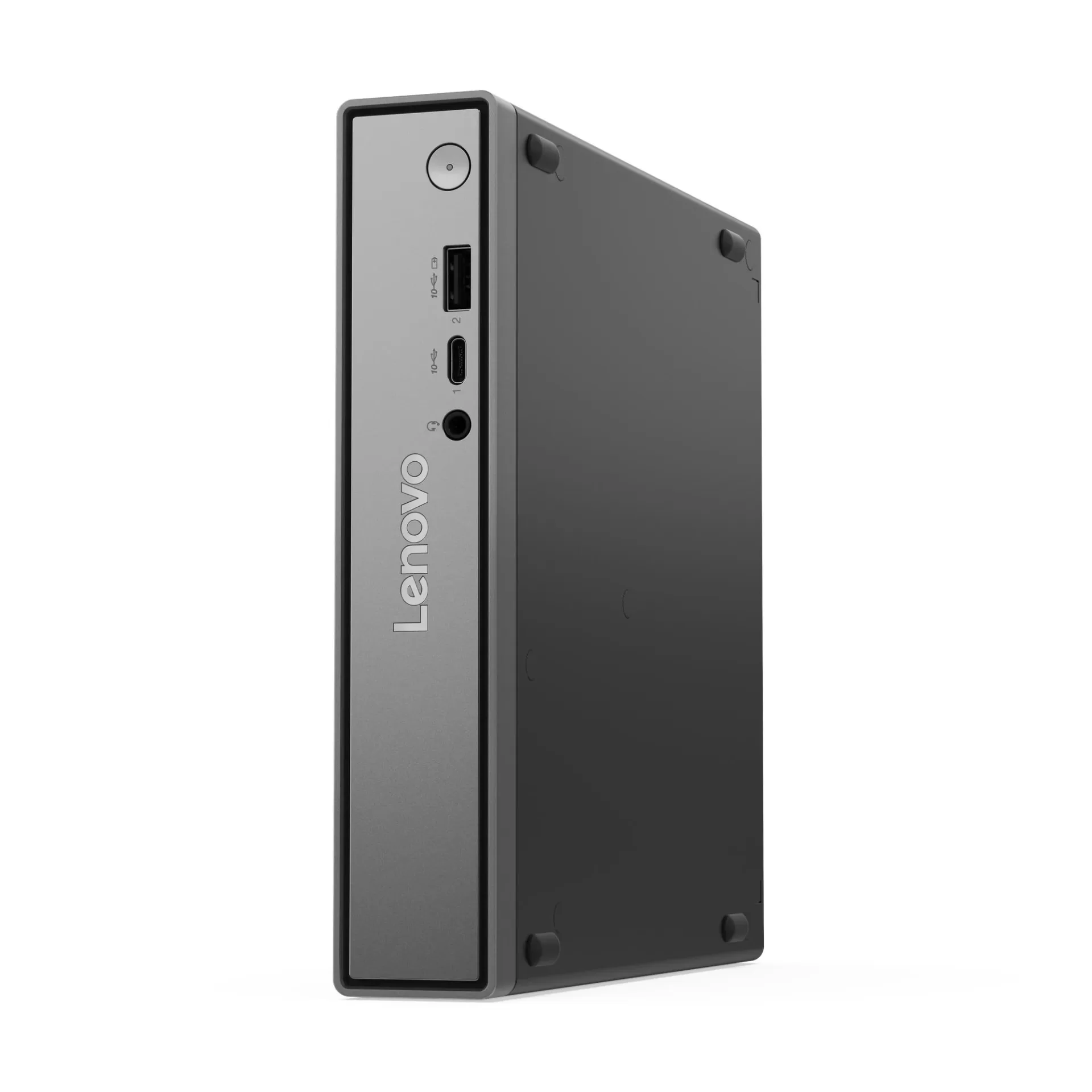
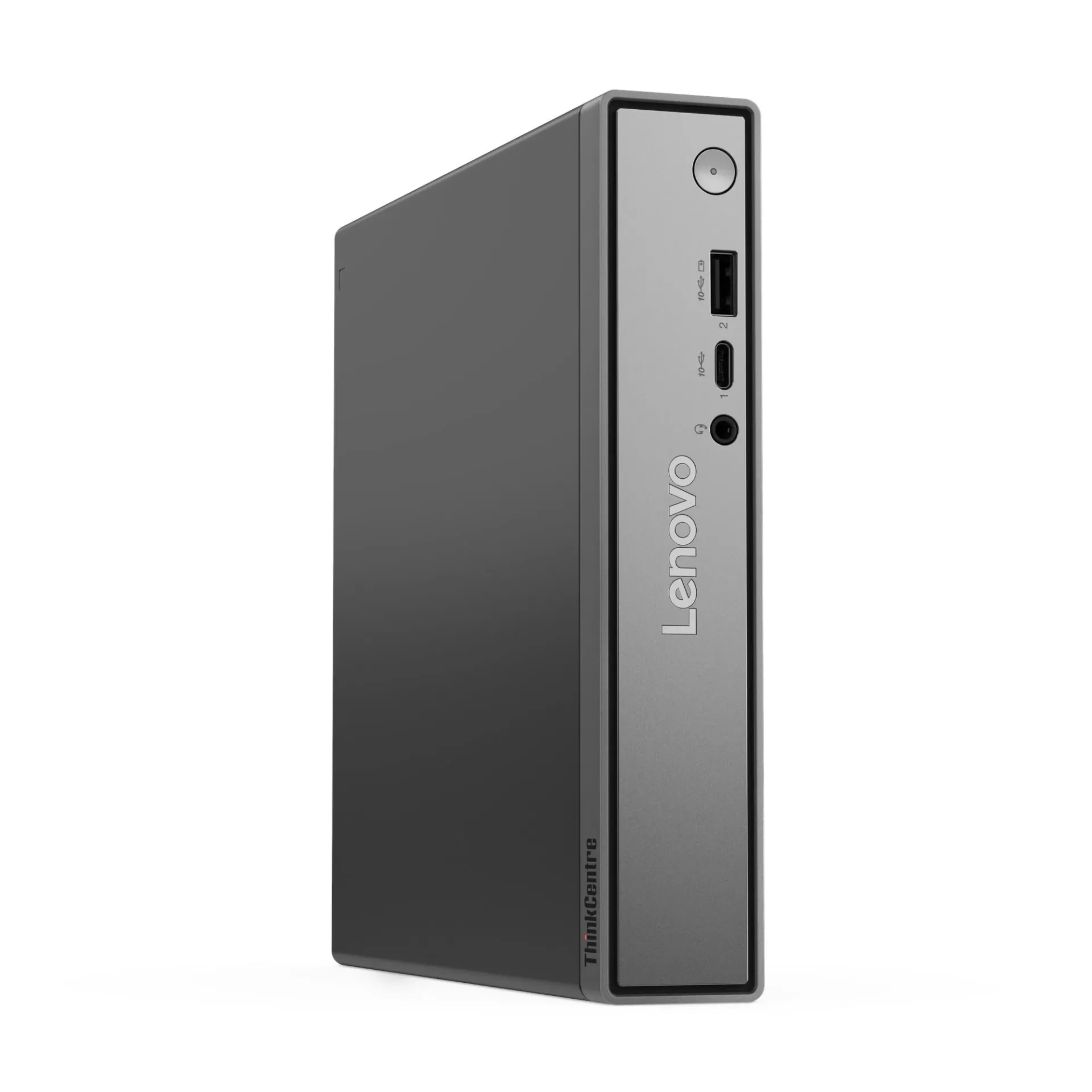
The port selection is practical. At the front, a 10 Gbps USB-C port (with 15 W charging) and a 10 Gbps USB-A port that keeps charging when the PC is off make it easy to connect phones and USB drives. At the rear, two more 10 Gbps USB-A ports, two USB 2.0 ports for keyboard and mouse, HDMI 2.1, DisplayPort 1.4b and Gigabit Ethernet cover most needs. The optional punch-out port is the neo’s secret weapon: depending on the configuration it adds VGA for old projectors, a second DisplayPort for a third monitor, a serial port for legacy equipment or 2.5GbE for faster networking.
The limits are clear: no Thunderbolt or USB4, and the front USB-C port does not output video. If you plan to use a single-cable USB-C monitor, look elsewhere.
Wireless options
Most configurations come with Intel Wi-Fi 6E AX211 and Bluetooth 5.3, which is fast and reliable. Lenovo also lists Realtek Wi-Fi 7 (RTL8922AE) with Bluetooth 5.4 on Core 5 and Core 7 models, as well as cheaper Wi-Fi 6 options. If your office has a Wi-Fi 7 network, the upgrade is worth asking for; otherwise Wi-Fi 6E is more than enough.
Built for offices and schools
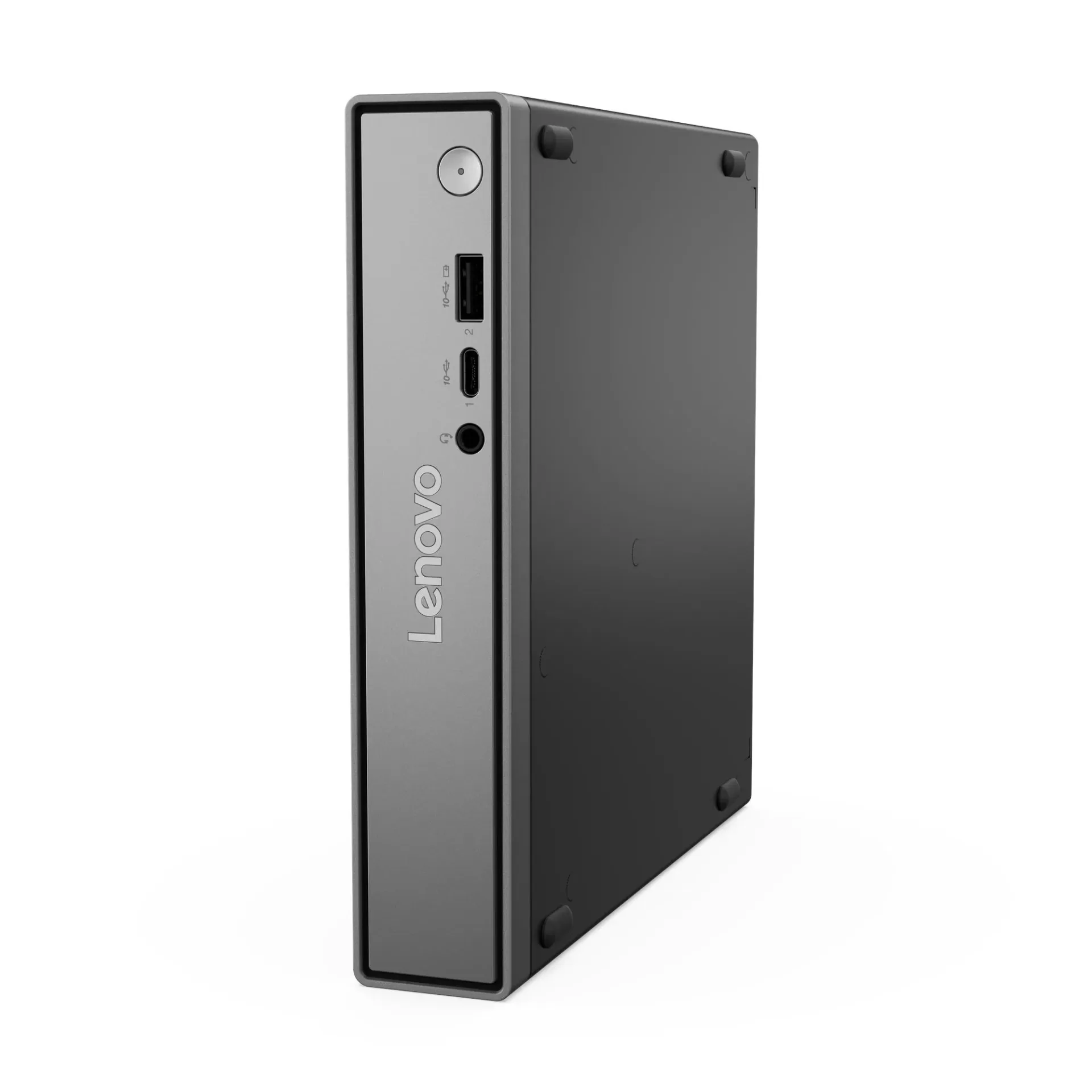
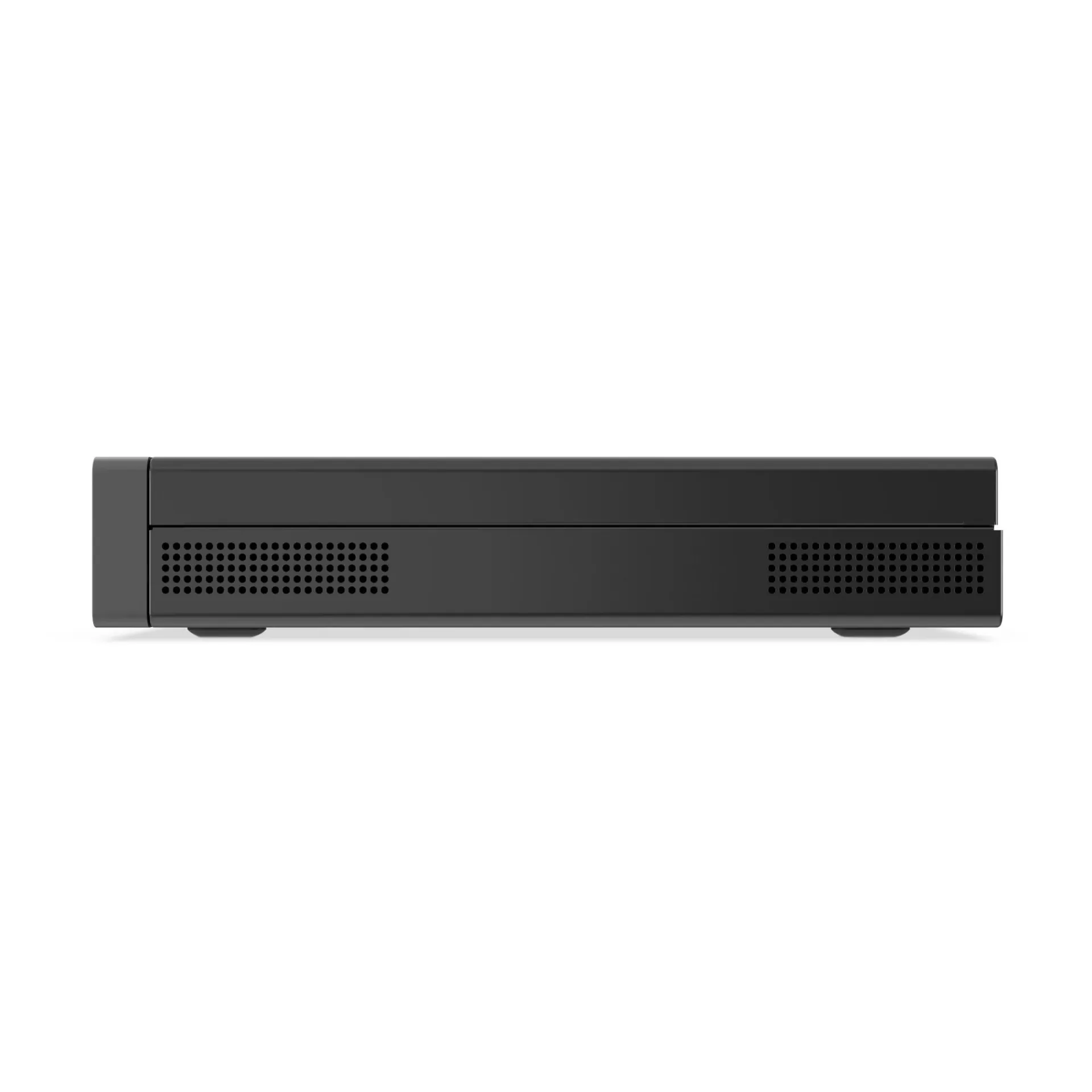
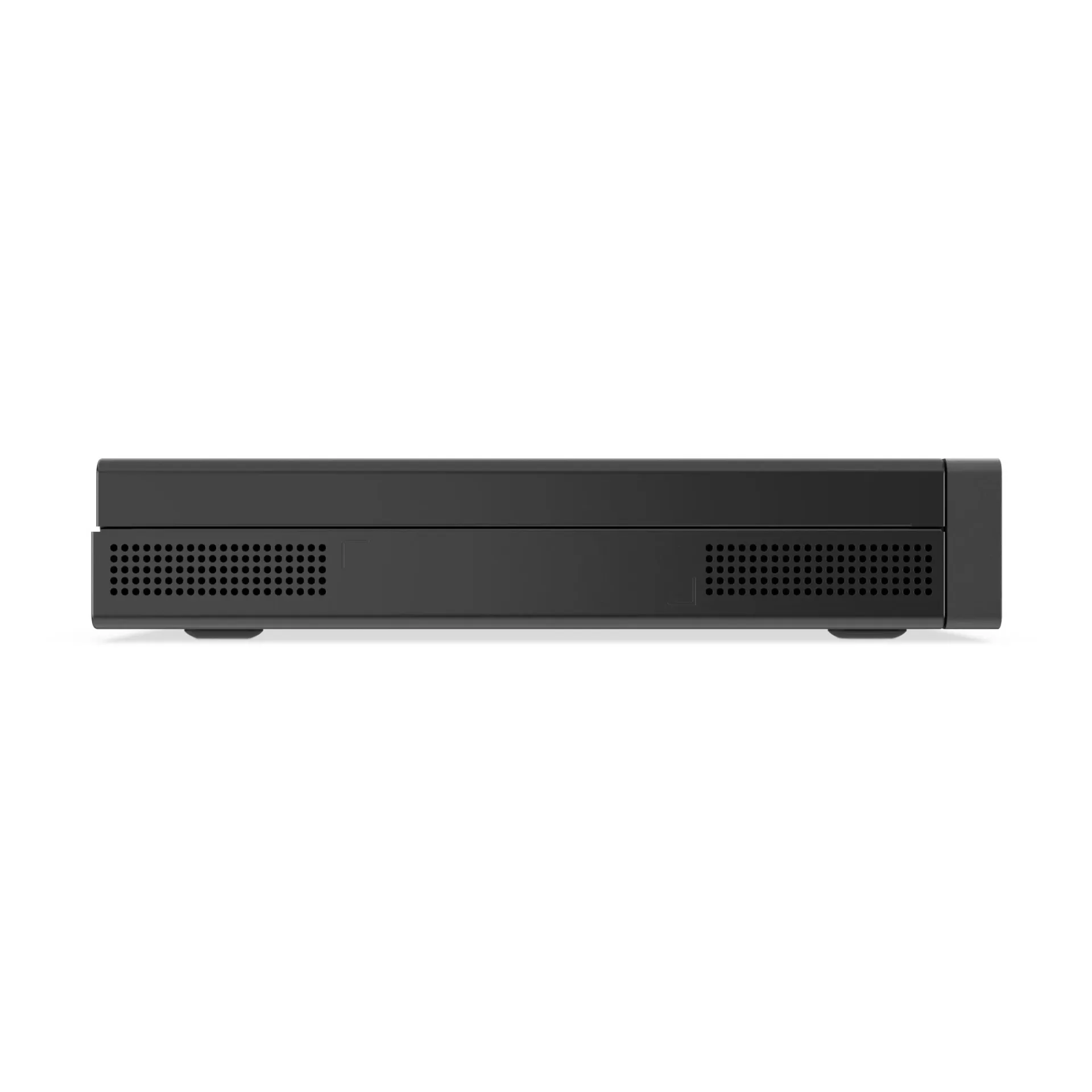
The neo 50q Gen 5 inherits the ThinkCentre approach to deployment and security: discrete TPM 2.0, a Kensington slot, an optional chassis intrusion switch, BIOS options to disable individual USB ports, and a toolless opening option for faster maintenance. It can be mounted behind a monitor with a VESA 100 mm bracket, stood vertically or placed under a desk, and it has passed several MIL-STD-810H tests. Lenovo also offers it with Ubuntu Linux or IGEL Linux, the latter turning it into a managed thin client for virtual desktops.
Setting it up
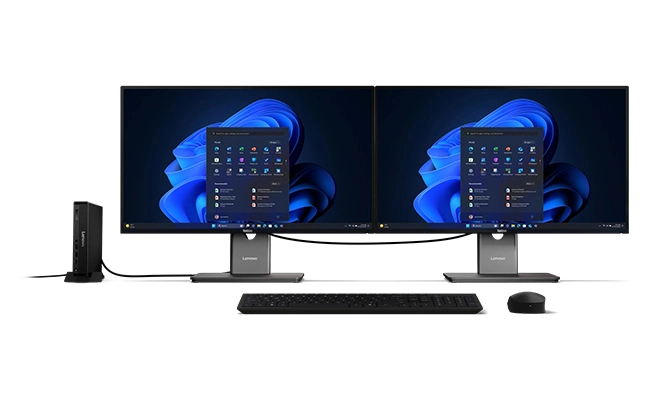
Out of the box, the neo 50q Gen 5 is ready in minutes: connect power, a monitor through HDMI or DisplayPort, keyboard and mouse, and Windows 11 Pro completes its setup. For companies, Lenovo’s deployment tools and Commercial Vantage simplify driver and BIOS updates across many machines. Opening the chassis to add memory or a second SSD is straightforward: one screw at the rear (or the optional toolless screw) releases the cover, and both SO-DIMM slots and M.2 slots are easy to reach. If you plan to mount it behind a monitor, order the VESA bracket at the same time, and consider the optional power-adapter cage to keep the external brick tidy.
Daily use and reliability
In daily use the neo 50q Gen 5 behaves like a quiet, responsive desktop rather than a compromise. Boot times are short, the PCIe 4.0 SSD keeps applications snappy, and the H-series processor handles multitasking without hesitation. ThinkCentre models have a long track record of reliability in offices and schools, and Lenovo’s on-site or carry-in warranty options mean a failed unit can be repaired quickly. For organisations that buy dozens of identical PCs, the stable configurations and Lenovo’s management tools are as valuable as raw performance.
Noise and power
A single fan cools the 45 W processor. In office work the system is quiet, and Lenovo offers TÜV Rheinland Ultra Low Noise certification on selected models. Under sustained load the fan is clearly audible, as with any 1-litre PC with an H-series chip. Core 5 models use a 90 W adapter; a 135 W adapter is required if the PC also powers a ThinkCentre Tiny-in-One monitor.
How it compares
Against the Lenovo ThinkCentre M70q Gen 6, the neo 50q gives up the Core Ultra processor with NPU and some management features, but offers similar memory and storage flexibility at a lower price. Against other business micro PCs such as the Dell Pro Micro QCM1250, it has a faster-boosting H-series processor in the Core 5 configuration, while the Dell offers Core Ultra options with an NPU and its own modular port. Against consumer mini PCs from Chinese brands, the neo 50q usually costs a little more for similar specifications, but adds Lenovo’s warranty, security features, VESA mounting and long-term availability of identical configurations.
Who should buy it
Buy it if you need dependable, upgradeable office PCs with a recognised brand at a reasonable price, especially for small businesses, schools and home offices, or you want an official Linux or thin-client configuration.
Skip it if you want Copilot+ AI features, Thunderbolt or USB4, strong graphics for creative work or gaming, or the cheapest possible mini PC regardless of brand.
Verdict
The Lenovo ThinkCentre neo 50q Gen 5 does the basics very well. The Core 5 210H is fast for office work, dual-channel DDR5 and two PCIe 4.0 slots make it easy to upgrade, and the punch-out port adds useful flexibility. It lacks an NPU and modern USB-C video, but as an affordable, well-built business Tiny PC, it is a solid and sensible choice.
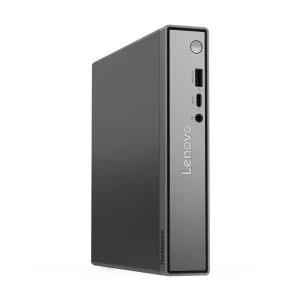
Lenovo ThinkCentre neo 50q Gen 5 Intel® Core™ 5 210H
| Configuration Options | ||||||||||||||||||||||||||
|---|---|---|---|---|---|---|---|---|---|---|---|---|---|---|---|---|---|---|---|---|---|---|---|---|---|---|
|
||||||||||||||||||||||||||
| AI Capabilities | ||||||||||||||||||||||||||
|
||||||||||||||||||||||||||
| Processor | ||||||||||||||||||||||||||
|
||||||||||||||||||||||||||
| Ports | ||||||||||||||||||||||||||
|
||||||||||||||||||||||||||
| Network | ||||||||||||||||||||||||||
|
||||||||||||||||||||||||||
| GPU | ||||||||||||||||||||||||||
|
||||||||||||||||||||||||||
| Internal Ports | ||||||||||||||||||||||||||
|
||||||||||||||||||||||||||
| Storage & RAM | ||||||||||||||||||||||||||
|
||||||||||||||||||||||||||
| Power | ||||||||||||||||||||||||||
|
||||||||||||||||||||||||||
| Others Specifications | ||||||||||||||||||||||||||
|
||||||||||||||||||||||||||
| Specification | ||||||||||||||||||||||||||
|
||||||||||||||||||||||||||

More information: Lenovo ThinkCentre neo 50q Gen 5 on minis-pc.com
Discover our full Mini PC comparison: minis-pc.com
Article written for minis-pc.com — Mini PC Comparisons and Reviews
Our 2026 Buying Guides & Deals
Disclaimer: This article is for information purposes only. Specifications, prices, coupons and availability may change at any time or contain errors, so please check them on the manufacturer's official website or store before buying. Some links on this page are affiliate links: if you buy through them we may earn a small commission at no extra cost to you.