AI is now part of everyday study: transcribing lectures, summarising readings, translating sources, generating images for presentations and experimenting with local language models for programming. A Copilot+ PC with a powerful NPU runs many of these features directly on the device — faster, more private and without an internet connection. We chose five AI mini PCs for students in 2026, all Copilot+ capable, covering budgets from about US $470 to US $1,600.
The list at a glance
| Model | Processor | NPU | Memory | Price* |
|---|---|---|---|---|
| GMKtec NucBox K13 | Intel Core Ultra 7 256V | 47 TOPS — Copilot+ | 16 GB LPDDR5X (soldered) | about US $660 |
| MSI Cubi NUC AI+ 3MG | Intel Core Ultra 5 322 | Copilot+ | Barebone — 2× DDR5 SO-DIMM | about US $467 (barebone) |
| MINISFORUM AI X1 Pro-470 | AMD Ryzen AI 9 HX 470 | 55 TOPS — Copilot+ | Up to 128 GB DDR5 (upgradeable) | from US $727 (barebone) |
| Beelink SER10 MAX | AMD Ryzen AI 9 HX 470 | 55 TOPS — Copilot+ | 32–64 GB DDR5 (upgradeable) | from US $1,479 |
| GEEKOM A9 Max 2026 | AMD Ryzen AI 9 HX 470 | 55 TOPS — Copilot+ | 32 GB DDR5 (upgradeable) | about US $1,599 |
*Prices in US dollars in November 2026 from official stores or Amazon US; barebone versions need memory, an SSD and Windows. Each product page shows live prices.
What makes a good AI PC for students
Look for an NPU of at least 40 TOPS — the threshold for Windows Copilot+ features such as Live Captions with translation, Click to Do, Cocreator and semantic search. For local language models, memory matters most: 32 GB is comfortable, and upgradeable memory lets you grow later. A strong integrated GPU also accelerates many AI tools. All five picks meet the Copilot+ requirement, and no brand appears more than once.
1. GMKtec NucBox K13 — Lunar Lake efficiency
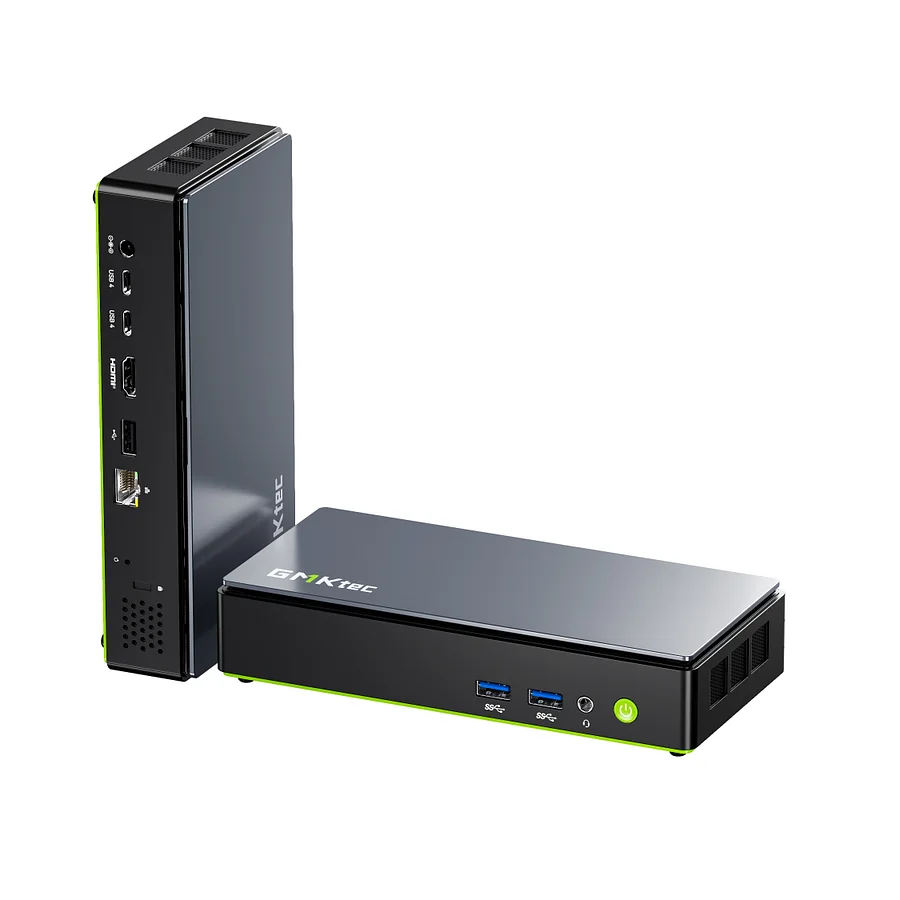
The K13 uses Intel’s Core Ultra 7 256V (Lunar Lake) with a 47 TOPS NPU and Arc 140V graphics. It is quiet, efficient and responsive, ideal for a dorm room or a shared study space. Its 16 GB of LPDDR5X is fast but soldered, so it suits students whose AI use is mainly Copilot+ features and small models.
GMKtec NucBox K13 on minis-pc.com2. MSI Cubi NUC AI+ 3MG — the tiniest Copilot+ PC
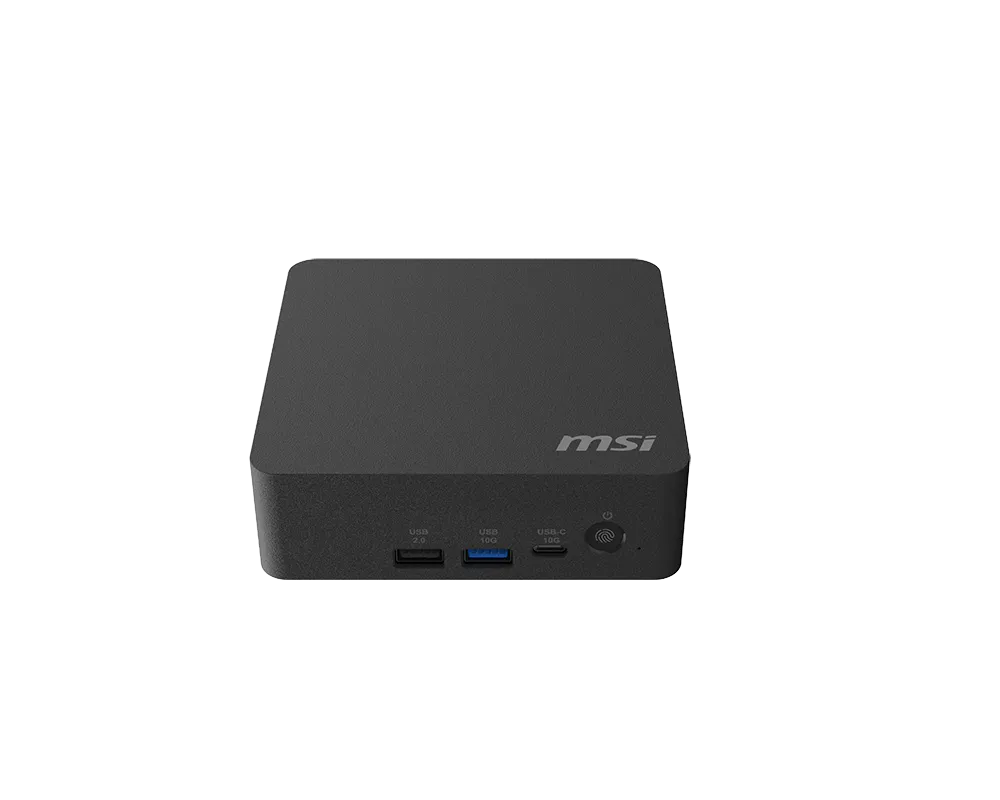
At just 0.51 litres, MSI’s Cubi NUC AI+ 3MG brings Intel’s new Panther Lake platform, two Thunderbolt 4 ports and dual 2.5 GbE in a box that fits anywhere. The Core Ultra 5 322 barebone is the cheapest way into a Copilot+ desktop, for students comfortable adding their own memory and SSD.
MSI Cubi NUC AI+ 3MG on minis-pc.com3. MINISFORUM AI X1 Pro-470 — the best value for AI

With AMD’s Ryzen AI 9 HX 470 — 12 cores, Radeon 890M graphics and a 55 TOPS NPU — and support for up to 128 GB of upgradeable DDR5, the AI X1 Pro-470 is the most flexible AI machine for the money, especially as a barebone. Engineering and computer-science students who want to run larger local models will appreciate the memory headroom.
Minisforum AI X1 Pro-470 on minis-pc.com4. Beelink SER10 MAX — fast, quiet and connected
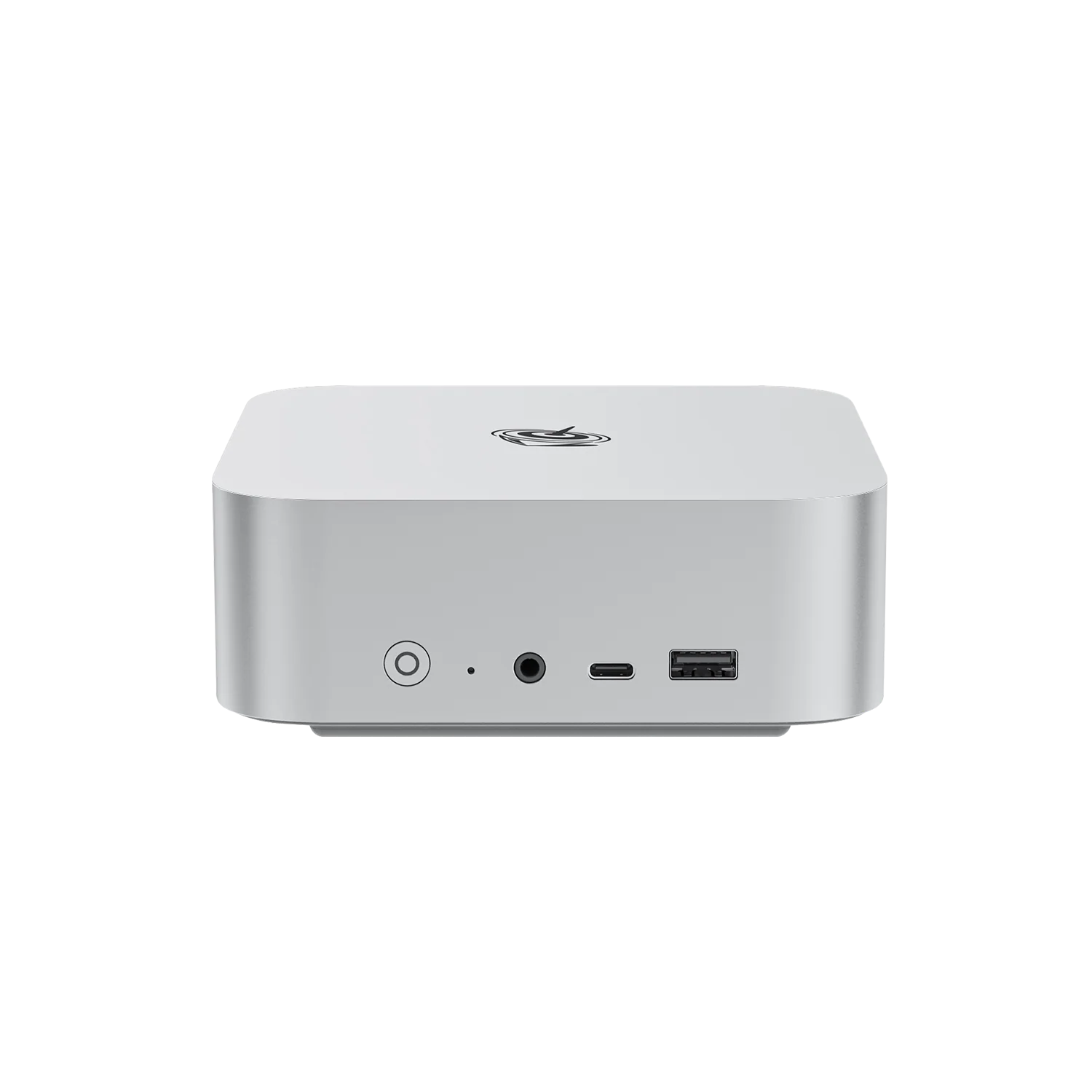
The SER10 MAX uses the same HX 470 with upgradeable DDR5, Beelink’s vapour chamber cooling and a 10 Gigabit Ethernet port, plus a three-year warranty. It is a premium choice for students who also edit video or work with large files on network storage.
Beelink SER10 MAX on minis-pc.com5. GEEKOM A9 Max 2026 — the complete package
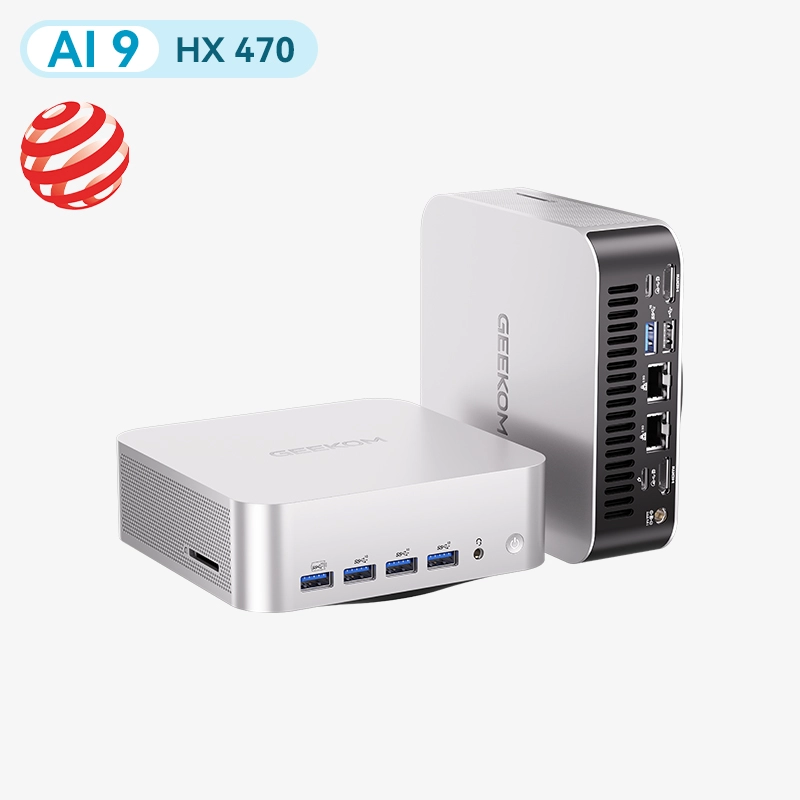
The A9 Max combines the HX 470 with 32 GB of upgradeable DDR5, a 2 TB SSD, Wi-Fi 7, dual 2.5 GbE and a three-year warranty in a sturdy metal chassis. It is ready to use out of the box for AI, creative work and light gaming, with no upgrades needed for years.
GEEKOM A9 Max 2026 Edition on minis-pc.comWhich one should you buy?
- Quiet, efficient Copilot+ PC: GMKtec K13.
- Smallest and cheapest entry (barebone): MSI Cubi NUC AI+ 3MG.
- Most memory for local AI models: MINISFORUM AI X1 Pro-470.
- Fast networking and premium cooling: Beelink SER10 MAX.
- Everything included, ready to use: GEEKOM A9 Max.
Tips for AI on a student budget
Barebone versions save money if you already have memory or an SSD, but remember to budget for Windows. For local language models, prioritise memory over CPU speed. Keep drivers updated — AMD and Intel improve NPU and GPU support regularly — and check that the AI applications you need support your platform. For basic study without AI features, our budget guide covers cheaper options.
Verdict
The MINISFORUM AI X1 Pro-470 is our best-value pick thanks to its upgradeable memory and 55 TOPS NPU, while the GEEKOM A9 Max is the best ready-to-use option. Students who want the quietest machine should choose the GMKtec K13, and those with the smallest desks the MSI Cubi. Always check current prices and configurations, and verify specifications on each manufacturer’s official website.
Our 2026 Buying Guides & Deals
Disclaimer: This article is for information purposes only. Specifications, prices, coupons and availability may change at any time or contain errors, so please check them on the manufacturer's official website or store before buying. Some links on this page are affiliate links: if you buy through them we may earn a small commission at no extra cost to you.