
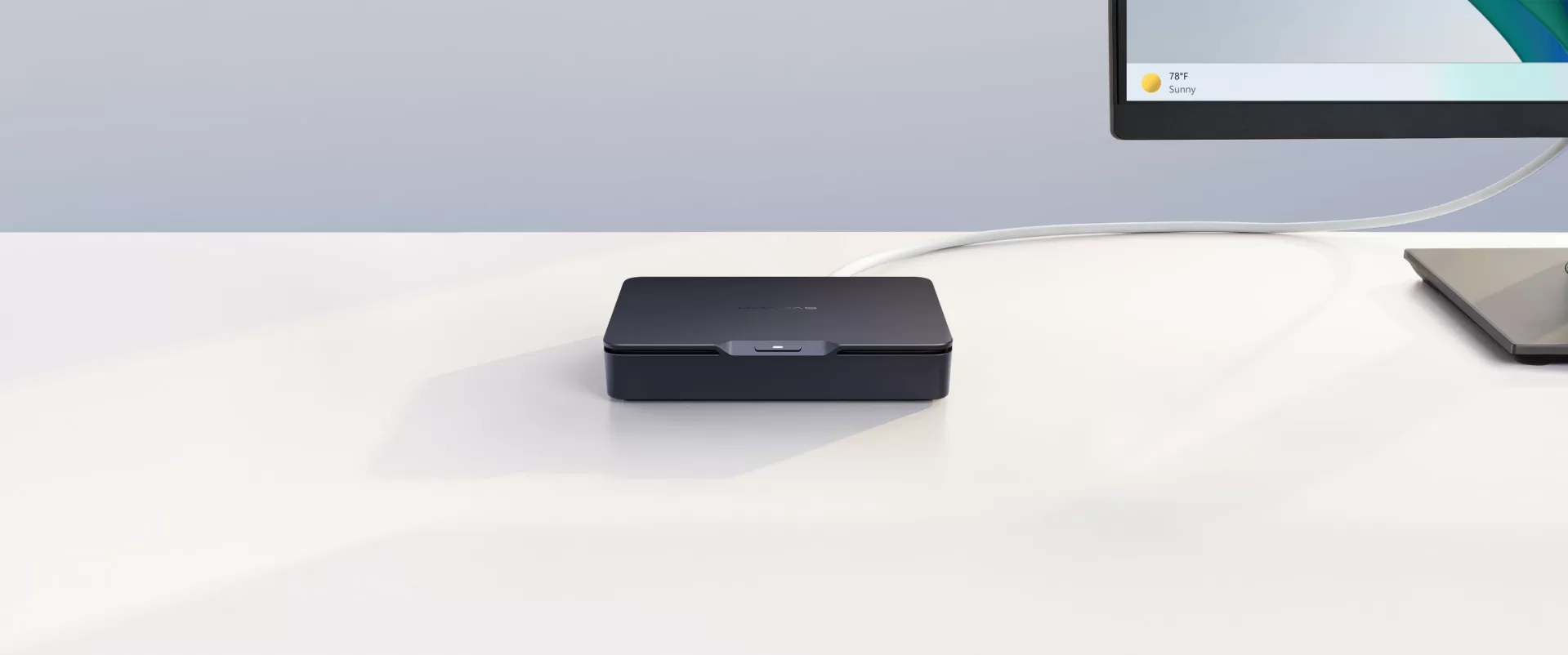
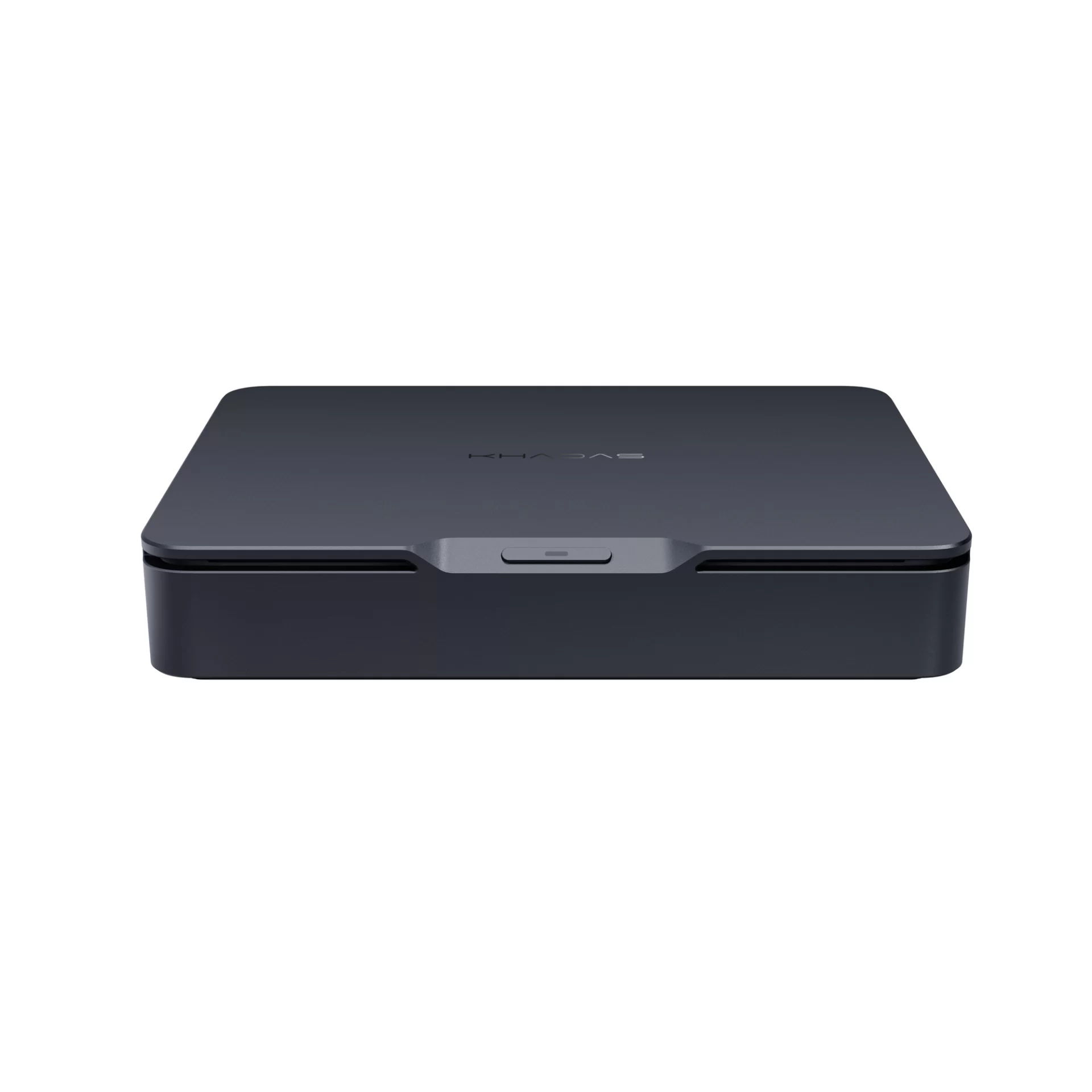
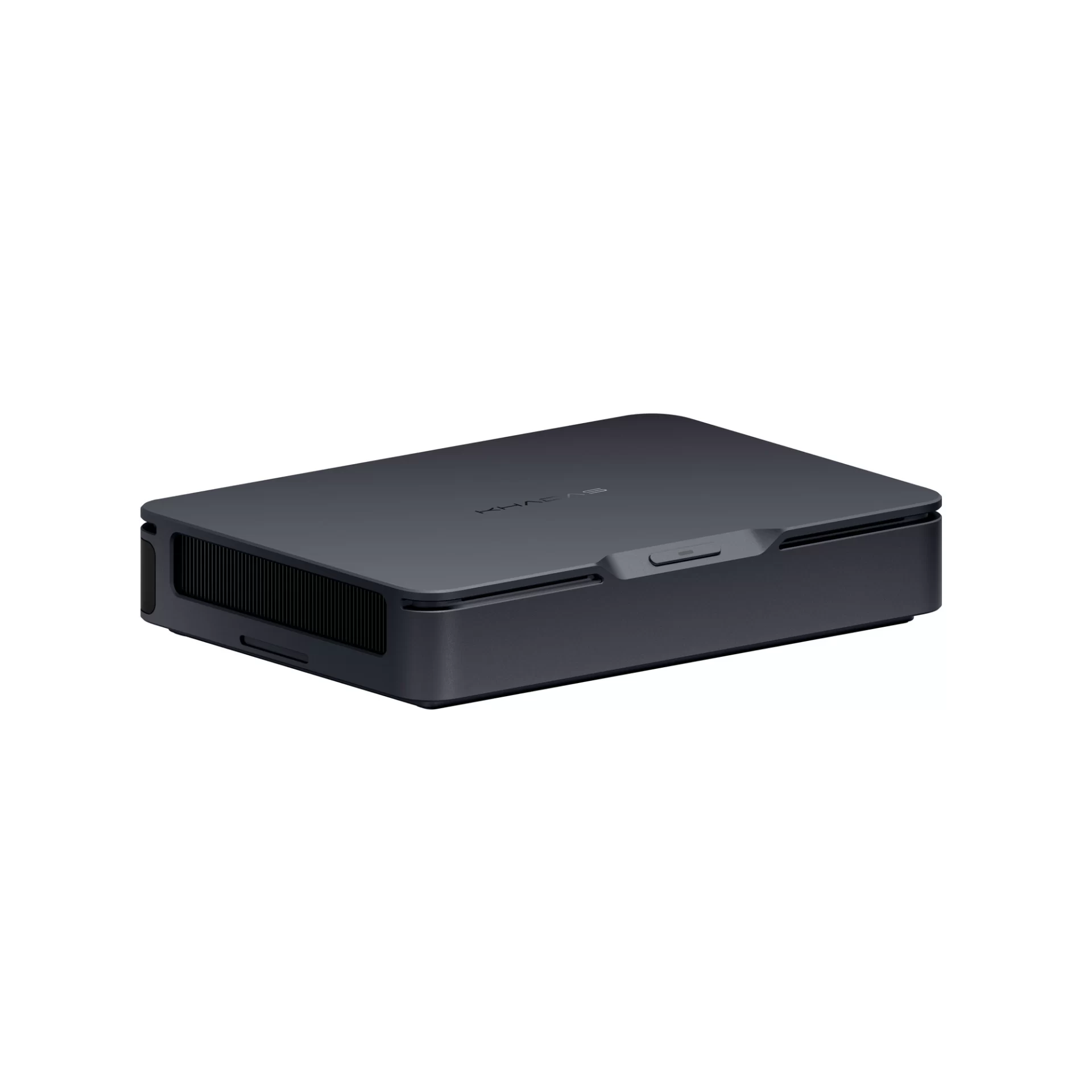
Khadas has made a name for itself with the Mind series: tiny, beautifully finished mini PCs that snap onto docks and graphics modules like building blocks. The new Mind Pro is the most ambitious model yet. It moves to Intel’s third-generation Core Ultra (Panther Lake), doubles the Thunderbolt ports, adds Wi-Fi 7 and Bluetooth 6.0, and pushes sustained power to 65 W, all in a chassis of just 0.43 litres. We look at what that means in practice, where the compromises are and who should spend US $2,599 on it.
Panther Lake in a pocket-sized box
The heart of the Mind Pro is the Core Ultra X7 358H, built on Intel’s new 18A process. It has 16 cores in three types: four performance cores for responsiveness, eight efficient cores for multi-threaded work and four low-power cores for background tasks. Intel rates it at 25 W base power, but Khadas lets it run at up to 65 W in Performance mode. According to Khadas’ own Cinebench R23 tests, that gives about 27% more multi-core performance than the Core Ultra 7 255H in the Mind 2s and 42% more than the original Mind 2.
In daily use, this translates into a PC that feels as fast as a much larger desktop for office work, coding, photo editing and even video editing with modern codecs. Few machines of this size can sustain such power levels without throttling.
Arc B390: integrated graphics that finally matter
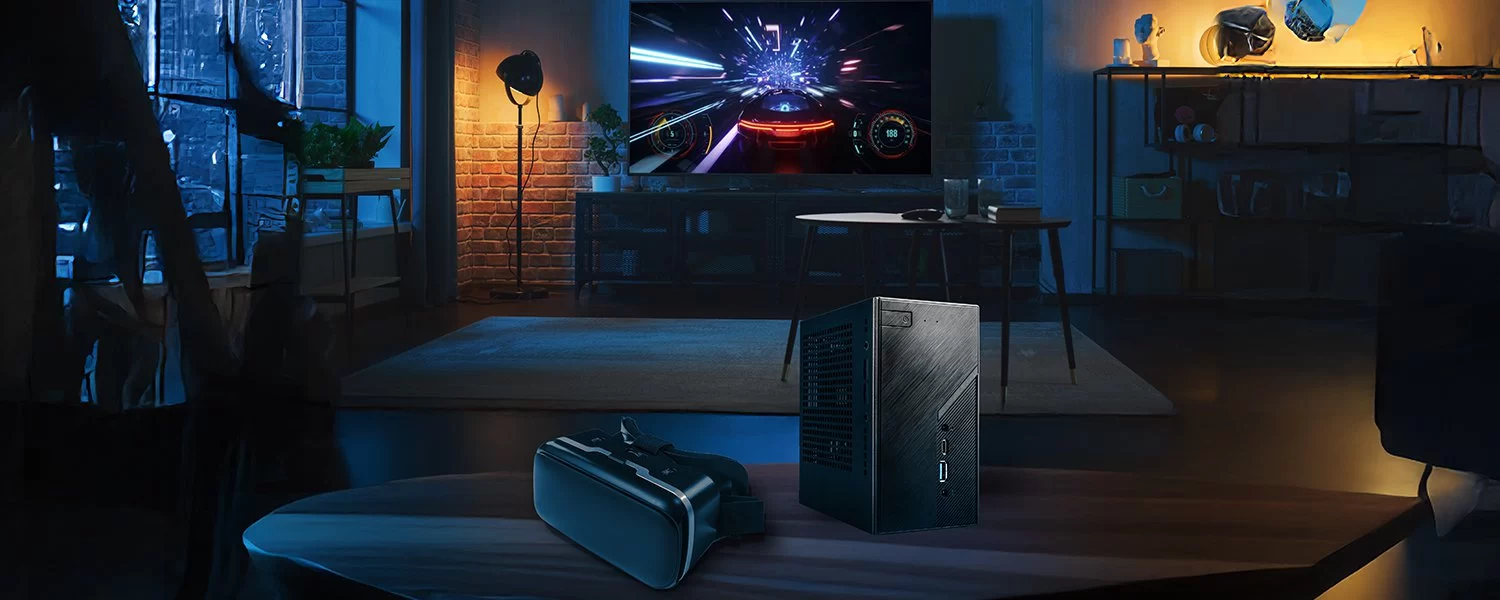
The other big upgrade is the Arc B390, Intel’s most powerful integrated GPU so far, with 12 Xe3-cores. Khadas measures about 60% more 3D performance than the Arc 140T used in the previous generation. Combined with XeSS 3 upscaling and frame generation, recent games become playable at 1080p with medium settings, and creative applications get hardware encoding and decoding for H.265, AV1 and the new H.266 codec. For many creators, the Mind Pro removes the need for a separate graphics card, and those who need more can add the Mind Graphics 2 module later without replacing the PC.
A real Copilot+ PC for local AI
Panther Lake’s NPU 5 delivers 50 TOPS, well above the 40 TOPS needed for Copilot+ features. Together with the GPU, Khadas claims up to 180 TOPS of AI performance. More important than the headline number is the 64 GB of LPDDR5X-8533: local language models, retrieval-augmented generation and image generators need a lot of fast memory, and the Mind Pro has enough to run mid-sized models comfortably. The trade-off is that the memory is soldered, so the capacity you buy is the capacity you keep.
The modular idea, refined
The Mind series is built around Mind Link, a connector on the bottom of the PC. On the Mind Pro it carries PCIe 5.0 ×4, USB 3.2, HDMI 2.1 and up to 10 A of power. Three modules use it:
- Mind Dock: a desktop hub that adds Ethernet, audio, more USB ports and extra displays.
- Mind Graphics 2: an external GPU module with an RTX 5060 Ti 16 GB, turning the Mind Pro into a gaming or 3D workstation.
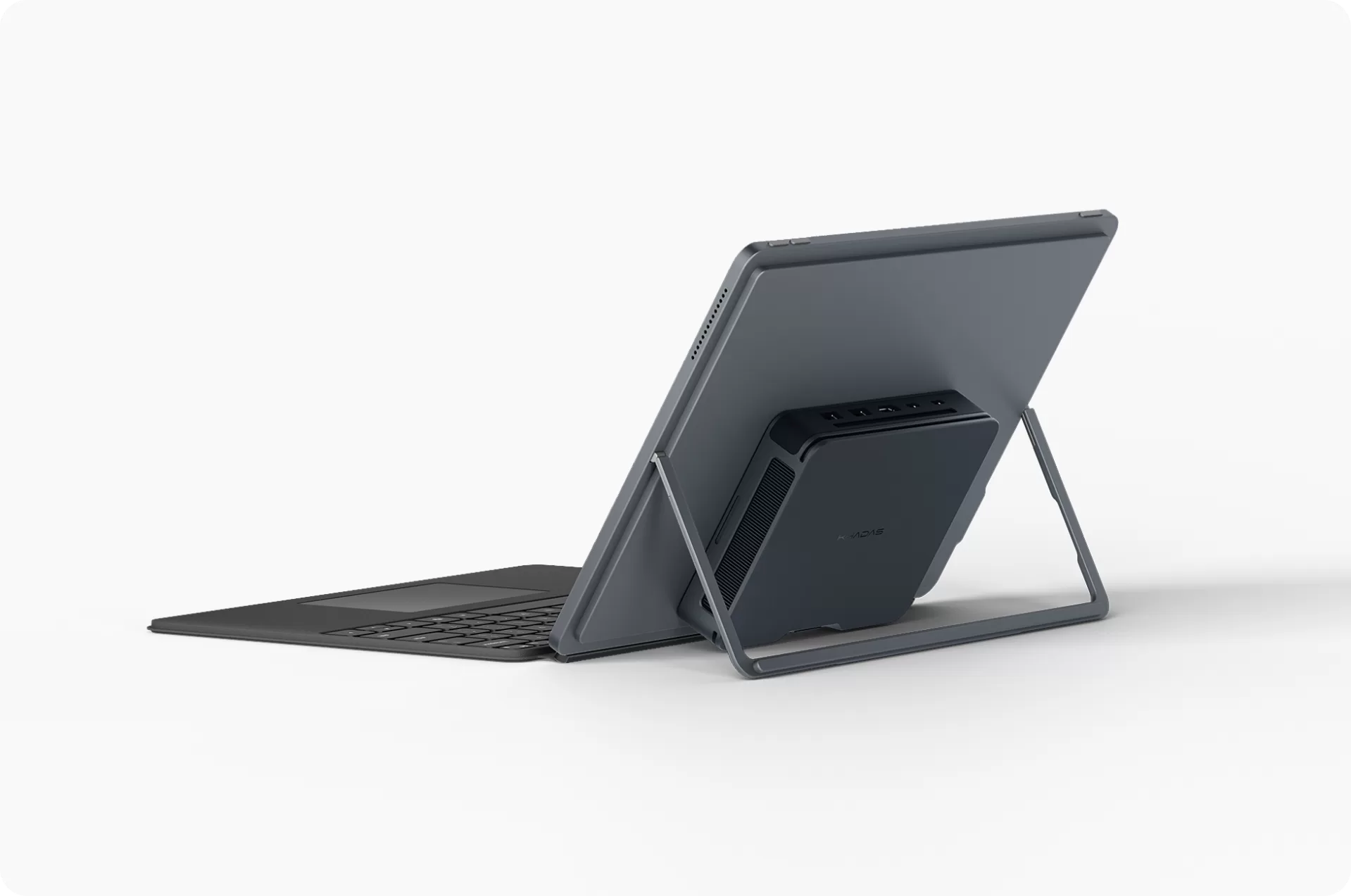
- Mind xPlay: a portable display that makes the system a compact all-in-one on the move.
Switching is instant: you lift the Mind Pro off one module and place it on another without shutting down, and the Mind App adjusts power settings automatically. The built-in 7.98 Wh battery keeps the system in standby for more than 48 hours while it is disconnected, so open documents survive a walk from the office to a meeting room or the trip home.
Ports and connectivity
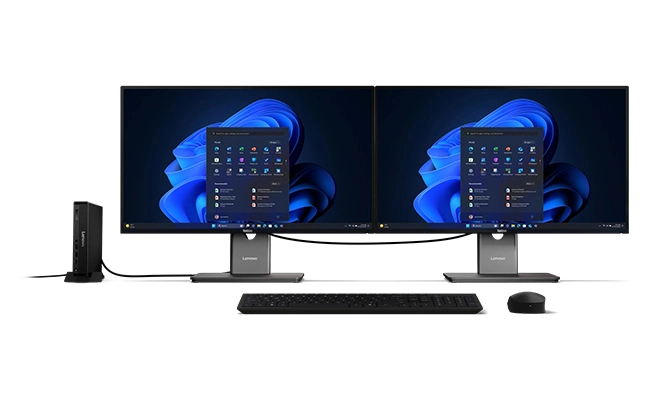
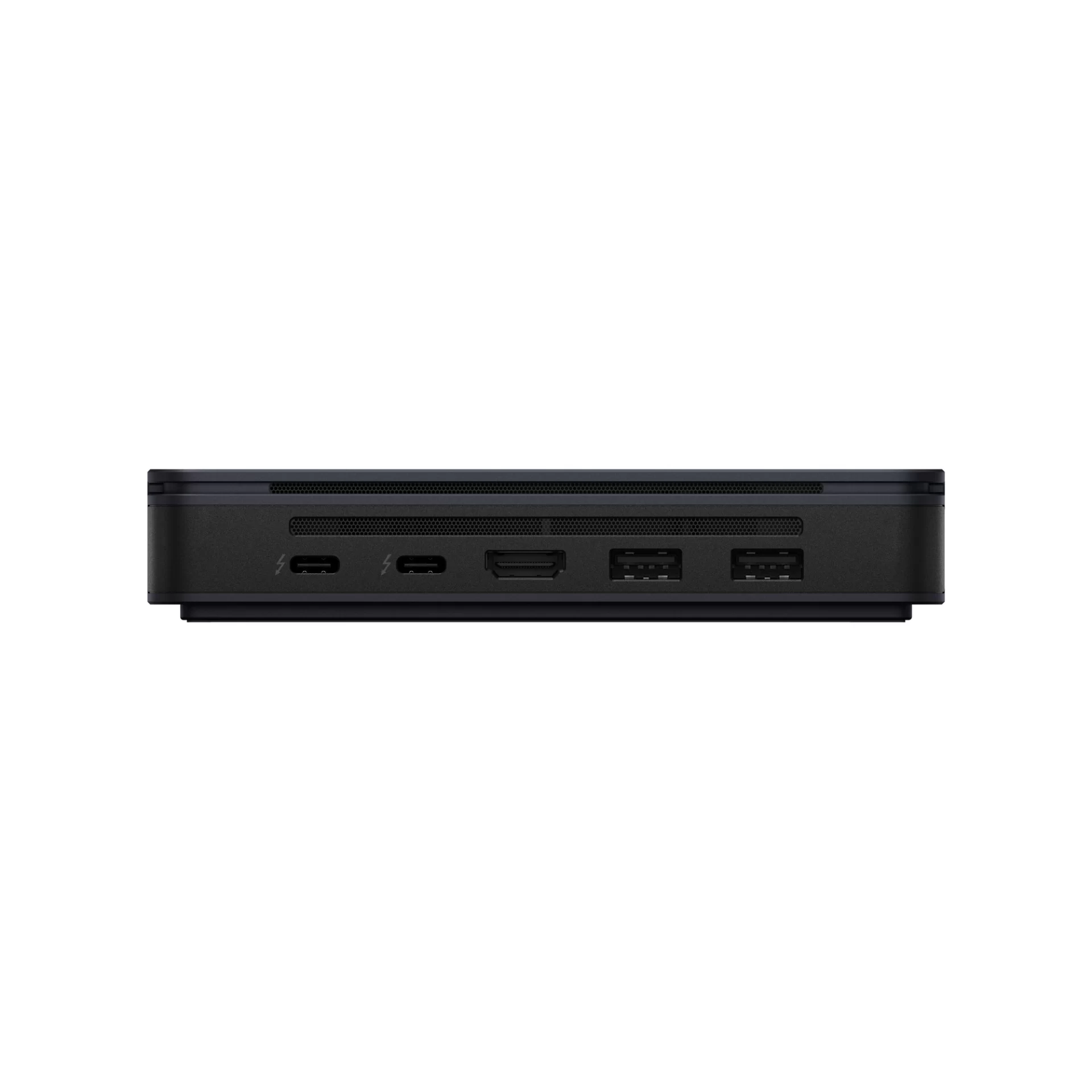
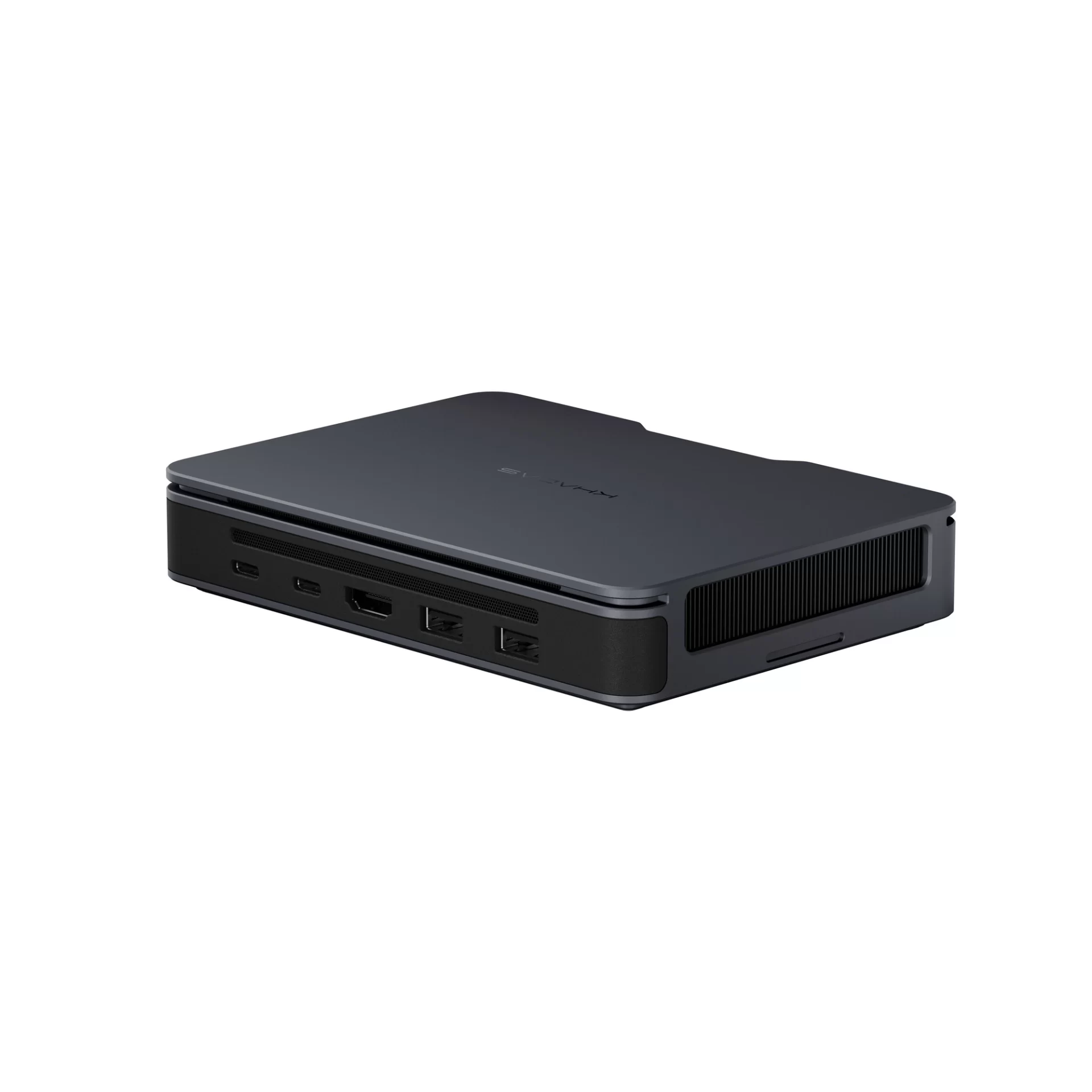
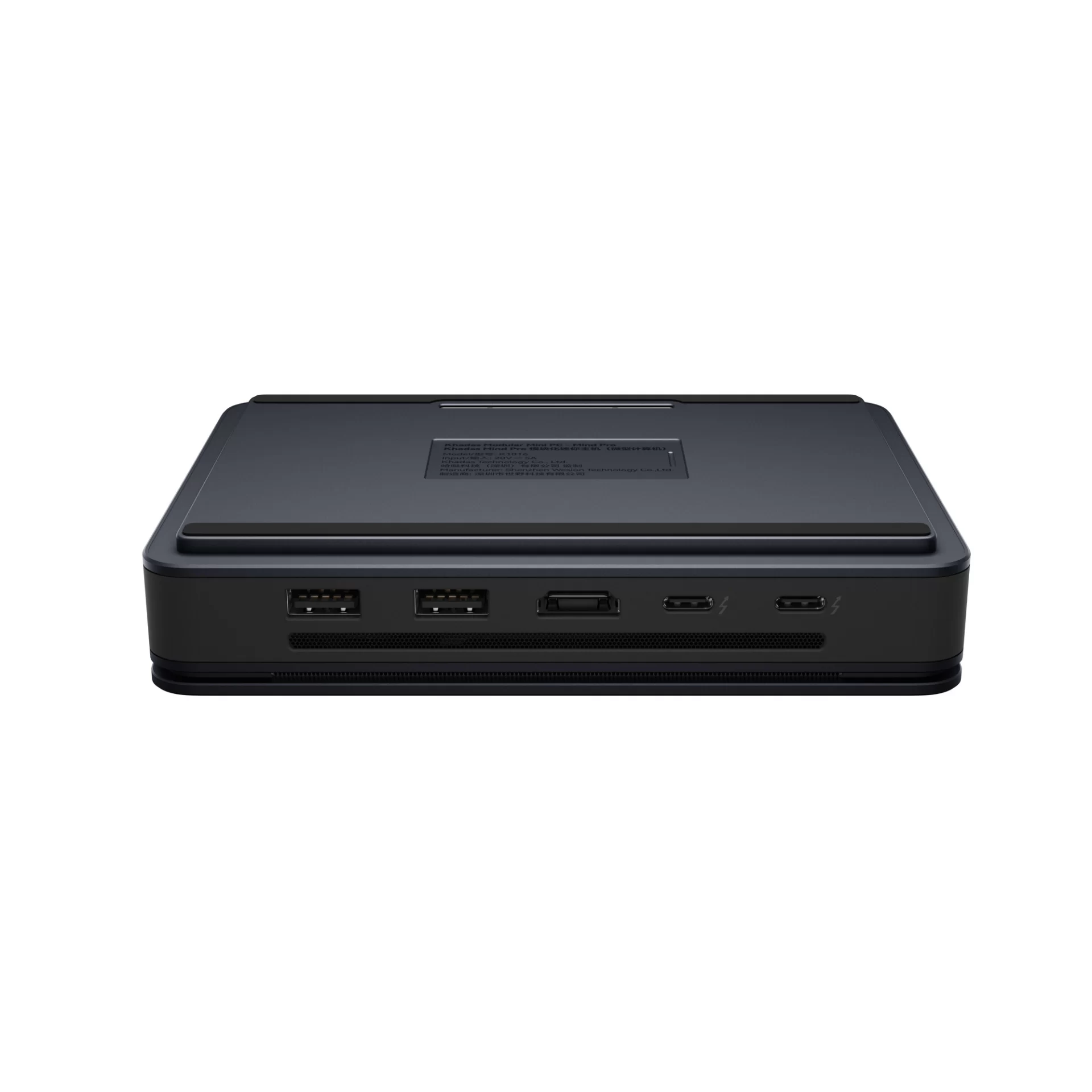
On its own, the Mind Pro has two Thunderbolt 4 ports, one HDMI 2.1 FRL port and two 10 Gbps USB-A ports. That is enough for three displays at up to 4K 240 Hz or 8K 60 Hz, a fast external SSD and a keyboard and mouse. Wireless is excellent, with Intel’s BE211 Wi-Fi 7 card and Bluetooth 6.0.
The limitations are just as clear: no Ethernet port and no 3.5 mm audio jack on the unit. If you need wired networking or analogue audio, you will want the Mind Dock or a Thunderbolt dock. Storage is expandable through a second M.2 2230 slot behind a magnetic cover, but only short 2230 drives fit.
Daily use
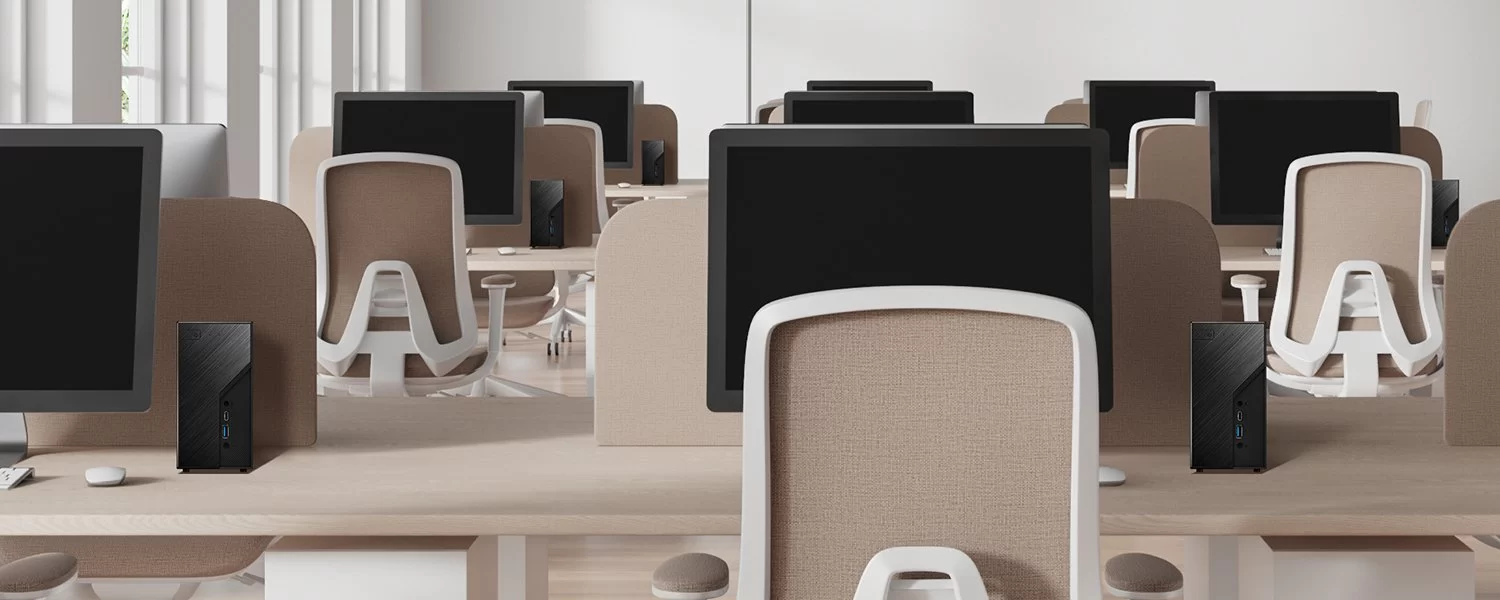
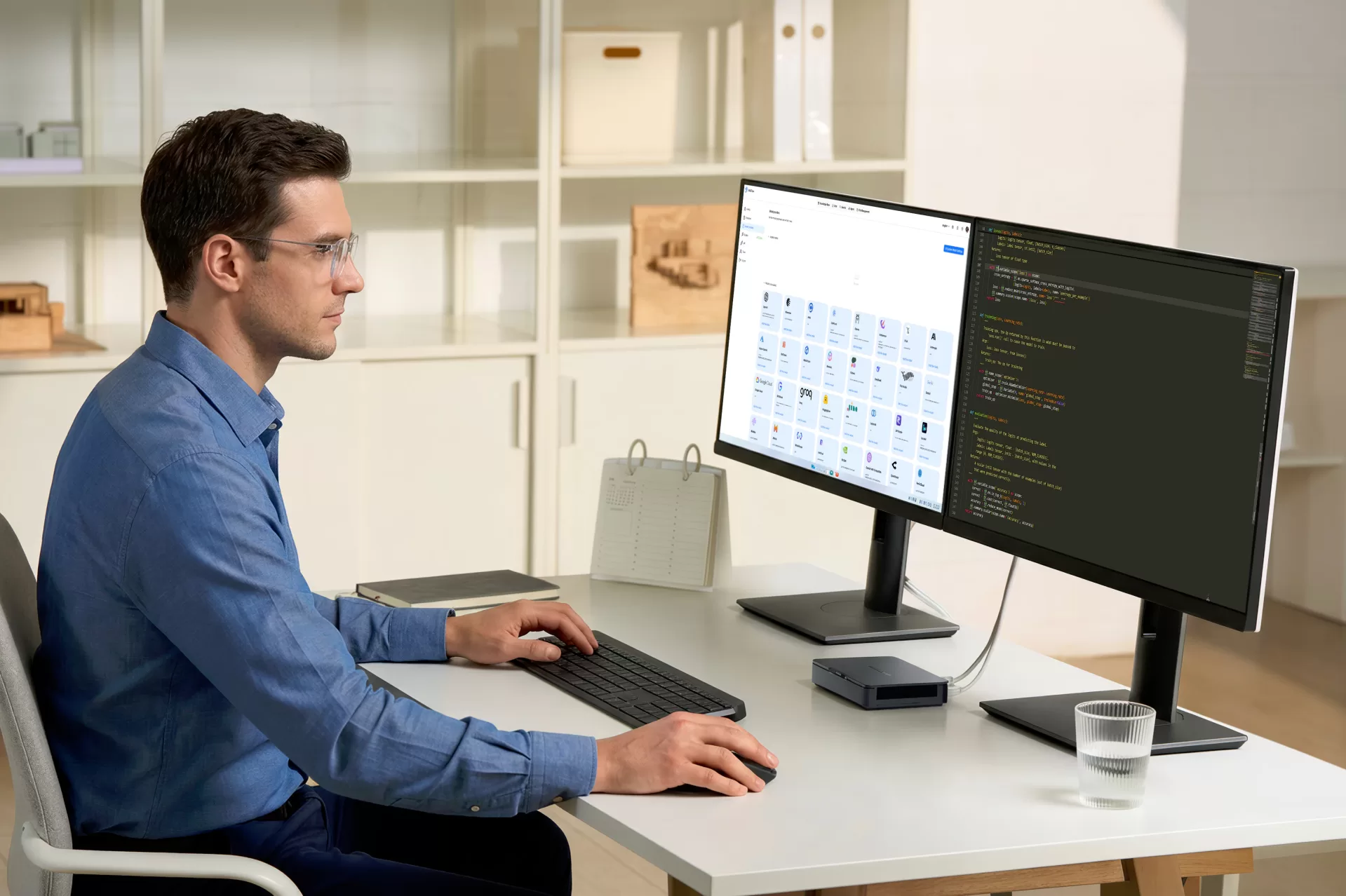
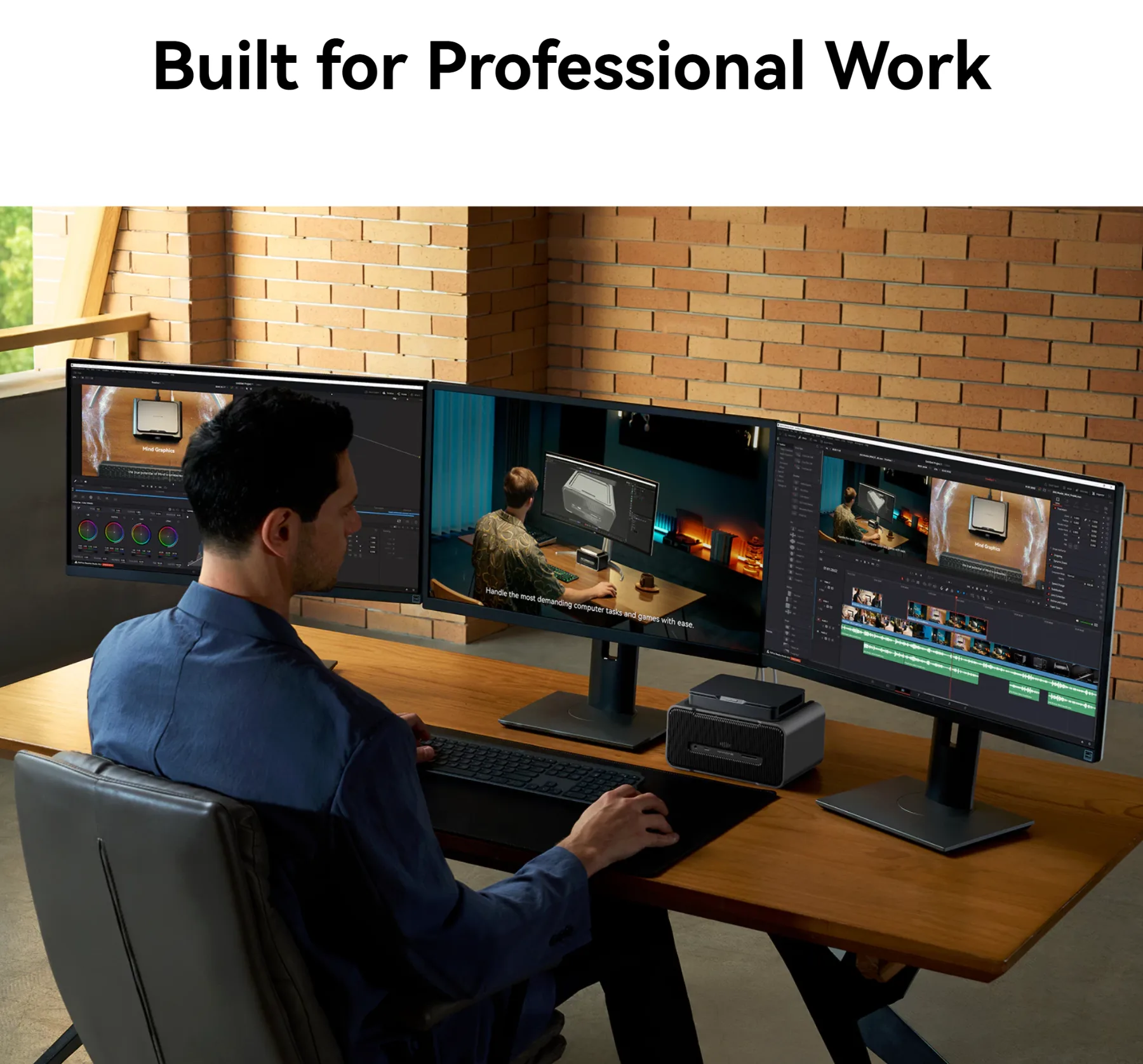
The Mind Pro is at its best as a “one computer everywhere” setup. At home it sits on the Mind Dock with a big monitor; at the office a single Thunderbolt cable to a USB-C monitor carries video, data and power; on the road it fits into a laptop bag next to a portable screen. Because the whole system, files and open applications travel with you, it can replace both a desktop and a second laptop for people who mostly work at a desk.
Noise and cooling
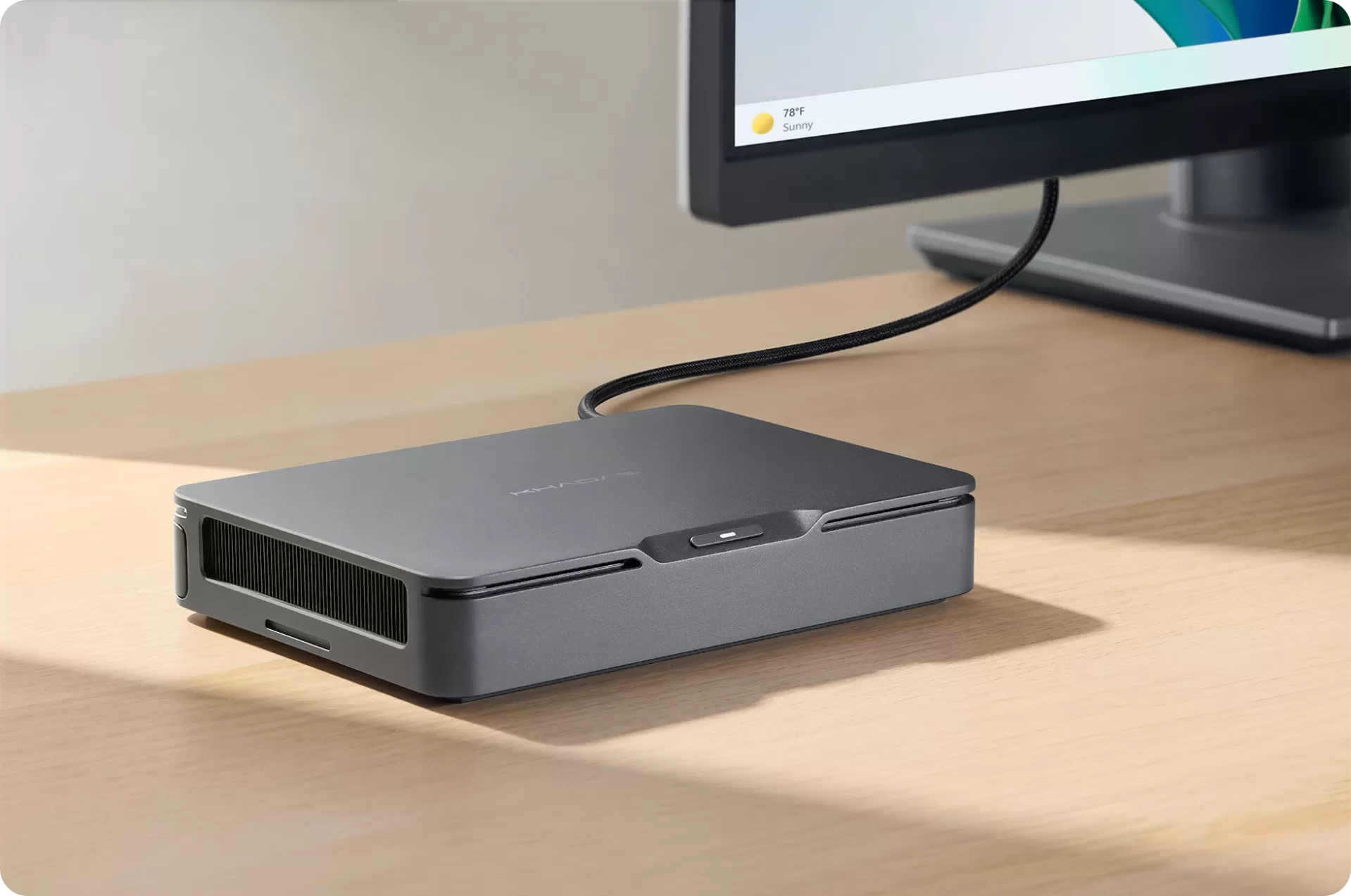
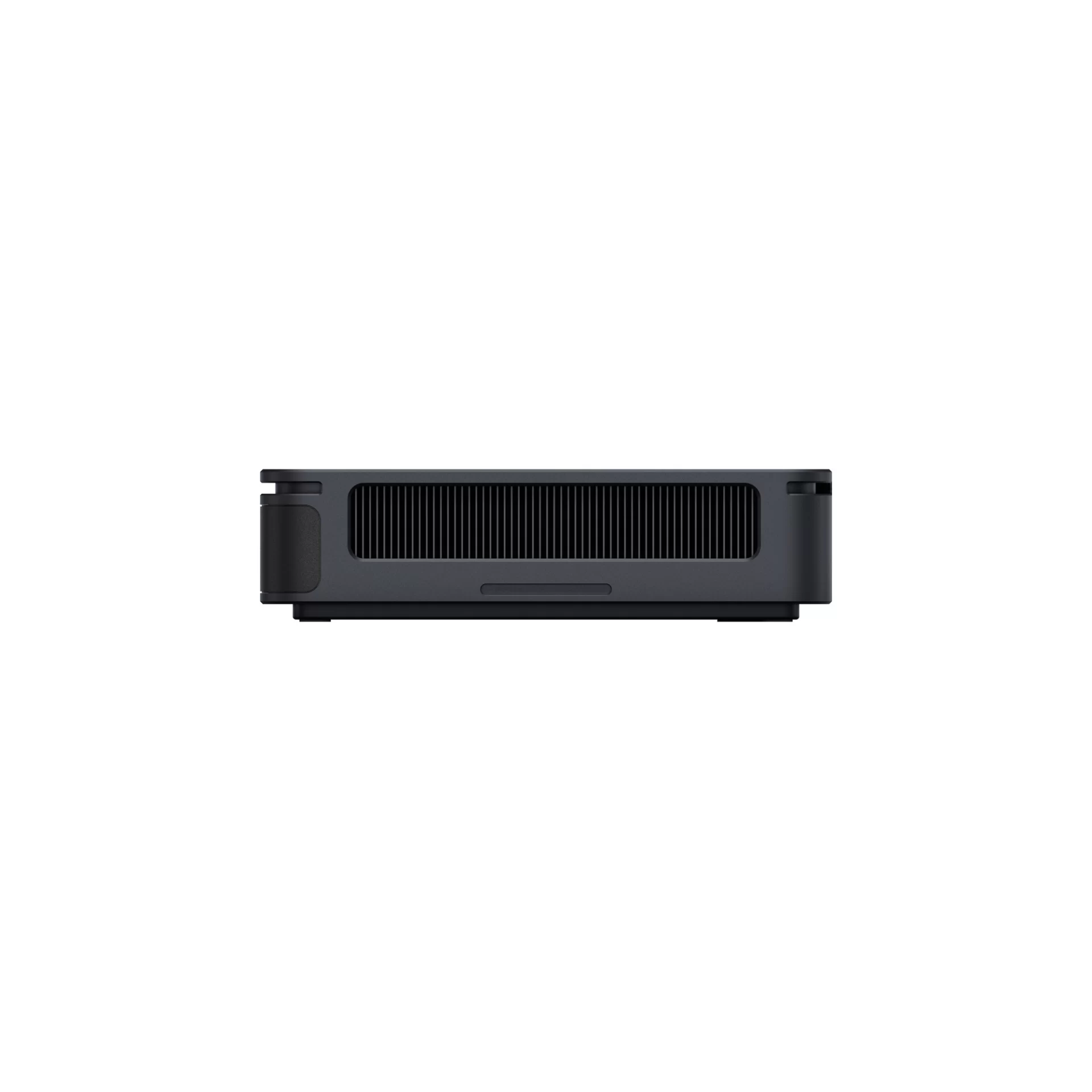
A vapour chamber and a magnetic-levitation fan keep the 65 W processor under control. Khadas measures 37.5 dB at 30 cm in the 45 W Balanced mode with CPU and GPU fully loaded, which is quieter than most mini PCs with similar power. In Performance mode the fan is clearly audible during long renders or compiles, but it remains a smooth, low-pitched sound rather than a whine.
Mind Pro vs Mind 2s
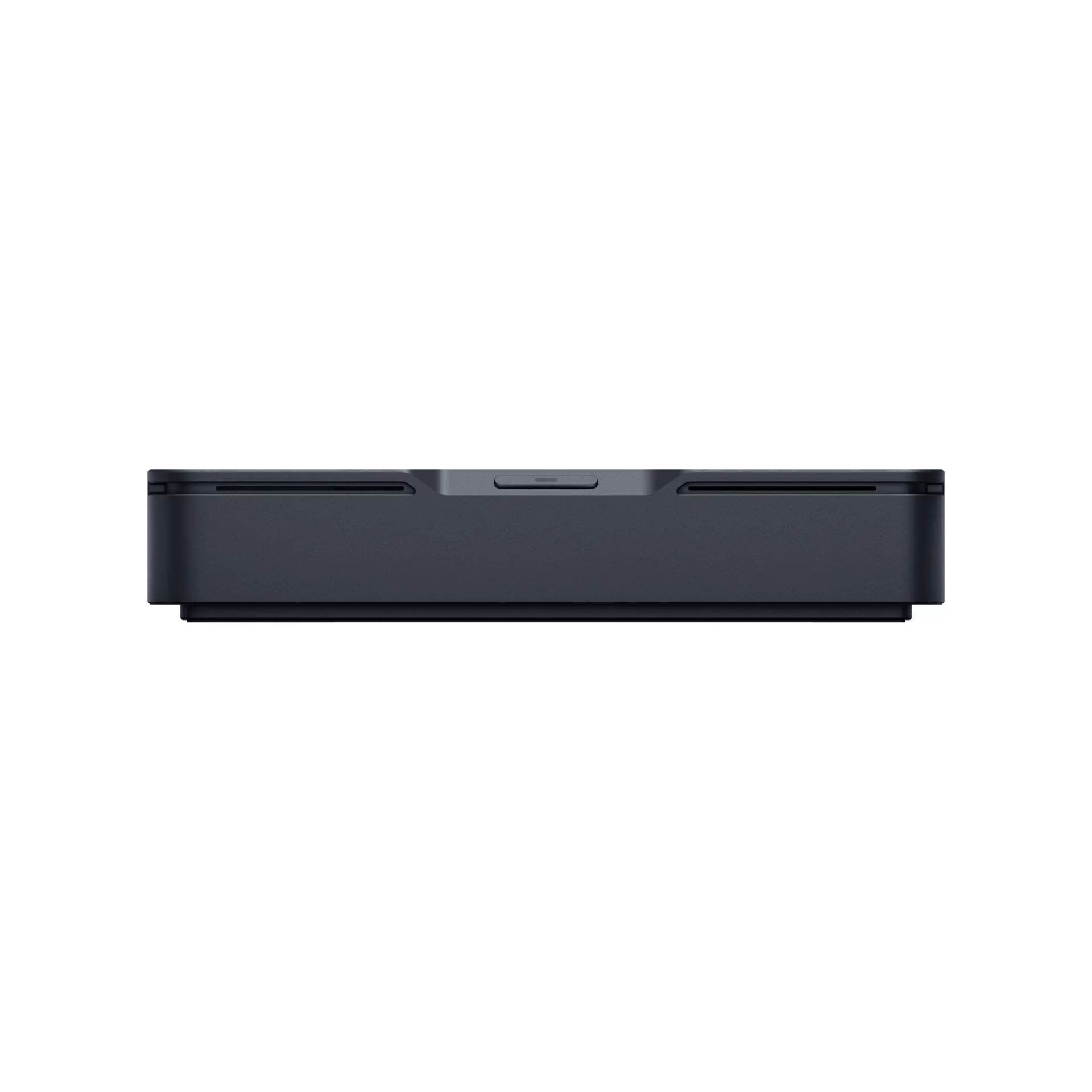
Khadas still sells the Mind 2s with the Core Ultra 7 255H, 64 GB and 2 TB. Compared with it, the Mind Pro is 8 mm thicker (28 mm instead of 20 mm) and about 130 g heavier, but it brings a faster processor, a much stronger GPU (Arc B390 instead of Arc 140T), an NPU that qualifies for Copilot+ (the 255H does not), Wi-Fi 7 instead of Wi-Fi 6E, Bluetooth 6.0, HDMI 2.1 FRL instead of TMDS and a second Thunderbolt 4 port instead of USB4. One detail goes the other way: the Mind 2s’ Mind Link offers PCIe 5.0 ×8, while the Mind Pro’s link is ×4, which in practice still leaves plenty of bandwidth for the RTX 5060 Ti of the Mind Graphics 2. If AI features and integrated graphics matter to you, the Mind Pro is the clear choice; if you mainly need a compact office machine, the Mind 2s is cheaper.
Configurations
Khadas lists three versions: Core Ultra X7 358H with 32 GB and 1 TB, Core Ultra X7 358H with 64 GB and 2 TB, and Core Ultra X9 388H with 96 GB and 2 TB. At the time of writing only the 64 GB X7 model is regularly in stock, because the other two depend on CPU and memory supply. For most users that middle version is also the sensible choice: 64 GB is generous, and the X9 adds only a small clock-speed increase.
In the box and setup
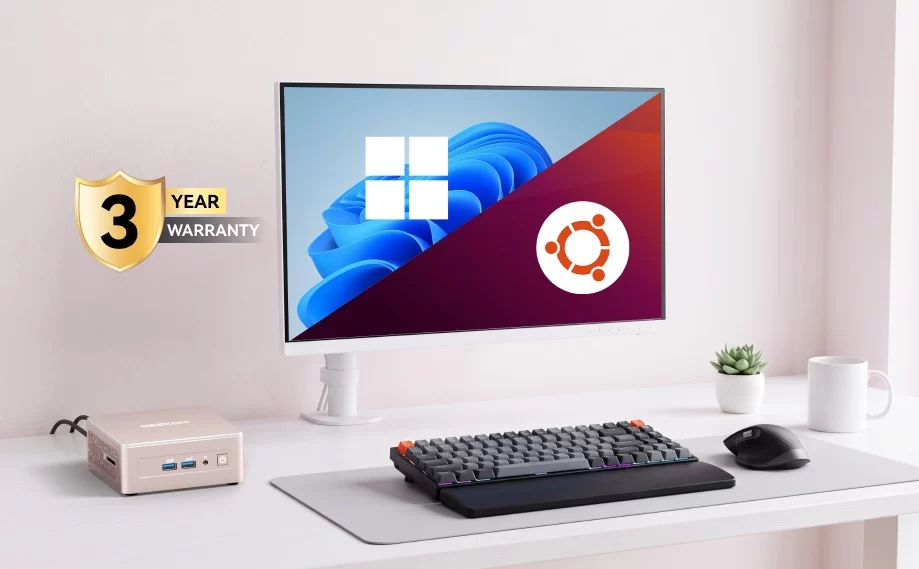
The package includes the Mind Pro, a 100 W USB-C power adapter and a 1.2 m USB-C cable, plus documentation. Windows 11 Home is preinstalled. Setting up takes a few minutes; the Mind App then lets you choose between Balanced and Performance modes and shows which module is attached. If you plan to use the Mind Pro mostly at a desk, budget for the Mind Dock or a Thunderbolt dock from the start, since the unit alone has neither Ethernet nor an audio jack.
Limitations to keep in mind
- Soldered memory: no upgrades later.
- Short SSDs only: M.2 2230 drives, which cost more per terabyte than 2280 drives.
- No Ethernet or audio jack without a dock or adapter.
- Modules are extra: the full ecosystem adds significantly to the price.
- Windows 11 Home rather than Pro, which matters for some business users.
Price and value
At US $2,599 for the X7 with 64 GB and 2 TB (around US $2,339 during Black Friday 2026), the Mind Pro is expensive. Mini PCs with AMD’s Ryzen AI Max+ 395, such as the GMKtec EVO-X3 or MINISFORUM MS-S1 MAX, offer much stronger graphics and up to 128 GB of memory at similar prices, but they are several times larger and use far more power. Against Panther Lake rivals such as the ACEMAGIC F2A, the Mind Pro costs more for the same processor; what you pay for is the 0.43-litre metal chassis, the battery, the quality of finish and the Mind Link ecosystem.
Who should buy it
Buy it if you want the most powerful PC you can carry in a pocket-sized box, you work across several locations, you value design and quiet operation, or you plan to use the Mind Dock or Mind Graphics 2 modules.
Skip it if you want the best performance per dollar, you need Ethernet and an audio jack without extra accessories, or you want to upgrade memory in the future.
Verdict
The Khadas Mind Pro is a remarkable piece of engineering. Panther Lake’s 16 cores at 65 W, the Arc B390, a 50 TOPS NPU and 64 GB of fast memory make it genuinely powerful, and the modular design and standby battery make it uniquely flexible. It is expensive and a few ports are missing, but for professionals who want one tiny computer for every desk, there is nothing quite like it.
| Configuration Options | ||||||||||||||||||||||||||
|---|---|---|---|---|---|---|---|---|---|---|---|---|---|---|---|---|---|---|---|---|---|---|---|---|---|---|
|
||||||||||||||||||||||||||
| AI Capabilities | ||||||||||||||||||||||||||
|
||||||||||||||||||||||||||
| Processor | ||||||||||||||||||||||||||
|
||||||||||||||||||||||||||
| Ports | ||||||||||||||||||||||||||
|
||||||||||||||||||||||||||
| Network | ||||||||||||||||||||||||||
|
||||||||||||||||||||||||||
| GPU | ||||||||||||||||||||||||||
|
||||||||||||||||||||||||||
| Internal Ports | ||||||||||||||||||||||||||
|
||||||||||||||||||||||||||
| Storage & RAM | ||||||||||||||||||||||||||
|
||||||||||||||||||||||||||
| Power | ||||||||||||||||||||||||||
|
||||||||||||||||||||||||||
| Others Specifications | ||||||||||||||||||||||||||
|
||||||||||||||||||||||||||
| Specification | ||||||||||||||||||||||||||
|
||||||||||||||||||||||||||

More information: Khadas Mind Pro on minis-pc.com
Discover our full Mini PC comparison: minis-pc.com
Article written for minis-pc.com — Mini PC Comparisons and Reviews
Our 2026 Buying Guides & Deals
Disclaimer: This article is for information purposes only. Specifications, prices, coupons and availability may change at any time or contain errors, so please check them on the manufacturer's official website or store before buying. Some links on this page are affiliate links: if you buy through them we may earn a small commission at no extra cost to you.