Most Strix Halo mini PCs follow the same recipe: AMD’s Ryzen AI Max+ 395, a lot of soldered memory and a compact case with an external power brick. The MINISFORUM MS-S1 MAX takes a different route. It is bigger, heavier and more expensive, but it turns the platform into a genuine AI workstation: built-in 320 W power supply, two USB4 v2 ports at 80 Gbps, two 10GbE ports, a PCIe x16 slot, rack mounting and the ability to cluster several units. Here is what that means in practice, and who should consider it.
The same chip, a different philosophy
At its heart is the Ryzen AI Max+ 395: 16 Zen 5 cores and 32 threads up to 5.1 GHz, the 40-CU Radeon 8060S and a 50 TOPS XDNA 2 NPU, with up to 128 GB of LPDDR5x-8000 on a 256-bit bus. MINISFORUM’s own results — 38,172 points in Cinebench R23 multi-core and 22,376 in Geekbench 6 multi-core — are at the top of what this chip delivers, helped by a 130 W sustained / 160 W peak power limit. Many smaller Strix Halo boxes run the chip at lower sustained power, so the MS-S1 MAX should hold its performance better in long renders, compiles and AI batch jobs.
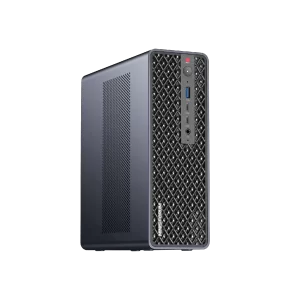
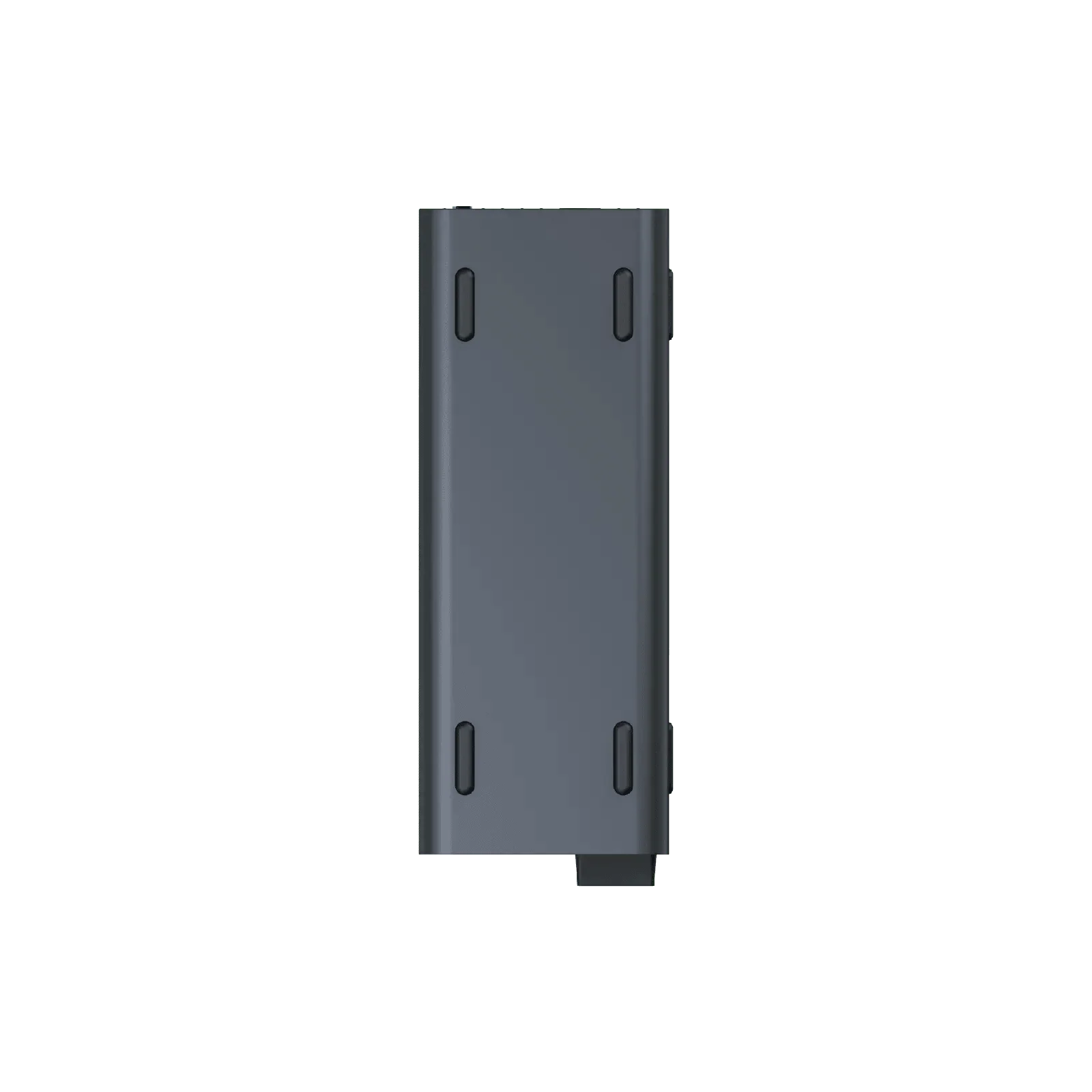
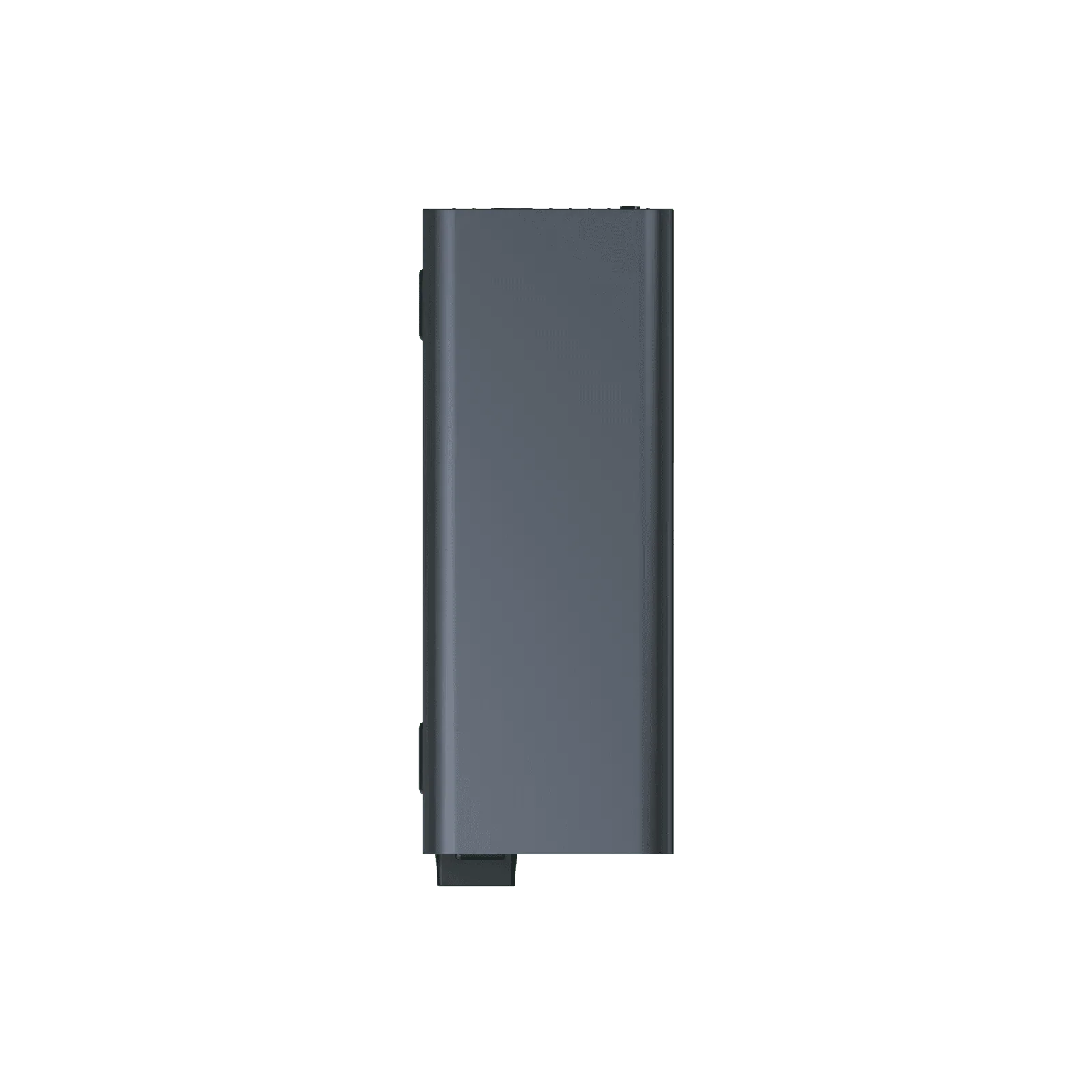
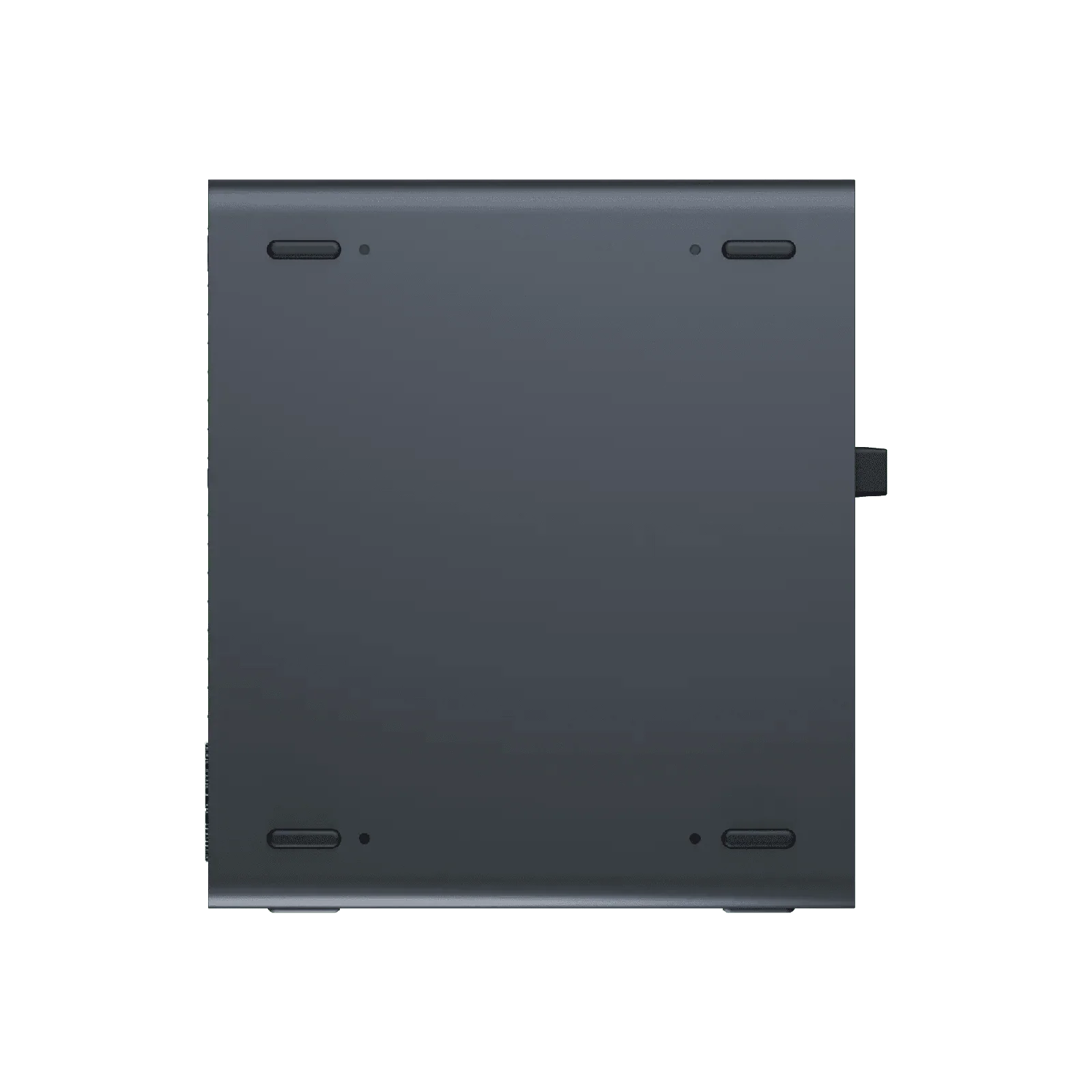
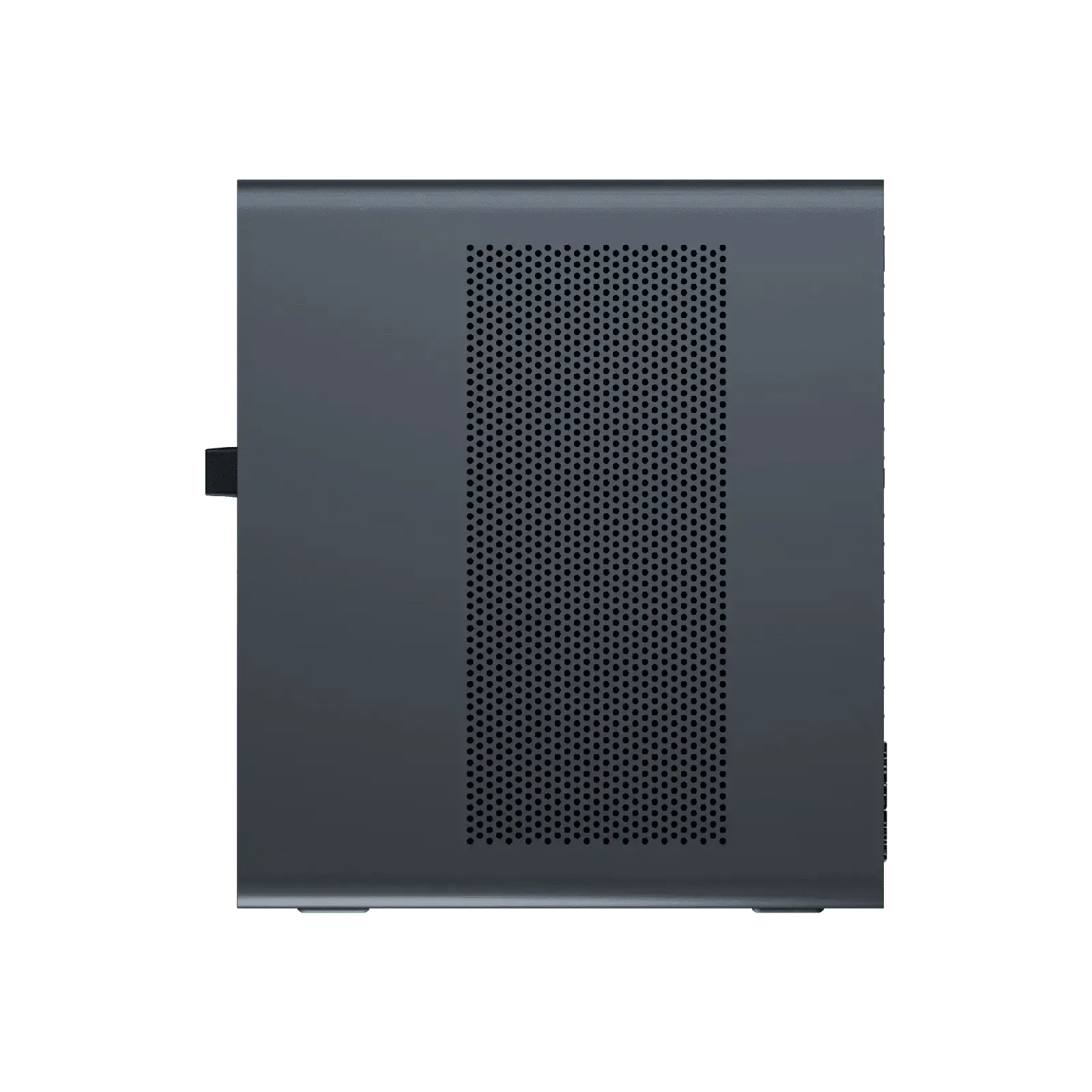
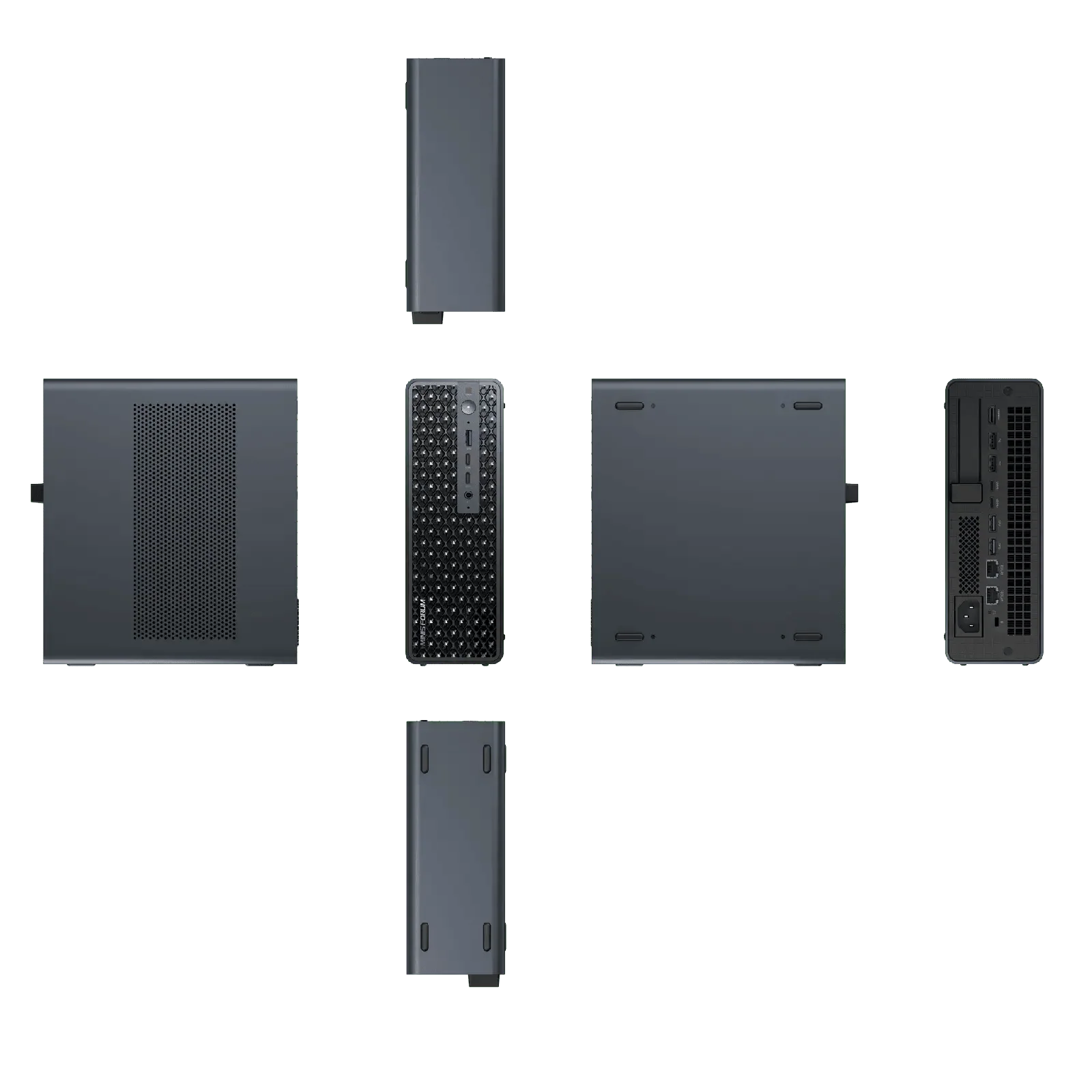
The trade-off is size. At 222 × 206 × 77 mm and 2.8 kg, this is closer to a small-form-factor desktop than to the palm-sized mini PCs we usually review. In exchange there is no external adapter to hide, and the chassis can stand on a desk, lie flat or slide into a 2U rack.
Local AI: what 128 GB really buys
For local language models, memory capacity matters more than raw GPU speed. With unified memory, most of the 128 GB can hold model weights, something no consumer graphics card can match. MINISFORUM’s tests show what to expect: gpt-oss-120b at about 32.6 tokens per second, a comfortable reading speed for a 120-billion-parameter model; Qwen3-235B-A22B in aggressive Q2 quantization at about 10.8 tokens per second; and the dense DeepSeek-R1-Distill-Llama-70B at 4.75 tokens per second. The pattern is clear: modern mixture-of-experts models, which only activate part of their weights per token, run very well; large dense models fit but are slow because they are limited by the ~256 GB/s memory bandwidth.
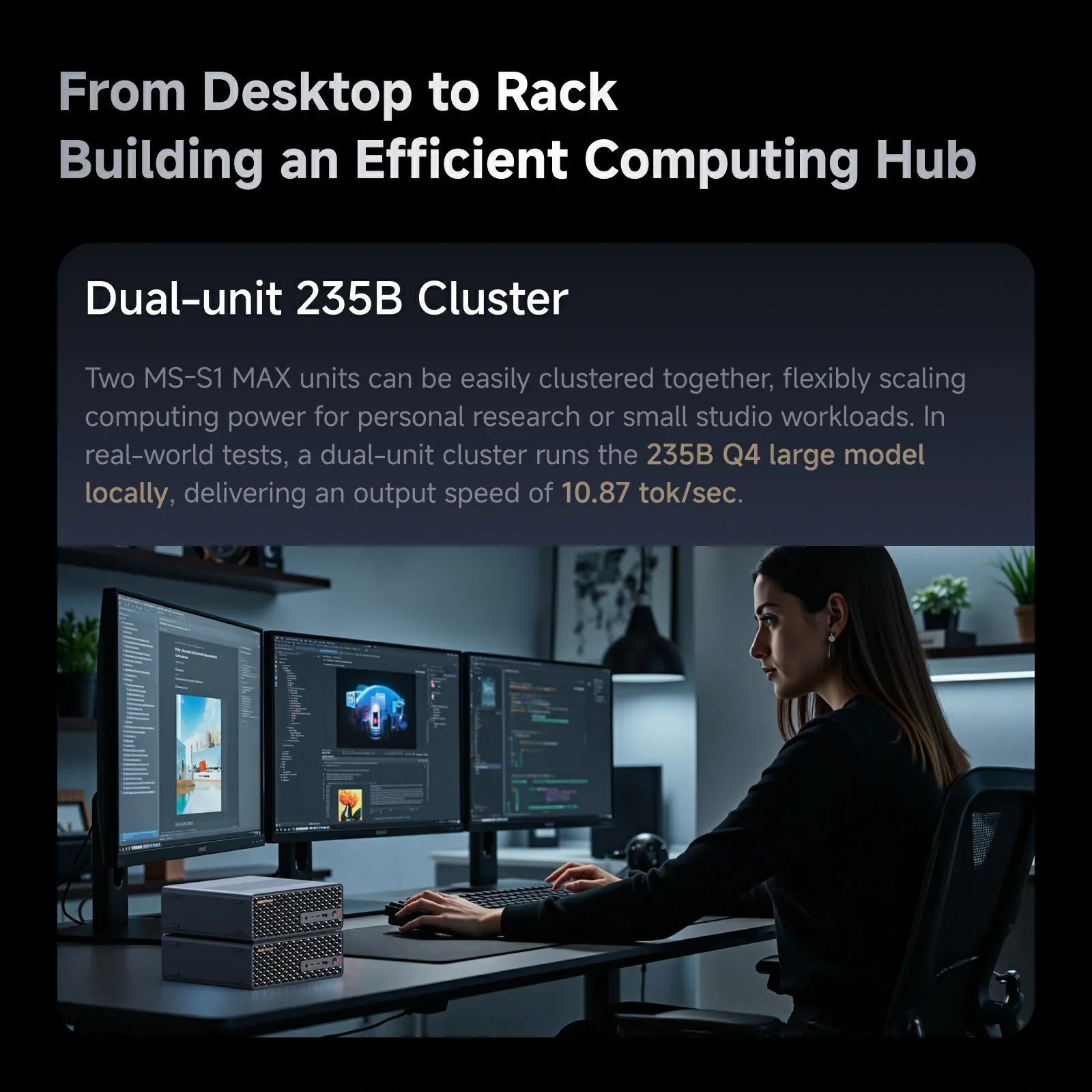
The MS-S1 MAX adds something its rivals lack: clustering. Two units linked together ran a 235B model at 10.87 tokens per second in MINISFORUM’s testing, and four units handled DeepSeek-R1 671B in Q4 — a 380 GB model normally associated with server GPUs. The fast USB4 v2 and 10GbE links and the cascade power header are what make this practical. For a small lab, four MS-S1 MAX units in a rack are a compact and comparatively quiet alternative to a GPU server, although software support for distributed inference is still evolving.
Graphics and creative work
The Radeon 8060S is the most powerful integrated GPU in a mini PC, with a 3DMark GPU score of 11,367 according to MINISFORUM. It plays many current games at 1080p and 1440p with sensible settings and upscaling, accelerates video editing and AI image generation, and — crucially — can use far more memory than a discrete card, which helps with large 3D scenes and high-resolution timelines. It is not a replacement for a high-end desktop graphics card in pure frame rates.
Expansion: the real differentiator
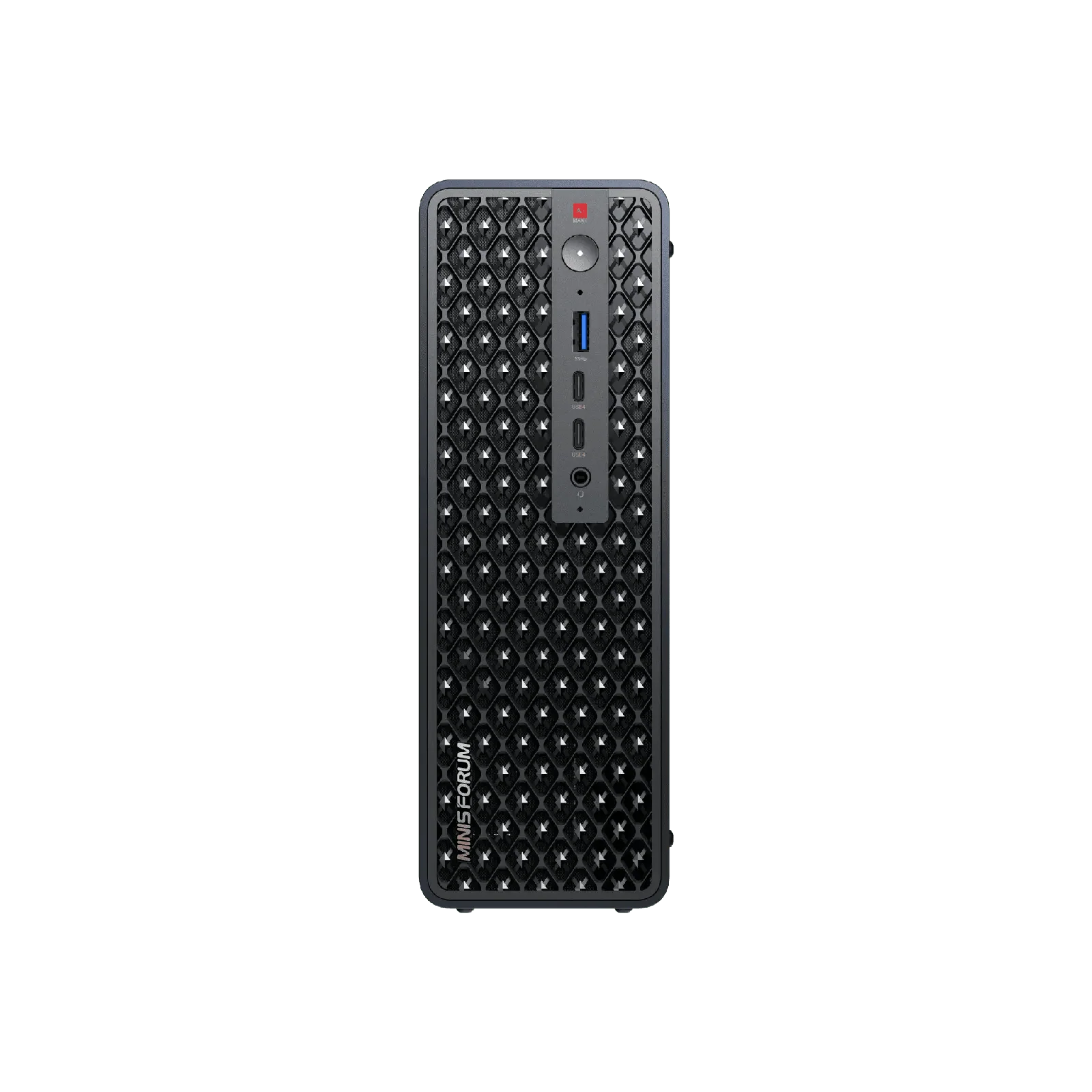
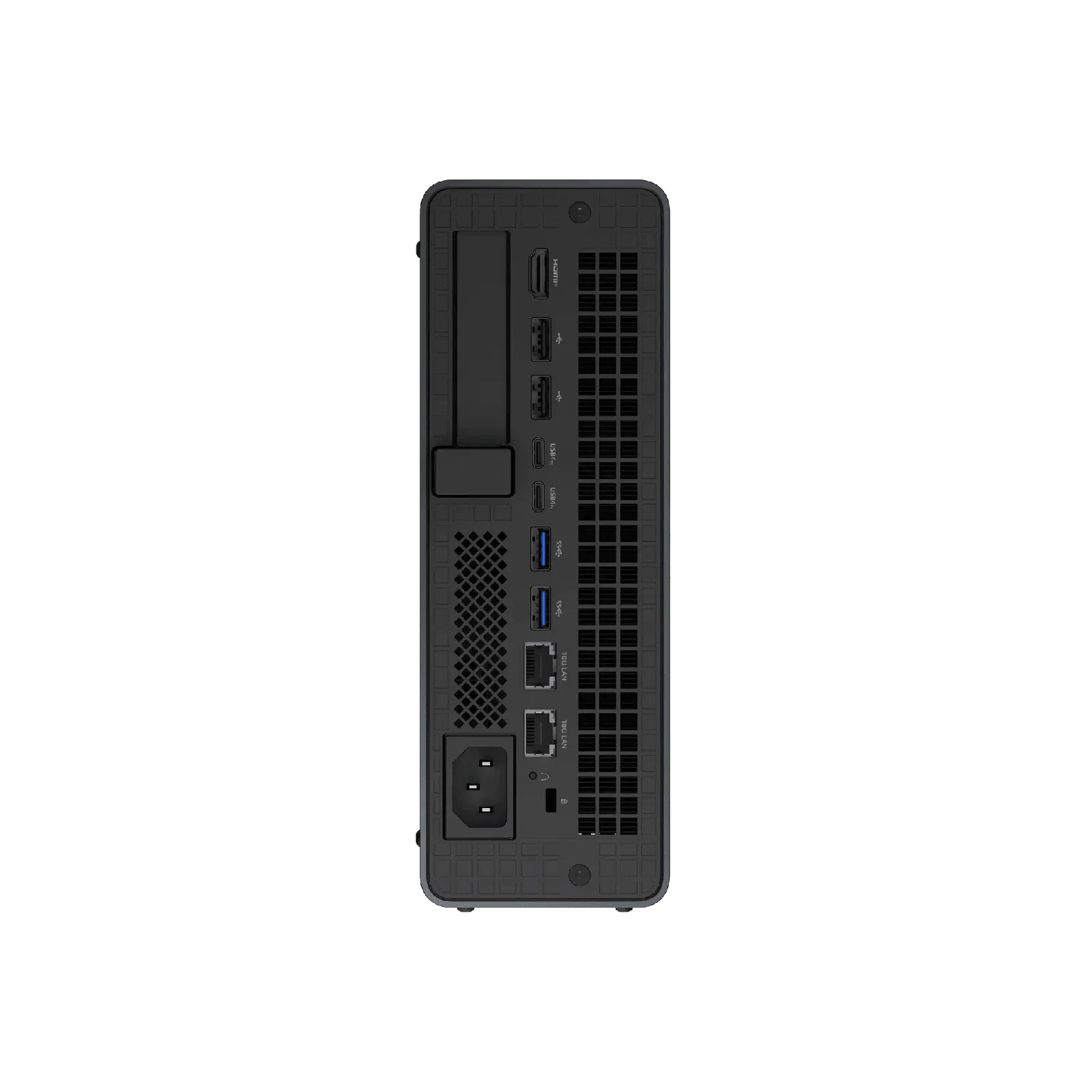
Three features set this machine apart from other Strix Halo systems. First, USB4 v2 at 80 Gbps on two rear ports, plus two 40 Gbps USB4 ports on the front: enough for fast external NVMe enclosures, docks and high-resolution displays. Second, dual 10GbE RJ45 on Realtek RTL8127 controllers, which connect directly to copper 10GbE switches — ideal for NAS storage, model libraries on the network and cluster links. Third, a full-length PCIe x16 slot wired as PCIe 4.0 ×4, which opens the door to capture cards, SFP+ or 25GbE network cards and storage controllers.
Storage is the one weak spot in this list: the second M.2 slot runs at PCIe 4.0 ×1, so a drive there is limited to about 2 GB/s. It is perfectly adequate for a model archive or backups, but users who want two fast drives in RAID 0 will not get the full benefit.
Cooling, noise and power modes
The cooling system is substantial: copper base, six heat pipes, phase-change material and two turbine fans up to 3,600 rpm. Four modes — Performance 130 W, Balanced 95 W, Quiet 60 W and Rack — make it easy to adapt the machine to a desk or a server cabinet. In Performance mode under sustained AI or rendering load, the fans will be clearly audible; for a shared office, Balanced or Quiet will be the better daily setting, with a moderate loss of multi-core speed.
MS-S1 MAX vs other Ryzen AI Max mini PCs
| Ryzen AI Max mini PCs compared | |
|---|---|
| MINISFORUM MS-S1 MAX | USB4 v2 80 Gbps, dual 10GbE, PCIe x16 slot, internal 320 W PSU, rack/cluster — 128 GB / 2 TB: US $3,959 |
| GEEKOM A9 Mega | Dual 2.5GbE, two HDMI 2.1 and two USB4, SD card reader, smaller 171 mm chassis with external 330 W adapter — 128 GB / 2 TB: US $3,999 |
| GMKtec EVO-X2 | Compact and usually the most affordable way to get the same chip, 2.5GbE, USB4, external adapter |
| Beelink GTR9 Pro | Newer Ryzen AI Max+ PRO 495, dual 10GbE, built-in 230 W power supply |
Against the GEEKOM A9 Mega, which costs about the same with 128 GB, the MS-S1 MAX trades a smaller chassis and extra HDMI output for 80 Gbps USB4 v2, 10GbE, the PCIe slot and the internal power supply. The GMKtec EVO-X2 is the value choice for the same chip in a much smaller box, without the workstation extras, and the Beelink GTR9 Pro offers dual 10GbE and an internal power supply with the newer PRO 495 processor, but no USB4 v2 or PCIe slot. Buyers who only need a powerful AI desktop will save money elsewhere; buyers who need fast networking, expansion and clustering have few alternatives.
Setting it up for local AI
To get the most out of the unified memory, it helps to understand how it is shared. On Strix Halo systems, part of the memory is reserved for the GPU in the BIOS/UEFI and the rest stays available to Windows or Linux, while AMD’s driver can also let the GPU borrow system memory dynamically. For large models, raising the dedicated GPU allocation is usually the first step. Popular tools such as LM Studio and Ollama work out of the box on Windows, and llama.cpp offers both Vulkan and ROCm back ends. Linux users get the most flexibility for multi-machine setups and server software, and the two 10GbE ports make the MS-S1 MAX easy to integrate into a home lab.
A practical tip: keep models on the fast PCIe 4.0 ×4 SSD and use the ×1 slot or a 10GbE NAS for the model archive. Loading a 60 GB model from a slow drive takes noticeably longer, while inference speed itself depends on memory bandwidth, not on storage.
64 GB or 128 GB?
The choice depends almost entirely on the size of the models you plan to run. With 64 GB, models up to roughly 30–40 GB in memory — such as 30B-class models in Q4 or 70B models in very low-bit quantizations — are comfortable alongside Windows and your applications. With 128 GB, 100B-plus mixture-of-experts models such as gpt-oss-120b become practical at good speeds, and you can keep several models loaded at once for agent workflows. Because memory cannot be upgraded later, anyone serious about local AI should buy the 128 GB version from the start.
Beyond AI: home lab and creative studio
The same features that make the MS-S1 MAX a good AI node also suit other heavy workloads. Virtualisation hosts benefit from 16 cores, large memory and two 10GbE ports; video editors gain fast USB4 v2 storage and HDMI 2.1 output for 8K monitoring; and the PCIe slot can take a capture card for streaming or broadcast production. In each case the built-in power supply and rack option simplify installation.
Price and value
MINISFORUM sells the MS-S1 MAX at US $2,599 with 64 GB and 2 TB, US $3,959 with 128 GB and 2 TB and US $4,199 with 128 GB and 4 TB in its US store (November 2026, below list prices of US $3,249, US $4,949 and US $5,249). Memory prices have risen sharply in 2026, which affects every 128 GB system. For local AI, the 128 GB version is the one that makes sense; the 64 GB edition is attractive for creators and developers who mainly need CPU and GPU power, but it limits the size of the models you can run.
Strengths and limitations
Strengths: top-tier Strix Halo performance with a high sustained power limit; up to 128 GB of unified memory for very large models; USB4 v2, dual 10GbE and a PCIe slot; built-in power supply; rack and cluster support; two M.2 slots up to 16 TB.
Limitations: soldered memory; second M.2 slot at PCIe 4.0 ×1; size and weight; high price; a single HDMI port; fan noise in Performance mode.
Verdict
The MINISFORUM MS-S1 MAX is not the best Strix Halo mini PC for everyone — it is the best one for people who will use what it adds. If you want to run 100B-plus models locally, connect to a 10GbE NAS, add a PCIe card or build a small AI cluster, it is one of the most capable compact machines available. If you simply want a fast, quiet desktop with the Ryzen AI Max+ 395, smaller and cheaper alternatives deliver most of the same performance.
| AI Capabilities | ||||||||||||||||
|---|---|---|---|---|---|---|---|---|---|---|---|---|---|---|---|---|
|
||||||||||||||||
| Processor | ||||||||||||||||
|
||||||||||||||||
| Ports | ||||||||||||||||
|
||||||||||||||||
| Network | ||||||||||||||||
|
||||||||||||||||
| GPU | ||||||||||||||||
|
||||||||||||||||
| Internal Ports | ||||||||||||||||
|
||||||||||||||||
| Storage & RAM | ||||||||||||||||
|
||||||||||||||||
| Power | ||||||||||||||||
|
||||||||||||||||
| Others Specifications | ||||||||||||||||
|
||||||||||||||||

More information: MINISFORUM MS-S1 MAX on minis-pc.com
Discover our full Mini PC comparison: minis-pc.com
Article written for minis-pc.com — Mini PC Comparisons and Reviews
Our 2026 Buying Guides & Deals
Disclaimer: This article is for information purposes only. Specifications, prices, coupons and availability may change at any time or contain errors, so please check them on the manufacturer's official website or store before buying. Some links on this page are affiliate links: if you buy through them we may earn a small commission at no extra cost to you.