“AI PC”, “NPU”, “TOPS”, “Copilot+” — every new mini PC launch in 2026 uses these terms, and the numbers keep growing. But what do they actually mean, and do you need an NPU at all? This guide explains the jargon in plain English, shows which processors in the mini PCs we review qualify as Copilot+ PCs, and — most importantly — explains why the NPU is not the most important part if you want to run AI models such as chatbots on your own computer.
What is an NPU?
An NPU (Neural Processing Unit) is a part of the processor designed only for the mathematics behind AI: multiplying large matrices of numbers at low precision. A CPU can do this work but slowly; a GPU can do it very fast but uses a lot of power. The NPU sits in between: it runs AI tasks with very low power consumption, which makes it ideal for features that run in the background all day — blurring your background in video calls, live captions, noise cancellation or indexing your files for smarter search.
Intel calls its NPU AI Boost, AMD calls it XDNA (part of Ryzen AI), and Apple calls its equivalent the Neural Engine.
What does TOPS mean?
TOPS stands for trillions of operations per second. It is the peak number of simple calculations (usually at INT8 precision) the NPU can perform. Two things to keep in mind:
- It is a peak figure. Real AI software rarely reaches it, and two NPUs with the same TOPS can perform very differently depending on their architecture, memory and drivers.
- NPU TOPS vs platform TOPS. Manufacturers often quote a much higher “total” or “platform” figure that adds CPU, GPU and NPU together — for example, up to 126 TOPS for the Ryzen AI Max+ 395 while its NPU alone delivers 50 TOPS. For Copilot+ certification only the NPU figure counts.
What is a Copilot+ PC?
Copilot+ PC is Microsoft’s label for Windows 11 computers that can run its local AI features. The key requirements are an NPU of at least 40 TOPS, at least 16 GB of memory and 256 GB of storage. Copilot+ PCs get features that other PCs do not, such as Recall (searchable timeline of your activity, optional), Click to Do, live captions with translation, image generation and editing tools in Photos and Paint, Windows Studio Effects for the webcam and a smarter Windows search that understands natural language. On our product pages we always state it clearly: either “Copilot+ PC” or “No NPU — not a Copilot+ PC”.
NPU performance of the processors in today’s mini PCs
| Mini PC | Processor | NPU | Copilot+ PC |
|---|---|---|---|
| GMKtec NucBox K13 | Intel Core Ultra 7 256V (Lunar Lake) | 47 TOPS | Yes |
| MSI Cubi NUC AI+ 3MG | Intel Core Ultra 5 322 (Panther Lake) | Up to 50 TOPS (Core Ultra Series 3) | Yes |
| MINISFORUM AI X1 Pro | AMD Ryzen AI 9 HX 370 | 50 TOPS | Yes |
| Beelink SER10 MAX | AMD Ryzen AI 9 HX 470 | 55 TOPS | Yes |
| GMKtec EVO-X2 | AMD Ryzen AI Max+ 395 | 50 TOPS (126 TOPS platform) | Yes |
| Beelink GTi15 Ultra | Intel Core Ultra 9 285H (Arrow Lake H) | 13 TOPS | No |
| GMKtec NucBox K8 Plus | AMD Ryzen 7 8845HS | 16 TOPS | No |
| Beelink EQ14 | Intel N150 | No NPU | No |
| Apple Mac mini M6 | Apple M6 | Neural Engine (macOS) | Not applicable |
As the table shows, a powerful processor is not automatically a Copilot+ PC. The Core Ultra 9 285H in the Beelink GTi15 Ultra is a very fast chip, but its NPU delivers 13 TOPS, below Microsoft’s threshold; the same applies to the Ryzen 7 8845HS (16 TOPS). Budget Intel N-series chips have no NPU at all. Apple’s Mac mini has its own Neural Engine for macOS and Apple Intelligence, so the Copilot+ label does not apply.
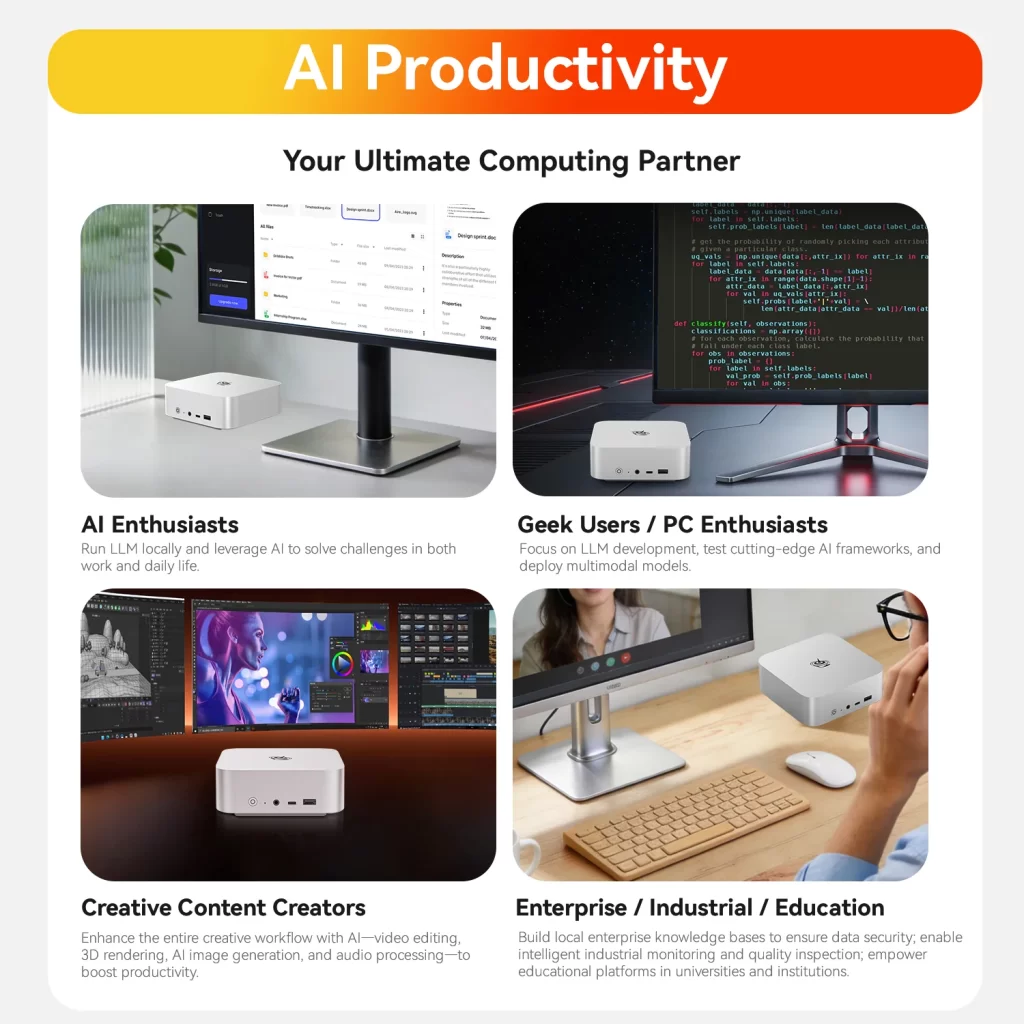
The big misunderstanding: local chatbots don’t run on the NPU
If your main goal is to run large language models (LLMs) locally — chatbots, coding assistants, document analysis with tools such as LM Studio or Ollama — the NPU is not the component that matters most. Today almost all of that software runs on the GPU, and the limiting factors are:
- Memory capacity. The whole model must fit in memory. A 7–8B model needs about 5–8 GB, a 30B model about 20 GB and a 70B model 40 GB or more in common 4-bit quantizations.
- Memory bandwidth. The speed at which tokens are generated depends mostly on how fast the memory can be read. This is why AMD’s Ryzen AI Max+ 395 systems, with a 256-bit LPDDR5x-8000 bus and up to 128 GB of unified memory, are so popular for local AI.
- GPU power for processing long prompts and for image generation.
The NPU is excellent for small, efficient models built into Windows and specific apps, and its role is growing as more software supports it. But for big local models, choose by memory and GPU first.
Which mini PC should you choose for AI?
- Copilot+ features for everyday work: any Copilot+ PC with 16–32 GB, such as Intel Lunar Lake (GMKtec NucBox K13), Panther Lake (MSI Cubi NUC AI+ 3MG) or AMD Ryzen AI 300/400 (MINISFORUM AI X1 Pro, Beelink SER10 MAX).
- Local LLMs up to about 30B parameters: a Ryzen AI 9 HX 370/470 system with 32–64 GB of upgradeable DDR5 and a strong Radeon 890M GPU.
- Large local models (70B–120B+): a Ryzen AI Max+ 395 system with 128 GB of unified memory, such as the GMKtec EVO-X2 or GEEKOM A9 Mega.
- AI image and video generation: a mini PC with a dedicated NVIDIA RTX GPU, such as the ASUS ROG NUC 16, where CUDA support is the strongest — even though its NPU is not Copilot+ class.
- No AI needs: a budget mini PC without NPU is perfectly fine for office work, browsing and media.
Conclusion
TOPS tell you whether a mini PC can run Windows’ Copilot+ features — look for at least 40 TOPS on the NPU alone. For everything else in AI, especially local chatbots, look at memory capacity, memory bandwidth and the GPU. Our AI Mini PC category lists every model with an NPU, and each product page states clearly whether it is a Copilot+ PC.
Our 2026 Buying Guides & Deals
Disclaimer: This article is for information purposes only. Specifications, prices, coupons and availability may change at any time or contain errors, so please check them on the manufacturer's official website or store before buying. Some links on this page are affiliate links: if you buy through them we may earn a small commission at no extra cost to you.