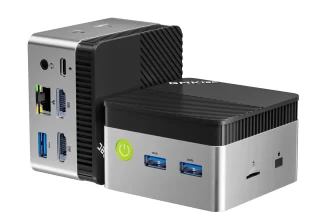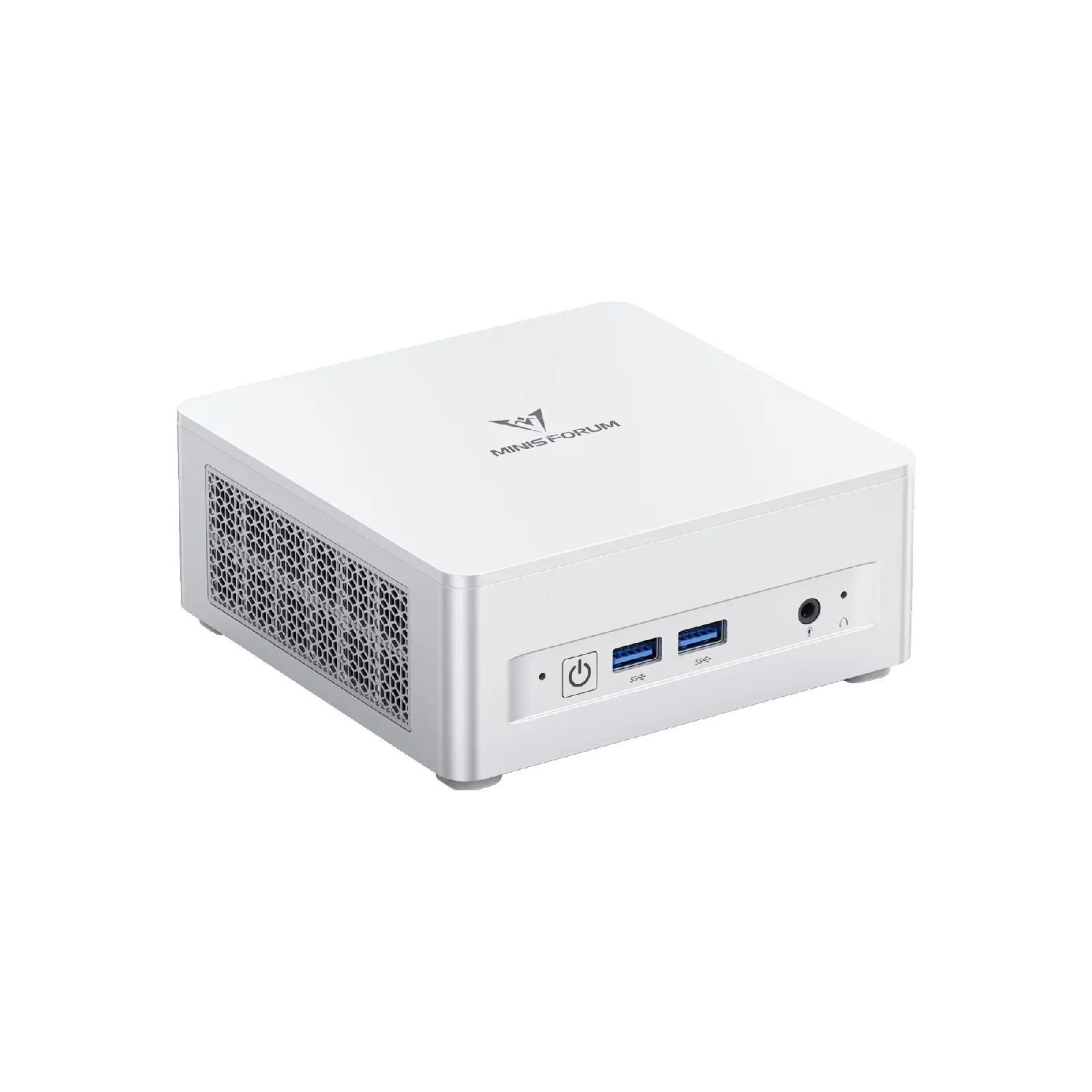
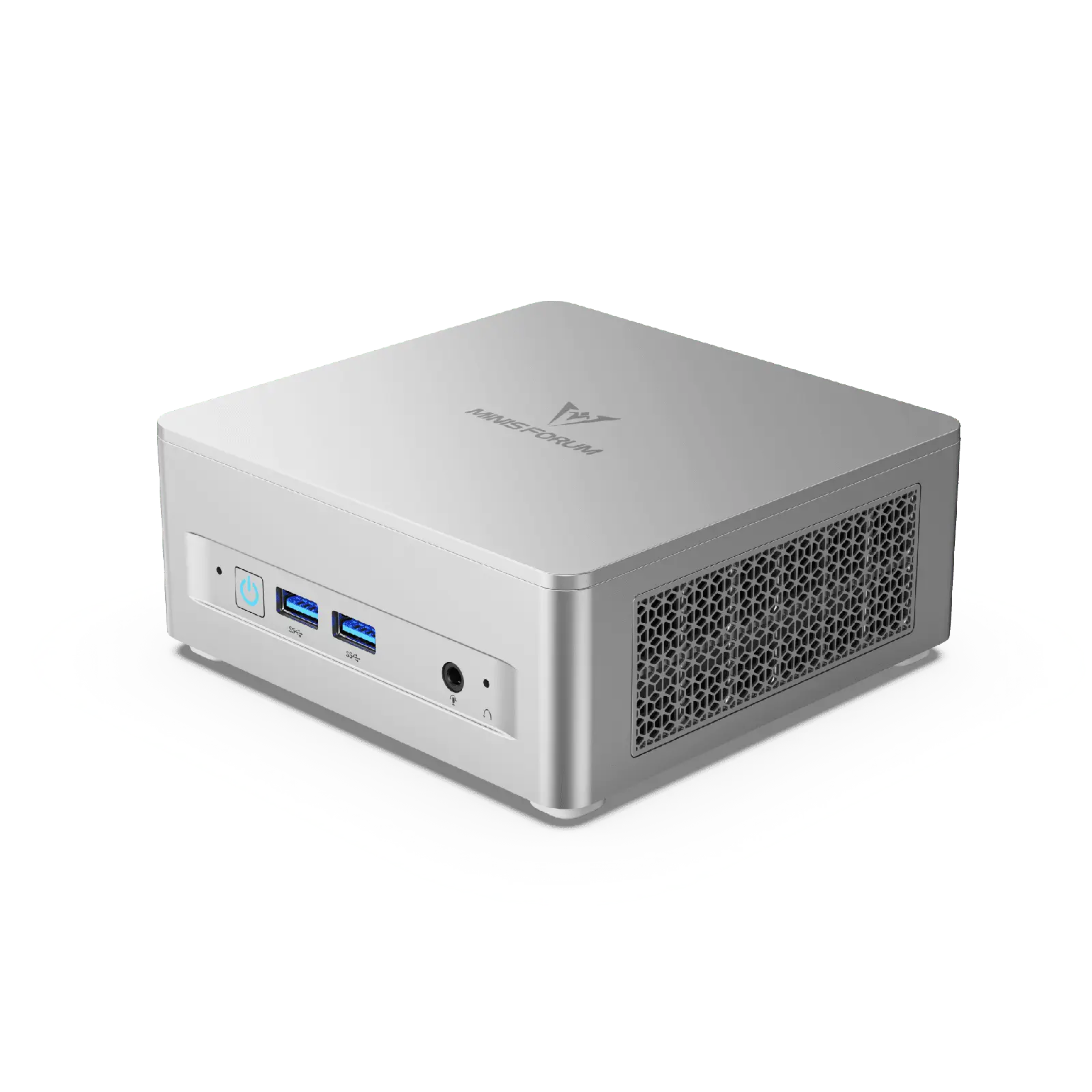
Few mini PCs offer as much freedom as the MINISFORUM UM870 Slim: an eight-core AMD Ryzen™ 7 8745H, two DDR5 SO-DIMM slots that accept up to 96 GB, two PCIe 4.0 ×4 SSD slots, USB4, HDMI 2.1, DisplayPort 1.4, Wi-Fi 6E and 2.5 GbE — and a barebone version that lets buyers bring their own memory and storage. We have analysed the hardware to explain why this configuration is still relevant at the end of 2026 and how its prices compare.

A Mature Platform at a Revealing Price
The Ryzen 7 8745H belongs to AMD’s Hawk Point family, launched in 2024. In 2026, newer Ryzen AI 300 and Ryzen 200 processors are available, but the eight Zen 4 cores of the 8745H remain very capable, and the platform is now mature, stable and well supported by drivers on Windows and Linux. What has changed dramatically is the price of memory: in the Minisforum US store, the barebone UM870 Slim costs US $327, while the version with 32 GB of RAM and a 500 GB SSD costs US $815, and the 32 GB + 1 TB version US $919 (November 2026 prices). The difference is mostly memory and storage cost, which makes the barebone version especially interesting for users who already own DDR5 SO-DIMM modules and an NVMe drive.
Specifications at a Glance
- CPU: AMD Ryzen™ 7 8745H — 8 Cores / 16 Threads — 3.8 to 4.9 GHz — 24 MB cache — up to 65 W in this model
- GPU: AMD Radeon™ 780M — 12 RDNA 3 Compute Units
- NPU: none — not a Copilot+ PC
- Memory: 2× DDR5 SO-DIMM — up to 96 GB at 5600 MT/s — FULLY USER-UPGRADEABLE (NOT soldered)
- Storage: 2× M.2 2280 PCIe 4.0 ×4 — up to 4 TB
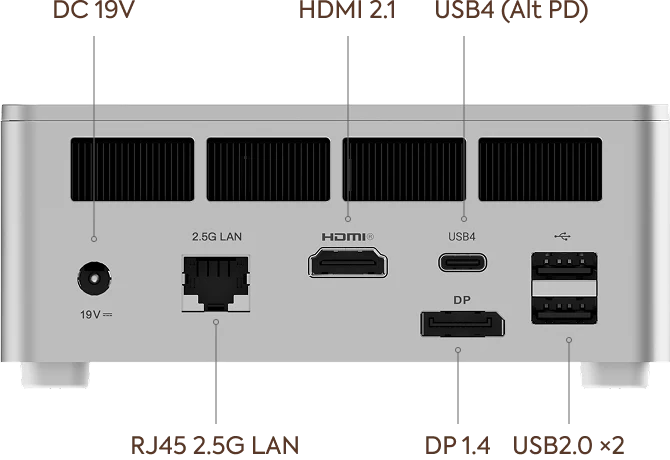
- Connectivity: USB4, Wi-Fi 6E, Bluetooth 5.2, 2.5 GbE
- Video: HDMI 2.1 + DP 1.4 + USB4 — three displays, up to 8K
- Size: 130 × 126.5 × 50.4 mm — 0.67 kg
Processor Performance
In our assessment, the 8745H sits in the upper part of the mainstream mini PC range. Its eight full Zen 4 cores at up to 4.9 GHz handle office work and browsing effortlessly and have the headroom for demanding tasks: editing photo collections, cutting 4K video with proxies, compiling code, running several virtual machines or containers, and keeping dozens of applications open at once. The 65 W sustained power that Minisforum allows is above AMD’s 35–54 W configurable range, which helps multi-core results stay high during long loads. Compared with the Ryzen 7 8845HS, the only meaningful differences are the missing NPU and a 200 MHz lower maximum boost, which has little effect on everyday performance.

Graphics: The Radeon™ 780M
The Radeon™ 780M is the reason many buyers choose Hawk Point mini PCs. With 12 RDNA 3 Compute Units it plays esports titles comfortably at 1080p and runs many recent games at 1080p with low to medium settings and FSR upscaling. Its performance depends heavily on memory: two matched DDR5 modules running at 5600 MT/s make a significant difference compared with a single module or slower memory. Buyers of the barebone version should therefore always install two identical modules. The UM870 Slim does not list an OCuLink port, so adding a desktop graphics card is limited to USB4 enclosures, which work but lose part of the card’s performance.

Memory and Storage: The Upgrade-Friendly Choice
This is where the UM870 Slim differs most from many recent mini PCs. Instead of soldered LPDDR5X, it uses two standard DDR5 SO-DIMM slots that accept up to 96 GB. The machine can start with 16 or 32 GB and grow later, or be configured from day one with 64 or 96 GB for virtual machines, large photo catalogues or local AI models running on the GPU. Storage follows the same logic, with two full-speed PCIe 4.0 ×4 slots. Minisforum indicates up to 4 TB in total; the practical maximum depends on the drives available.
Connectivity and Displays
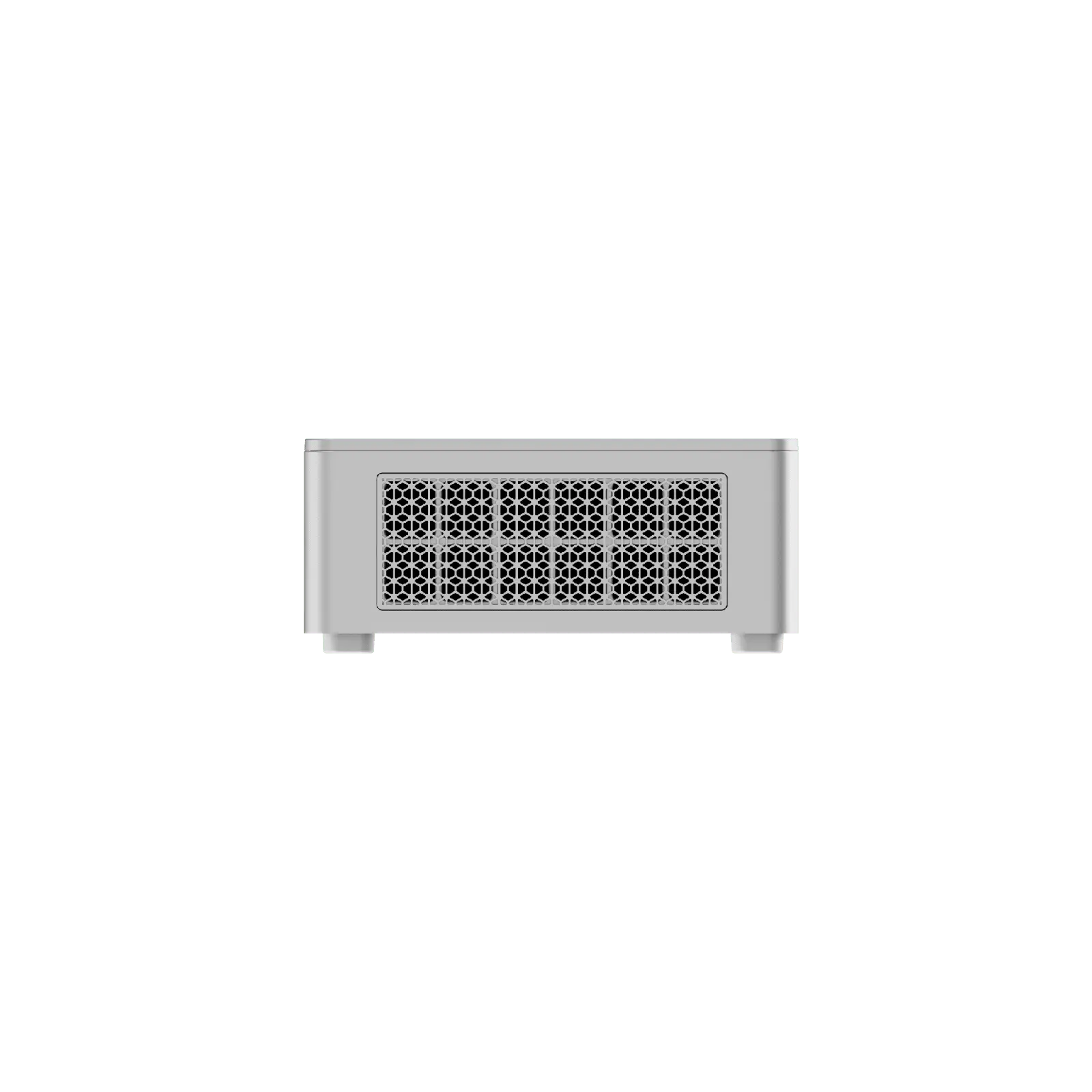
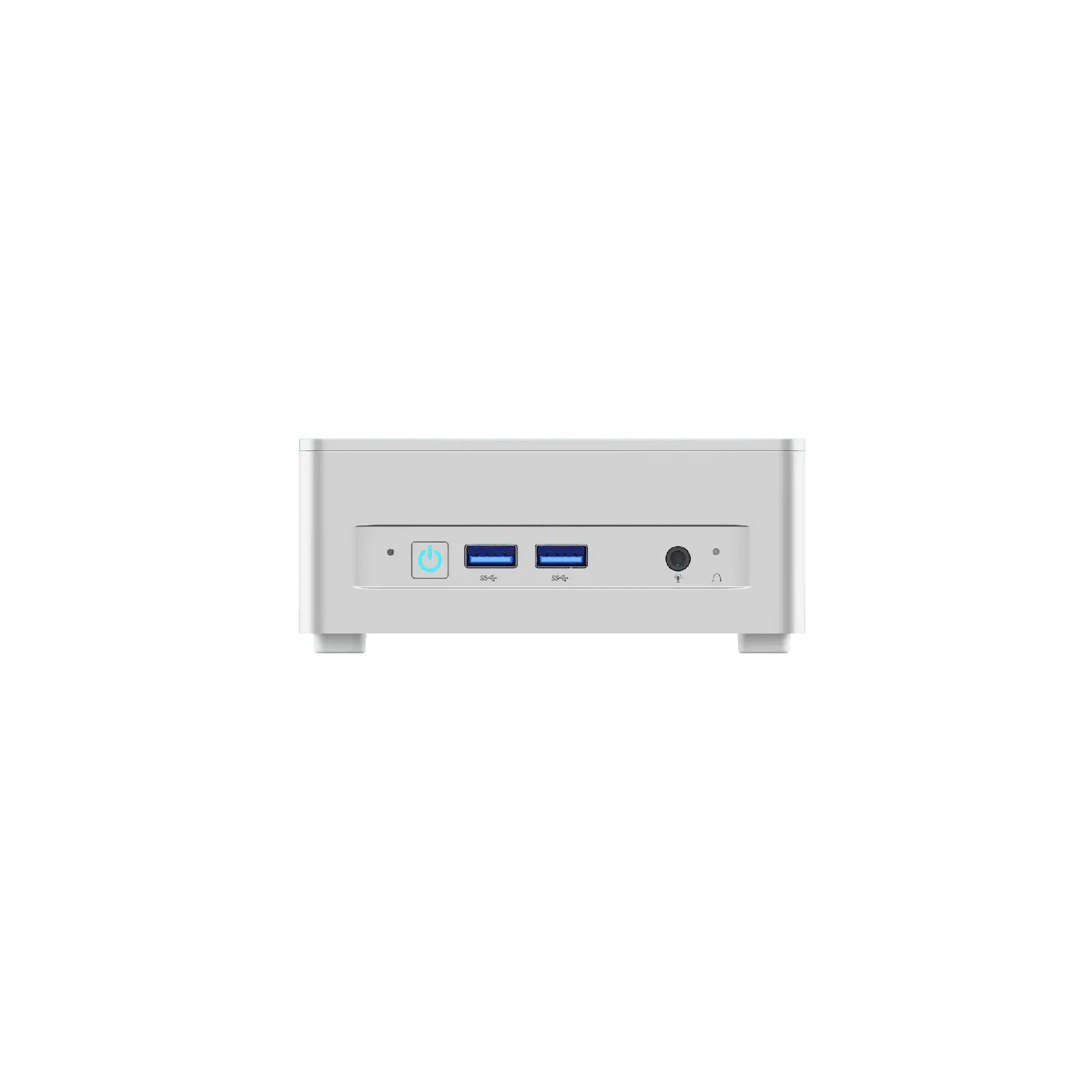
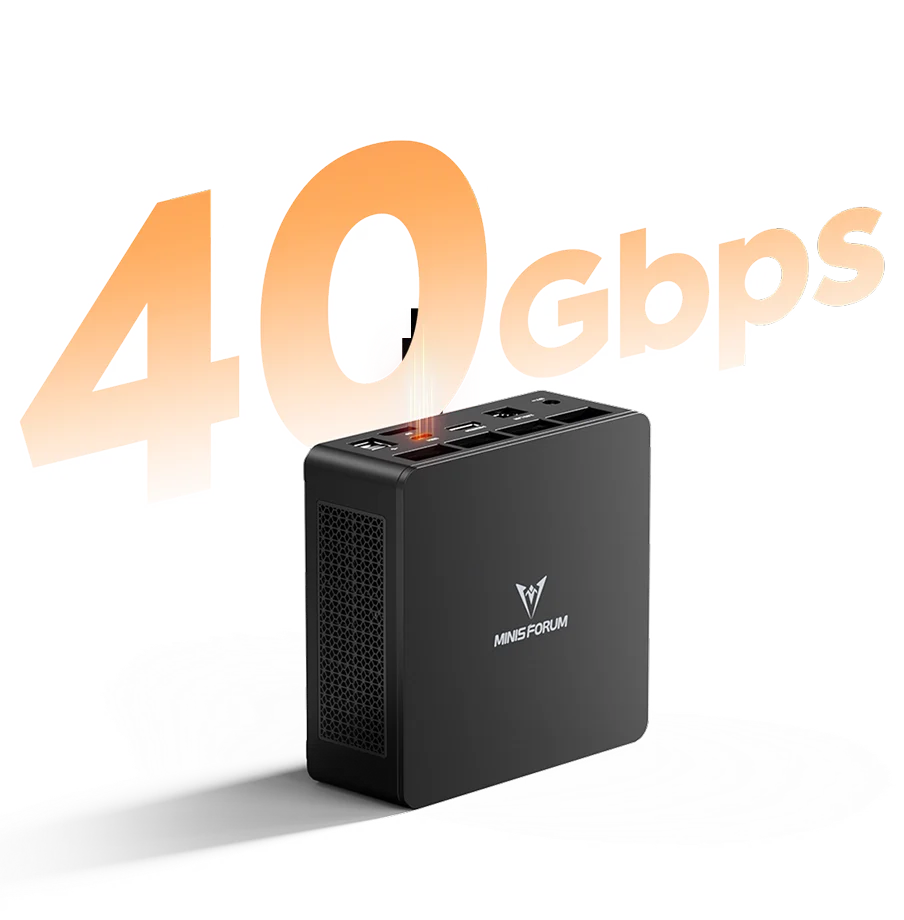
The port selection is complete for a modern desktop: USB4 at 40 Gbps for docks, fast external SSDs and monitors with USB-C input; two USB-A 3.2 Gen2 at 10 Gbps; two USB-A 2.0 for peripherals; HDMI 2.1 FRL and DisplayPort 1.4 for high-refresh or 8K displays; and a 3.5 mm combo jack. Wi-Fi 6E with Bluetooth 5.2 and a 2.5 GbE port complete the set. Three displays can be connected at once, which makes the UM870 Slim a good base for trading desks, programming set-ups and office workstations with several monitors.
Cooling and Noise
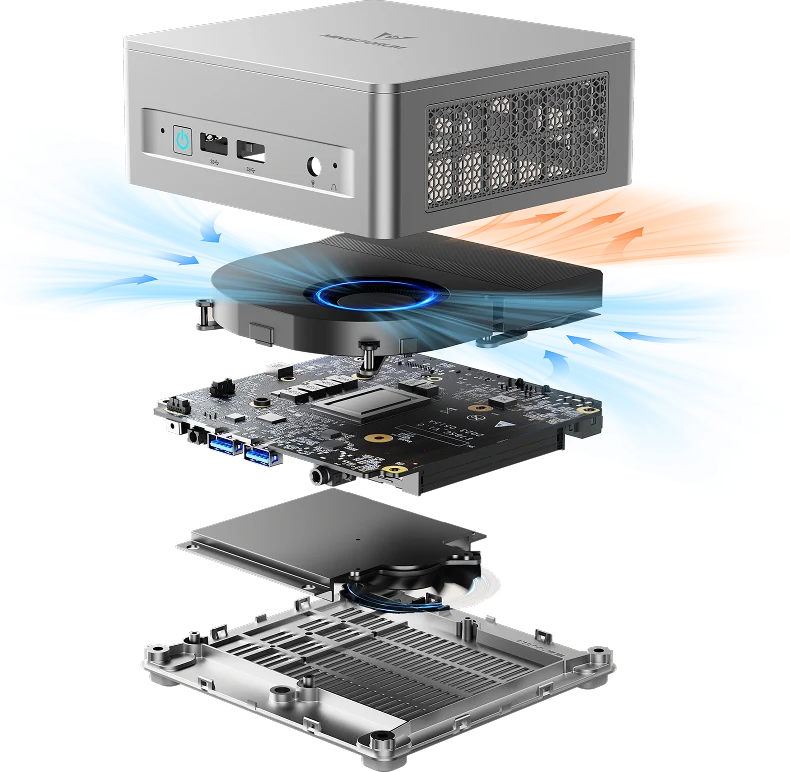
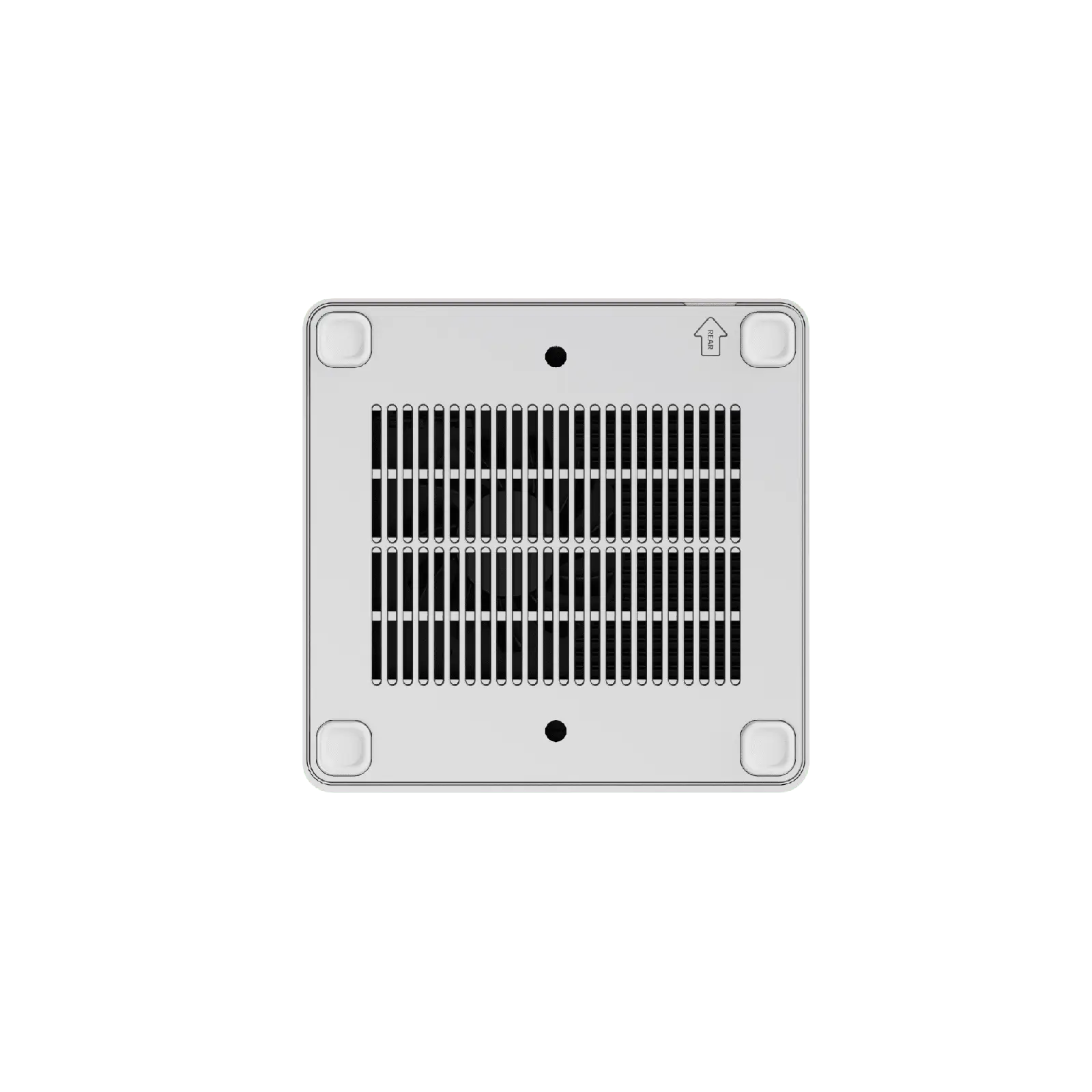
Minisforum pairs the 65 W processor with a phase-change thermal material, three copper heat pipes and a large fan that also cools the memory and SSD. The manufacturer states noise below 35 dB in Performance mode and a 25 % reduction in memory and SSD temperatures thanks to the airflow (manufacturer figures). Phase-change materials keep their performance better over time than ordinary thermal paste, which is relevant in a machine that may run for years without maintenance.
Setting Up the Barebone Version
For the barebone UM870 Slim, the buyer needs two DDR5 SO-DIMM modules (two identical modules for dual channel), at least one M.2 2280 NVMe SSD and a Windows licence or a Linux distribution. Installing modules and drives in this chassis is a standard procedure for a mini PC: remove the bottom cover, insert the modules and the SSD, close and install the operating system from a USB stick. The total cost depends on what the user already owns; even buying new components, it is worth comparing the result with the complete configurations, given the large price difference between versions in 2026.
Gaming With the Radeon™ 780M: Realistic Expectations
The UM870 Slim is not a gaming machine in the sense of a computer with a dedicated graphics card, but the Radeon™ 780M allows more gaming than most buyers expect from a mini PC. Esports titles such as League of Legends, Valorant, Counter-Strike 2, Rocket League or Fortnite in performance mode run smoothly at 1080p with adjusted settings. Many recent single-player games are playable at 1080p with low settings and FSR upscaling, typically aiming for 30 to 60 frames per second depending on the title (approximate range). Older and less demanding games, indie titles and emulation of most consoles up to the PlayStation 2 and GameCube generation run very well.
Three factors make a big difference. First, dual-channel memory: two identical DDR5 modules at 5600 MT/s. Second, the amount of memory reserved for graphics, which can be adjusted in the BIOS on most Hawk Point machines; 32 GB of total RAM leaves room to assign more to the GPU. Third, power: the 65 W sustained limit of this model helps the integrated GPU hold its clocks. With these conditions met, the UM870 Slim is a capable compact system for casual gaming in a living room or on a desk.
A Strong Base for a Home Lab
Eight cores, sixteen threads, up to 96 GB of upgradeable memory, two fast NVMe slots and 2.5 GbE make the UM870 Slim an attractive home lab or small server. It can run several virtual machines with a hypervisor, a container host with many services, a media server with hardware transcoding through the Radeon™ 780M, or a development environment with databases and test systems. The barebone version is especially suitable for this use, since home lab users usually choose their own memory and drives. Its limits for server roles are the single Ethernet port, which rules out router or firewall set-ups without an external adapter, and the space for only two M.2 drives, which limits storage redundancy.
How It Compares
- MINISFORUM UM870 Plus: the same Ryzen 7 8745H platform with an OCuLink port for external desktop graphics cards. The better option for users who plan to add a GPU.
- MINISFORUM UM880 Plus: the Ryzen 7 8845HS adds a 16 TOPS NPU and a 5.1 GHz boost, plus OCuLink through an adapter board.
- GEEKOM A8 Max and Bosgame M4 (Ryzen 7 8745HS): the HS variant of the same chip with very similar performance; compare ports, Ethernet and memory configuration.
- GMKtec NucBox K12 (Ryzen 7 H 255): the 2025 renaming of the same Hawk Point design without NPU, with similar CPU and GPU performance.
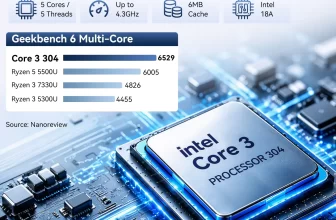
- GMKtec NucBox M3S (Core 3 304): cheaper with complete configuration and more modern platform, but far less powerful in CPU and GPU, with soldered 12 GB of RAM.
Value Summary
The UM870 Slim offers two very different value propositions depending on the version. The barebone, at US $327, is one of the most cost-effective ways to get eight Zen 4 cores, Radeon™ 780M graphics, USB4 and Wi-Fi 6E, especially for users with spare DDR5 modules and SSDs. The complete versions, at US $815 and US $919, are convenient but priced mainly by the cost of memory in 2026; at those levels, the UM870 Plus (with OCuLink) and the UM880 Plus (with NPU) deserve a direct comparison before buying.
Strengths and Limitations
Strengths:
- Eight Zen 4 cores up to 4.9 GHz, up to 65 W sustained
- Radeon™ 780M — one of the best integrated GPUs of its generation
- Up to 96 GB DDR5, fully user-upgradeable
- Two PCIe 4.0 ×4 M.2 slots
- USB4, HDMI 2.1 and DP 1.4 — three displays
- Wi-Fi 6E and 2.5 GbE
- Very attractive barebone price
Limitations:
- No NPU — not a Copilot+ PC
- No OCuLink port listed
- 2024 processor generation
- Complete configurations are expensive due to memory prices
- Single Ethernet port
Verdict
The MINISFORUM UM870 Slim is a well-balanced mini PC that rewards buyers who like to choose their own components. Its eight-core processor, Radeon™ 780M graphics, generous upgradability and complete connectivity make it suitable for work, study and light gaming for years. Without an NPU or OCuLink it is not the most future-oriented option in the Minisforum range, but the barebone version, at its current price, is one of the most sensible ways to get eight Zen 4 cores in a compact box.
| Configuration Options | ||||||||||||||||
|---|---|---|---|---|---|---|---|---|---|---|---|---|---|---|---|---|
|
||||||||||||||||
| AI Capabilities | ||||||||||||||||
|
||||||||||||||||
| Processor | ||||||||||||||||
|
||||||||||||||||
| Ports | ||||||||||||||||
|
||||||||||||||||
| Network | ||||||||||||||||
|
||||||||||||||||
| GPU | ||||||||||||||||
|
||||||||||||||||
| Internal Ports | ||||||||||||||||
|
||||||||||||||||
| Storage & RAM | ||||||||||||||||
|
||||||||||||||||
| Power | ||||||||||||||||
|
||||||||||||||||
| Others Specifications | ||||||||||||||||
|
||||||||||||||||

More information: MINISFORUM UM870 Slim on minis-pc.com
Discover our full Mini PC comparison: minis-pc.com
Article written for minis-pc.com — Mini PC Comparisons and Reviews