Integrated graphics in 2026 mini PCs are better than ever — the Radeon 8060S in Ryzen AI Max+ systems rivals entry-level discrete cards — but nothing beats a desktop graphics card for high-refresh gaming, heavy 3D rendering or GPU-accelerated AI. An external GPU (eGPU) dock lets you keep a small, quiet mini PC and add a full desktop card when you sit down to play or work. This guide explains the three ways to connect one — USB4/Thunderbolt, OCuLink and dedicated PCIe docks — and how to choose.
Recommended eGPU docks and compatible mini PCs
| Product | Type | Connection | Best for |
|---|---|---|---|
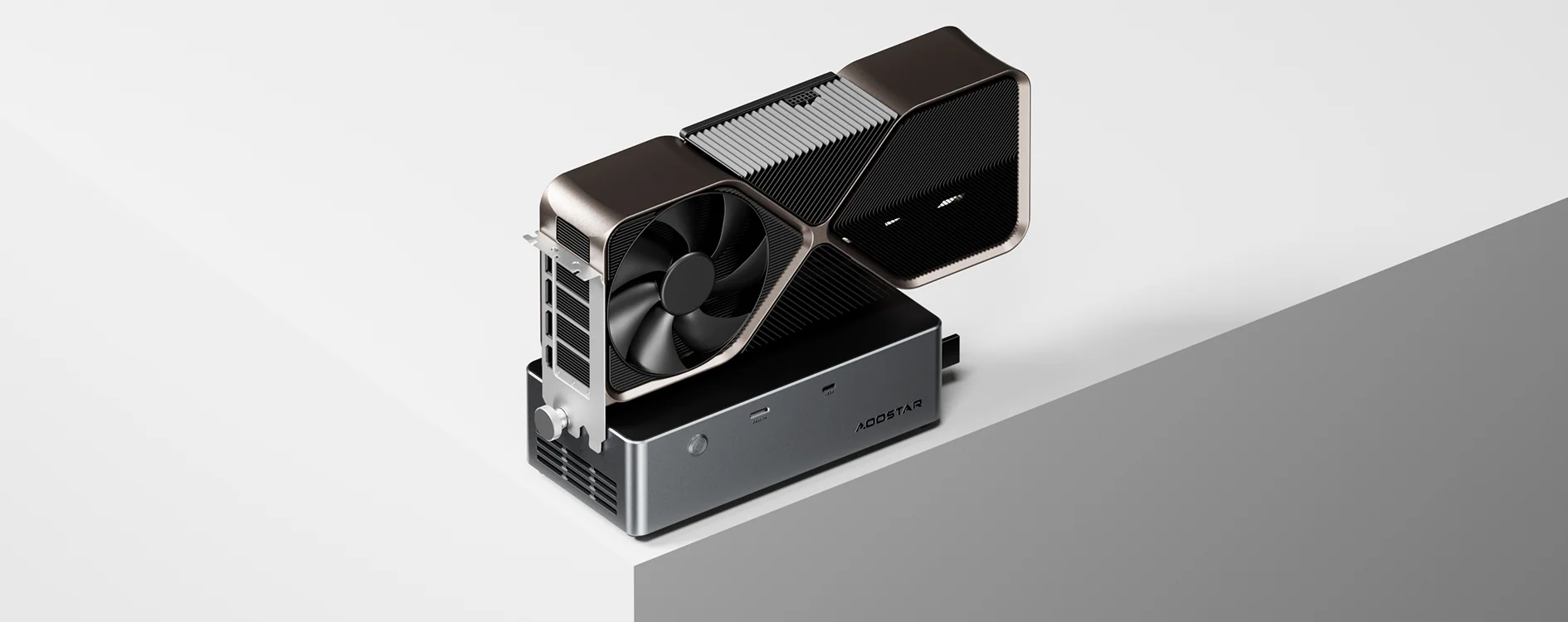
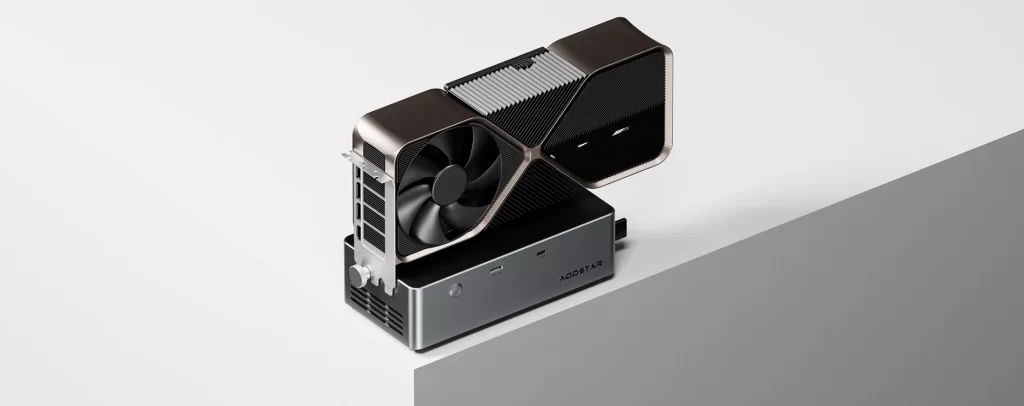
| AOOSTAR AG02 | eGPU dock | OCuLink + USB4 / Thunderbolt | Most mini PCs and laptops; 800 W PSU |
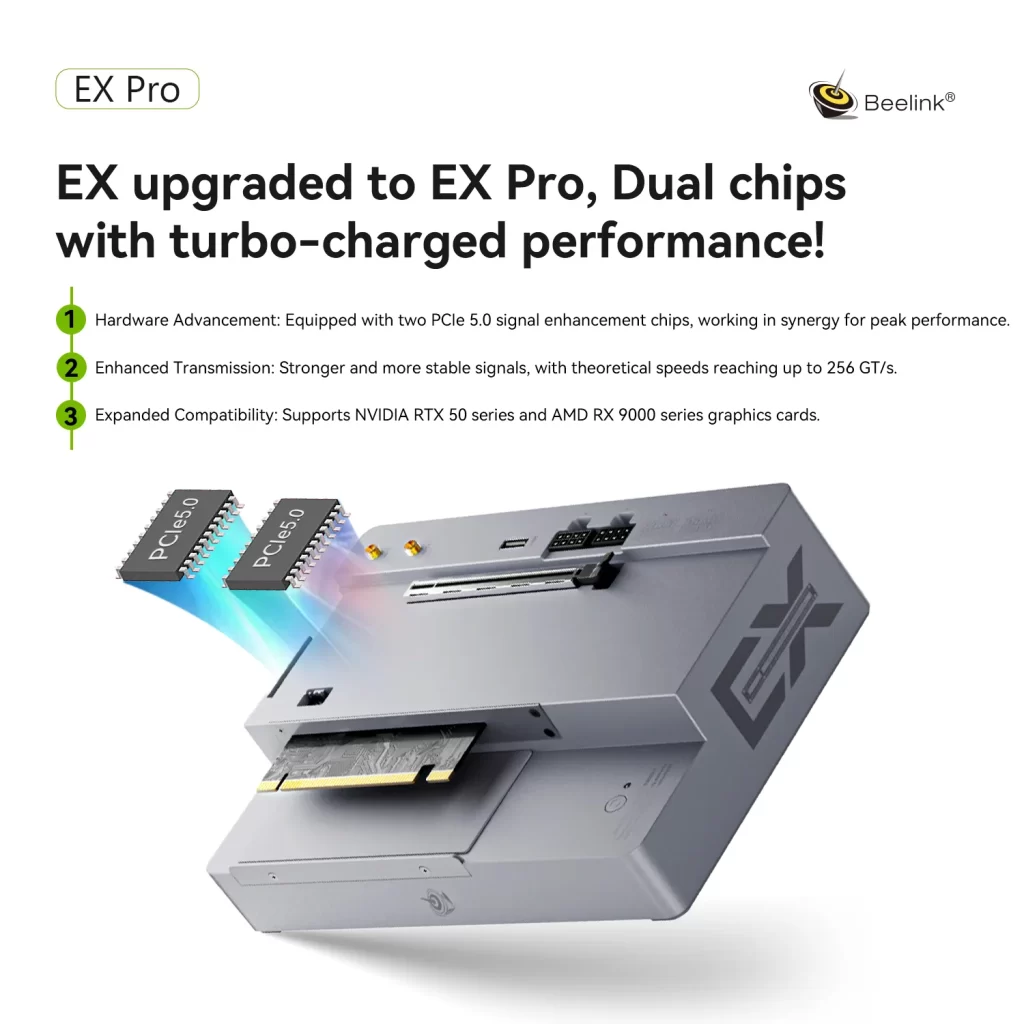
| Beelink EX Pro Docking Station | eGPU dock | PCIe 5.0 ×8 dock connector | Beelink GTi12–GTi15 Ultra; 600 W PSU |
| Beelink GTi15 Ultra | Mini PC | PCIe 5.0 ×8 dock + USB4 | Maximum eGPU performance |
| GMKtec NucBox K8 Plus | Mini PC | OCuLink + USB4 | Budget gaming with an OCuLink dock |
The three connection types compared
| Connection | Bandwidth | Hot-plug | Typical use |
|---|---|---|---|
| USB4 / Thunderbolt 4 | 40 Gbps (PCIe tunnelled, about 32 Gbps usable for PCIe) | Yes | Laptops, handhelds and most Ryzen AI / Core Ultra mini PCs; one cable can also charge the host |
| Thunderbolt 5 / USB4 v2 | 80 Gbps link (PCIe 4.0 ×4 tunnelled) | Yes | Newer premium systems; better than 40 Gbps but still tunnelled |
| OCuLink | PCIe 4.0 ×4 direct (about 64 Gbps) | No | Gaming mini PCs with an OCuLink port: the best value external connection |
| Brand PCIe dock (e.g. Beelink EX Pro) | PCIe 5.0 ×8 (up to 256 GT/s) | No | Specific mini PC series with a dedicated dock connector: closest to a desktop slot |
USB4 and Thunderbolt: the universal option
USB4 and Thunderbolt 4 carry PCIe data inside a 40 Gbps connection. They are found on most current Ryzen AI, Ryzen AI Max and Intel Core Ultra mini PCs, they are hot-pluggable, and with docks such as the AOOSTAR AG02 the same cable can charge a laptop or handheld. The drawback is bandwidth and latency: a high-end graphics card can lose a noticeable share of its performance, especially at 1080p with high frame rates. Mid-range cards lose much less.
OCuLink: the best value
OCuLink is simply a PCIe 4.0 ×4 link on a cable, without USB or Thunderbolt in between. It offers clearly better performance than USB4 at the same card, and docks are inexpensive. Its limits: it is not hot-pluggable (turn the computer off before connecting or disconnecting), it carries no power to the host, and only some mini PCs have the port — mostly gaming-oriented AMD models such as the GMKtec NucBox K8 Plus.
Dedicated PCIe docks: closest to a desktop
Some brands design a dock for their own mini PCs. Beelink’s GTi Ultra series has a connector underneath that plugs directly into the EX Pro Docking Station at PCIe 5.0 ×8, the highest bandwidth of any external solution. The dock includes a 600 W power supply and holds cards up to three slots thick. The catch: it only works with those specific models.
How much performance do you lose?
The answer depends on the card and the resolution. As a rule of thumb, the loss is smallest at 1440p and 4K, where the GPU works harder per frame and sends less data per second over the link, and largest at 1080p with very high frame rates. Mid-range cards are the sweet spot for USB4 and OCuLink; top-end cards make most sense on a PCIe ×8 dock. Remember also that the mini PC’s mobile processor can limit frame rates in CPU-heavy games, whatever the connection.
What to check before buying
- Your mini PC’s ports: look for OCuLink, USB4/Thunderbolt or a brand dock connector in the specifications table of its page on minis-pc.com.
- Power: the dock’s power supply must cover the graphics card’s peak draw. Check the maximum card power in the dock’s specifications and the connectors (8-pin or 16-pin) your card needs.
- Card size: open-frame docks rarely limit length, but very thick cards may need extra space.
- Compatibility lists: some docks list specific cards or devices that do not work; read them before buying.
- Monitor connection: connect your monitor directly to the graphics card’s outputs for the best performance, rather than to the mini PC.
eGPU for local AI
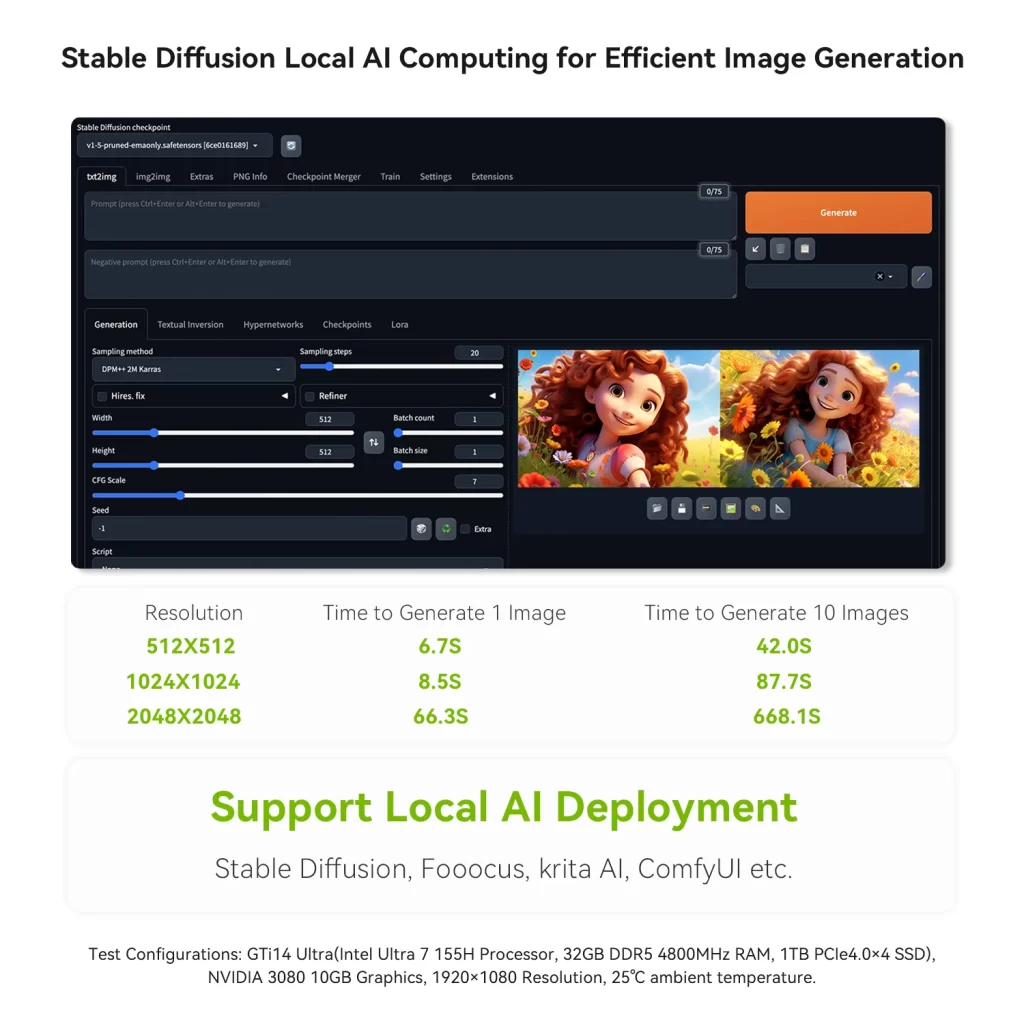
An NVIDIA card on an eGPU dock gives a mini PC access to CUDA, which is still the best-supported platform for AI image generation and many AI tools. For language models, the limit is the card’s own memory (VRAM): models that fit entirely in VRAM run fast even over USB4, because the model is loaded once and little data crosses the link during generation. Models larger than the card’s memory are better suited to Ryzen AI Max systems with large unified memory.
Which option should you choose?
- Your mini PC has OCuLink: an OCuLink dock such as the AOOSTAR AG02 is the best price-to-performance choice.
- Only USB4 or Thunderbolt: a USB4 dock works well with mid-range cards; the AG02 covers both connections, so it remains useful if your next mini PC has OCuLink.
- Beelink GTi Ultra: the EX Pro Docking Station gives the best performance of all.
- No suitable port: consider a mini PC with a built-in discrete GPU or a Ryzen AI Max system instead.
All eGPU docks we review appear automatically in the Compatible upgrades & accessories block of each compatible mini PC, and in our eGPU & Graphics Docks section.
Our 2026 Buying Guides & Deals
Disclaimer: This article is for information purposes only. Specifications, prices, coupons and availability may change at any time or contain errors, so please check them on the manufacturer's official website or store before buying. Some links on this page are affiliate links: if you buy through them we may earn a small commission at no extra cost to you.