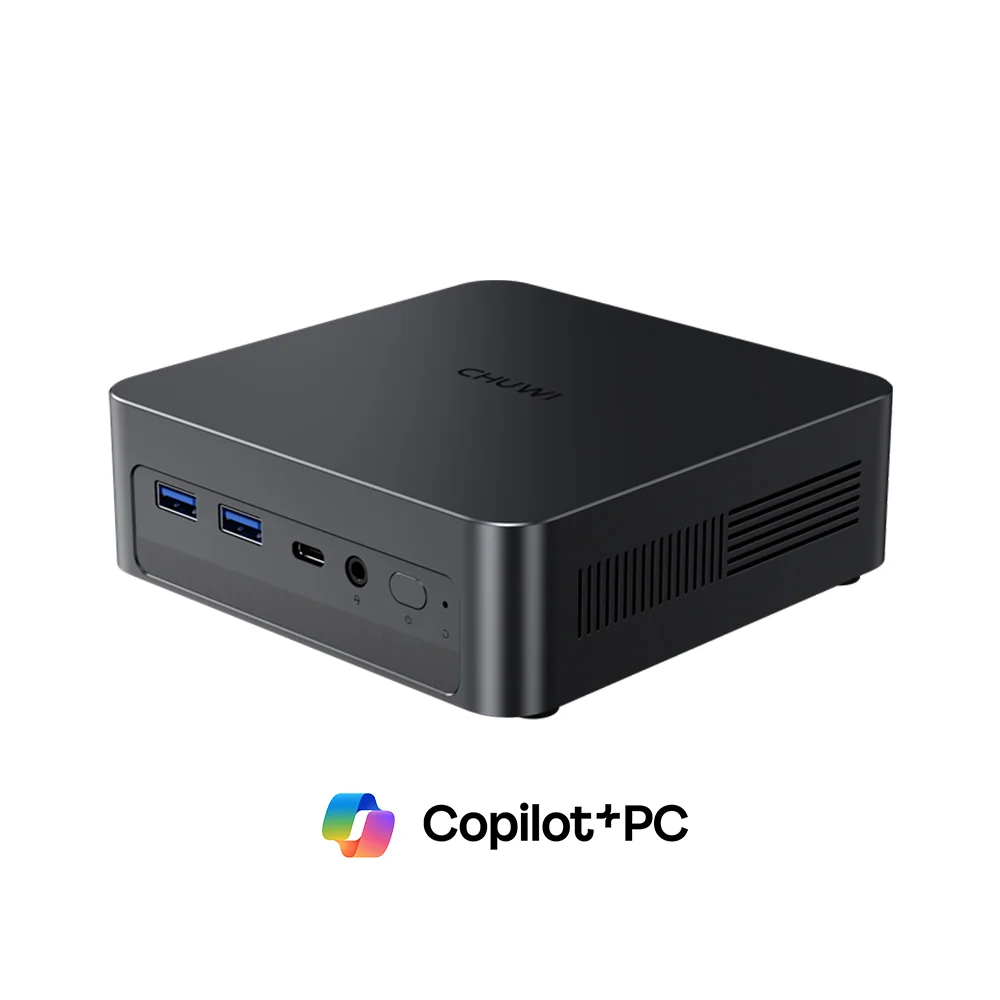
Intel’s Lunar Lake processors were designed for thin laptops, but they make a lot of sense in a mini PC: they are fast in everyday work, they stay cool and quiet, and they bring a 40 TOPS NPU that unlocks Windows Copilot+ features. The CHUWI AuBox X puts the Core Ultra 5 226V into a 0.67-litre box with 16 GB of LPDDR5X, USB4, Wi-Fi 6E and 2.5 GbE for US $629 in CHUWI’s store (November 2026). We analyse what this compact AI PC does well and where its design choices limit it.
Why Lunar Lake in a Mini PC
Most mini PCs at this price use AMD Ryzen 7 8845HS or similar processors with eight Zen 4 cores and sixteen threads, running at 45–65 W. The AuBox X takes a different path: eight threads, a 37 W ceiling and a strong focus on efficiency and AI. In everyday use the result feels just as quick — Lunar Lake has excellent single-thread performance — while power use and fan noise are clearly lower. Where the Ryzen machines win is sustained multi-core work: exporting long videos, compiling large projects or running several virtual machines at once.
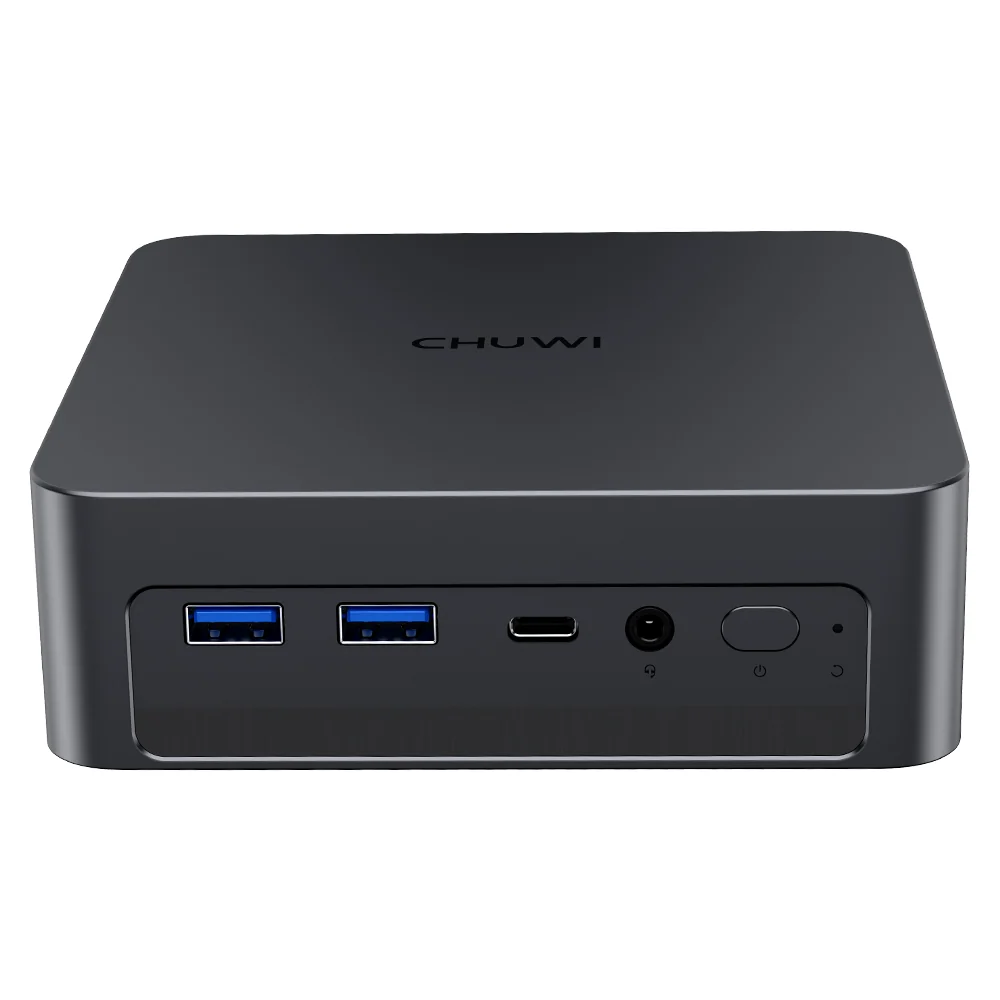
Specifications at a Glance
- CPU: Intel® Core™ Ultra 5 226V — 8 Cores / 8 Threads — up to 4.5 GHz — 8 MB cache
- GPU: Intel® Arc™ 130V (Xe2, ray tracing)
- AI Engine: NPU up to 40 TOPS — 97 platform TOPS — Copilot+ PC
- Memory: 16 GB LPDDR5X 8533 MT/s — SOLDERED — non-upgradeable
- Storage: 512 GB SSD + PCIe 5.0 ×4 and PCIe 4.0 ×2 M.2 slots
- Network: Wi-Fi 6E, Bluetooth 5.4, 2.5 GbE
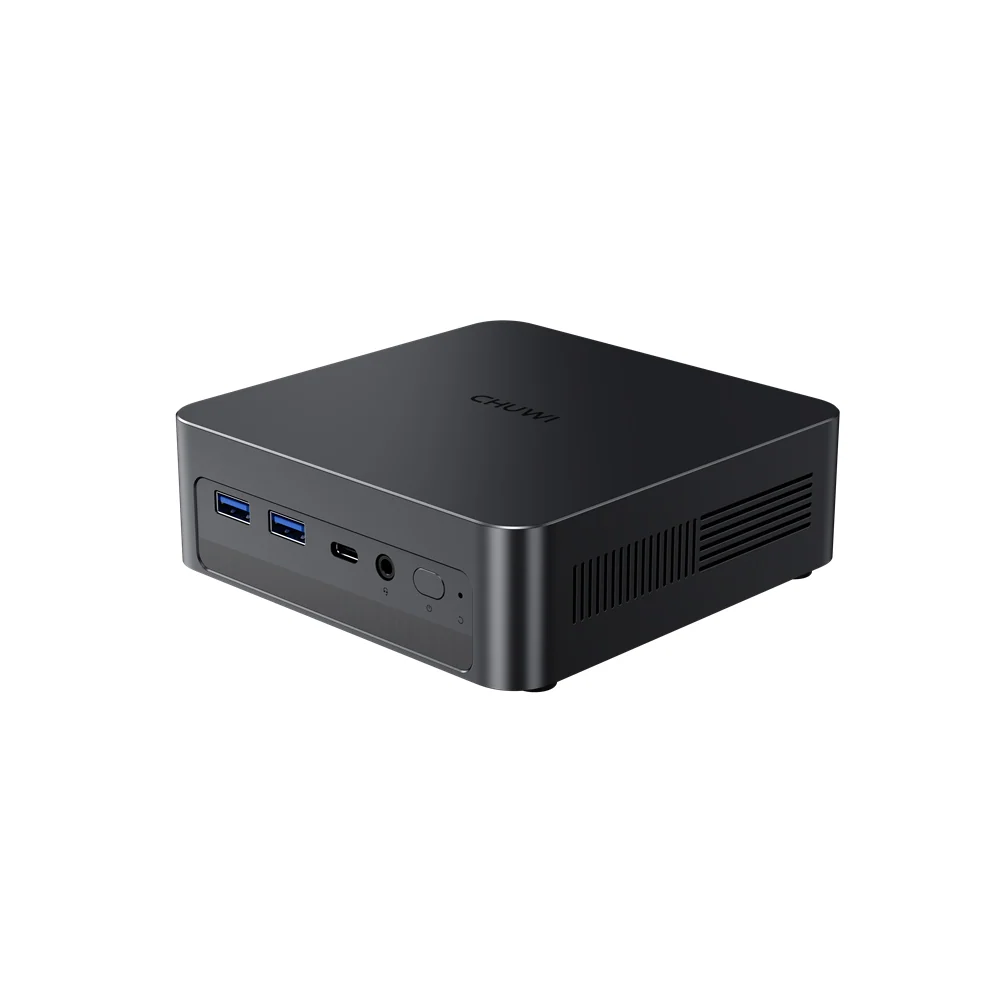
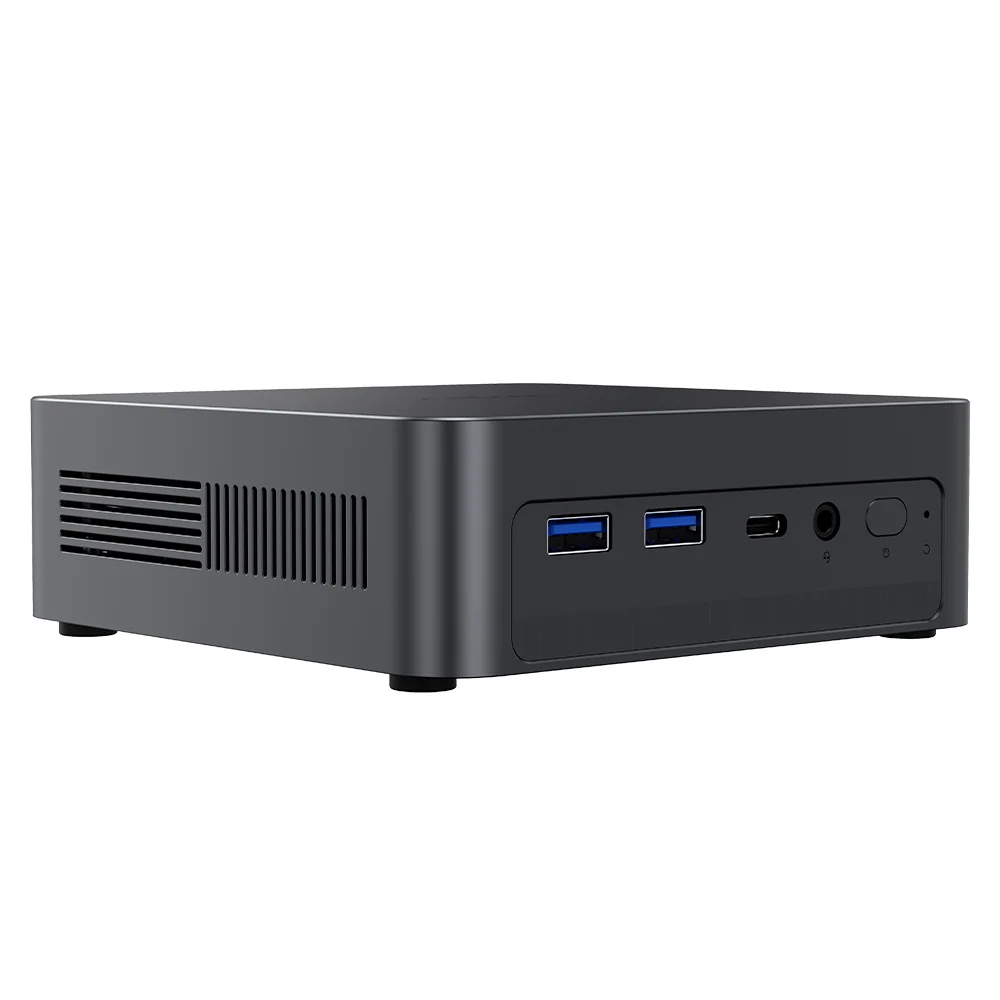
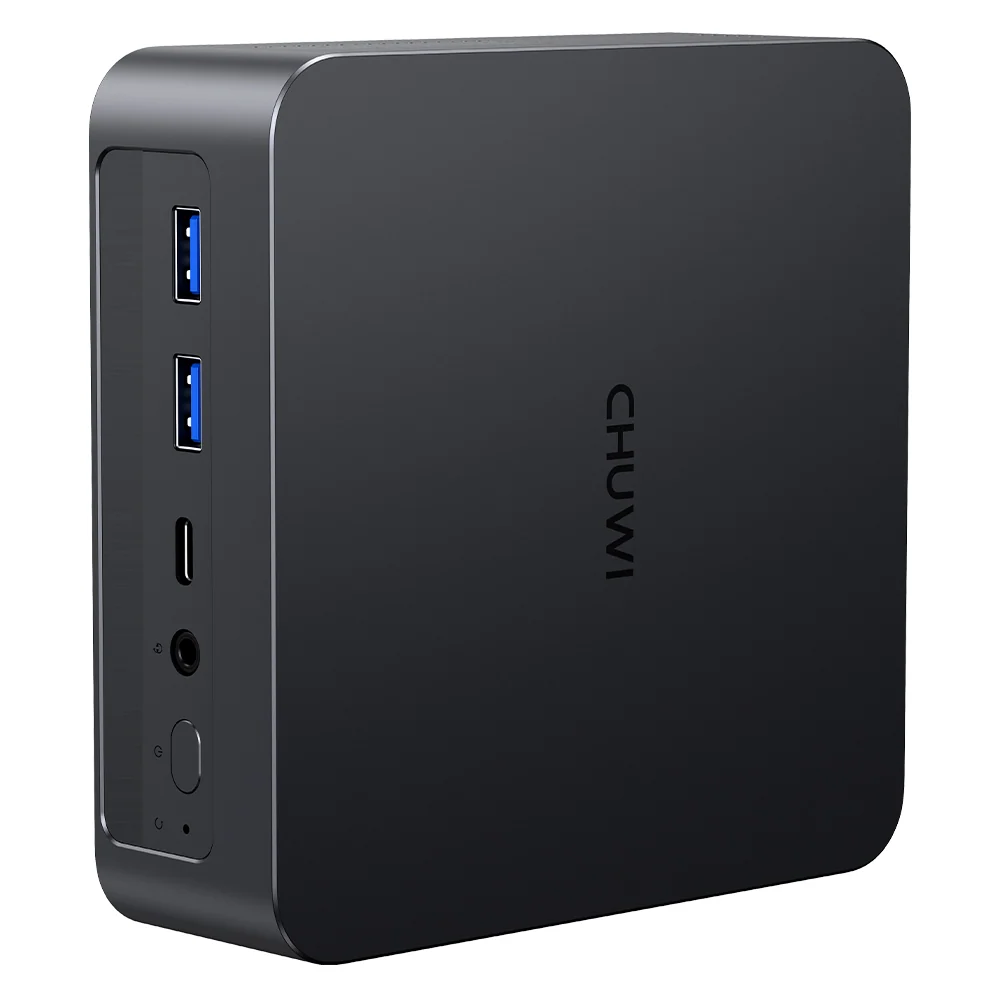
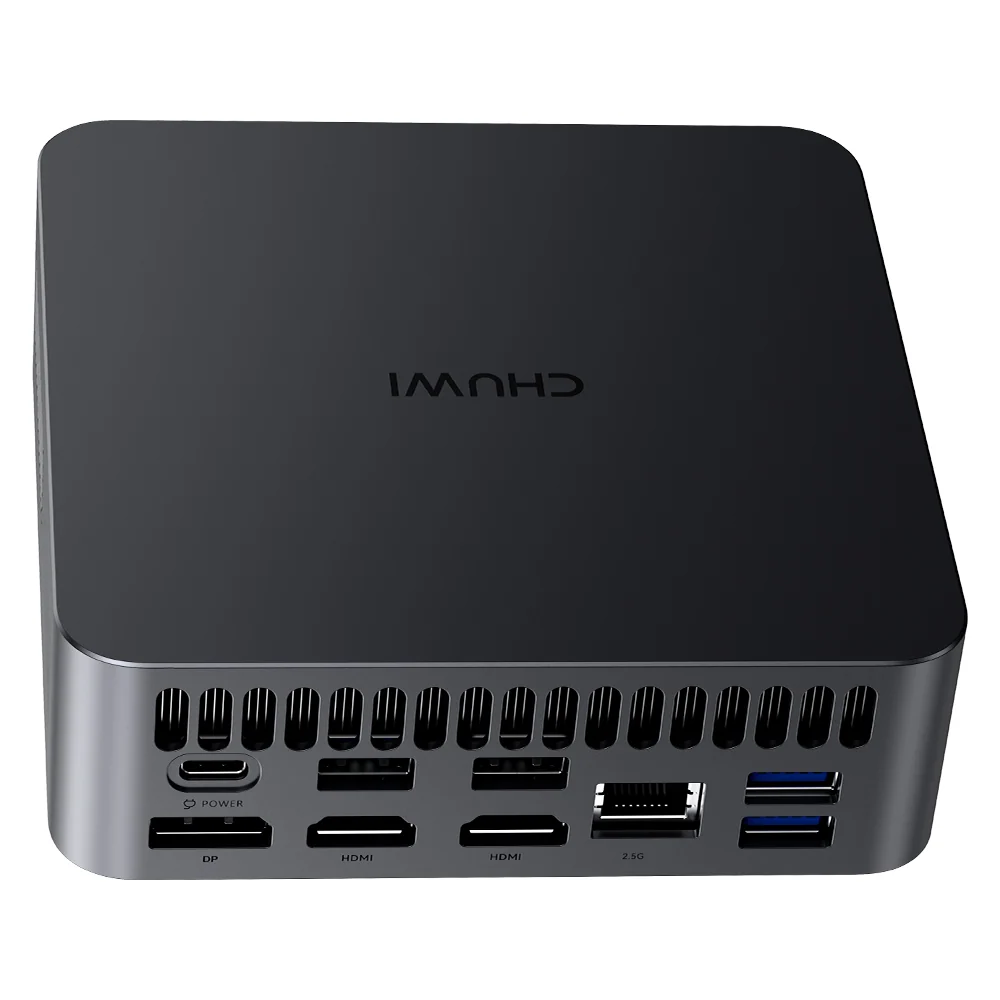
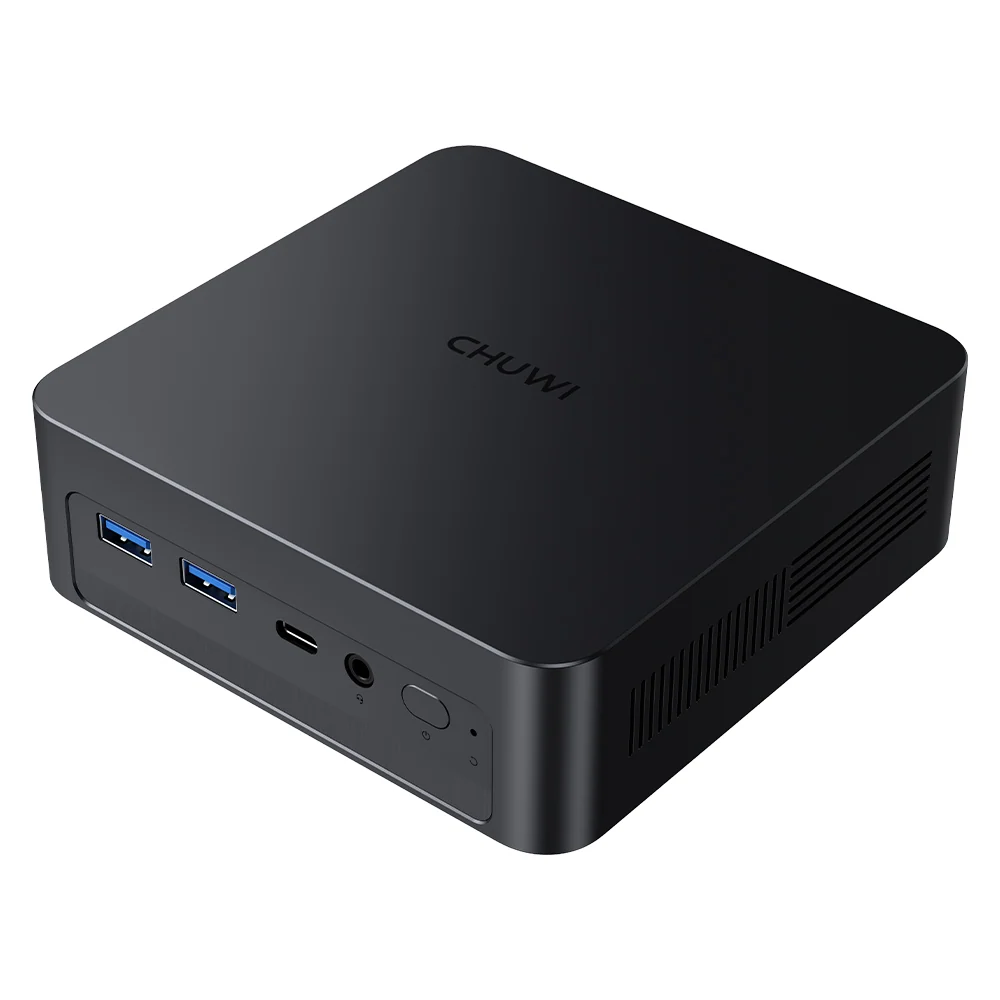
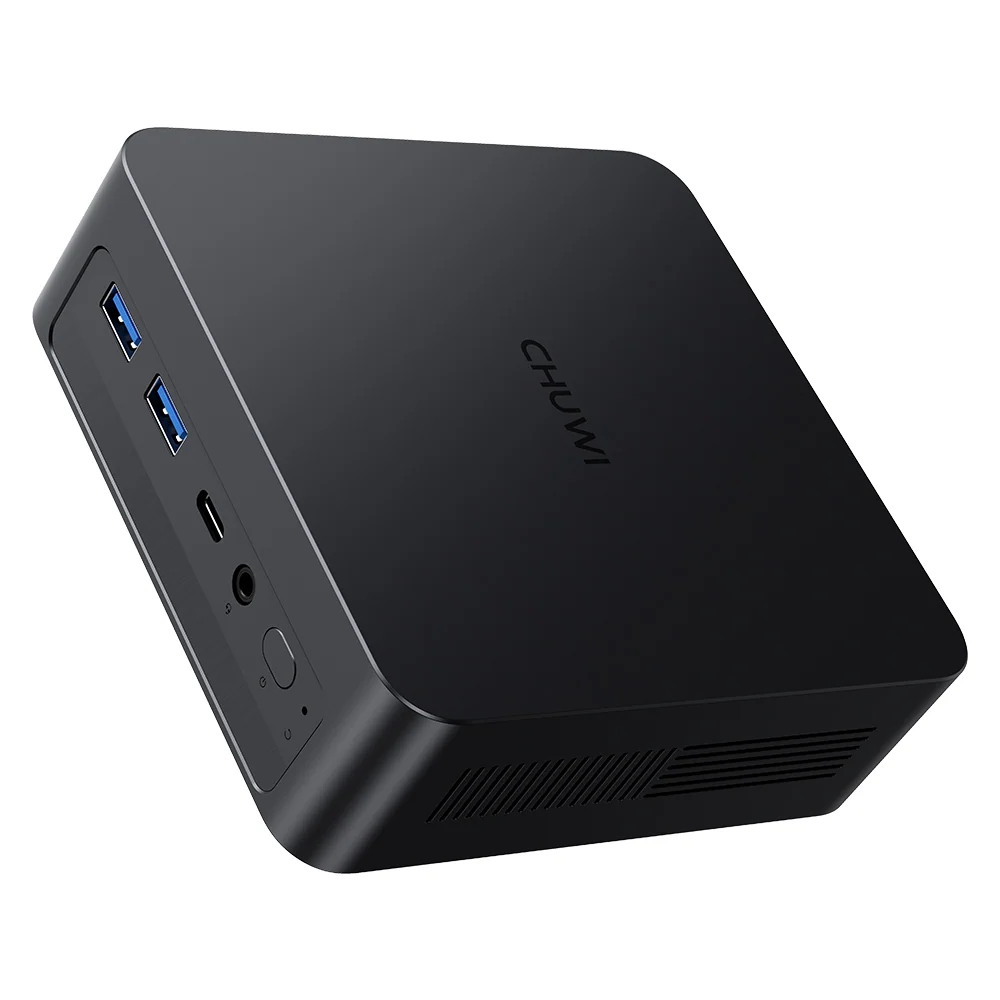
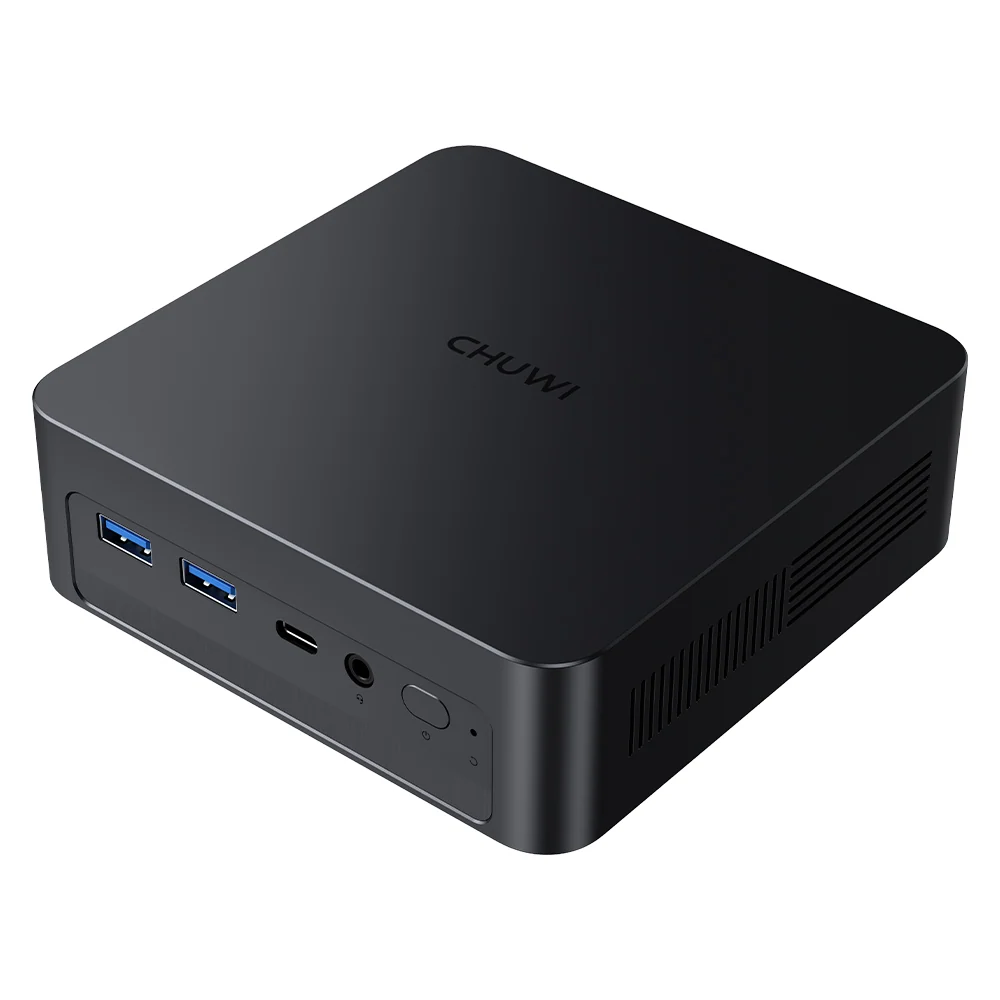
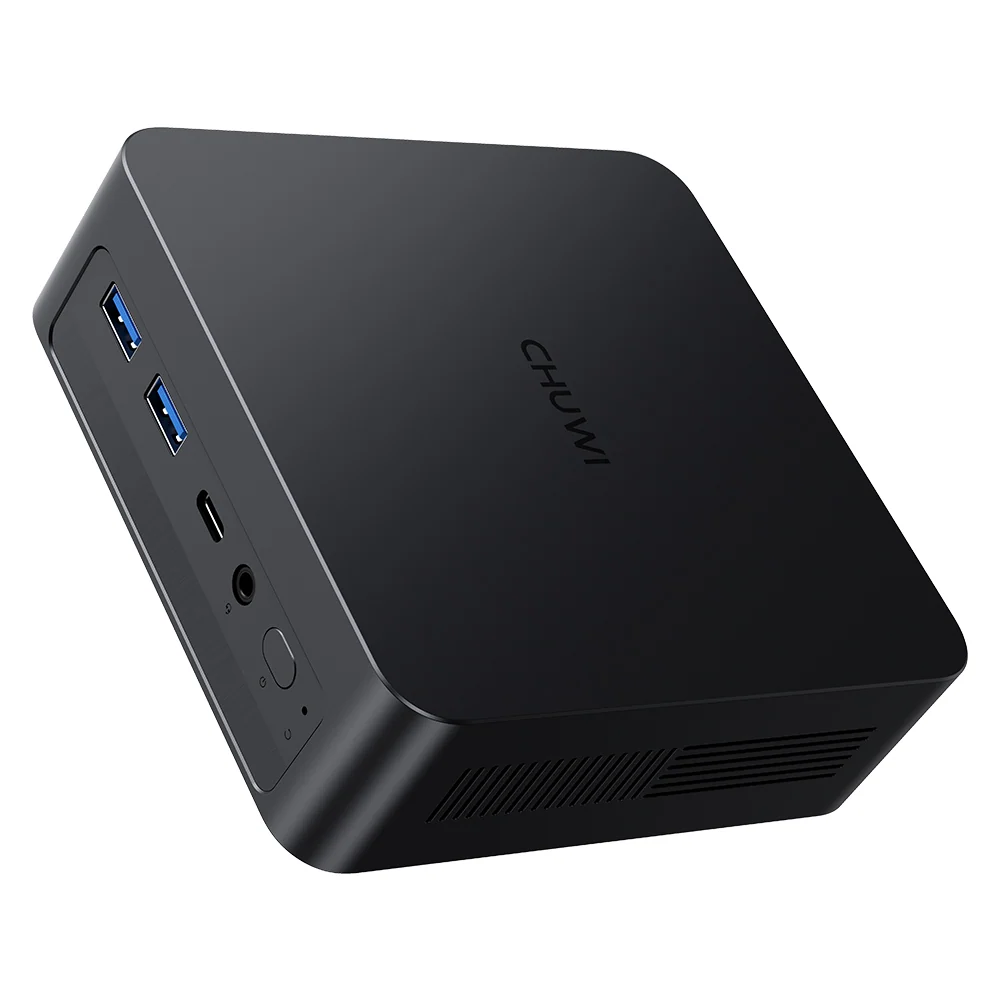
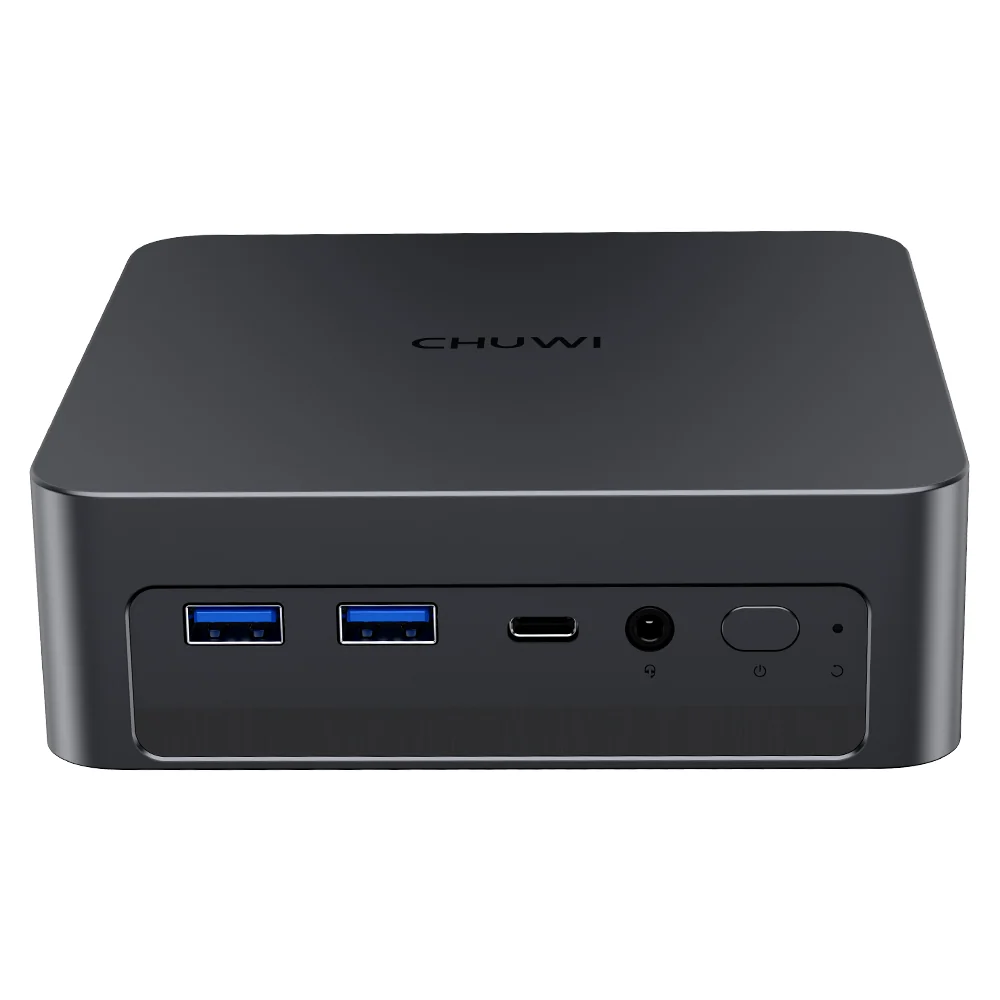
- Ports: USB4, 2× HDMI 2.1, DP 1.4, 6× USB-A, USB-C power input
- Size: 128.4 × 128.4 × 40.5 mm, about 580 g
A Real Copilot+ PC
The 40 TOPS NPU is the AuBox X’s calling card. It qualifies the computer as a Copilot+ PC, which means Windows features such as Click to Do, Cocreator, Live Captions with translation and semantic search run locally, without sending data to the cloud. Few mini PCs under US $700 offer this; many popular models with Ryzen 7 8845HS or 8745HS processors either have a 16 TOPS NPU or none at all.
For local AI experiments, the NPU and Arc GPU work well with small models and AI-accelerated applications. The 16 GB of memory is the practical limit: it is enough for compact models and AI features, not for larger language models.
Graphics and Gaming
The Arc 130V is a capable integrated GPU for its class, with ray tracing support and AV1 encoding. Esports titles and lighter games run well at 1080p with adjusted settings, and 4K video plays smoothly. Heavy AAA games are not its target. The USB4 port changes the picture for gamers who already own an eGPU enclosure: connecting a desktop graphics card turns the AuBox X into a much more capable gaming machine, with some bandwidth loss compared with an internal card.
Memory: Fast but Fixed
The LPDDR5X memory runs at 8533 MT/s on the processor package, which helps both graphics and AI. But it is SOLDERED — non-upgradeable, and the AuBox X comes only with 16 GB. For students, office users and most home users this is fine for years. For buyers who run virtual machines, large datasets or bigger local AI models, a mini PC with upgradeable SO-DIMM memory or 32 GB on board is a better long-term choice.
Ports and Expansion
CHUWI fits an impressive set of ports into the small chassis: USB4, two HDMI 2.1, DisplayPort 1.4, six USB-A ports and a dedicated USB-C power input. Up to three monitors are supported, with 8K at 60 Hz on the HDMI FRL port. Storage expansion is better than in many compact rivals, with a PCIe 5.0 slot and a second PCIe 4.0 slot. One detail to remember: the DisplayPort is not hot-swappable, so monitors on that port should be connected with the computer off.
Noise, Heat and Power
With a configurable 8–37 W TDP and a 100 W USB-C adapter, the AuBox X is one of the more efficient mini PCs in its price range. CHUWI describes the cooling as near-silent; it does not publish noise measurements, but the low power envelope makes a quiet experience in normal use very likely. Power through USB-C also means that a compatible monitor or charger can supply the computer.
How It Compares
Against Ryzen 7 8745HS / 8845HS mini PCs such as the GMKtec K8 Plus or the Beelink SER8, the AuBox X is slower in heavy multi-core work and has less flexible memory, but it is quieter, more efficient and qualifies as a Copilot+ PC thanks to its 40 TOPS NPU. Against the GMKtec NucBox K13, another Lunar Lake mini PC with the Core Ultra 7 256V, the AuBox X offers a lower entry price with the Core Ultra 5 and similar AI features. Against the ACEMAGIC F2A with Core Ultra X7 358H, the AuBox X is far cheaper but has fewer cores, less memory and a much weaker GPU.
Who Gains Most From It
The AuBox X is ideal for students and professionals who want a quiet, compact Copilot+ PC, for multi-monitor office setups, for programmers and creators who work with photos and moderate video, and for anyone who values low power use. It is less suitable for users who need more than 16 GB of memory, heavy multi-core performance or a second Ethernet port.
What to Check Before Buying
- Memory: 16 GB is fixed — choose another model if you need 32 GB or more
- Stock SSD interface: CHUWI lists PCIe 3.0, some retailers PCIe 5.0
- DisplayPort: connect monitors with the computer turned off
- Core Ultra 7 256V version: higher frequencies and 1 TB SSD for about US $110 more
- Local AI software promoted by CHUWI is not pre-installed
Everyday Experience
In daily use, the AuBox X behaves more like a premium laptop than a typical mini PC. It wakes quickly, applications open instantly, and the computer stays cool and quiet through long sessions of office work, browsing and video calls. The efficient cores handle background tasks with very little power, so the fan rarely needs to work hard. For a student’s desk or a home office where noise matters, that is a real advantage over 45–65 W Ryzen mini PCs, which tend to spin their fans up more often.
The Copilot+ features add small but practical improvements: Live Captions translate video calls and lectures in real time, Click to Do extracts text or summarises content from the screen, and the improved Windows Search finds photos and documents by description. All of this runs locally on the NPU, which keeps data private and works without an internet connection.
Setting It Up
Setup is simple: connect the 100 W USB-C adapter, a monitor to HDMI or USB4, and a keyboard and mouse to the USB-A ports, keeping the faster ports for drives. Windows 11 Pro is pre-installed. We recommend updating Windows and the Intel drivers first, because Lunar Lake graphics and NPU drivers improve frequently. Users who plan to work with large files should add an NVMe SSD to the PCIe 5.0 slot early, and those who use the DisplayPort should remember to connect that monitor with the computer turned off.
The included VESA mount lets the AuBox X disappear behind a monitor, and the USB-C power input means a monitor with 100 W USB-C power delivery can supply the computer and carry the picture through a single cable, which makes for a very tidy desk.
Long-Term Considerations
Lunar Lake is a modern platform with long driver support, and Copilot+ features will keep growing in Windows. The two factors that decide the AuBox X’s lifespan are the fixed 16 GB of memory and the eight-thread processor. For office work, study, programming and photo editing, both are comfortable for several years. Users whose workloads are likely to grow — larger AI models, virtual machines, heavy video — should choose a model with 32 GB or upgradeable memory from the start.
Core Ultra 5 or Core Ultra 7?
CHUWI also sells the AuBox X with the Core Ultra 7 256V and a 1 TB SSD for about US $110 more. The Core Ultra 7 has higher CPU and GPU frequencies and a slightly faster NPU, but the same eight cores, the same 16 GB of memory and the same chassis. For most users, the Core Ultra 5 226V offers the better balance, and the price difference is better spent on a larger SSD if needed. The Core Ultra 7 version makes sense for buyers who want the extra storage included and a little more graphics performance for light gaming or video editing.
Accessories Worth Considering
Because the AuBox X is so small, a few accessories make it more complete. A second NVMe SSD in the PCIe 5.0 slot is the most useful upgrade for creators. A USB4 dock adds Ethernet, more USB ports and card readers through a single cable, and an external GPU enclosure turns the computer into a capable gaming or rendering machine when needed. For video calls, a webcam with a good microphone is necessary, as the AuBox X has neither built in. Finally, a monitor with 100 W USB-C power delivery allows a one-cable setup that powers the computer and carries the display signal, ideal for small desks and shared study spaces.
Price and Value
At US $629 for the Core Ultra 5 226V with 16 GB and 512 GB (November 2026, official store; prices change often and discounts are frequent), the AuBox X is one of the more affordable ways to get a Copilot+ desktop. The Core Ultra 7 256V version with 1 TB costs US $739. The price is fair for its efficiency, AI features and connectivity; buyers who prioritise raw multi-core power per dollar will find Ryzen alternatives with upgradeable memory.
Strengths and Limitations
Strengths:
- Copilot+ PC with 40 TOPS NPU
- Quiet and efficient
- USB4, triple display, Wi-Fi 6E, 2.5 GbE
- PCIe 5.0 M.2 slot
Limitations:
- 16 GB soldered memory
- Eight threads only
- Single Ethernet port
- Inconsistent SSD interface information
Verdict
The CHUWI AuBox X is a well-balanced compact AI PC. Lunar Lake makes it quiet, cool and responsive, the 40 TOPS NPU brings genuine Copilot+ features, and the connectivity is excellent for its size. The fixed 16 GB of memory and the eight-thread processor define its limits: it is a superb everyday and AI-assisted productivity machine, not a heavy workstation.
| AI Capabilities | ||||||||||||||||
|---|---|---|---|---|---|---|---|---|---|---|---|---|---|---|---|---|
|
||||||||||||||||
| Processor | ||||||||||||||||
|
||||||||||||||||
| Ports | ||||||||||||||||
|
||||||||||||||||
| Network | ||||||||||||||||
|
||||||||||||||||
| GPU | ||||||||||||||||
|
||||||||||||||||
| Internal Ports | ||||||||||||||||
|
||||||||||||||||
| Storage & RAM | ||||||||||||||||
|
||||||||||||||||
| Power | ||||||||||||||||
|
||||||||||||||||
| Others Specifications | ||||||||||||||||
|
||||||||||||||||

More information: CHUWI AuBox X on minis-pc.com
Discover our full Mini PC comparison: minis-pc.com
Article written for minis-pc.com — Mini PC Comparisons and Reviews
Our 2026 Buying Guides & Deals
Disclaimer: This article is for information purposes only. Specifications, prices, coupons and availability may change at any time or contain errors, so please check them on the manufacturer's official website or store before buying. Some links on this page are affiliate links: if you buy through them we may earn a small commission at no extra cost to you.